StackTrace Stories
Turn real debugging sessions into structured learning stories with AI-assisted insights. Ideal for dev bloggers sharing practical coding lessons.
What is an AI-powered debugging storytelling platform?
Developers don’t just solve bugs—they live through them. Every error message, broken deployment, and late-night debugging session carries lessons that are often lost once the issue is fixed. That’s where AI-powered debugging storytelling platforms like StackTrace Stories come in.
StackTrace Stories transforms raw debugging sessions into structured, shareable narratives. Instead of scattered logs, terminal history, and half-written notes, developers get polished, insightful “learning stories” powered by AI.
This article explores the full SaaS opportunity behind StackTrace Stories, including target users, market gaps, feature design, monetization, tech stack, and implementation strategy.
Why debugging stories are an untapped content goldmine
Most developer content today falls into predictable categories:
- Tutorials (“How to build X with Y”)
- Documentation summaries
- Opinion pieces
- Tool comparisons
But one category is massively underutilized: real debugging journeys.
These stories are:
- Authentic and relatable
- Packed with practical insights
- SEO-rich (error messages, stack traces, real-world keywords)
- Highly engaging for developers facing similar issues
The problem today
Developers struggle to document debugging sessions because:
- It’s time-consuming
- Context gets lost
- Logs are messy and unstructured
- Writing is often an afterthought
As a result, valuable knowledge disappears.
The opportunity
StackTrace Stories solves this by turning:
- Console logs
- Stack traces
- Git commits
- Developer notes
Into structured narratives like:
- Problem → Investigation → Hypothesis → Solution → Lessons learned
This aligns perfectly with modern content consumption and search intent.
Target audience and user personas
Understanding who this product serves is key to positioning and growth.
Primary audience: developer content creators
These include:
- Dev bloggers
- Indie hackers
- Technical writers
- Open-source contributors
Their needs:
- Create high-quality content faster
- Share real-world experiences
- Build authority and audience
Secondary audience: working developers
Especially:
- Mid-level engineers improving skills
- Junior developers learning debugging
- Senior engineers documenting knowledge
Their needs:
- Learn from real-world problems
- Improve debugging methodology
- Share internal knowledge
Tertiary audience: engineering teams
Companies can use StackTrace Stories to:
- Document incidents
- Create internal knowledge bases
- Improve onboarding
Search intent breakdown
People searching for solutions in this space are typically looking for:
- “How to document debugging sessions”
- “How to write technical blog posts from real problems”
- “Tools for developer storytelling”
- “How to learn debugging effectively”
StackTrace Stories directly satisfies:
- Educational intent
- Productivity improvement
- Content creation support
Core product vision
StackTrace Stories is not just a note-taking tool—it’s a debugging-to-story pipeline.
Input → Processing → Output
-
Input
- Logs
- Stack traces
- Terminal history
- Git diffs
- Notes
-
AI processing
- Extract key events
- Identify root causes
- Detect patterns
- Suggest narrative structure
-
Output
- Clean, structured story
- Publish-ready blog post
- Internal documentation format
Key features that define the platform
1. AI-powered story generation
The core feature:
- Converts raw debugging data into readable narratives
- Suggests titles, summaries, and sections
- Highlights key turning points
Example output structure:
- Context
- Problem
- Investigation steps
- Root cause
- Solution
- Lessons learned
2. Stack trace parsing engine
Automatically:
- Interprets stack traces
- Links errors to likely causes
- Suggests documentation references
3. Session recording integration
Capture debugging sessions via:
- CLI plugin
- IDE extension
- Git integration
4. Blog-ready export formats
Export to:
- Markdown
- MDX
- Notion
- Dev.to / Hashnode formats
5. SEO optimization suggestions
AI enhances posts with:
- Keyword suggestions
- Headline improvements
- Readability scoring
6. Collaborative storytelling
Teams can:
- Share debugging stories
- Comment and refine
- Build internal knowledge libraries
7. Learning insights dashboard
Track:
- Common bugs
- Time-to-resolution
- Patterns across projects
For bloggers
Turn real debugging sessions into high-performing SEO content automatically.
For teams
Build a searchable internal knowledge base from real engineering problems.
For learners
Understand debugging through real-world stories, not abstract tutorials.
Market opportunity and gap analysis
The current landscape
Existing tools fall into categories:
- Documentation tools (Notion, Confluence)
- Logging tools (Datadog, Sentry)
- Writing tools (Ghost, Hashnode)
None combine:
- Debugging data
- AI storytelling
- SEO optimization
The gap
There is no dedicated platform that:
- Turns debugging sessions into narratives
- Optimizes them for learning and publishing
- Bridges engineering and content creation
Competitive comparison
| Feature | StackTrace Stories | Notion | Sentry | Dev.to |
|---|---|---|---|---|
| AI story generation | ✅ | ❌ | ❌ | ❌ |
| Stack trace parsing | ✅ | ❌ | ✅ | ❌ |
| SEO optimization | ✅ | ❌ | ❌ | ✅ |
| Debugging storytelling | ✅ | ❌ | ❌ | ❌ |
Unique selling proposition (USP)
StackTrace Stories stands out because it:
- Combines AI + debugging + storytelling
- Focuses on real developer workflows
- Creates publish-ready content automatically
Most tools help you fix bugs.
This one helps you learn from them—and share them.
Recommended tech stack
Building StackTrace Stories requires a scalable, AI-first architecture.
Frontend
Why:
- Fast UI development
- Strong ecosystem
- Ideal for SaaS dashboards
Backend
- Node.js (NestJS or Express)
- PostgreSQL (structured data)
- Redis (caching sessions)
AI layer
- LLM APIs (OpenAI or similar)
- Custom prompt pipelines
- Embeddings for semantic search
Parsing engine
- Custom log parsers
- Language-specific adapters (JS, Python, Java)
Integrations
- GitHub API
- VS Code extension
- CLI tool
Deployment
- Vercel (frontend)
- AWS / Fly.io (backend)
- Supabase (optional backend stack)
Trade-offs
- LLM costs can scale quickly → requires caching & batching
- Parsing complexity varies across languages
- Real-time processing vs async pipelines
Example AI transformation pipeline
const generateStory = async (debugSession) => {
  const parsedLogs = parseStackTrace(debugSession.logs);

  const prompt = `
  Convert this debugging session into a structured story:
  ${parsedLogs}
  `;

  const story = await aiClient.generate({
    model: "gpt-5",
    prompt,
  });

  return formatStory(story);
};
Monetization strategy
Freemium model
-
Free tier:
- Limited story generations
- Basic exports
-
Paid tiers:
- Unlimited stories
- Advanced SEO tools
- Team collaboration
Subscription tiers
- Indie ($10–$20/month)
- Pro ($30–$50/month)
- Team ($100+/month)
Additional revenue streams
- API access for platforms
- White-label solutions for companies
- Marketplace for story templates
Growth and distribution strategy
Organic SEO (primary channel)
Each generated story can:
- Rank for specific error messages
- Capture long-tail keywords
- Drive inbound traffic
Developer communities
- Dev.to
- Hashnode
- Reddit (r/programming, r/webdev)
Integrations as growth loops
- GitHub → auto-generate stories from issues
- VS Code → prompt users to create stories
Content flywheel
- Users generate stories
- Stories rank on Google
- New users discover platform
- Repeat
Risks and mitigation strategies
1. AI hallucinations
Risk:
- Incorrect explanations
Mitigation:
- Verification layers
- User review step
- Source linking
2. Privacy concerns
Risk:
- Sensitive code exposure
Mitigation:
- Local processing options
- Data anonymization
- Encryption
3. Low-quality outputs
Risk:
- Generic or unhelpful stories
Mitigation:
- Fine-tuned prompts
- Feedback loops
- Editable outputs
4. Competition from AI writing tools
Risk:
- General tools expand into this niche
Mitigation:
- Focus on debugging-specific features
- Deep integrations with dev workflows
Key insight
The real moat isn’t just AI—it’s the combination of structured debugging data and narrative generation. That dataset becomes increasingly valuable over time.
Implementation roadmap
Phase 1: MVP
Phase 2: Integrations
- GitHub integration
- CLI tool
- VS Code extension
Phase 3: Advanced features
- SEO optimization
- Collaboration tools
- Analytics dashboard
Phase 4: Scale
- Team plans
- API access
- Marketplace
Example user journey
A developer hits a bug, copies logs into StackTrace Stories, and instantly gets a structured article they can publish.
An engineering team logs incidents, and the platform converts them into internal documentation automatically.
Long-term vision
StackTrace Stories can evolve into:
- A search engine for debugging stories
- A learning platform for developers
- A knowledge graph of real-world bugs
This positions it beyond a tool—into infrastructure for developer learning.
Actionable steps to get started
-
Validate demand:
- Interview developers
- Analyze debugging-related search queries
-
Build MVP:
- Focus on story generation
- Keep UI minimal
-
Launch early:
- Share in dev communities
- Collect feedback
-
Iterate fast:
- Improve AI outputs
- Add integrations
-
Scale content:
- Encourage publishing
- Build SEO traction
Final thoughts
StackTrace Stories taps into something deeply human in software development: learning through struggle.
By turning debugging sessions into structured, shareable stories, it:
- Preserves knowledge
- Builds authority
- Helps others learn faster
It’s not just a productivity tool—it’s a storytelling engine for developers.
And in a world driven by content and AI, that’s a powerful combination.
If you’re building this, tools like TurboStarter can significantly accelerate your SaaS development by handling boilerplate, authentication, and infrastructure—so you can focus on the core innovation.
More 💡 Other SaaS ideas
Discover more innovative other SaaS ideas that are trending in 2026. Each idea is AI-generated with market validation and growth potential to help you find your next profitable venture faster than competitors.
Your competitors are building with TurboStarter
Below are some of the SaaS ideas that have been generated and built with our starter kit.

Statiko
Monitor any Telegram channel in real time - track posts, edits, deletions, and growth with AI recaps 📡

Shibui
AI website builder - describe your business, pick a niche template, edit by chatting, and publish instantly ✨

Pro Service
Find verified home service professionals, compare quotes, and pay securely through escrow - built for Brazilians across the US 🏠
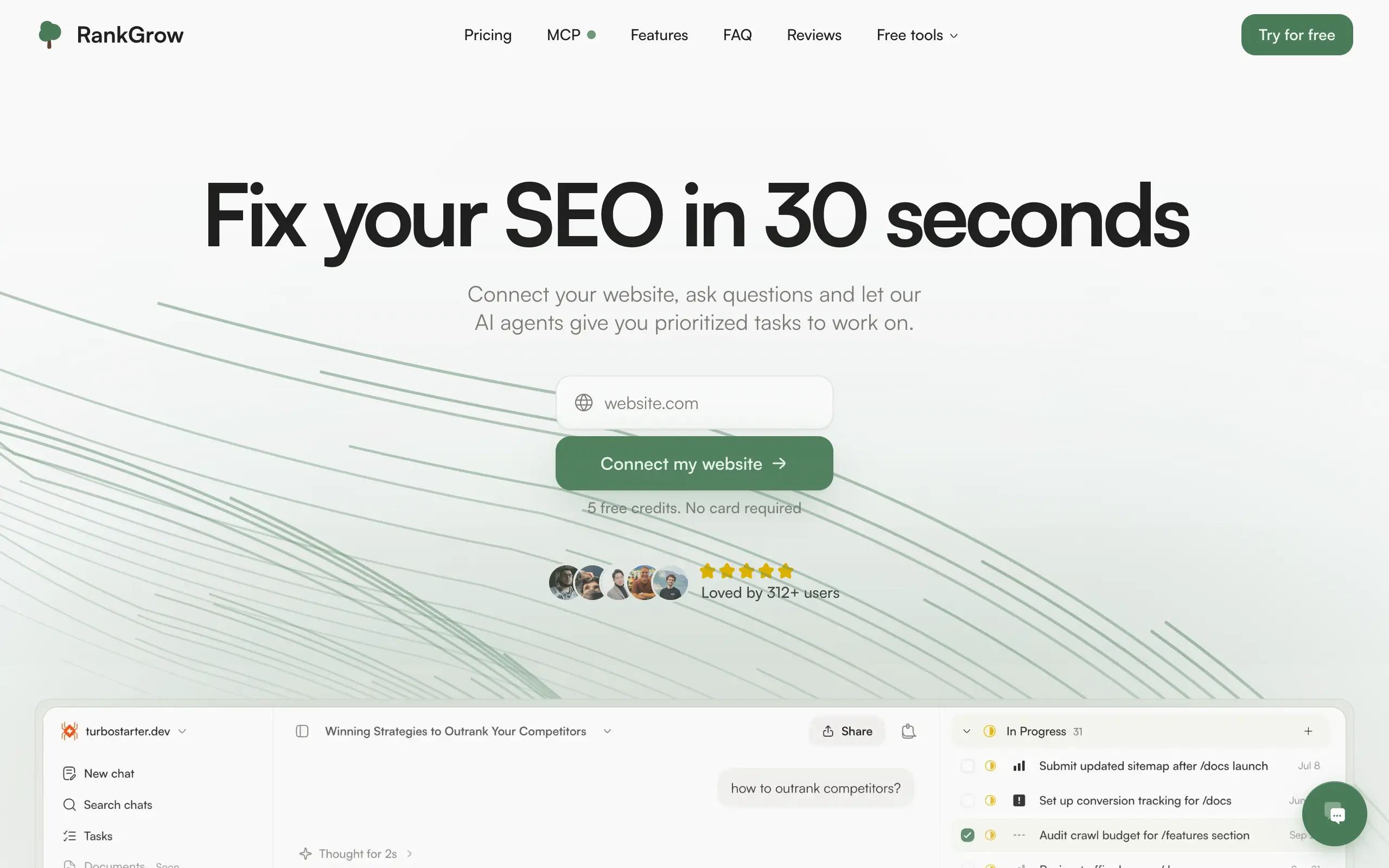
RankGrow
Fix your SEO with AI agents - connect Search Console, get prioritized tasks, and grow organic traffic 📈
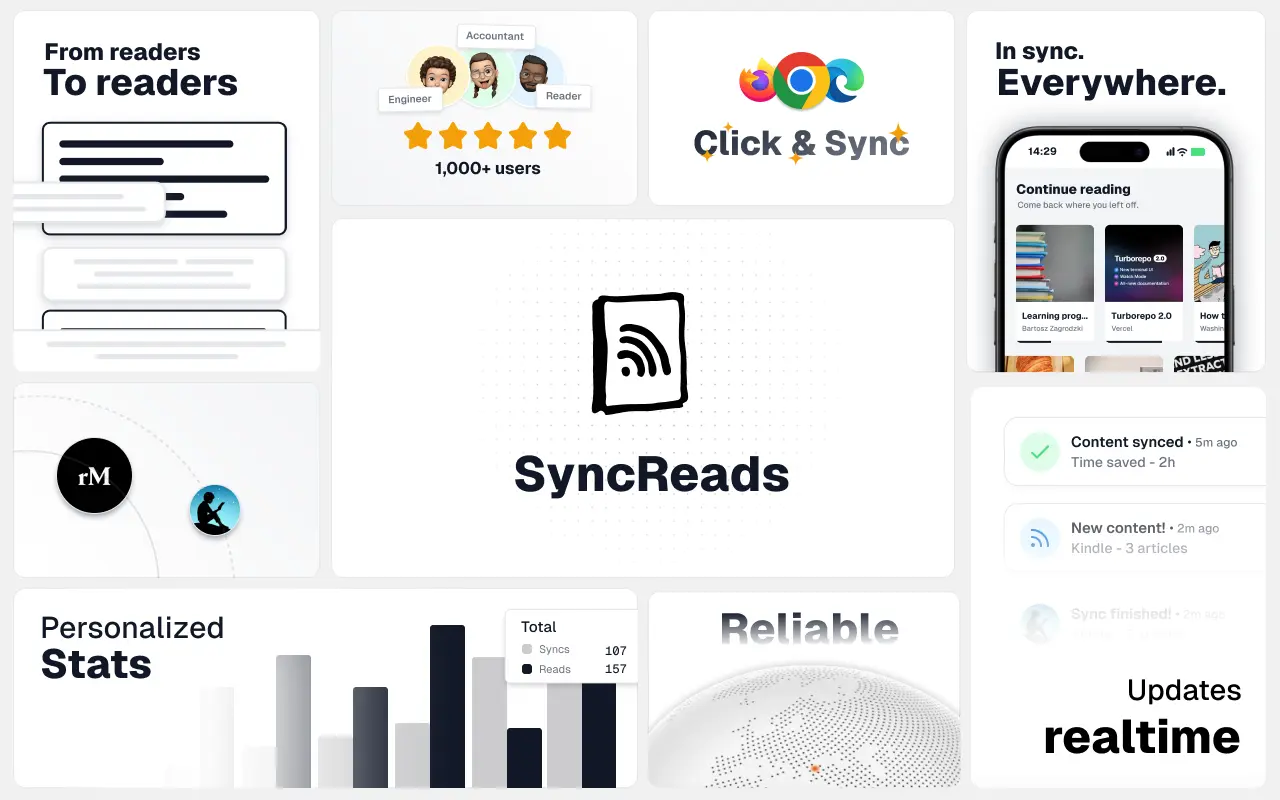
SyncReads
Sync your favorite content for distraction-free reading, save time and replace multiple apps. Anytime, anywhere 🔄
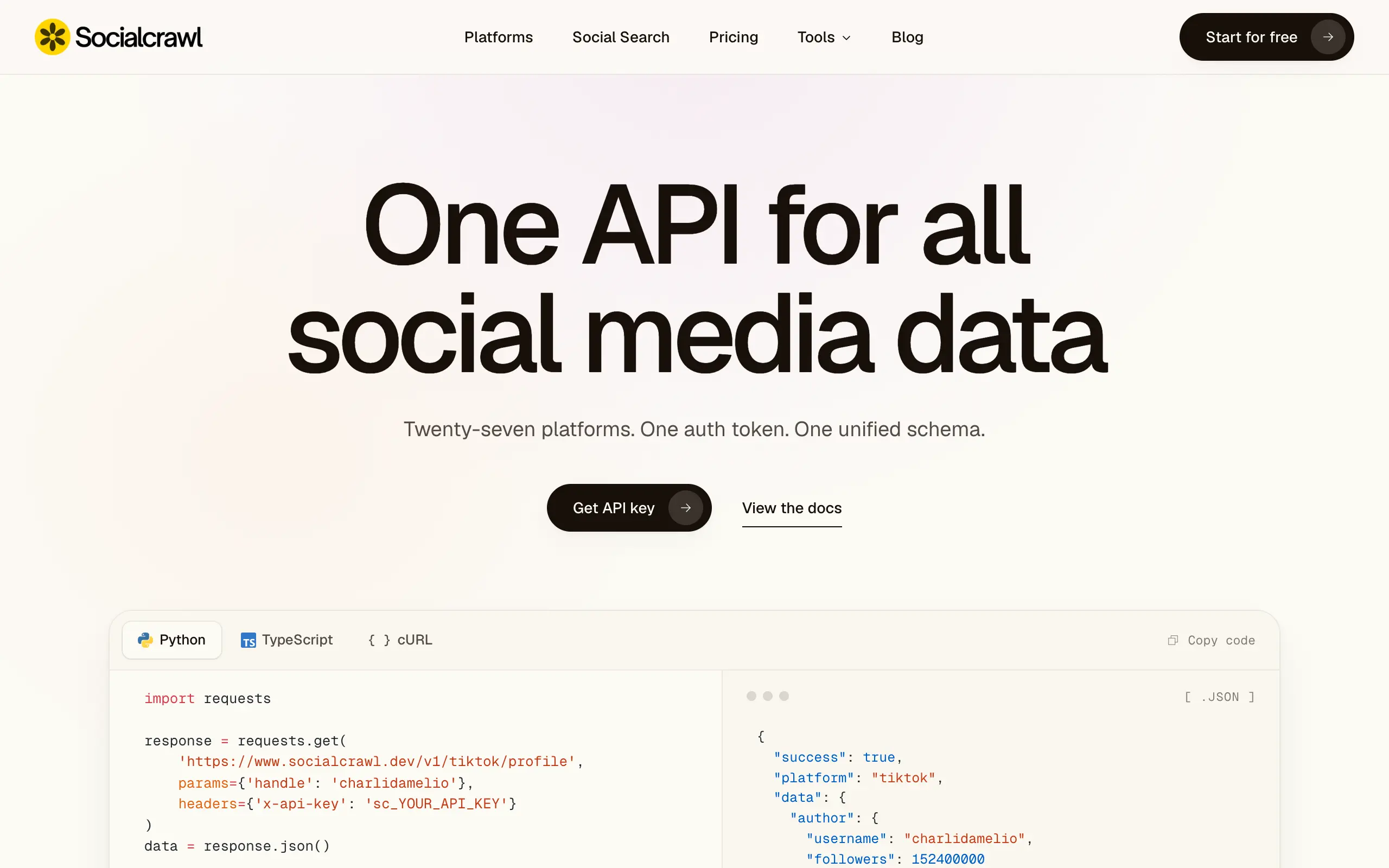
Socialcrawl
Get clean, structured data from 21 platforms like TikTok, Instagram, and YouTube with a single request 📊
Statiko
Monitor any Telegram channel in real time - track posts, edits, deletions, and growth with AI recaps 📡
Shibui
AI website builder - describe your business, pick a niche template, edit by chatting, and publish instantly ✨
Pro Service
Find verified home service professionals, compare quotes, and pay securely through escrow - built for Brazilians across the US 🏠
RankGrow
Fix your SEO with AI agents - connect Search Console, get prioritized tasks, and grow organic traffic 📈
SyncReads
Sync your favorite content for distraction-free reading, save time and replace multiple apps. Anytime, anywhere 🔄
Socialcrawl
Get clean, structured data from 21 platforms like TikTok, Instagram, and YouTube with a single request 📊
Statiko
Monitor any Telegram channel in real time - track posts, edits, deletions, and growth with AI recaps 📡
Shibui
AI website builder - describe your business, pick a niche template, edit by chatting, and publish instantly ✨
Pro Service
Find verified home service professionals, compare quotes, and pay securely through escrow - built for Brazilians across the US 🏠
RankGrow
Fix your SEO with AI agents - connect Search Console, get prioritized tasks, and grow organic traffic 📈
SyncReads
Sync your favorite content for distraction-free reading, save time and replace multiple apps. Anytime, anywhere 🔄
Socialcrawl
Get clean, structured data from 21 platforms like TikTok, Instagram, and YouTube with a single request 📊
Statiko
Monitor any Telegram channel in real time - track posts, edits, deletions, and growth with AI recaps 📡
Shibui
AI website builder - describe your business, pick a niche template, edit by chatting, and publish instantly ✨
Pro Service
Find verified home service professionals, compare quotes, and pay securely through escrow - built for Brazilians across the US 🏠
RankGrow
Fix your SEO with AI agents - connect Search Console, get prioritized tasks, and grow organic traffic 📈
SyncReads
Sync your favorite content for distraction-free reading, save time and replace multiple apps. Anytime, anywhere 🔄
Socialcrawl
Get clean, structured data from 21 platforms like TikTok, Instagram, and YouTube with a single request 📊
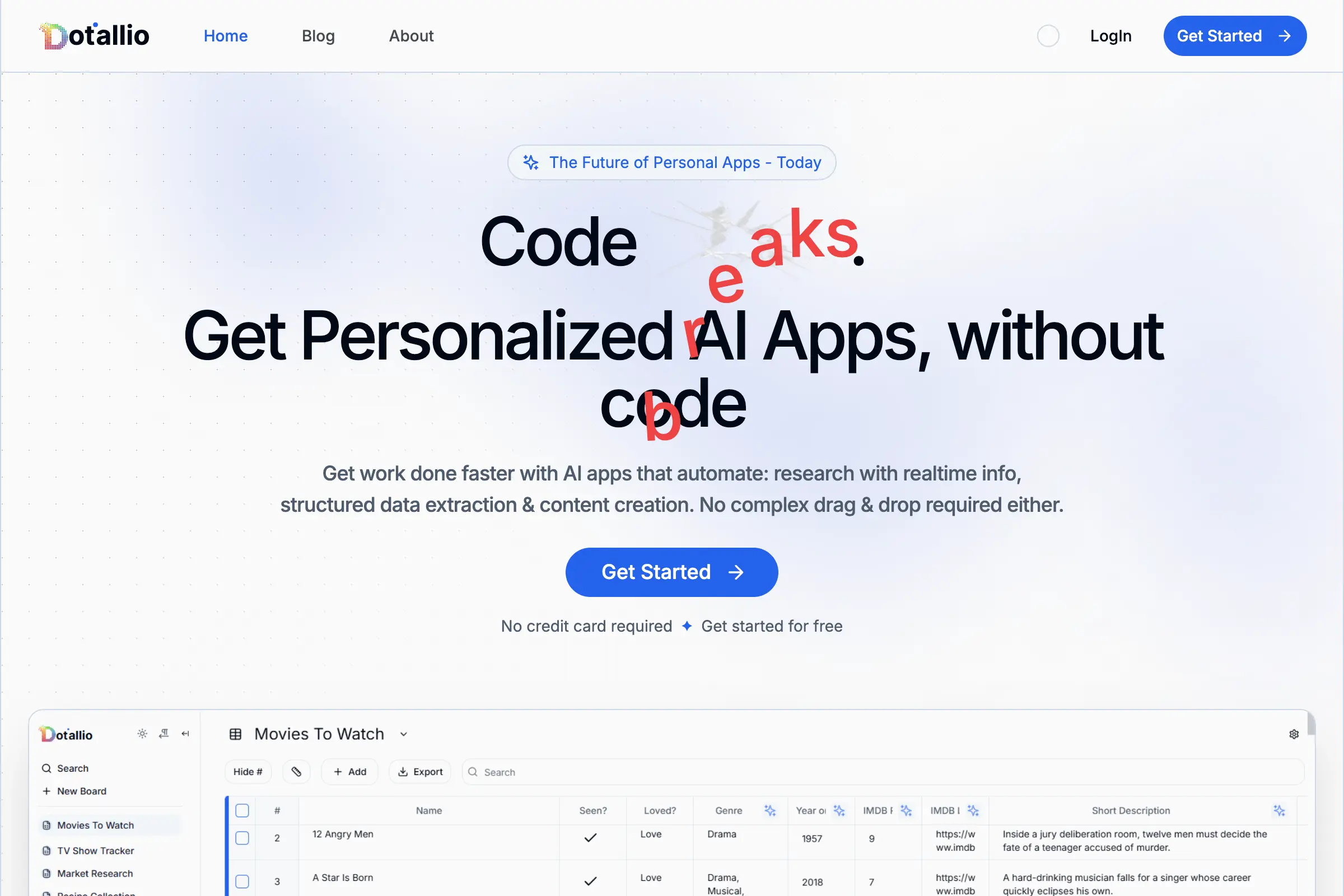
Dotallio
Personalized AI apps that automate research, data extraction, and content creation without code 🤖

Talk to Santa
Enjoy a magical live video chat or receive a unique AI-generated video greeting from Santa Claus 🎅

pozywka.pl
Scalable blog for food journalist, focused on performance and user experience 🌭
zagrodzki.me
Personal blog and portfolio of Bart Zagrodzki, where he shares his knowledge and work 💼
TurboStarter
Ship your startup everywhere. In minutes.
HTML to Markdown
Convert HTML to Markdown with ease, directly in your browser 📄
Dotallio
Personalized AI apps that automate research, data extraction, and content creation without code 🤖
Talk to Santa
Enjoy a magical live video chat or receive a unique AI-generated video greeting from Santa Claus 🎅
pozywka.pl
Scalable blog for food journalist, focused on performance and user experience 🌭
zagrodzki.me
Personal blog and portfolio of Bart Zagrodzki, where he shares his knowledge and work 💼
TurboStarter
Ship your startup everywhere. In minutes.
HTML to Markdown
Convert HTML to Markdown with ease, directly in your browser 📄
Dotallio
Personalized AI apps that automate research, data extraction, and content creation without code 🤖
Talk to Santa
Enjoy a magical live video chat or receive a unique AI-generated video greeting from Santa Claus 🎅
pozywka.pl
Scalable blog for food journalist, focused on performance and user experience 🌭
zagrodzki.me
Personal blog and portfolio of Bart Zagrodzki, where he shares his knowledge and work 💼
TurboStarter
Ship your startup everywhere. In minutes.
HTML to Markdown
Convert HTML to Markdown with ease, directly in your browser 📄
Dotallio
Personalized AI apps that automate research, data extraction, and content creation without code 🤖
Talk to Santa
Enjoy a magical live video chat or receive a unique AI-generated video greeting from Santa Claus 🎅
pozywka.pl
Scalable blog for food journalist, focused on performance and user experience 🌭
zagrodzki.me
Personal blog and portfolio of Bart Zagrodzki, where he shares his knowledge and work 💼
TurboStarter
Ship your startup everywhere. In minutes.
HTML to Markdown
Convert HTML to Markdown with ease, directly in your browser 📄
Omichat
Chat with 50+ AI models, including ChatGPT and Claude, in one place - switch models anytime without losing context 🤖
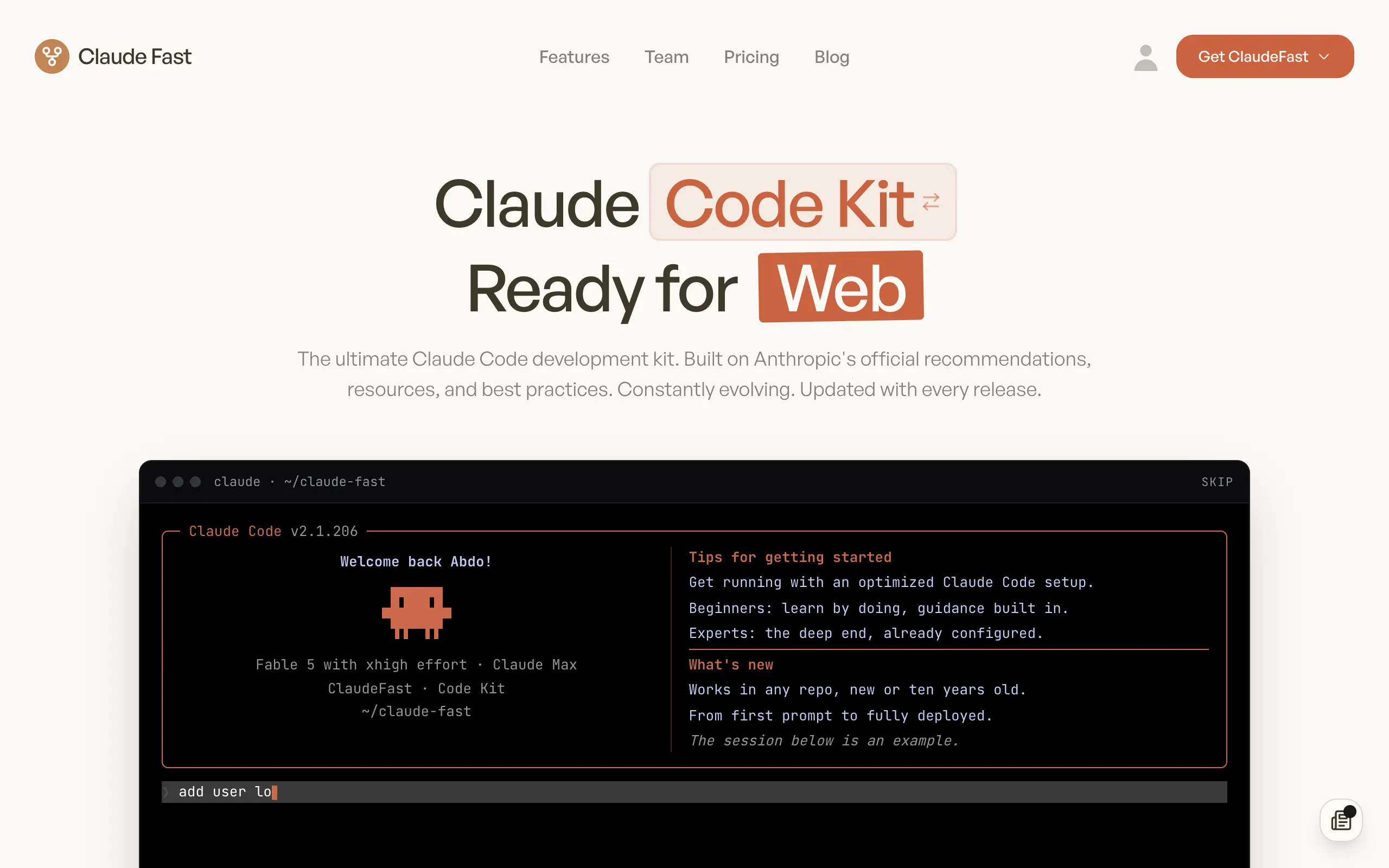
Claude Fast
Supercharge your Claude Code with 6x effective context window and specialized AI agents 🤖
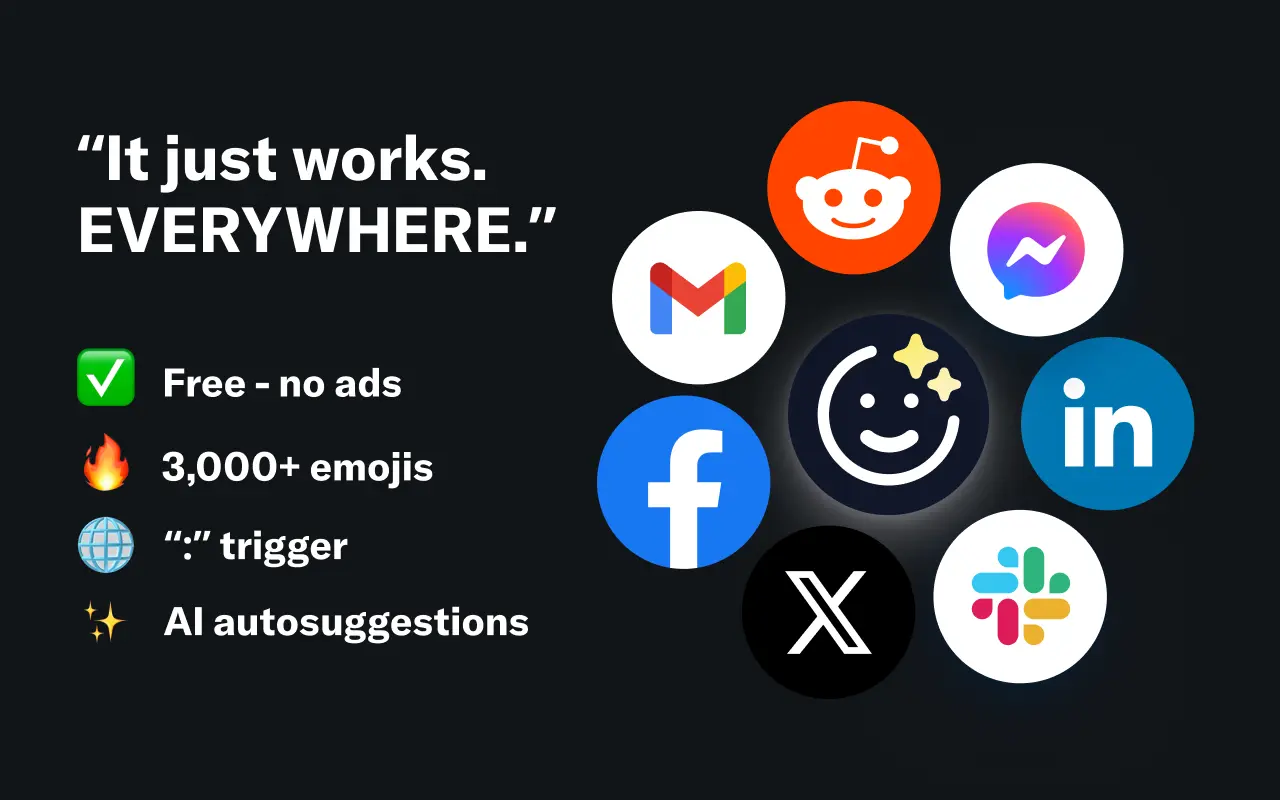
EmojAI
AI-powered emoji picker with smart, context-aware suggestions 🤖

Solohacker
Autonomous company launcher - AI agents work 24/7, escalate what matters, and you stay in control 🤖

BeRawi: Storytelling Coach
Practice storytelling daily with instant feedback to sound clearer, more engaging, and confident 🎤
Omichat
Chat with 50+ AI models, including ChatGPT and Claude, in one place - switch models anytime without losing context 🤖
Claude Fast
Supercharge your Claude Code with 6x effective context window and specialized AI agents 🤖
EmojAI
AI-powered emoji picker with smart, context-aware suggestions 🤖
Solohacker
Autonomous company launcher - AI agents work 24/7, escalate what matters, and you stay in control 🤖
BeRawi: Storytelling Coach
Practice storytelling daily with instant feedback to sound clearer, more engaging, and confident 🎤
Omichat
Chat with 50+ AI models, including ChatGPT and Claude, in one place - switch models anytime without losing context 🤖
Claude Fast
Supercharge your Claude Code with 6x effective context window and specialized AI agents 🤖
EmojAI
AI-powered emoji picker with smart, context-aware suggestions 🤖
Solohacker
Autonomous company launcher - AI agents work 24/7, escalate what matters, and you stay in control 🤖
BeRawi: Storytelling Coach
Practice storytelling daily with instant feedback to sound clearer, more engaging, and confident 🎤
Omichat
Chat with 50+ AI models, including ChatGPT and Claude, in one place - switch models anytime without losing context 🤖
Claude Fast
Supercharge your Claude Code with 6x effective context window and specialized AI agents 🤖
EmojAI
AI-powered emoji picker with smart, context-aware suggestions 🤖
Solohacker
Autonomous company launcher - AI agents work 24/7, escalate what matters, and you stay in control 🤖
BeRawi: Storytelling Coach
Practice storytelling daily with instant feedback to sound clearer, more engaging, and confident 🎤

Connect with like-minded people
Join our community to get feedback, support, and grow together with 1,000+ builders on board, let's ship it!
Join usShip your startup everywhere. In minutes.
Don't burn tokens on setup and start building features on day one.