TabRelay
Turn any web workflow into a shareable, step-by-step browser handoff with captured tabs, notes, credentials prompts, and completion checks.
What is browser handoff software and why TabRelay matters
Modern business processes rarely live inside a single application. A customer onboarding specialist may move from a CRM to an identity provider, a payment dashboard, an internal admin panel, and a shared document. A support engineer may need to reproduce a customer issue across several browser tabs. A sales operations manager may need to hand a territory setup workflow to a colleague without writing a long, brittle SOP.
This is the problem space for browser handoff software.
TabRelay is a SaaS concept for turning any web-based workflow into a structured, shareable browser handoff. Instead of sending a vague message such as “open these five tools and complete the setup,” a user can capture the relevant tabs, add contextual notes, identify moments where credentials are required, and define completion checks for the recipient.
The result is a guided, step-by-step browser workflow that is easier to delegate, audit, repeat, and improve.
The core promise is simple:
TabRelay turns tribal browser knowledge into reusable operational workflows.
That positioning gives TabRelay a compelling place between traditional documentation tools, password managers, browser session managers, employee onboarding platforms, and process automation software. It is not trying to automate every click. It helps people successfully complete cross-browser work when human judgment, temporary access, or context still matters.
The central product insight
The hardest workflows are often not fully automatable. They involve multiple SaaS tools, changing permissions, human review, and sensitive access steps. TabRelay can make those workflows repeatable without pretending they are simple scripts.
The target audience for TabRelay
The best early customers for TabRelay are teams that repeatedly transfer web-based responsibilities between people. These customers already feel the pain of context switching, incomplete documentation, and missed setup steps.
Operations teams with repeatable cross-tool processes
Operations teams are a strong initial target because their work often depends on many browser-based systems.
Typical workflows include:
- Customer onboarding across CRM, billing, support, and provisioning tools
- Employee onboarding across HRIS, payroll, identity, equipment, and learning platforms
- Vendor setup across procurement, finance, compliance, and contract systems
- Account offboarding across access management, SaaS administration, and documentation tools
- Weekly reporting that requires multiple dashboards and exports
An operations manager does not necessarily need robotic process automation. They need confidence that every required step has been handed off clearly and completed consistently.
TabRelay provides a lightweight operational layer for these teams. It can preserve the exact browser context while adding instructions and verification logic around the work.
Customer success and implementation teams
Customer success managers, onboarding specialists, and implementation consultants routinely guide customers through multi-step web workflows. These workflows can include:
- Connecting integrations
- Configuring account settings
- Inviting teammates
- Creating billing profiles
- Importing historical data
- Validating security requirements
- Completing launch checklists
Today, these teams often rely on a mix of email threads, knowledge-base articles, live calls, screen recordings, and spreadsheets. Each format has weaknesses. Email is fragmented. Documentation gets outdated. Video is difficult to scan. Calls do not scale.
A shareable browser handoff can provide a more guided customer experience. The customer receives the right tabs, the right instructions, and visible progress through the required steps.
IT, security, and access administration teams
IT and security teams are another promising audience, particularly in organizations with frequent access-related workflows.
Examples include:
- Configuring single sign-on settings
- Reviewing SaaS admin dashboards
- Rotating integrations or API credentials
- Completing employee access audits
- Managing application offboarding
- Responding to account lockouts or permission issues
These teams need more than convenience. They need control, accountability, and clear security boundaries. For this audience, TabRelay must position credential prompts as secure handoff checkpoints rather than a place to store reusable passwords.
The product should never encourage teams to put secrets into ordinary workflow notes. Instead, it should integrate with established credential systems or ask recipients to authenticate directly in the destination application.
Support, quality assurance, and technical services teams
Support and QA teams frequently need to reproduce browser states. A support agent might need to show an escalation engineer the exact admin tools, customer account pages, test environments, and issue notes involved in a case.
TabRelay can help create a structured incident or escalation handoff containing:
- Relevant URLs and browser tabs
- Customer-safe notes and reproduction context
- Required environment details
- Expected outcomes
- Completion confirmation
- Optional owner and due-date metadata
For technical support teams, the value is reduced back-and-forth. For QA teams, it is improved reproducibility. For engineering teams, it is faster time to meaningful context.
Agencies, managed service providers, and virtual assistants
Agencies and managed service providers run client work across many separate accounts. They frequently delegate recurring tasks such as campaign setup, analytics reviews, e-commerce updates, and content publishing.
A browser handoff product can become especially valuable when a senior operator needs to transfer a client-specific workflow to a junior team member without exposing unnecessary credentials or relying on a one-off screen recording.
Virtual assistants and executive assistants represent another practical use case. Many administrative tasks require navigating a defined collection of portals, dashboards, and booking systems. TabRelay can turn scattered instructions into a reusable, delegable workflow.
The market gap for shareable browser workflows
There are adjacent software categories, but each leaves a clear gap that TabRelay can address.
Documentation platforms explain processes, but they do not preserve browser context. Password managers protect credentials, but they do not explain the work that follows authentication. Browser session managers save tabs, but they do not add workflow steps, ownership, or completion validation. Automation platforms execute predictable actions, but they become difficult to maintain when processes require human review or changing interfaces.
TabRelay’s opportunity sits at the intersection of these categories.
| Solution category | Preserves tabs | Guides people | Supports completion checks | Built for secure handoff |
|---|---|---|---|---|
| Documentation tools | ❌ | ✅ | Limited | Limited |
| Password managers | Limited | ❌ | ❌ | ✅ |
| Tab managers | ✅ | Limited | ❌ | Limited |
| Automation platforms | Sometimes | Limited | ✅ | Varies |
| TabRelay | ✅ | ✅ | ✅ | Designed for it |
The strategic gap is especially visible in organizations where workflows are too important to handle casually but too variable to automate completely.
A useful market thesis is that every growing company accumulates “browser-native operations.” These are business processes performed manually across cloud applications, usually by a small number of experienced employees. They are often poorly documented, difficult to delegate, and risky when employees leave.
TabRelay can make those operations portable.
Why this problem is timely
The SaaS stack inside most companies continues to expand. As teams adopt more specialized tools, work becomes more fragmented across browser tabs and login states. At the same time, distributed teams need clearer asynchronous collaboration, while security teams are increasingly cautious about sharing credentials in chat, documents, or email.
Several trends strengthen the case for browser workflow handoff software:
- Remote and hybrid work makes informal desk-side training less available
- SaaS sprawl increases the number of tools involved in a single task
- Employee turnover makes undocumented procedures more expensive
- AI can help draft instructions, but teams still need a trusted workflow structure
- Security requirements make casual credential sharing increasingly unacceptable
- Service teams need scalable alternatives to repetitive live walkthroughs
For market sizing and investor materials, cite current research from recognized sources such as Gartner, Okta’s annual business reports, Microsoft Work Trend Index publications, or peer-reviewed cybersecurity research. Avoid relying on uncited market-size claims in public-facing copy.
The TabRelay value proposition and unique selling point
TabRelay’s unique selling proposition is not simply “save and share browser tabs.” Many browser extensions already do that.
Its differentiated promise is:
Capture the working browser context, attach human guidance, handle authentication moments safely, and verify that the recipient completed the process.
This makes TabRelay a workflow handoff product rather than a tab organizer.
A practical before-and-after experience
Without TabRelay, a workflow handoff might look like this:
- A manager sends a Slack message with several links.
- They attach a spreadsheet checklist.
- They explain exceptions in a long voice note.
- The recipient asks which account to use.
- The manager shares a password insecurely or schedules a call.
- Nobody knows whether the task was truly completed until later.
With TabRelay, the manager creates a relay that contains the correct tab sequence, instructions per step, secure sign-in prompts where necessary, and clear completion conditions. The recipient follows the guided handoff and marks each item done. The creator sees status and can review an audit trail.
That experience is materially better than documentation alone because the recipient begins in the actual working context.
Context preservation
Capture the relevant URLs, tab order, titles, and task-specific notes in one shareable relay.
Guided execution
Turn saved tabs into ordered steps with instructions, dependencies, expected outcomes, and ownership.
Secure checkpoints
Prompt recipients to authenticate through approved systems rather than exposing passwords in notes.
Operational proof
Use completion checks, timestamps, and confirmations to make handoffs visible and auditable.
Core features for a browser handoff platform
A successful first version of TabRelay should focus on reliably creating and completing relays. Resist the temptation to build a full automation platform, knowledge base, or password manager on day one.
Browser extension for tab capture
The browser extension is the product’s primary capture surface. A user should be able to select one or more open tabs and turn them into a relay in seconds.
The extension should capture only the metadata necessary for the workflow:
- URL
- Page title
- Favicon or application identity
- Tab ordering
- Optional browser window grouping
- Optional user-created step names
- Optional screenshots with clear consent controls
A thoughtful capture experience matters. Users should be able to exclude private tabs, redact sensitive query parameters, and remove irrelevant pages before sharing.
The extension should also detect common sensitive URL patterns. For example, URLs containing password reset tokens, signed download URLs, session identifiers, or embedded API keys should trigger a warning and require explicit confirmation before inclusion.
Structured workflow steps and notes
A saved tab list becomes far more valuable when it becomes a workflow.
Each relay step should support:
- A concise title
- A destination URL
- A short instruction
- A richer note field for edge cases
- An expected result
- A required or optional state
- A completion method
- Attachments or reference links where appropriate
- Assignment to a specific person or team
An effective UX separates the destination from the instruction. The recipient should see what to do before or while opening the page, rather than needing to scan a long document elsewhere.
Credential prompts without credential storage
“Credentials prompts” must be implemented with security discipline. The product should not position itself as a plaintext password sharing tool.
Instead, TabRelay can support secure authentication checkpoints such as:
- “Sign in using your assigned company account”
- “Retrieve the shared credential from your organization’s password manager”
- “Request temporary access from the application owner”
- “Authenticate through your SSO provider”
- “Confirm you have the correct admin role before continuing”
Future integrations with enterprise password managers may allow a one-click “open credential item” action while keeping secrets inside the approved vault. This creates meaningful product value without assuming liability for secret storage in the initial version.
Security principle
Do not store passwords, recovery codes, private API keys, session cookies, or MFA seeds in workflow notes. TabRelay should guide authentication, not become an ungoverned secrets repository.
Completion checks and workflow validation
Completion checks distinguish TabRelay from a standard tab-sharing extension.
An MVP can offer several check types:
- Manual confirmation from the recipient
- Required checklist acknowledgment
- Short text response such as an account ID or ticket number
- URL validation that confirms the recipient opened a target destination
- Approval request sent to a reviewer
- File or screenshot evidence upload for non-sensitive tasks
- Integration-based verification in later releases
The best completion checks are proportional to the risk of the work. A low-risk recurring reporting task may need only a checkbox. A production access change may need a reference ticket, peer approval, or a system-of-record update.
Sharing, permissions, and expiration controls
A relay needs flexible but understandable sharing controls.
Start with:
- Individual sharing by email
- Team or workspace sharing
- View-only and executable permissions
- Editable templates for authorized users
- Expiring links
- Link revocation
- Optional recipient identity verification
- Workspace-level access controls
For B2B customers, expiration is especially important. A relay may be useful for a one-time customer implementation, contractor task, or urgent incident handoff, but it should not remain indefinitely accessible.
Templates and workflow libraries
Templates are a major retention mechanism. Once users create an effective relay, they should be able to save it as a repeatable workflow template.
Examples include:
- New customer launch checklist
- Monthly close process
- New employee provisioning
- Paid media campaign setup
- Client website publication workflow
- Security access review
- Support escalation package
Templates should permit personalization without destroying the original standard operating procedure. Versioning, duplicate detection, and change history become valuable features as teams scale.
Relay status and audit history
Managers need visibility without micromanagement. A relay dashboard can show:
- Draft, sent, in progress, blocked, completed, and expired states
- Current assignee
- Step completion progress
- Time spent or elapsed time
- Blocker reasons
- Submission evidence
- Template version used
- Key activity timestamps
This operational record can make TabRelay valuable in regulated, service-heavy, or quality-sensitive environments.
A recommended MVP scope
The most common early-stage SaaS mistake is overbuilding. TabRelay should first prove that people will create and complete browser-based handoffs repeatedly.
A strong MVP includes:
- A Chrome extension that captures selected tabs
- A web application that converts tabs into ordered workflow steps
- Notes, task instructions, and simple completion checkboxes
- Authenticated sharing within a workspace
- Recipient progress tracking
- Basic workflow templates
- Audit events for creation, sharing, opening, and completion
- Security controls for sensitive URL detection and link expiration
Avoid initially building:
- Full robotic browser automation
- A proprietary password vault
- Broad project management features
- Complex AI agents with autonomous execution
- Deep integrations for every SaaS product
- Native mobile applications
The initial goal is to validate a narrow but painful job to be done: help one person hand off a browser-based process to another person with less confusion and less risk.
Recommended tech stack for TabRelay
TabRelay requires a web application, a browser extension, secure multi-tenant infrastructure, and a reliable event system. A TypeScript-first stack is a sensible choice because code can be shared across the extension and web product.
Frontend and application framework
Use Next.js with React and TypeScript.
This combination provides a strong foundation for:
- Marketing pages and SEO content
- Authenticated dashboards
- Server-side rendering where useful
- API routes or backend-for-frontend patterns
- Shared types across the application
- A mature ecosystem for SaaS development
Use Tailwind CSS for a fast, consistent design system. Tailwind is a good fit for an early-stage SaaS because it enables rapid interface iteration without a large custom CSS architecture.
For client state, keep the first version simple. Server state can be handled with a tool such as TanStack Query, while local UI state can live in React state or a small state library if the application becomes more interactive.
Browser extension architecture
Build the extension using Manifest V3 for modern Chrome and Chromium compatibility. The extension should include:
- A service worker for background events
- A popup for rapid capture actions
- A content script only when page-level context is genuinely required
- A secure message-passing layer between extension and web app
- Explicit permission scopes with minimal access
The trade-off is important. Broad permissions may make capture easier, but they can reduce user trust and complicate security reviews. Request only the browser permissions necessary for selected-tab capture and workflow launch.
A simple extension data model might look like this:
type RelayStep = {
  id: string;
  title: string;
  url: string;
  order: number;
  instruction?: string;
  completionMode: "manual" | "text-confirmation" | "approval";
  requiresAuthentication: boolean;
};

type RelayDraft = {
  workspaceId: string;
  name: string;
  steps: RelayStep[];
  expiresAt?: string;
};
Backend, database, and storage
Use PostgreSQL as the primary database. It is a reliable choice for multi-tenant SaaS data, relational permissions, audit events, and workflow records.
A typical core schema includes:
- Workspaces
- Users
- Memberships
- Relays
- Relay steps
- Relay recipients
- Completion events
- Templates
- Audit logs
- Shared link tokens
- Security flags
Use an ORM such as Prisma if the team values schema ergonomics and type-safe query patterns. The trade-off is that complex reporting queries may eventually benefit from selectively using direct SQL.
For file evidence or optional screenshots, use object storage such as Amazon S3. Store metadata in PostgreSQL, encrypt objects at rest, and issue short-lived signed URLs for authorized access.
Authentication and enterprise readiness
Authentication is central because TabRelay handles operational context that may be sensitive.
A practical path is:
- Email and social login for small teams
- Workspace membership and role-based access control
- SAML single sign-on for enterprise plans
- SCIM provisioning for larger customers
- MFA support through the chosen identity provider
- Session management and device visibility for security-conscious customers
The product should model roles clearly. Suggested initial roles include owner, admin, creator, recipient, and viewer. Do not allow every user to edit templates, view audit history, or access relays by default.
Background jobs and notifications
Workflow handoffs need dependable notifications. Use a background job system for sending email, processing expiration events, generating reports, and retrying failed webhooks.
Notifications can cover:
- A relay assigned to a recipient
- A relay opened
- A workflow blocked
- A completion check submitted
- A reviewer approval request
- A relay nearing expiration
- A security warning triggered by a risky URL
Email should be the first notification channel. Slack and Microsoft Teams integrations can follow once the core behavior is validated.
Build faster without compromising the foundation
A SaaS starter can reduce setup time for authentication, billing, database patterns, teams, and dashboards. TurboStarter is especially relevant for founders who want to spend more of the early build cycle validating TabRelay’s browser handoff workflow rather than rebuilding SaaS infrastructure from scratch.
Security, privacy, and trust requirements
Trust is not a secondary concern for TabRelay. It is central to the business model.
Users may capture internal dashboards, customer portals, administrative pages, and workflows associated with financial or operational actions. Even if TabRelay does not store passwords, URLs and notes may reveal sensitive information.
Data minimization should guide product decisions
TabRelay should capture the minimum viable data to create a useful handoff.
For example:
- Store URLs only when users intentionally include them
- Strip common tracking parameters by default
- Warn when URLs appear to contain tokens or secrets
- Avoid collecting page content unless explicitly needed
- Let users redact notes before sending
- Provide clear retention settings for completed relays
- Offer deletion workflows for workspace administrators
The product should explain what is stored, why it is stored, and how long it remains available. Vague privacy language will undermine adoption, especially among operations and IT teams.
Build a defensible audit trail
Audit logs should record meaningful actions, such as:
- Relay created
- Step modified
- Relay shared
- Recipient opened relay
- Completion confirmed
- Access revoked
- Link expired
- Sensitive URL warning acknowledged
Audit entries should include actor identity, timestamp, action type, and relevant object identifiers. Avoid placing sensitive freeform content directly into logs.
Enterprise security roadmap
As TabRelay moves upmarket, likely requirements include:
- SAML SSO
- SCIM
- Data encryption at rest and in transit
- Fine-grained retention controls
- IP allowlists where appropriate
- Exportable audit logs
- Security questionnaire support
- Penetration testing
- SOC 2 readiness and eventually independent attestation
Do not claim certifications before obtaining them. Instead, publish a transparent security roadmap and maintain honest documentation about current safeguards.
TabRelay should not store plaintext credentials in its core product. The safer approach is to create authentication checkpoints and, where customers request it, integrate with approved enterprise password managers or identity providers.
Yes, provided the browser extension can capture the relevant URL and the customer’s policies permit it. Internal tools may require additional controls such as private deployment options, domain allowlists, or restrictions on external sharing.
An SOP describes a process. A relay places the recipient inside the browser context needed to perform that process, then records progress and completion. The two formats are complementary rather than interchangeable.
Monetization strategy for TabRelay
TabRelay has several viable monetization paths. The best initial strategy is a product-led model that lets small teams experience the value quickly, followed by workspace and security upgrades.
Freemium for individual operators
A free plan can support personal experimentation and viral adoption.
Possible free-plan limits include:
- A limited number of active relays each month
- One workspace
- Basic templates
- Standard link sharing
- Short relay retention
- No advanced audit exports
The objective is not to monetize every individual user. It is to get TabRelay embedded in real workflows until teams see a need for shared governance.
Team plans with collaboration features
A paid team plan could be priced per active creator or per workspace, depending on observed usage patterns.
Team features might include:
- Unlimited or higher relay limits
- Shared templates
- Workspace roles
- Relay assignment
- Completion dashboards
- Extended retention
- Standard integrations
- Exportable activity history
A hybrid pricing model may work best. Charge a base workspace fee, then add seats for workflow creators and administrators. Recipients could remain free or lightly metered, reducing friction for external handoffs.
Enterprise plans for governance and security
Enterprise buyers will pay for control, not merely additional tab capacity.
Enterprise packaging can include:
- SAML SSO and SCIM
- Advanced role management
- Compliance-friendly audit exports
- Custom retention policies
- Domain restrictions
- Dedicated support
- Security reviews
- Contractual service commitments
- Private or regional deployment options where feasible
For enterprise pricing, value-based annual contracts are more appropriate than public per-seat pricing. The economic story should focus on fewer onboarding delays, reduced rework, faster delegation, and lower operational risk.
Usage-based add-ons
Usage-based pricing can complement subscriptions for high-value features such as:
- External recipient handoffs
- Large evidence storage volumes
- Advanced verification checks
- AI-generated workflow drafts
- Premium integrations
- Long-term archive retention
Be careful not to make basic workflow execution feel expensive or unpredictable. The core product should remain easy for teams to adopt.
Competitive advantage and defensibility
TabRelay will face competition from documentation platforms, browser extensions, task management tools, password managers, and workflow automation products. Its advantage depends on owning a distinctive workflow layer.
The product wedge is browser-native operational context
Most tools start from documents, tasks, credentials, or automation triggers. TabRelay starts from the actual working browser state.
That is a strong wedge because browser context is where fragmented work happens. The user does not have to recreate their process in a separate system from scratch. They can begin with the tabs already open and add structure around them.
Workflow data can create compounding value
As customers create relays, TabRelay can build a valuable workflow intelligence layer.
Over time, the platform can identify:
- Frequently used applications
- Common step sequences
- Steps that repeatedly cause delays
- Templates with high completion success
- Workflows that are becoming outdated
- Handoffs that need clearer ownership
- Opportunities for selective automation
This data must be handled carefully and ethically. Customer workflow data should remain private by default. But within a workspace, analytics can help teams improve their operating procedures.
AI should assist authors, not obscure accountability
AI can help TabRelay become easier to use, but it should not become a black box.
Useful AI features include:
- Drafting step instructions from tab titles and user notes
- Detecting duplicate or unnecessary tabs
- Suggesting workflow names
- Summarizing common blockers
- Identifying potentially sensitive URLs
- Converting a completed relay into an SOP draft
- Recommending completion checks based on workflow type
The human creator should approve all generated instructions before sharing. In operational handoffs, clarity and accountability matter more than autonomous output.
Key risks and how to mitigate them
Every SaaS opportunity has constraints. TabRelay’s main risks are manageable when addressed early.
Risk of weak user retention
A user may create one relay, complete a handoff, and not return.
Mitigation depends on templates, recurring workflows, and team visibility. The product should encourage users to save successful relays as reusable templates and make recurring work easy to relaunch.
Risk of being perceived as a simple tab manager
If the product looks like a basic browser extension, customers may not pay for it.
The mitigation is to emphasize handoff outcomes. Completion checks, assignments, template governance, audit history, and secure authentication prompts make the value proposition more operational and less commodity-like.
Risk of security concerns slowing sales
Security teams may be cautious about a browser extension that interacts with internal pages.
Mitigate this through minimal permissions, transparent data practices, clear URL redaction, strong access controls, and a well-documented security model. Security should be part of the initial product design, not a later enterprise feature.
Risk of browser platform limitations
Browser extensions are subject to permission restrictions, marketplace policies, and changes to browser APIs.
Mitigate this by keeping the extension focused, using documented APIs, maintaining a robust web application fallback, and planning for Chromium-first support before expanding to Firefox or Safari.
Risk of workflow complexity
Some customer workflows will be too variable to capture as linear steps.
The product should support optional steps, branching guidance, blockers, and escalation paths over time. The MVP can begin with linear workflows but should not hard-code an assumption that every process is strictly sequential.
A practical go-to-market plan
The first go-to-market motion should focus on a narrow use case where browser handoffs are frequent and visible.
Good initial verticals include:
- Customer onboarding agencies
- Revenue operations consultants
- Managed IT service providers
- E-commerce operations teams
- SaaS implementation teams
- Remote executive assistant firms
These customers understand the cost of unclear handoffs and can provide concrete feedback quickly.
Start with a design partner program
Recruit 10 to 20 design partners who already manage repeatable web workflows. Offer concierge onboarding in exchange for direct observation, usage feedback, and permission to develop anonymized case studies.
Ask each design partner to identify:
- One workflow delegated at least weekly
- One workflow that is currently error-prone
- One workflow that requires multiple browser tools
- One workflow where training a new person is slow
Success should be measured by completed relays, time saved during delegation, fewer clarification messages, and the number of relays converted into reusable templates.
Publish workflow-led content
SEO content should target specific high-intent searches, not generic productivity terms alone.
Potential content themes include:
- How to hand off a browser-based workflow securely
- How to document client onboarding processes
- Browser workflow checklist templates
- How to delegate SaaS admin tasks safely
- Employee onboarding workflow templates
- Client implementation handoff checklists
- SOP versus workflow automation versus browser handoff
The content should include actionable templates and thoughtful security guidance. This builds trust while introducing TabRelay naturally as a purpose-built solution.
Actionable implementation steps
The fastest route to validation is to build a narrow, reliable experience and test it with real handoffs.
Define one initial customer segment, such as SaaS implementation teams or managed service providers, and interview at least 15 operators about their last browser-based handoff.
Build a Chrome extension that captures selected tabs, strips risky URL parameters, and sends a draft relay to a secure web application.
Create a relay editor with ordered steps, instructions, authentication checkpoints, assignments, and manual completion checks.
Add recipient execution mode so users can open steps, view guidance, report blockers, and mark work complete.
Implement workspace permissions, link expiration, audit events, and basic security warnings before inviting external recipients.
Run a design partner beta and measure relay completion rate, template reuse, time-to-completion, and reduction in clarification messages.
Use the beta findings to prioritize integrations, approval flows, enterprise controls, and AI-assisted workflow creation.
The most important early metric is not raw tab captures. It is repeatable workflow completion. If teams create a relay, recipients complete it successfully, and creators turn it into a template for future use, TabRelay is creating durable operational value.
Final perspective on the TabRelay opportunity
TabRelay addresses a common but under-served operational problem. Teams already hand off browser work every day, but they do it through disconnected tools that lose context, create security risk, and make completion difficult to verify.
A browser handoff platform can become the missing layer between static documentation and expensive automation. It gives teams a practical way to transfer web-native work while preserving the tabs, instructions, authentication moments, and accountability required to finish the job correctly.
The winning product should remain focused on that promise. It should not try to replace every workflow tool, password manager, or automation platform. It should become the most trusted way to hand off the browser-based work that still depends on people.
More 💡 Other SaaS ideas
Discover more innovative other SaaS ideas that are trending in 2026. Each idea is AI-generated with market validation and growth potential to help you find your next profitable venture faster than competitors.
Your competitors are building with TurboStarter
Below are some of the SaaS ideas that have been generated and built with our starter kit.
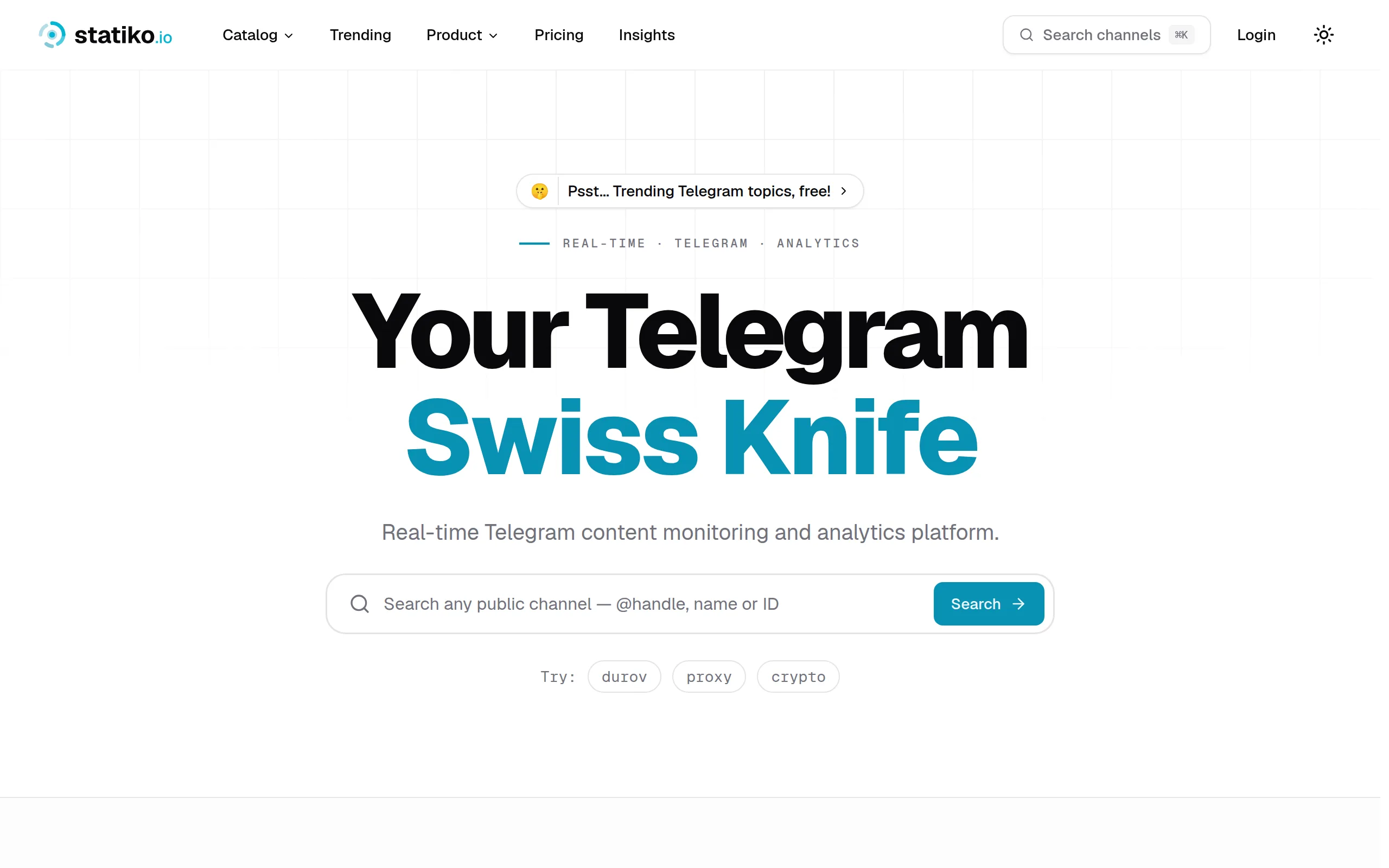
Statiko
Monitor any Telegram channel in real time - track posts, edits, deletions, and growth with AI recaps 📡

Shibui
AI website builder - describe your business, pick a niche template, edit by chatting, and publish instantly ✨

Pro Service
Find verified home service professionals, compare quotes, and pay securely through escrow - built for Brazilians across the US 🏠

RankGrow
Fix your SEO with AI agents - connect Search Console, get prioritized tasks, and grow organic traffic 📈
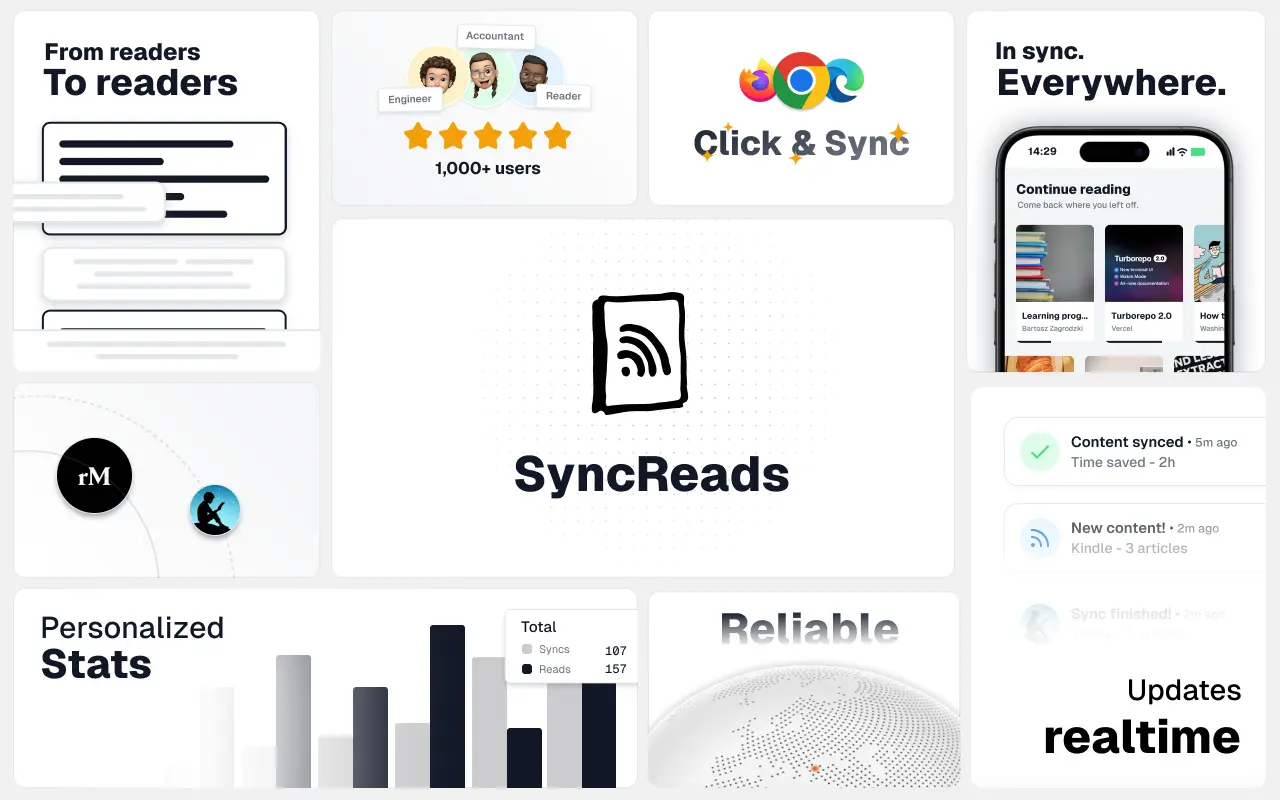
SyncReads
Sync your favorite content for distraction-free reading, save time and replace multiple apps. Anytime, anywhere 🔄
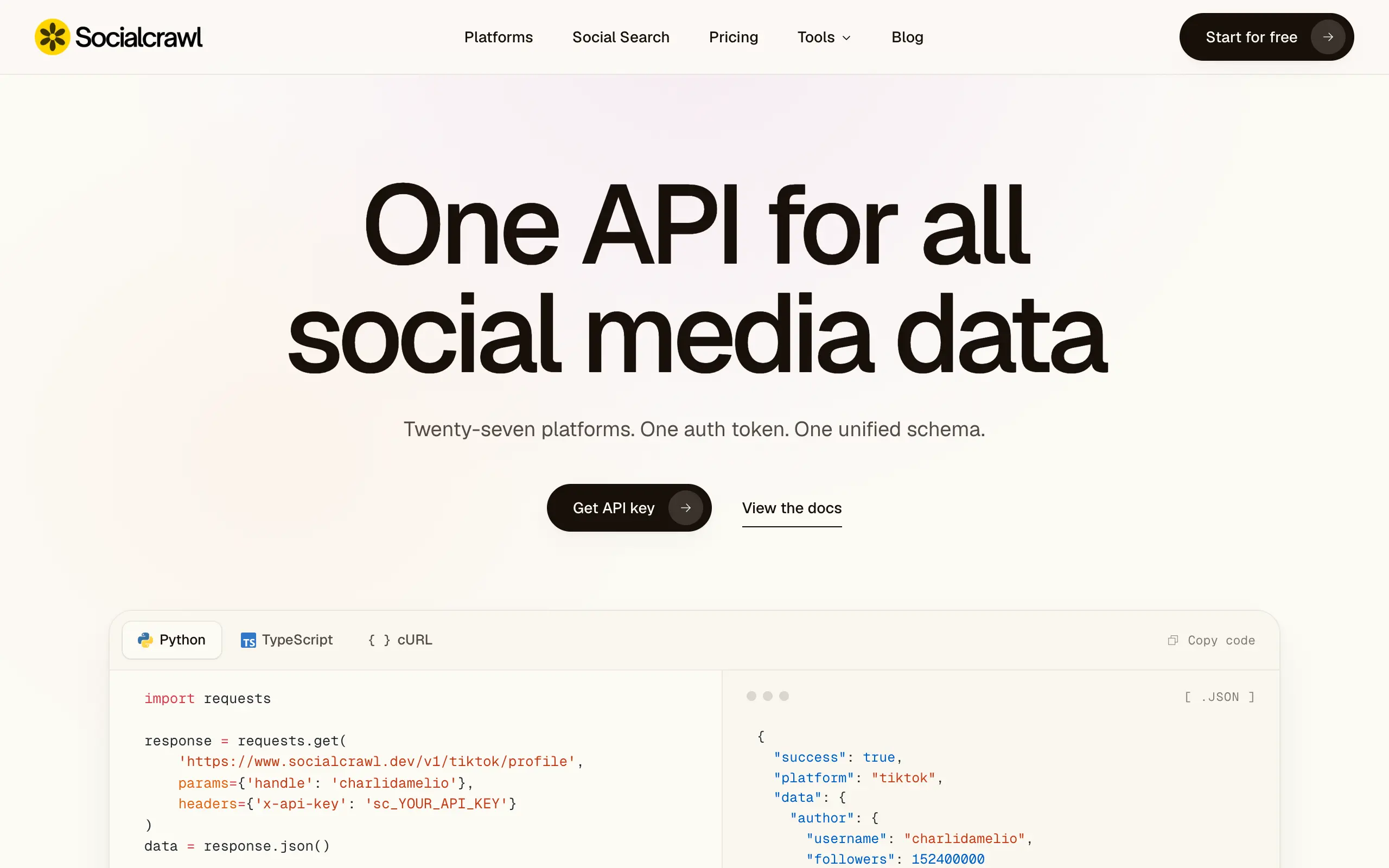
Socialcrawl
Get clean, structured data from 21 platforms like TikTok, Instagram, and YouTube with a single request 📊
Statiko
Monitor any Telegram channel in real time - track posts, edits, deletions, and growth with AI recaps 📡
Shibui
AI website builder - describe your business, pick a niche template, edit by chatting, and publish instantly ✨
Pro Service
Find verified home service professionals, compare quotes, and pay securely through escrow - built for Brazilians across the US 🏠
RankGrow
Fix your SEO with AI agents - connect Search Console, get prioritized tasks, and grow organic traffic 📈
SyncReads
Sync your favorite content for distraction-free reading, save time and replace multiple apps. Anytime, anywhere 🔄
Socialcrawl
Get clean, structured data from 21 platforms like TikTok, Instagram, and YouTube with a single request 📊
Statiko
Monitor any Telegram channel in real time - track posts, edits, deletions, and growth with AI recaps 📡
Shibui
AI website builder - describe your business, pick a niche template, edit by chatting, and publish instantly ✨
Pro Service
Find verified home service professionals, compare quotes, and pay securely through escrow - built for Brazilians across the US 🏠
RankGrow
Fix your SEO with AI agents - connect Search Console, get prioritized tasks, and grow organic traffic 📈
SyncReads
Sync your favorite content for distraction-free reading, save time and replace multiple apps. Anytime, anywhere 🔄
Socialcrawl
Get clean, structured data from 21 platforms like TikTok, Instagram, and YouTube with a single request 📊
Statiko
Monitor any Telegram channel in real time - track posts, edits, deletions, and growth with AI recaps 📡
Shibui
AI website builder - describe your business, pick a niche template, edit by chatting, and publish instantly ✨
Pro Service
Find verified home service professionals, compare quotes, and pay securely through escrow - built for Brazilians across the US 🏠
RankGrow
Fix your SEO with AI agents - connect Search Console, get prioritized tasks, and grow organic traffic 📈
SyncReads
Sync your favorite content for distraction-free reading, save time and replace multiple apps. Anytime, anywhere 🔄
Socialcrawl
Get clean, structured data from 21 platforms like TikTok, Instagram, and YouTube with a single request 📊
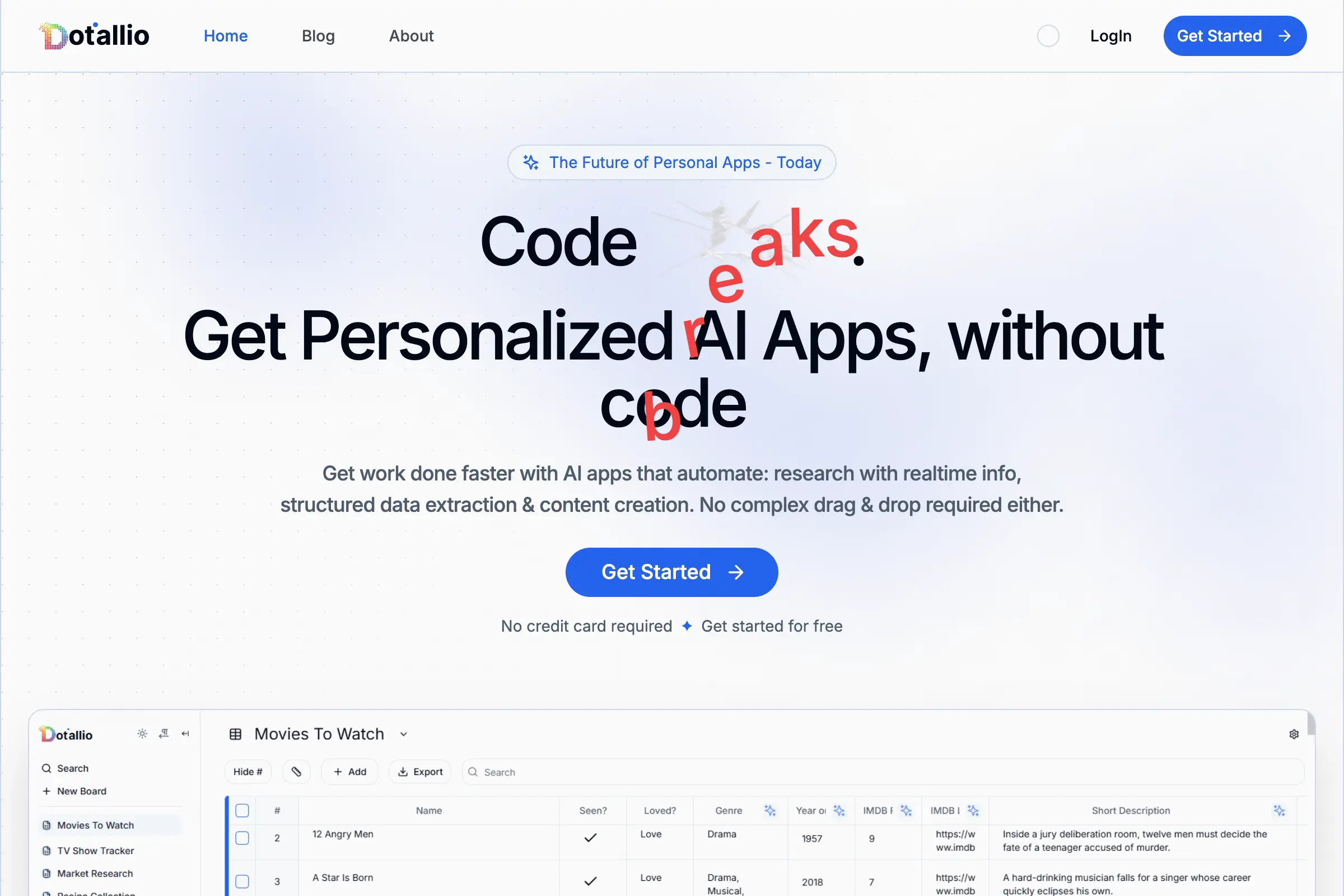
Dotallio
Personalized AI apps that automate research, data extraction, and content creation without code 🤖

Talk to Santa
Enjoy a magical live video chat or receive a unique AI-generated video greeting from Santa Claus 🎅
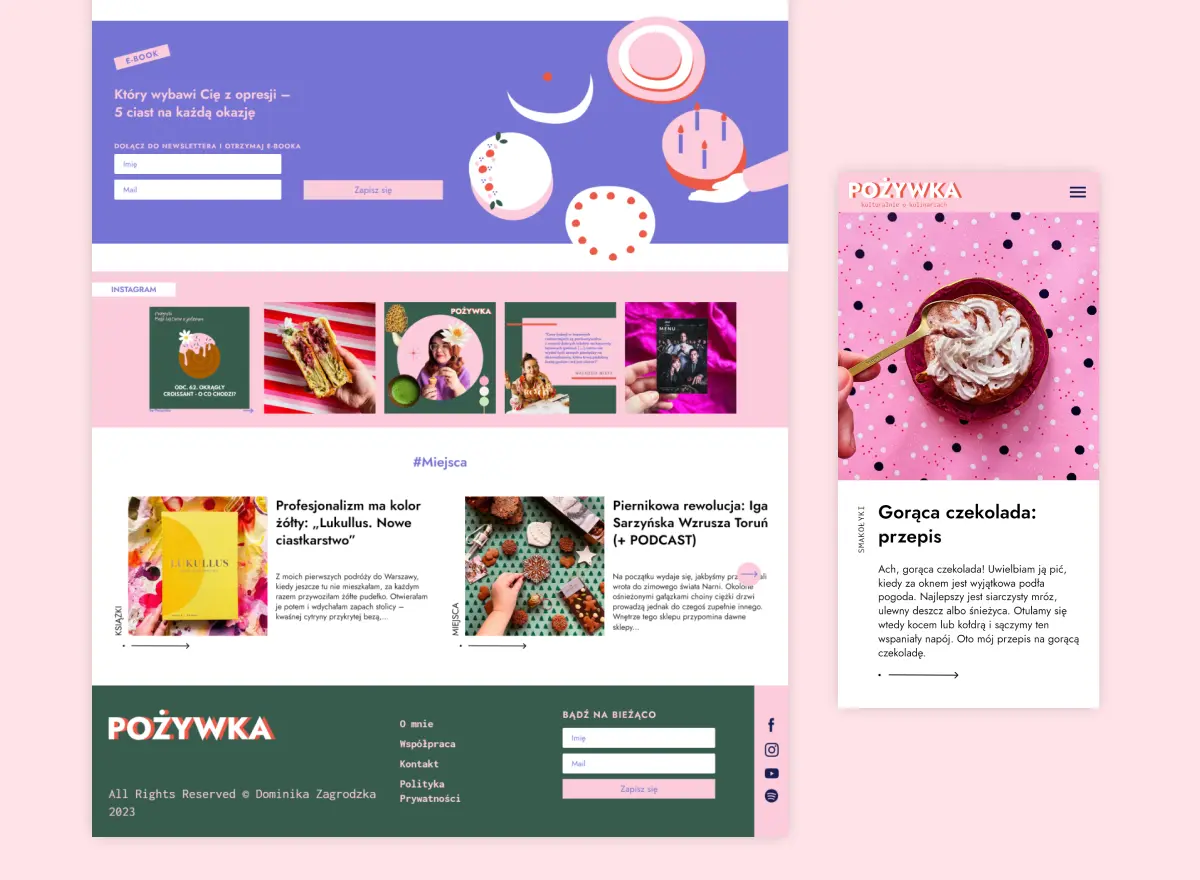
pozywka.pl
Scalable blog for food journalist, focused on performance and user experience 🌭
zagrodzki.me
Personal blog and portfolio of Bart Zagrodzki, where he shares his knowledge and work 💼
TurboStarter
Ship your startup everywhere. In minutes.
HTML to Markdown
Convert HTML to Markdown with ease, directly in your browser 📄
Dotallio
Personalized AI apps that automate research, data extraction, and content creation without code 🤖
Talk to Santa
Enjoy a magical live video chat or receive a unique AI-generated video greeting from Santa Claus 🎅
pozywka.pl
Scalable blog for food journalist, focused on performance and user experience 🌭
zagrodzki.me
Personal blog and portfolio of Bart Zagrodzki, where he shares his knowledge and work 💼
TurboStarter
Ship your startup everywhere. In minutes.
HTML to Markdown
Convert HTML to Markdown with ease, directly in your browser 📄
Dotallio
Personalized AI apps that automate research, data extraction, and content creation without code 🤖
Talk to Santa
Enjoy a magical live video chat or receive a unique AI-generated video greeting from Santa Claus 🎅
pozywka.pl
Scalable blog for food journalist, focused on performance and user experience 🌭
zagrodzki.me
Personal blog and portfolio of Bart Zagrodzki, where he shares his knowledge and work 💼
TurboStarter
Ship your startup everywhere. In minutes.
HTML to Markdown
Convert HTML to Markdown with ease, directly in your browser 📄
Dotallio
Personalized AI apps that automate research, data extraction, and content creation without code 🤖
Talk to Santa
Enjoy a magical live video chat or receive a unique AI-generated video greeting from Santa Claus 🎅
pozywka.pl
Scalable blog for food journalist, focused on performance and user experience 🌭
zagrodzki.me
Personal blog and portfolio of Bart Zagrodzki, where he shares his knowledge and work 💼
TurboStarter
Ship your startup everywhere. In minutes.
HTML to Markdown
Convert HTML to Markdown with ease, directly in your browser 📄
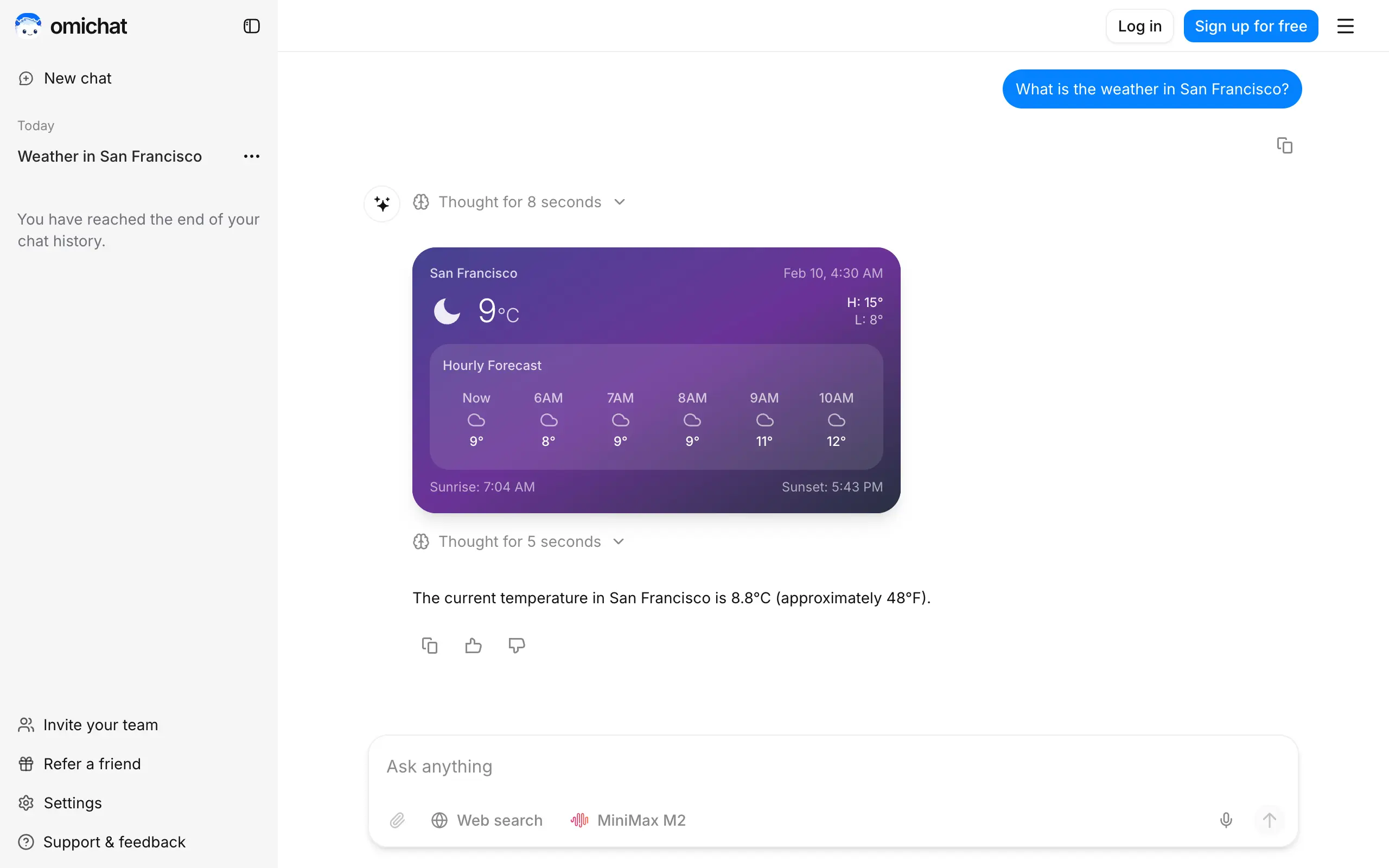
Omichat
Chat with 50+ AI models, including ChatGPT and Claude, in one place - switch models anytime without losing context 🤖
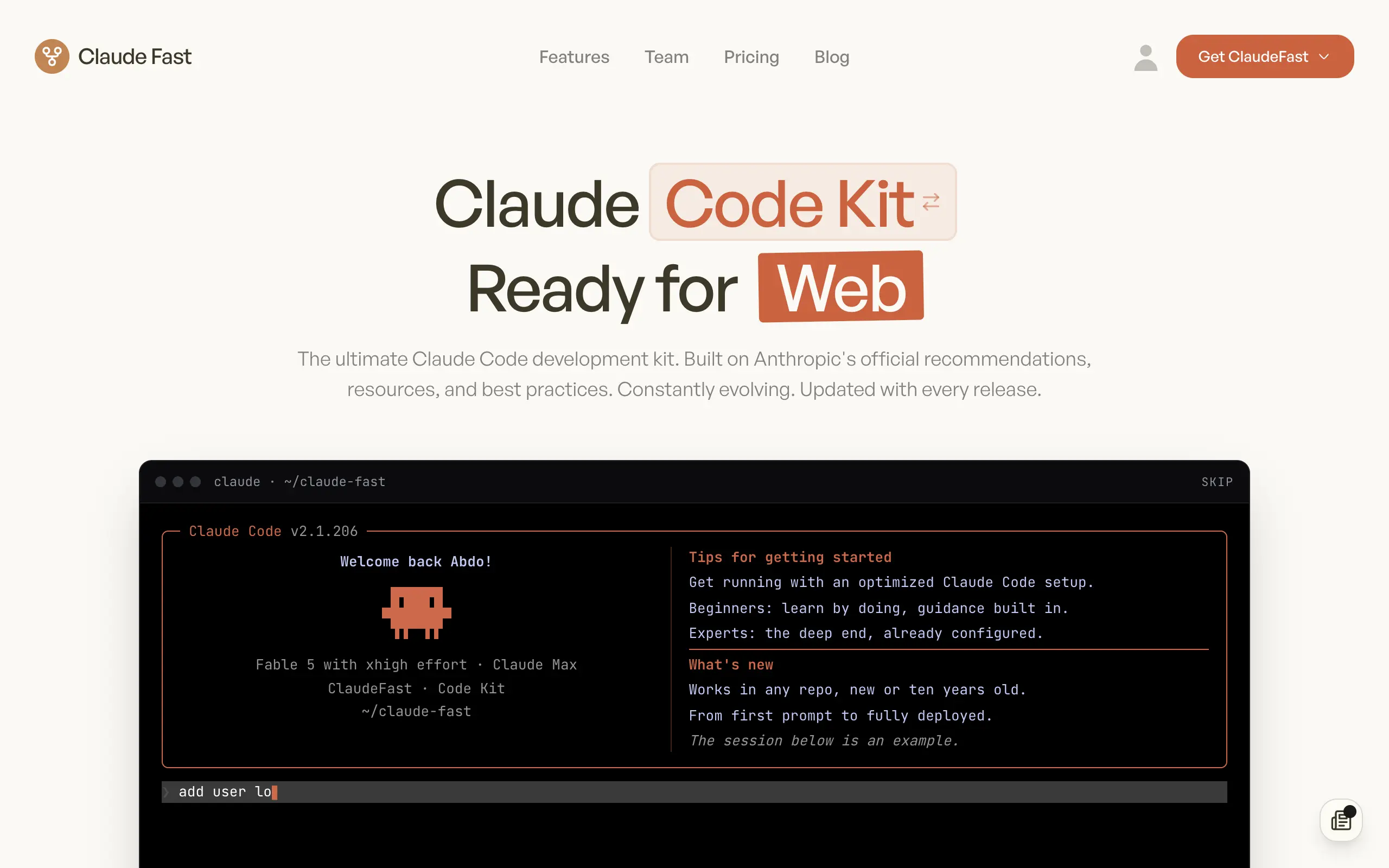
Claude Fast
Supercharge your Claude Code with 6x effective context window and specialized AI agents 🤖
EmojAI
AI-powered emoji picker with smart, context-aware suggestions 🤖

Solohacker
Autonomous company launcher - AI agents work 24/7, escalate what matters, and you stay in control 🤖

BeRawi: Storytelling Coach
Practice storytelling daily with instant feedback to sound clearer, more engaging, and confident 🎤
Omichat
Chat with 50+ AI models, including ChatGPT and Claude, in one place - switch models anytime without losing context 🤖
Claude Fast
Supercharge your Claude Code with 6x effective context window and specialized AI agents 🤖
EmojAI
AI-powered emoji picker with smart, context-aware suggestions 🤖
Solohacker
Autonomous company launcher - AI agents work 24/7, escalate what matters, and you stay in control 🤖
BeRawi: Storytelling Coach
Practice storytelling daily with instant feedback to sound clearer, more engaging, and confident 🎤
Omichat
Chat with 50+ AI models, including ChatGPT and Claude, in one place - switch models anytime without losing context 🤖
Claude Fast
Supercharge your Claude Code with 6x effective context window and specialized AI agents 🤖
EmojAI
AI-powered emoji picker with smart, context-aware suggestions 🤖
Solohacker
Autonomous company launcher - AI agents work 24/7, escalate what matters, and you stay in control 🤖
BeRawi: Storytelling Coach
Practice storytelling daily with instant feedback to sound clearer, more engaging, and confident 🎤
Omichat
Chat with 50+ AI models, including ChatGPT and Claude, in one place - switch models anytime without losing context 🤖
Claude Fast
Supercharge your Claude Code with 6x effective context window and specialized AI agents 🤖
EmojAI
AI-powered emoji picker with smart, context-aware suggestions 🤖
Solohacker
Autonomous company launcher - AI agents work 24/7, escalate what matters, and you stay in control 🤖
BeRawi: Storytelling Coach
Practice storytelling daily with instant feedback to sound clearer, more engaging, and confident 🎤

Connect with like-minded people
Join our community to get feedback, support, and grow together with 1,000+ builders on board, let's ship it!
Join usShip your startup everywhere. In minutes.
Don't burn tokens on setup and start building features on day one.