VibeCheck Launchpad
Help first-time builders test vibe-coded apps with guided checklists, shareable feedback pages, and simple bug reports. Student developers can improve projects before launch.
VibeCheck Launchpad is a concept for a guided testing and feedback platform for people building apps with AI-assisted or “vibe coding” workflows. It helps first-time builders move beyond “it works on my machine” by giving them a practical way to check important user journeys, collect feedback, and turn reported problems into actionable fixes.
The opportunity is not simply to build another bug tracker. It is to make pre-launch quality checks approachable for people who may have a promising prototype but lack a QA team, established testing practices, or a clear process for asking others to try their app. A focused product can make that work feel manageable without pretending that a checklist replaces professional testing.
What VibeCheck Launchpad should help builders do
A first-time builder often faces a difficult transition: a prototype feels ready to share, but it has not yet been tested by people who were not involved in making it. The builder may not know which flows to check, what information to request from testers, or how to distinguish a genuine defect from a confusing interface.
VibeCheck Launchpad should guide the builder through a repeatable pre-launch process:
- Describe the product and the audience it serves.
- Identify the most important user journeys.
- Run a structured checklist against those journeys.
- Invite testers to try the app through a shareable feedback page.
- Convert feedback into prioritized fixes.
- Retest the changes before launch.
This positioning gives the product a clear job to be done: help an early-stage maker find and fix high-impact problems before inviting a wider audience.
The product should be designed for lightweight validation, not as a claim that an app is secure, accessible, compliant, or production-ready. Clear boundaries will build trust. For example, the interface can say that a checklist helps identify common issues but does not replace a security review, accessibility audit, or specialist QA process.
Target audience and high-value users
The best initial audience is not every software team. VibeCheck Launchpad is most useful to builders who need structure but do not yet have a formal testing workflow.
Student developers and project teams
Student developers often build projects for coursework, portfolios, hackathons, clubs, or early startup experiments. Their applications may be functional enough to demonstrate, but they may have limited time and little experience organizing usability feedback.
For these users, the product should offer:
- A clear, short checklist that explains why each check matters.
- Feedback pages that can be shared with classmates, instructors, or mentors.
- A simple way to record browser, device, and reproduction steps.
- A low-friction free plan suitable for a temporary project.
- Guidance that teaches testing habits rather than simply recording failures.
The educational dimension can be a meaningful differentiator. A checklist item should explain the user risk behind it. “Test the sign-up form” is less useful than “Try signing up with an invalid email and confirm that the error explains what to change.”
Solo makers and indie hackers
Solo builders may be comfortable shipping code but lack someone who can independently test a release. They need feedback that is specific enough to act on, while still being quick to collect.
Useful capabilities include a public test link, guided prompts, screenshot attachments, and a compact inbox that groups reports by project and status. These users are also potential paying customers if the product saves time during repeated releases.
No-code and AI-assisted app creators
People using app builders, AI coding assistants, or template-driven development may have an uneven understanding of what their generated application does behind the scenes. They may need more support with basic validation, edge cases, and deployment checks than an experienced engineering team.
VibeCheck Launchpad should not assume a particular coding tool. Its workflow should work whether the app was made with a framework, a no-code platform, or a mix of both. That independence increases the addressable audience and avoids tying the product to the popularity of a single AI development tool.
Educators, mentors, and incubators
Instructors and program leads can use structured feedback workflows to help multiple teams test projects consistently. This segment may support group plans, shared templates, and cohort-level progress views.
It is a promising expansion audience, but it is probably not the best first customer. Institutional sales can involve procurement, data policies, classroom integrations, and longer decision cycles. Validate the core workflow with individual builders before building administrative features.
Who is less likely to be an early customer
Established software teams with dedicated QA staff may already rely on issue trackers, test automation, and product analytics. They could eventually use VibeCheck Launchpad for a lightweight feedback page, but they are unlikely to be the best initial segment unless the product develops deeper integrations or a specialized workflow.
Market opportunity and product gap
VibeCheck Launchpad sits between several established categories:
- Issue trackers organize work after a problem is known.
- User research tools help teams gather opinions and observe behavior.
- Testing frameworks automate repeatable checks for technical teams.
- Website feedback widgets collect comments but may not guide a tester through a complete journey.
- AI coding tools help generate or modify software, but do not necessarily create a reliable validation process around the result.
The product opportunity is in the gap between “I have built something” and “I know what to fix before I launch.” This is a workflow gap more than a technology gap.
A generic form can collect a comment, but it may not ask the questions needed to reproduce a problem. A conventional issue tracker can store a bug, but it may feel too complex for a student testing a first project. A checklist can guide a builder, but it does not necessarily connect the builder’s own checks to feedback from real testers.
VibeCheck Launchpad can connect these pieces in one beginner-friendly flow:
- Prepare: select relevant checks for the kind of app being tested.
- Test: work through the checks and record outcomes.
- Invite: share a guided page with testers.
- Triage: organize feedback into actionable reports.
- Retest: confirm whether fixes resolved the issue.
This workflow is the core product hypothesis. It should be validated before investing in broad integrations, automated browser agents, or advanced analytics.
Why the timing is relevant
AI-assisted development has made it easier for more people to produce working software prototypes. That creates an opportunity for tools that help those builders validate what they create. It does not mean every AI-built app has poor quality, nor does it establish how many people will pay for a separate testing tool. Those are assumptions to test with customer interviews and usage data.
If the product publishes market statistics, it should cite the original research and state the date, population, and definition used. Avoid combining unrelated estimates about AI adoption, startup formation, or software testing into a misleading total addressable market.
Core features for the first version
The first release should focus on helping one builder validate one app with a small group of testers. Each feature should support that use case directly.
1. Guided project setup
A new project should be quick to create. Ask only for information that can improve the test plan, such as:
- Project name and short description.
- Intended audience.
- App category, such as marketplace, portfolio, dashboard, or community tool.
- Primary user goal.
- The URL testers should visit.
- Whether the project requires an account or test credentials.
Use the answers to suggest relevant checks, not to generate an opaque “quality score.” A score can create false confidence if users do not understand what it measures. A transparent checklist with visible completion states is more trustworthy.
2. Contextual pre-launch checklists
A useful checklist is specific enough to catch common failures but short enough to finish. Initial categories could include:
- Core journey: Can a new user complete the main task?
- Navigation: Do important links and buttons lead to the expected place?
- Forms: Are required fields, invalid inputs, and success messages handled?
- Mobile layout: Is key content usable on a narrow screen?
- Empty and error states: Does the app explain what happens when data is missing or a request fails?
- Account flow: If relevant, can users sign up, sign in, and recover access?
- Content quality: Are labels, instructions, and placeholder text clear?
- Launch readiness: Are the public URL, contact details, and support expectations correct?
Checklist content should distinguish universal checks from conditional ones. For example, a sign-in check should not appear as a required item for an app that has no accounts.
Each item should include three elements:
- A plain-language action.
- The reason the action matters.
- A simple result, such as pass, needs attention, or not applicable.
That design makes the product educational while keeping the workflow lightweight.
3. Shareable tester feedback pages
The feedback page is a central part of the concept. Builders should be able to share a link without requiring testers to create an account.
A good tester experience should:
- Explain what the tester is being asked to do.
- Show the app’s intended audience and primary task.
- Provide a short set of guided prompts.
- Allow optional screenshots or screen recordings where supported.
- Ask for browser or device details only when useful.
- Make clear whether feedback is public, private to the project owner, or visible to other testers.
Avoid asking testers to provide unnecessary personal information. The default should be minimal data collection, with clear disclosure about what is stored and who can see it.
4. Structured bug reports
Feedback becomes much more valuable when a builder can reproduce the problem. A simple report can capture:
- A short title.
- What the tester expected to happen.
- What happened instead.
- Steps to reproduce the issue.
- Severity or impact.
- Browser and device information, if the tester chooses to share it.
- A screenshot or attachment, if enabled.
- The status of the report.
Do not require every field for every kind of feedback. A confusing label may not need reproduction steps, while a broken checkout flow probably does. Conditional prompts can keep reports clear without making the form intimidating.
5. A small, useful feedback inbox
The builder needs a place to review feedback and decide what to do next. The initial inbox can support a short status set such as new, reviewing, planned, fixed, and closed.
Useful organization features include:
- Sorting by project, status, and date.
- A way to mark duplicate reports.
- Internal notes for the builder.
- A link from each report to its tester submission.
- A way to export or copy a report into another issue tracker.
Do not build a full project-management system in the MVP. The product should make feedback actionable, not compete with established tools for every stage of software delivery.
6. Retesting and project readiness
When a builder marks an issue as fixed, the product can prompt them to retest the original steps. The checklist should preserve prior results while clearly showing which checks need another pass.
A “ready to share” summary can show completed checks, unresolved high-impact issues, and unanswered feedback. It should be framed as a progress summary, not a certification or guarantee that the app is defect-free.
The product’s unique selling proposition
The strongest USP is guided pre-launch testing designed for first-time builders. VibeCheck Launchpad combines a beginner-friendly checklist, a shareable tester experience, and structured bug reports in a single workflow.
That positioning is more defensible than simply claiming to be “easy bug tracking.” The product can stand out through:
- Education built into the workflow: users learn why a check matters.
- A lower barrier to participation: testers can provide useful feedback without learning a complex tool.
- A connected process: checklist results and tester reports lead naturally to retesting.
- Tool independence: the product serves projects built with different coding approaches.
- A practical definition of readiness: the builder can see what has and has not been checked.
The USP should remain narrow. Adding AI code generation, team chat, analytics, deployment, and automated testing immediately would blur the main promise and increase development and support costs.
Competitive advantage analysis
VibeCheck Launchpad should not try to win by matching every feature offered by mature testing or project-management platforms. Its advantage should come from focus, onboarding, and workflow design.
| Product category | Typical strength | Common friction for a first-time builder | VibeCheck Launchpad opportunity |
|---|---|---|---|
| Issue trackers | Flexible team workflows and task management | Can feel like too much setup for a small project | Offer structured reports and export or handoff options |
| User research platforms | Research planning and participant feedback | May be broader or more formal than a quick pre-launch check | Provide a focused, lightweight validation flow |
| Automated test frameworks | Repeatable technical checks | Often require coding knowledge and maintenance | Help users identify what to test before automation |
| Feedback widgets | Easy-to-add comment collection | Comments may lack context or reproduction steps | Ask guided questions and capture actionable details |
| Generic forms | Fast to create and customize | Builders must design the testing process themselves | Provide tested prompts, checklists, and a connected inbox |
This is a positioning framework, not a claim that every product in each category has the same limitations. Competitor research should compare actual products, current plans, and target audiences before public launch.
Defensibility over time
The initial feature set is relatively easy to copy. Long-term advantage would need to come from a combination of:
- A strong library of contextual checklists.
- Templates refined through real project use.
- Clear, trusted privacy practices.
- An excellent tester experience that improves completion rates.
- Integrations that fit existing builder workflows.
- Educational partnerships with courses, communities, and incubators.
A growing library of anonymized, aggregated patterns could eventually help improve templates, but only if the company has a sound consent model and a clear reason to collect that data. Do not treat user bug reports as a free data asset. Explain what is collected, limit access, and avoid reusing identifiable content without permission.
Recommended technical stack
The MVP needs a dependable application, a relational data model, secure access controls, and a straightforward way to publish shareable pages. The best stack depends on the founding team’s skills and the need for speed.
Front end and application framework
A team familiar with React could use Next.js for the web application, with React for interface components. This approach supports a responsive dashboard and public feedback pages within one application.
Benefits include:
- A widely understood component model.
- Server-rendered or statically rendered pages where appropriate.
- A mature ecosystem for forms, validation, and accessibility.
- A clear path to adding landing pages and documentation.
Trade-offs include:
- Framework conventions can add complexity for a very small application.
- Server and client responsibilities need to be designed deliberately.
- Frequent framework updates require maintenance.
A simpler client-rendered application may be sufficient for an early private beta. Choose the framework the team can maintain, not the one with the most impressive feature list.
Database, authentication, and file storage
A managed PostgreSQL service can support relational records such as users, projects, checklist items, test sessions, and feedback reports. Supabase is one option that combines managed database, authentication, and storage capabilities.
The data model should represent ownership explicitly. For example, a project belongs to an owner or workspace, while reports belong to a project and a feedback session. Server-side authorization should verify access to each record rather than trusting identifiers sent by the browser.
Benefits of a managed platform include:
- Faster setup than operating database infrastructure alone.
- A familiar relational model for linked product data.
- Built-in services that may reduce early operational work.
Trade-offs include:
- Platform-specific features can create switching costs.
- Security rules still require careful design and testing.
- Storage, bandwidth, and database usage can affect pricing as the product grows.
Use database migrations, backups, and environment separation from the beginning. A prototype can be simple without being careless about data ownership.
Hosting and deployment
Choose a hosting provider that supports the application framework, preview deployments, environment variables, and a rollback process. Keep production secrets out of client-side code and restrict who can access deployment settings.
The shareable tester pages should load quickly on mobile networks. Public pages may be cacheable, but private feedback and project information must never be exposed through an overly broad caching rule.
Error monitoring and analytics
Use privacy-conscious analytics to answer product questions such as:
- Do builders finish project setup?
- Which checklist categories are skipped?
- Do testers submit feedback after opening an invite?
- How often do builders revisit a report after marking it fixed?
Collect only the events needed to make product decisions. Avoid recording sensitive form contents or full session replays by default. Error monitoring should also be configured to redact credentials, tokens, and personal data.
Browser testing and automation
Playwright can help the development team test important journeys across supported browsers. Automate the product’s own core paths, including project creation, checklist completion, invitation access, report submission, and authorization boundaries.
Automated tests should complement, not replace, real-user testing. A browser test can confirm that a form submits under defined conditions. It cannot reliably determine whether a first-time builder understands the checklist or whether a tester finds the invitation instructions clear.
Payments
If subscriptions are part of the launch plan, Stripe offers payment infrastructure for many SaaS billing needs. Before integrating, validate that customers want paid limits or features. Billing introduces support, tax, cancellation, refund, and entitlement-management requirements that should not be underestimated.
A practical architecture
A small initial architecture could include:
- A responsive web application for builders.
- Public, token-based feedback pages for invited testers.
- A relational database for projects, checks, and reports.
- Object storage for optional attachments.
- A background job for email invitations and notifications.
- Basic analytics and error monitoring.
- Role-based access checks on the server.
Keep public tester pages separate from authenticated project dashboards at the authorization level, even if they share visual components. Shareable access should be scoped to a specific project or test session and should be revocable.
Monetization strategy
The product should first prove repeated use and willingness to pay. Possible models include a free tier, subscriptions, educational plans, and a paid one-time launch review. Each model supports a different user behavior.
Freemium for individual builders
A free tier can make the product easy to try. Reasonable limits might apply to active projects, feedback volume, attachment storage, or history length.
A free plan should still deliver a meaningful outcome. If the core workflow is locked behind a paywall, new users may not reach the moment when they understand the product’s value.
Subscription for recurring makers
A monthly or annual subscription could suit indie hackers and builders who test multiple releases. Paid features might include:
- More active projects.
- Custom checklist templates.
- Branded feedback pages.
- Longer report history.
- More collaborators.
- Integrations or exports.
- Advanced notifications.
Price testing should use actual behavior, not only hypothetical interview answers. A low-cost product may still have significant support and infrastructure costs, especially if it stores large attachments.
Education and cohort plans
Instructors, coding bootcamps, incubators, and hackathon organizers may pay for shared project templates and cohort management. This model could include instructor dashboards, reusable rubrics, and participant-level workspaces.
Validate demand with a small pilot before developing administrative features. Ask whether educators need a tool they can adopt themselves or whether purchasing approval requires institution-level security and procurement documentation.
One-time launch support
Some users may prefer a one-time purchase for a single project. A project pass could provide a limited period of checklist access and feedback collection. This option aligns with occasional use but may produce less predictable revenue than subscriptions.
Avoid selling trust
Do not sell “verified quality” badges that imply a project is safe or defect-free. If a paid readiness report is offered, it should explain exactly what was checked, what was not checked, and who performed the review. Any endorsement must be based on a transparent process.
Risks and how to reduce them
Risk of positioning the product as a quality guarantee
A completed checklist does not prove that an application is safe, accessible, reliable, or legally compliant.
Mitigation: Use precise language throughout the product. Call the output a testing summary or launch checklist, not a certification. Make the scope and limitations visible.
Risk of weak or low-quality feedback
A tester may submit vague comments such as “the app feels broken,” which do not help the builder take action.
Mitigation: Use optional prompts that elicit expected behavior, actual behavior, and reproduction steps. Provide an example report. Let builders ask a follow-up question without making testers create an account.
Risk of low tester participation
A feedback page can be well designed and still receive few submissions if the builder cannot recruit testers.
Mitigation: Make invitation messages easy to share, provide a short explanation of the time commitment, and let builders copy a tester link into their existing communities. Avoid promising a network of testers unless the company has actually built and can operate one.
Risk of excessive product scope
A roadmap that includes automated testing, analytics, integrations, team management, and AI-generated fixes can overwhelm a small team.
Mitigation: Keep the MVP centered on setup, checklists, sharing, feedback, and retesting. Add features only when observed user behavior reveals a specific bottleneck.
Risk of sensitive data exposure
Bug reports may contain screenshots, customer details, credentials, or confidential product information.
Mitigation: Minimize collection, provide clear warnings against submitting secrets, limit attachment access, define deletion policies, and use secure access controls. Establish a process for handling data access requests and suspected security incidents before the product grows.
Risk of misuse or public disclosure
A user may share a public test page that exposes an unreleased product or a report containing sensitive details.
Mitigation: Make page visibility explicit, provide revocation controls, allow report deletion, and offer a private-by-default setting. Shareable links should use sufficiently unpredictable tokens and should not expose internal project identifiers.
Risk of competition from general-purpose platforms
A form builder, issue tracker, or AI coding product could add a similar feature.
Mitigation: Build a coherent end-to-end experience and earn trust with a focused audience. Invest in checklist quality, approachable explanations, and a low-friction testing process rather than relying on a single feature as a moat.
Risk of dependence on AI-generated recommendations
If the product later uses AI to suggest tests or summarize feedback, the output may be incomplete or wrong.
Mitigation: Present AI-generated suggestions as editable drafts. Show the underlying user reports, avoid silently changing issue severity, and let builders confirm all actions. Do not send project content to third-party services without clear disclosure and appropriate controls.
How to validate the idea before building deeply
The first milestone is evidence that builders have this problem and will use a structured solution. Conduct interviews with student developers, solo builders, and educators separately; their needs may differ.
Ask about recent behavior rather than broad opinions:
- How did you test your last project before sharing it?
- Who tried it, and how did you ask them?
- What feedback did you receive?
- Which problems were difficult to reproduce?
- What did you use to track fixes?
- What did you skip because testing felt too time-consuming?
- Did you pay for any tools or services during that process?
Then run a concierge test. Create a simple guided checklist and feedback page using a lightweight implementation or manually supported workflow. Watch whether users complete it, whether testers submit useful reports, and whether builders return to retest fixes.
Track behavior that indicates value:
- Project setup completion.
- Checklist completion rate by category.
- Invitation share rate.
- Feedback submission rate.
- Percentage of reports with enough detail to reproduce.
- Rate of builders who return after receiving feedback.
- Repeat use across a second project or release.
Do not treat page views or sign-ups alone as proof of product-market fit. A small number of repeat users with a clear need can provide more useful learning than a large number of inactive registrations.
SEO and go-to-market strategy
VibeCheck Launchpad can attract users by addressing practical questions that first-time builders search for before launch. Content should teach useful testing practices and show where the product fits, rather than turning every article into a product pitch.
Potential topic clusters include:
- How to test an app before launch.
- A pre-launch checklist for student projects.
- How to write a reproducible bug report.
- How to collect feedback on an MVP.
- How to test a no-code app with real users.
- How to test an AI-generated web app.
- How to prepare a portfolio project for a demo.
- Usability testing methods for solo founders.
Create genuinely useful resources: editable checklists, example bug reports, tester invitation templates, and short guides for common journeys. Demonstrate experience with concrete examples and explain the limits of each checklist. For search guidance, consult Google Search Central and prioritize helpful, original content over repetitive pages targeting near-identical keywords.
Useful acquisition channels may include student developer communities, hackathons, coding courses, indie-maker groups, and educators. Test these channels with small experiments. A workshop on “how to test a project before demo day” may reveal more about demand than a broad paid advertising campaign.
If publishing statistics about AI coding, startup formation, or software defects, cite the original report with its publication date and methodology. If no reliable figure is available, explain the underlying trend without inventing a percentage.
Actionable implementation plan
Step 1: Define the narrow customer and promise
Choose one primary segment for the first release, such as student developers preparing a project demo or solo builders validating an MVP. Write a one-sentence promise that describes the outcome without claiming guaranteed quality.
Step 2: Interview users about their last project
Speak with people who recently built and shared an app. Document their actual testing process, where feedback came from, and what made problems hard to fix. Use these findings to select the first checklist categories.
Step 3: Prototype the complete workflow
Design project setup, checklist completion, tester invitation, feedback submission, issue review, and retesting as one connected flow. Test the prototype with both builders and people acting as testers.
Step 4: Build the smallest useful MVP
Implement accounts for builders, project workspaces, contextual checklists, shareable feedback pages, structured reports, and basic statuses. Defer complex integrations and advanced analytics until users demonstrate a need.
Step 5: Establish privacy and security basics
Set project-level authorization, use revocable share links, minimize collected data, protect uploaded files, and provide deletion controls. Test access boundaries as carefully as visible user journeys.
Step 6: Run a small beta with real projects
Recruit a limited group from the chosen segment. Observe where builders get stuck and whether testers submit reports that lead to fixes. Ask participants to show the actual report and follow-up action, not just rate their satisfaction.
Step 7: Improve the loop before expanding the roadmap
Prioritize changes that increase useful feedback and completed retests. Add integrations, cohort features, or paid plans only when usage evidence shows that they solve a recurring problem.
A useful MVP test
The MVP is working when a builder can create a project, invite someone unfamiliar with it, receive at least one actionable report, and retest a fix without needing a tutorial or personal intervention from the team.
How TurboStarter can support the build
For founders who want to spend less time assembling common SaaS foundations, TurboStarter can be considered as a starting point for parts of the application. Evaluate any starter against the actual requirements for authorization, data ownership, deployment, billing, and maintainability before adopting it. A starter can accelerate setup, but it does not replace product discovery, security review, or careful testing of the user experience.
The long-term product direction
VibeCheck Launchpad should begin as a focused pre-launch testing companion, not an all-purpose software quality platform. The first goal is to make testing feel understandable and achievable for people who are building without a dedicated QA team.
If the core loop earns repeat use, the product can expand into reusable test templates, educator workspaces, integrations with issue trackers, and carefully scoped AI assistance. Each expansion should reinforce the original promise: help builders learn what is failing, understand why it matters, and make the next fix with greater confidence.
The strongest version of VibeCheck Launchpad will not tell users that their app is perfect. It will help them ask better questions, gather more useful feedback, and make informed decisions before launch.
More 💡 Other SaaS ideas
Discover more innovative other SaaS ideas that are trending in 2026. Each idea is AI-generated with market validation and growth potential to help you find your next profitable venture faster than competitors.
Your competitors are building with TurboStarter
Below are some of the SaaS ideas that have been generated and built with our starter kit.
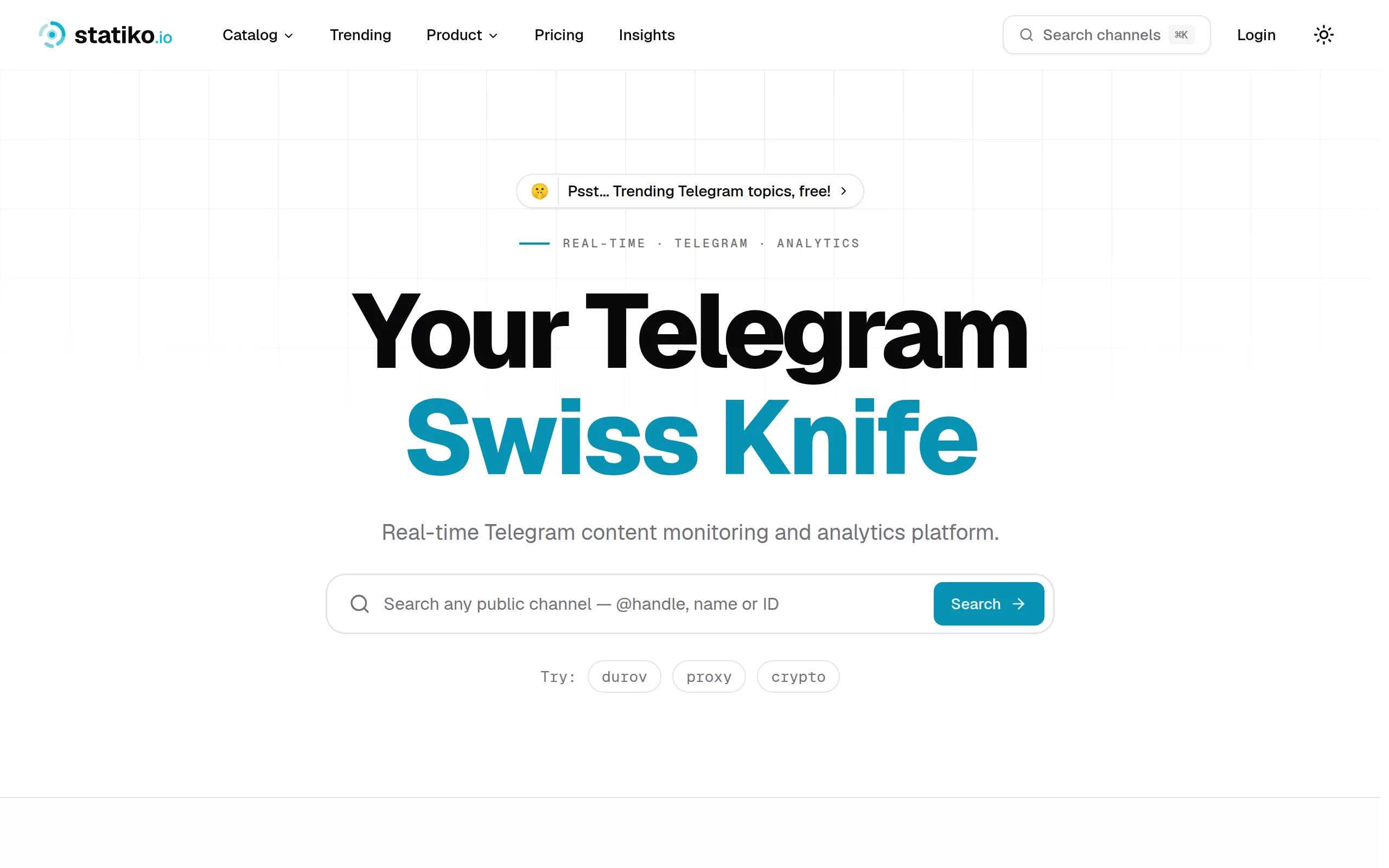
Statiko
Monitor any Telegram channel in real time - track posts, edits, deletions, and growth with AI recaps 📡

Shibui
AI website builder - describe your business, pick a niche template, edit by chatting, and publish instantly ✨

Pro Service
Find verified home service professionals, compare quotes, and pay securely through escrow - built for Brazilians across the US 🏠
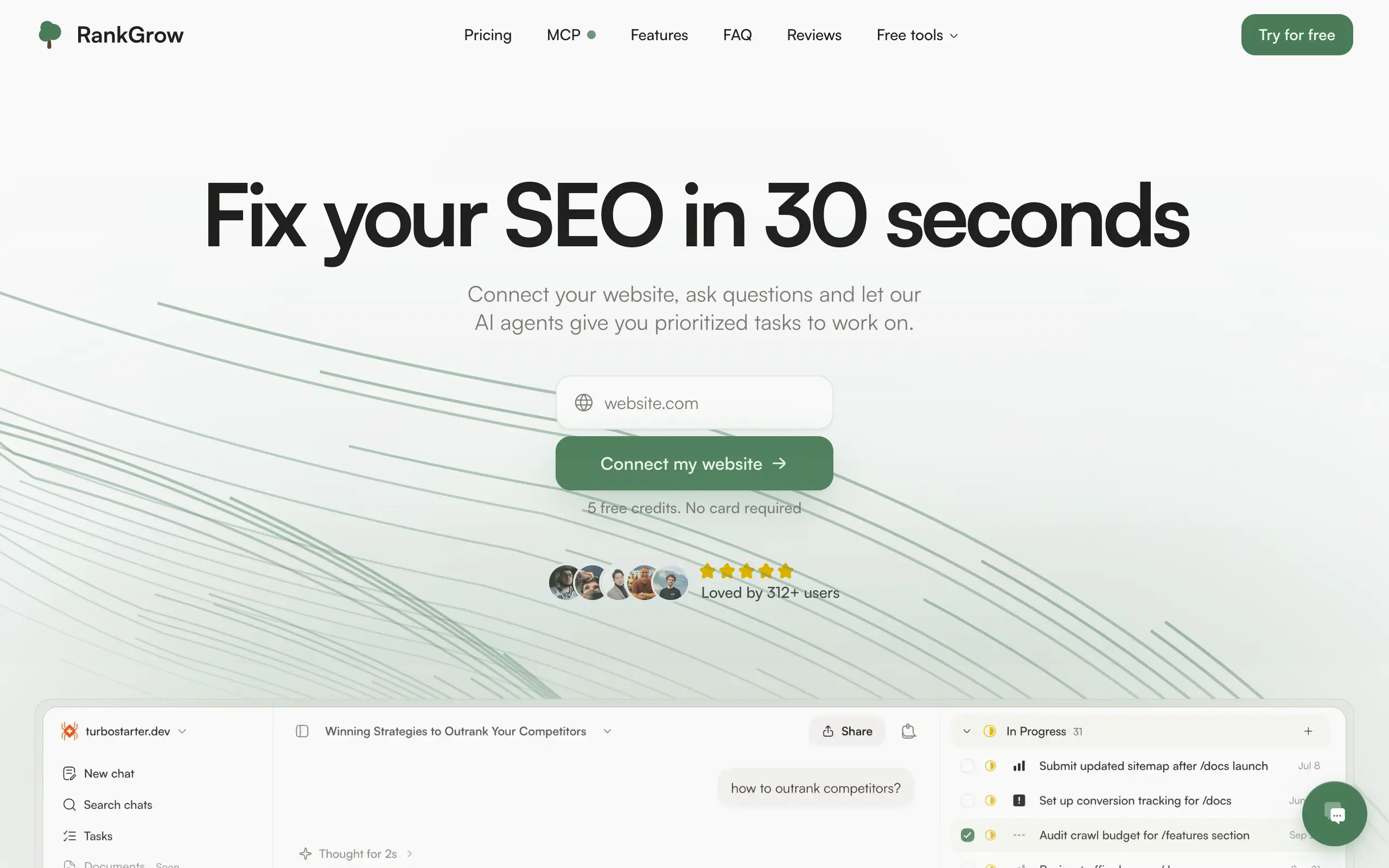
RankGrow
Fix your SEO with AI agents - connect Search Console, get prioritized tasks, and grow organic traffic 📈
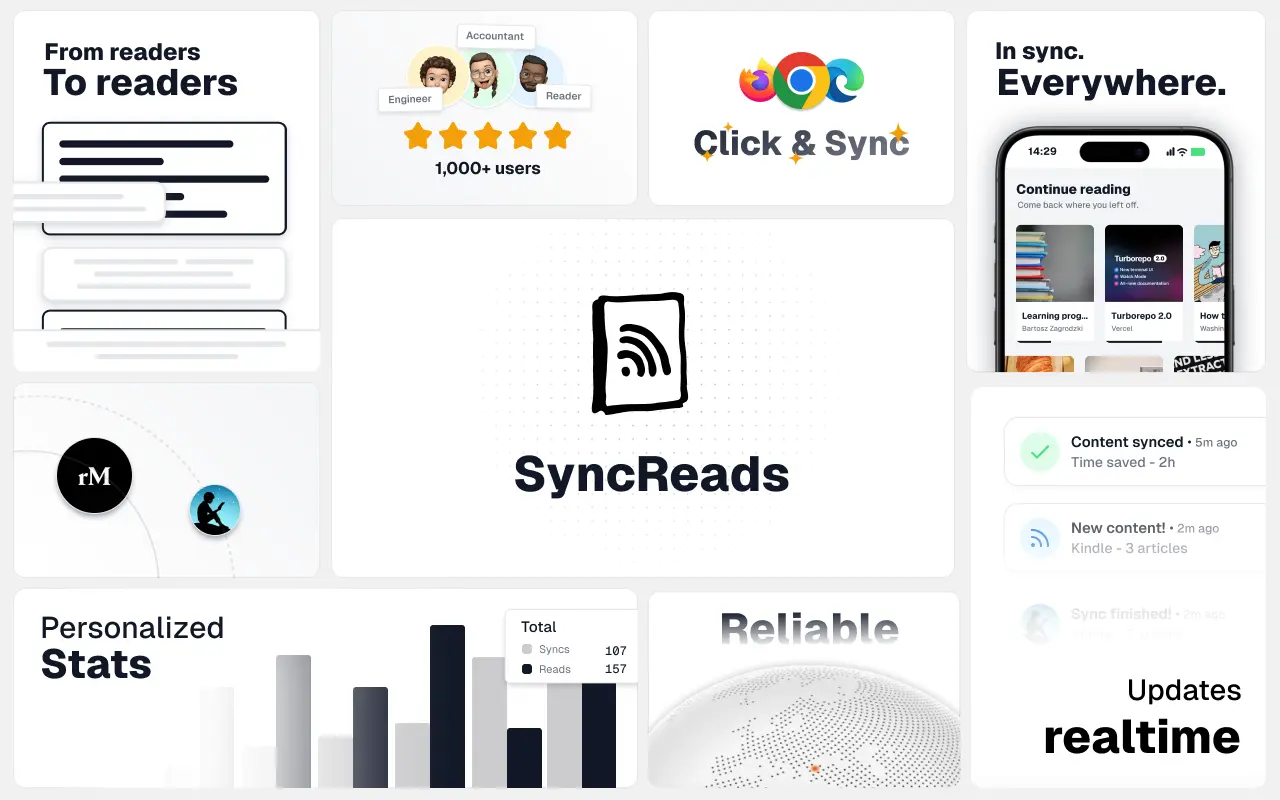
SyncReads
Sync your favorite content for distraction-free reading, save time and replace multiple apps. Anytime, anywhere 🔄
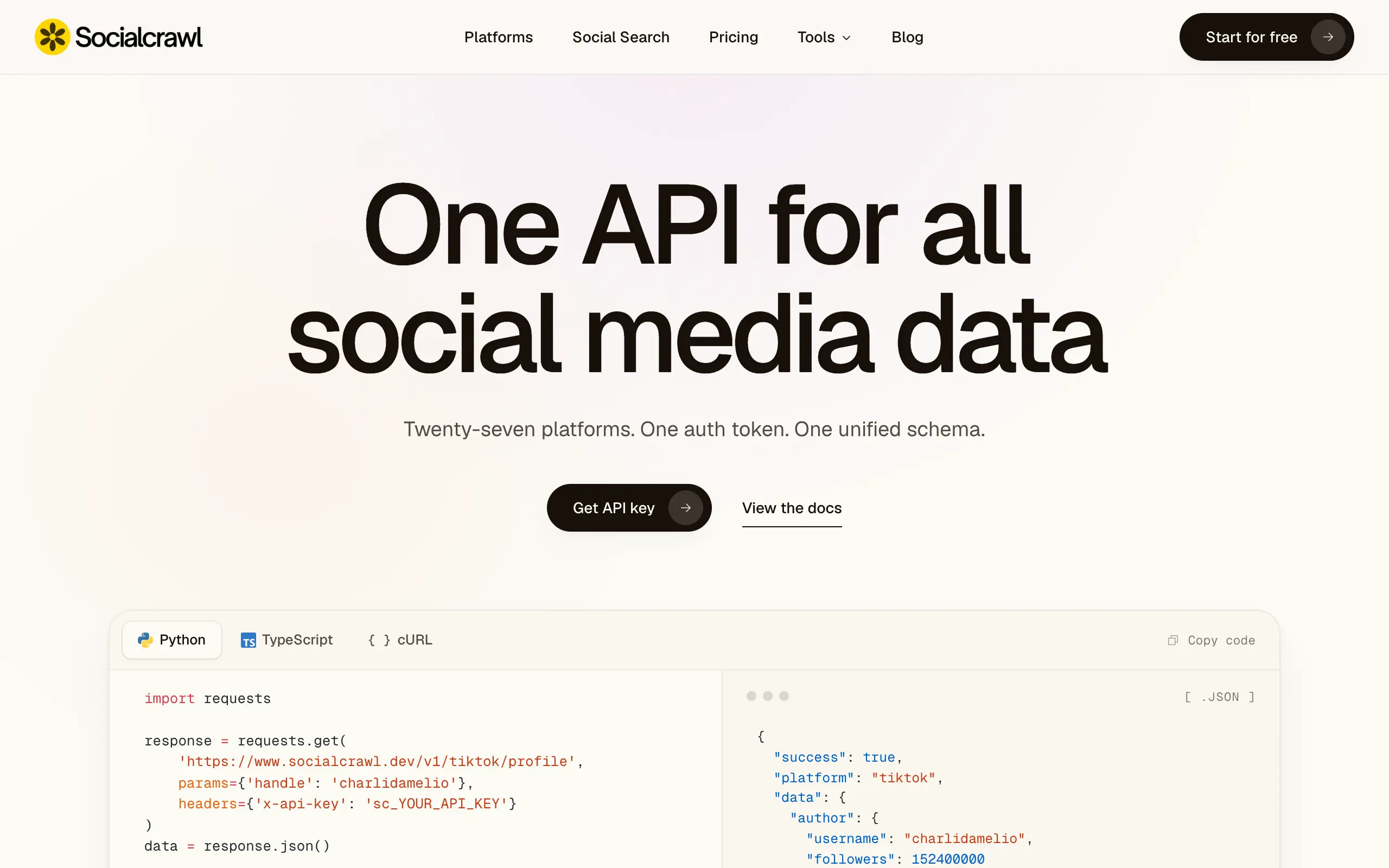
Socialcrawl
Get clean, structured data from 21 platforms like TikTok, Instagram, and YouTube with a single request 📊
Statiko
Monitor any Telegram channel in real time - track posts, edits, deletions, and growth with AI recaps 📡
Shibui
AI website builder - describe your business, pick a niche template, edit by chatting, and publish instantly ✨
Pro Service
Find verified home service professionals, compare quotes, and pay securely through escrow - built for Brazilians across the US 🏠
RankGrow
Fix your SEO with AI agents - connect Search Console, get prioritized tasks, and grow organic traffic 📈
SyncReads
Sync your favorite content for distraction-free reading, save time and replace multiple apps. Anytime, anywhere 🔄
Socialcrawl
Get clean, structured data from 21 platforms like TikTok, Instagram, and YouTube with a single request 📊
Statiko
Monitor any Telegram channel in real time - track posts, edits, deletions, and growth with AI recaps 📡
Shibui
AI website builder - describe your business, pick a niche template, edit by chatting, and publish instantly ✨
Pro Service
Find verified home service professionals, compare quotes, and pay securely through escrow - built for Brazilians across the US 🏠
RankGrow
Fix your SEO with AI agents - connect Search Console, get prioritized tasks, and grow organic traffic 📈
SyncReads
Sync your favorite content for distraction-free reading, save time and replace multiple apps. Anytime, anywhere 🔄
Socialcrawl
Get clean, structured data from 21 platforms like TikTok, Instagram, and YouTube with a single request 📊
Statiko
Monitor any Telegram channel in real time - track posts, edits, deletions, and growth with AI recaps 📡
Shibui
AI website builder - describe your business, pick a niche template, edit by chatting, and publish instantly ✨
Pro Service
Find verified home service professionals, compare quotes, and pay securely through escrow - built for Brazilians across the US 🏠
RankGrow
Fix your SEO with AI agents - connect Search Console, get prioritized tasks, and grow organic traffic 📈
SyncReads
Sync your favorite content for distraction-free reading, save time and replace multiple apps. Anytime, anywhere 🔄
Socialcrawl
Get clean, structured data from 21 platforms like TikTok, Instagram, and YouTube with a single request 📊
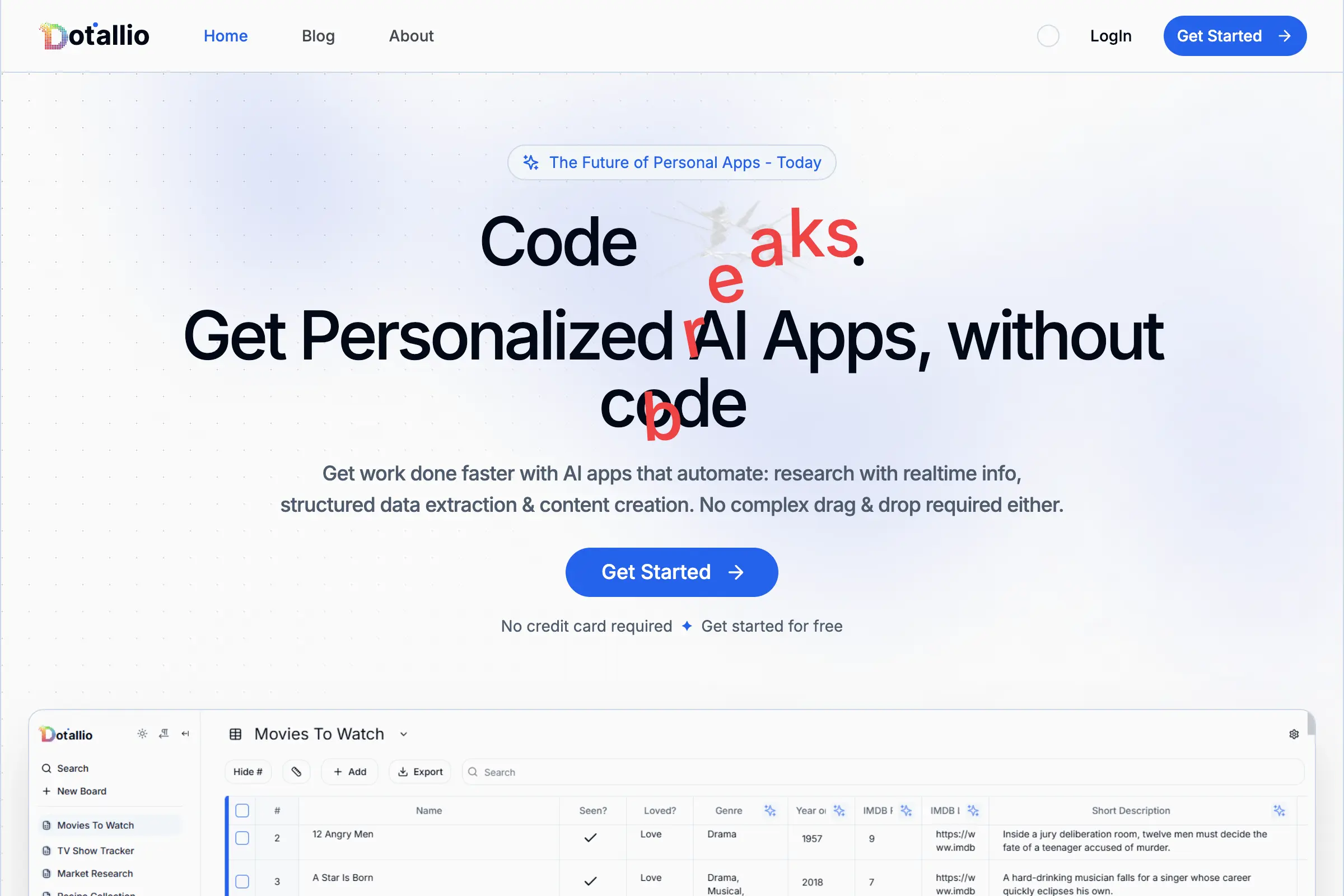
Dotallio
Personalized AI apps that automate research, data extraction, and content creation without code 🤖
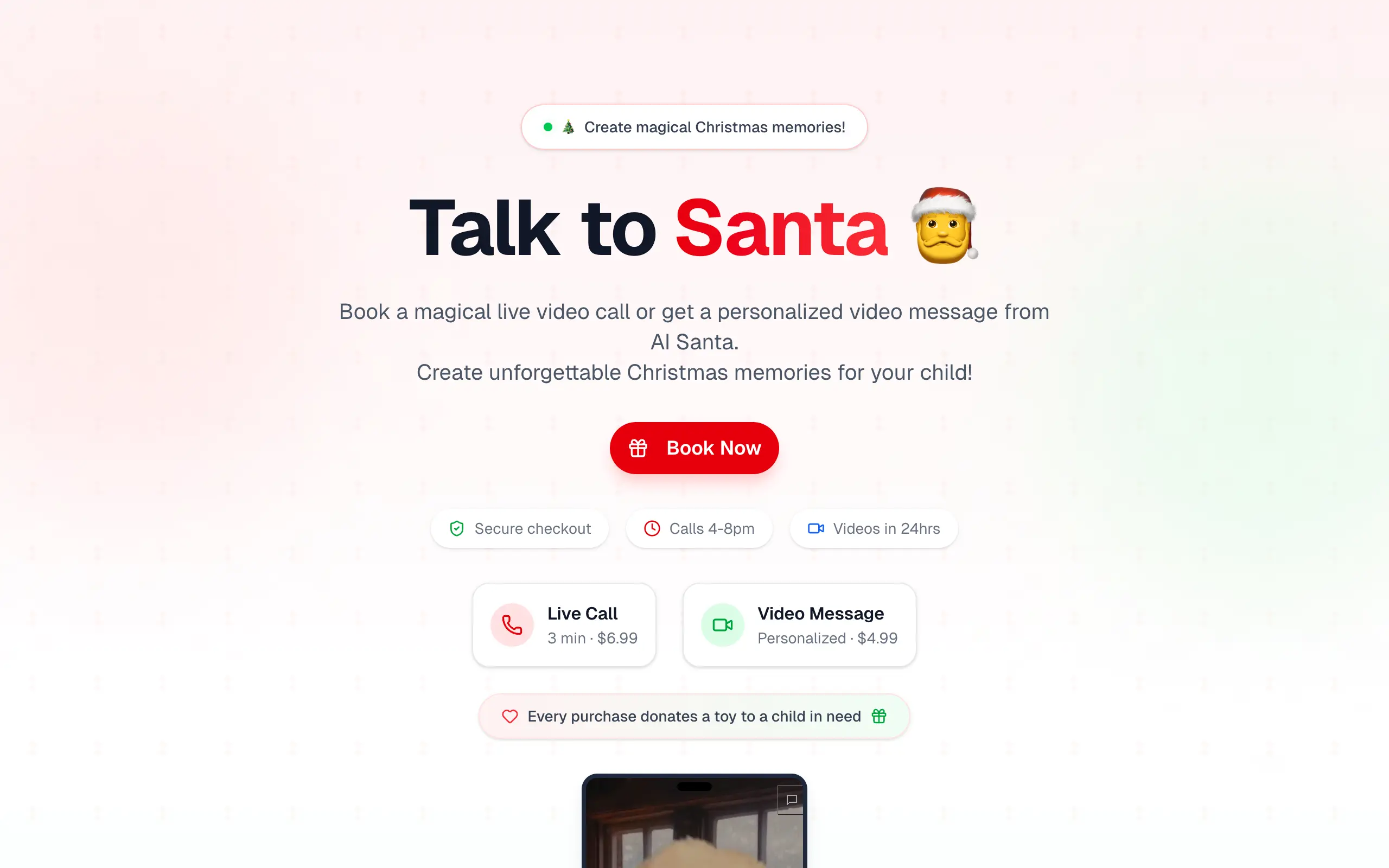
Talk to Santa
Enjoy a magical live video chat or receive a unique AI-generated video greeting from Santa Claus 🎅
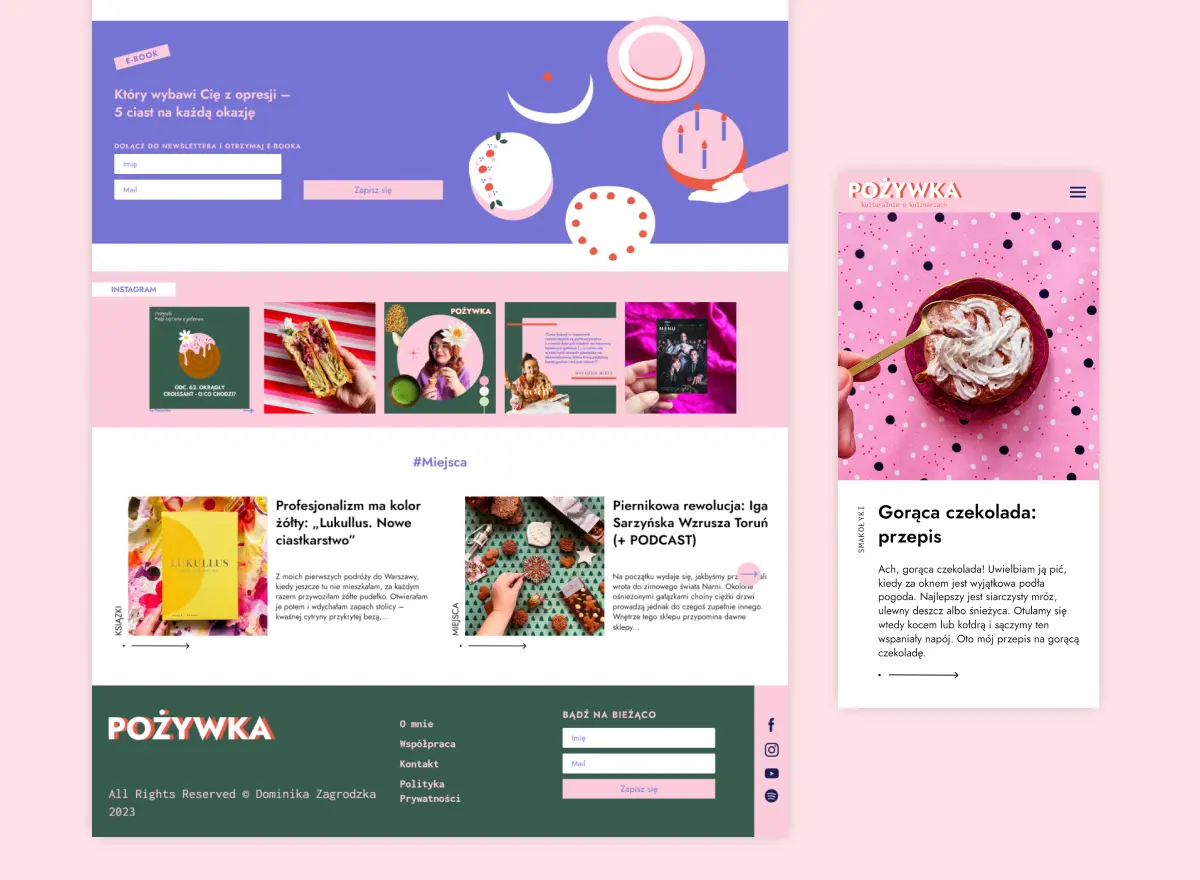
pozywka.pl
Scalable blog for food journalist, focused on performance and user experience 🌭
zagrodzki.me
Personal blog and portfolio of Bart Zagrodzki, where he shares his knowledge and work 💼
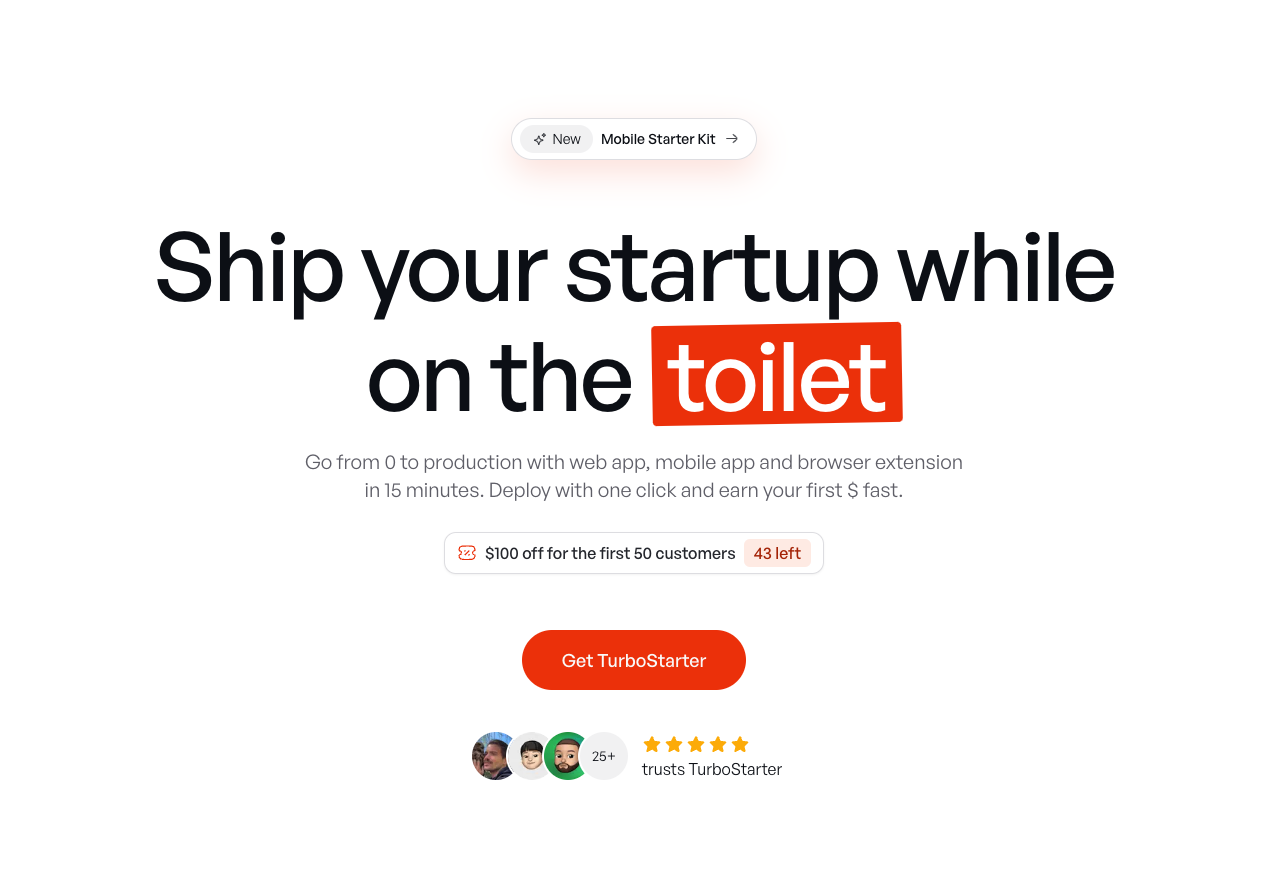
TurboStarter
Ship your startup everywhere. In minutes.
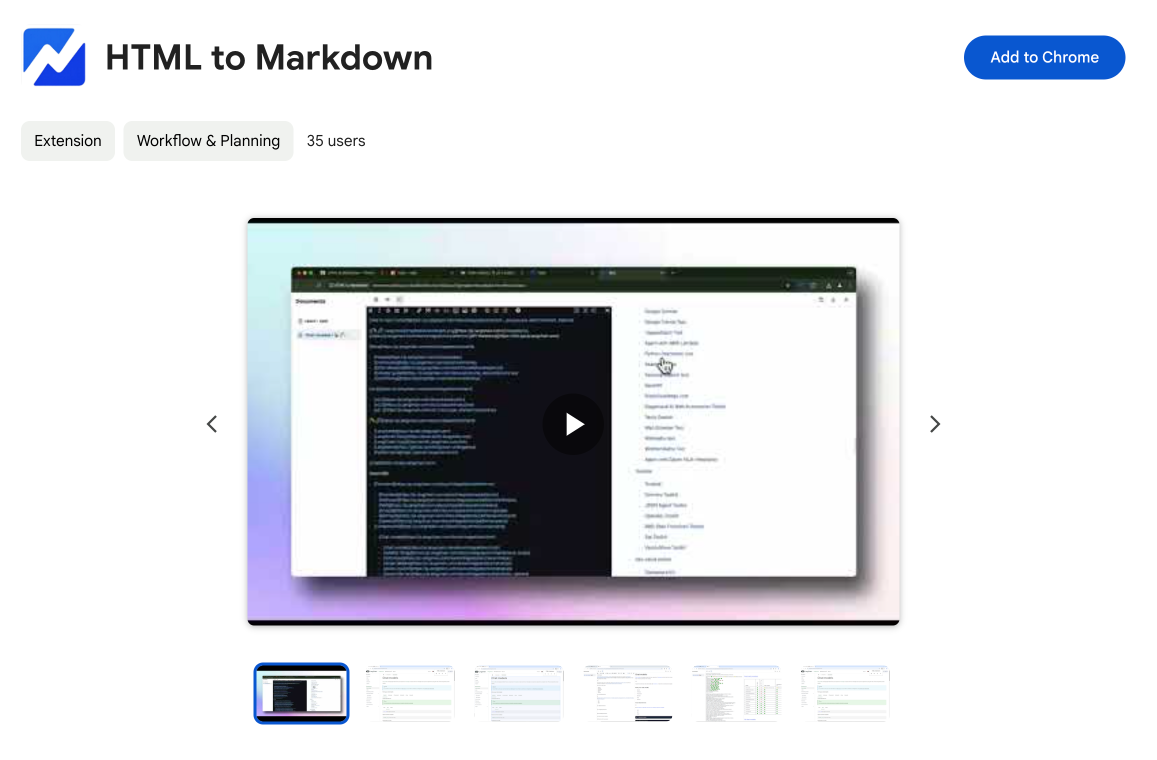
HTML to Markdown
Convert HTML to Markdown with ease, directly in your browser 📄
Dotallio
Personalized AI apps that automate research, data extraction, and content creation without code 🤖
Talk to Santa
Enjoy a magical live video chat or receive a unique AI-generated video greeting from Santa Claus 🎅
pozywka.pl
Scalable blog for food journalist, focused on performance and user experience 🌭
zagrodzki.me
Personal blog and portfolio of Bart Zagrodzki, where he shares his knowledge and work 💼
TurboStarter
Ship your startup everywhere. In minutes.
HTML to Markdown
Convert HTML to Markdown with ease, directly in your browser 📄
Dotallio
Personalized AI apps that automate research, data extraction, and content creation without code 🤖
Talk to Santa
Enjoy a magical live video chat or receive a unique AI-generated video greeting from Santa Claus 🎅
pozywka.pl
Scalable blog for food journalist, focused on performance and user experience 🌭
zagrodzki.me
Personal blog and portfolio of Bart Zagrodzki, where he shares his knowledge and work 💼
TurboStarter
Ship your startup everywhere. In minutes.
HTML to Markdown
Convert HTML to Markdown with ease, directly in your browser 📄
Dotallio
Personalized AI apps that automate research, data extraction, and content creation without code 🤖
Talk to Santa
Enjoy a magical live video chat or receive a unique AI-generated video greeting from Santa Claus 🎅
pozywka.pl
Scalable blog for food journalist, focused on performance and user experience 🌭
zagrodzki.me
Personal blog and portfolio of Bart Zagrodzki, where he shares his knowledge and work 💼
TurboStarter
Ship your startup everywhere. In minutes.
HTML to Markdown
Convert HTML to Markdown with ease, directly in your browser 📄
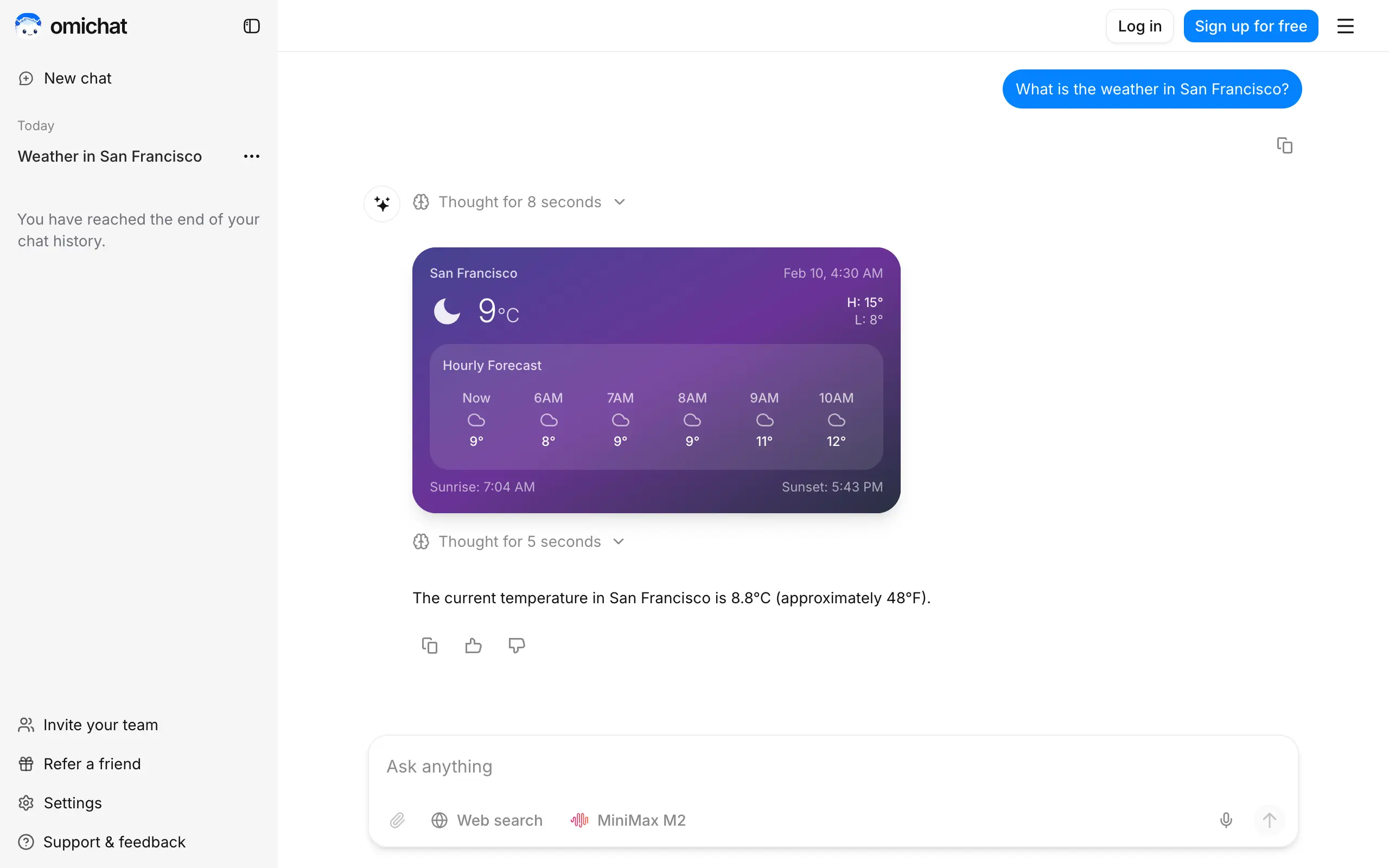
Omichat
Chat with 50+ AI models, including ChatGPT and Claude, in one place - switch models anytime without losing context 🤖
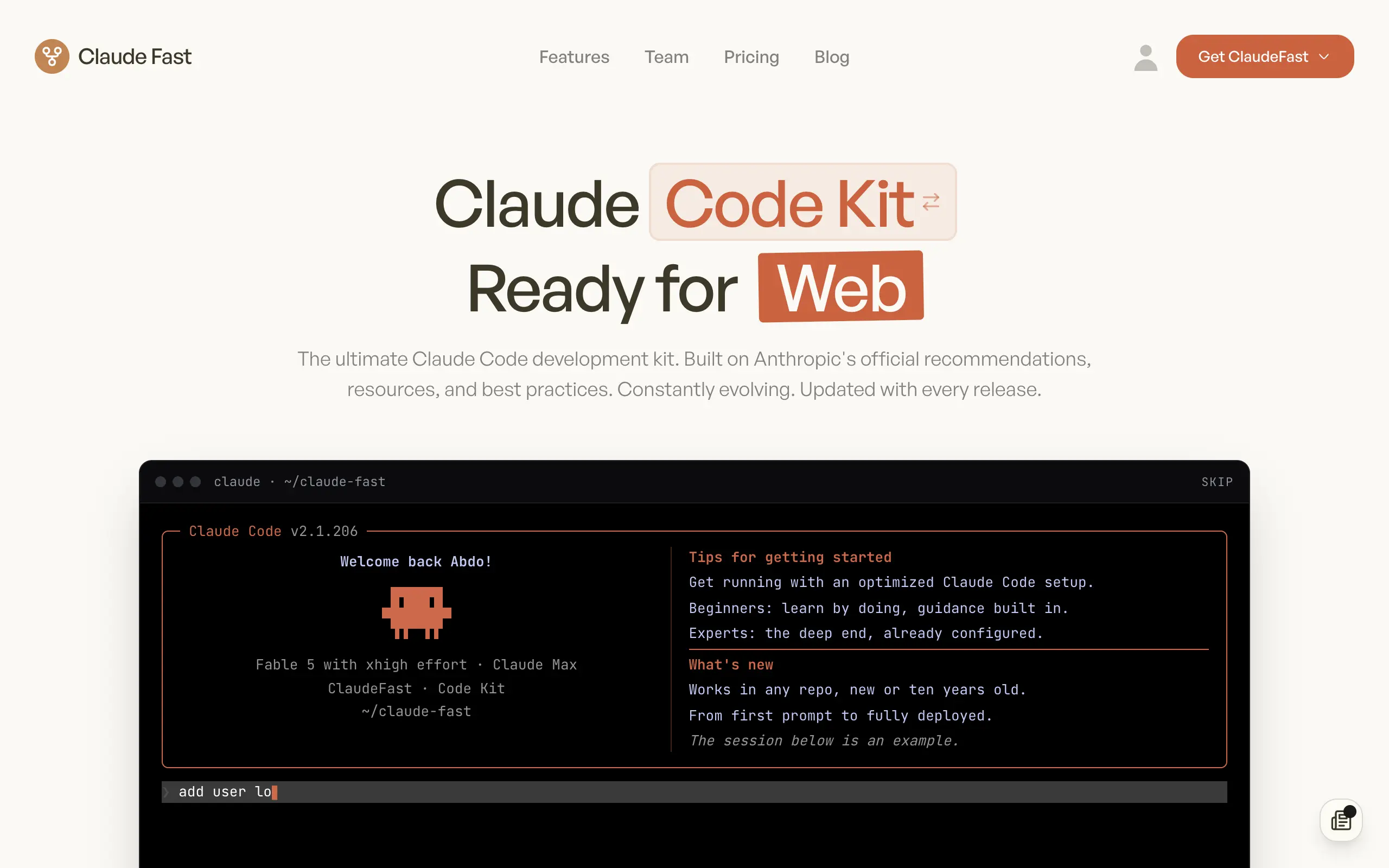
Claude Fast
Supercharge your Claude Code with 6x effective context window and specialized AI agents 🤖
EmojAI
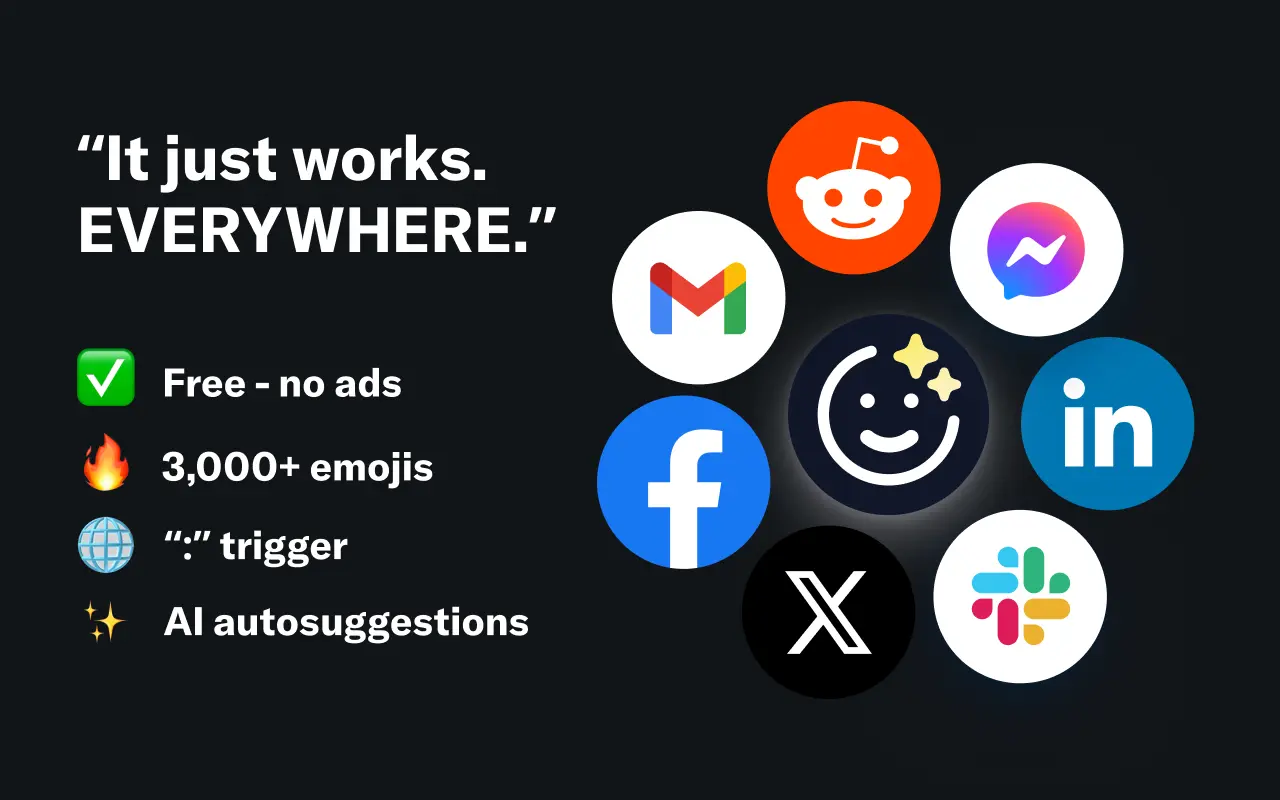
AI-powered emoji picker with smart, context-aware suggestions 🤖
Solohacker
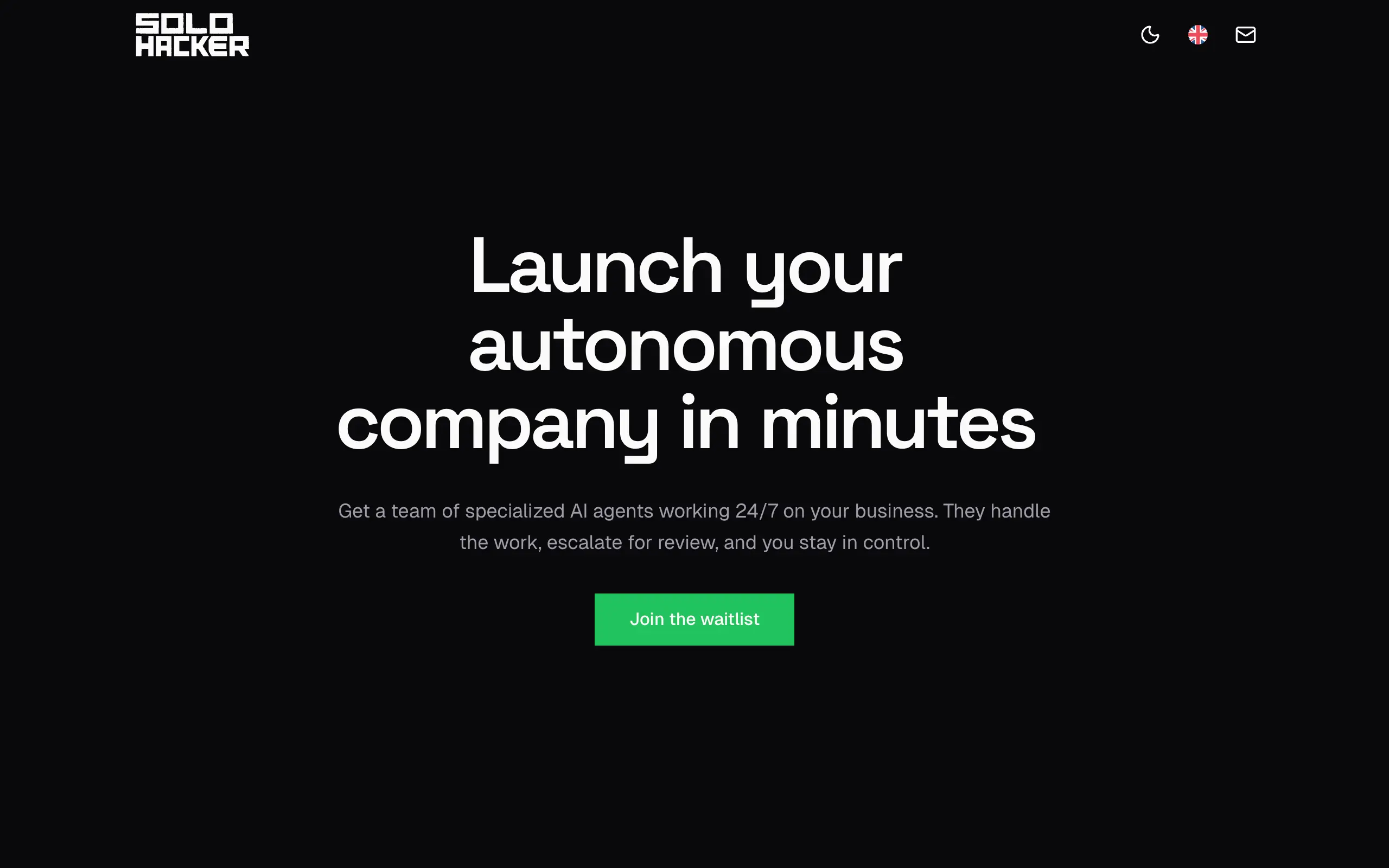
Autonomous company launcher - AI agents work 24/7, escalate what matters, and you stay in control 🤖
BeRawi: Storytelling Coach
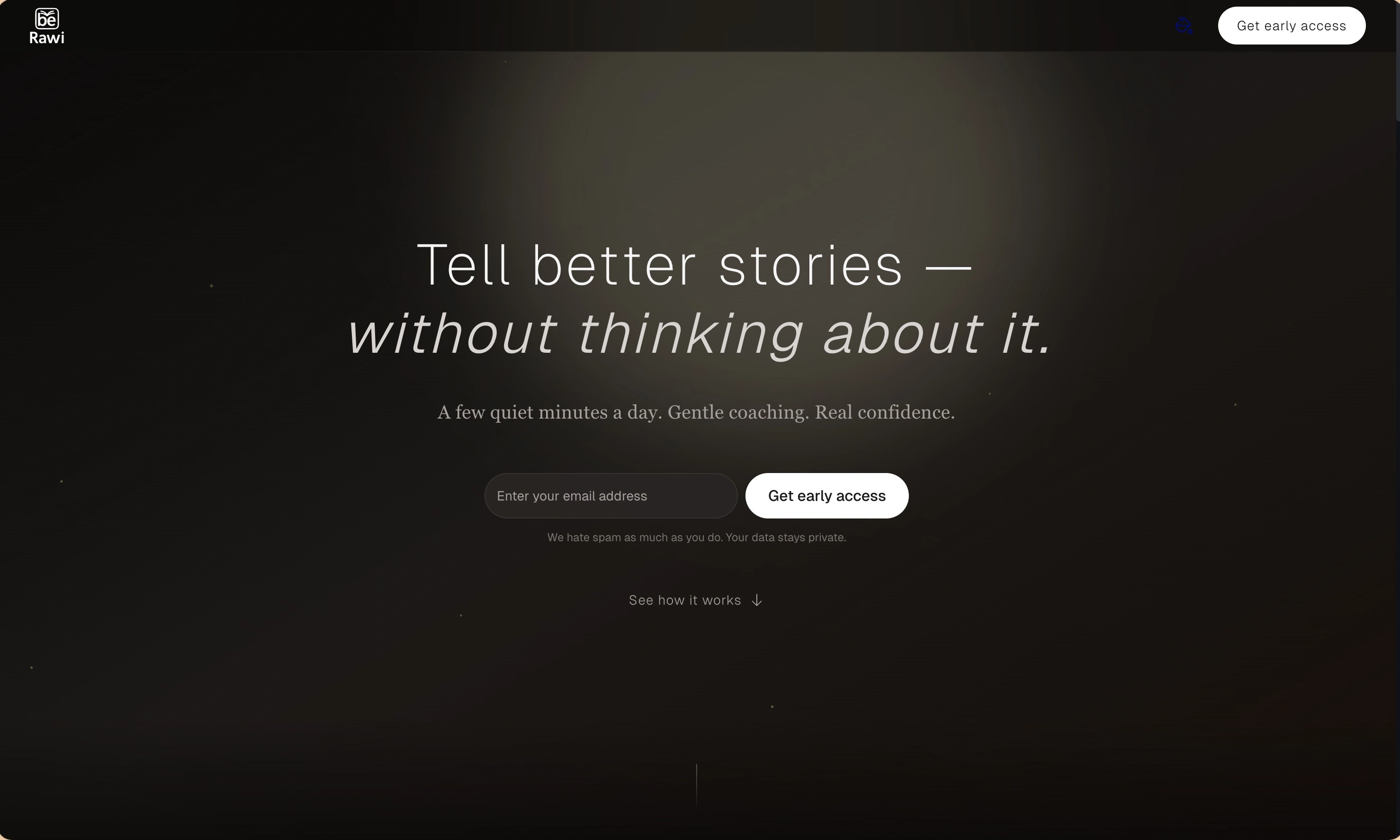
Practice storytelling daily with instant feedback to sound clearer, more engaging, and confident 🎤
Omichat
Chat with 50+ AI models, including ChatGPT and Claude, in one place - switch models anytime without losing context 🤖
Claude Fast
Supercharge your Claude Code with 6x effective context window and specialized AI agents 🤖
EmojAI
AI-powered emoji picker with smart, context-aware suggestions 🤖
Solohacker
Autonomous company launcher - AI agents work 24/7, escalate what matters, and you stay in control 🤖
BeRawi: Storytelling Coach
Practice storytelling daily with instant feedback to sound clearer, more engaging, and confident 🎤
Omichat
Chat with 50+ AI models, including ChatGPT and Claude, in one place - switch models anytime without losing context 🤖
Claude Fast
Supercharge your Claude Code with 6x effective context window and specialized AI agents 🤖
EmojAI
AI-powered emoji picker with smart, context-aware suggestions 🤖
Solohacker
Autonomous company launcher - AI agents work 24/7, escalate what matters, and you stay in control 🤖
BeRawi: Storytelling Coach
Practice storytelling daily with instant feedback to sound clearer, more engaging, and confident 🎤
Omichat
Chat with 50+ AI models, including ChatGPT and Claude, in one place - switch models anytime without losing context 🤖
Claude Fast
Supercharge your Claude Code with 6x effective context window and specialized AI agents 🤖
EmojAI
AI-powered emoji picker with smart, context-aware suggestions 🤖
Solohacker
Autonomous company launcher - AI agents work 24/7, escalate what matters, and you stay in control 🤖
BeRawi: Storytelling Coach
Practice storytelling daily with instant feedback to sound clearer, more engaging, and confident 🎤

Connect with like-minded people
Join our community to get feedback, support, and grow together with 1,000+ builders on board, let's ship it!
Join usShip your startup everywhere. In minutes.
Don't burn tokens on setup and start building features on day one.