ChecklistFlow Shift
Dynamic checklist builder for shift teams with custom fields, images, and digital signatures. Track completion, improve compliance, and simplify daily operations.
Dynamic checklist software for shift teams: a complete guide to building and scaling ChecklistFlow Shift
Operational consistency is one of the hardest problems to solve in shift-based environments. Whether it's a restaurant, warehouse, hospital, retail store, or manufacturing floor, teams rotate constantly, responsibilities change hourly, and small errors compound quickly. Traditional paper checklists or static apps simply don’t keep up.
This is where dynamic checklist software for shift teams—like the concept behind ChecklistFlow Shift—becomes not just useful, but essential.
This guide explores the full SaaS opportunity: from market demand and product architecture to monetization, risks, and implementation. If you're evaluating, validating, or building a product like ChecklistFlow Shift, this breakdown is designed to give you a strategic edge.
What is dynamic checklist software for shift teams?
Dynamic checklist software is a system that allows teams to create, assign, and complete structured workflows in real time, with contextual data such as:
- Custom input fields
- Image uploads
- Digital signatures
- Time-stamped actions
- Conditional logic
- Role-based assignments
Unlike static to-do lists, these checklists adapt to:
- Different shifts
- Different roles
- Changing conditions
- Compliance requirements
ChecklistFlow Shift specifically targets environments where accountability, traceability, and compliance matter daily.
Why this problem matters more than ever
Shift-based industries are undergoing rapid digitization, but many operational workflows are still surprisingly analog.
Key industry pressures driving adoption
- "Labor turnover rates": particularly high in retail, hospitality, and logistics
- "Compliance requirements": increasing in healthcare, food safety, and manufacturing
- "Remote oversight": managers are often not physically present
- "Operational complexity": more SKUs, processes, and safety rules than ever
According to widely reported industry trends (e.g., U.S. Bureau of Labor Statistics), sectors like hospitality and retail experience some of the highest turnover rates, making standardized processes critical.
The cost of poor checklist systems
- Missed safety steps
- Failed audits
- Inconsistent customer experiences
- Lost productivity
- Lack of accountability
A dynamic checklist platform directly addresses these issues by making processes visible, trackable, and enforceable.
Target audience breakdown
ChecklistFlow Shift has a broad but clearly segmentable audience.
Primary users
- "Shift workers": frontline employees completing tasks
- "Supervisors": team leads ensuring completion
- "Operations managers": overseeing performance and compliance
Ideal industries
Hospitality
Restaurants, hotels, and cafes managing opening, closing, and cleaning routines.
Retail
Store operations, merchandising checks, and loss prevention workflows.
Healthcare
Shift handoffs, sanitation protocols, and compliance tracking.
Logistics & warehouses
Safety checks, inventory audits, and equipment inspections.
Manufacturing
Quality control, machine checks, and safety compliance.
Buyer persona
- Operations managers
- Franchise owners
- Regional directors
- Compliance officers
These buyers care about:
- Reducing risk
- Standardizing operations
- Increasing visibility
- Saving time
Market gap and opportunity
Most existing tools fall into one of three categories:
- Simple checklist apps (too basic)
- Project management tools (too complex)
- Enterprise systems (too expensive and rigid)
ChecklistFlow Shift sits in a powerful middle ground.
Key market gaps
- Lack of shift-aware workflows
- Weak support for media evidence (images/videos)
- Limited compliance tracking features
- Poor mobile-first UX
- No real accountability tracking via signatures
Opportunity positioning
ChecklistFlow Shift can win by focusing on:
- Simplicity + power
- Mobile-first design
- Real-time accountability
- Compliance-friendly features
Core features that define ChecklistFlow Shift
A successful product in this category must go beyond basic checklists.
1. Dynamic checklist builder
Users should be able to create workflows with:
- Text inputs
- Dropdown selections
- Numeric fields
- Date/time inputs
- File uploads
- Required vs optional fields
2. Conditional logic
Checklists should adapt based on inputs:
- If temperature > threshold → trigger alert
- If task incomplete → escalate
- If "issue detected" → require photo
3. Digital signatures
A critical feature for accountability:
- Employee acknowledgment
- Supervisor approval
- Compliance verification
4. Image and media uploads
Visual proof ensures quality:
- Before/after photos
- Equipment condition
- Safety compliance
5. Shift-based assignment
- Assign tasks per shift
- Auto-generate daily checklists
- Handle overlapping schedules
6. Real-time tracking dashboard
Managers need visibility:
- Completion rates
- Missed tasks
- Delays
- Escalations
7. Audit trails
Every action should be logged:
- Who completed what
- When it was done
- What data was entered
8. Notifications and alerts
- Missed deadlines
- Failed checks
- Escalations
9. Offline mode
Critical for environments like warehouses or basements:
- Sync when online
- Store locally
Competitive landscape
Here’s how ChecklistFlow Shift compares to existing tools:
| Feature | Basic checklist apps | Project tools | Enterprise systems | ChecklistFlow Shift |
|---|---|---|---|---|
| Shift awareness | ❌ | ❌ | ✅ | ✅ |
| Digital signatures | ❌ | ❌ | ✅ | ✅ |
| Ease of use | ✅ | ❌ | ❌ | ✅ |
| Cost efficiency | ✅ | ✅ | ❌ | ✅ |
Recommended tech stack
Building a scalable and reliable checklist SaaS requires thoughtful architecture.
Frontend
Why:
- Fast development
- Strong ecosystem
- Excellent mobile responsiveness
Backend
- Node.js with NestJS or Express
- OR serverless with AWS Lambda
Database
- PostgreSQL for structured data
- Optional: MongoDB for flexible checklist schemas
File storage
- AWS S3 for images and attachments
Real-time features
- WebSockets or Firebase
Authentication
- Auth0 or custom JWT system
Offline support
- Service Workers
- IndexedDB
Example checklist schema
type ChecklistItem = {
  id: string;
  label: string;
  type: "text" | "number" | "image" | "signature";
  required: boolean;
  conditions?: {
    fieldId: string;
    operator: "equals" | "greaterThan";
    value: any;
  };
};

type Checklist = {
  id: string;
  name: string;
  shift: "morning" | "evening" | "night";
  items: ChecklistItem[];
};
Monetization strategy
ChecklistFlow Shift has strong SaaS monetization potential.
Pricing models
1. Per user pricing
- $5–$15 per user/month
- Works well for SMBs
2. Per location pricing
- $30–$100 per location/month
- Ideal for franchises
3. Tiered plans
Basic features, limited checklists, no advanced analytics.
Includes analytics, conditional logic, and integrations.
Custom workflows, SLA support, compliance tools.
Add-ons
- Advanced reporting
- API access
- Compliance modules
Unique selling proposition (USP)
ChecklistFlow Shift stands out by combining:
- Dynamic workflows
- Shift awareness
- Compliance tracking
- Mobile-first usability
Most tools only solve one or two of these.
What makes it defensible
- Workflow complexity increases switching costs
- Data accumulation (audit logs) creates lock-in
- Industry-specific templates improve adoption
Risks and mitigation strategies
No SaaS is without challenges.
1. User resistance
Workers may resist new systems.
Mitigation:
- Simple UI
- Minimal training
- Mobile-first design
2. Competition
Many checklist tools exist.
Mitigation:
- Focus on niche industries
- Build specialized templates
3. Data reliability
Users may input incorrect data.
Mitigation:
- Required fields
- Validation rules
- Image proof
4. Offline limitations
Connectivity issues can disrupt workflows.
Mitigation:
- Strong offline-first architecture
Go-to-market strategy
Initial niche focus
Start with one vertical:
- Restaurants
- Warehouses
- Clinics
Acquisition channels
- SEO content targeting "shift checklist software"
- Cold outreach to operations managers
- Partnerships with franchise groups
Content strategy
- Case studies
- Compliance guides
- Industry-specific templates
Implementation roadmap
Example use case: restaurant shift management
Morning shift checklist:
- Check fridge temperature
- Clean prep area
- Restock ingredients
- Sign off by supervisor
Evening shift:
- Clean kitchen
- Count inventory
- Lock storage
- Submit photo proof
Managers can instantly see:
- What was done
- What was missed
- Who is responsible
Future trends in checklist SaaS
AI-assisted workflows
- Auto-generate checklists
- Predict failures
- Suggest improvements
Voice input
- Hands-free checklist completion
IoT integration
- Sensors auto-fill data (e.g., temperature)
Advanced analytics
- Identify bottlenecks
- Optimize operations
Building faster with the right foundation
If you're launching ChecklistFlow Shift or a similar SaaS, speed matters.
Instead of building everything from scratch, using a starter framework like TurboStarter can accelerate:
- Authentication
- Billing
- UI components
- API setup
This lets you focus on your core differentiator: the checklist engine.
Final thoughts
ChecklistFlow Shift is more than a productivity tool—it's an operational backbone for shift-based teams.
The real value lies in:
- Standardizing processes
- Increasing accountability
- Improving compliance
- Reducing operational chaos
With the right execution, this idea can scale across industries and become deeply embedded in daily workflows—making it both impactful and highly defensible.
Ready to build your checklist SaaS?
Start with a focused niche, build a simple but powerful MVP, and prioritize real-world usability over feature bloat. The market is ready—but only for tools that genuinely simplify operations.
More ⚡ Productivity Tool SaaS ideas
Discover more innovative productivity tool SaaS ideas that are trending in 2026. Each idea is AI-generated with market validation and growth potential to help you find your next profitable venture faster than competitors.
Your competitors are building with TurboStarter
Below are some of the SaaS ideas that have been generated and built with our starter kit.
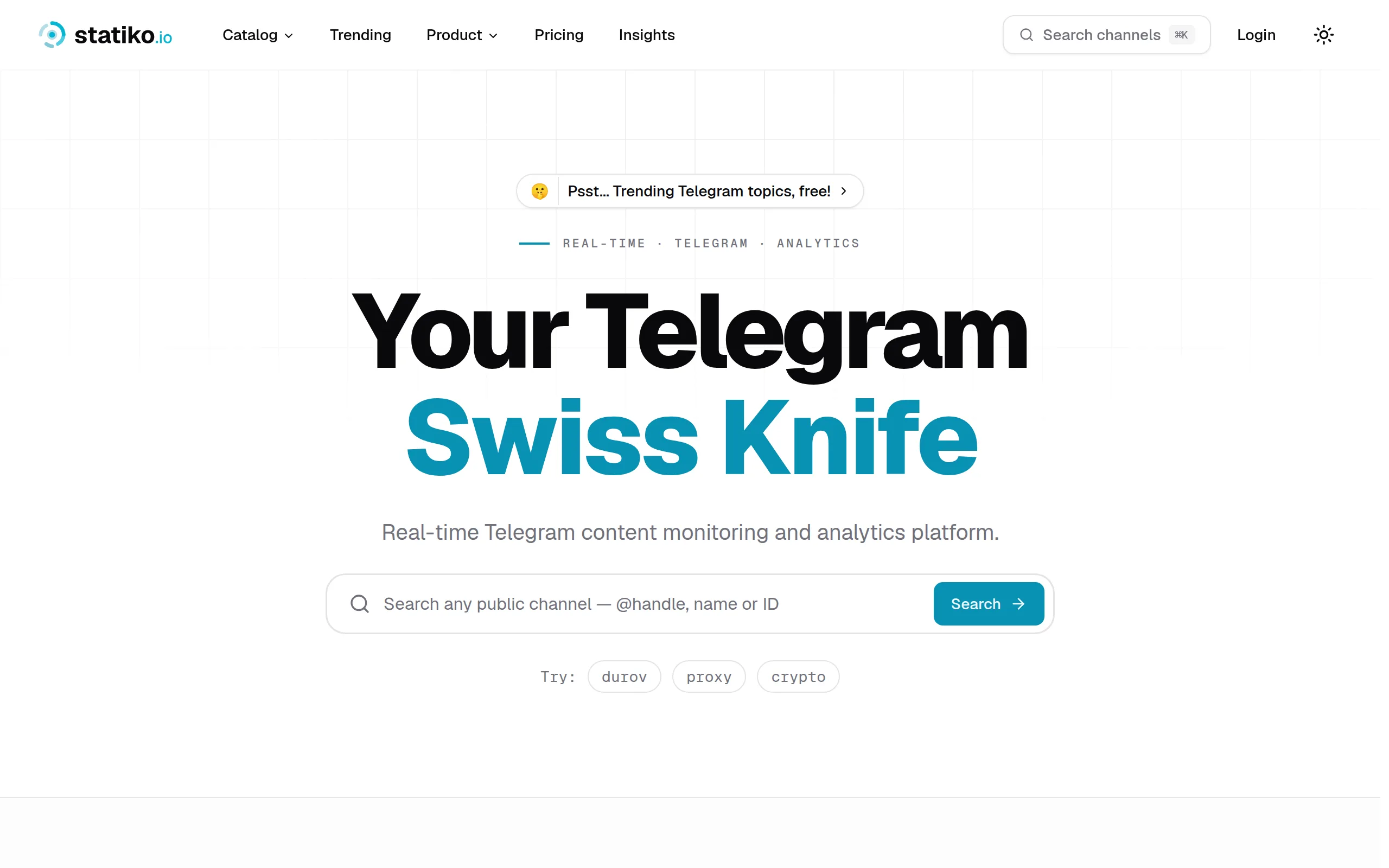
Statiko
Monitor any Telegram channel in real time - track posts, edits, deletions, and growth with AI recaps 📡

Shibui
AI website builder - describe your business, pick a niche template, edit by chatting, and publish instantly ✨

Pro Service
Find verified home service professionals, compare quotes, and pay securely through escrow - built for Brazilians across the US 🏠
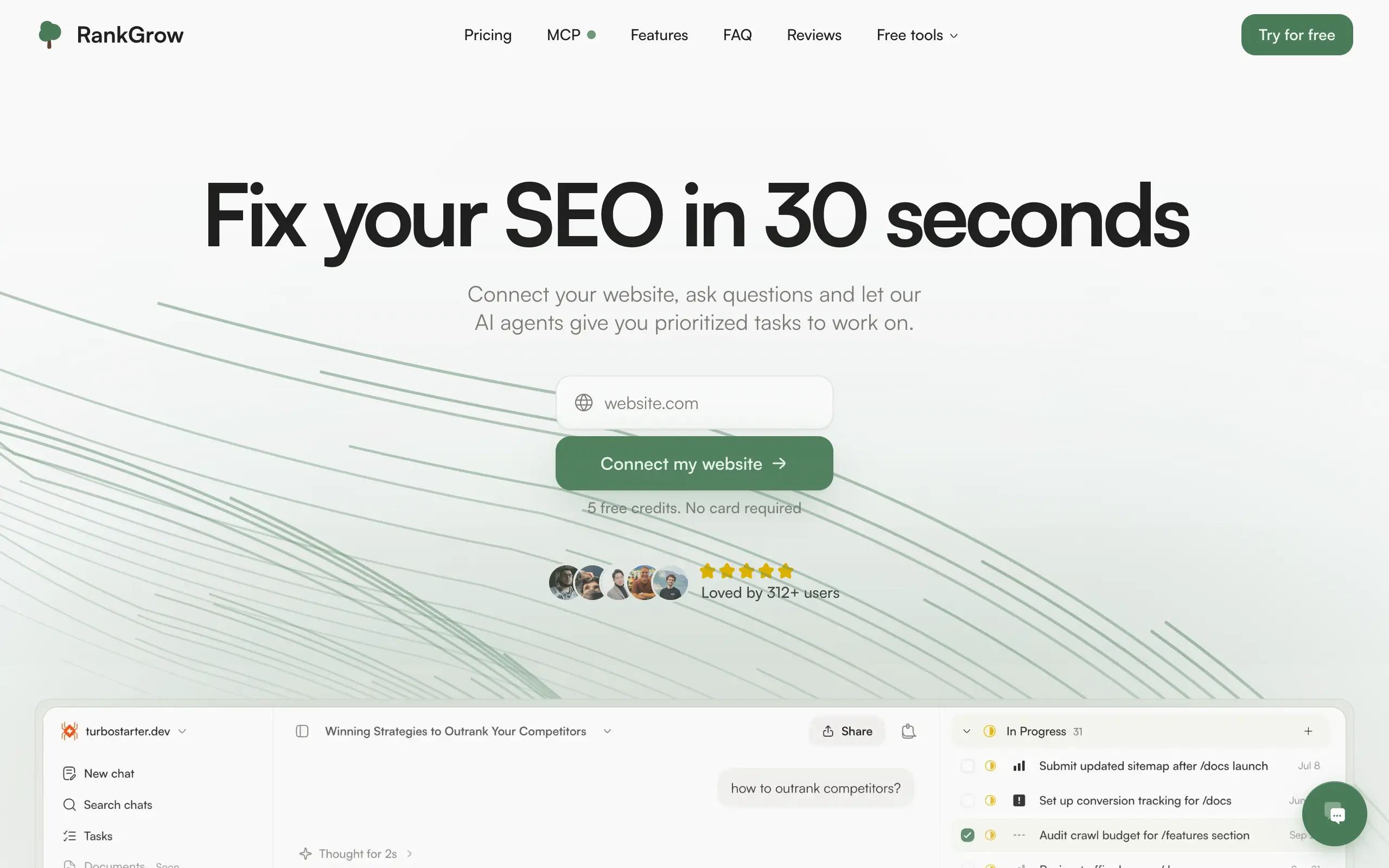
RankGrow
Fix your SEO with AI agents - connect Search Console, get prioritized tasks, and grow organic traffic 📈
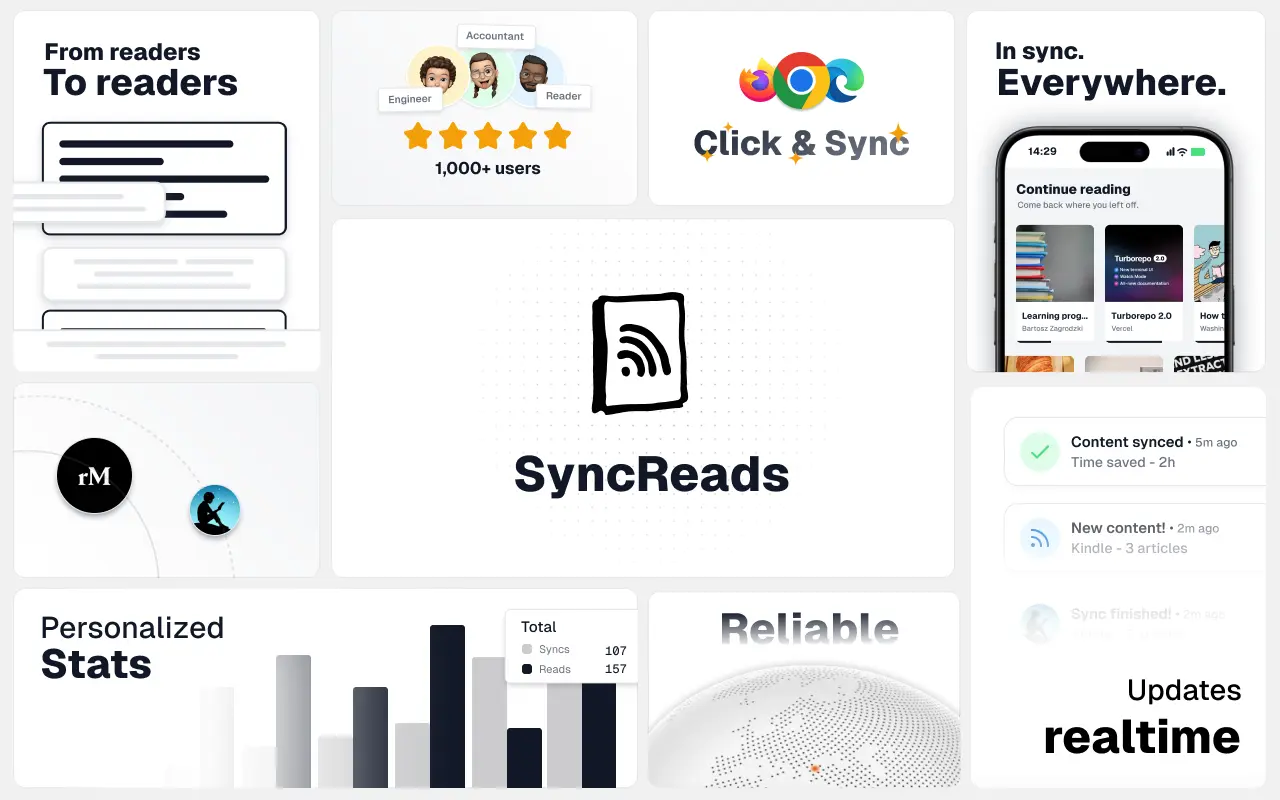
SyncReads
Sync your favorite content for distraction-free reading, save time and replace multiple apps. Anytime, anywhere 🔄
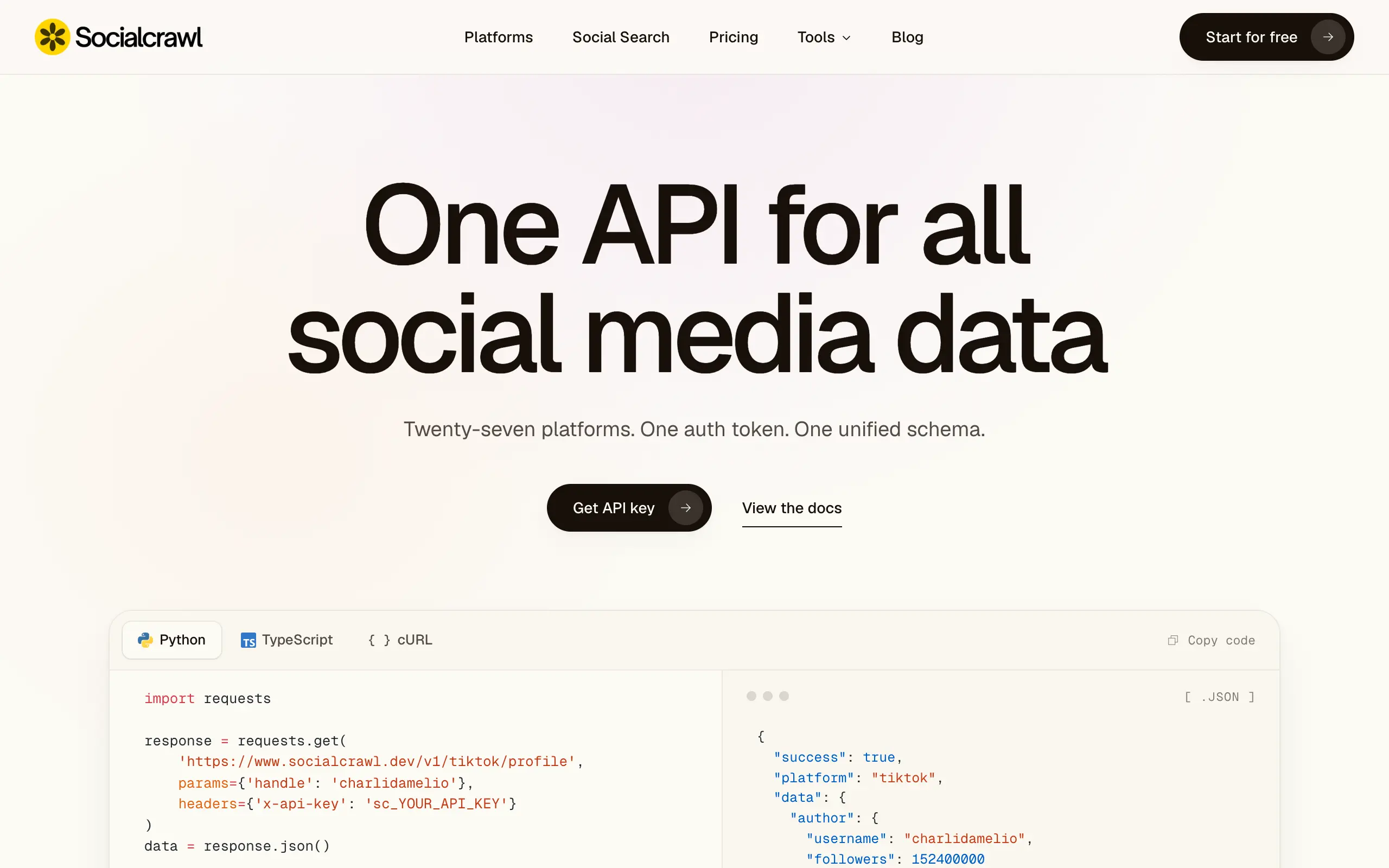
Socialcrawl
Get clean, structured data from 21 platforms like TikTok, Instagram, and YouTube with a single request 📊
Statiko
Monitor any Telegram channel in real time - track posts, edits, deletions, and growth with AI recaps 📡
Shibui
AI website builder - describe your business, pick a niche template, edit by chatting, and publish instantly ✨
Pro Service
Find verified home service professionals, compare quotes, and pay securely through escrow - built for Brazilians across the US 🏠
RankGrow
Fix your SEO with AI agents - connect Search Console, get prioritized tasks, and grow organic traffic 📈
SyncReads
Sync your favorite content for distraction-free reading, save time and replace multiple apps. Anytime, anywhere 🔄
Socialcrawl
Get clean, structured data from 21 platforms like TikTok, Instagram, and YouTube with a single request 📊
Statiko
Monitor any Telegram channel in real time - track posts, edits, deletions, and growth with AI recaps 📡
Shibui
AI website builder - describe your business, pick a niche template, edit by chatting, and publish instantly ✨
Pro Service
Find verified home service professionals, compare quotes, and pay securely through escrow - built for Brazilians across the US 🏠
RankGrow
Fix your SEO with AI agents - connect Search Console, get prioritized tasks, and grow organic traffic 📈
SyncReads
Sync your favorite content for distraction-free reading, save time and replace multiple apps. Anytime, anywhere 🔄
Socialcrawl
Get clean, structured data from 21 platforms like TikTok, Instagram, and YouTube with a single request 📊
Statiko
Monitor any Telegram channel in real time - track posts, edits, deletions, and growth with AI recaps 📡
Shibui
AI website builder - describe your business, pick a niche template, edit by chatting, and publish instantly ✨
Pro Service
Find verified home service professionals, compare quotes, and pay securely through escrow - built for Brazilians across the US 🏠
RankGrow
Fix your SEO with AI agents - connect Search Console, get prioritized tasks, and grow organic traffic 📈
SyncReads
Sync your favorite content for distraction-free reading, save time and replace multiple apps. Anytime, anywhere 🔄
Socialcrawl
Get clean, structured data from 21 platforms like TikTok, Instagram, and YouTube with a single request 📊
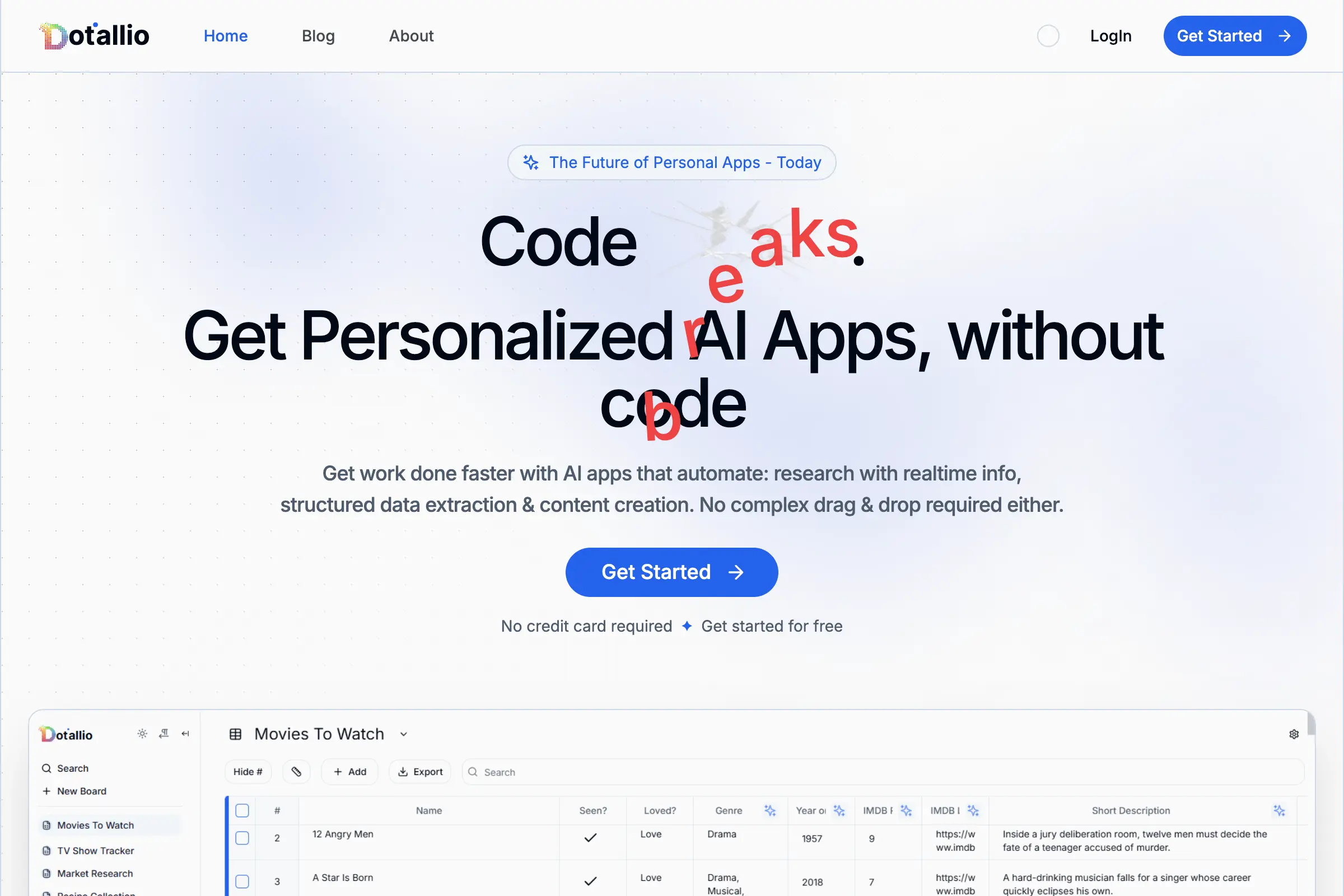
Dotallio
Personalized AI apps that automate research, data extraction, and content creation without code 🤖

Talk to Santa
Enjoy a magical live video chat or receive a unique AI-generated video greeting from Santa Claus 🎅

pozywka.pl
Scalable blog for food journalist, focused on performance and user experience 🌭
zagrodzki.me
Personal blog and portfolio of Bart Zagrodzki, where he shares his knowledge and work 💼
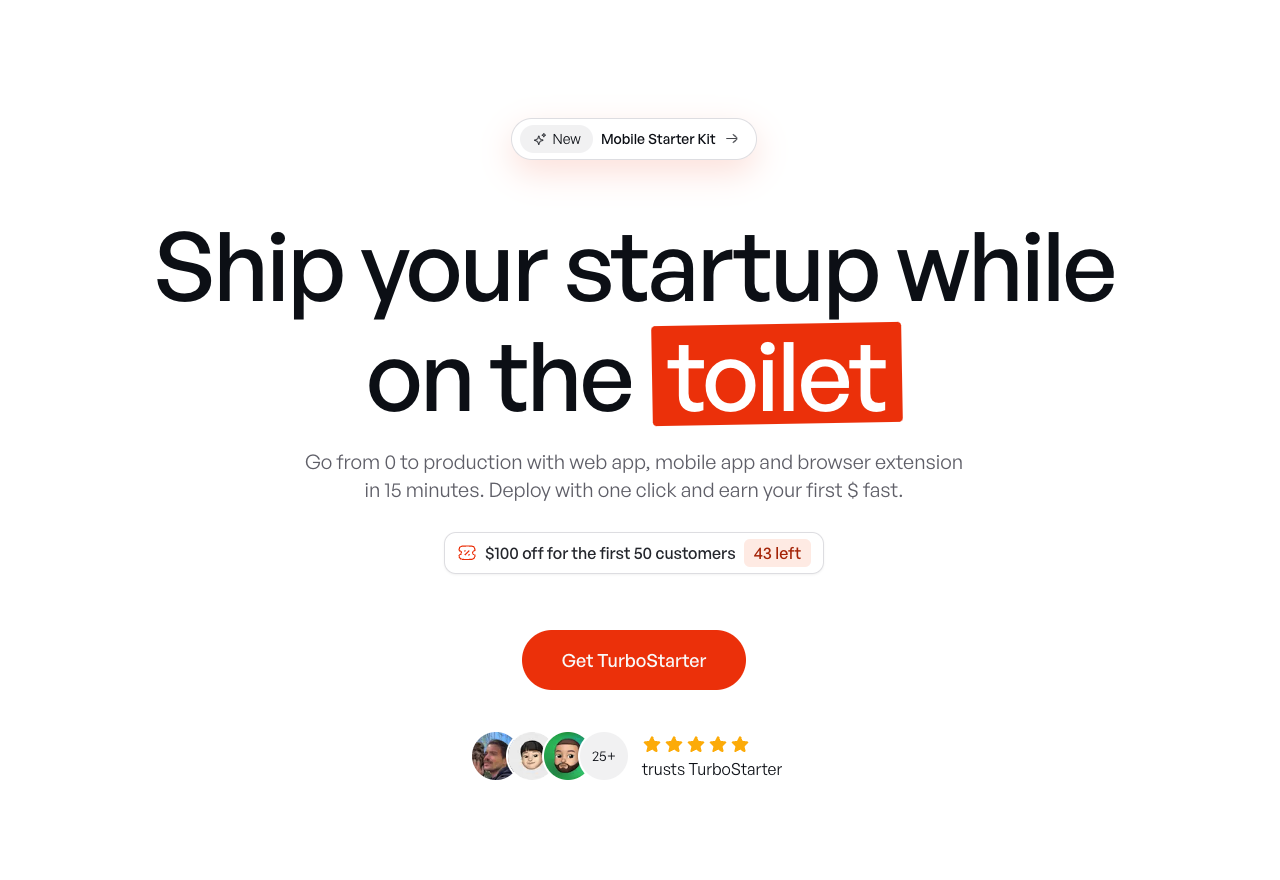
TurboStarter
Ship your startup everywhere. In minutes.
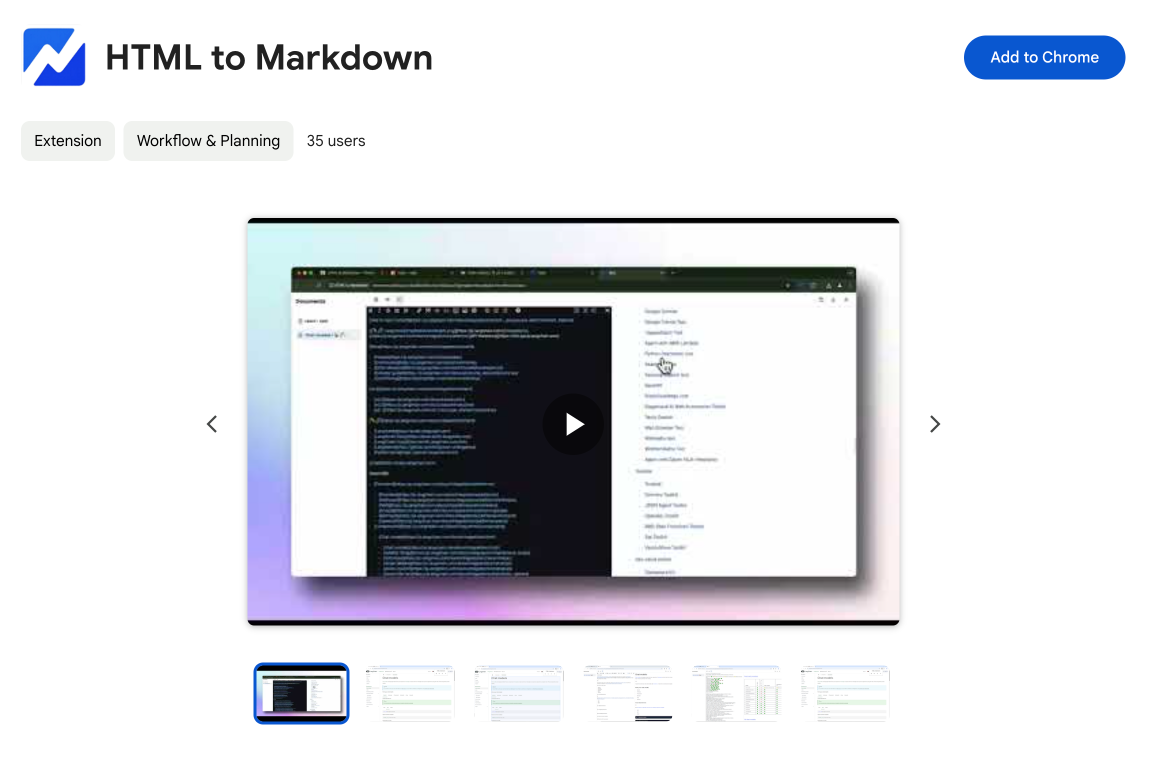
HTML to Markdown
Convert HTML to Markdown with ease, directly in your browser 📄
Dotallio
Personalized AI apps that automate research, data extraction, and content creation without code 🤖
Talk to Santa
Enjoy a magical live video chat or receive a unique AI-generated video greeting from Santa Claus 🎅
pozywka.pl
Scalable blog for food journalist, focused on performance and user experience 🌭
zagrodzki.me
Personal blog and portfolio of Bart Zagrodzki, where he shares his knowledge and work 💼
TurboStarter
Ship your startup everywhere. In minutes.
HTML to Markdown
Convert HTML to Markdown with ease, directly in your browser 📄
Dotallio
Personalized AI apps that automate research, data extraction, and content creation without code 🤖
Talk to Santa
Enjoy a magical live video chat or receive a unique AI-generated video greeting from Santa Claus 🎅
pozywka.pl
Scalable blog for food journalist, focused on performance and user experience 🌭
zagrodzki.me
Personal blog and portfolio of Bart Zagrodzki, where he shares his knowledge and work 💼
TurboStarter
Ship your startup everywhere. In minutes.
HTML to Markdown
Convert HTML to Markdown with ease, directly in your browser 📄
Dotallio
Personalized AI apps that automate research, data extraction, and content creation without code 🤖
Talk to Santa
Enjoy a magical live video chat or receive a unique AI-generated video greeting from Santa Claus 🎅
pozywka.pl
Scalable blog for food journalist, focused on performance and user experience 🌭
zagrodzki.me
Personal blog and portfolio of Bart Zagrodzki, where he shares his knowledge and work 💼
TurboStarter
Ship your startup everywhere. In minutes.
HTML to Markdown
Convert HTML to Markdown with ease, directly in your browser 📄
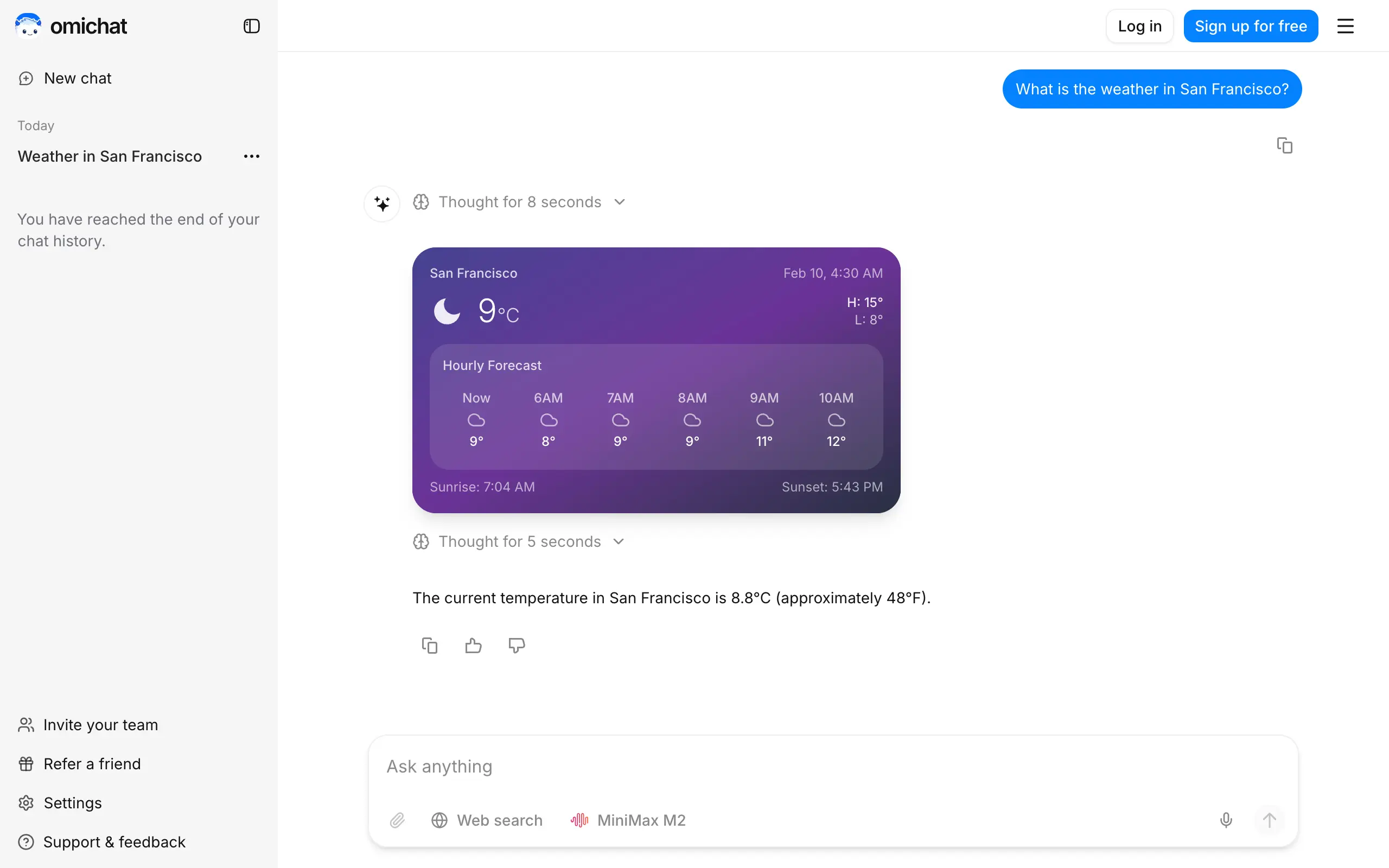
Omichat
Chat with 50+ AI models, including ChatGPT and Claude, in one place - switch models anytime without losing context 🤖
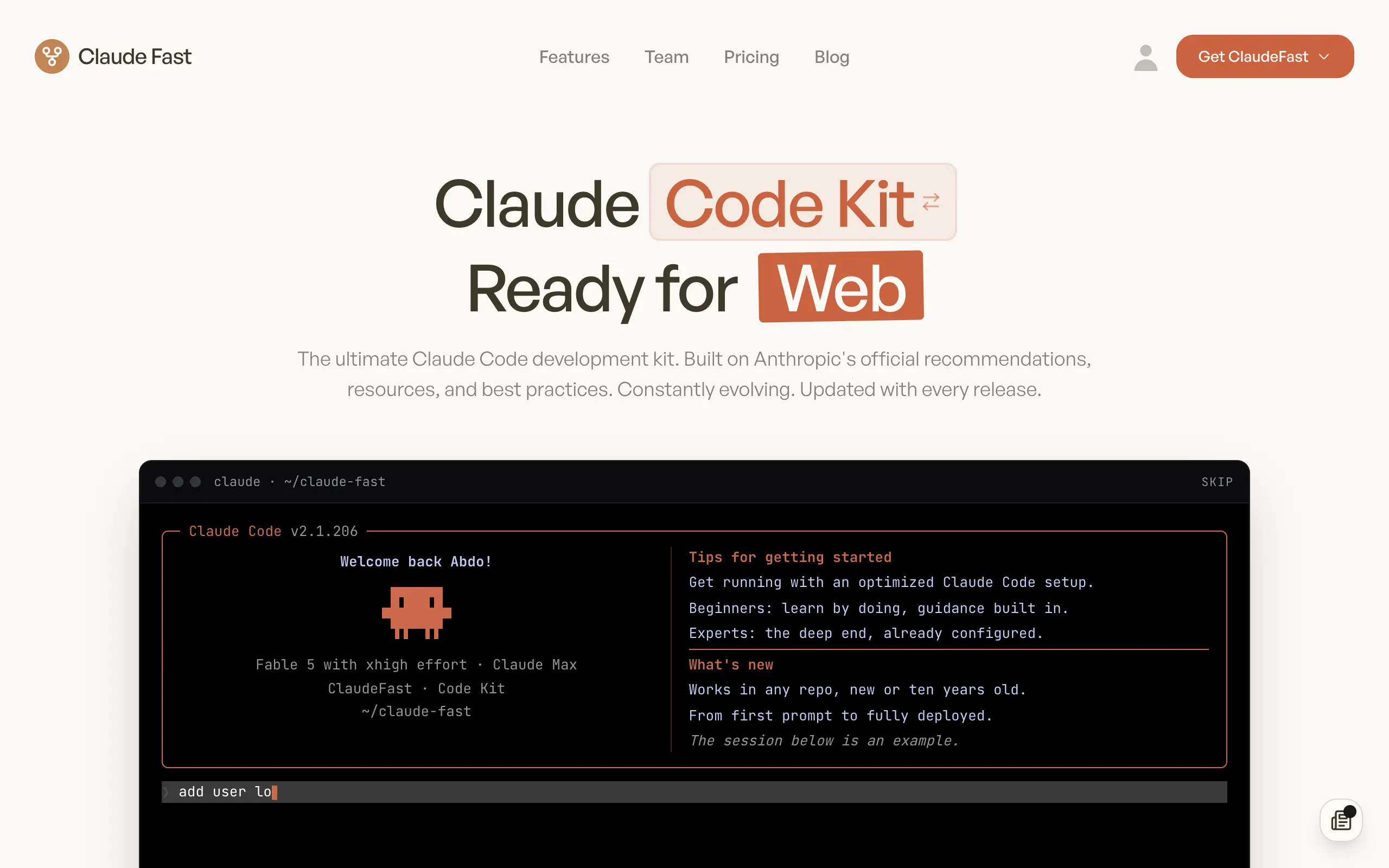
Claude Fast
Supercharge your Claude Code with 6x effective context window and specialized AI agents 🤖
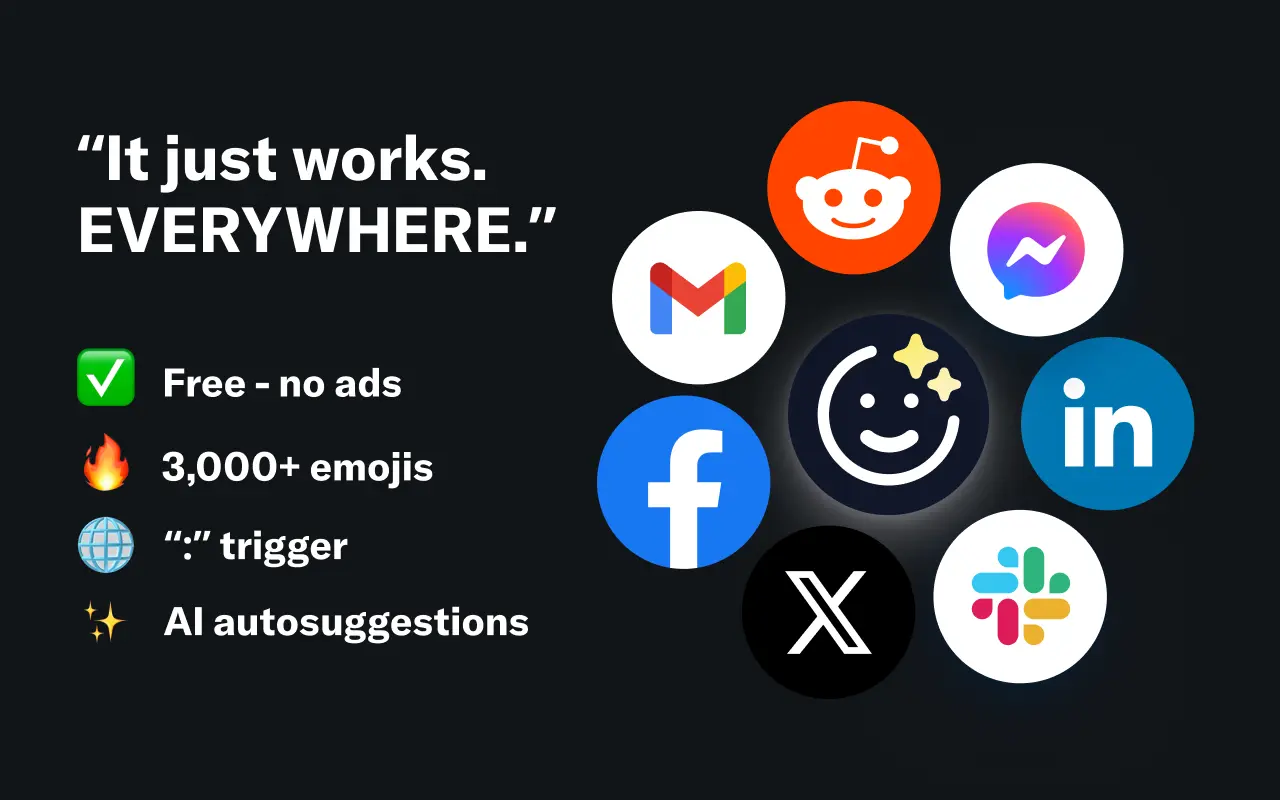
EmojAI
AI-powered emoji picker with smart, context-aware suggestions 🤖
Solohacker
Autonomous company launcher - AI agents work 24/7, escalate what matters, and you stay in control 🤖

BeRawi: Storytelling Coach
Practice storytelling daily with instant feedback to sound clearer, more engaging, and confident 🎤
Omichat
Chat with 50+ AI models, including ChatGPT and Claude, in one place - switch models anytime without losing context 🤖
Claude Fast
Supercharge your Claude Code with 6x effective context window and specialized AI agents 🤖
EmojAI
AI-powered emoji picker with smart, context-aware suggestions 🤖
Solohacker
Autonomous company launcher - AI agents work 24/7, escalate what matters, and you stay in control 🤖
BeRawi: Storytelling Coach
Practice storytelling daily with instant feedback to sound clearer, more engaging, and confident 🎤
Omichat
Chat with 50+ AI models, including ChatGPT and Claude, in one place - switch models anytime without losing context 🤖
Claude Fast
Supercharge your Claude Code with 6x effective context window and specialized AI agents 🤖
EmojAI
AI-powered emoji picker with smart, context-aware suggestions 🤖
Solohacker
Autonomous company launcher - AI agents work 24/7, escalate what matters, and you stay in control 🤖
BeRawi: Storytelling Coach
Practice storytelling daily with instant feedback to sound clearer, more engaging, and confident 🎤
Omichat
Chat with 50+ AI models, including ChatGPT and Claude, in one place - switch models anytime without losing context 🤖
Claude Fast
Supercharge your Claude Code with 6x effective context window and specialized AI agents 🤖
EmojAI
AI-powered emoji picker with smart, context-aware suggestions 🤖
Solohacker
Autonomous company launcher - AI agents work 24/7, escalate what matters, and you stay in control 🤖
BeRawi: Storytelling Coach
Practice storytelling daily with instant feedback to sound clearer, more engaging, and confident 🎤

Connect with like-minded people
Join our community to get feedback, support, and grow together with 1,000+ builders on board, let's ship it!
Join usShip your startup everywhere. In minutes.
Don't burn tokens on setup and start building features on day one.