CommandCanvas
Turn scattered notes, tasks, and trends into a single AI-powered daily command center that prioritizes what matters and auto-builds your action plan.
The rise of the AI-powered daily command center
Modern knowledge workers don’t lack tools. They lack clarity.
Between Slack threads, Notion docs, email newsletters, bookmarked articles, task managers, calendar invites, and industry trends, information is abundant—but prioritized action is scarce. The result? Constant context switching, decision fatigue, and reactive workdays.
This is where an AI-powered daily command center like CommandCanvas creates a powerful market opportunity.
CommandCanvas is designed to turn scattered notes, tasks, and trends into a single AI-powered daily command center that prioritizes what matters and auto-builds your action plan. Instead of manually reviewing five tools every morning, users open one unified workspace that answers a critical question:
“What should I focus on today—and why?”
This article explores the market opportunity, target users, feature architecture, monetization model, competitive advantage, and step-by-step implementation strategy for building and scaling CommandCanvas.
Understanding user search intent
Users searching for terms like:
- AI productivity app
- daily command center software
- AI task prioritization tool
- automated daily planning app
- unify notes and tasks in one place
- AI action plan generator
Are typically looking for:
- Better prioritization
- Reduced cognitive overload
- Automation of planning
- Centralized visibility
- Strategic focus over reactive busywork
CommandCanvas directly addresses these intent clusters by offering:
- AI-based priority scoring
- Automated daily action plan generation
- Integration with notes, tasks, and trends
- Context-aware suggestions
This positions it not as “another task manager” but as a strategic intelligence layer on top of existing workflows.
Target audience analysis
The strongest early adopters for an AI-powered daily command center fall into three high-value segments:
1. Startup founders & solo entrepreneurs
Pain points:
- Overwhelmed by tasks across tools
- Constant shifting priorities
- Strategic vs. operational tension
- Difficulty seeing the “big picture”
Why they’ll adopt:
- Need clarity daily
- High ROI per productivity gain
- Already comfortable with AI tools
2. Product managers & operators
Pain points:
- Juggling roadmap, bugs, meetings, research
- Slack overload
- Decision fatigue
- Multiple stakeholders
Why they’ll adopt:
- Prioritization is core to their role
- Value data-driven suggestions
- Already use multiple SaaS tools
3. Creators & knowledge workers
Pain points:
- Idea fragmentation
- No structured daily planning
- Reactive content production
- Disconnected inspiration
Why they’ll adopt:
- Need creative focus
- Value trend aggregation
- Want automated planning
The market opportunity
The productivity SaaS landscape
The productivity software market continues expanding rapidly. Industry reports (e.g., Gartner, Statista) consistently show:
- Increased spending on collaboration tools
- Rising adoption of AI assistants
- Growth in knowledge worker automation
However, most tools specialize in one domain:
- Task management (Todoist, Asana)
- Notes (Notion, Obsidian)
- Communication (Slack)
- Calendar optimization (Motion)
- AI copilots (ChatGPT, Claude)
No dominant player fully integrates prioritization intelligence across all of them.
That’s the gap.
The core market gap
Today’s productivity stack is:
- Fragmented
- Tool-centric
- Manual
- Reactive
What’s missing is:
✅ A unified command center
✅ AI prioritization engine
✅ Context-aware daily action builder
✅ Trend-aware strategic layer
CommandCanvas isn’t competing to replace all tools. It becomes the decision-making layer on top of them.
That positioning dramatically reduces friction to adoption.
Core product vision: the AI daily command center
CommandCanvas should be structured around three foundational pillars:
1. Unified Input Layer
Ingest notes, tasks, calendar, Slack summaries, and trend feeds into one structured system.
2. AI Prioritization Engine
Score tasks based on urgency, impact, deadlines, energy level, and strategic alignment.
3. Auto-Built Daily Action Plan
Generate a realistic, time-aware, and goal-aligned daily roadmap.
Core features in detail
1. Multi-source data ingestion
CommandCanvas should integrate with:
- Google Calendar
- Slack
- Notion
- Todoist
- Linear / Jira
- Email summaries
- RSS feeds or curated trend sources
This creates the “canvas” of all relevant inputs.
2. AI-powered task prioritization
The prioritization engine could evaluate:
- Deadline proximity
- Task complexity
- Strategic goal alignment
- Past behavior patterns
- Energy optimization (deep work vs. shallow work)
- Opportunity signals (trends, urgency spikes)
Example prioritization logic:
function calculatePriority(task) {
  let score = 0;

  if (task.deadlineSoon) score += 30;
  if (task.highImpact) score += 40;
  if (task.alignedWithQuarterGoal) score += 25;
  if (task.quickWin) score += 10;

  return score;
}
Over time, machine learning models can refine these weights based on user behavior.
3. Automated daily action plan builder
Instead of a flat to-do list, CommandCanvas generates:
- Morning deep work block
- Admin batch window
- Meeting prep segments
- Creative sprint block
- Strategic thinking time
It should answer:
- What should I start with?
- What can wait?
- What should I delegate?
- What should I delete?
Advanced features for differentiation
Context-aware suggestions
- “You have 90 minutes before your next meeting. Start Feature X design doc.”
- “This recurring task hasn’t produced measurable output—consider removing it.”
Trend-to-action conversion
If industry signals show:
- Competitor launched feature
- Rising keyword in user feedback
- Relevant market trend spike
The system suggests:
“Draft response strategy” “Update roadmap” “Publish thought leadership post”
This makes CommandCanvas strategic—not just tactical.
Recommended tech stack
Building an AI-powered daily command center requires scalability and strong integration support.
Frontend
Why?
- Fast UI development
- SSR for SEO
- Component flexibility
Backend
- Node.js with NestJS or Express
- PostgreSQL for structured storage
- Redis for caching
- Background jobs (BullMQ or similar)
AI layer
- LLM APIs (OpenAI, Anthropic)
- Embedding-based similarity search
- Vector database (e.g., Pinecone or self-hosted)
Infrastructure
- Vercel or AWS
- Webhook-based integration architecture
- OAuth-based secure connections
Trade-offs
| Option | Pros | Cons |
|---|---|---|
| Hosted LLM API | Fast to build | Cost at scale |
| Self-hosted model | More control | Infrastructure complexity |
| Full automation | High value | Risk of incorrect prioritization |
| Human override | Trust building | More UI complexity |
Competitive landscape analysis
Powerful note-taking and workspace tool. However, prioritization is manual. No AI-driven daily action engine built around external integrations.
Strong task management but lacks contextual AI strategy layer.
Automates scheduling but limited strategic intelligence and trend integration.
Great AI assistant but not integrated deeply into personal workflow data streams.
Competitive advantage of CommandCanvas
Strategic differentiation
CommandCanvas wins by becoming the intelligent orchestration layer across tools, not another tool silo.
Key differentiators:
- Cross-tool intelligence
- AI-driven prioritization scoring
- Strategic trend awareness
- Auto-built realistic daily plan
- Behavioral learning loop
Monetization strategy
Tiered subscription model
Free Tier
Basic integrations, limited AI prioritization, daily summary only.
Pro ($15–$25/month)
Full integrations, advanced prioritization, automated daily plan builder.
Team ($49–$99/month)
Shared command dashboards, strategic alignment scoring, analytics.
Enterprise potential
- Custom integrations
- Data residency options
- Advanced analytics
- Admin-level strategic dashboards
Additional monetization layers
- AI usage-based pricing
- Strategic insight reports
- Premium trend feeds
- API access
Risks and mitigation strategies
1. Over-automation risk
If AI prioritization feels wrong, trust erodes.
Mitigation:
- Allow manual override
- Show reasoning behind prioritization
- Offer adjustable weighting controls
2. Integration complexity
Third-party APIs change frequently.
Mitigation:
- Modular integration architecture
- Webhook-based event system
- Strong error monitoring
3. Data privacy concerns
Users connect sensitive data.
Mitigation:
- End-to-end encryption
- Transparent data policies
- SOC2 roadmap
- Minimal data retention design
Go-to-market strategy
Phase 1: Niche domination
Target:
- Indie hackers
- Startup founders
- Product builders
Channels:
- Twitter/X thought leadership
- LinkedIn founder content
- Product Hunt launch
- Founder communities
Phase 2: Authority building
- Publish productivity research
- AI prioritization whitepapers
- Case studies
- Data-driven insights
Phase 3: Partnerships
- Integrate deeply with Notion
- Partner with startup accelerators
- Offer discounts to YC-style cohorts
Implementation roadmap
MVP scope (lean but powerful)
The first version should include:
- Google Calendar integration
- One task manager integration
- Note ingestion (manual paste or Notion)
- Rule-based prioritization
- AI-generated daily summary
- Clean command dashboard UI
Avoid feature overload early.
UX principles for a daily command center
- Minimal cognitive load
- One primary CTA: “Generate my day”
- Clear reasoning behind recommendations
- Fast load times
- Mobile-responsive command view
The UX must feel like opening a cockpit dashboard—clear, decisive, empowering.
Long-term product vision
CommandCanvas can evolve into:
- Strategic quarterly planning engine
- Personal productivity analytics dashboard
- AI chief of staff
- Decision simulation assistant
- Executive command console
Eventually, the platform could serve as a personal operating system for knowledge workers.
Why CommandCanvas stands out
Most productivity tools help you store.
Some help you organize.
Few help you decide.
CommandCanvas focuses on:
✅ Decision clarity
✅ Strategic alignment
✅ Context-aware prioritization
✅ Automated execution roadmap
This positions it as a premium intelligence tool—not another checklist app.
How to build and launch faster
To accelerate development and reduce boilerplate time, using a SaaS starter framework can significantly shorten time-to-market.
One option is TurboStarter, which provides authentication, payments, dashboards, and SaaS-ready infrastructure—allowing you to focus on building the AI prioritization engine instead of foundational setup.
Actionable next steps
If you’re building CommandCanvas (or a similar AI productivity SaaS), here’s your immediate roadmap:
- Conduct 15–20 founder interviews
- Validate prioritization pain
- Prototype daily plan generator
- Build MVP with 2 integrations
- Launch private beta
- Collect usage analytics
- Refine AI weighting logic
- Expand integrations strategically
Final thoughts
The productivity software market doesn’t need more tools.
It needs:
- Better prioritization
- Contextual intelligence
- Strategic clarity
- Automated planning
An AI-powered daily command center like CommandCanvas directly addresses the fragmentation and decision fatigue modern knowledge workers experience every day.
If built with strong AI reasoning, seamless integrations, and trust-first design, CommandCanvas can become the intelligence layer powering the next generation of high-performance individuals and teams.
And in a world overloaded with information, clarity becomes the ultimate competitive advantage.
More ⚡ Productivity Tool SaaS ideas
Discover more innovative productivity tool SaaS ideas that are trending in 2026. Each idea is AI-generated with market validation and growth potential to help you find your next profitable venture faster than competitors.
Your competitors are building with TurboStarter
Below are some of the SaaS ideas that have been generated and built with our starter kit.
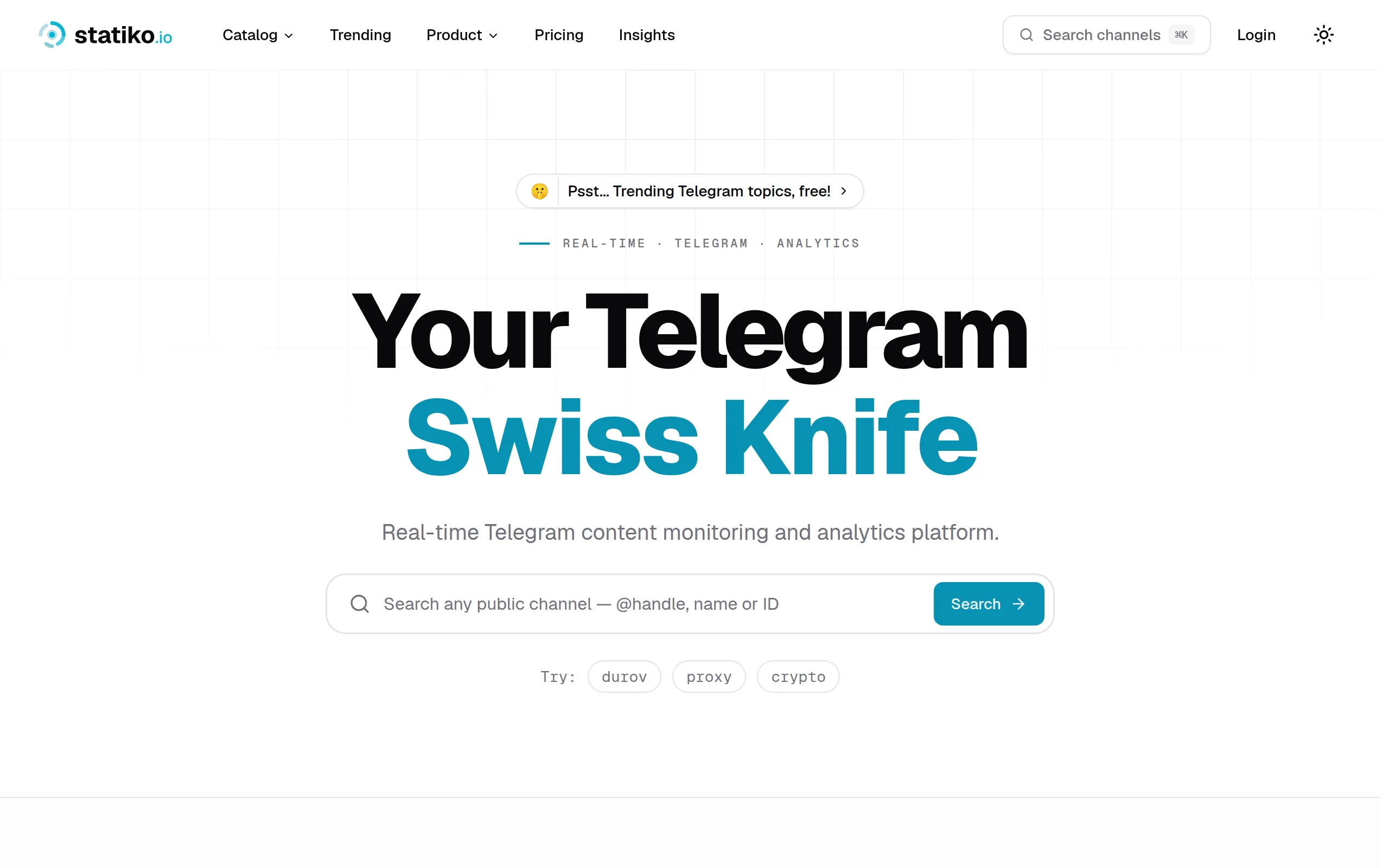
Statiko
Monitor any Telegram channel in real time - track posts, edits, deletions, and growth with AI recaps 📡

Shibui
AI website builder - describe your business, pick a niche template, edit by chatting, and publish instantly ✨

Pro Service
Find verified home service professionals, compare quotes, and pay securely through escrow - built for Brazilians across the US 🏠
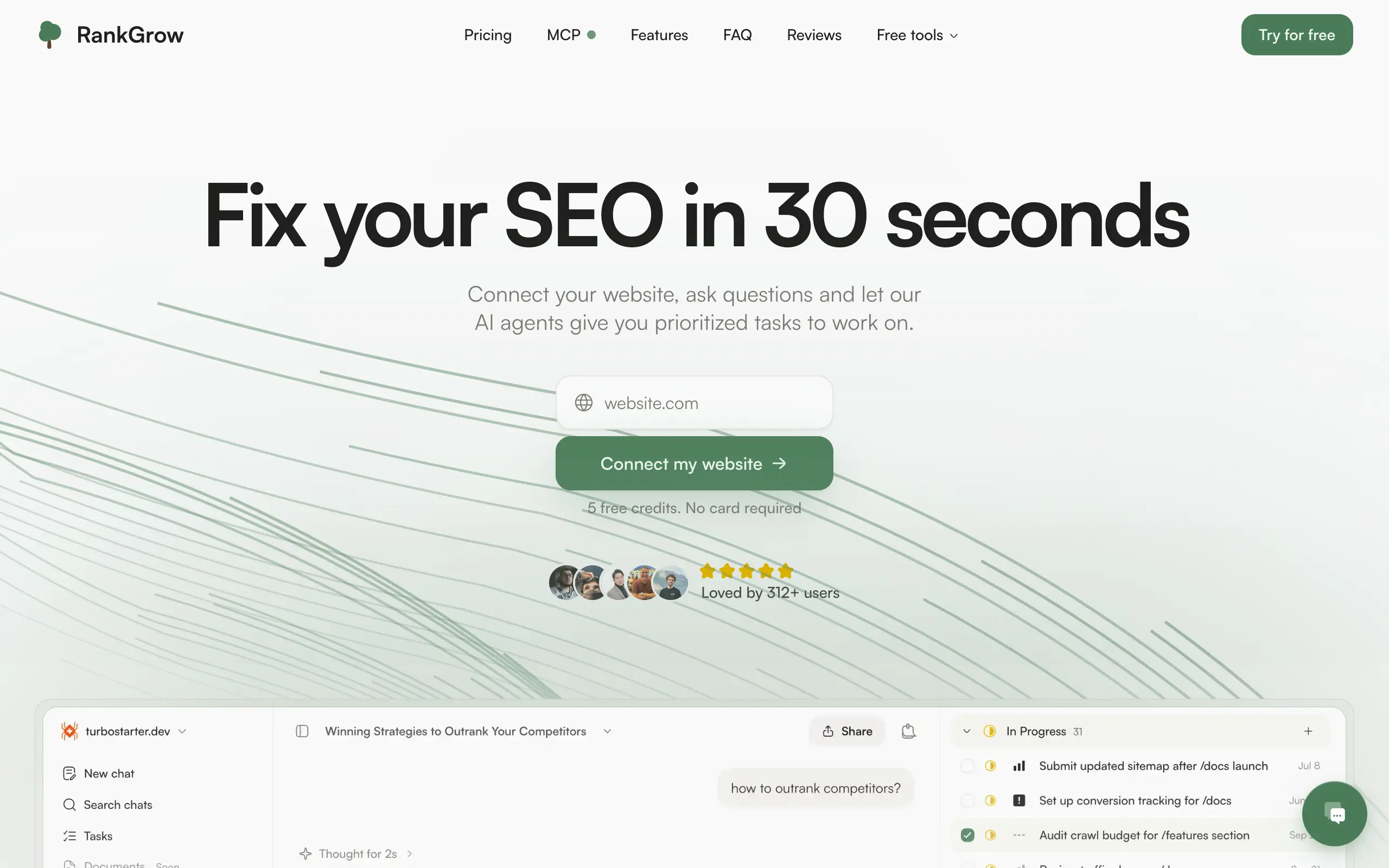
RankGrow
Fix your SEO with AI agents - connect Search Console, get prioritized tasks, and grow organic traffic 📈
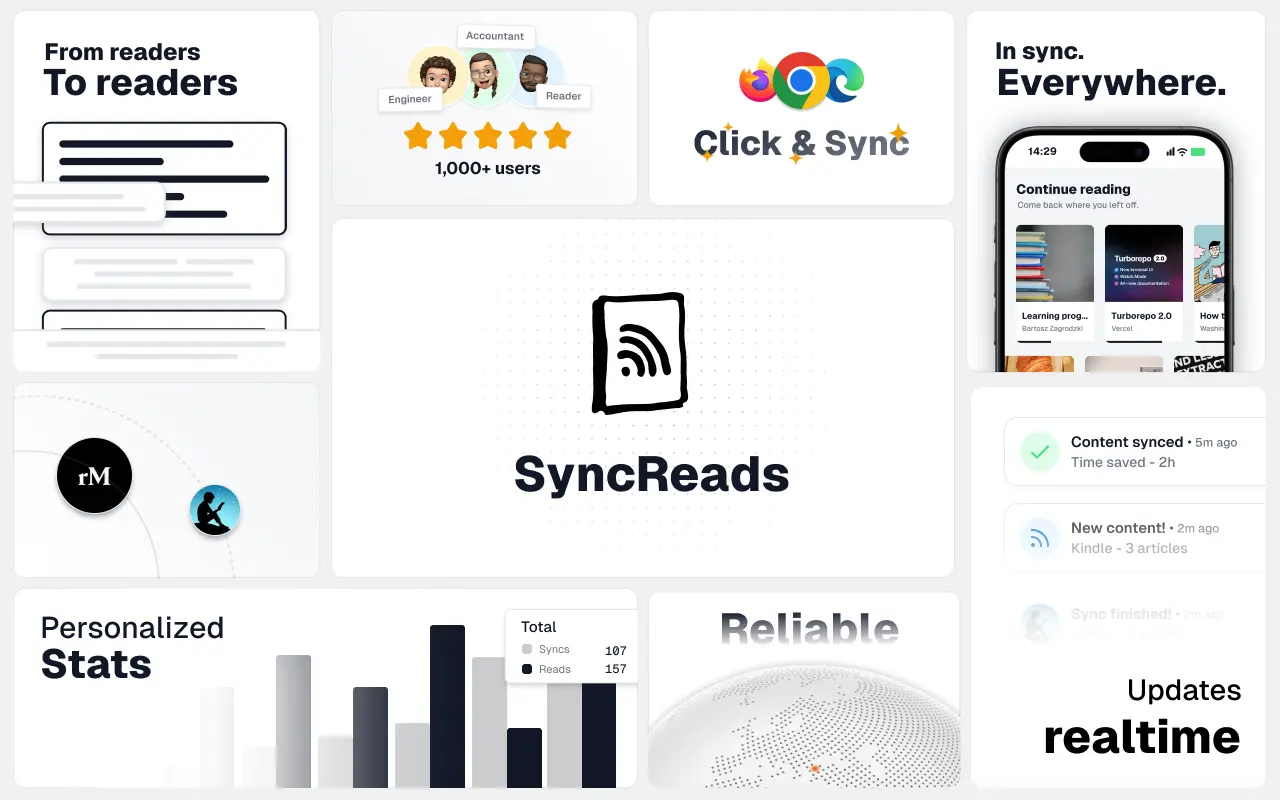
SyncReads
Sync your favorite content for distraction-free reading, save time and replace multiple apps. Anytime, anywhere 🔄
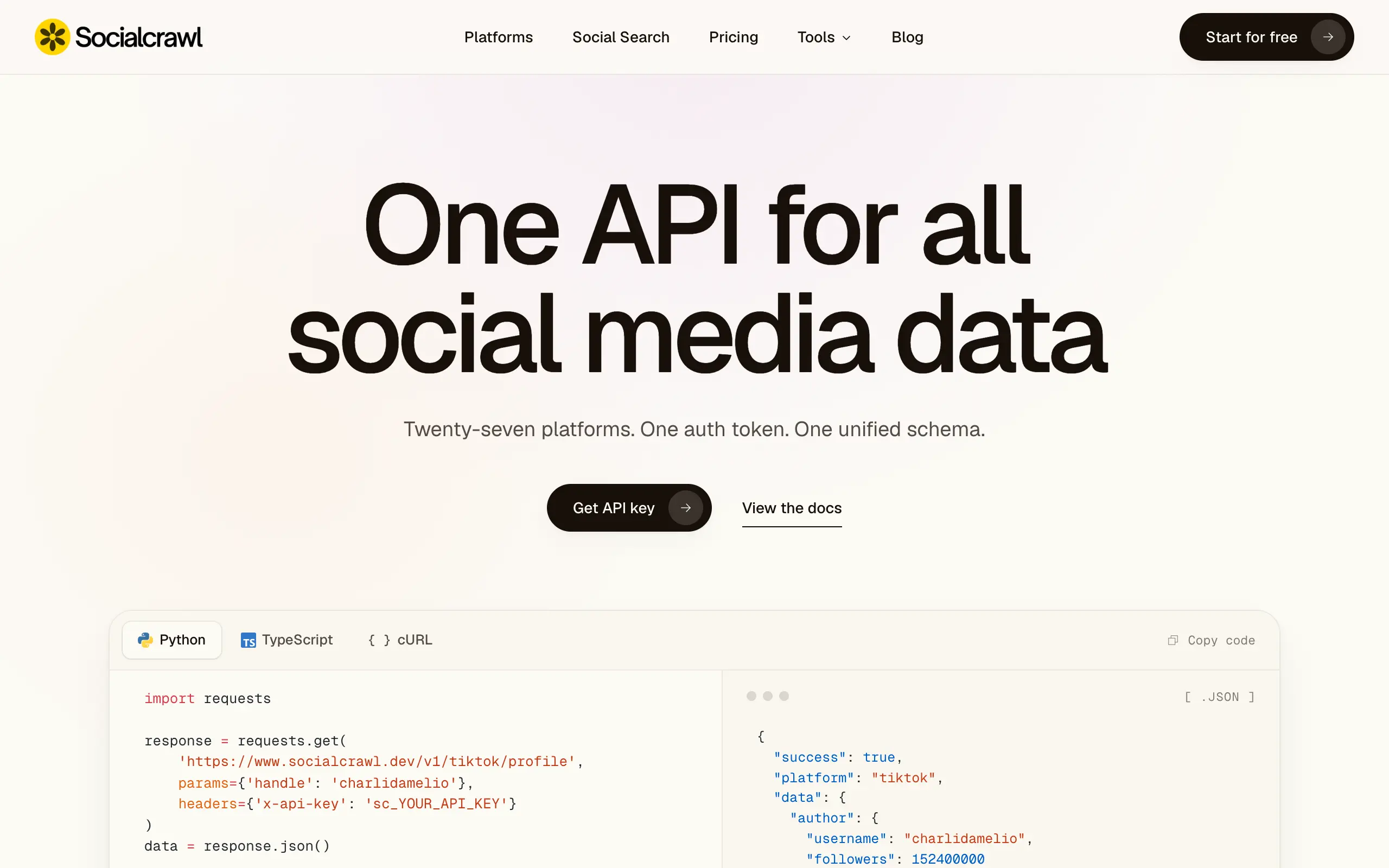
Socialcrawl
Get clean, structured data from 21 platforms like TikTok, Instagram, and YouTube with a single request 📊
Statiko
Monitor any Telegram channel in real time - track posts, edits, deletions, and growth with AI recaps 📡
Shibui
AI website builder - describe your business, pick a niche template, edit by chatting, and publish instantly ✨
Pro Service
Find verified home service professionals, compare quotes, and pay securely through escrow - built for Brazilians across the US 🏠
RankGrow
Fix your SEO with AI agents - connect Search Console, get prioritized tasks, and grow organic traffic 📈
SyncReads
Sync your favorite content for distraction-free reading, save time and replace multiple apps. Anytime, anywhere 🔄
Socialcrawl
Get clean, structured data from 21 platforms like TikTok, Instagram, and YouTube with a single request 📊
Statiko
Monitor any Telegram channel in real time - track posts, edits, deletions, and growth with AI recaps 📡
Shibui
AI website builder - describe your business, pick a niche template, edit by chatting, and publish instantly ✨
Pro Service
Find verified home service professionals, compare quotes, and pay securely through escrow - built for Brazilians across the US 🏠
RankGrow
Fix your SEO with AI agents - connect Search Console, get prioritized tasks, and grow organic traffic 📈
SyncReads
Sync your favorite content for distraction-free reading, save time and replace multiple apps. Anytime, anywhere 🔄
Socialcrawl
Get clean, structured data from 21 platforms like TikTok, Instagram, and YouTube with a single request 📊
Statiko
Monitor any Telegram channel in real time - track posts, edits, deletions, and growth with AI recaps 📡
Shibui
AI website builder - describe your business, pick a niche template, edit by chatting, and publish instantly ✨
Pro Service
Find verified home service professionals, compare quotes, and pay securely through escrow - built for Brazilians across the US 🏠
RankGrow
Fix your SEO with AI agents - connect Search Console, get prioritized tasks, and grow organic traffic 📈
SyncReads
Sync your favorite content for distraction-free reading, save time and replace multiple apps. Anytime, anywhere 🔄
Socialcrawl
Get clean, structured data from 21 platforms like TikTok, Instagram, and YouTube with a single request 📊
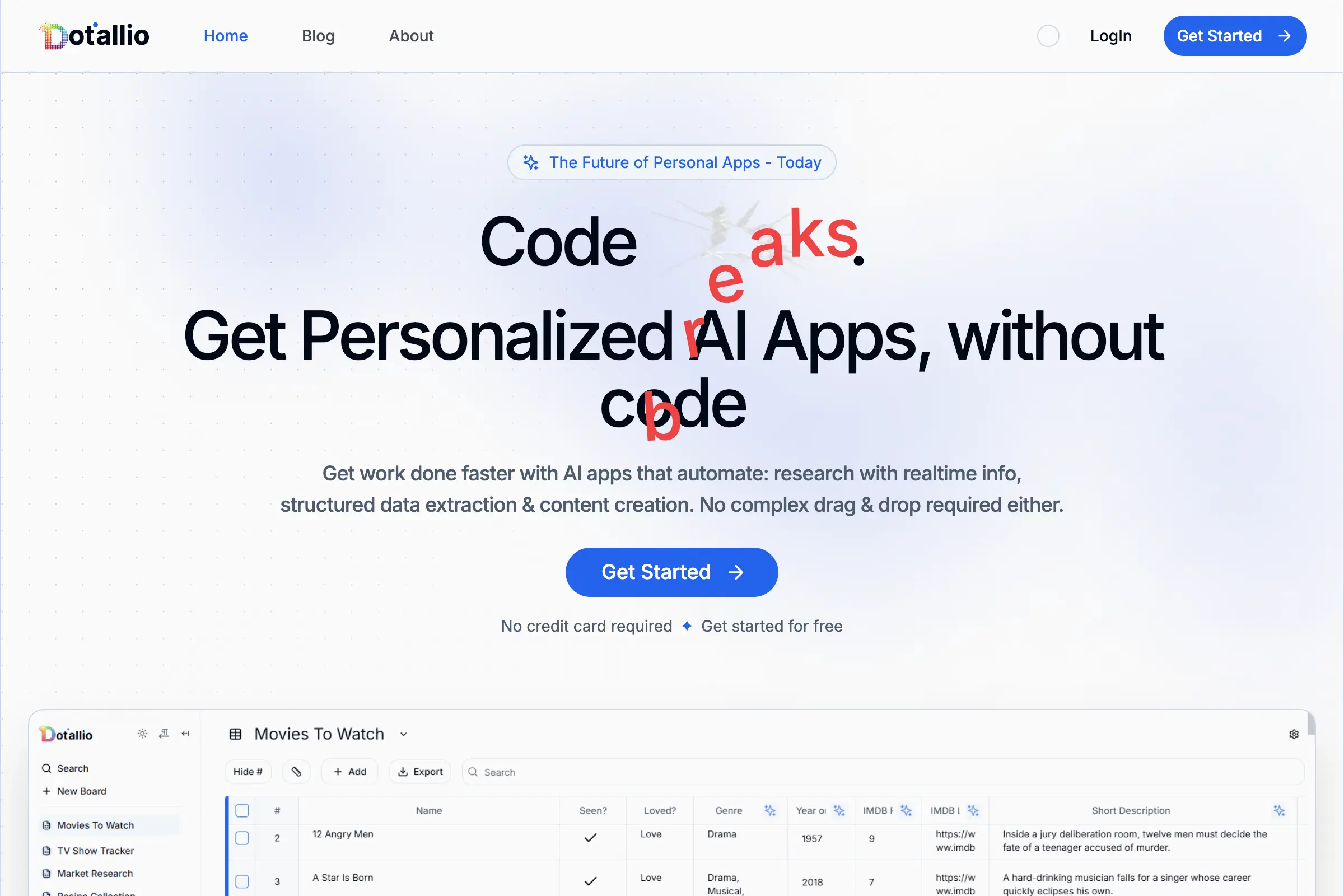
Dotallio
Personalized AI apps that automate research, data extraction, and content creation without code 🤖

Talk to Santa
Enjoy a magical live video chat or receive a unique AI-generated video greeting from Santa Claus 🎅
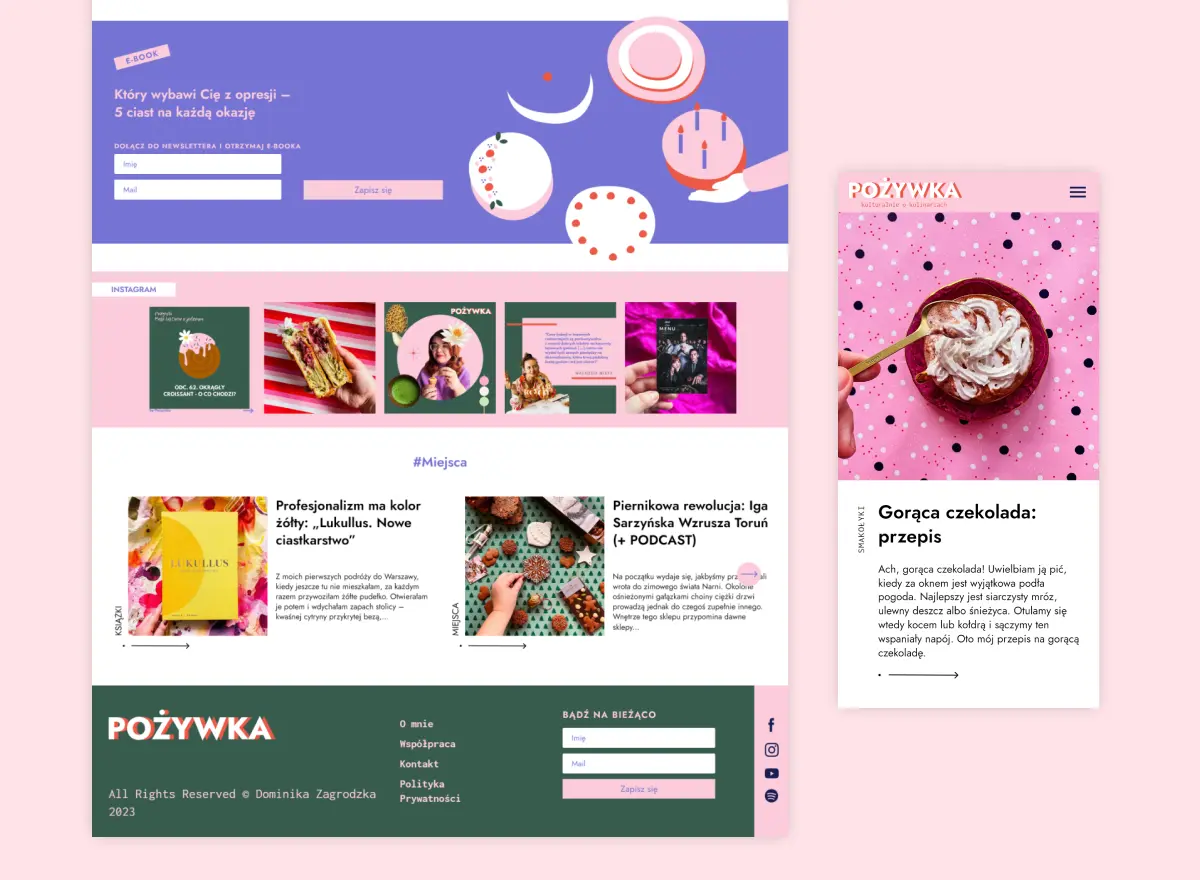
pozywka.pl
Scalable blog for food journalist, focused on performance and user experience 🌭
zagrodzki.me
Personal blog and portfolio of Bart Zagrodzki, where he shares his knowledge and work 💼
TurboStarter
Ship your startup everywhere. In minutes.
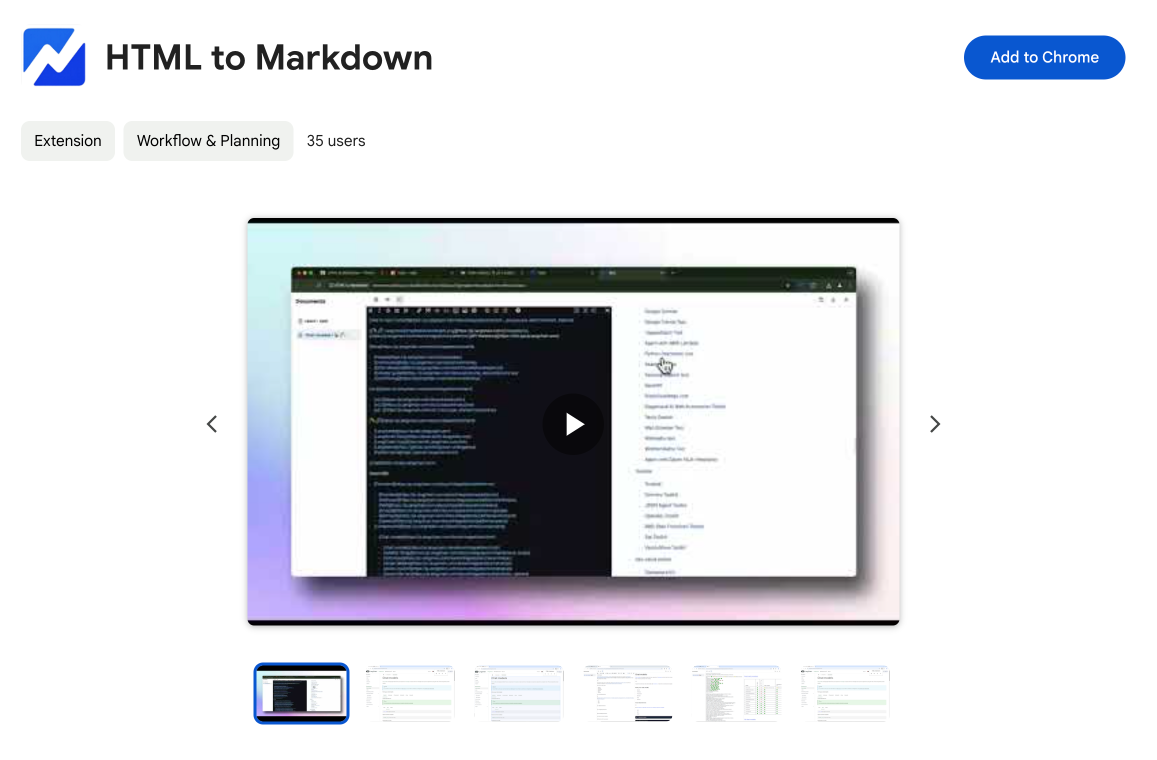
HTML to Markdown
Convert HTML to Markdown with ease, directly in your browser 📄
Dotallio
Personalized AI apps that automate research, data extraction, and content creation without code 🤖
Talk to Santa
Enjoy a magical live video chat or receive a unique AI-generated video greeting from Santa Claus 🎅
pozywka.pl
Scalable blog for food journalist, focused on performance and user experience 🌭
zagrodzki.me
Personal blog and portfolio of Bart Zagrodzki, where he shares his knowledge and work 💼
TurboStarter
Ship your startup everywhere. In minutes.
HTML to Markdown
Convert HTML to Markdown with ease, directly in your browser 📄
Dotallio
Personalized AI apps that automate research, data extraction, and content creation without code 🤖
Talk to Santa
Enjoy a magical live video chat or receive a unique AI-generated video greeting from Santa Claus 🎅
pozywka.pl
Scalable blog for food journalist, focused on performance and user experience 🌭
zagrodzki.me
Personal blog and portfolio of Bart Zagrodzki, where he shares his knowledge and work 💼
TurboStarter
Ship your startup everywhere. In minutes.
HTML to Markdown
Convert HTML to Markdown with ease, directly in your browser 📄
Dotallio
Personalized AI apps that automate research, data extraction, and content creation without code 🤖
Talk to Santa
Enjoy a magical live video chat or receive a unique AI-generated video greeting from Santa Claus 🎅
pozywka.pl
Scalable blog for food journalist, focused on performance and user experience 🌭
zagrodzki.me
Personal blog and portfolio of Bart Zagrodzki, where he shares his knowledge and work 💼
TurboStarter
Ship your startup everywhere. In minutes.
HTML to Markdown
Convert HTML to Markdown with ease, directly in your browser 📄
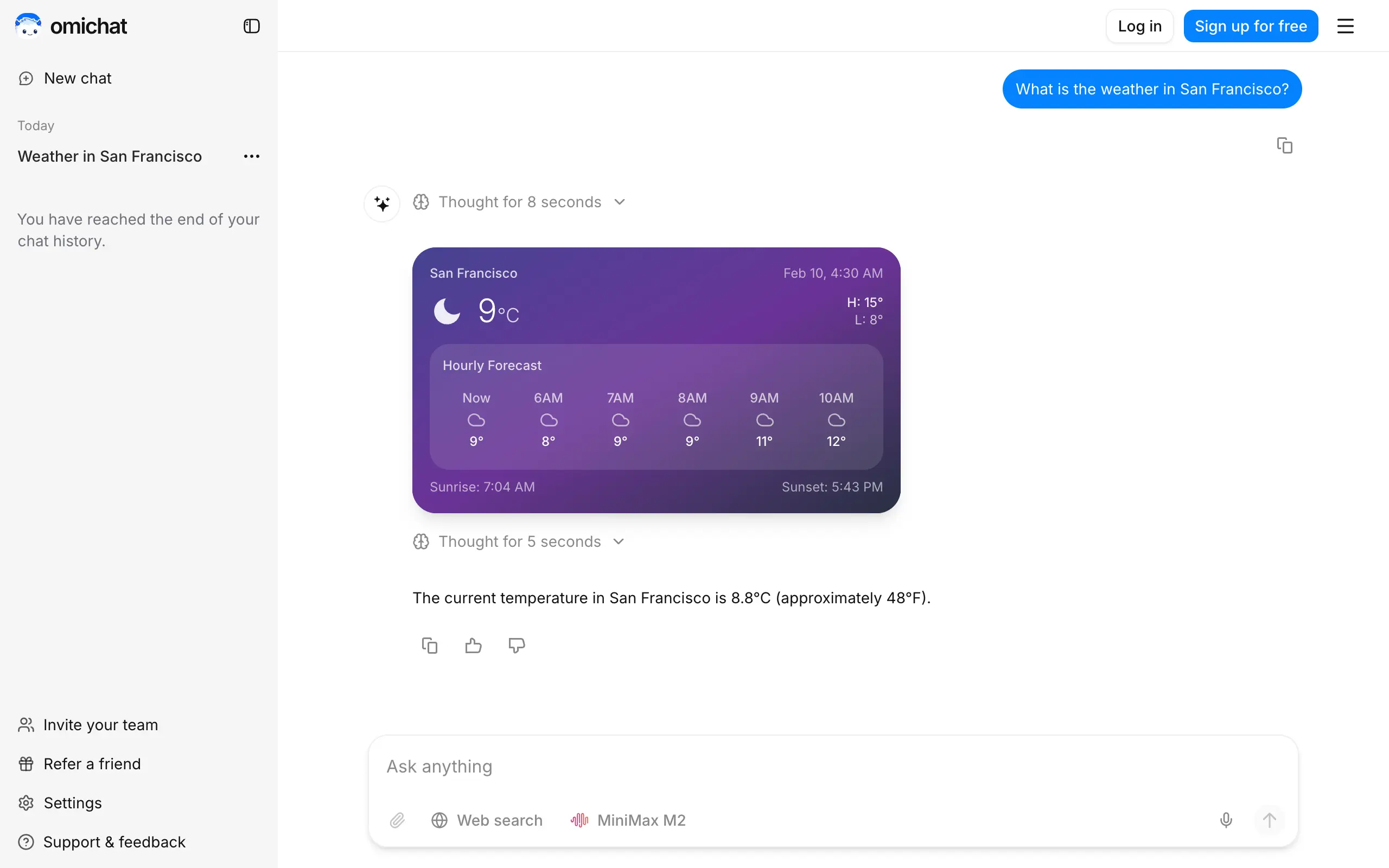
Omichat
Chat with 50+ AI models, including ChatGPT and Claude, in one place - switch models anytime without losing context 🤖
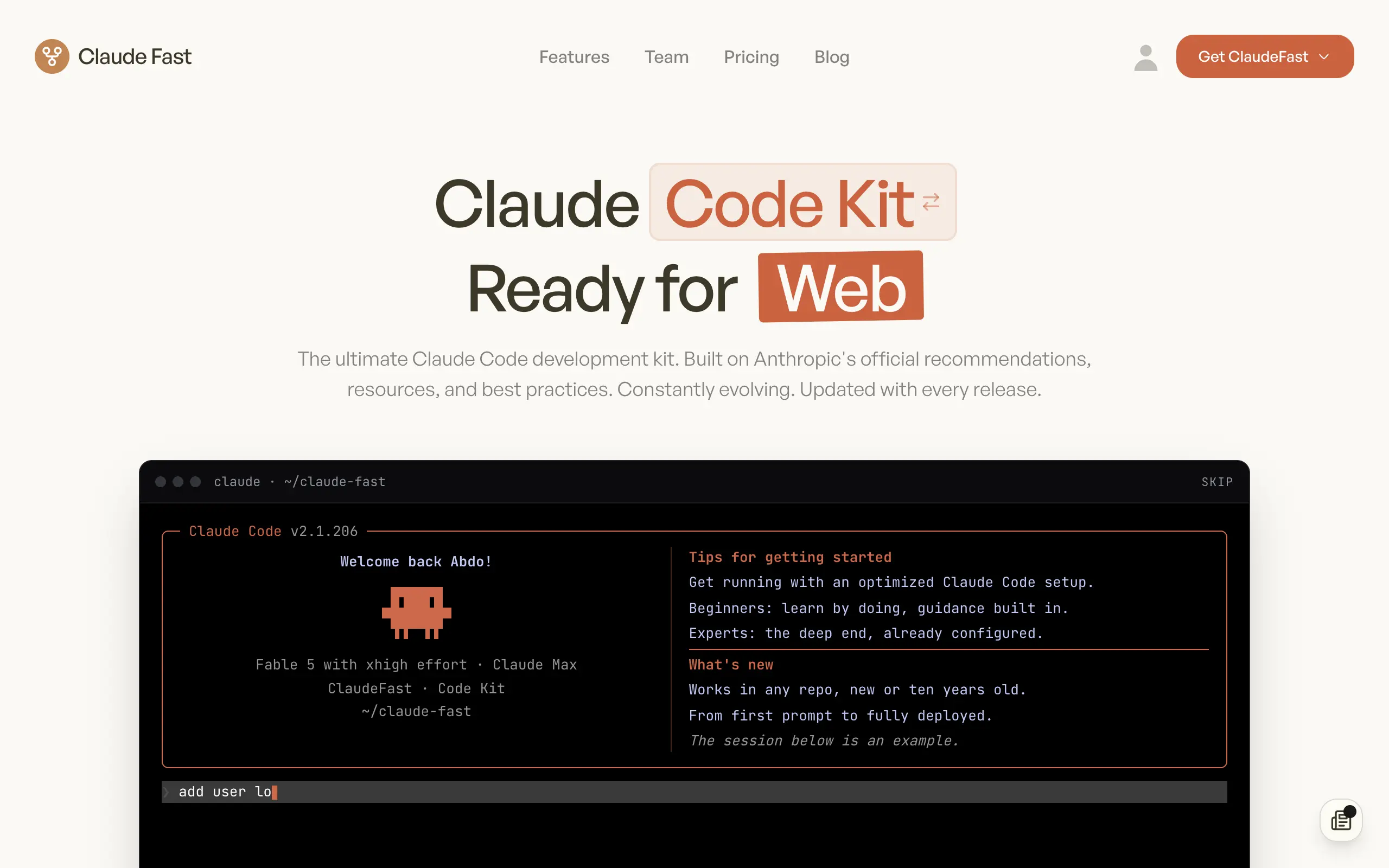
Claude Fast
Supercharge your Claude Code with 6x effective context window and specialized AI agents 🤖
EmojAI
AI-powered emoji picker with smart, context-aware suggestions 🤖
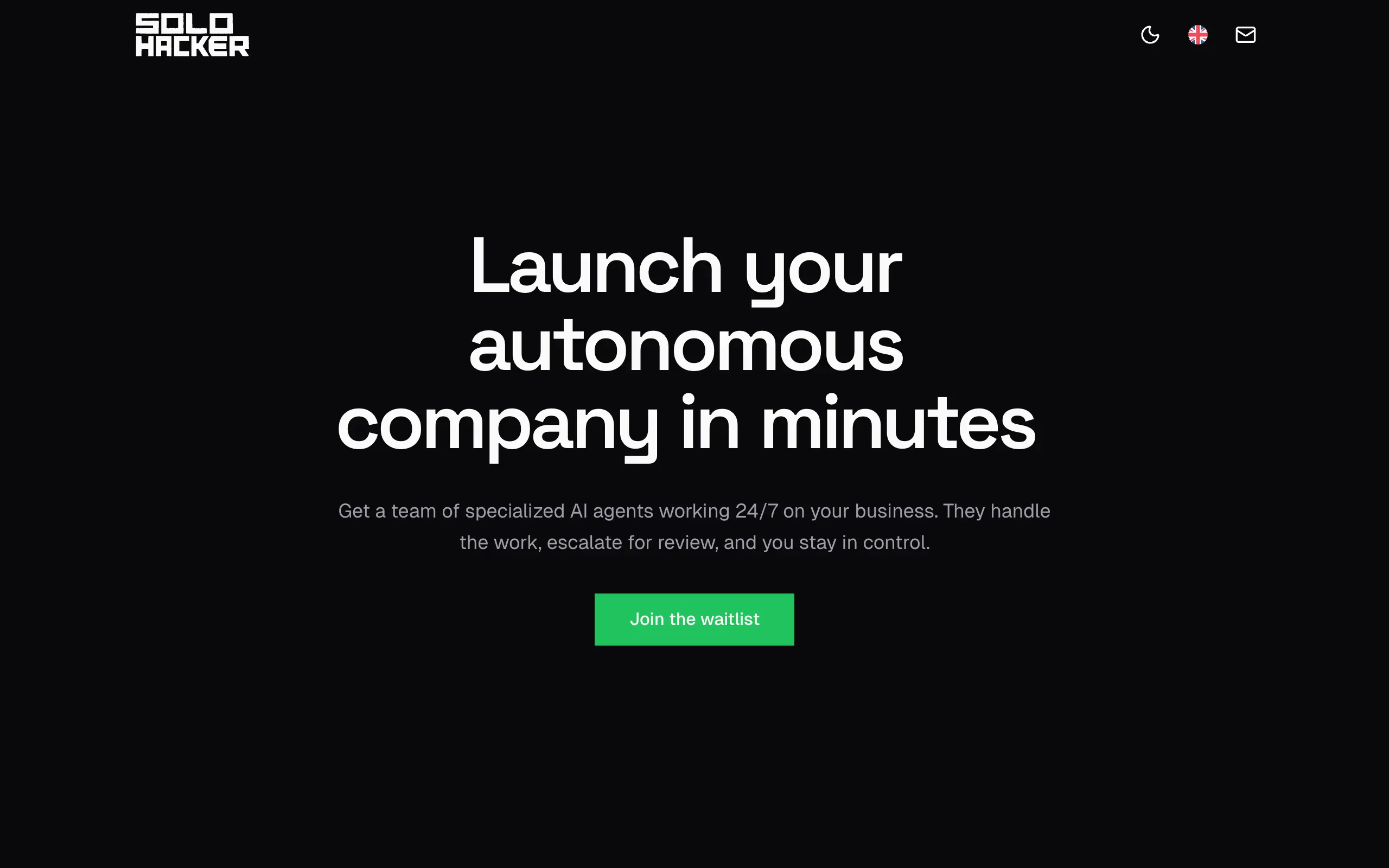
Solohacker
Autonomous company launcher - AI agents work 24/7, escalate what matters, and you stay in control 🤖
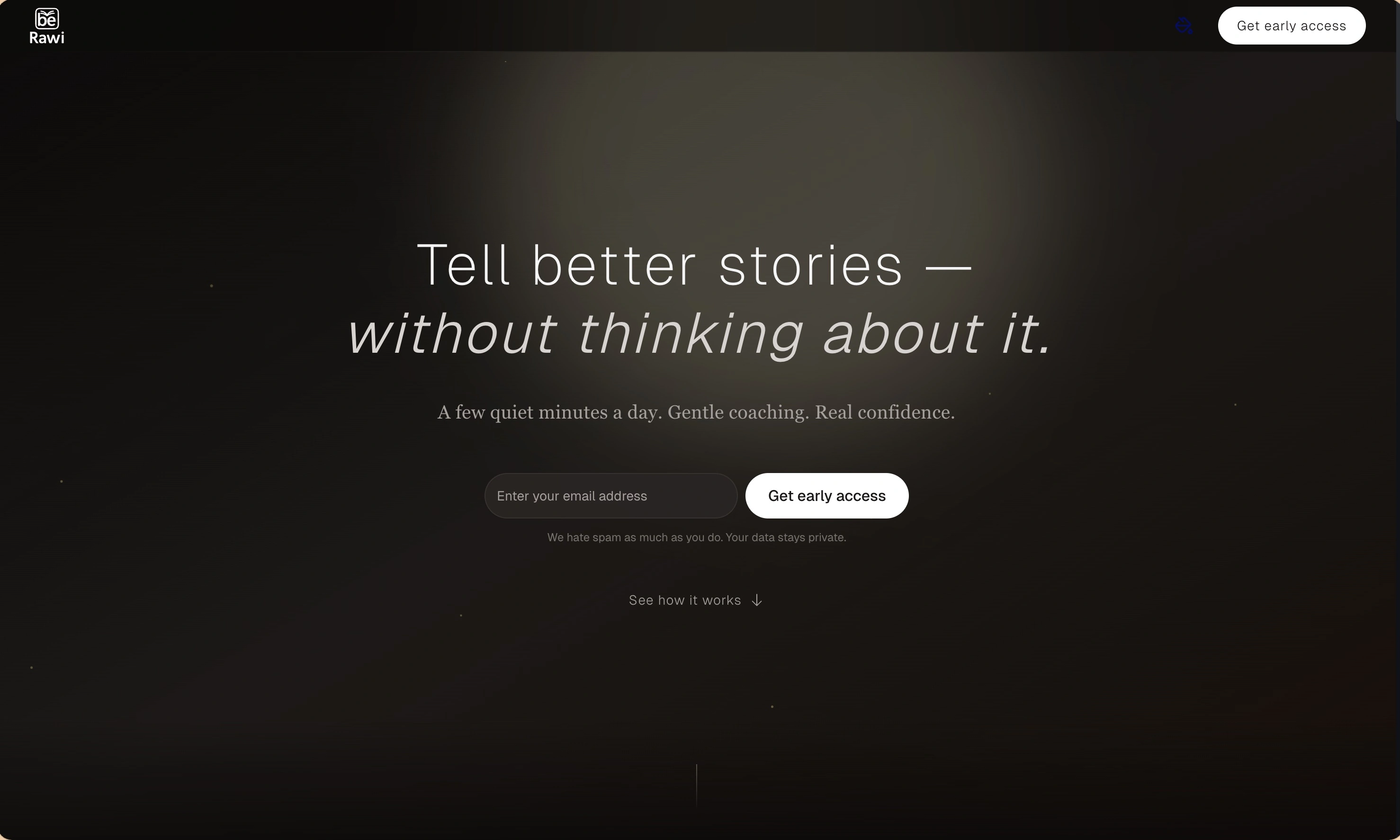
BeRawi: Storytelling Coach
Practice storytelling daily with instant feedback to sound clearer, more engaging, and confident 🎤
Omichat
Chat with 50+ AI models, including ChatGPT and Claude, in one place - switch models anytime without losing context 🤖
Claude Fast
Supercharge your Claude Code with 6x effective context window and specialized AI agents 🤖
EmojAI
AI-powered emoji picker with smart, context-aware suggestions 🤖
Solohacker
Autonomous company launcher - AI agents work 24/7, escalate what matters, and you stay in control 🤖
BeRawi: Storytelling Coach
Practice storytelling daily with instant feedback to sound clearer, more engaging, and confident 🎤
Omichat
Chat with 50+ AI models, including ChatGPT and Claude, in one place - switch models anytime without losing context 🤖
Claude Fast
Supercharge your Claude Code with 6x effective context window and specialized AI agents 🤖
EmojAI
AI-powered emoji picker with smart, context-aware suggestions 🤖
Solohacker
Autonomous company launcher - AI agents work 24/7, escalate what matters, and you stay in control 🤖
BeRawi: Storytelling Coach
Practice storytelling daily with instant feedback to sound clearer, more engaging, and confident 🎤
Omichat
Chat with 50+ AI models, including ChatGPT and Claude, in one place - switch models anytime without losing context 🤖
Claude Fast
Supercharge your Claude Code with 6x effective context window and specialized AI agents 🤖
EmojAI
AI-powered emoji picker with smart, context-aware suggestions 🤖
Solohacker
Autonomous company launcher - AI agents work 24/7, escalate what matters, and you stay in control 🤖
BeRawi: Storytelling Coach
Practice storytelling daily with instant feedback to sound clearer, more engaging, and confident 🎤

Connect with like-minded people
Join our community to get feedback, support, and grow together with 1,000+ builders on board, let's ship it!
Join usShip your startup everywhere. In minutes.
Don't burn tokens on setup and start building features on day one.