ContextCraft
Transforms messy, unstructured notes or inputs into clear summaries, action items, and decisions for teams and creators.
The rising need for context-aware productivity tools
Modern teams don’t suffer from a lack of information—they suffer from too much fragmented, unstructured input. Notes scattered across Slack threads, meeting transcripts buried in Zoom recordings, half-finished Google Docs, voice memos, and random screenshots all contribute to what many teams experience daily: context overload.
This is where a tool like ContextCraft becomes highly relevant. It addresses a growing pain point in the productivity SaaS landscape: turning messy, unstructured inputs into clear summaries, actionable tasks, and decisions.
As remote work, async collaboration, and AI-assisted workflows continue to expand, the demand for tools that can **interpret context—not just store data—**is rapidly increasing.
In this article, we’ll break down the full potential of a SaaS like ContextCraft, including its market positioning, feature set, monetization, and how to actually build it.
What problem does ContextCraft solve?
At its core, ContextCraft solves a deceptively simple but deeply impactful problem:
Teams capture information everywhere, but struggle to extract meaning and action from it.
Common pain points
- Meeting notes are incomplete or inconsistent
- Action items get lost in long conversations
- Decisions are undocumented or unclear
- Knowledge is siloed across tools
- Teams waste time re-reading and reinterpreting information
Even with tools like Notion, Slack, and Google Docs, the burden of structuring information still falls on humans.
The real cost of unstructured data
- Reduced productivity due to rework
- Misaligned decisions across teams
- Delayed execution
- Knowledge loss when employees leave
ContextCraft reframes productivity by focusing not on where information lives, but on how it's understood and transformed into outcomes.
Target audience analysis
ContextCraft appeals to a broad but clearly defined set of users who deal with high volumes of unstructured input.
Primary audience segments
Startup teams
Fast-moving teams that rely on meetings, Slack, and async updates but lack structured documentation.
Content creators
Writers, YouTubers, and podcasters who need to turn raw ideas into structured content.
Product managers
Individuals managing feedback, meetings, and roadmap decisions across multiple channels.
Agencies & consultants
Teams that need to distill client calls into actionable deliverables quickly.
Secondary audience
- Students and researchers
- Executive assistants
- Customer success teams
- Sales teams handling discovery calls
User intent insights
Users searching for tools like ContextCraft are typically looking for:
- “AI meeting summary tool”
- “turn notes into action items”
- “automatic decision tracking software”
- “AI productivity assistant for teams”
This indicates strong problem-aware and solution-aware search intent, which is ideal for SEO-driven growth.
Market opportunity and gap analysis
The productivity SaaS market is saturated—but not solved.
Existing tools fall into three categories
| Category | Examples | Strength | Weakness | Opportunity |
|---|---|---|---|---|
| Note-taking | Notion, Evernote | Flexible storage | Manual structuring | Auto-structure content |
| Meeting tools | Otter, Fireflies | Transcription | Lack deep context | Extract decisions & tasks |
| Task managers | Asana, ClickUp | Execution tracking | Manual input | Auto-generate tasks |
The gap ContextCraft fills
ContextCraft sits at the intersection of:
- AI summarization
- Context understanding
- Action extraction
- Decision tracking
It doesn't just store or transcribe—it interprets and transforms.
Core features of ContextCraft
To stand out in a competitive market, ContextCraft needs a tightly integrated feature set.
1. Smart input ingestion
Support multiple input formats:
- Text notes
- Meeting transcripts
- Voice recordings
- PDFs and documents
- Slack or email threads
2. AI-powered context extraction
This is the core engine.
Outputs should include:
- Clear summaries
- Key insights
- Decisions made
- Open questions
- Risks or blockers
3. Automatic action item generation
Convert raw content into:
- Tasks with deadlines
- Assigned owners
- Priority levels
4. Decision tracking system
A unique differentiator:
- Extract decisions from conversations
- Link decisions to context
- Maintain a searchable decision log
5. Context linking and knowledge graph
- Connect related notes automatically
- Build a contextual knowledge base
- Surface relevant past insights
6. Collaboration features
- Shared workspaces
- Commenting on AI outputs
- Approval flows for generated actions
7. Integrations
Essential integrations:
- Slack
- Google Docs
- Notion
- Zoom / Google Meet
- Task managers (Asana, Jira)
How ContextCraft works (user flow)
Recommended tech stack
Building ContextCraft requires a modern AI-first architecture.
Frontend
- React for UI
- TailwindCSS for styling
- Optional: Next.js for SSR and SEO
Backend
- Node.js or Python (FastAPI preferred for AI workloads)
- PostgreSQL for structured data
- Redis for caching
AI layer
- LLM APIs (OpenAI or similar providers)
- Embedding models for context linking
- Vector database (Pinecone, Weaviate, or similar)
File handling
- Cloud storage (AWS S3 or equivalent)
- OCR for scanned documents
Example processing pipeline
async function processInput(input: string) {
  const summary = await generateSummary(input);
  const actions = await extractActionItems(input);
  const decisions = await detectDecisions(input);

  return {
    summary,
    actions,
    decisions
  };
}
Trade-offs to consider
- Cost vs accuracy: Larger models improve quality but increase cost
- Latency vs usability: Real-time processing vs batch processing
- Customization vs generalization: Fine-tuned models vs generic APIs
Monetization strategy
ContextCraft lends itself well to a SaaS subscription model.
Pricing tiers
-
Free tier
- Limited processing credits
- Basic summaries
-
Pro ($10–$25/month)
- Unlimited summaries
- Action item extraction
- Integrations
-
Team plan ($30–$100/month per team)
- Collaboration features
- Decision tracking
- Admin controls
-
Enterprise
- Custom AI models
- Advanced security
- SLA support
Additional revenue streams
- API access for developers
- White-label solutions for enterprises
- Usage-based pricing for heavy users
Competitive advantage (USP)
ContextCraft’s differentiation lies in depth of understanding, not just automation.
Key advantages
Context-first AI
Understands relationships between ideas, not just isolated text.
Decision intelligence
Tracks decisions over time—something most tools ignore.
Action extraction engine
Turns passive content into active workflows.
Cross-tool intelligence
Works across platforms instead of replacing them.
Most tools focus on capture. ContextCraft focuses on clarity and execution.
Potential risks and mitigation strategies
1. AI inaccuracies
Risk: Incorrect summaries or missed context
Mitigation:
- Human-in-the-loop editing
- Confidence scores
- Continuous model improvement
2. Privacy concerns
Risk: Sensitive data processing
Mitigation:
- End-to-end encryption
- On-device processing (future roadmap)
- Compliance with GDPR, SOC2
3. Market competition
Risk: Big players adding similar features
Mitigation:
- Focus on niche excellence
- Build strong UX differentiation
- Develop proprietary context models
4. User trust
Risk: Users relying too heavily on AI
Mitigation:
- Transparent outputs
- Editable results
- Explainable AI features
SEO strategy for ContextCraft
To rank effectively, content should target multiple keyword clusters.
Primary keyword
- context-aware productivity tool
Secondary keywords
- AI meeting summary tool
- turn notes into action items
- AI task extraction software
- decision tracking software
- unstructured data summarization
Content strategy
- Blog posts on productivity workflows
- Case studies of teams saving time
- Comparison pages (vs Notion, Otter, etc.)
- Tutorials and use-case guides
Implementation roadmap
Here’s a realistic path to building ContextCraft:
Phase 1: MVP (0–3 months)
- Input processing (text only)
- Basic summarization
- Simple action item extraction
Phase 2: Core product (3–6 months)
- Multi-format input
- Decision detection
- Integrations (Slack, Docs)
Phase 3: Advanced features (6–12 months)
- Knowledge graph
- Context linking
- Team collaboration
Phase 4: Scale and optimize
- Performance improvements
- Enterprise features
- AI model fine-tuning
Go-to-market strategy
Early traction
- Launch on Product Hunt
- Target startup communities
- Offer free trials
Growth channels
- SEO content marketing
- LinkedIn thought leadership
- YouTube demos
- Partnerships with productivity tools
Example use cases
A startup uses ContextCraft to process weekly meetings. Instead of manual notes, they get:
- Clear summaries
- Assigned tasks
- Logged decisions
Result: Faster execution and fewer miscommunications.
A YouTuber uploads brainstorming notes and gets:
- Structured content outlines
- Key talking points
- Script-ready summaries
Result: Reduced content creation time by hours.
Why timing matters (2025+ trends)
Several trends make ContextCraft especially relevant now:
- Explosion of AI-native workflows
- Increased remote collaboration
- Rise of async communication
- Growth of knowledge work
According to widely reported industry research (e.g., McKinsey and Gartner), knowledge workers spend a significant portion of their time searching for and structuring information—a gap ContextCraft directly addresses.
Actionable steps to build ContextCraft
If you want to bring this idea to life:
Using a prebuilt SaaS foundation like TurboStarter can significantly reduce development time by handling authentication, billing, and core infrastructure.
Pro tip
Focus less on building “another AI tool” and more on delivering consistent, reliable outputs. Accuracy and trust will determine long-term success.
Final thoughts
ContextCraft isn’t just another productivity app—it represents a shift toward context-driven work systems.
As teams continue to generate more data than they can realistically process, tools that can interpret, structure, and operationalize information will become indispensable.
The real opportunity isn’t in capturing more information—it’s in making sense of what already exists.
If executed well, ContextCraft could become a core layer in the modern productivity stack, sitting between raw input and meaningful action.
More ⚡ Productivity Tool SaaS ideas
Discover more innovative productivity tool SaaS ideas that are trending in 2026. Each idea is AI-generated with market validation and growth potential to help you find your next profitable venture faster than competitors.
Your competitors are building with TurboStarter
Below are some of the SaaS ideas that have been generated and built with our starter kit.
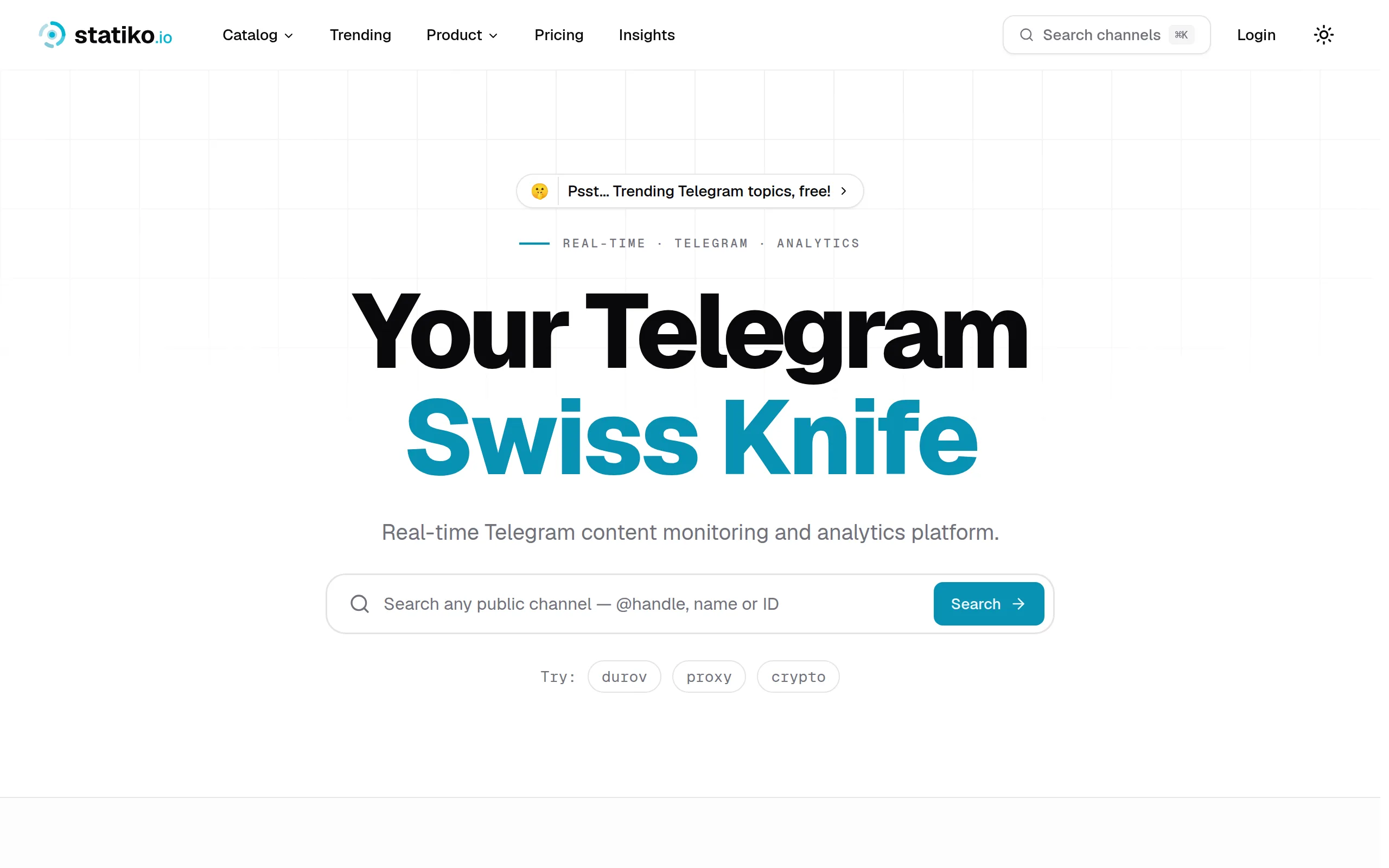
Statiko
Monitor any Telegram channel in real time - track posts, edits, deletions, and growth with AI recaps 📡

Shibui
AI website builder - describe your business, pick a niche template, edit by chatting, and publish instantly ✨

Pro Service
Find verified home service professionals, compare quotes, and pay securely through escrow - built for Brazilians across the US 🏠
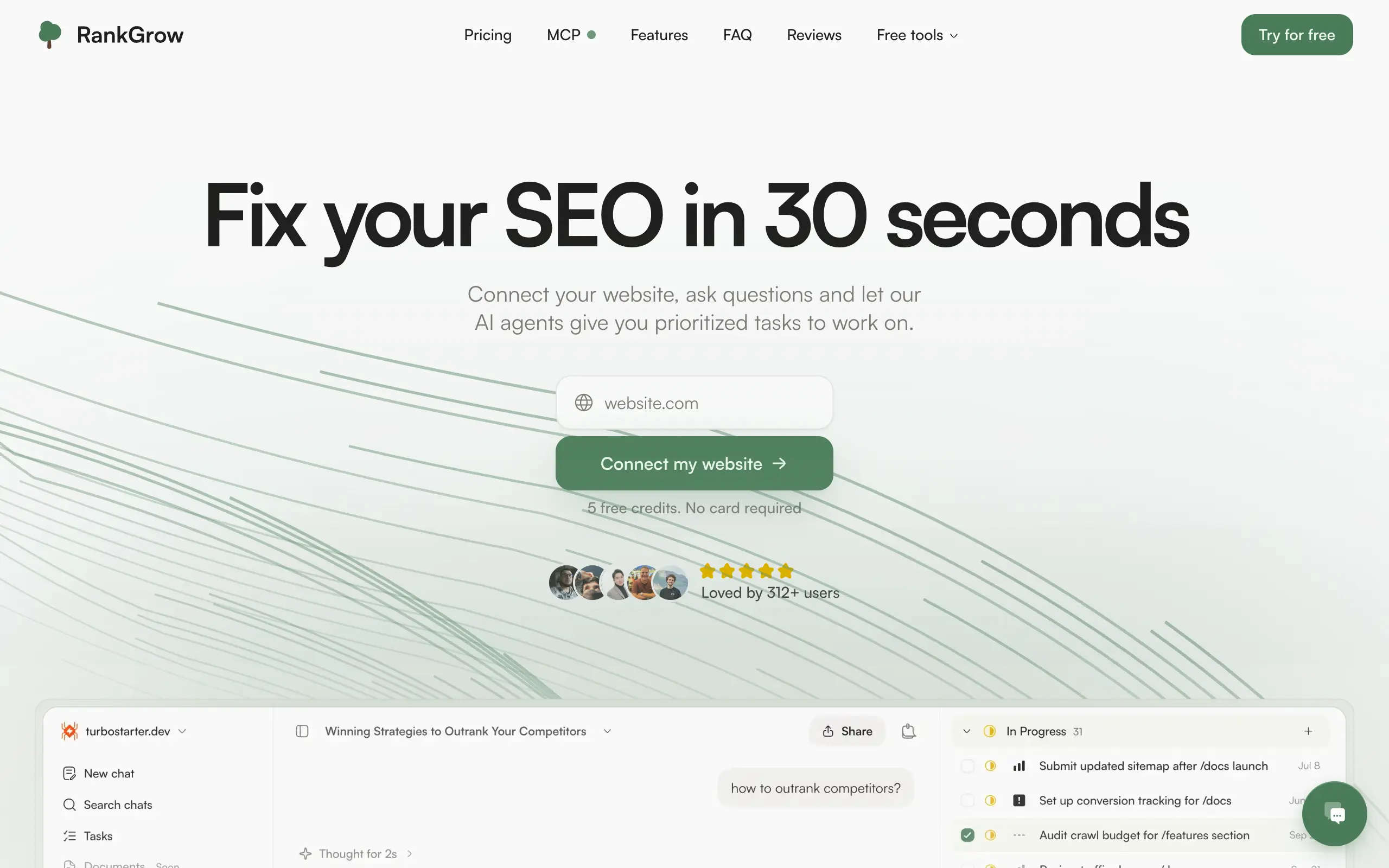
RankGrow
Fix your SEO with AI agents - connect Search Console, get prioritized tasks, and grow organic traffic 📈
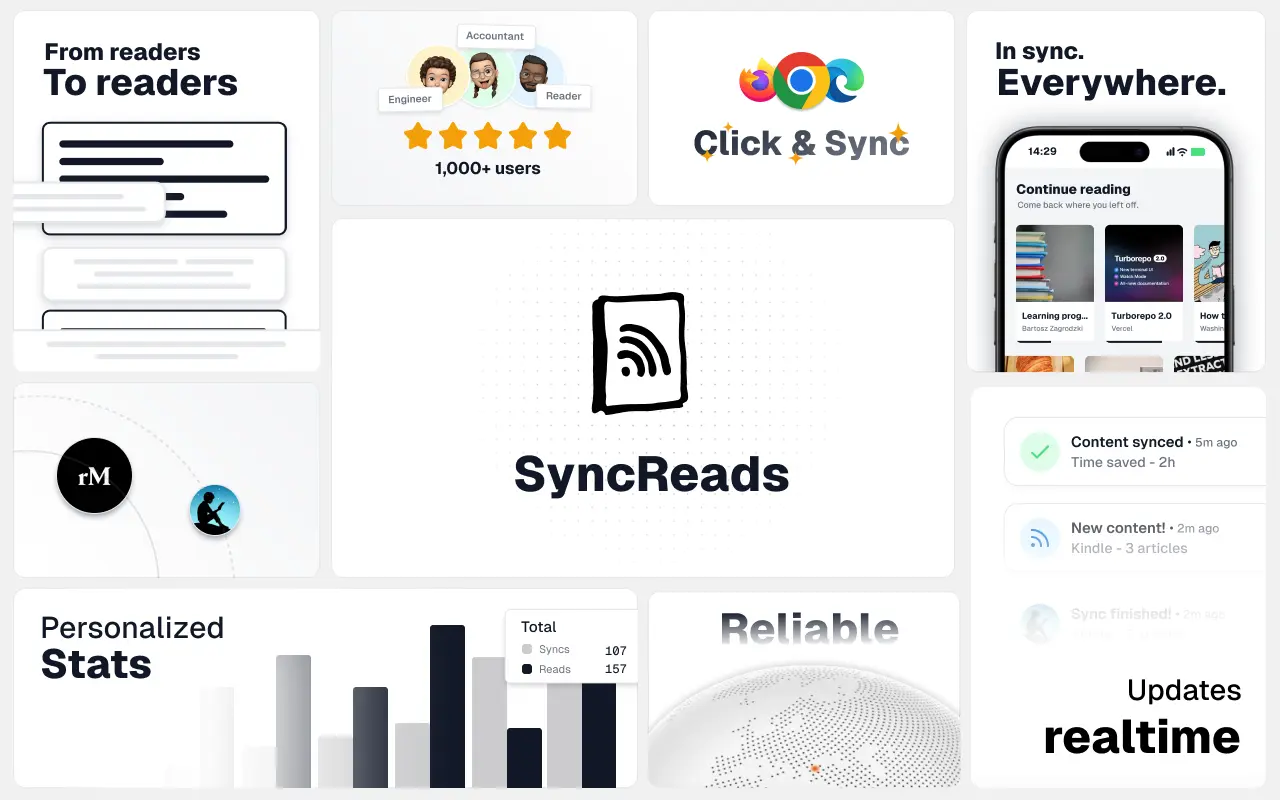
SyncReads
Sync your favorite content for distraction-free reading, save time and replace multiple apps. Anytime, anywhere 🔄
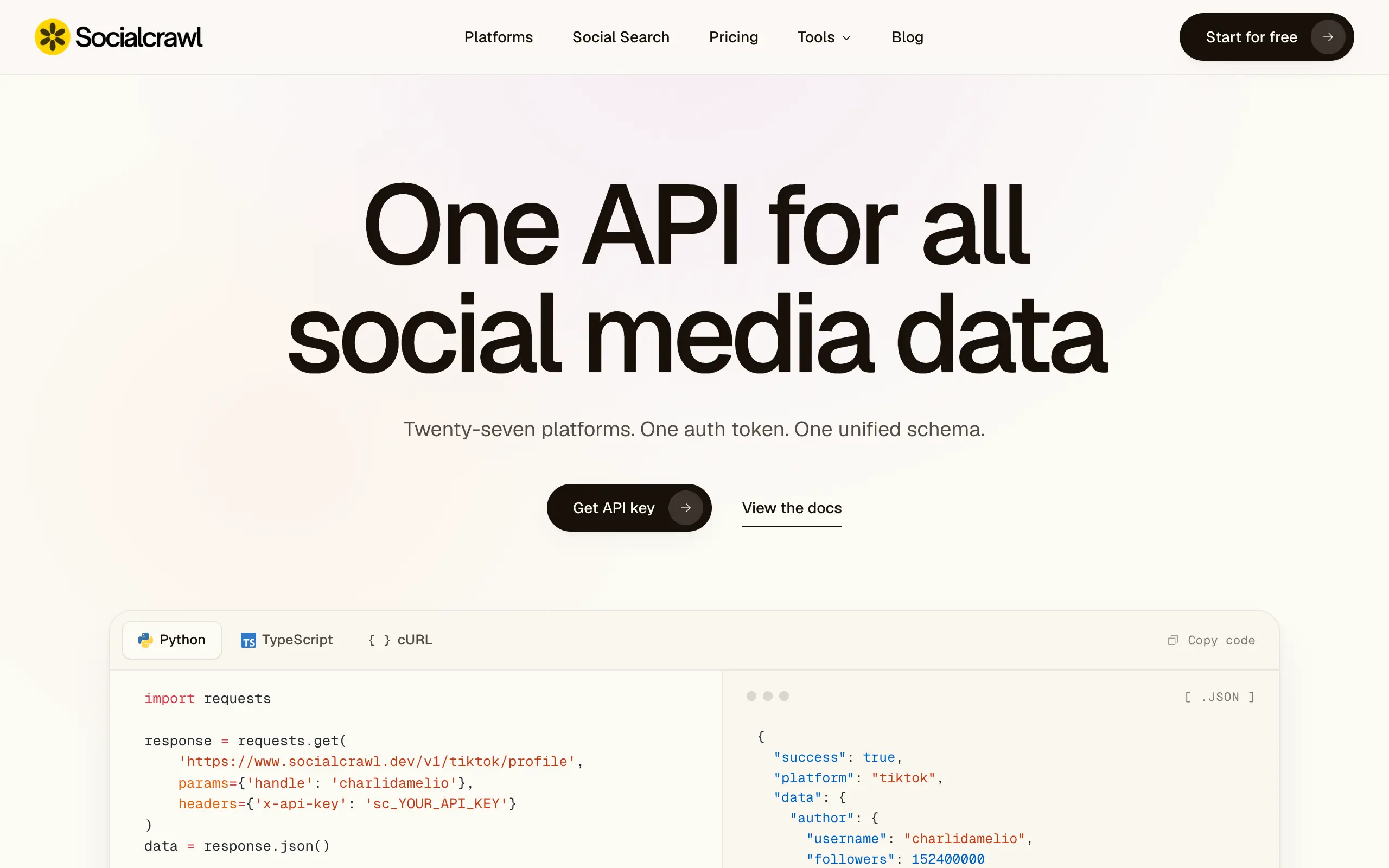
Socialcrawl
Get clean, structured data from 21 platforms like TikTok, Instagram, and YouTube with a single request 📊
Statiko
Monitor any Telegram channel in real time - track posts, edits, deletions, and growth with AI recaps 📡
Shibui
AI website builder - describe your business, pick a niche template, edit by chatting, and publish instantly ✨
Pro Service
Find verified home service professionals, compare quotes, and pay securely through escrow - built for Brazilians across the US 🏠
RankGrow
Fix your SEO with AI agents - connect Search Console, get prioritized tasks, and grow organic traffic 📈
SyncReads
Sync your favorite content for distraction-free reading, save time and replace multiple apps. Anytime, anywhere 🔄
Socialcrawl
Get clean, structured data from 21 platforms like TikTok, Instagram, and YouTube with a single request 📊
Statiko
Monitor any Telegram channel in real time - track posts, edits, deletions, and growth with AI recaps 📡
Shibui
AI website builder - describe your business, pick a niche template, edit by chatting, and publish instantly ✨
Pro Service
Find verified home service professionals, compare quotes, and pay securely through escrow - built for Brazilians across the US 🏠
RankGrow
Fix your SEO with AI agents - connect Search Console, get prioritized tasks, and grow organic traffic 📈
SyncReads
Sync your favorite content for distraction-free reading, save time and replace multiple apps. Anytime, anywhere 🔄
Socialcrawl
Get clean, structured data from 21 platforms like TikTok, Instagram, and YouTube with a single request 📊
Statiko
Monitor any Telegram channel in real time - track posts, edits, deletions, and growth with AI recaps 📡
Shibui
AI website builder - describe your business, pick a niche template, edit by chatting, and publish instantly ✨
Pro Service
Find verified home service professionals, compare quotes, and pay securely through escrow - built for Brazilians across the US 🏠
RankGrow
Fix your SEO with AI agents - connect Search Console, get prioritized tasks, and grow organic traffic 📈
SyncReads
Sync your favorite content for distraction-free reading, save time and replace multiple apps. Anytime, anywhere 🔄
Socialcrawl
Get clean, structured data from 21 platforms like TikTok, Instagram, and YouTube with a single request 📊
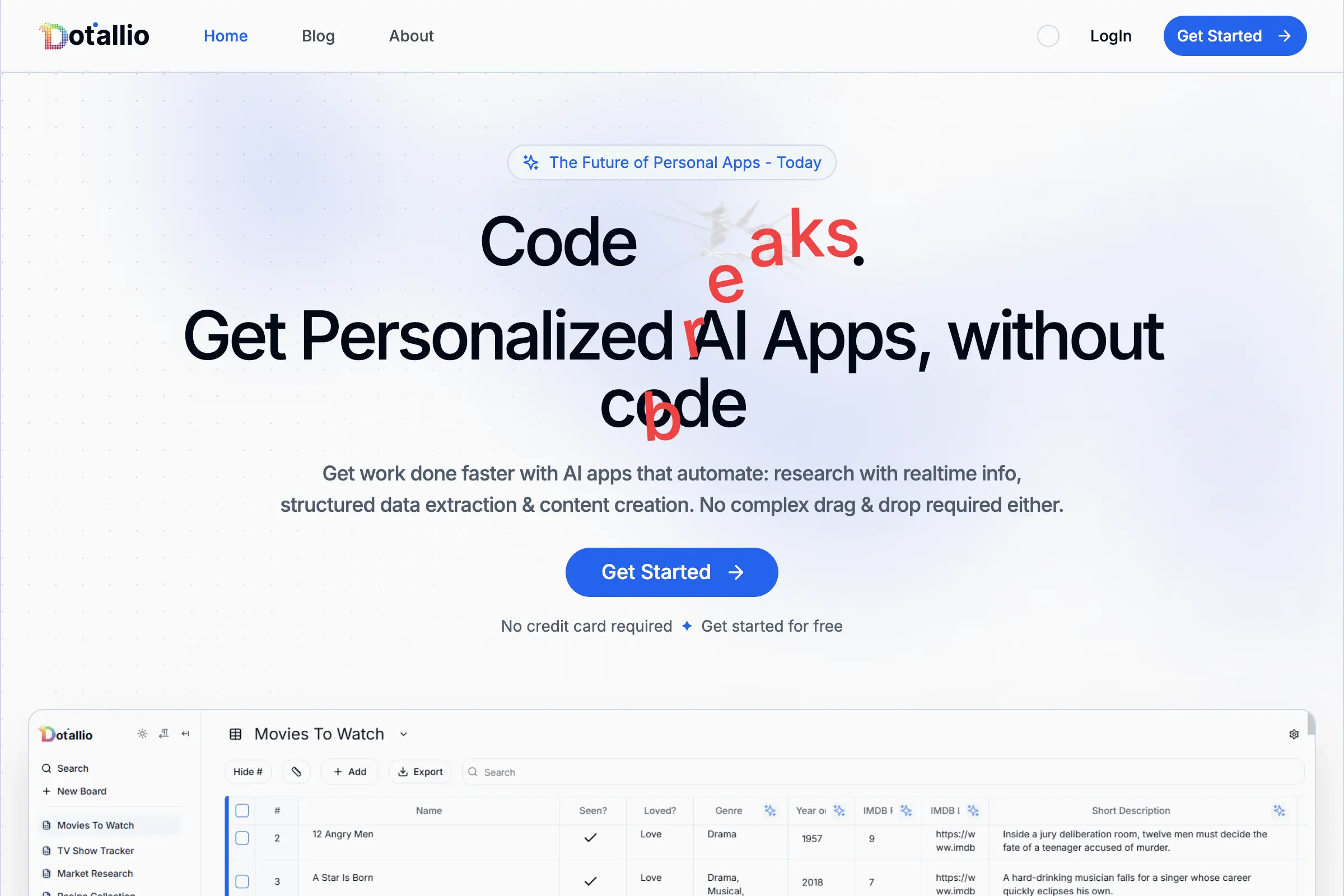
Dotallio
Personalized AI apps that automate research, data extraction, and content creation without code 🤖
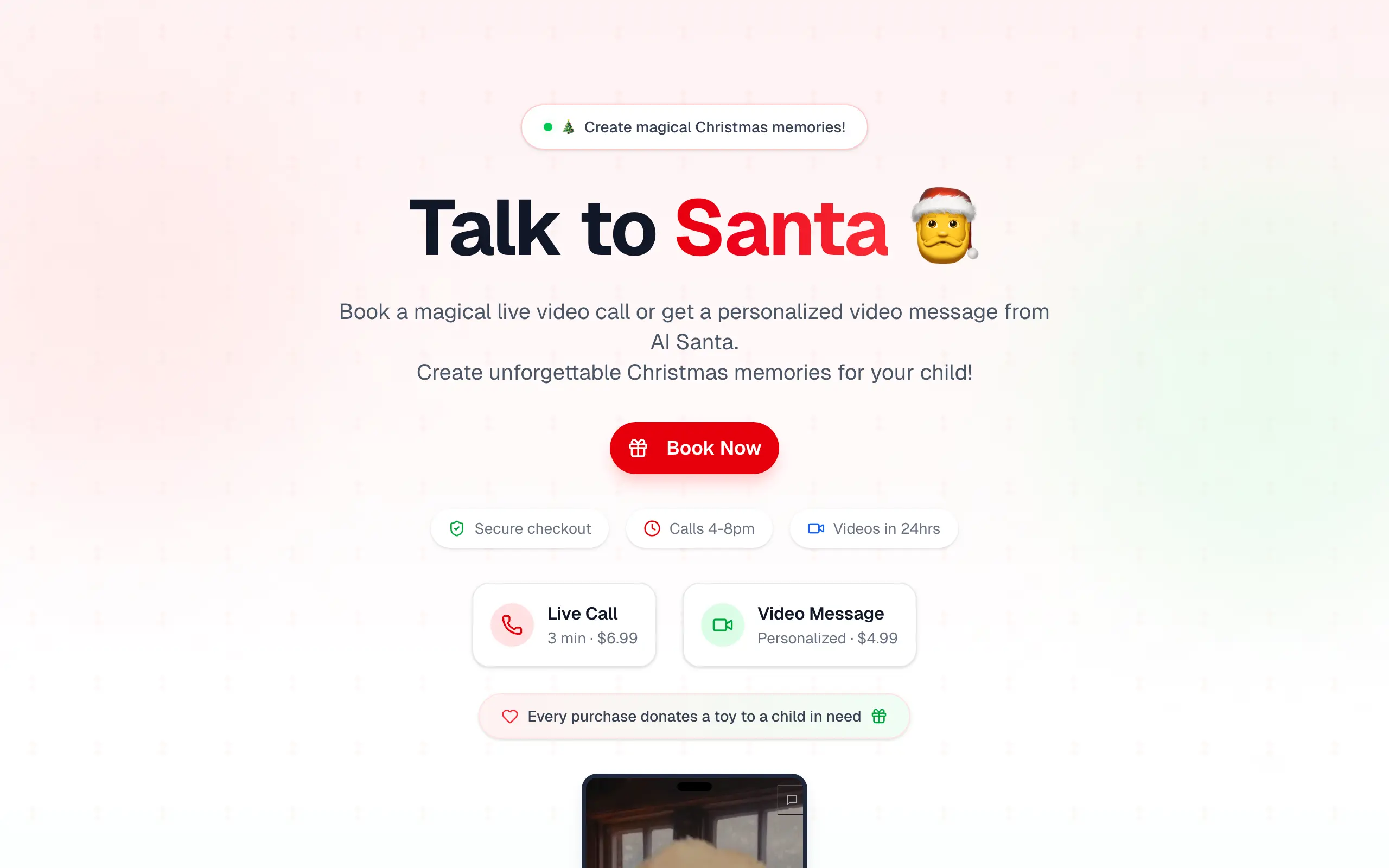
Talk to Santa
Enjoy a magical live video chat or receive a unique AI-generated video greeting from Santa Claus 🎅
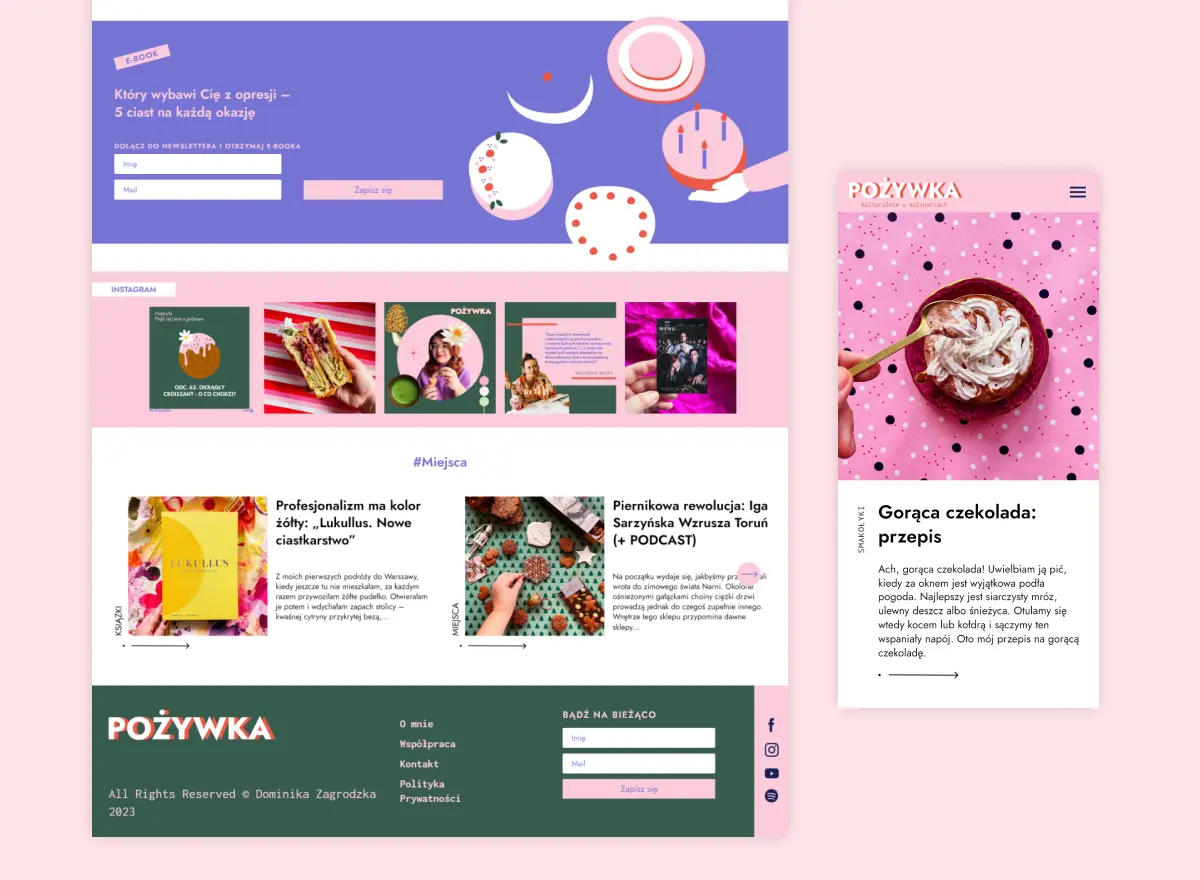
pozywka.pl
Scalable blog for food journalist, focused on performance and user experience 🌭
zagrodzki.me
Personal blog and portfolio of Bart Zagrodzki, where he shares his knowledge and work 💼
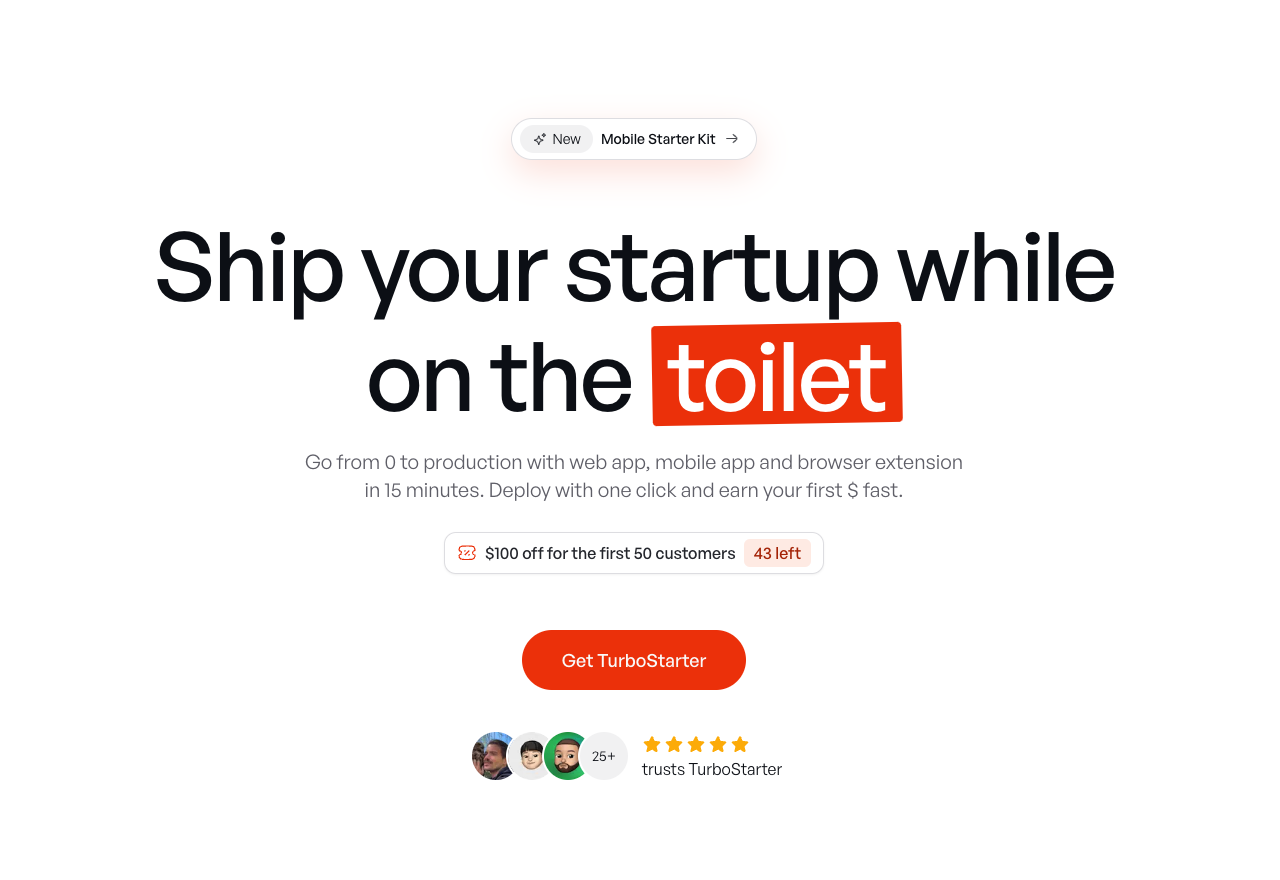
TurboStarter
Ship your startup everywhere. In minutes.
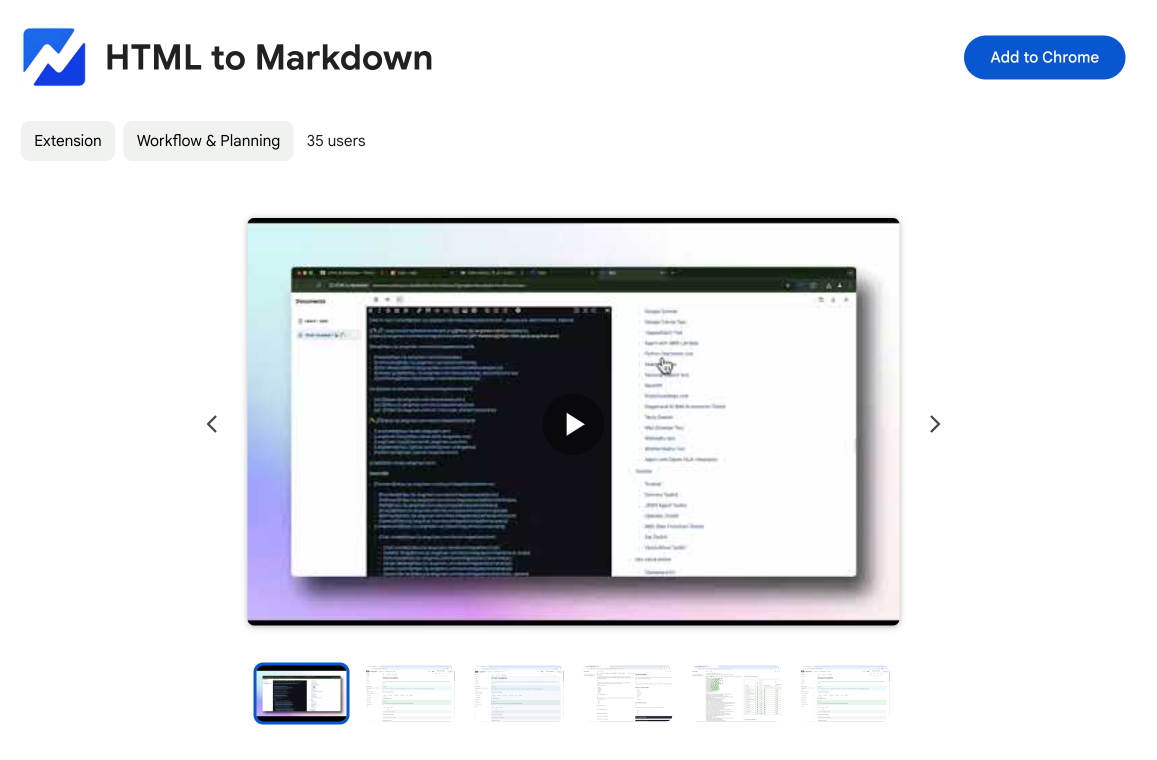
HTML to Markdown
Convert HTML to Markdown with ease, directly in your browser 📄
Dotallio
Personalized AI apps that automate research, data extraction, and content creation without code 🤖
Talk to Santa
Enjoy a magical live video chat or receive a unique AI-generated video greeting from Santa Claus 🎅
pozywka.pl
Scalable blog for food journalist, focused on performance and user experience 🌭
zagrodzki.me
Personal blog and portfolio of Bart Zagrodzki, where he shares his knowledge and work 💼
TurboStarter
Ship your startup everywhere. In minutes.
HTML to Markdown
Convert HTML to Markdown with ease, directly in your browser 📄
Dotallio
Personalized AI apps that automate research, data extraction, and content creation without code 🤖
Talk to Santa
Enjoy a magical live video chat or receive a unique AI-generated video greeting from Santa Claus 🎅
pozywka.pl
Scalable blog for food journalist, focused on performance and user experience 🌭
zagrodzki.me
Personal blog and portfolio of Bart Zagrodzki, where he shares his knowledge and work 💼
TurboStarter
Ship your startup everywhere. In minutes.
HTML to Markdown
Convert HTML to Markdown with ease, directly in your browser 📄
Dotallio
Personalized AI apps that automate research, data extraction, and content creation without code 🤖
Talk to Santa
Enjoy a magical live video chat or receive a unique AI-generated video greeting from Santa Claus 🎅
pozywka.pl
Scalable blog for food journalist, focused on performance and user experience 🌭
zagrodzki.me
Personal blog and portfolio of Bart Zagrodzki, where he shares his knowledge and work 💼
TurboStarter
Ship your startup everywhere. In minutes.
HTML to Markdown
Convert HTML to Markdown with ease, directly in your browser 📄
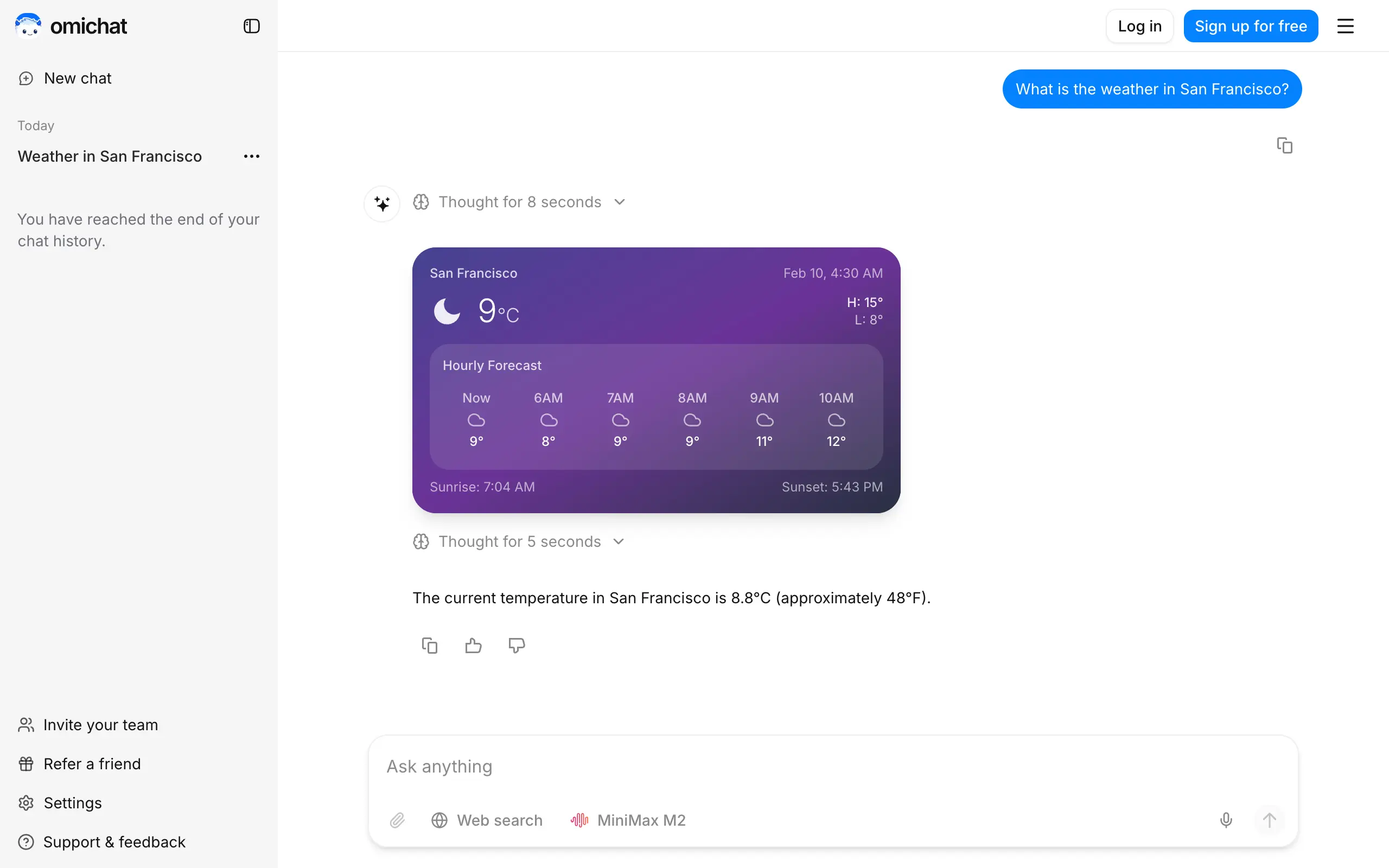
Omichat
Chat with 50+ AI models, including ChatGPT and Claude, in one place - switch models anytime without losing context 🤖
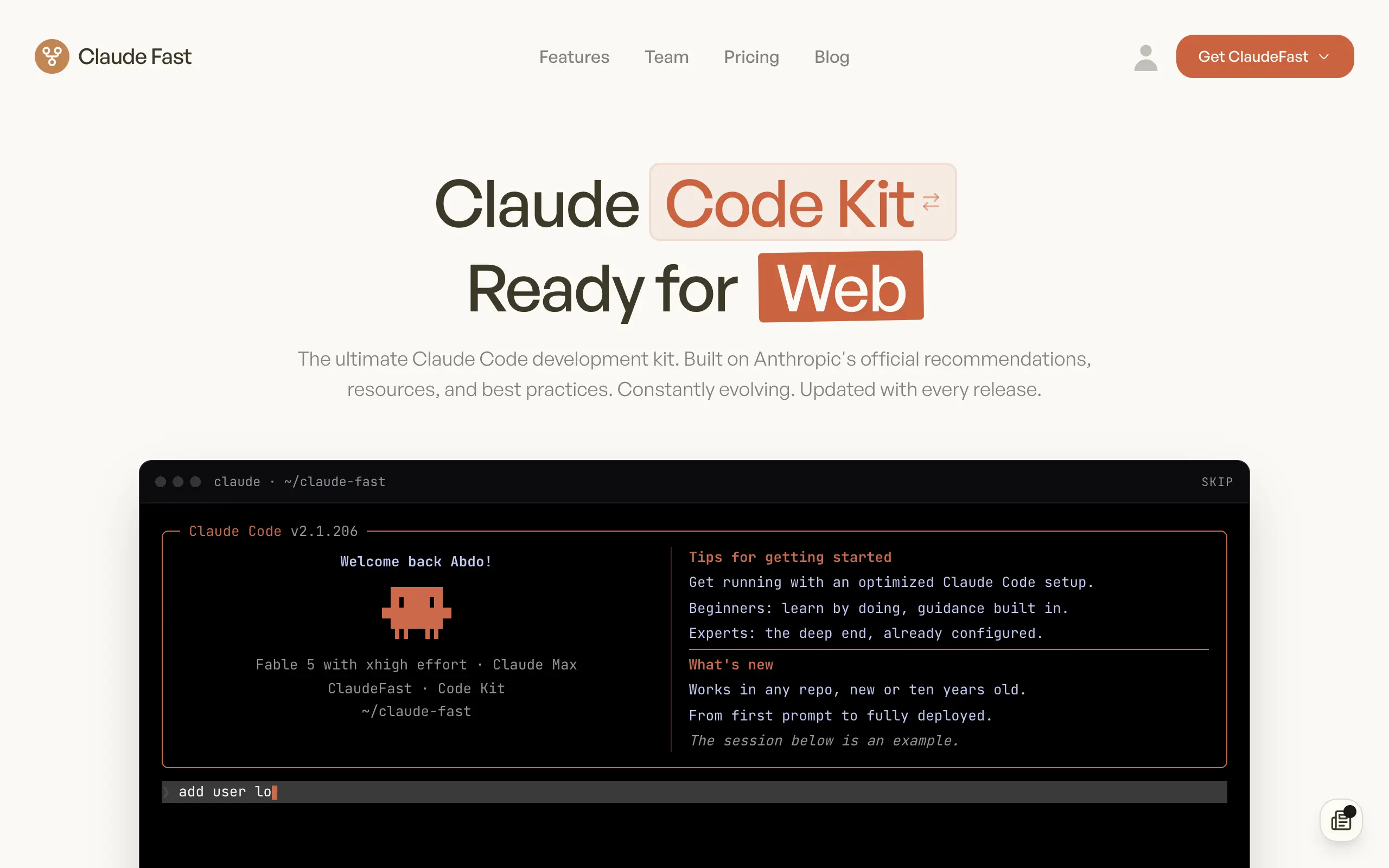
Claude Fast
Supercharge your Claude Code with 6x effective context window and specialized AI agents 🤖
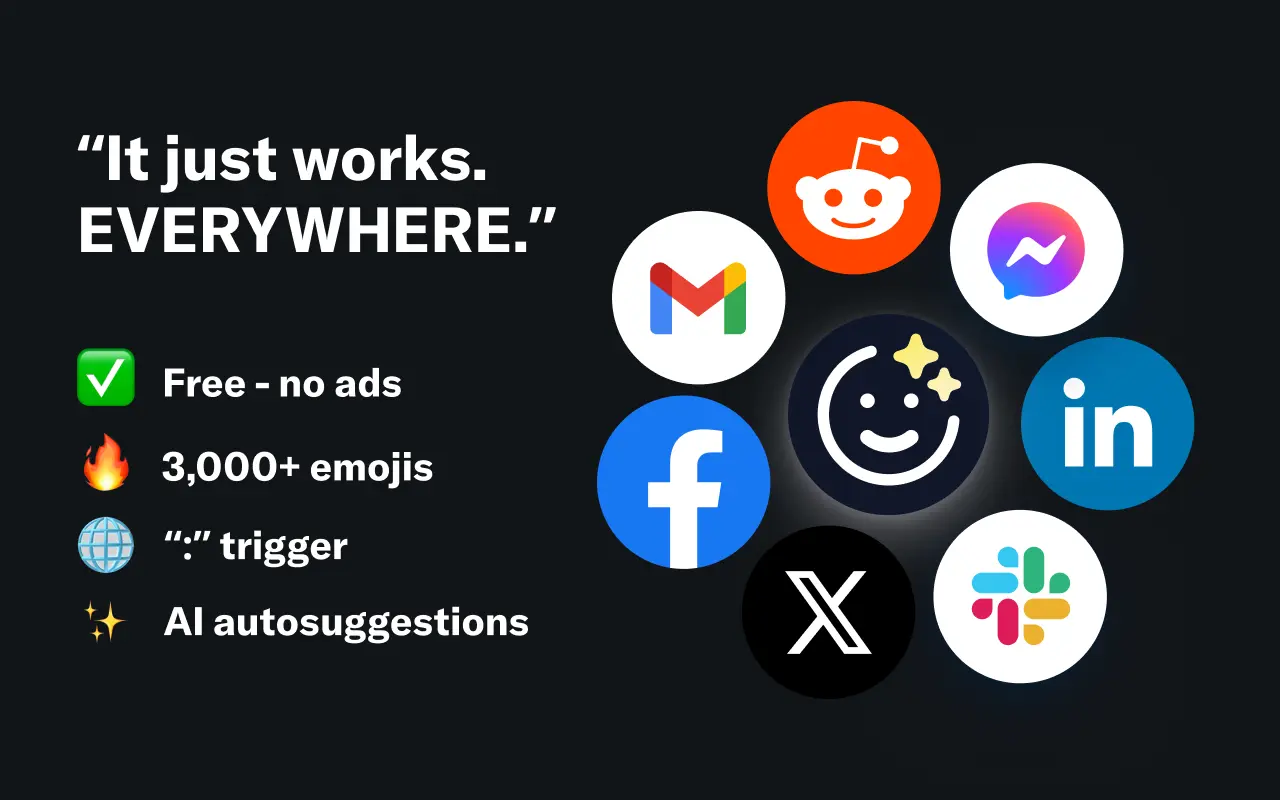
EmojAI
AI-powered emoji picker with smart, context-aware suggestions 🤖
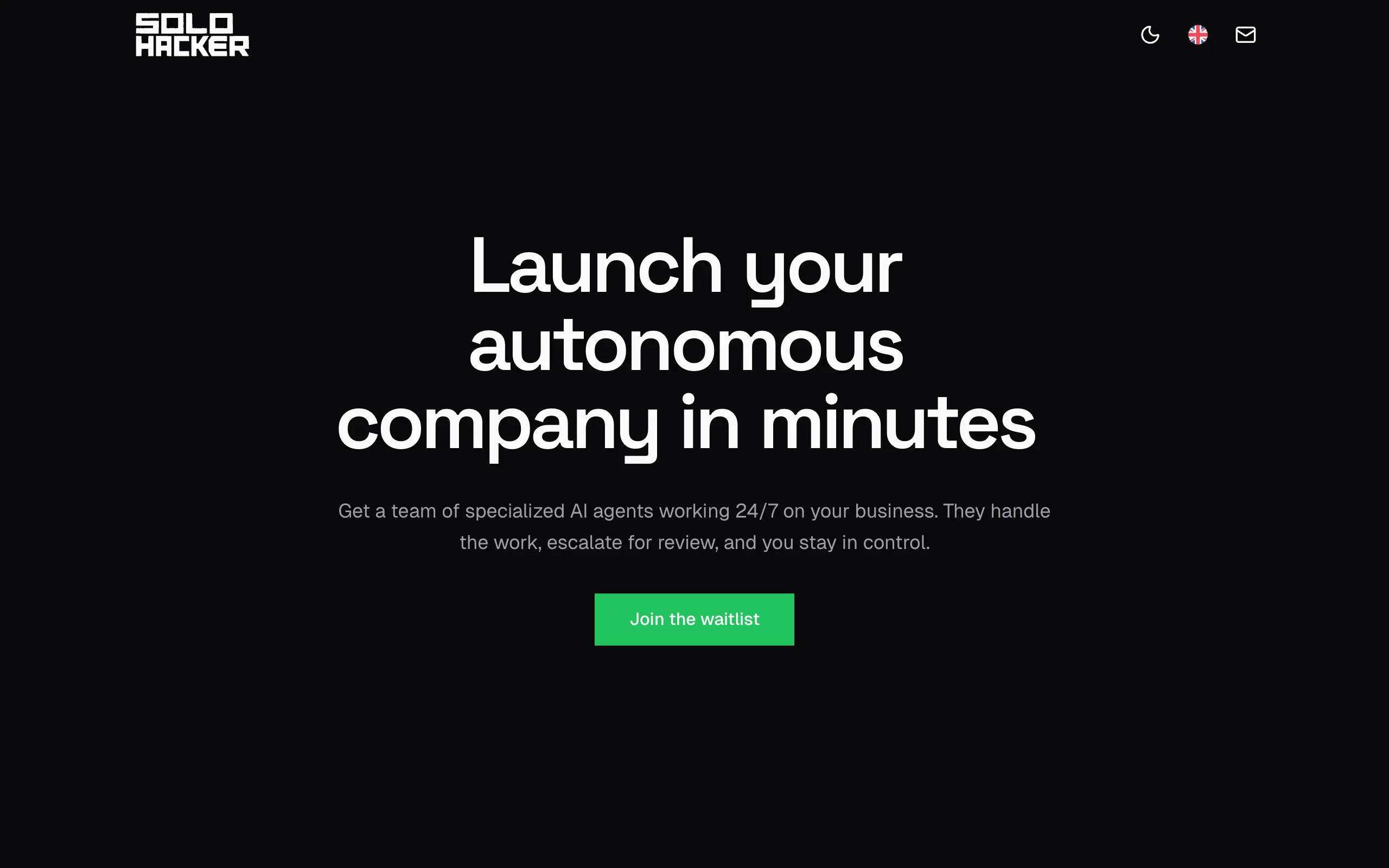
Solohacker
Autonomous company launcher - AI agents work 24/7, escalate what matters, and you stay in control 🤖
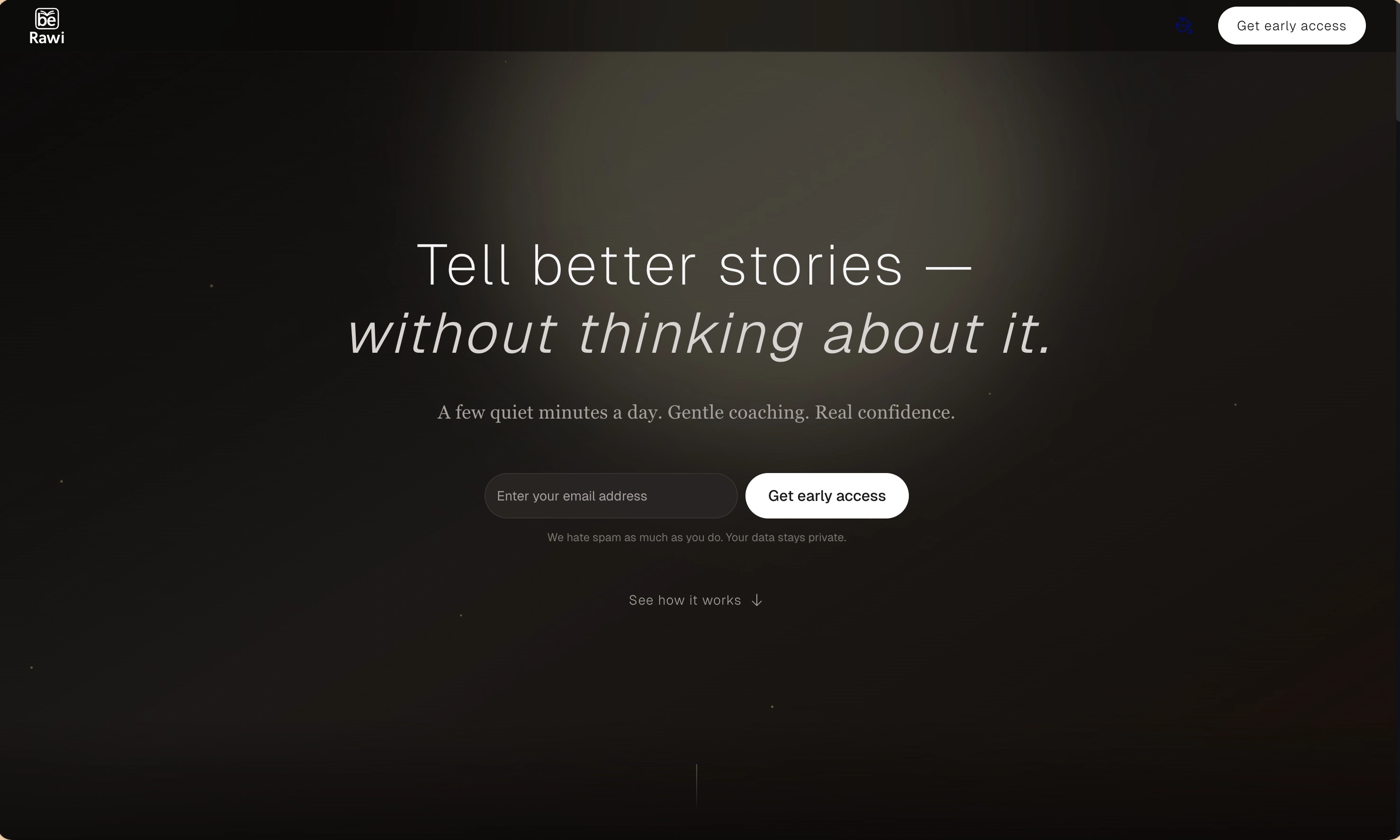
BeRawi: Storytelling Coach
Practice storytelling daily with instant feedback to sound clearer, more engaging, and confident 🎤
Omichat
Chat with 50+ AI models, including ChatGPT and Claude, in one place - switch models anytime without losing context 🤖
Claude Fast
Supercharge your Claude Code with 6x effective context window and specialized AI agents 🤖
EmojAI
AI-powered emoji picker with smart, context-aware suggestions 🤖
Solohacker
Autonomous company launcher - AI agents work 24/7, escalate what matters, and you stay in control 🤖
BeRawi: Storytelling Coach
Practice storytelling daily with instant feedback to sound clearer, more engaging, and confident 🎤
Omichat
Chat with 50+ AI models, including ChatGPT and Claude, in one place - switch models anytime without losing context 🤖
Claude Fast
Supercharge your Claude Code with 6x effective context window and specialized AI agents 🤖
EmojAI
AI-powered emoji picker with smart, context-aware suggestions 🤖
Solohacker
Autonomous company launcher - AI agents work 24/7, escalate what matters, and you stay in control 🤖
BeRawi: Storytelling Coach
Practice storytelling daily with instant feedback to sound clearer, more engaging, and confident 🎤
Omichat
Chat with 50+ AI models, including ChatGPT and Claude, in one place - switch models anytime without losing context 🤖
Claude Fast
Supercharge your Claude Code with 6x effective context window and specialized AI agents 🤖
EmojAI
AI-powered emoji picker with smart, context-aware suggestions 🤖
Solohacker
Autonomous company launcher - AI agents work 24/7, escalate what matters, and you stay in control 🤖
BeRawi: Storytelling Coach
Practice storytelling daily with instant feedback to sound clearer, more engaging, and confident 🎤

Connect with like-minded people
Join our community to get feedback, support, and grow together with 1,000+ builders on board, let's ship it!
Join usShip your startup everywhere. In minutes.
Don't burn tokens on setup and start building features on day one.