FocusFlow Dev
A deep-work productivity tool built for engineers, combining task breakdown, Git-based progress tracking, and distraction-free coding sessions.
The rise of deep-work productivity tools for engineers
Modern software development is more cognitively demanding than ever. Engineers juggle:
- Feature requests
- Bug fixes
- Code reviews
- CI/CD pipelines
- Slack messages
- Meetings
- Context switching between repositories
Yet most productivity tools were not built for developers. Traditional task managers treat work as generic to-dos, ignoring the reality that engineering output is tightly coupled to Git activity, repository context, and uninterrupted deep work.
That gap creates a powerful opportunity for a purpose-built solution like FocusFlow Dev — a deep-work productivity tool designed specifically for engineers, combining task breakdown, Git-based progress tracking, and distraction-free coding sessions.
This article explores:
- The target audience and user intent
- The market gap in developer productivity
- Core features and product architecture
- Recommended tech stack (with trade-offs)
- Monetization strategies
- Competitive positioning
- Risks and mitigation strategies
- Step-by-step implementation roadmap
If you're evaluating this SaaS idea or planning to build it, this guide gives you a comprehensive, expert-level breakdown.
Understanding the target audience
A deep-work tool for engineers must solve real workflow friction. Let’s break down who benefits most.
Primary audience: individual software engineers
These include:
- Full-stack developers
- Backend engineers
- Frontend engineers
- DevOps engineers
- Indie hackers
- Open-source maintainers
Common pain points:
- Context switching between tasks and repos
- Shallow task lists that don’t map to real code progress
- Slack and notification distractions
- Difficulty estimating effort
- Losing track of feature-level momentum
These developers aren’t looking for another generic to-do app. They want:
- Git-aware productivity tracking
- Deep focus sessions
- Meaningful progress metrics tied to code output
- Lightweight workflows
Secondary audience: engineering teams & startups
Startup teams care about:
- Predictable delivery cycles
- Developer focus time
- Reduced burnout
- Better progress visibility without micromanagement
Managers want insights like:
- Are features progressing?
- Is work being broken down properly?
- Are developers stuck?
FocusFlow Dev can serve both individuals and teams — but its UX should remain developer-first.
The market gap in developer productivity tools
Existing tools fall into three categories:
- Generic task managers (Todoist, Asana, ClickUp)
- Project management tools (Jira, Linear)
- Time trackers (Toggl, RescueTime)
None are built around deep coding sessions.
Most productivity tools:
- Don’t integrate deeply with Git workflows
- Don’t measure code-level momentum
- Don’t protect deep work blocks
- Encourage shallow multitasking
Meanwhile, research on deep work (popularized by Cal Newport) shows uninterrupted cognitive sessions dramatically improve output quality.
The missing piece? A system that:
- Breaks engineering work into logical coding units
- Connects those units to commits and branches
- Encourages distraction-free sessions
- Visualizes progress through actual Git activity
That is the strategic positioning of FocusFlow Dev.
Core product vision of FocusFlow Dev
At its heart, FocusFlow Dev is a Git-aware deep work engine for developers.
Let’s break down the core pillars.
1. Intelligent task breakdown for engineers
Generic tasks like:
“Build authentication system”
Are cognitively overwhelming.
FocusFlow Dev should help transform them into:
- Setup user model
- Create login endpoint
- Implement JWT issuance
- Add middleware for token validation
- Write auth tests
- Integrate frontend login form
This can be powered by:
- AI-assisted breakdown
- Templates per feature type
- Historical repo analysis
Why this matters
Developers experience friction when tasks are too abstract. Smaller scoped tasks:
- Reduce cognitive load
- Improve estimation accuracy
- Increase dopamine from completion
- Encourage steady commit flow
2. Git-based progress tracking
This is the unique selling proposition.
Instead of marking tasks as done manually, FocusFlow Dev can:
- Detect commits tied to task IDs
- Track branch creation & merge events
- Visualize commit frequency
- Measure coding momentum
Example workflow
- Developer starts a deep work session.
- FocusFlow assigns task ID
FF-102. - Developer branches:
feature/ff-102-auth-login - Commits include reference.
- When PR merges → task auto-completes.
This removes friction between task management and coding.
3. Deep work sessions (distraction-free coding mode)
FocusFlow Dev should include:
- Pomodoro-style timers
- Custom session durations (e.g., 60–120 minutes)
- App/site blocker integration
- Slack/Discord “Focus Mode” status automation
- Git-based session tracking
During a session:
- Notifications muted
- Only task-related context visible
- Commit count tracked
- Flow score measured
This transforms productivity from reactive to intentional.
4. Developer-centric analytics
Instead of vanity metrics like “hours worked,” show:
- Commit velocity per task
- Deep session streaks
- Average time-to-merge
- Context switching frequency
- Flow score (session quality metric)
This builds long-term behavior change.
Feature comparison vs existing tools
| Feature | Generic Task Apps | Jira/Linear | Time Trackers | FocusFlow Dev |
|---|---|---|---|---|
| Git-aware tasks | ❌ | Limited | ❌ | ✅ |
| Deep work sessions | ❌ | ❌ | Partial | ✅ |
| Auto task completion via PR | ❌ | Manual | ❌ | ✅ |
| Developer flow analytics | ❌ | ❌ | Basic | ✅ |
This is the defensible positioning layer.
Recommended tech stack (with trade-offs)
FocusFlow Dev must integrate deeply with Git providers and offer real-time session tracking.
Frontend
Why:
- Fast iteration
- SSR for SEO
- Component flexibility
- Strong ecosystem
Backend
Options:
Node.js (with NestJS or Express)
Pros:
- Unified JS stack
- Large developer ecosystem
- Fast prototyping
Cons:
- Can struggle under heavy concurrent webhook loads if not optimized
Go Pros:
- Excellent concurrency
- Efficient webhook handling
- Lower memory footprint
Cons:
- Slower iteration for frontend-heavy teams
Database
- PostgreSQL (recommended)
- Redis (for session tracking & caching)
Why PostgreSQL?
- Strong relational modeling for tasks, repos, sessions
- JSON support for flexible metadata
- Mature ecosystem
Git integrations
Start with:
- GitHub
- GitLab
Use webhooks for:
- Push events
- Pull requests
- Merges
AI integration (optional but powerful)
For task breakdown:
- OpenAI API (GPT models)
- Prompt-based structured task decomposition
This should be optional to control costs.
Monetization strategy
FocusFlow Dev can adopt a hybrid model.
1. Freemium
Free tier:
- 1 repository
- 5 active tasks
- Basic deep work timer
Pro tier ($12–20/month):
- Unlimited repos
- Git-based analytics
- AI task breakdown
- Advanced flow metrics
2. Team pricing
Per-seat pricing:
- $18–25/user/month
- Shared dashboards
- Manager insights
- Slack integrations
3. Annual plans
Offer 20% discount to increase LTV and reduce churn.
Competitive advantage analysis
Defensible moats
- Git-native architecture
- Deep behavioral analytics
- Developer-first UX
- Habit-building loop (streaks & flow scores)
Why competitors won’t easily copy
Generic tools are not architected around Git events as primary signals.
Retrofitting Git-awareness into traditional task apps is technically and UX-wise complex.
Potential risks & mitigation strategies
Mitigation:
- Make onboarding frictionless
- Auto-import existing repos
- Provide immediate visible value within first deep session
Mitigation:
- Use webhook-first design
- Store events redundantly
- Implement retry queues
Mitigation:
- Focus strictly on deep work + Git
- Avoid becoming another Jira clone
Go-to-market strategy
Start with:
- Indie hackers
- Startup dev teams
- Open-source communities
Channels:
- Dev Twitter / X
- Product Hunt
- Hacker News
- Reddit (r/programming, r/webdev)
Offer:
- 30-day Pro trial
- Lifetime discount for early adopters
Step-by-step implementation roadmap
Example data model (simplified)
type Task = {
  id: string
  title: string
  description?: string
  repoId: string
  branchName?: string
  status: "todo" | "in_progress" | "completed"
  commitCount: number
  createdAt: Date
}

type DeepSession = {
  id: string
  taskId: string
  startTime: Date
  endTime?: Date
  commitsDuringSession: number
  flowScore?: number
}
Why FocusFlow Dev stands out
Most productivity tools optimize for visibility.
FocusFlow Dev optimizes for cognitive performance.
It aligns:
- Task structure
- Git workflow
- Deep work psychology
- Behavioral analytics
That intersection is powerful and underexplored.
Final actionable blueprint
If you’re building this:
- Start small.
- Ship Git-based auto-complete.
- Make the first deep session magical.
- Build habit-forming loops.
- Monetize after behavioral adoption.
To accelerate development, use a production-ready SaaS foundation like TurboStarter to handle authentication, billing, and infrastructure — so you can focus on the Git-aware deep work engine.
Conclusion
The future of developer productivity is not more dashboards or more notifications.
It’s:
- Fewer interruptions
- Smaller tasks
- Tighter Git integration
- Measurable deep work
FocusFlow Dev sits at the intersection of software engineering, behavioral psychology, and workflow automation.
In a world where developer attention is the scarcest resource, a deep-work productivity tool built specifically for engineers isn’t just useful — it’s inevitable.
The only question is who builds it first — and how well they execute.
More ⚡ Productivity Tool SaaS ideas
Discover more innovative productivity tool SaaS ideas that are trending in 2026. Each idea is AI-generated with market validation and growth potential to help you find your next profitable venture faster than competitors.
Your competitors are building with TurboStarter
Below are some of the SaaS ideas that have been generated and built with our starter kit.
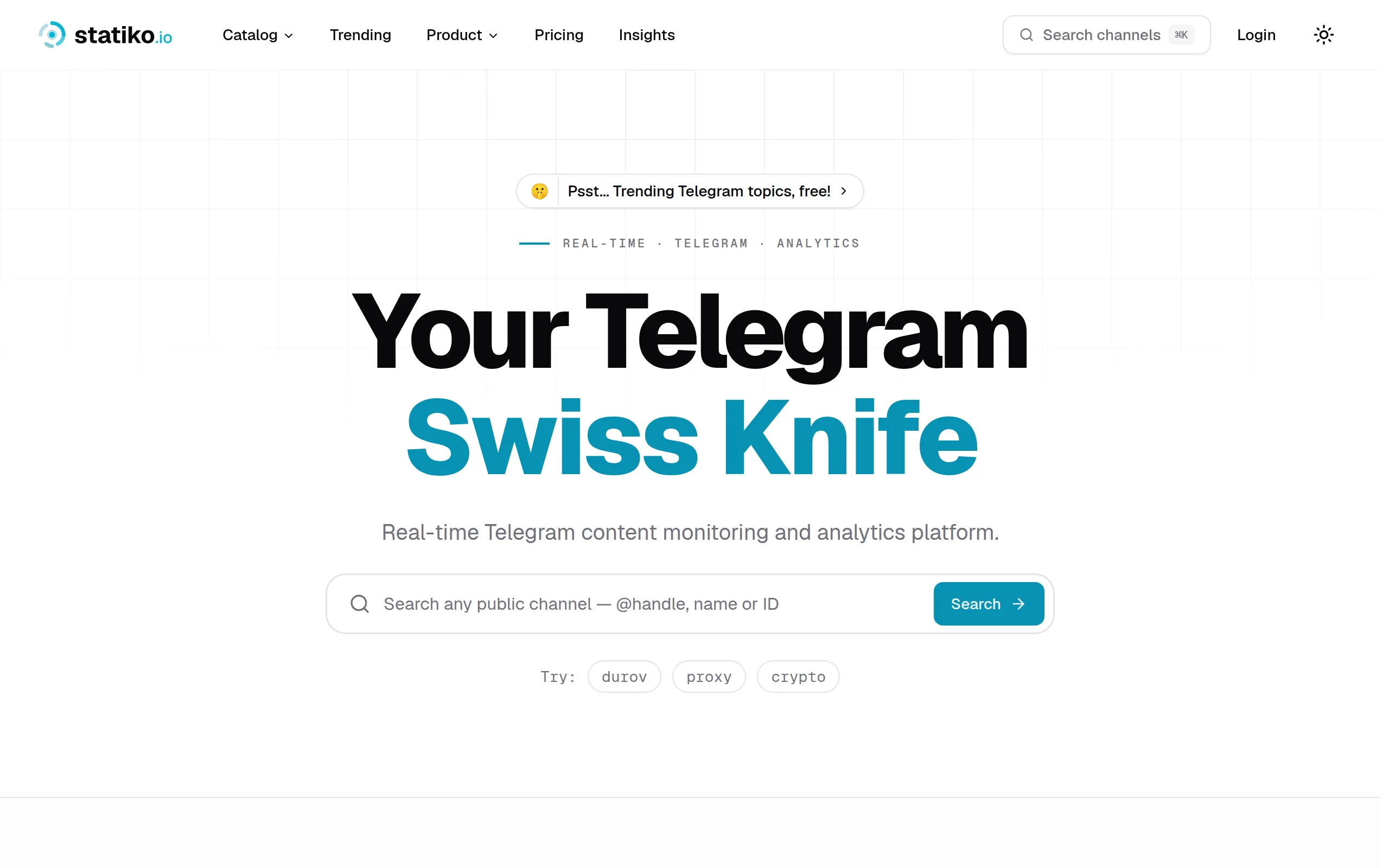
Statiko
Monitor any Telegram channel in real time - track posts, edits, deletions, and growth with AI recaps 📡

Shibui
AI website builder - describe your business, pick a niche template, edit by chatting, and publish instantly ✨

Pro Service
Find verified home service professionals, compare quotes, and pay securely through escrow - built for Brazilians across the US 🏠
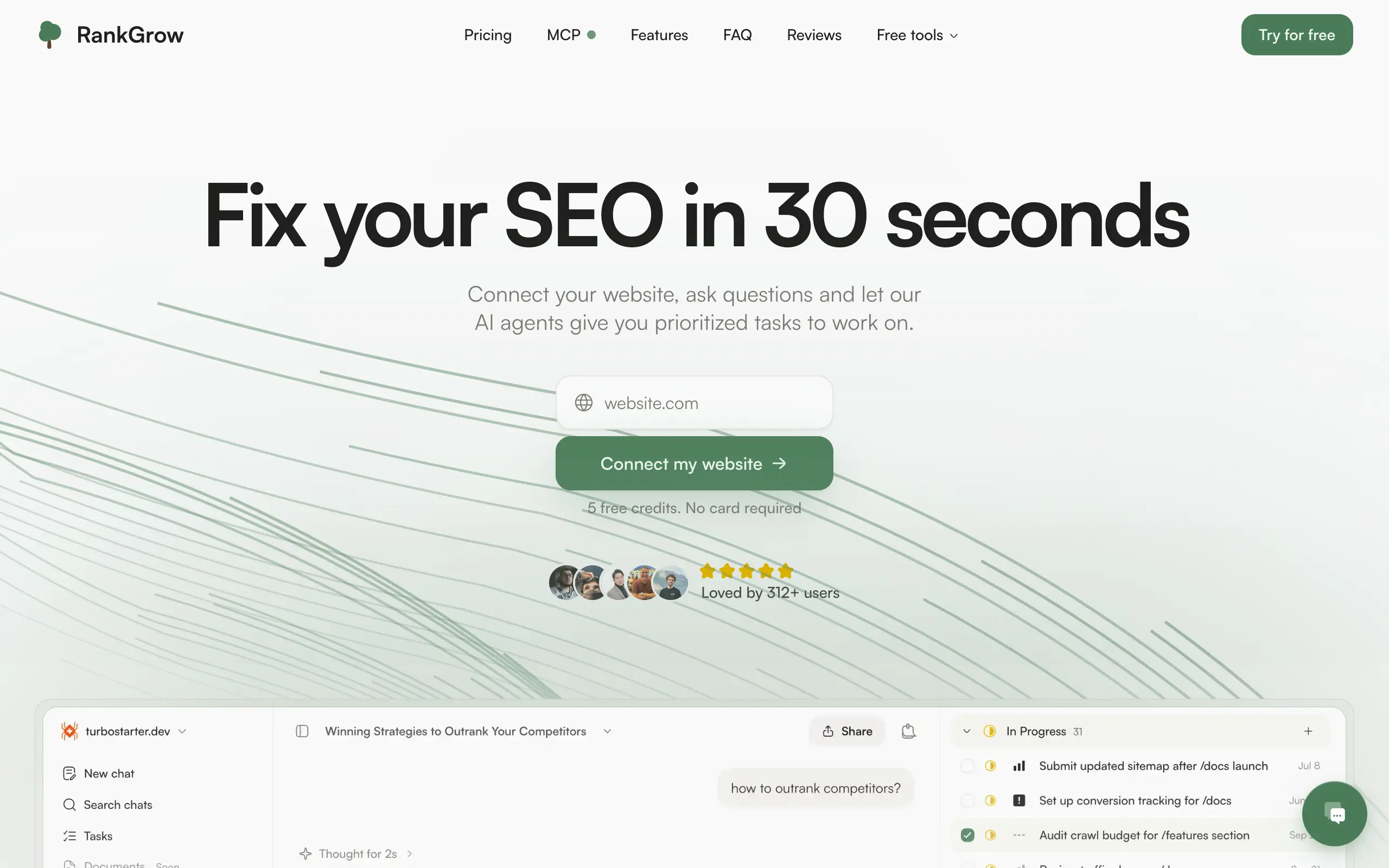
RankGrow
Fix your SEO with AI agents - connect Search Console, get prioritized tasks, and grow organic traffic 📈
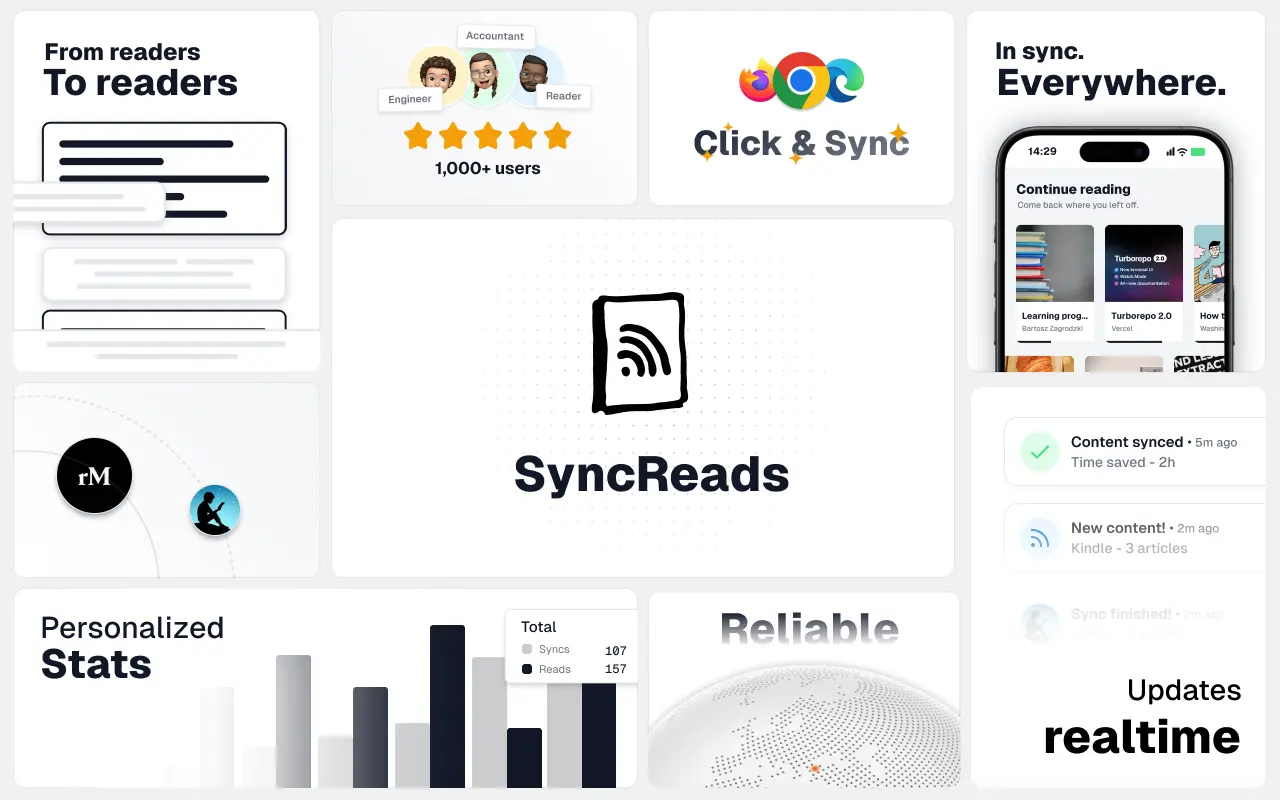
SyncReads
Sync your favorite content for distraction-free reading, save time and replace multiple apps. Anytime, anywhere 🔄
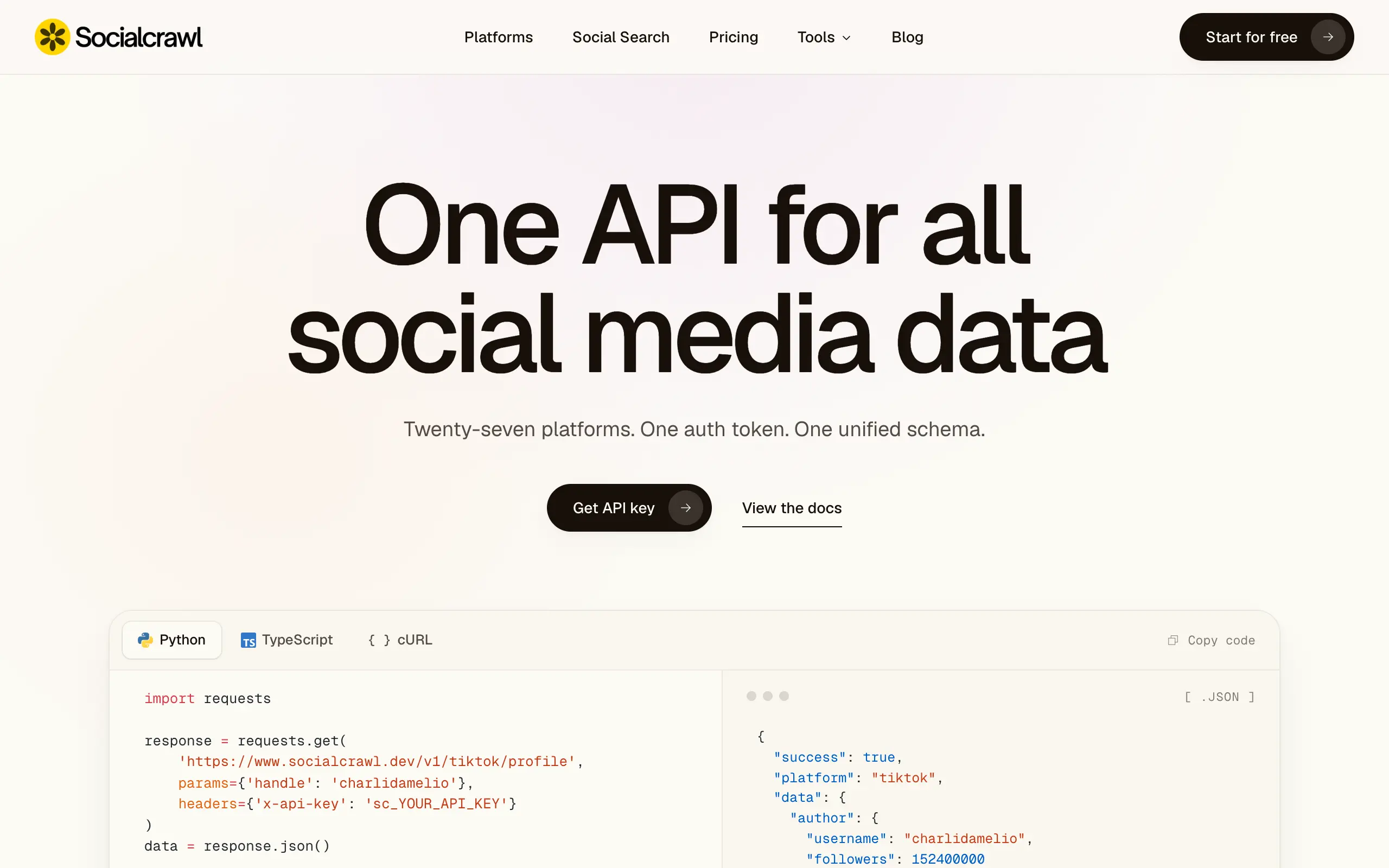
Socialcrawl
Get clean, structured data from 21 platforms like TikTok, Instagram, and YouTube with a single request 📊
Statiko
Monitor any Telegram channel in real time - track posts, edits, deletions, and growth with AI recaps 📡
Shibui
AI website builder - describe your business, pick a niche template, edit by chatting, and publish instantly ✨
Pro Service
Find verified home service professionals, compare quotes, and pay securely through escrow - built for Brazilians across the US 🏠
RankGrow
Fix your SEO with AI agents - connect Search Console, get prioritized tasks, and grow organic traffic 📈
SyncReads
Sync your favorite content for distraction-free reading, save time and replace multiple apps. Anytime, anywhere 🔄
Socialcrawl
Get clean, structured data from 21 platforms like TikTok, Instagram, and YouTube with a single request 📊
Statiko
Monitor any Telegram channel in real time - track posts, edits, deletions, and growth with AI recaps 📡
Shibui
AI website builder - describe your business, pick a niche template, edit by chatting, and publish instantly ✨
Pro Service
Find verified home service professionals, compare quotes, and pay securely through escrow - built for Brazilians across the US 🏠
RankGrow
Fix your SEO with AI agents - connect Search Console, get prioritized tasks, and grow organic traffic 📈
SyncReads
Sync your favorite content for distraction-free reading, save time and replace multiple apps. Anytime, anywhere 🔄
Socialcrawl
Get clean, structured data from 21 platforms like TikTok, Instagram, and YouTube with a single request 📊
Statiko
Monitor any Telegram channel in real time - track posts, edits, deletions, and growth with AI recaps 📡
Shibui
AI website builder - describe your business, pick a niche template, edit by chatting, and publish instantly ✨
Pro Service
Find verified home service professionals, compare quotes, and pay securely through escrow - built for Brazilians across the US 🏠
RankGrow
Fix your SEO with AI agents - connect Search Console, get prioritized tasks, and grow organic traffic 📈
SyncReads
Sync your favorite content for distraction-free reading, save time and replace multiple apps. Anytime, anywhere 🔄
Socialcrawl
Get clean, structured data from 21 platforms like TikTok, Instagram, and YouTube with a single request 📊
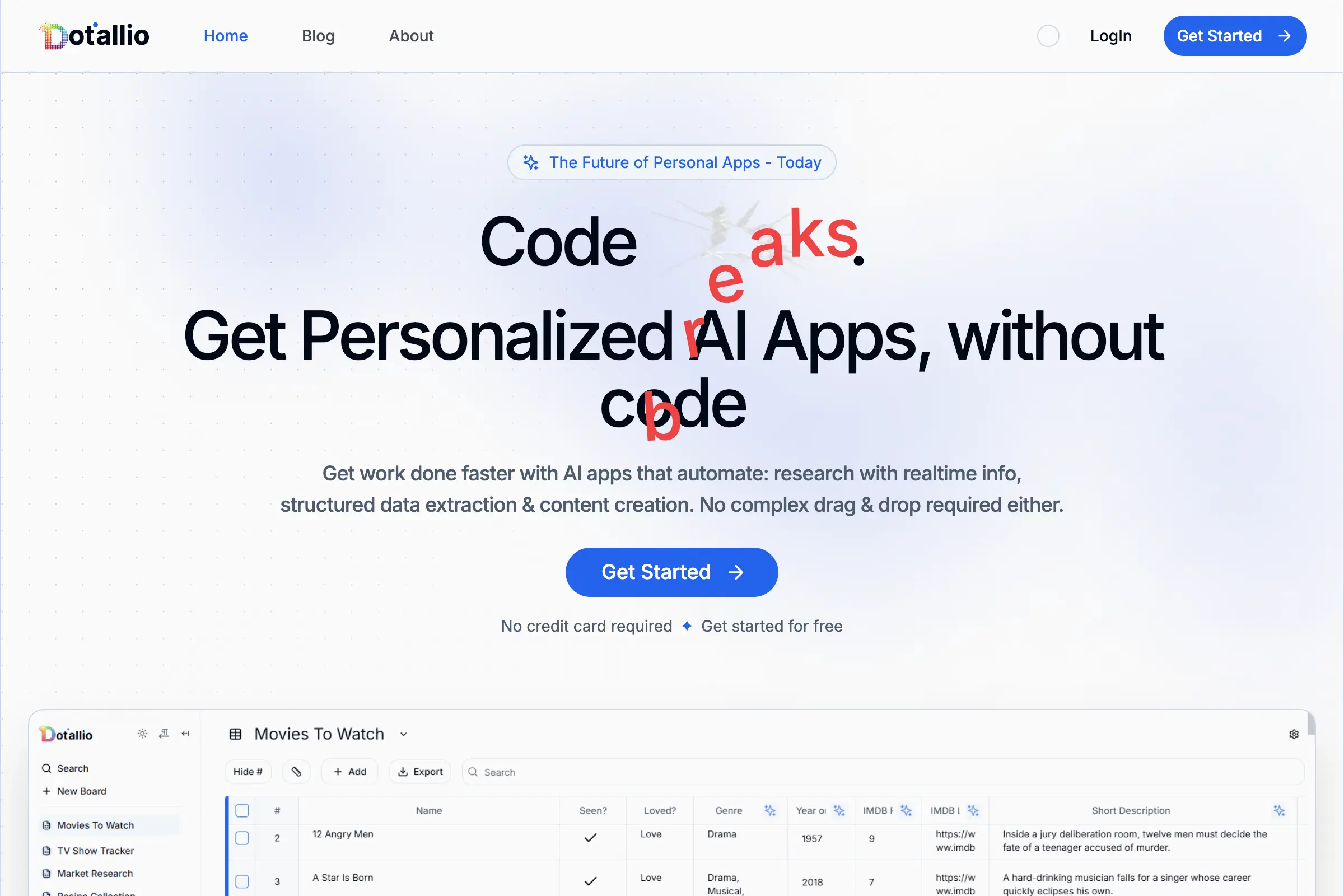
Dotallio
Personalized AI apps that automate research, data extraction, and content creation without code 🤖

Talk to Santa
Enjoy a magical live video chat or receive a unique AI-generated video greeting from Santa Claus 🎅

pozywka.pl
Scalable blog for food journalist, focused on performance and user experience 🌭
zagrodzki.me
Personal blog and portfolio of Bart Zagrodzki, where he shares his knowledge and work 💼
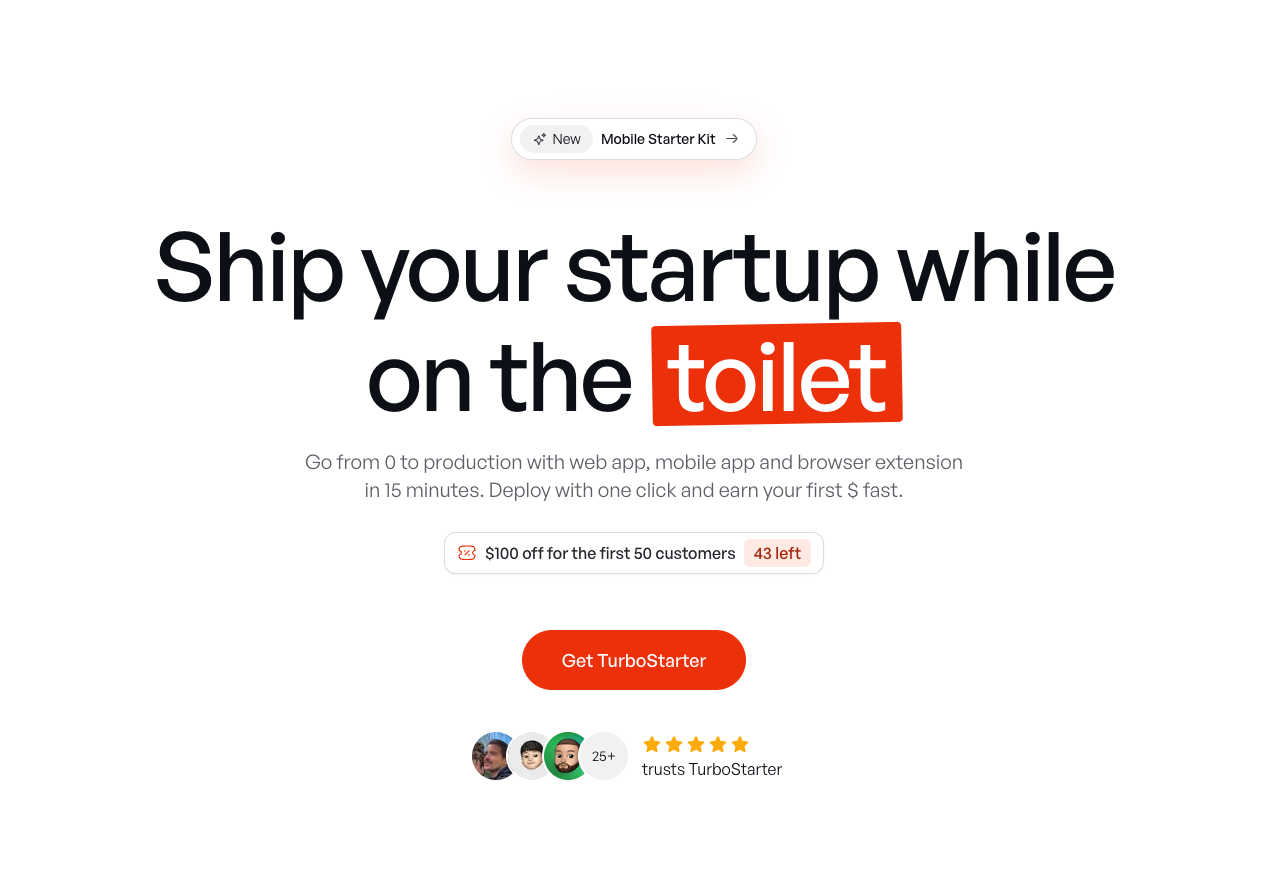
TurboStarter
Ship your startup everywhere. In minutes.
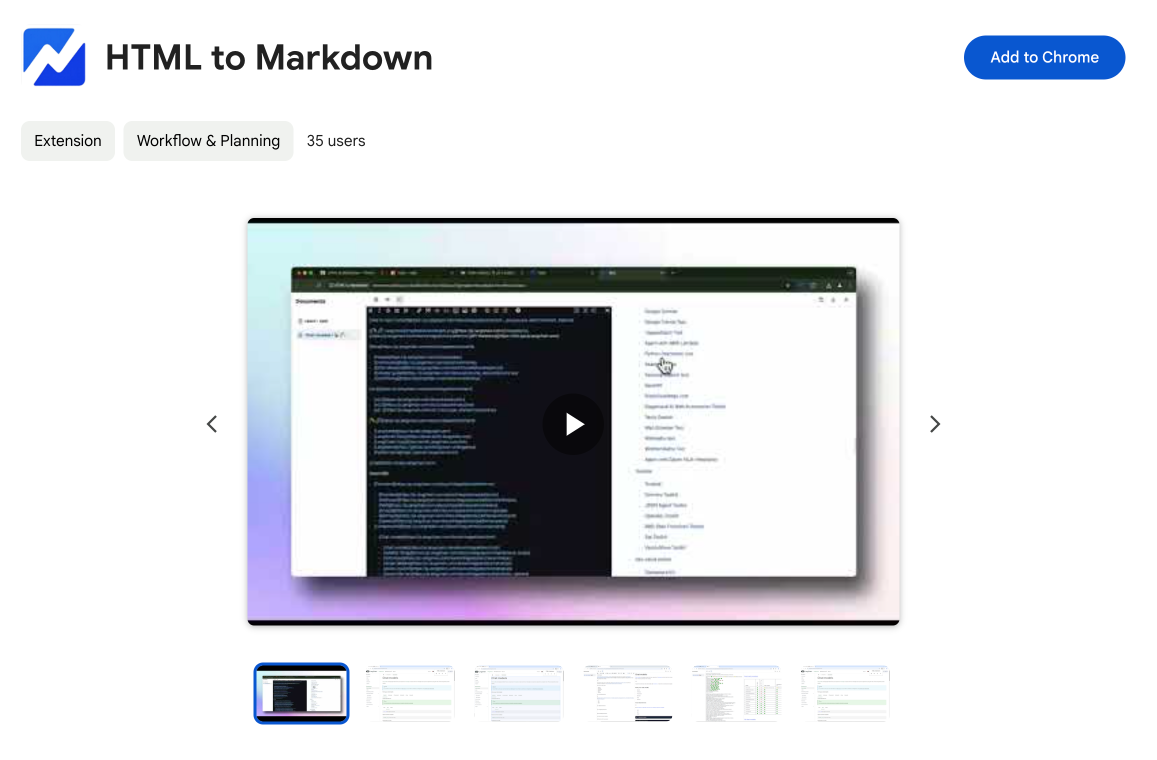
HTML to Markdown
Convert HTML to Markdown with ease, directly in your browser 📄
Dotallio
Personalized AI apps that automate research, data extraction, and content creation without code 🤖
Talk to Santa
Enjoy a magical live video chat or receive a unique AI-generated video greeting from Santa Claus 🎅
pozywka.pl
Scalable blog for food journalist, focused on performance and user experience 🌭
zagrodzki.me
Personal blog and portfolio of Bart Zagrodzki, where he shares his knowledge and work 💼
TurboStarter
Ship your startup everywhere. In minutes.
HTML to Markdown
Convert HTML to Markdown with ease, directly in your browser 📄
Dotallio
Personalized AI apps that automate research, data extraction, and content creation without code 🤖
Talk to Santa
Enjoy a magical live video chat or receive a unique AI-generated video greeting from Santa Claus 🎅
pozywka.pl
Scalable blog for food journalist, focused on performance and user experience 🌭
zagrodzki.me
Personal blog and portfolio of Bart Zagrodzki, where he shares his knowledge and work 💼
TurboStarter
Ship your startup everywhere. In minutes.
HTML to Markdown
Convert HTML to Markdown with ease, directly in your browser 📄
Dotallio
Personalized AI apps that automate research, data extraction, and content creation without code 🤖
Talk to Santa
Enjoy a magical live video chat or receive a unique AI-generated video greeting from Santa Claus 🎅
pozywka.pl
Scalable blog for food journalist, focused on performance and user experience 🌭
zagrodzki.me
Personal blog and portfolio of Bart Zagrodzki, where he shares his knowledge and work 💼
TurboStarter
Ship your startup everywhere. In minutes.
HTML to Markdown
Convert HTML to Markdown with ease, directly in your browser 📄
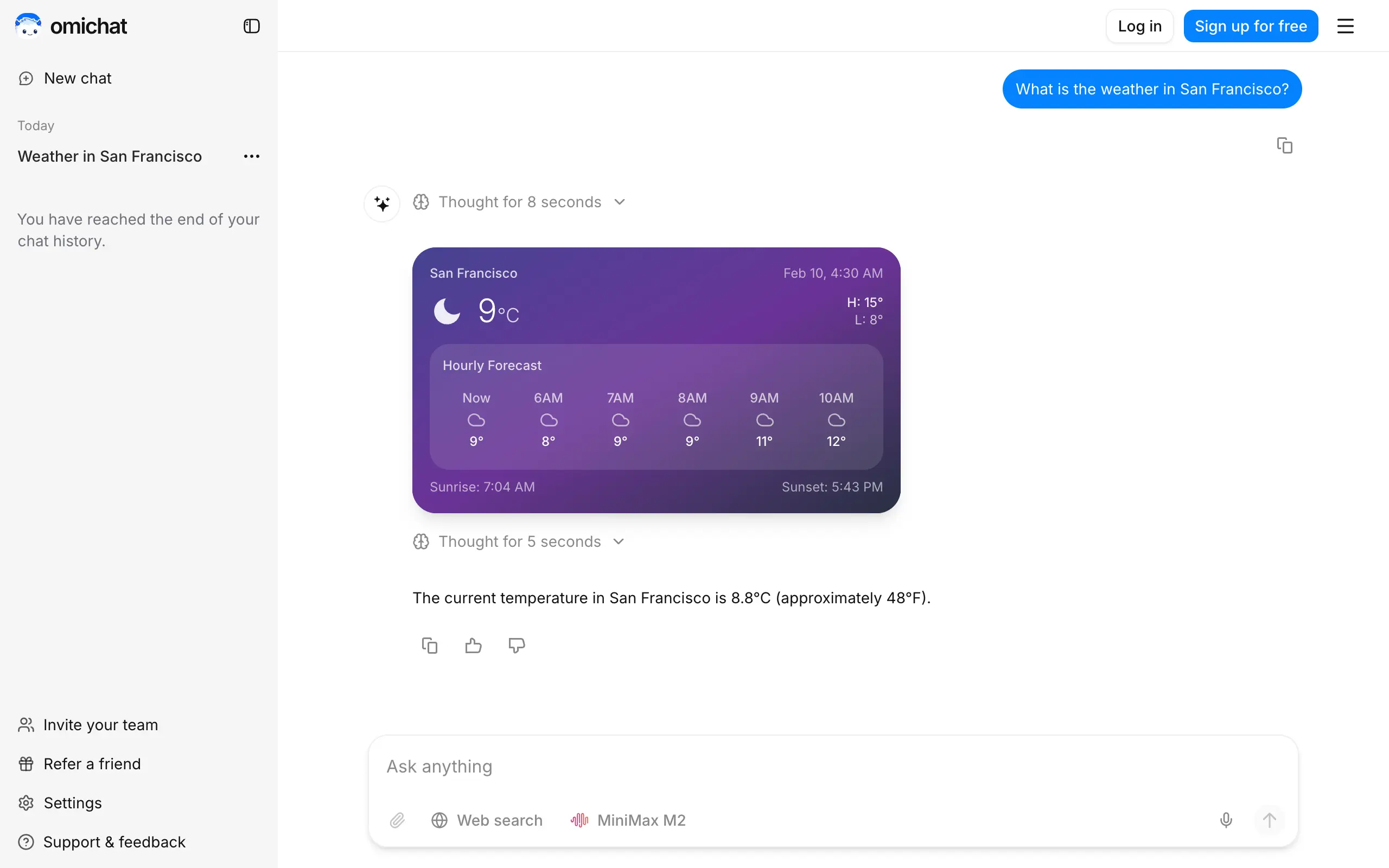
Omichat
Chat with 50+ AI models, including ChatGPT and Claude, in one place - switch models anytime without losing context 🤖
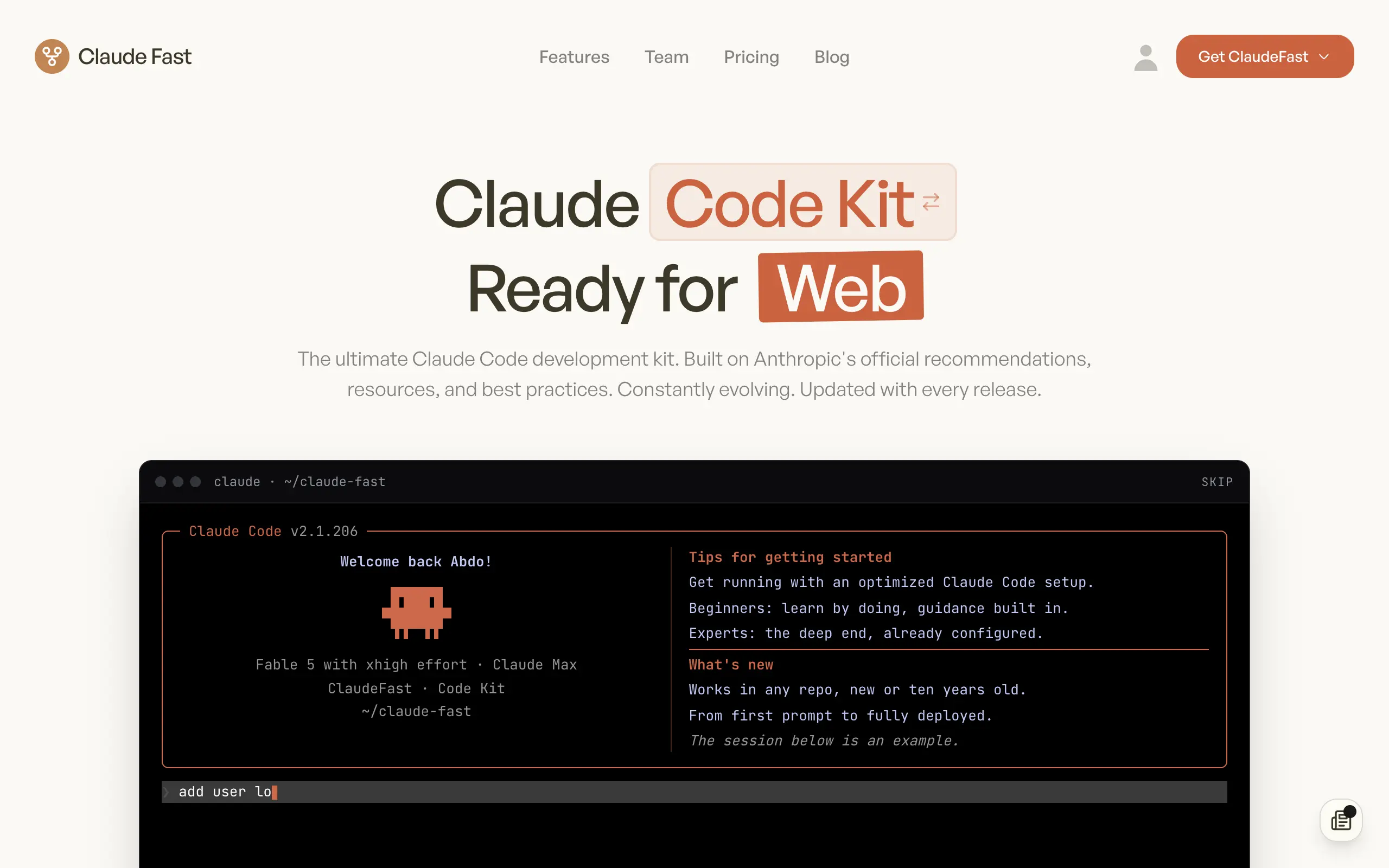
Claude Fast
Supercharge your Claude Code with 6x effective context window and specialized AI agents 🤖
EmojAI
AI-powered emoji picker with smart, context-aware suggestions 🤖
Solohacker
Autonomous company launcher - AI agents work 24/7, escalate what matters, and you stay in control 🤖
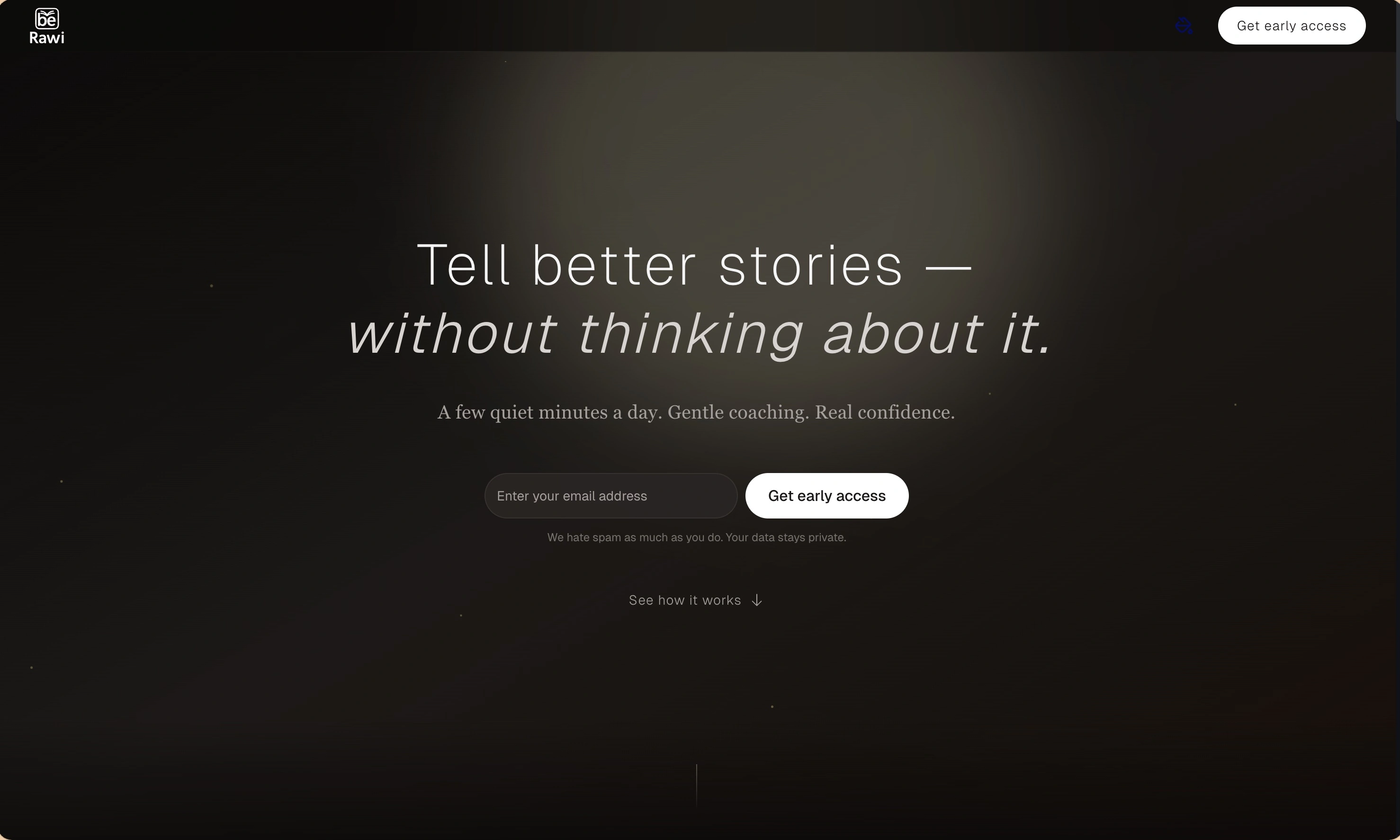
BeRawi: Storytelling Coach
Practice storytelling daily with instant feedback to sound clearer, more engaging, and confident 🎤
Omichat
Chat with 50+ AI models, including ChatGPT and Claude, in one place - switch models anytime without losing context 🤖
Claude Fast
Supercharge your Claude Code with 6x effective context window and specialized AI agents 🤖
EmojAI
AI-powered emoji picker with smart, context-aware suggestions 🤖
Solohacker
Autonomous company launcher - AI agents work 24/7, escalate what matters, and you stay in control 🤖
BeRawi: Storytelling Coach
Practice storytelling daily with instant feedback to sound clearer, more engaging, and confident 🎤
Omichat
Chat with 50+ AI models, including ChatGPT and Claude, in one place - switch models anytime without losing context 🤖
Claude Fast
Supercharge your Claude Code with 6x effective context window and specialized AI agents 🤖
EmojAI
AI-powered emoji picker with smart, context-aware suggestions 🤖
Solohacker
Autonomous company launcher - AI agents work 24/7, escalate what matters, and you stay in control 🤖
BeRawi: Storytelling Coach
Practice storytelling daily with instant feedback to sound clearer, more engaging, and confident 🎤
Omichat
Chat with 50+ AI models, including ChatGPT and Claude, in one place - switch models anytime without losing context 🤖
Claude Fast
Supercharge your Claude Code with 6x effective context window and specialized AI agents 🤖
EmojAI
AI-powered emoji picker with smart, context-aware suggestions 🤖
Solohacker
Autonomous company launcher - AI agents work 24/7, escalate what matters, and you stay in control 🤖
BeRawi: Storytelling Coach
Practice storytelling daily with instant feedback to sound clearer, more engaging, and confident 🎤

Connect with like-minded people
Join our community to get feedback, support, and grow together with 1,000+ builders on board, let's ship it!
Join usShip your startup everywhere. In minutes.
Don't burn tokens on setup and start building features on day one.