FocusSync AI
Mobile assistant combining AI-driven focus timers, distraction blockers, and personalized insights to help users stay on track and succeed daily.
Understanding the evolving need for AI-powered productivity tools
Remote work, screen-based lifestyles, and the omnipresence of notifications have made it increasingly challenging for individuals to maintain focus and avoid digital fatigue. Productivity optimization is not just a buzzword — it's a competitive advantage for entrepreneurs, students, professionals, and anyone seeking to succeed in today's distracted world. Enter: FocusSync AI, a mobile assistant that melds AI-powered focus timers, robust distraction blocking, and personalized productivity insights.
In this expert guide, you’ll discover:
- Why the market for intelligent productivity assistants is surging
- The exact audiences poised to benefit most from FocusSync AI
- How this tool stacks up against competitors
- Deep dives into features, technology stacks, monetization, risks, and actionable next steps
Let’s unpack the end-user journey and the opportunities present for both users and business builders in the productivity SaaS landscape.
Who is FocusSync AI for? Target audience analysis
Successful SaaS solutions begin with a deep user-centric understanding. FocusSync AI targets a spectrum of users who struggle with digital distractions and crave personalized ways to boost concentration. Let’s analyze principal user personas:
Primary user segments
- Remote and hybrid professionals
Individuals juggling distributed team responsibilities and constant notifications. - Students and lifelong learners
School, university, or self-paced learners aiming for deep work blocks and effective study routines. - Entrepreneurs, freelancers & creatives
Self-starters whose income and output depend on creating focused, undistracted work windows. - Individuals with attention-related challenges
ADHD, executive dysfunction, or other neurodiverse traits requiring tailored concentration strategies.
Pain points addressed
- Inability to stick to intended work periods due to apps/social media
- Fragmented attention caused by frequent device interruptions
- Little insight into personal productivity patterns and triggers
- Generic focus timer apps that lack adaptability or smart recommendations
Chronic multitaskers
People who constantly juggle tasks and struggle to sustain deep work intervals.
Self-improvers
Individuals seeking ongoing, personalized feedback on working styles and productivity.
Market opportunity: Why FocusSync AI excels in the productivity SaaS space
The global productivity software market is forecasted to reach $137 billion by 2030 (source: suggest referencing Grand View Research or Statista). Digital focus tools have surged post-2020, but many lack real AI intelligence, personalization, or seamless device control.
Key industry trends fueling demand
- Prevalence of remote/hybrid work — Leading to higher self-discipline needs and autonomy.
- Increased time on mobile devices — The average adult spends over 4 hours daily on a smartphone.
- Personalization as an expectation — Users gravitate toward products that adapt to their unique routines.
- AI in consumer apps — From suggestions in streaming to smart email filtering, AI is the standard, not the exception.
Identifying the market gap
Most focus apps are:
- Timer-only or block-list oriented, but rarely both in a unified workflow.
- Offer static recommendations, often lacking data-driven personalization.
- Siloed: do not integrate across mobile and desktop or factor in true behavioral insights.
FocusSync AI’s unique strength is the holistic integration of time management, AI-powered distraction control, and actionable, individualized insights that drive lasting productivity change.
Current alternatives do not close the loop
While some apps block distractions or set Pomodoro timers, few leverage AI to analyze actual usage patterns and proactively coach users to optimize focus.
Core features and solution deep-dive
At the heart of FocusSync AI is its synergy of three mission-critical functions: adaptive focus sessions, automated distraction filtering, and insightful self-improvement analytics.
AI-driven focus timers
Not just a Pomodoro clock — these intervals adjust dynamically:
- Personalized session & break scheduling: Algorithms monitor focus, energy dips, and recommend optimal timing for sprints and rests.
- Context-aware prompts: Suggests session start/stop based on calendar data, historical patterns, and even location.
- Goal tracking: Users can set daily/weekly focus goals, track streaks, and set rewards.
Distraction blockers with AI intelligence
Goes far beyond static "blacklists" by applying machine learning to understand your unique sabotage patterns:
- Dynamic blocking: Auto-block most intrusive apps/sites during focus windows, adapting based on usage spikes.
- Escalation: If the user tries to break focus, progressively increase deterrents (require a reason, show nudges, introduce time penalties).
- Customization: Opt to allow essential work apps (e.g., Slack, Notion), while enforcing downtime on personal social feeds.
Personalized productivity insights
Where FocusSync AI truly shines — by making your improvement data-driven:
- Actionable dashboards: See deep-dives into when/why you’re most distracted, what triggers breaks, and how focus stamina improves.
- Suggestions for habit building: AI recommends routine tweaks, app changes, or device behaviors based on actual user data.
- Integrates across devices: Pulls from mobile usage logs, notifications, and (with permission) desktop/browser tools.
Unlike traditional Pomodoro timers, AI-powered timers in FocusSync AI analyze your focus rhythms and context, adjusting lengths and break intervals for optimal performance.
FocusSync AI prioritizes privacy by processing most personal usage data on-device. User analytics are anonymized for aggregate insights, with opt-in controls for all data sync features.
Comparing FocusSync AI to leading focus apps
A decision to use FocusSync AI often hinges on whether it meaningfully surpasses popular alternatives. Here’s a comparative overview:
| AI personalization | Timer + Blocker Integration | Cross-device Sync | Actionable Insights | Standard Pomodoro Apps |
|---|---|---|---|---|
| ✅ | ❌ | ❌ | ✅ | ❌ |
| ✅ | ❌ | ✅ | ✅ | ❌ |
FocusSync AI uniquely combines high-level AI personalization, integrated blocking, and multidimensional insights, outclassing typical focus or habit apps.
Tech stack recommendations, integrations, and trade-offs
Designing FocusSync AI as a scalable, secure, and responsive mobile solution requires careful tech stack choices. Here’s a recommended breakdown:
Mobile app layer
- React Native or Flutter: Enables rapid cross-platform (iOS & Android) rollout, using a shared codebase for consistency and speed.
- React Native: Large ecosystem, deep mobile OS integration, hot reload.
- Flutter: Superior UI capabilities, strong performance, easier custom animations.
Trade-off:
- React Native leverages web developers and third-party libraries, but heavier animations may be smoother in Flutter.
AI logic and analytics
- On-device ML: Frameworks like TensorFlow Lite or CoreML preserve privacy while allowing focus pattern detection and real-time insights.
- Edge inference for timing/context adaptation.
- Secure Firebase/Firestore (for optional cloud sync and user account support).
Backend
- Node.js with Express for API endpoints
- GraphQL for flexible client-server data queries
- OAuth 2.0 for integration with calendars, task managers (e.g., Google Calendar)
UI/UX technologies
- TailwindCSS for rapid, consistent UI prototyping (especially if paired with React Native Web for desktop/mobile parity)
- Custom SVG or Lottie animations for gamified feedback
SaaS infrastructure
- Stripe for payments and subscriptions
- Segment/Amplitude for advanced usage analytics
- Sentry for error tracking and performance monitoring
On-device AI: Key for trust
Giving users the option to process sensitive focus and distraction data locally builds trust and can be a strong privacy differentiator.
Monetization strategy options for FocusSync AI
A winning SaaS business needs a monetization strategy closely tied to user value. Here are proven approaches mapped to FocusSync AI’s unique strengths:
1. Freemium with premium upsell
- Base version: Limited session blocks, basic blocking, monthly reports
- Pro version: Unlimited sessions, AI-driven insights, app-level whitelisting, advanced analytics, and priority support
2. Subscription-based
- Monthly/annual plans: Recurring revenue in exchange for advanced features and continuous AI improvements
- Family/team plans: Enable multiple users to share focus streaks or accountability reports — targeting schools or teams
3. One-time unlock or lifetime upgrades
- Higher upfront payment for full feature suite, with future updates included or discounted
4. B2B or institutional licensing
- Offer dashboard tools and admin controls for educational institutions or businesses wanting to empower their teams or students
5. Non-intrusive affiliate partnerships
- Recommend and integrate with leading productivity tool ecosystems (task managers, calendars), earning affiliate revenue while boosting value
Bonus:
- Gamification incentives and digital rewards could be monetized (badges, custom sounds, motivational packs).
Addressing potential risks and effective mitigations
Success stories in productivity SaaS require tackling both business and end-user risks head-on.
1. Privacy and data security
- Users worry about their focus and usage patterns being sold or exploited.
- Mitigation: Default to on-device processing for all sensitive analytics; clear, readable privacy policies.
2. Overdependence on blocking
- Users may become reliant on external blockers rather than internal discipline.
- Mitigation: Use blockers as scaffolds; nudge users towards building intrinsic motivation, emphasize habit tracking and skills.
3. App fatigue/feature creep
- Productivity app users are at risk of abandoning tools that feel over-complicated or misaligned to their workflow.
- Mitigation: Simplicity-first onboarding, let AI automate recommendations rather than overwhelming with options.
4. Competition from entrenched platforms
- Major tech companies may launch similar tools, leveraging device-level controls.
- Mitigation: Focus on holistic, cross-platform, and privacy-centric differentiation — plus rapid iteration powered by user feedback.
5. Regulatory compliance
- App store and regional privacy regulations (CPRA/GDPR)
- Mitigation: Early-stage compliance audits, regular legal review cycles.
Don’t underestimate user trust
Prioritize transparency around data usage and allow granular opt-outs for analytics. Building a loyal user base relies on this trust.
FocusSync AI’s unique selling proposition (USP) and competitive advantage
Despite saturation in the productivity app market, FocusSync AI has clear, defensible differentiators:
- Adaptive focus sessions: No more guesswork; sessions adjust to user, not the other way around.
- Unified distraction management: Combines smart timers, app/site blocking, and behavioral analytics in a single, seamless workflow.
- Personalized growth: Actionable, AI-generated insights instead of generic stats or notifications.
- Privacy-centric by design: Strong on-device computation and user consent for any cloud sync.
- Community and accountability features: Optional group/streak sharing, making focus fun and social.
Actionable implementation steps
Ready to take FocusSync AI from idea to market? Here’s a practical roadmap:
Conclusion: Why now is the ideal time for FocusSync AI
AI-driven productivity enhancement is not a fleeting trend but a new baseline for personal and professional growth. FocusSync AI stands out by delivering adaptability, actionable insights, and trust — unifying the best of timers, blockers, and analytics.
If you’re evaluating productivity tools or want to launch a SaaS that truly helps people transform their work habits, FocusSync AI’s user-focused, privacy-first, and AI-empowered approach offers a blueprint worth following. The groundwork is clear; success will hinge on nimble execution, transparent communication, and continuous innovation.
For turnkey SaaS startup acceleration, consider leveraging TurboStarter to streamline your MVP build, speed up launch, and tap into ready-made integrations.
Frequently asked questions about FocusSync AI
Yes, core timer and blocking features work offline as most AI logic is processed on-device. Certain insights or backups may require connectivity.
FocusSync AI is built for iOS and Android (cross-platform), with plans for desktop/web expansion via a companion app.
FocusSync AI learns from your behavior, adapts session recommendations, provides personalized analytics, and integrates blocking with goals and actionable feedback.
FocusSync AI is your AI-powered productivity ally — bridging the gap between intention and execution, with deep personalization and privacy at its core.
Related reading:
More ⚡ Productivity Tool SaaS ideas
Discover more innovative productivity tool SaaS ideas that are trending in 2026. Each idea is AI-generated with market validation and growth potential to help you find your next profitable venture faster than competitors.
Your competitors are building with TurboStarter
Below are some of the SaaS ideas that have been generated and built with our starter kit.
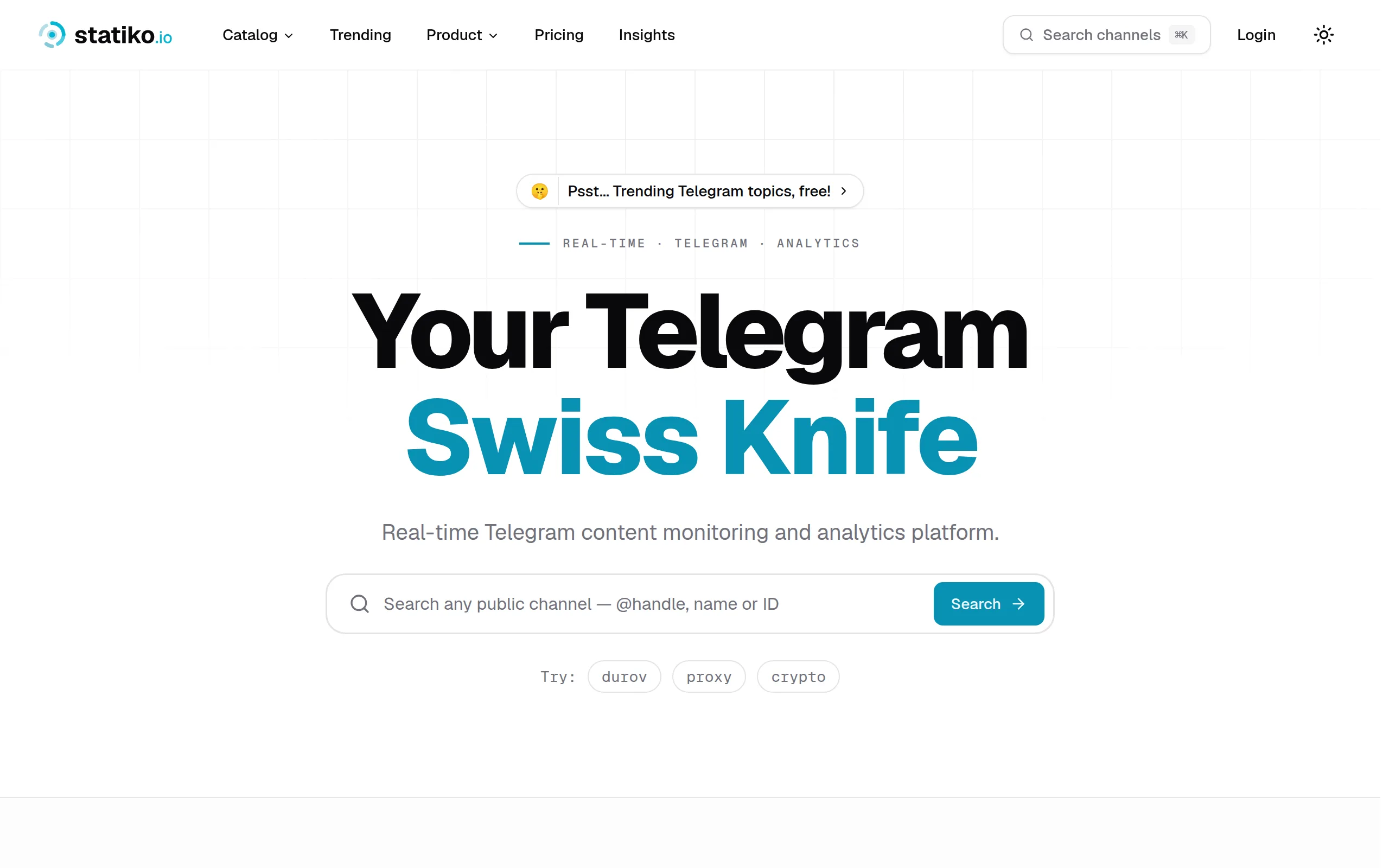
Statiko
Monitor any Telegram channel in real time - track posts, edits, deletions, and growth with AI recaps 📡
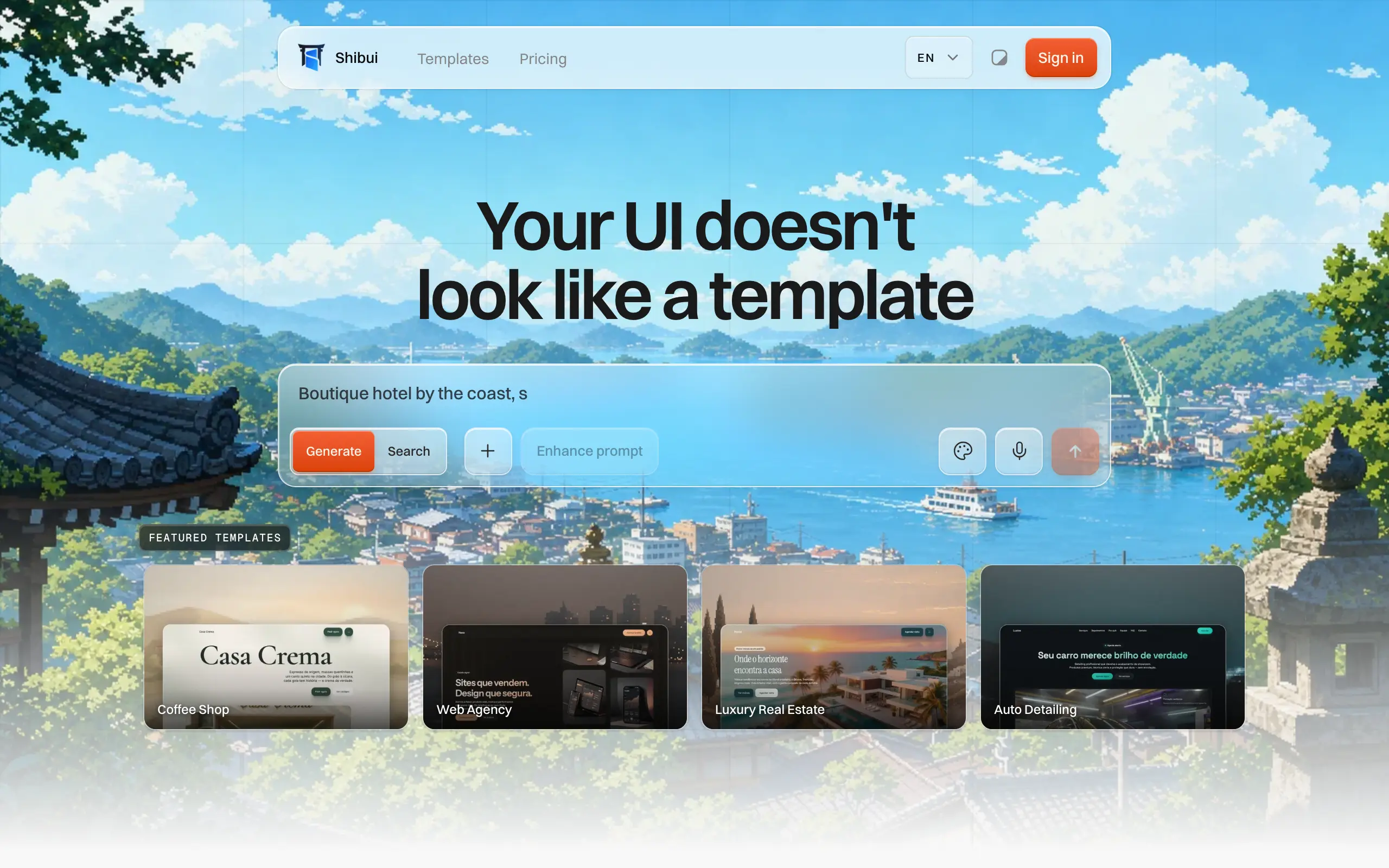
Shibui
AI website builder - describe your business, pick a niche template, edit by chatting, and publish instantly ✨

Pro Service
Find verified home service professionals, compare quotes, and pay securely through escrow - built for Brazilians across the US 🏠
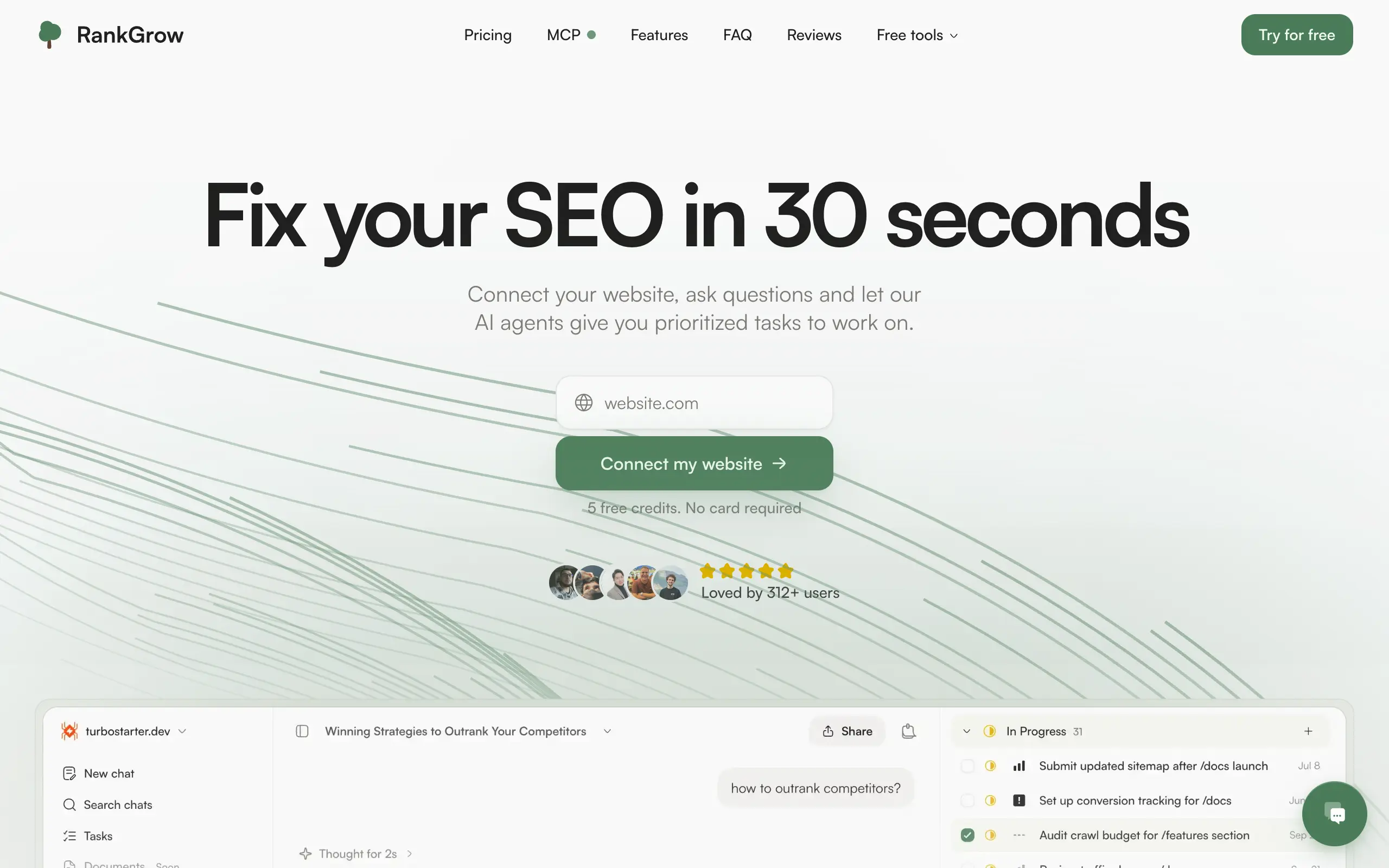
RankGrow
Fix your SEO with AI agents - connect Search Console, get prioritized tasks, and grow organic traffic 📈
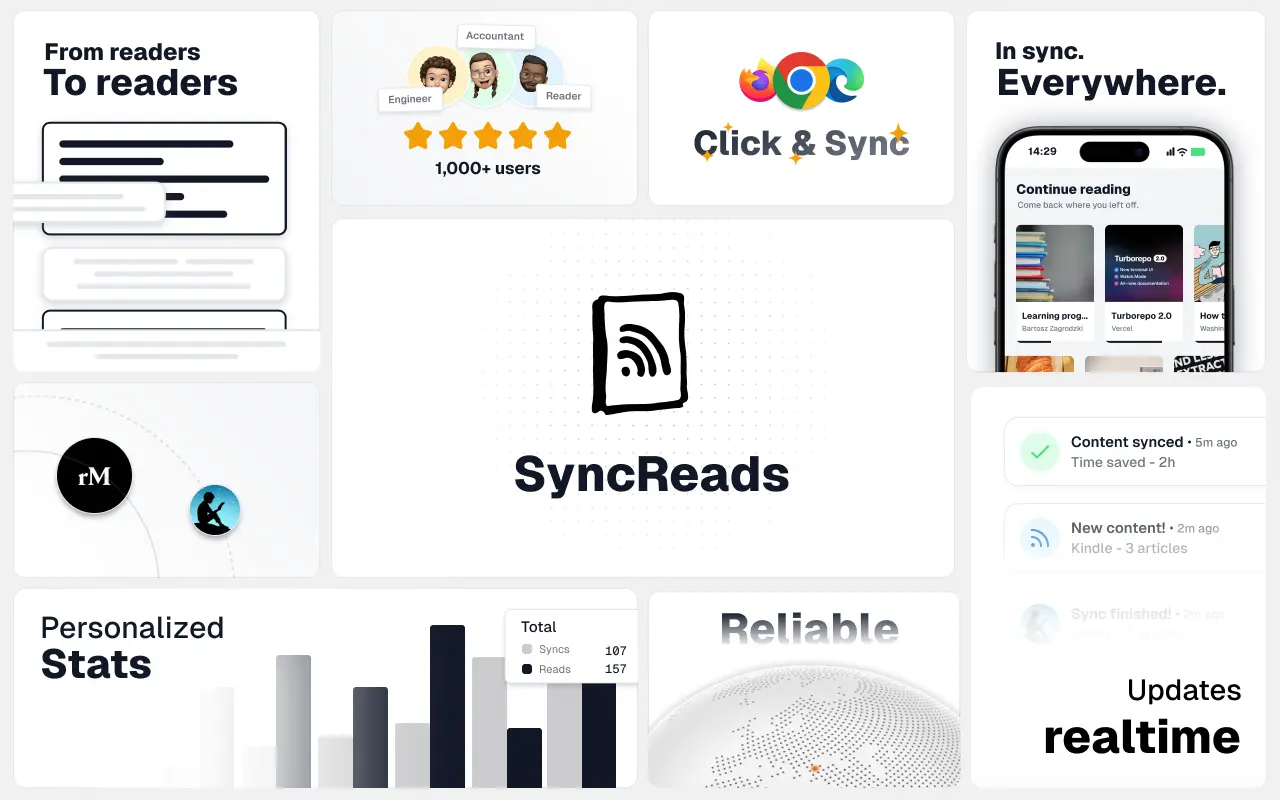
SyncReads
Sync your favorite content for distraction-free reading, save time and replace multiple apps. Anytime, anywhere 🔄
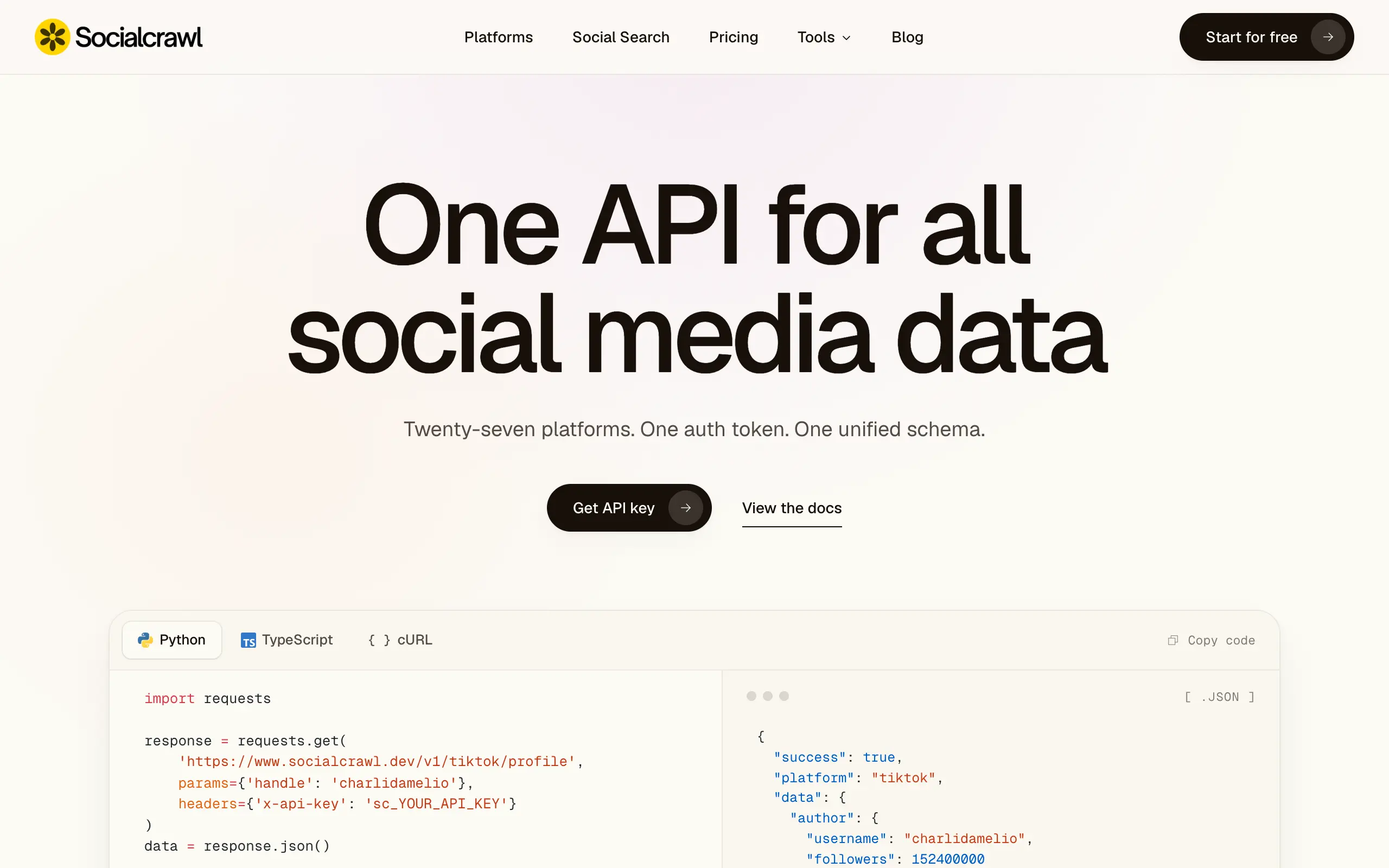
Socialcrawl
Get clean, structured data from 21 platforms like TikTok, Instagram, and YouTube with a single request 📊
Statiko
Monitor any Telegram channel in real time - track posts, edits, deletions, and growth with AI recaps 📡
Shibui
AI website builder - describe your business, pick a niche template, edit by chatting, and publish instantly ✨
Pro Service
Find verified home service professionals, compare quotes, and pay securely through escrow - built for Brazilians across the US 🏠
RankGrow
Fix your SEO with AI agents - connect Search Console, get prioritized tasks, and grow organic traffic 📈
SyncReads
Sync your favorite content for distraction-free reading, save time and replace multiple apps. Anytime, anywhere 🔄
Socialcrawl
Get clean, structured data from 21 platforms like TikTok, Instagram, and YouTube with a single request 📊
Statiko
Monitor any Telegram channel in real time - track posts, edits, deletions, and growth with AI recaps 📡
Shibui
AI website builder - describe your business, pick a niche template, edit by chatting, and publish instantly ✨
Pro Service
Find verified home service professionals, compare quotes, and pay securely through escrow - built for Brazilians across the US 🏠
RankGrow
Fix your SEO with AI agents - connect Search Console, get prioritized tasks, and grow organic traffic 📈
SyncReads
Sync your favorite content for distraction-free reading, save time and replace multiple apps. Anytime, anywhere 🔄
Socialcrawl
Get clean, structured data from 21 platforms like TikTok, Instagram, and YouTube with a single request 📊
Statiko
Monitor any Telegram channel in real time - track posts, edits, deletions, and growth with AI recaps 📡
Shibui
AI website builder - describe your business, pick a niche template, edit by chatting, and publish instantly ✨
Pro Service
Find verified home service professionals, compare quotes, and pay securely through escrow - built for Brazilians across the US 🏠
RankGrow
Fix your SEO with AI agents - connect Search Console, get prioritized tasks, and grow organic traffic 📈
SyncReads
Sync your favorite content for distraction-free reading, save time and replace multiple apps. Anytime, anywhere 🔄
Socialcrawl
Get clean, structured data from 21 platforms like TikTok, Instagram, and YouTube with a single request 📊
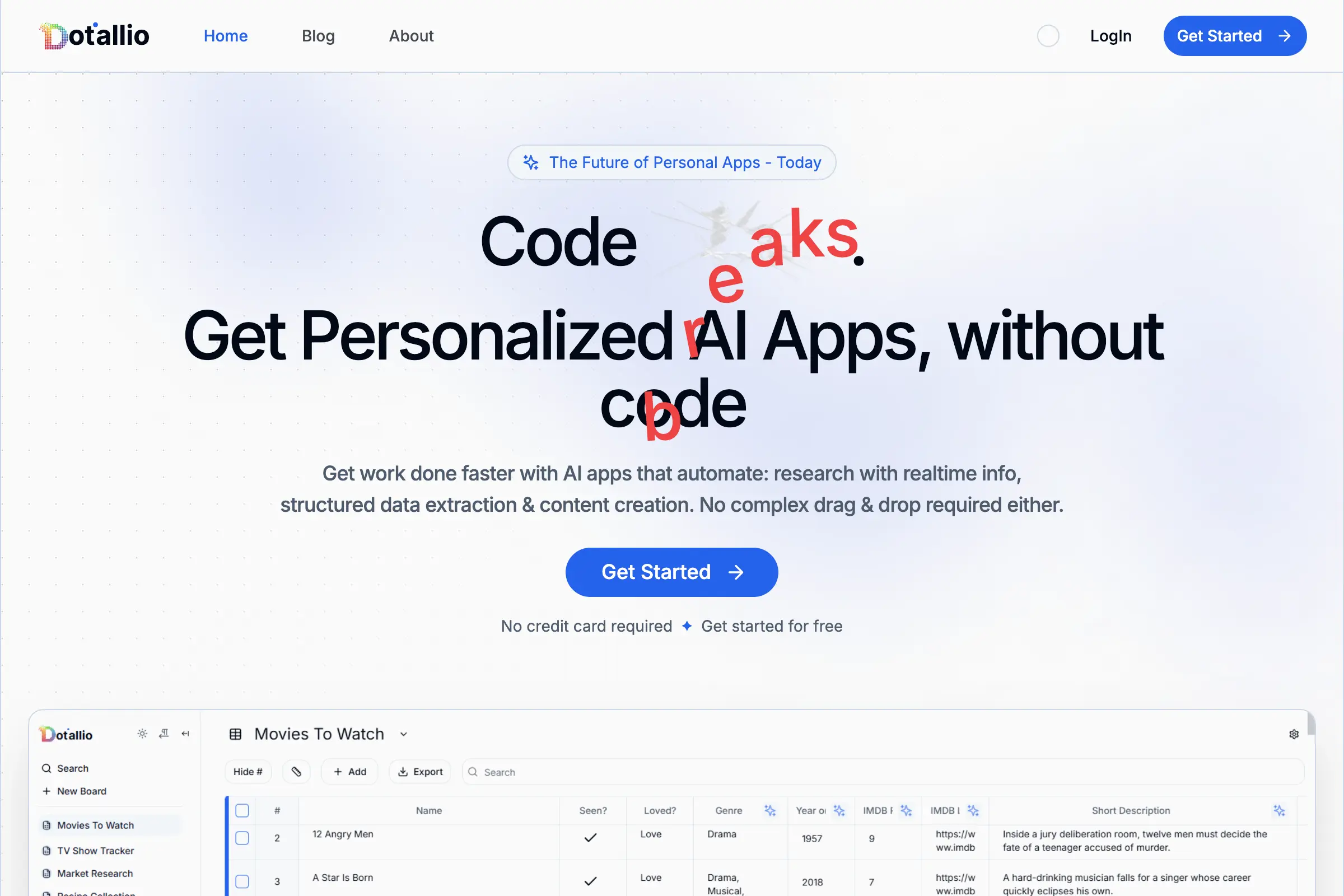
Dotallio
Personalized AI apps that automate research, data extraction, and content creation without code 🤖
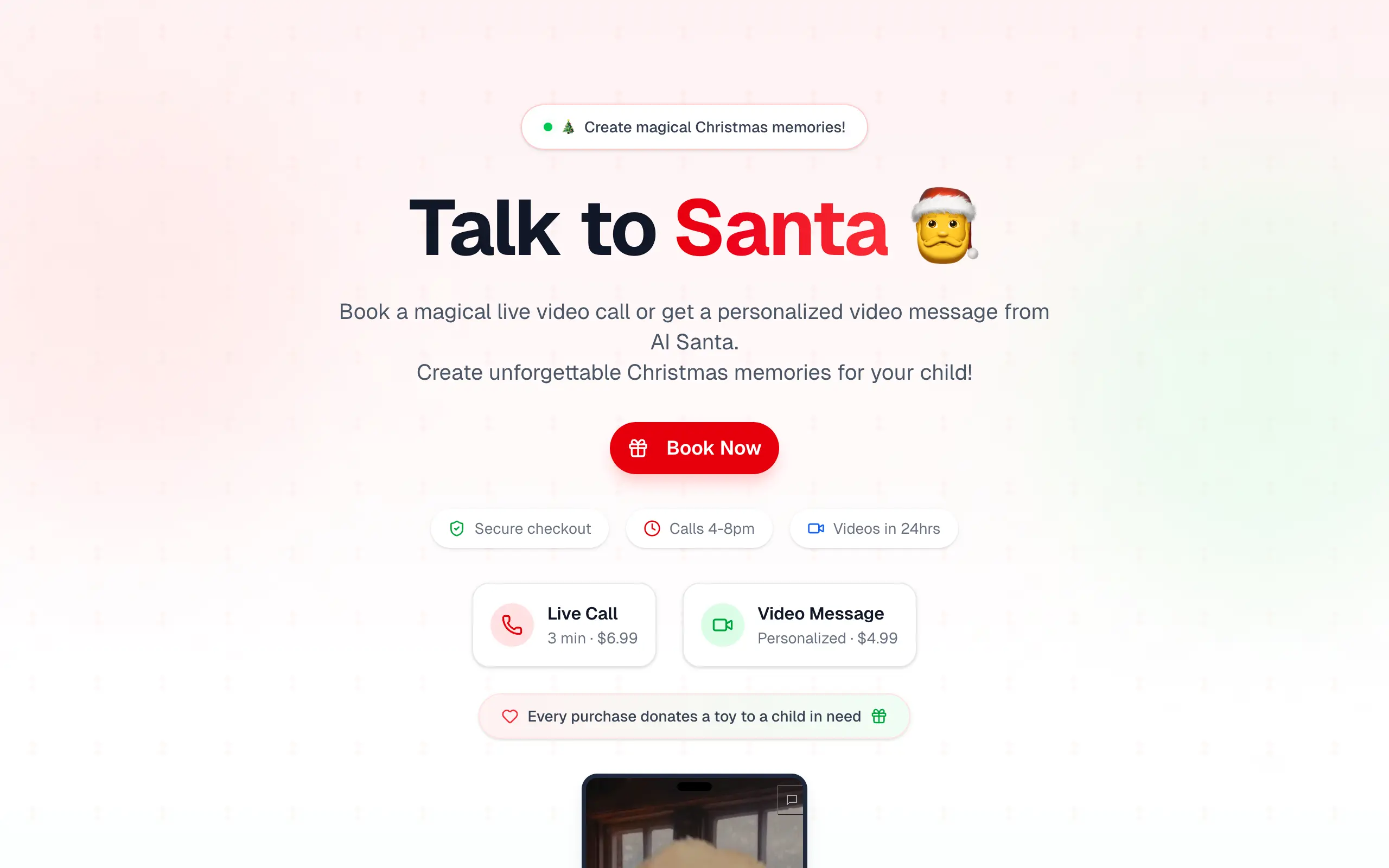
Talk to Santa
Enjoy a magical live video chat or receive a unique AI-generated video greeting from Santa Claus 🎅
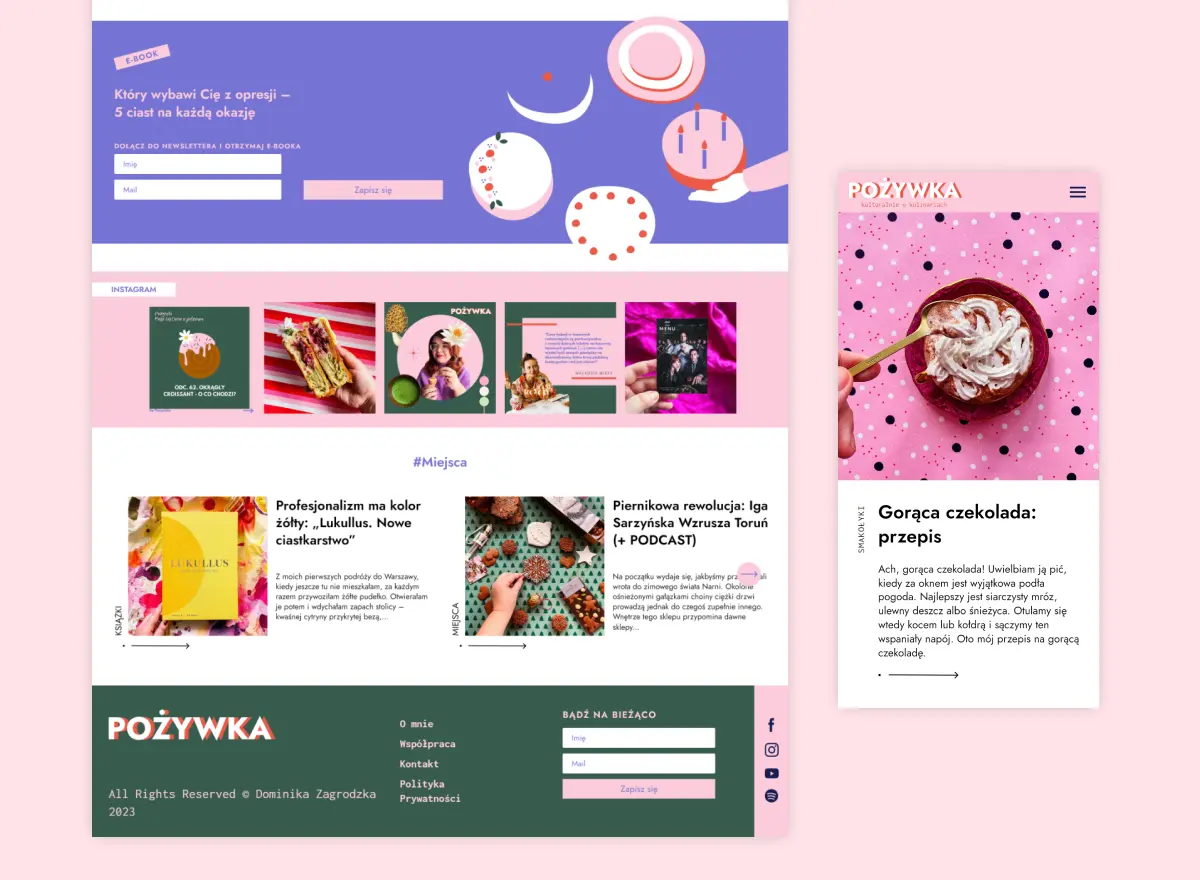
pozywka.pl
Scalable blog for food journalist, focused on performance and user experience 🌭
zagrodzki.me
Personal blog and portfolio of Bart Zagrodzki, where he shares his knowledge and work 💼
TurboStarter
Ship your startup everywhere. In minutes.
HTML to Markdown
Convert HTML to Markdown with ease, directly in your browser 📄
Dotallio
Personalized AI apps that automate research, data extraction, and content creation without code 🤖
Talk to Santa
Enjoy a magical live video chat or receive a unique AI-generated video greeting from Santa Claus 🎅
pozywka.pl
Scalable blog for food journalist, focused on performance and user experience 🌭
zagrodzki.me
Personal blog and portfolio of Bart Zagrodzki, where he shares his knowledge and work 💼
TurboStarter
Ship your startup everywhere. In minutes.
HTML to Markdown
Convert HTML to Markdown with ease, directly in your browser 📄
Dotallio
Personalized AI apps that automate research, data extraction, and content creation without code 🤖
Talk to Santa
Enjoy a magical live video chat or receive a unique AI-generated video greeting from Santa Claus 🎅
pozywka.pl
Scalable blog for food journalist, focused on performance and user experience 🌭
zagrodzki.me
Personal blog and portfolio of Bart Zagrodzki, where he shares his knowledge and work 💼
TurboStarter
Ship your startup everywhere. In minutes.
HTML to Markdown
Convert HTML to Markdown with ease, directly in your browser 📄
Dotallio
Personalized AI apps that automate research, data extraction, and content creation without code 🤖
Talk to Santa
Enjoy a magical live video chat or receive a unique AI-generated video greeting from Santa Claus 🎅
pozywka.pl
Scalable blog for food journalist, focused on performance and user experience 🌭
zagrodzki.me
Personal blog and portfolio of Bart Zagrodzki, where he shares his knowledge and work 💼
TurboStarter
Ship your startup everywhere. In minutes.
HTML to Markdown
Convert HTML to Markdown with ease, directly in your browser 📄
Omichat
Chat with 50+ AI models, including ChatGPT and Claude, in one place - switch models anytime without losing context 🤖
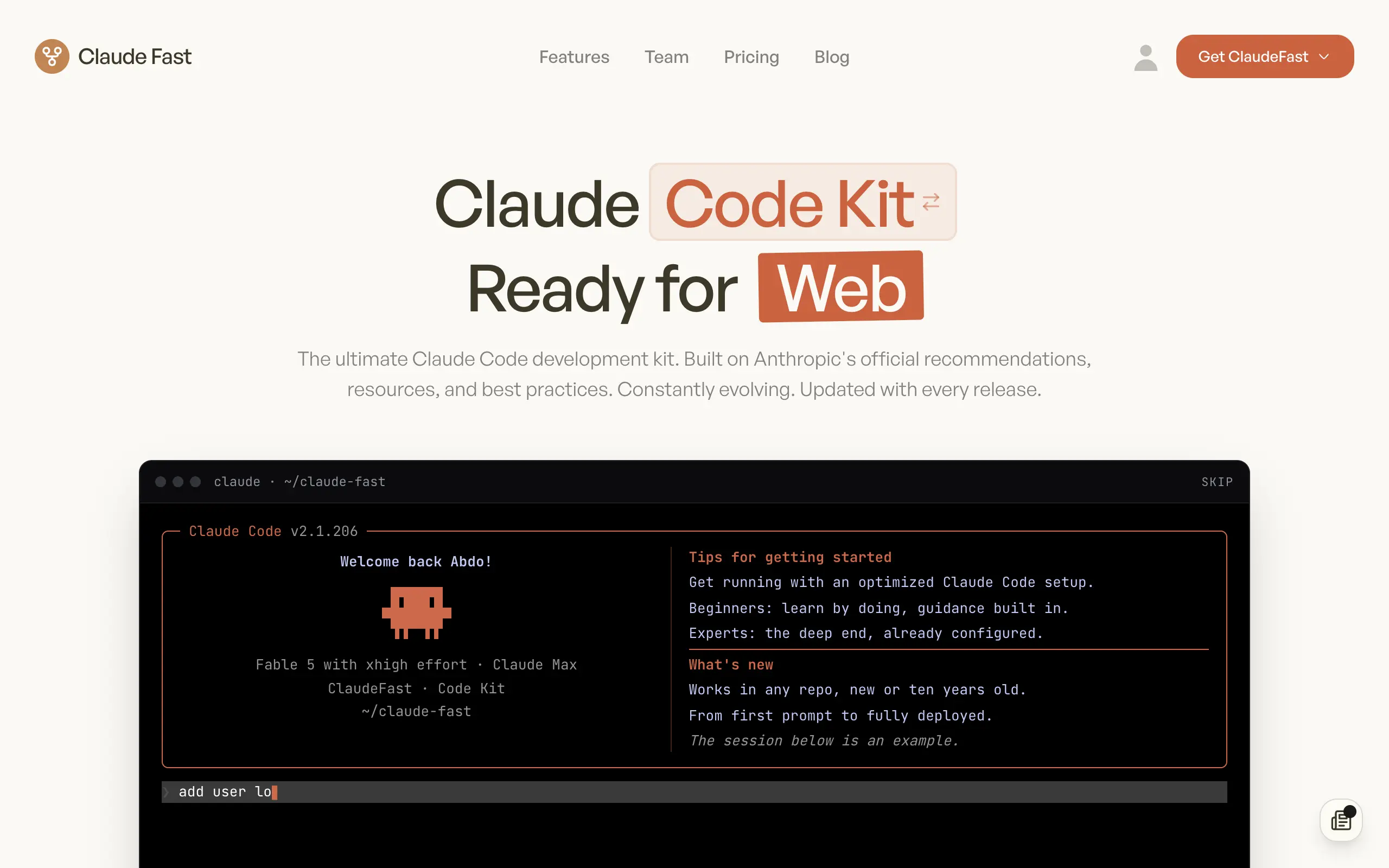
Claude Fast
Supercharge your Claude Code with 6x effective context window and specialized AI agents 🤖
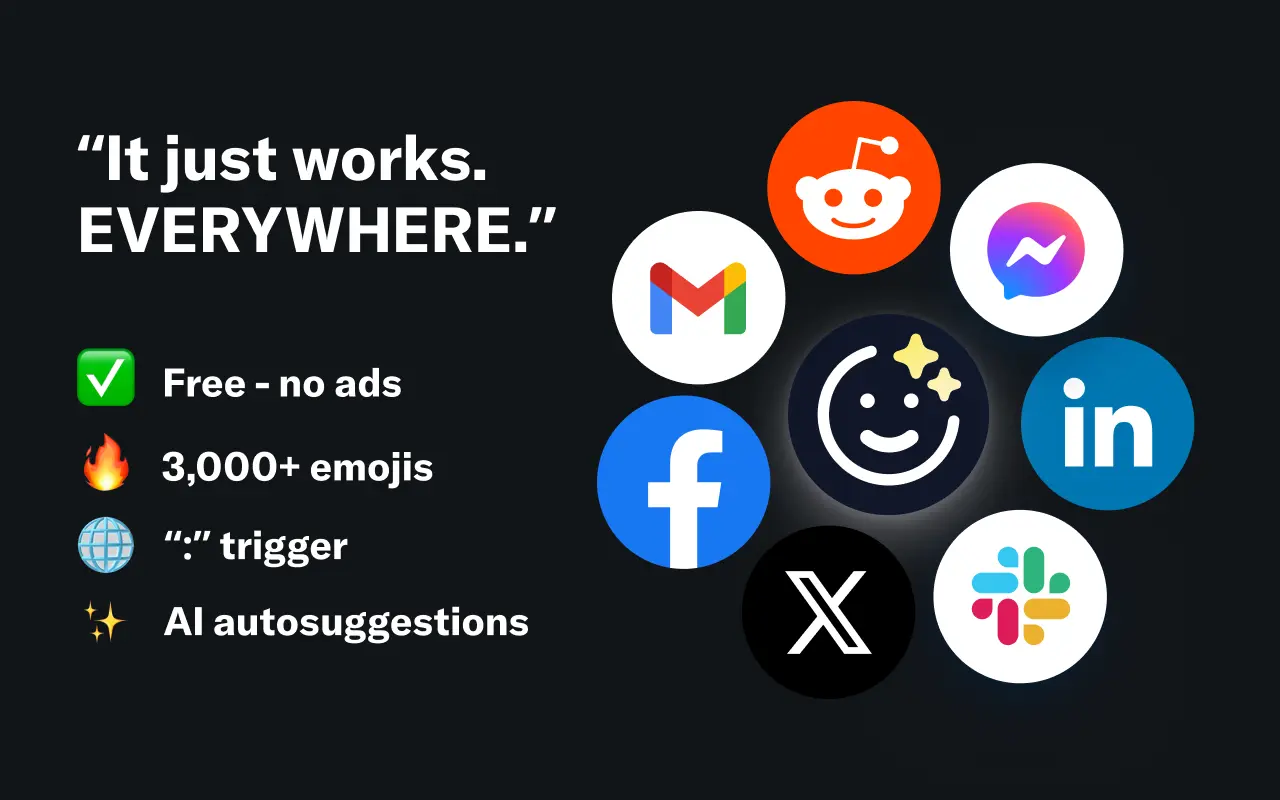
EmojAI
AI-powered emoji picker with smart, context-aware suggestions 🤖
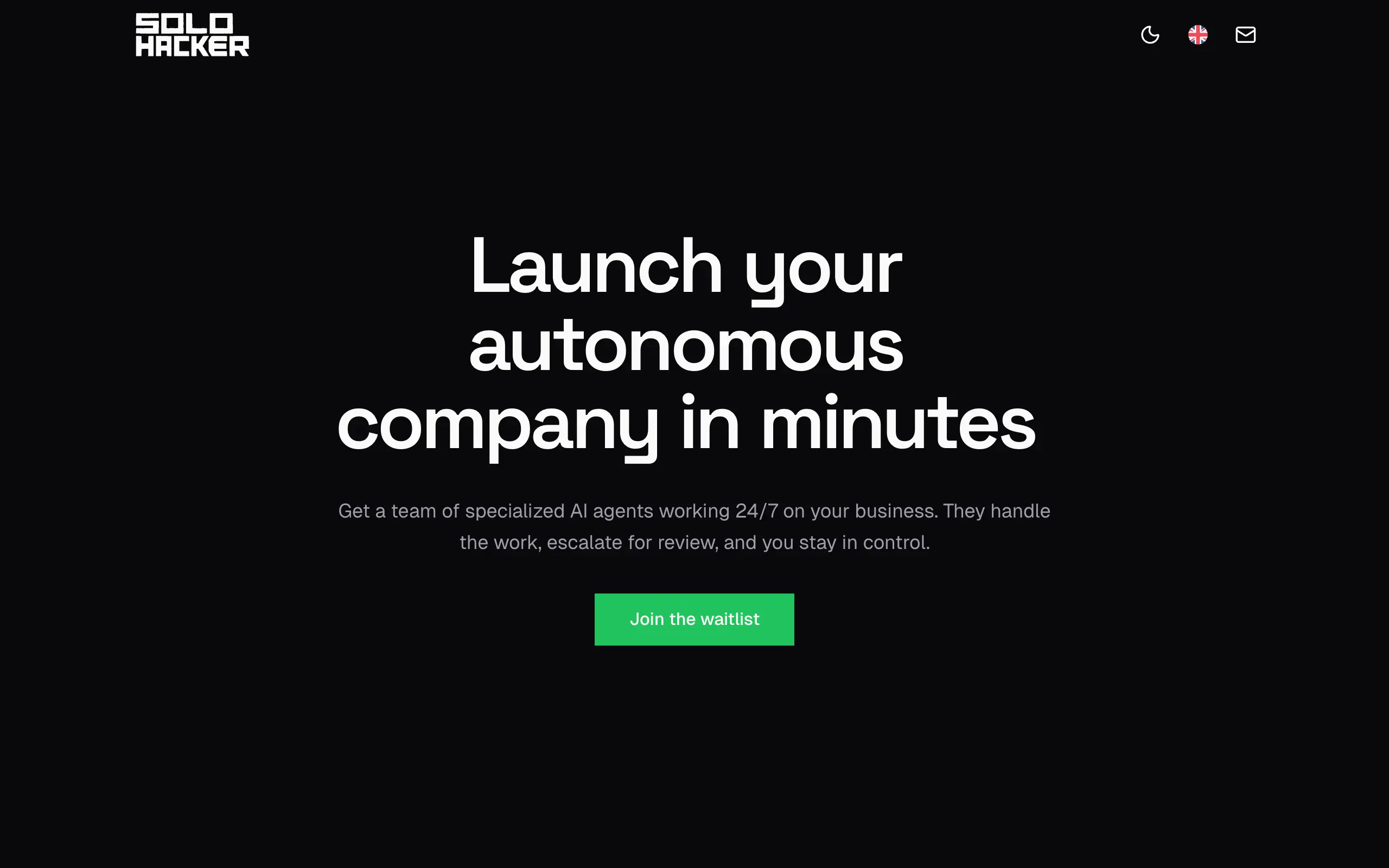
Solohacker
Autonomous company launcher - AI agents work 24/7, escalate what matters, and you stay in control 🤖
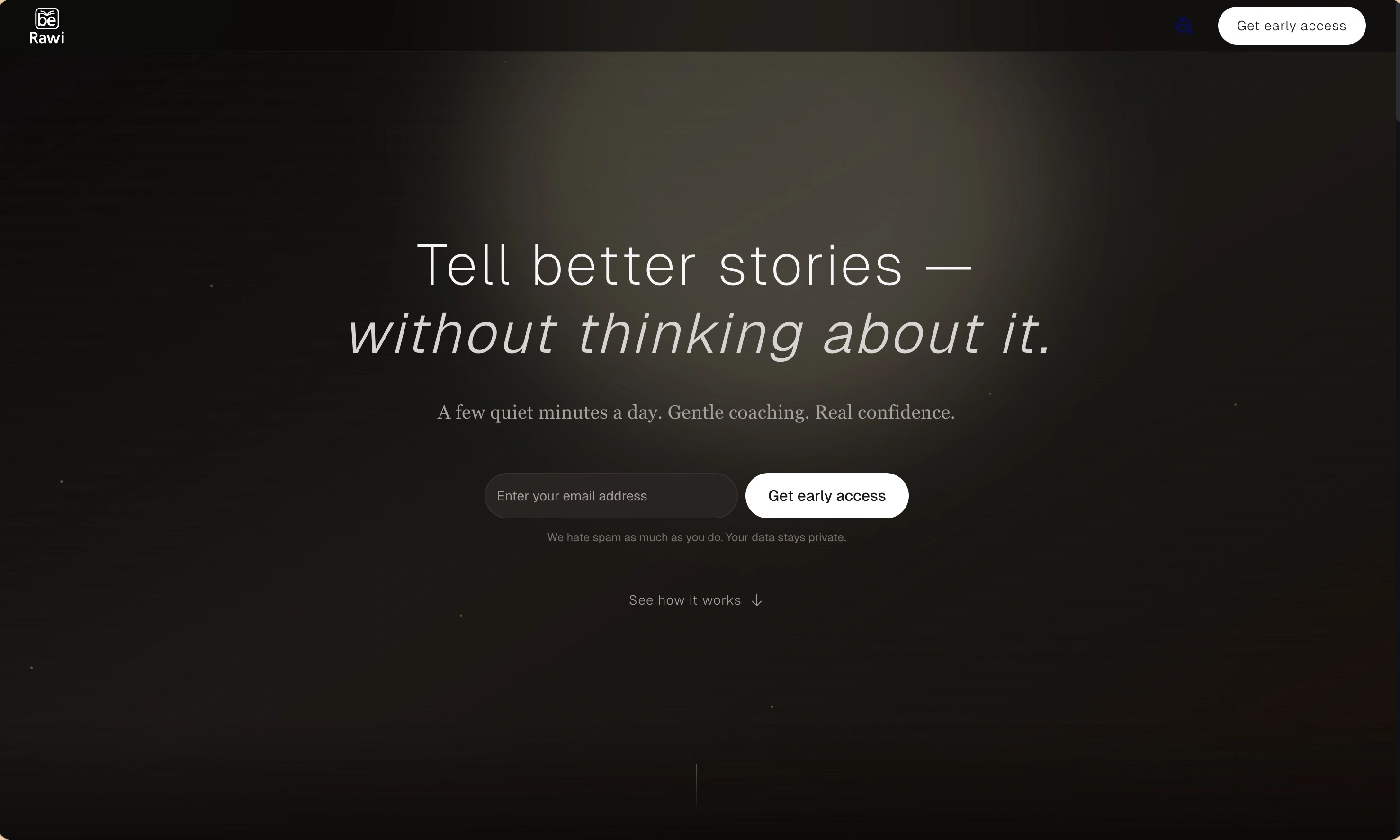
BeRawi: Storytelling Coach
Practice storytelling daily with instant feedback to sound clearer, more engaging, and confident 🎤
Omichat
Chat with 50+ AI models, including ChatGPT and Claude, in one place - switch models anytime without losing context 🤖
Claude Fast
Supercharge your Claude Code with 6x effective context window and specialized AI agents 🤖
EmojAI
AI-powered emoji picker with smart, context-aware suggestions 🤖
Solohacker
Autonomous company launcher - AI agents work 24/7, escalate what matters, and you stay in control 🤖
BeRawi: Storytelling Coach
Practice storytelling daily with instant feedback to sound clearer, more engaging, and confident 🎤
Omichat
Chat with 50+ AI models, including ChatGPT and Claude, in one place - switch models anytime without losing context 🤖
Claude Fast
Supercharge your Claude Code with 6x effective context window and specialized AI agents 🤖
EmojAI
AI-powered emoji picker with smart, context-aware suggestions 🤖
Solohacker
Autonomous company launcher - AI agents work 24/7, escalate what matters, and you stay in control 🤖
BeRawi: Storytelling Coach
Practice storytelling daily with instant feedback to sound clearer, more engaging, and confident 🎤
Omichat
Chat with 50+ AI models, including ChatGPT and Claude, in one place - switch models anytime without losing context 🤖
Claude Fast
Supercharge your Claude Code with 6x effective context window and specialized AI agents 🤖
EmojAI
AI-powered emoji picker with smart, context-aware suggestions 🤖
Solohacker
Autonomous company launcher - AI agents work 24/7, escalate what matters, and you stay in control 🤖
BeRawi: Storytelling Coach
Practice storytelling daily with instant feedback to sound clearer, more engaging, and confident 🎤

Connect with like-minded people
Join our community to get feedback, support, and grow together with 1,000+ builders on board, let's ship it!
Join usShip your startup everywhere. In minutes.
Don't burn tokens on setup and start building features on day one.