Inbox2Lead LinkedIn
Transforme conversas do LinkedIn em oportunidades com automação leve, lembretes inteligentes e organização de leads em um funil simples.
Turning LinkedIn conversations into a predictable lead engine
LinkedIn has quietly become one of the most powerful B2B acquisition channels in the world. Yet, for most professionals, founders, and sales teams, it still operates like a messy inbox rather than a structured pipeline. Messages get buried, follow-ups are forgotten, and valuable opportunities slip away.
This is exactly where a solution like Inbox2Lead LinkedIn fits: a lightweight productivity SaaS designed to transform casual LinkedIn conversations into organized, trackable, and actionable leads—without the complexity of a full CRM.
This article explores the full strategic potential of this idea, including market opportunity, product design, monetization, and how to build it into a scalable SaaS business.
The problem: LinkedIn is powerful but chaotic
LinkedIn messaging was never designed to function as a CRM. Yet, millions of professionals use it as their primary outbound and inbound communication tool.
Here’s what typically happens:
- Conversations start strong but lack follow-up
- Leads are scattered across inbox threads
- No structured pipeline exists
- Important messages get lost in noise
- There is no reminder system tied to deal progression
- Manual tracking (spreadsheets, notes) becomes overwhelming
The result? Lost revenue.
Even experienced sales professionals struggle with:
- Tracking warm vs cold conversations
- Knowing when to follow up
- Managing multiple prospects simultaneously
- Keeping context across long conversations
Key insight
LinkedIn is already a lead generation platform—but without workflow tooling, its full potential remains untapped.
Target audience and user personas
Inbox2Lead LinkedIn is not for everyone—and that’s a strength. Its success depends on focusing on high-intent users who already rely on LinkedIn for business outcomes.
Primary audience segments
1. Indie hackers & solopreneurs
- Use LinkedIn for outbound and networking
- Avoid complex CRMs
- Prefer lightweight, fast tools
- Need reminders and organization more than analytics
2. B2B founders (early-stage startups)
- Handle sales themselves
- Juggle multiple conversations daily
- Need visibility without overhead
- Want pipeline clarity without hiring a sales team
3. Freelancers & consultants
- Generate leads via inbound messages
- Often forget follow-ups
- Need a simple funnel view of opportunities
4. Sales reps (SMBs)
- Operate in LinkedIn-heavy outbound environments
- Want faster workflows than traditional CRMs
- Need quick tagging and prioritization
Market opportunity and gap analysis
The CRM market is massive, but most tools are:
- Overengineered for solo users
- Expensive and complex
- Detached from where conversations actually happen
Current alternatives and their limitations
| Tool | LinkedIn-native | Ease of use | Automation | Best for |
|---|---|---|---|---|
| HubSpot | ❌ | ❌ | ✅ | Large teams |
| Pipedrive | ❌ | ✅ | ✅ | SMB sales teams |
| LinkedIn Inbox | ✅ | ✅ | ❌ | Everyone |
| Inbox2Lead LinkedIn | ✅ | ✅ | ✅ (light) | Indie + SMB |
The gap
There is a clear white space between:
- Full-scale CRM systems
- Raw LinkedIn messaging
Inbox2Lead LinkedIn occupies this middle ground:
A LinkedIn-native micro-CRM focused on simplicity, speed, and actionable follow-ups.
Core product vision
The product should feel like an extension of LinkedIn—not a separate system.
Think:
- Minimal friction
- Immediate value
- Zero learning curve
Core value proposition
Turn conversations into structured opportunities with:
- Smart reminders
- Lightweight pipeline management
- Context-aware organization
Key features that drive adoption
1. Conversation-to-lead conversion
With one click, a LinkedIn message becomes a lead.
Features:
- Tag conversation as lead
- Assign stage (e.g., New, Contacted, Interested, Closed)
- Add notes directly tied to the thread
2. Smart follow-up reminders
This is the killer feature.
- Set reminders per conversation
- AI-suggested follow-up timing
- Notifications when leads go cold
3. Lightweight pipeline view
Users can see all leads in a simple funnel:
- No complex dashboards
- Just clear stages and movement
4. Conversation tagging system
Tags like:
- "Hot lead"
- "Partnership"
- "Hiring"
- "Investor"
This enables quick filtering and prioritization.
5. AI-assisted summaries (optional but powerful)
- Summarize long conversations
- Extract key intent signals
- Suggest next actions
6. Chrome extension or LinkedIn overlay
The best UX comes from staying inside LinkedIn.
- Sidebar interface
- Inline buttons within messages
- No tab switching
Product experience flow
Recommended tech stack (with trade-offs)
Frontend
- React for UI
- TailwindCSS for styling
Why:
- Fast UI iteration
- Strong ecosystem
- Ideal for extension interfaces
Trade-off:
- Requires careful performance optimization in extensions
Backend
- Node.js (NestJS or Express)
- PostgreSQL for structured lead data
Why:
- Scalable and flexible
- Good for relational lead tracking
Alternative:
- Firebase (faster MVP, less control)
Browser extension layer
- Chrome Extension API (Manifest v3)
Key challenge:
- LinkedIn DOM changes frequently
- Requires maintenance and selectors resilience
AI layer
- OpenAI API (for summarization and suggestions)
Use cases:
- Follow-up suggestions
- Conversation summaries
- Lead scoring hints
Infrastructure
- Vercel (frontend)
- Supabase or Railway (backend + DB)
Monetization strategy
Inbox2Lead LinkedIn should follow a freemium SaaS model.
Free plan
- Limited number of tracked leads (e.g., 20–50)
- Basic reminders
- Manual tagging
Paid tiers
Starter ($9–$15/month)
- Unlimited leads
- Advanced reminders
- Pipeline view
Pro ($19–$29/month)
- AI suggestions
- Conversation summaries
- Priority notifications
Team ($39+/month)
- Shared pipelines
- Collaboration
- Analytics
Growth strategy and distribution
1. Product-led growth (PLG)
- Fast onboarding
- Immediate value within 5 minutes
2. LinkedIn-native marketing
- Build in public
- Share use cases
- Demonstrate lost leads vs captured leads
3. Chrome Web Store SEO
Optimize for:
- "LinkedIn CRM"
- "LinkedIn lead tracker"
- "LinkedIn follow-up tool"
Competitive advantage
Inbox2Lead LinkedIn wins by focusing on:
1. Simplicity over power
Most CRMs overwhelm users. This tool removes friction.
2. Contextual workflow
It works inside LinkedIn—not outside it.
3. Behavioral nudges
Reminders and prompts drive action, not just storage.
4. Speed
Users can act in seconds, not minutes.
Risks and mitigation strategies
Risk 1: LinkedIn platform dependency
Problem:
- UI or API changes can break functionality
Mitigation:
- Build resilient DOM selectors
- Maintain rapid update cycles
- Diversify integrations over time
Risk 2: Chrome extension limitations
Problem:
- Performance and permission constraints
Mitigation:
- Keep extension lightweight
- Offload logic to backend
Risk 3: Competition from larger tools
Problem:
- CRMs could add LinkedIn features
Mitigation:
- Stay niche and fast
- Focus on UX, not feature bloat
Risk 4: User retention
Problem:
- Users may stop using after initial excitement
Mitigation:
- Strong reminder system
- Daily/weekly summaries
- Behavioral engagement loops
Unique selling proposition (USP)
Inbox2Lead LinkedIn is not trying to replace CRMs.
It is:
The fastest way to turn LinkedIn conversations into revenue opportunities—without leaving your inbox.
Implementation roadmap
Phase 1: MVP (4–6 weeks)
- Chrome extension
- Convert conversation to lead
- Basic tagging
- Reminder system
Phase 2: Core product (6–10 weeks)
- Pipeline view
- Notifications
- Backend sync
Phase 3: Growth features
- AI suggestions
- Analytics dashboard
- Team collaboration
Example: basic lead model
type Lead = {
  id: string
  name: string
  linkedinProfileUrl: string
  stage: "new" | "contacted" | "interested" | "closed"
  tags: string[]
  lastMessageAt: Date
  followUpAt?: Date
  notes?: string
}
Future expansion opportunities
- Email integration (Gmail sync)
- Multi-platform messaging (Twitter, WhatsApp)
- CRM integrations (HubSpot, Salesforce)
- Lead scoring models
Why now is the perfect timing
Several trends make this idea especially relevant:
- Rise of personal branding on LinkedIn
- Increase in outbound-first startups
- Shift toward async sales workflows
- Growing dislike for complex CRMs
Tools that reduce friction—not add features—are winning in modern SaaS.
Build faster with the right foundation
If you’re planning to launch Inbox2Lead LinkedIn quickly, using a proven SaaS starter kit can significantly reduce development time.
TurboStarter provides:
- Authentication
- Billing
- Dashboard structure
- Scalable architecture
This lets you focus on your core differentiator: the LinkedIn workflow.
Final thoughts
Inbox2Lead LinkedIn is a deceptively simple idea with strong execution potential.
It doesn’t try to reinvent sales.
It fixes a very specific, very painful problem:
People are already generating leads on LinkedIn—they just don’t have a system to manage them.
By combining:
- Lightweight structure
- Smart reminders
- Native integration
You create a tool that users rely on daily—not occasionally.
And that’s the difference between a feature… and a real SaaS business.
More ⚡ Productivity Tool SaaS ideas
Discover more innovative productivity tool SaaS ideas that are trending in 2026. Each idea is AI-generated with market validation and growth potential to help you find your next profitable venture faster than competitors.
Your competitors are building with TurboStarter
Below are some of the SaaS ideas that have been generated and built with our starter kit.
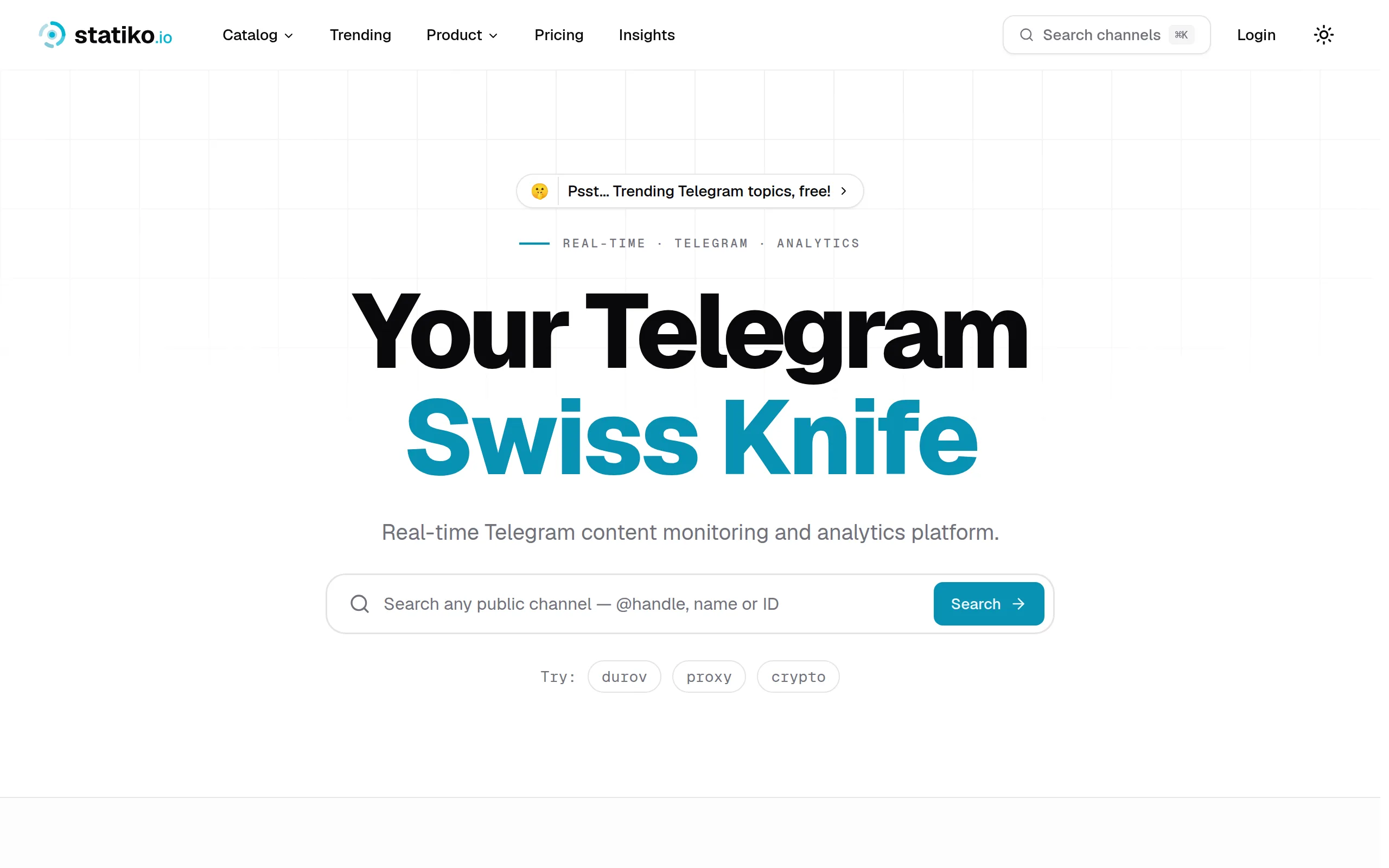
Statiko
Monitor any Telegram channel in real time - track posts, edits, deletions, and growth with AI recaps 📡

Shibui
AI website builder - describe your business, pick a niche template, edit by chatting, and publish instantly ✨

Pro Service
Find verified home service professionals, compare quotes, and pay securely through escrow - built for Brazilians across the US 🏠
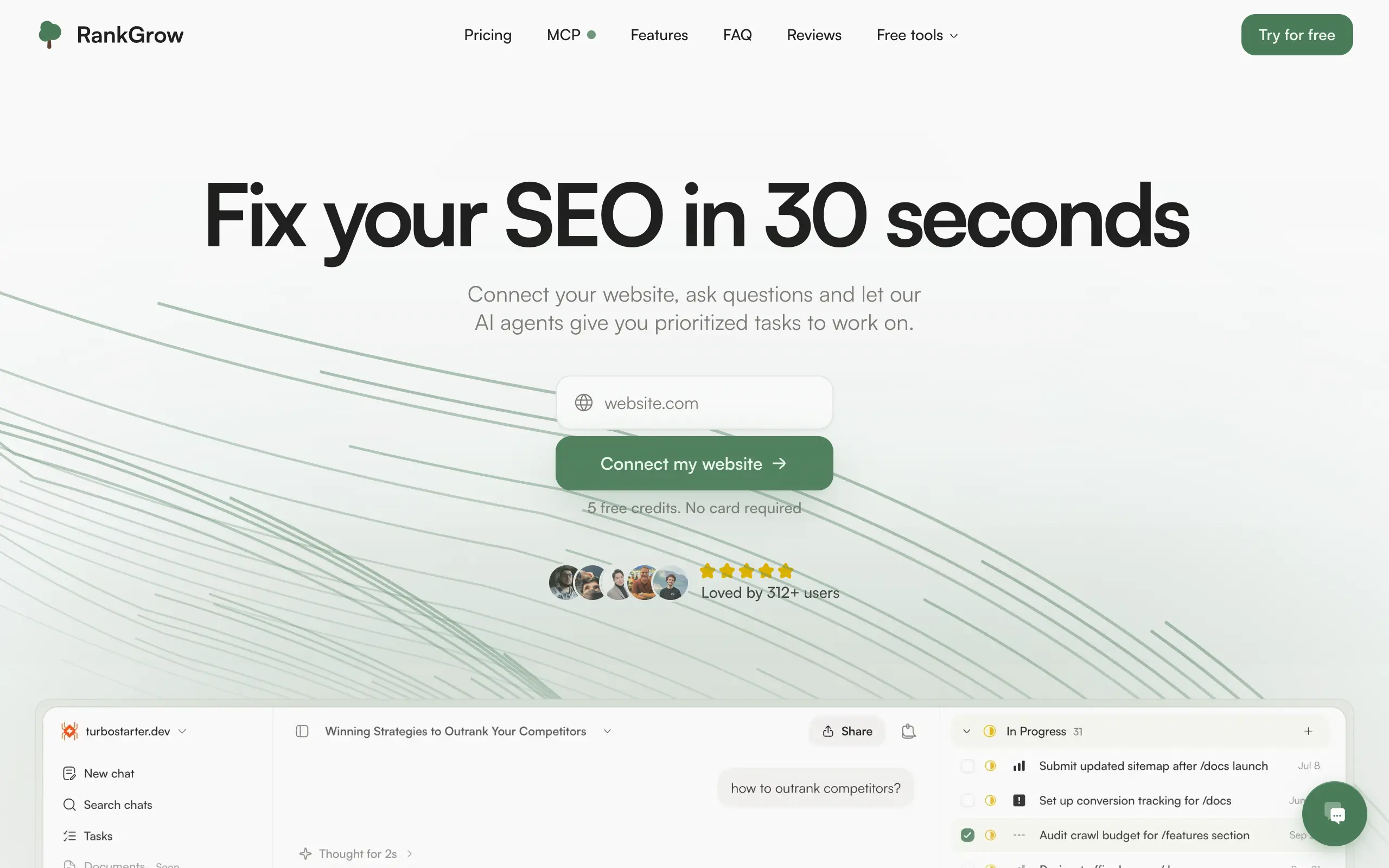
RankGrow
Fix your SEO with AI agents - connect Search Console, get prioritized tasks, and grow organic traffic 📈
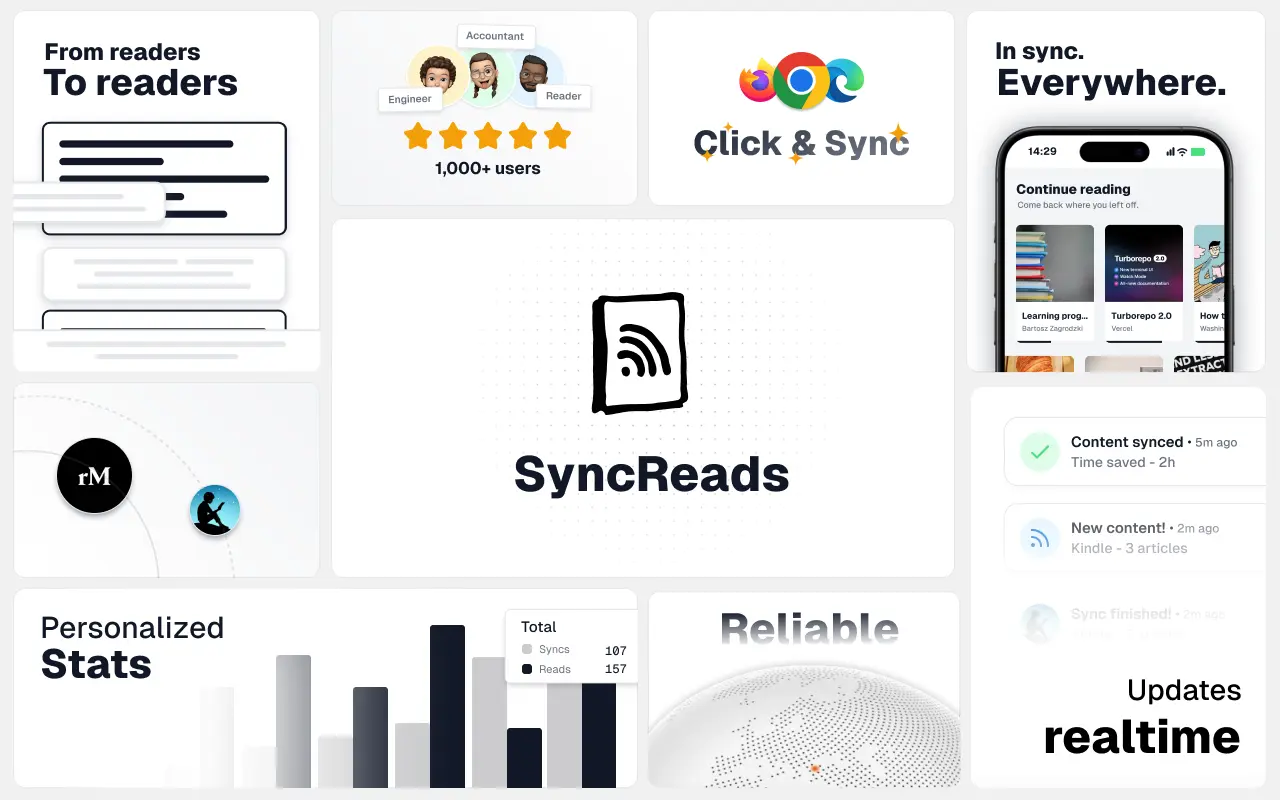
SyncReads
Sync your favorite content for distraction-free reading, save time and replace multiple apps. Anytime, anywhere 🔄
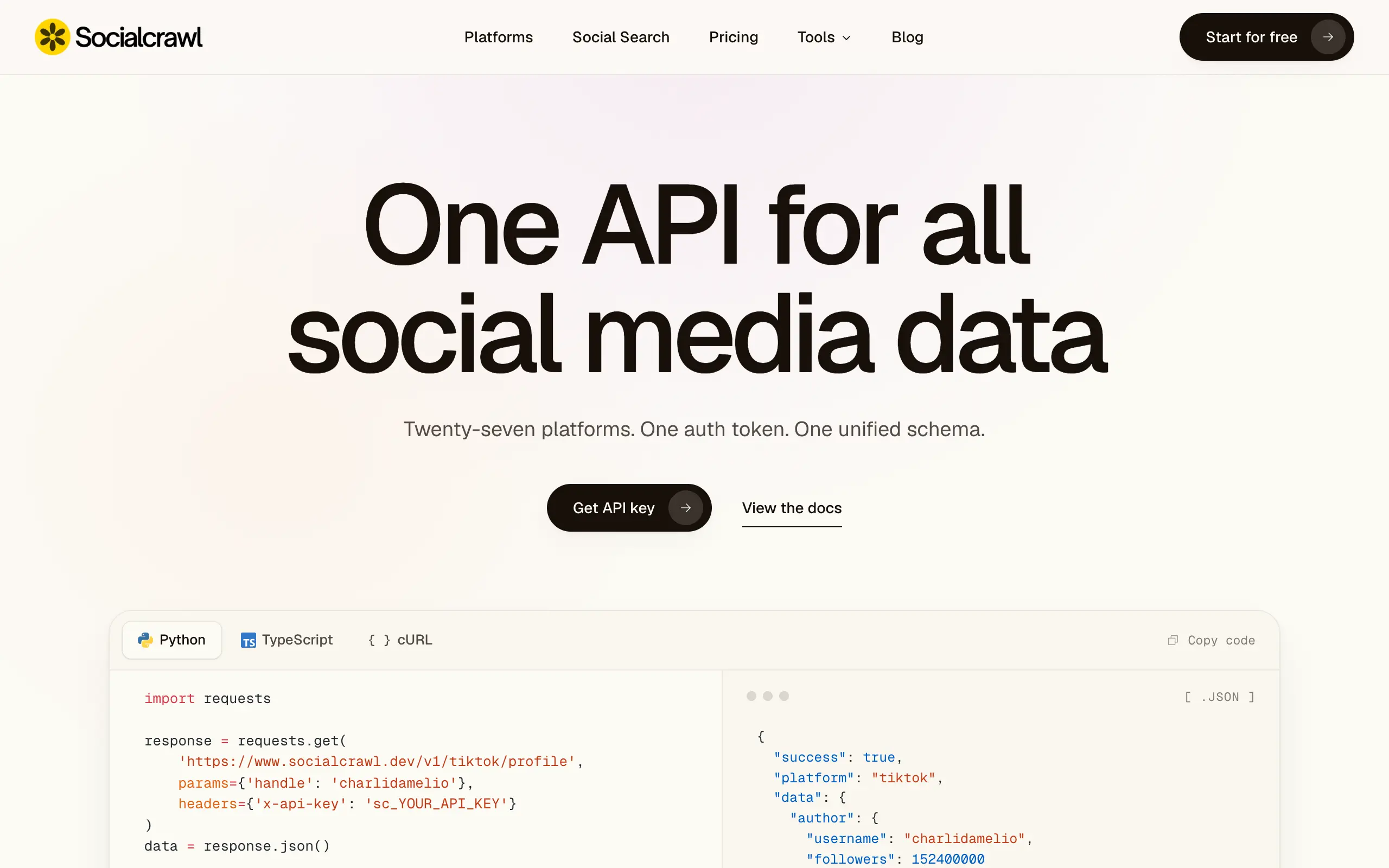
Socialcrawl
Get clean, structured data from 21 platforms like TikTok, Instagram, and YouTube with a single request 📊
Statiko
Monitor any Telegram channel in real time - track posts, edits, deletions, and growth with AI recaps 📡
Shibui
AI website builder - describe your business, pick a niche template, edit by chatting, and publish instantly ✨
Pro Service
Find verified home service professionals, compare quotes, and pay securely through escrow - built for Brazilians across the US 🏠
RankGrow
Fix your SEO with AI agents - connect Search Console, get prioritized tasks, and grow organic traffic 📈
SyncReads
Sync your favorite content for distraction-free reading, save time and replace multiple apps. Anytime, anywhere 🔄
Socialcrawl
Get clean, structured data from 21 platforms like TikTok, Instagram, and YouTube with a single request 📊
Statiko
Monitor any Telegram channel in real time - track posts, edits, deletions, and growth with AI recaps 📡
Shibui
AI website builder - describe your business, pick a niche template, edit by chatting, and publish instantly ✨
Pro Service
Find verified home service professionals, compare quotes, and pay securely through escrow - built for Brazilians across the US 🏠
RankGrow
Fix your SEO with AI agents - connect Search Console, get prioritized tasks, and grow organic traffic 📈
SyncReads
Sync your favorite content for distraction-free reading, save time and replace multiple apps. Anytime, anywhere 🔄
Socialcrawl
Get clean, structured data from 21 platforms like TikTok, Instagram, and YouTube with a single request 📊
Statiko
Monitor any Telegram channel in real time - track posts, edits, deletions, and growth with AI recaps 📡
Shibui
AI website builder - describe your business, pick a niche template, edit by chatting, and publish instantly ✨
Pro Service
Find verified home service professionals, compare quotes, and pay securely through escrow - built for Brazilians across the US 🏠
RankGrow
Fix your SEO with AI agents - connect Search Console, get prioritized tasks, and grow organic traffic 📈
SyncReads
Sync your favorite content for distraction-free reading, save time and replace multiple apps. Anytime, anywhere 🔄
Socialcrawl
Get clean, structured data from 21 platforms like TikTok, Instagram, and YouTube with a single request 📊
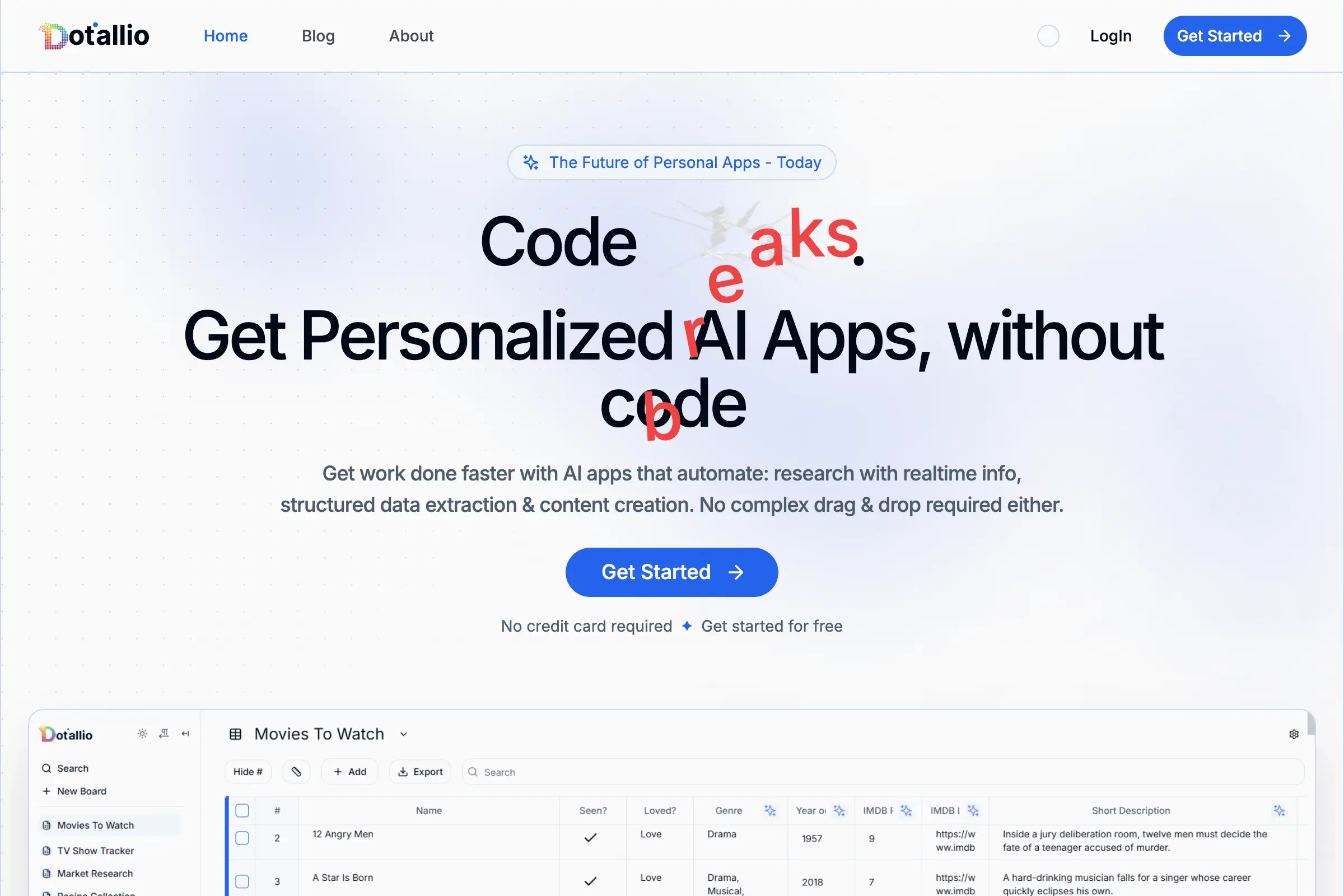
Dotallio
Personalized AI apps that automate research, data extraction, and content creation without code 🤖
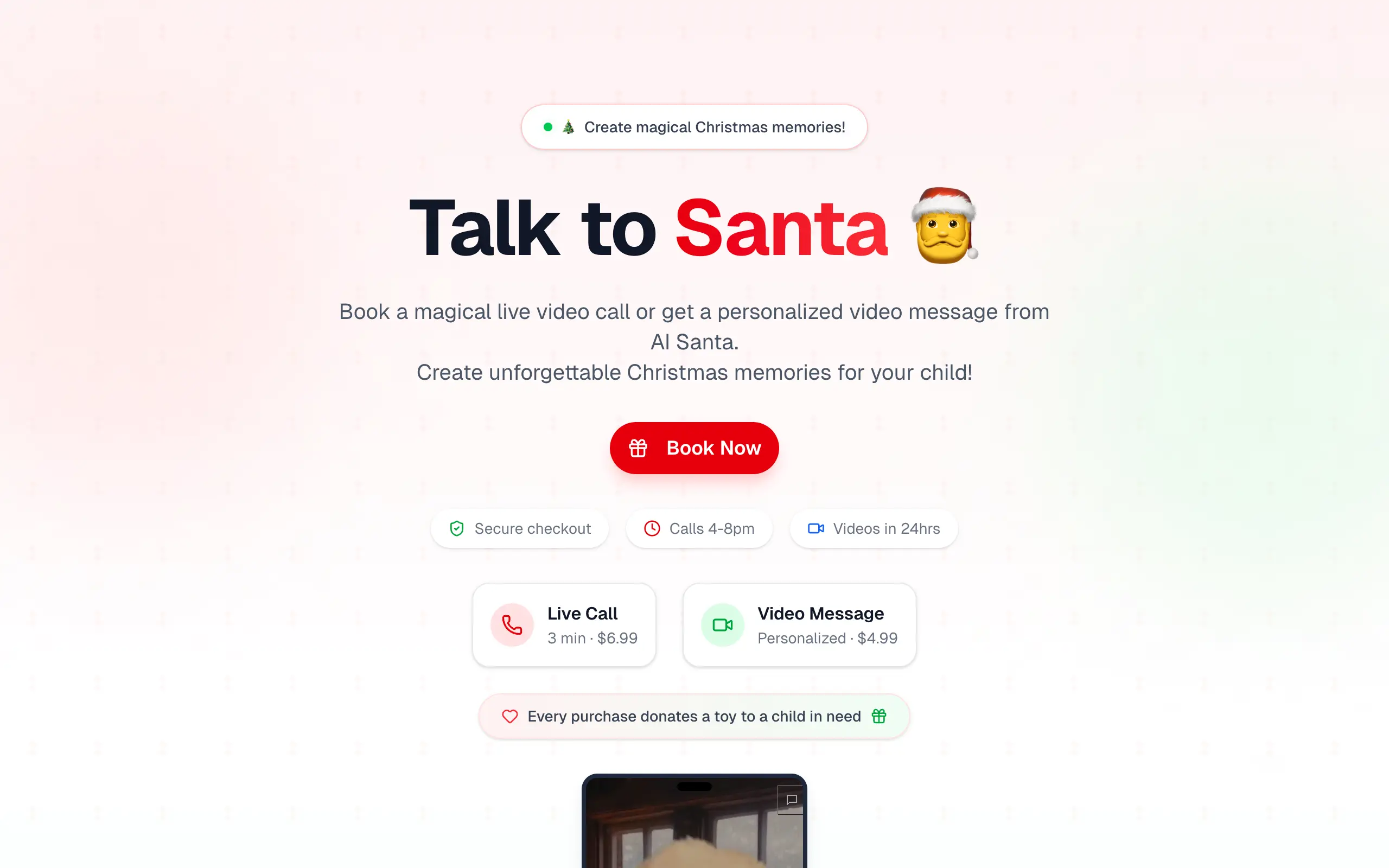
Talk to Santa
Enjoy a magical live video chat or receive a unique AI-generated video greeting from Santa Claus 🎅
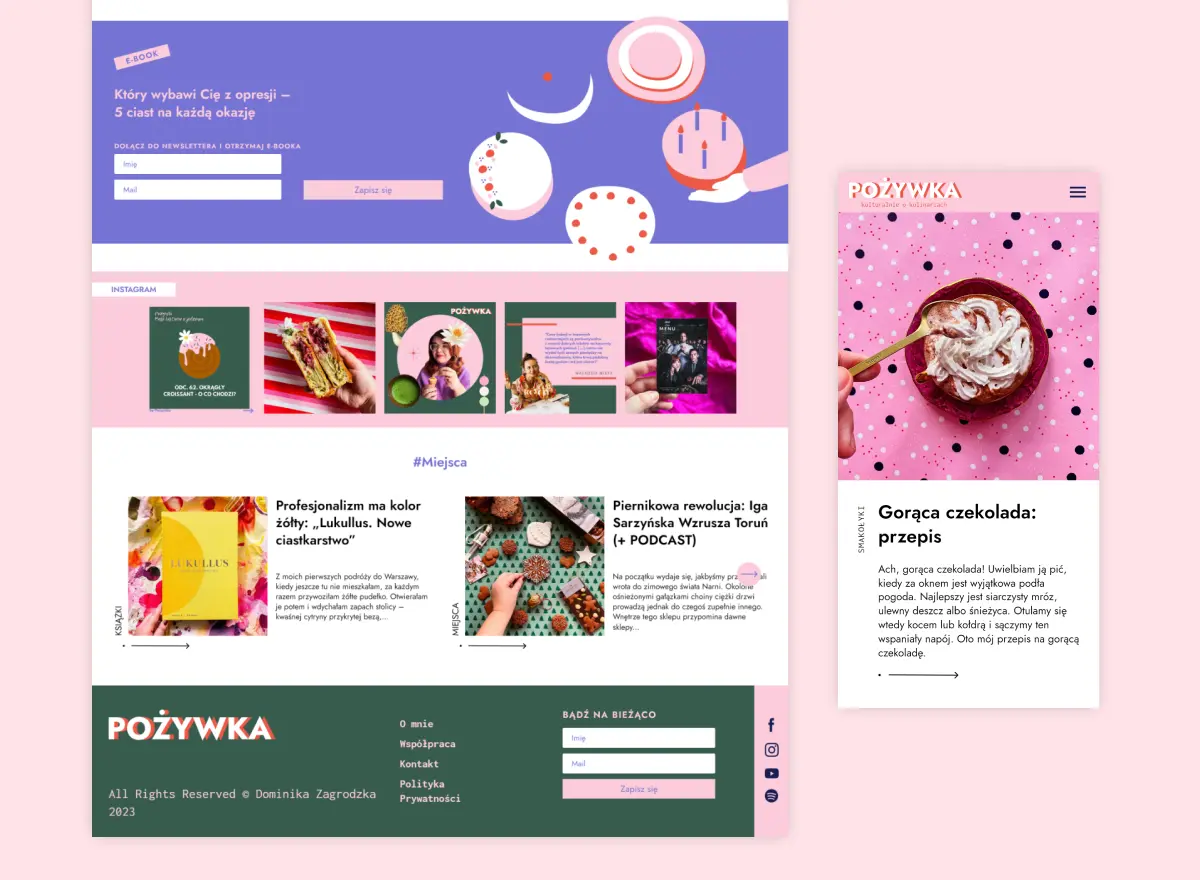
pozywka.pl
Scalable blog for food journalist, focused on performance and user experience 🌭
zagrodzki.me
Personal blog and portfolio of Bart Zagrodzki, where he shares his knowledge and work 💼
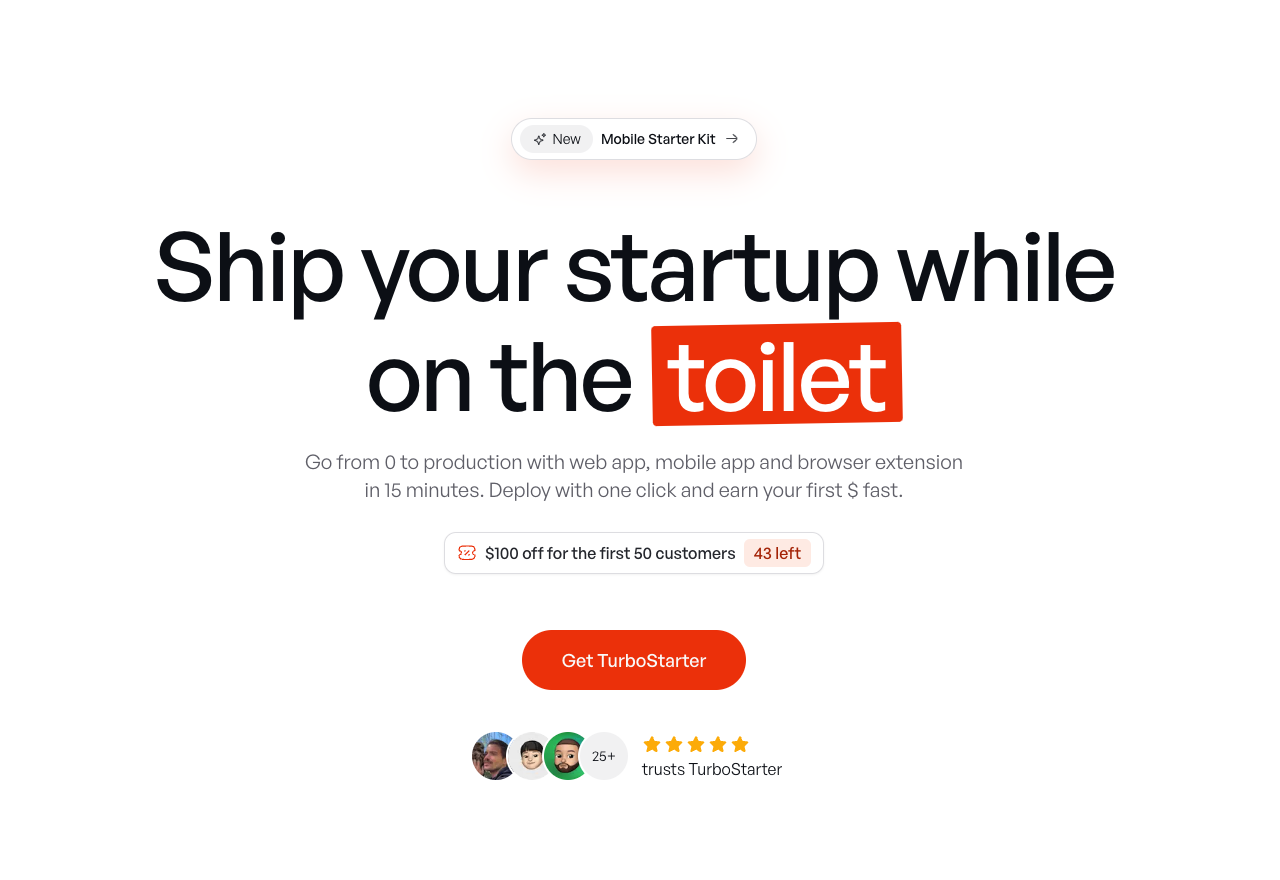
TurboStarter
Ship your startup everywhere. In minutes.
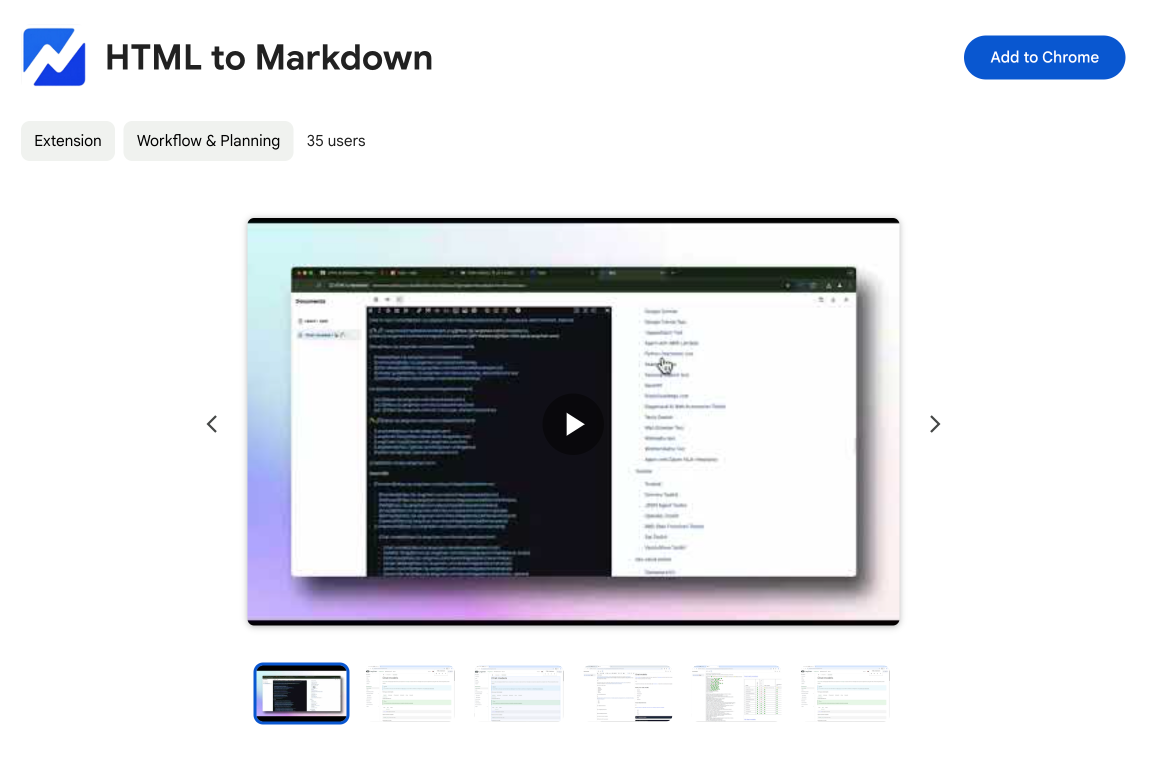
HTML to Markdown
Convert HTML to Markdown with ease, directly in your browser 📄
Dotallio
Personalized AI apps that automate research, data extraction, and content creation without code 🤖
Talk to Santa
Enjoy a magical live video chat or receive a unique AI-generated video greeting from Santa Claus 🎅
pozywka.pl
Scalable blog for food journalist, focused on performance and user experience 🌭
zagrodzki.me
Personal blog and portfolio of Bart Zagrodzki, where he shares his knowledge and work 💼
TurboStarter
Ship your startup everywhere. In minutes.
HTML to Markdown
Convert HTML to Markdown with ease, directly in your browser 📄
Dotallio
Personalized AI apps that automate research, data extraction, and content creation without code 🤖
Talk to Santa
Enjoy a magical live video chat or receive a unique AI-generated video greeting from Santa Claus 🎅
pozywka.pl
Scalable blog for food journalist, focused on performance and user experience 🌭
zagrodzki.me
Personal blog and portfolio of Bart Zagrodzki, where he shares his knowledge and work 💼
TurboStarter
Ship your startup everywhere. In minutes.
HTML to Markdown
Convert HTML to Markdown with ease, directly in your browser 📄
Dotallio
Personalized AI apps that automate research, data extraction, and content creation without code 🤖
Talk to Santa
Enjoy a magical live video chat or receive a unique AI-generated video greeting from Santa Claus 🎅
pozywka.pl
Scalable blog for food journalist, focused on performance and user experience 🌭
zagrodzki.me
Personal blog and portfolio of Bart Zagrodzki, where he shares his knowledge and work 💼
TurboStarter
Ship your startup everywhere. In minutes.
HTML to Markdown
Convert HTML to Markdown with ease, directly in your browser 📄
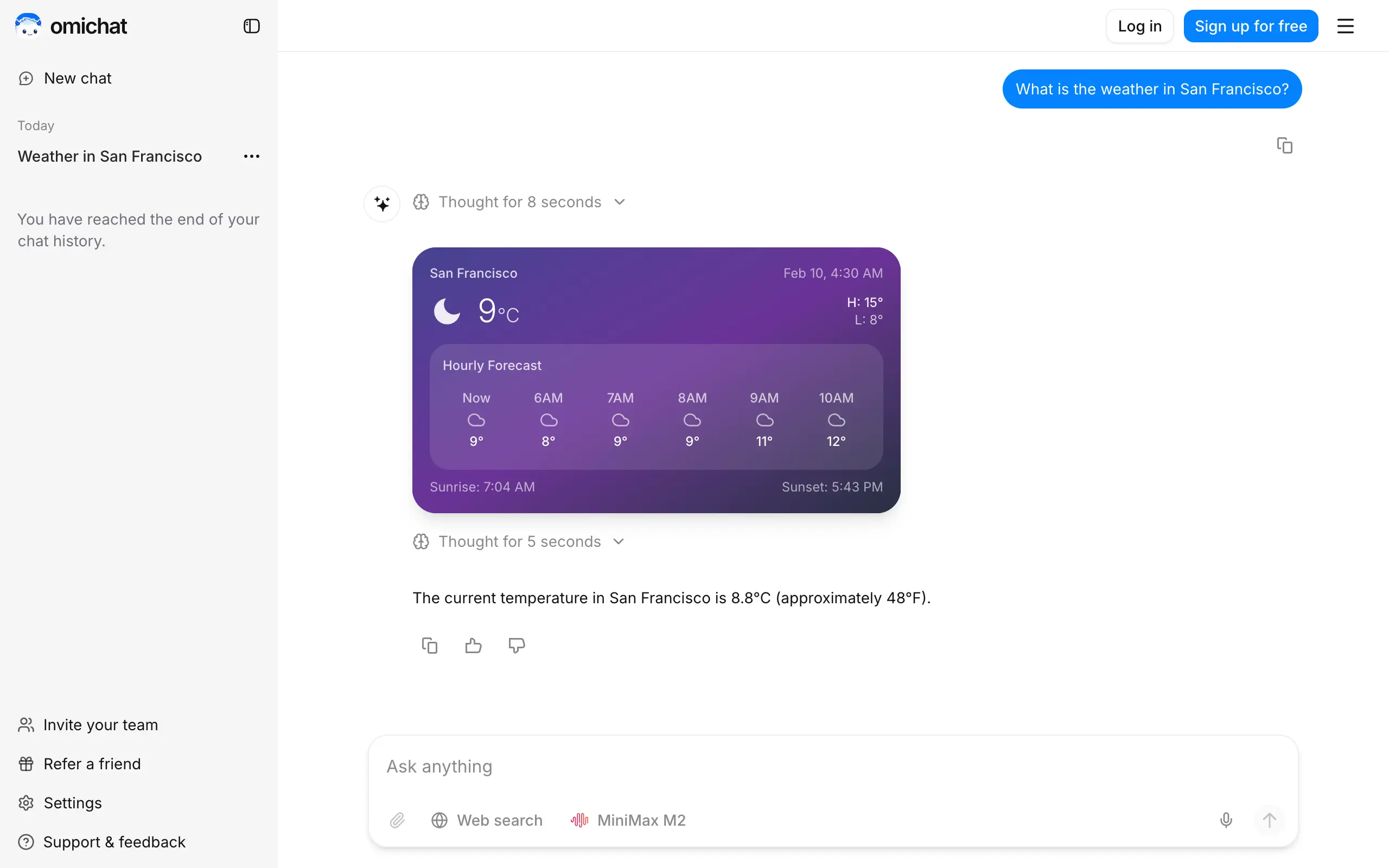
Omichat
Chat with 50+ AI models, including ChatGPT and Claude, in one place - switch models anytime without losing context 🤖
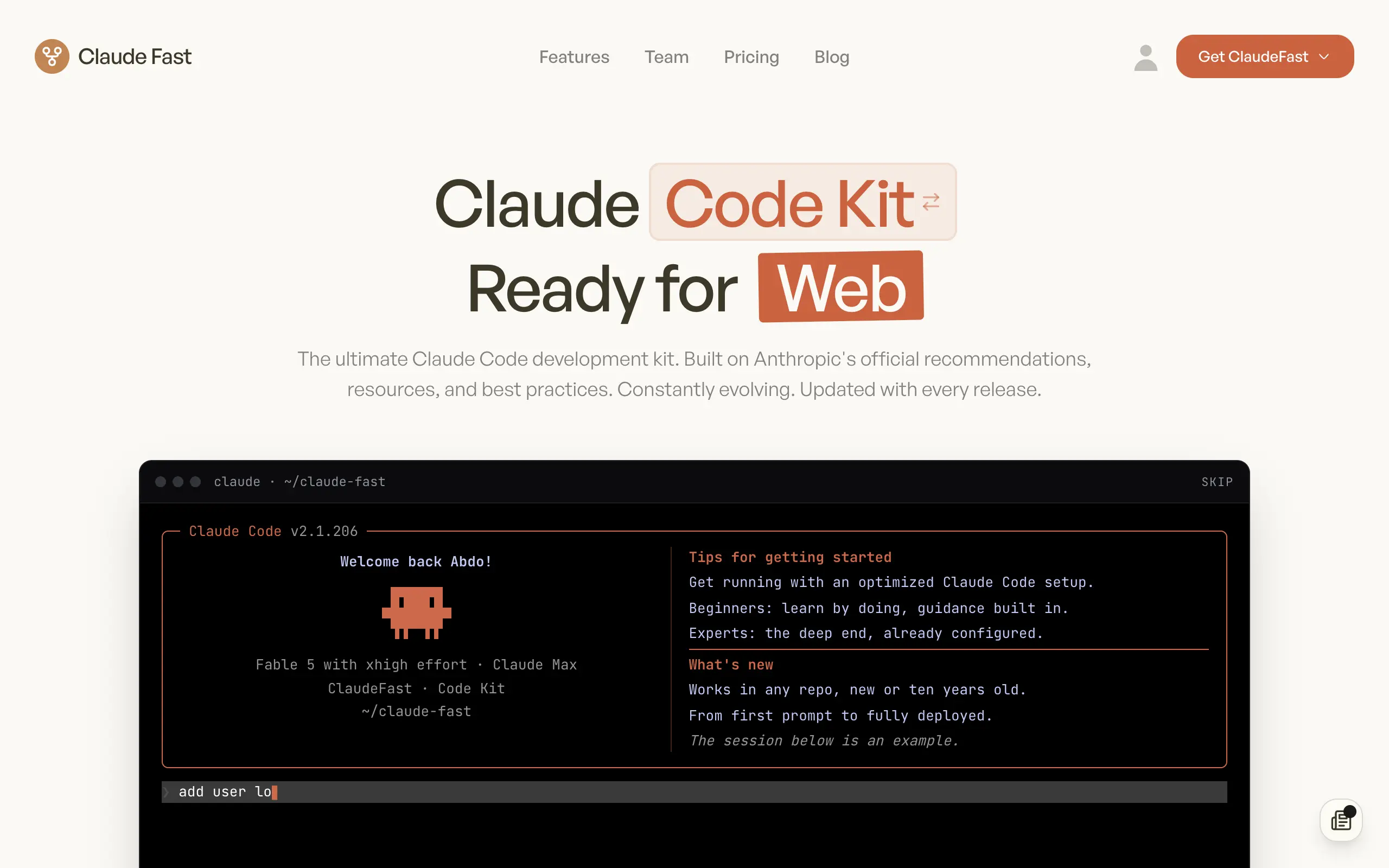
Claude Fast
Supercharge your Claude Code with 6x effective context window and specialized AI agents 🤖
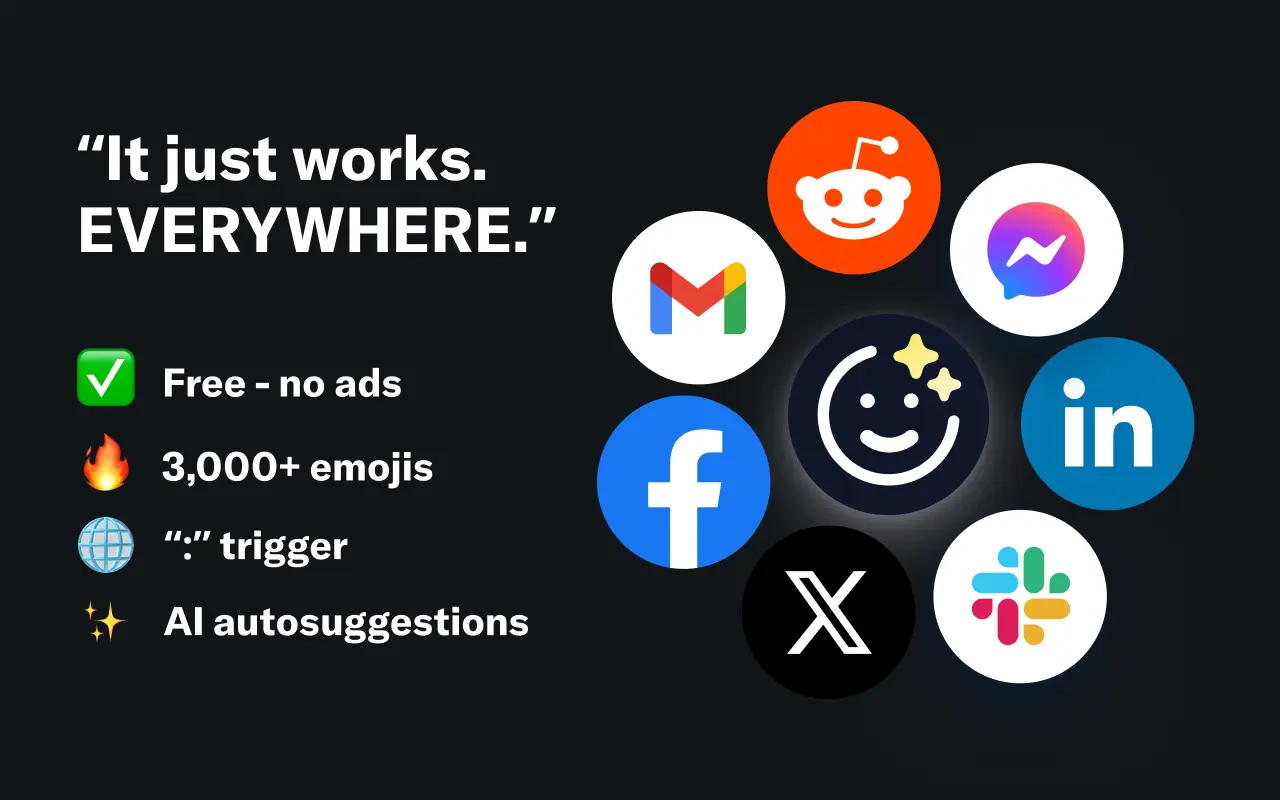
EmojAI
AI-powered emoji picker with smart, context-aware suggestions 🤖
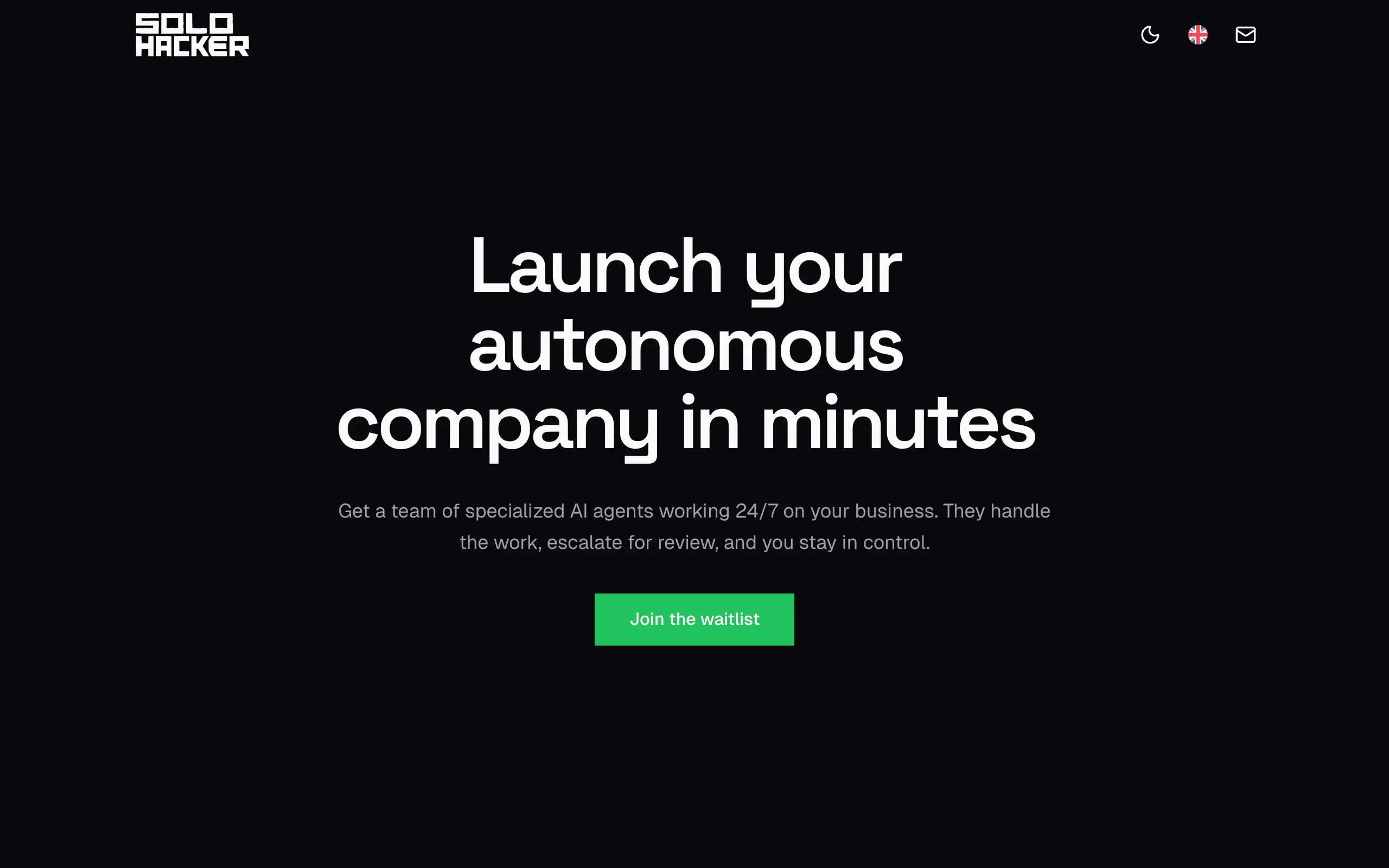
Solohacker
Autonomous company launcher - AI agents work 24/7, escalate what matters, and you stay in control 🤖
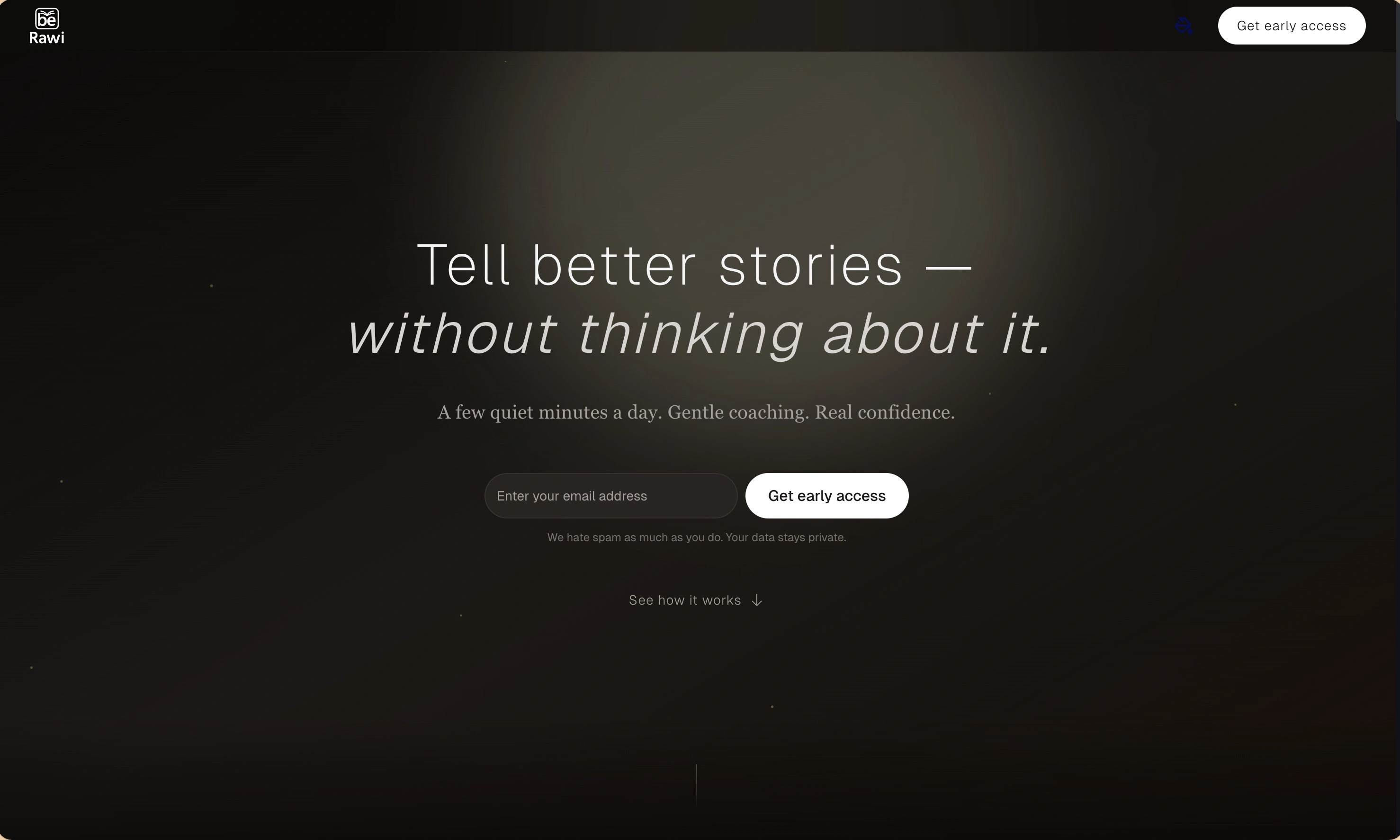
BeRawi: Storytelling Coach
Practice storytelling daily with instant feedback to sound clearer, more engaging, and confident 🎤
Omichat
Chat with 50+ AI models, including ChatGPT and Claude, in one place - switch models anytime without losing context 🤖
Claude Fast
Supercharge your Claude Code with 6x effective context window and specialized AI agents 🤖
EmojAI
AI-powered emoji picker with smart, context-aware suggestions 🤖
Solohacker
Autonomous company launcher - AI agents work 24/7, escalate what matters, and you stay in control 🤖
BeRawi: Storytelling Coach
Practice storytelling daily with instant feedback to sound clearer, more engaging, and confident 🎤
Omichat
Chat with 50+ AI models, including ChatGPT and Claude, in one place - switch models anytime without losing context 🤖
Claude Fast
Supercharge your Claude Code with 6x effective context window and specialized AI agents 🤖
EmojAI
AI-powered emoji picker with smart, context-aware suggestions 🤖
Solohacker
Autonomous company launcher - AI agents work 24/7, escalate what matters, and you stay in control 🤖
BeRawi: Storytelling Coach
Practice storytelling daily with instant feedback to sound clearer, more engaging, and confident 🎤
Omichat
Chat with 50+ AI models, including ChatGPT and Claude, in one place - switch models anytime without losing context 🤖
Claude Fast
Supercharge your Claude Code with 6x effective context window and specialized AI agents 🤖
EmojAI
AI-powered emoji picker with smart, context-aware suggestions 🤖
Solohacker
Autonomous company launcher - AI agents work 24/7, escalate what matters, and you stay in control 🤖
BeRawi: Storytelling Coach
Practice storytelling daily with instant feedback to sound clearer, more engaging, and confident 🎤

Connect with like-minded people
Join our community to get feedback, support, and grow together with 1,000+ builders on board, let's ship it!
Join usShip your startup everywhere. In minutes.
Don't burn tokens on setup and start building features on day one.