LifeScope Tools
Centralize daily life tasks with a suite of interactive widgets across finance, wellness, personal planning, and home care—designed for busy multitaskers.
Understanding the user intent behind LifeScope Tools
LifeScope Tools is positioned as an all-in-one productivity SaaS solution to centralize daily life management. This suite of interactive widgets spans finance, wellness, personal planning, and home care, targeting busy multitaskers seeking streamlined routines.
The primary user intent for LifeScope Tools is twofold:
- Inspiration and validation: Users want to know if such a productivity suite can simplify life, eliminate app overload, and help them stay on top of diverse daily tasks efficiently.
- Implementation and selection: They want to understand how LifeScope Tools works, its features, the technology powering it, and how it compares to alternatives.
This comprehensive article addresses both by offering expert insights on audience needs, the market landscape, features, technical solutions, monetization models, risks, competitive advantages, and actionable steps to bring LifeScope Tools to market.
Target audience analysis for LifeScope Tools
Who will benefit most from LifeScope Tools?
LifeScope Tools is uniquely crafted for the modern multitasker. Let’s break down the core profiles:
1. Busy professionals
- Corporate employees, entrepreneurs, and freelancers managing simultaneous work, family, and personal wellness tasks.
- Pain point: Juggling multiple responsibilities across finance, appointments, home upkeep, and self-care, often using disparate apps and tools.
2. Parents and caregivers
- Individuals overseeing not only their own lives but also children, elderly relatives, or dependents.
- Pain point: Complex scheduling, medical reminders, budget tracking, and household management—all needing centralization.
3. Tech-savvy productivity enthusiasts
- Early adopters who continuously seek digital tools to optimize their workflow.
- Pain point: App fatigue, duplicate reminders, and inefficiency caused by switching context.
4. Wellness-focused individuals
- Users committed to self-improvement (habits, health, mental wellness) amidst busy schedules.
- Pain point: Integrating wellness tracking without derailing other essential routines.
5. Homeowners and renters
- Responsible for the upkeep, maintenance, and organization of their living space.
- Pain point: Forgetting home tasks, uncoordinated chores, and lack of preventive maintenance reminders.
Why this audience?
Contemporary life’s fragmentation—work emails, fitness trackers, finance apps, home management tools—demands a truly unified solution. LifeScope Tools removes friction by centralizing all these streams, offering busy users mental clarity, efficiency, and tangible productivity gains.
Market opportunity and the productivity suite gap
The crowded productivity landscape
Productivity tools abound—task managers, habit trackers, personal CRMs, finance apps. But fragmentation remains a pervasive bottleneck. According to Statista, the average user manages over five productivity apps daily (reference: Statista 2023, "Productivity Tool Overload").
Yet, no mainstream SaaS has succeeded in holistically integrating these tools with actionable widgets adaptable to personal, financial, wellness, and home care domains—all in real time.
Identifying the gaps
- App Overwhelm: Each productivity tool manages just one aspect (e.g., budgeting, health). Users must stitch together solutions manually.
- Lack of context switching automation: Shifting between apps weakens focus and increases cognitive load.
- Weak cross-domain synergy: Few platforms enable threads across domains (e.g., linking a sleep schedule with morning chores, or a budget limit to dining out reminders).
- Limited customization: Most SaaS impose rigid flows rather than enabling bespoke dashboards and widgets fit for each user’s preferences.
Emerging trends
- Widgetization of SaaS: Custom mini-apps (widgets) embedded or arranged contextually, as seen in Notion or ClickUp.
- AI-driven personal productivity: Personalized automation, insights, and nudges.
- Centralized digital life management: Consumers value one unified environment for holistic life control.
LifeScope Tools directly addresses these trends and gaps by offering modular, customizable widgets—let’s explore the proposition.
Core features of LifeScope Tools: A holistic solution
LifeScope Tools is not “just another to-do list.” Its unique value lies in breadth, customizability, and cross-domain intelligence. Here’s a detailed breakdown of its core features:
1. Interactive, customizable widget suite
- Drag-and-drop dashboard: Users assemble their own productivity hub by picking exactly the widgets they need.
- Domain coverage: Widgets span:
- Finance: Budget tracker, bill reminders, expense categorization, investment snapshot.
- Wellness: Habit tracker, hydration monitor, step counter, sleep log, mindfulness timer.
- Personal planning: Calendar integration, smart to-do list, goal setting, priority matrix, focus timer.
- Home care: Chore scheduler, grocery list, appliance maintenance reminders, home inventory log.
Example widget arrangement:
- Left: “Today’s To-Dos”, “Hydration”, “Investment snapshot”
- Center: “Calendar view”, “Chore board”
- Right: “Sleep tracker”, “Upcoming bills”, “Quick notes”
2. Smart integrations & automations
- Calendar and email sync: Integrate with Google Calendar, iCloud, and major email providers for seamless scheduling.
- Finance API connectors: Securely link bank accounts (Plaid, Yodlee, etc.) for real-time finance tracking.
- Wellness device/app connections: Sync with Fitbit, Apple Health, or Google Fit for holistic insights.
- Voice and chat command support: Interact with widgets hands-free via digital assistants (i.e., Alexa, Google Assistant).
3. Cross-widget intelligence
- Contextual triggers: For example, a high workload day detected in the calendar could prompt extra wellness checks or reminders to hydrate.
- Unified alerts: Smart, non-intrusive daily digests covering all domains, instead of siloed notifications.
4. Data privacy & user control
- Granular permission settings: Control third-party integrations and data sharing.
- Local storage option: For sensitive data (e.g., health logs) offer encrypted, on-device syncing for privacy-conscious users.
5. Multi-platform accessibility
- Responsive web app: Accessible from any device.
- Progressive Web App (PWA): Installable on mobile for app-like experience.
- Optional browser extension: Quick access to widgets during web browsing.
| Feature | Traditional Apps | LifeScope Tools | Benefit | Limitations Addressed |
|---|---|---|---|---|
| Multiple domains | ❌ | ✅ | One dashboard | App overload |
| Custom widgets | ❌ | ✅ | Personalized workflow | Rigid tools |
Recommended tech stack for LifeScope Tools
A robust, scalable, and secure tech stack is crucial to deliver real-time interactivity, extensibility, and data protection. Here’s an expert overview and recommended architecture:
Frontend
- React: Delivers performant, component-based user interfaces—ideal for dynamic widget dashboards.
- TailwindCSS: Rapid UI prototyping with utility-first CSS ensures both customization and consistency.
- Redux (or Context API): Manages the complex, shared state across widgets and dashboard layouts.
- PWA (Progressive Web App) setup: Enables offline mode and installability.
Backend
- Node.js & Express: Fast, scalable APIs for real-time updates and integrations.
- PostgreSQL: Robust relational data storage for user info, widget states, and scheduling data.
- Redis: Caching for performance and notification broadcast.
Integrations & APIs
- Finance APIs: Plaid, Yodlee
- Wellness APIs: Fitbit, Apple HealthKit
- Calendar/email APIs: Google, iCloud, Microsoft Graph
Security & Privacy
- OAuth2 for secure authentication
- End-to-end encryption for sensitive fields
Optional: AI/ML features
- Use cloud functions (e.g., AWS Lambda) for smart alert triggers or personal recommendations based on aggregated activity.
Trade-offs and considerations
- Monolith vs. Microservices: Start with a modular monolith for speed; migrate to microservices as needed for scalability.
- Self-hosting option: Consider a privacy-centric self-hosting tier for advanced users at a higher price point (technical complexity vs. user trust).
Tech stack tip
Prioritize modular widget architecture; it allows for faster feature rollout, third-party extensions, and individual widget upgrades without downtime.
Monetization strategies for LifeScope Tools
How can LifeScope Tools generate sustainable revenue while respecting user trust and experience? Consider these viable models:
1. Freemium, with premium widget modules
- Base tier: Free access to core widgets and essential integrations.
- Premium: Charge a monthly/yearly subscription for:
- Advanced finance modules (investment tracking, multi-bank sync)
- AI-based analytics and daily briefings
- Enhanced wellness insights
- Custom widget builder
2. Family or team plans
- Shared dashboards: Offer group plans for families or teams to collaboratively manage tasks, calendars, and home care workflows.
- Pricing: Bundle discounts for multi-seat usage.
3. Add-on marketplace (prosumer model)
- Enable third-party widget/add-on development. Take a cut of paid add-on revenue, encouraging an ecosystem effect.
4. Affiliate commissions (optional)
- Integrate partner services (e.g., home cleaning, financial products) and receive affiliate income when users convert via recommendations—clearly disclosed for transparency.
5. White-label B2B licensing
- Allow companies or productivity coaches to license LifeScope Tools under their own brand, targeting corporate wellness or concierge markets.
Risks and mitigation strategies
Launching a holistic productivity SaaS carries inherent risks. Awareness is key — here’s how to minimize them:
Data security concerns
Robust encryption, regular security audits, and option for local storage.
User overwhelm
Smart onboarding flows, gradual feature unlocks, and in-app guidance help users acclimate.
Integration reliability
Monitor third-party API changes and offer fallbacks; continuous API health checks.
Widget bloat
Curate default widget sets, enable hiding/removal; prioritize high-value features.
Market education
Invest in high-E-E-A-T content and onboarding materials to demonstrate LifeScope Tools' unique advantage.
Competitive advantage: Why choose LifeScope Tools?
LifeScope Tools stands out for several reasons:
- Cross-domain unification: It’s the rare platform covering finance, wellness, planning, and home care without forcing users to switch apps or contexts.
- True widget flexibility: Modular, drag-and-drop dashboard outpaces static app competitors.
- Adaptive intelligence: Context-aware reminders and insights distinguish it from “dumb” task lists.
- Privacy-first philosophy: User controls, transparency, and local storage options inspire confidence.
- Open ecosystem: Marketplace for third-party widgets spurs rapid innovation and customization.
In contrast: Solutions like Notion, Todoist, or generic calendar tools lack dedicated finance and wellness widgets, true cross-widget intelligence, and granular privacy controls in one suite. Most modern apps solve a narrow problem; LifeScope Tools embraces the complexity of real life—without clutter.
While Notion and ClickUp offer workspace customization, they lack built-in finance and wellness widgets, real-time integrations, and contextual intelligence spanning personal, home, and wellness domains—all core to LifeScope Tools.
Yes (premium feature). The platform will include a simple widget builder and the ability to incorporate user-contributed add-ons through the marketplace, enabling ultimate personalization.
Security is at the forefront: strong encryption, local data options, OAuth integrations, and strict compliance with privacy standards (GDPR, CCPA). Only the minimal necessary data is shared, and integrations are user-controlled.
Implementation steps: Bringing LifeScope Tools to life
Bringing LifeScope Tools to market requires structured, agile execution. Here’s a suggested roadmap:
Bringing it all together: Why LifeScope Tools is the future of productivity
In a world of app fragmentation, LifeScope Tools offers a one-stop, customizable, privacy-first productivity suite that adapts to your entire life—not just your work. For busy multitaskers seeking clarity, control, and holistic growth, LifeScope Tools is uniquely placed to deliver on the promise of true digital life integration.
Ready to centralize your daily life and reclaim your focus? It’s time to explore LifeScope Tools — the productivity suite for real life.
Pro tip: Those seeking to accelerate their SaaS go-to-market journey or further validate their ideas should consider powerful platforms like TurboStarter.
More ⚡ Productivity Tool SaaS ideas
Discover more innovative productivity tool SaaS ideas that are trending in 2026. Each idea is AI-generated with market validation and growth potential to help you find your next profitable venture faster than competitors.
Your competitors are building with TurboStarter
Below are some of the SaaS ideas that have been generated and built with our starter kit.
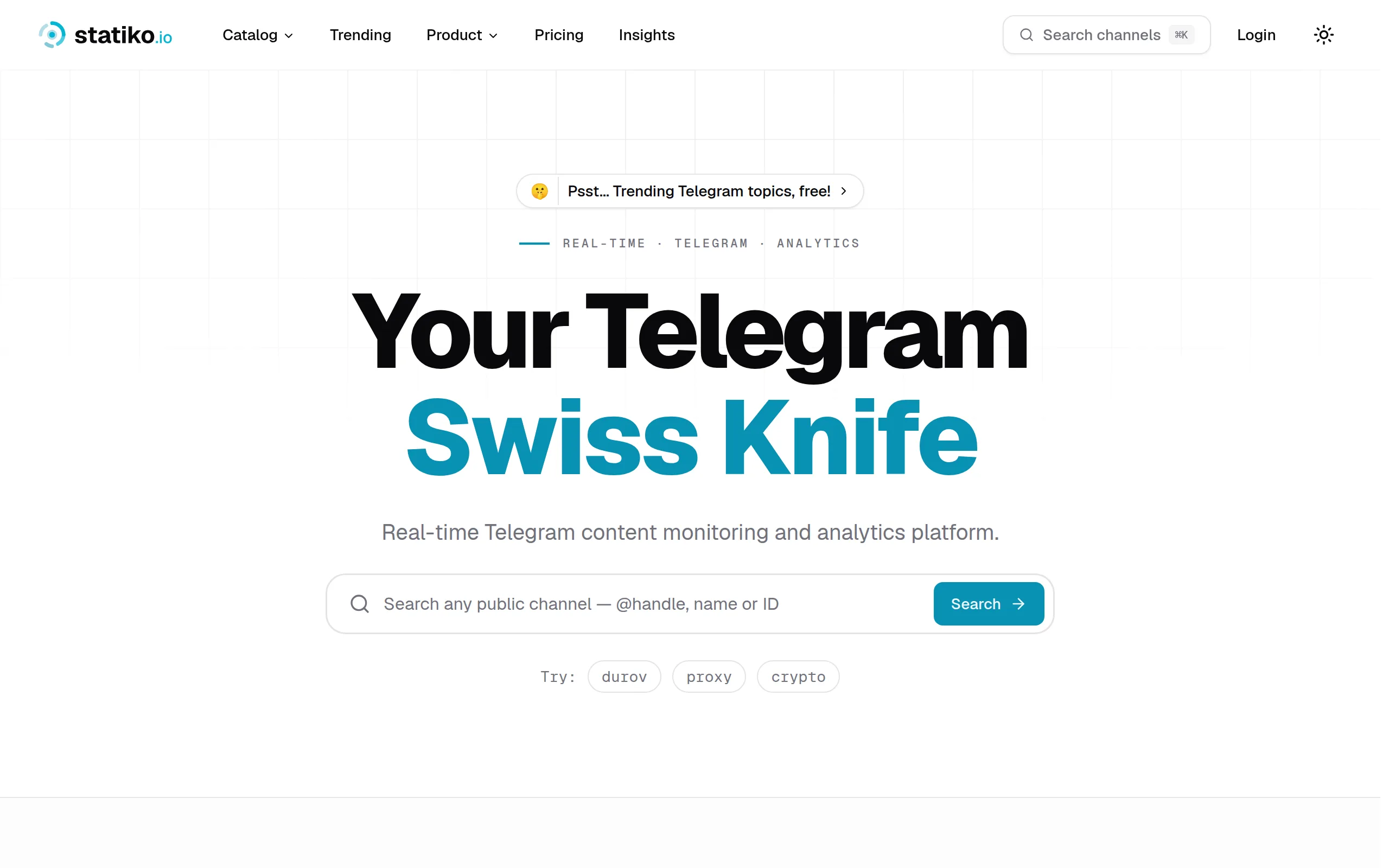
Statiko
Monitor any Telegram channel in real time - track posts, edits, deletions, and growth with AI recaps 📡

Shibui
AI website builder - describe your business, pick a niche template, edit by chatting, and publish instantly ✨

Pro Service
Find verified home service professionals, compare quotes, and pay securely through escrow - built for Brazilians across the US 🏠
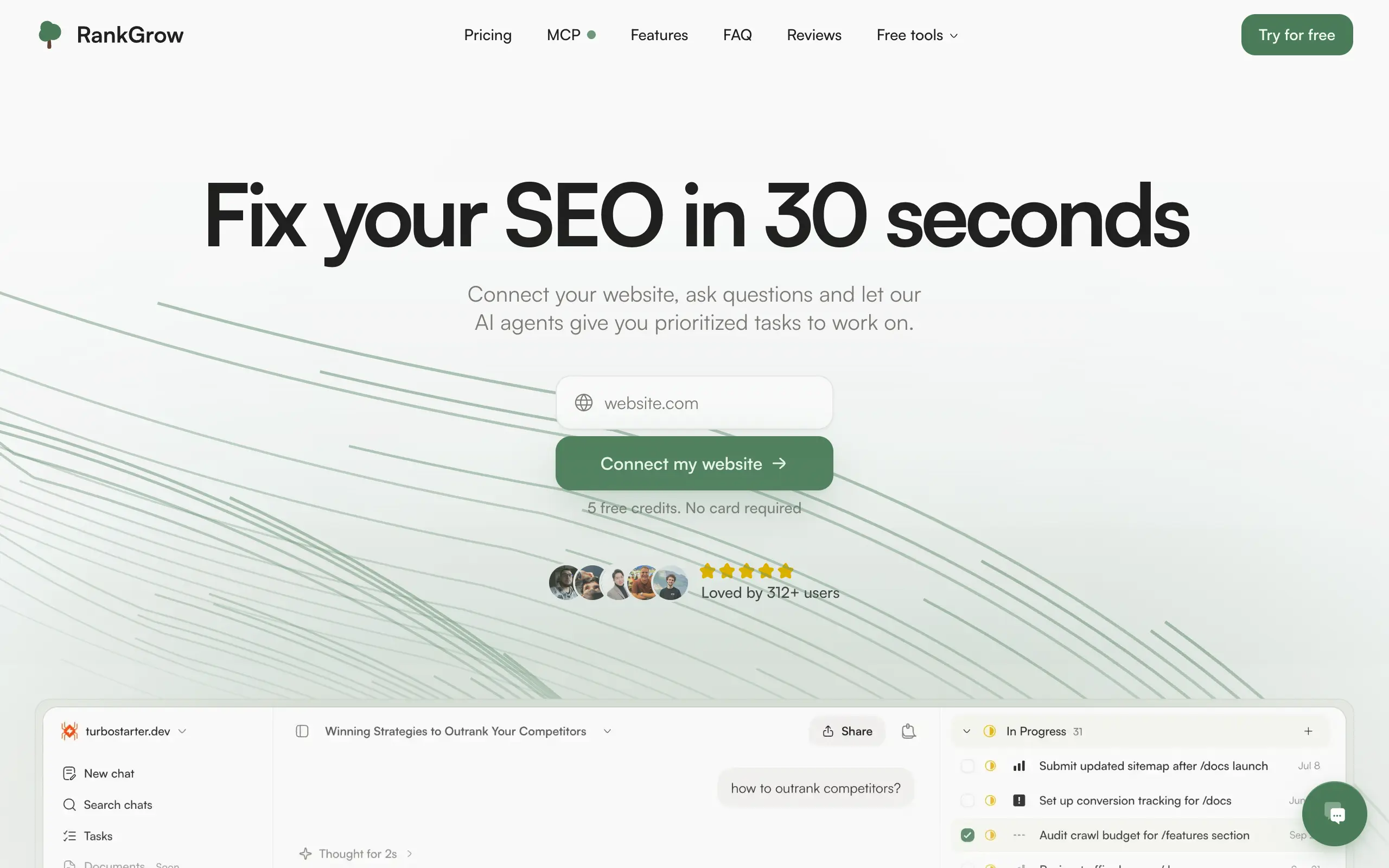
RankGrow
Fix your SEO with AI agents - connect Search Console, get prioritized tasks, and grow organic traffic 📈
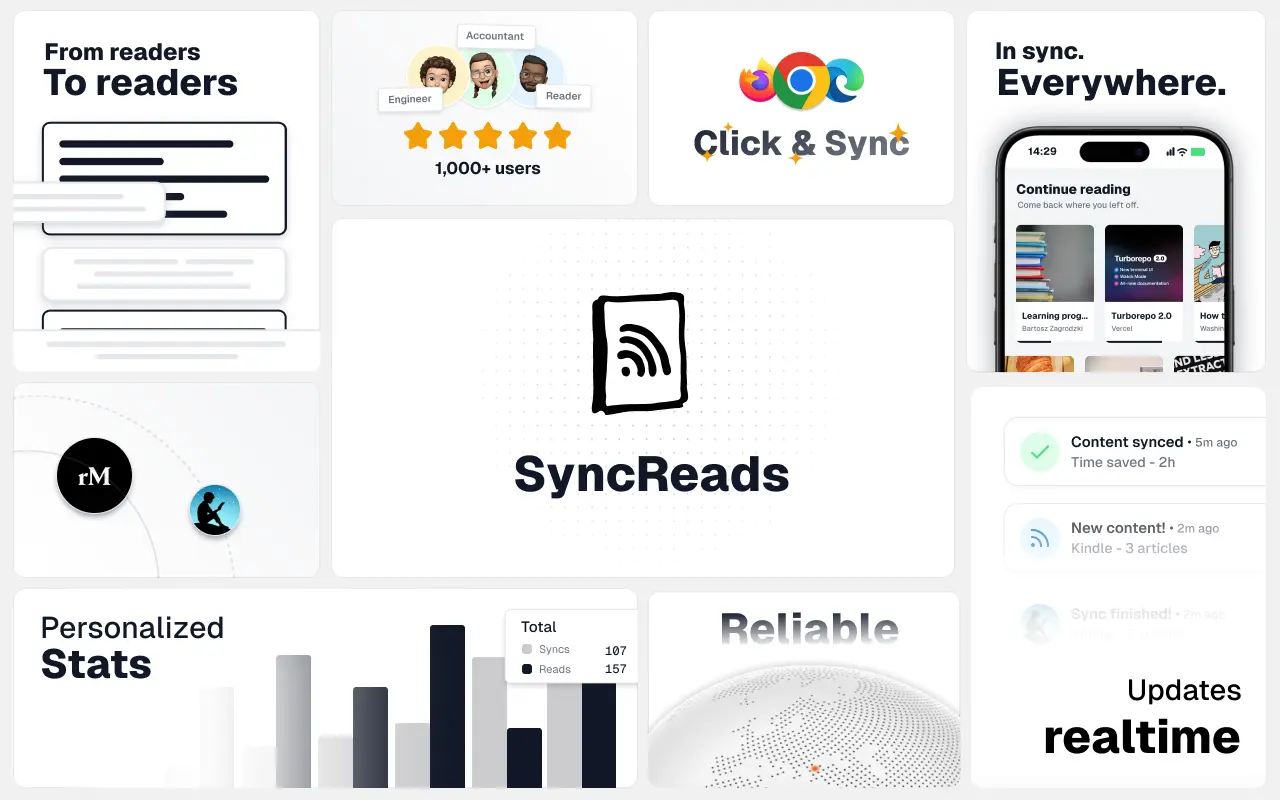
SyncReads
Sync your favorite content for distraction-free reading, save time and replace multiple apps. Anytime, anywhere 🔄
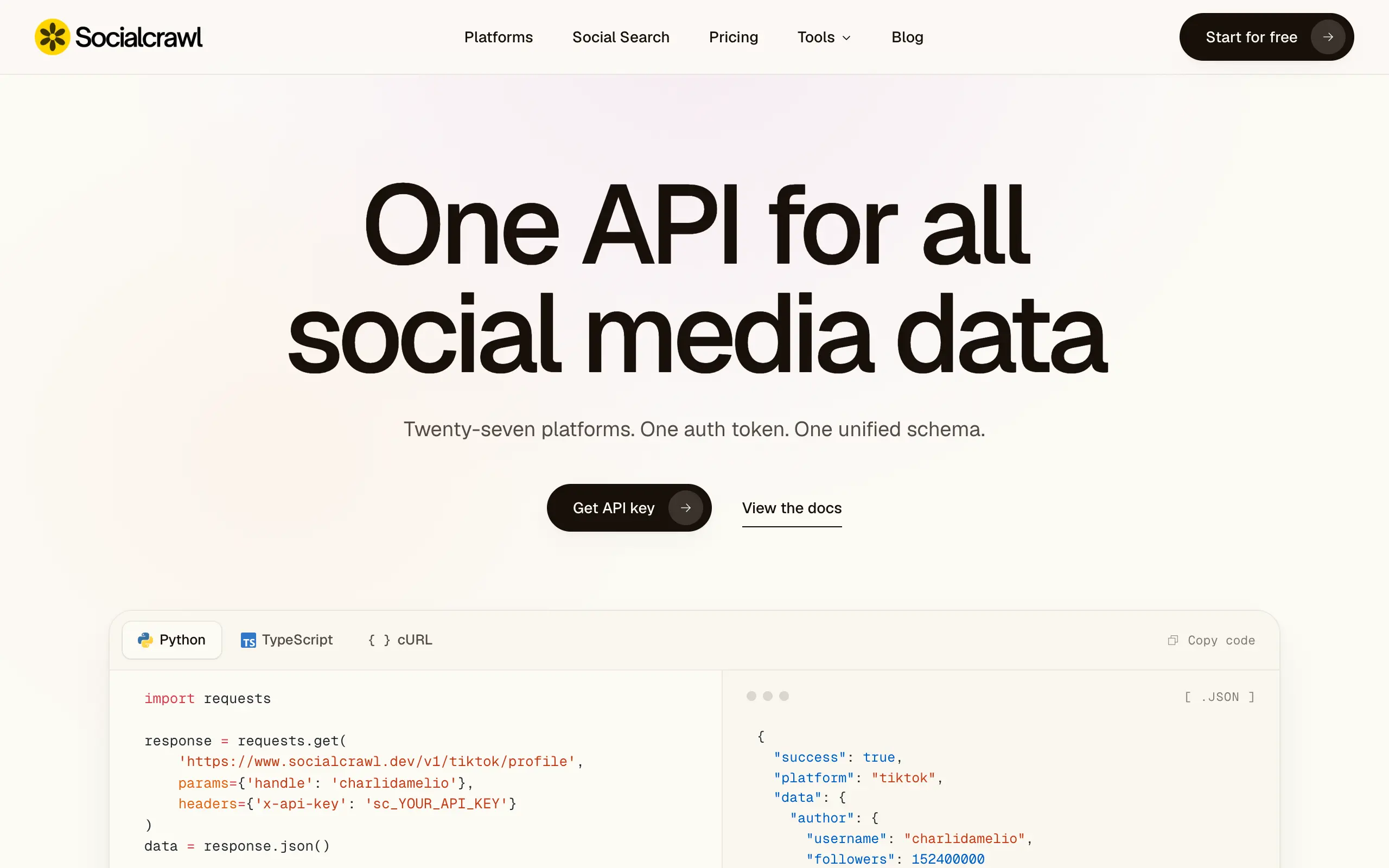
Socialcrawl
Get clean, structured data from 21 platforms like TikTok, Instagram, and YouTube with a single request 📊
Statiko
Monitor any Telegram channel in real time - track posts, edits, deletions, and growth with AI recaps 📡
Shibui
AI website builder - describe your business, pick a niche template, edit by chatting, and publish instantly ✨
Pro Service
Find verified home service professionals, compare quotes, and pay securely through escrow - built for Brazilians across the US 🏠
RankGrow
Fix your SEO with AI agents - connect Search Console, get prioritized tasks, and grow organic traffic 📈
SyncReads
Sync your favorite content for distraction-free reading, save time and replace multiple apps. Anytime, anywhere 🔄
Socialcrawl
Get clean, structured data from 21 platforms like TikTok, Instagram, and YouTube with a single request 📊
Statiko
Monitor any Telegram channel in real time - track posts, edits, deletions, and growth with AI recaps 📡
Shibui
AI website builder - describe your business, pick a niche template, edit by chatting, and publish instantly ✨
Pro Service
Find verified home service professionals, compare quotes, and pay securely through escrow - built for Brazilians across the US 🏠
RankGrow
Fix your SEO with AI agents - connect Search Console, get prioritized tasks, and grow organic traffic 📈
SyncReads
Sync your favorite content for distraction-free reading, save time and replace multiple apps. Anytime, anywhere 🔄
Socialcrawl
Get clean, structured data from 21 platforms like TikTok, Instagram, and YouTube with a single request 📊
Statiko
Monitor any Telegram channel in real time - track posts, edits, deletions, and growth with AI recaps 📡
Shibui
AI website builder - describe your business, pick a niche template, edit by chatting, and publish instantly ✨
Pro Service
Find verified home service professionals, compare quotes, and pay securely through escrow - built for Brazilians across the US 🏠
RankGrow
Fix your SEO with AI agents - connect Search Console, get prioritized tasks, and grow organic traffic 📈
SyncReads
Sync your favorite content for distraction-free reading, save time and replace multiple apps. Anytime, anywhere 🔄
Socialcrawl
Get clean, structured data from 21 platforms like TikTok, Instagram, and YouTube with a single request 📊
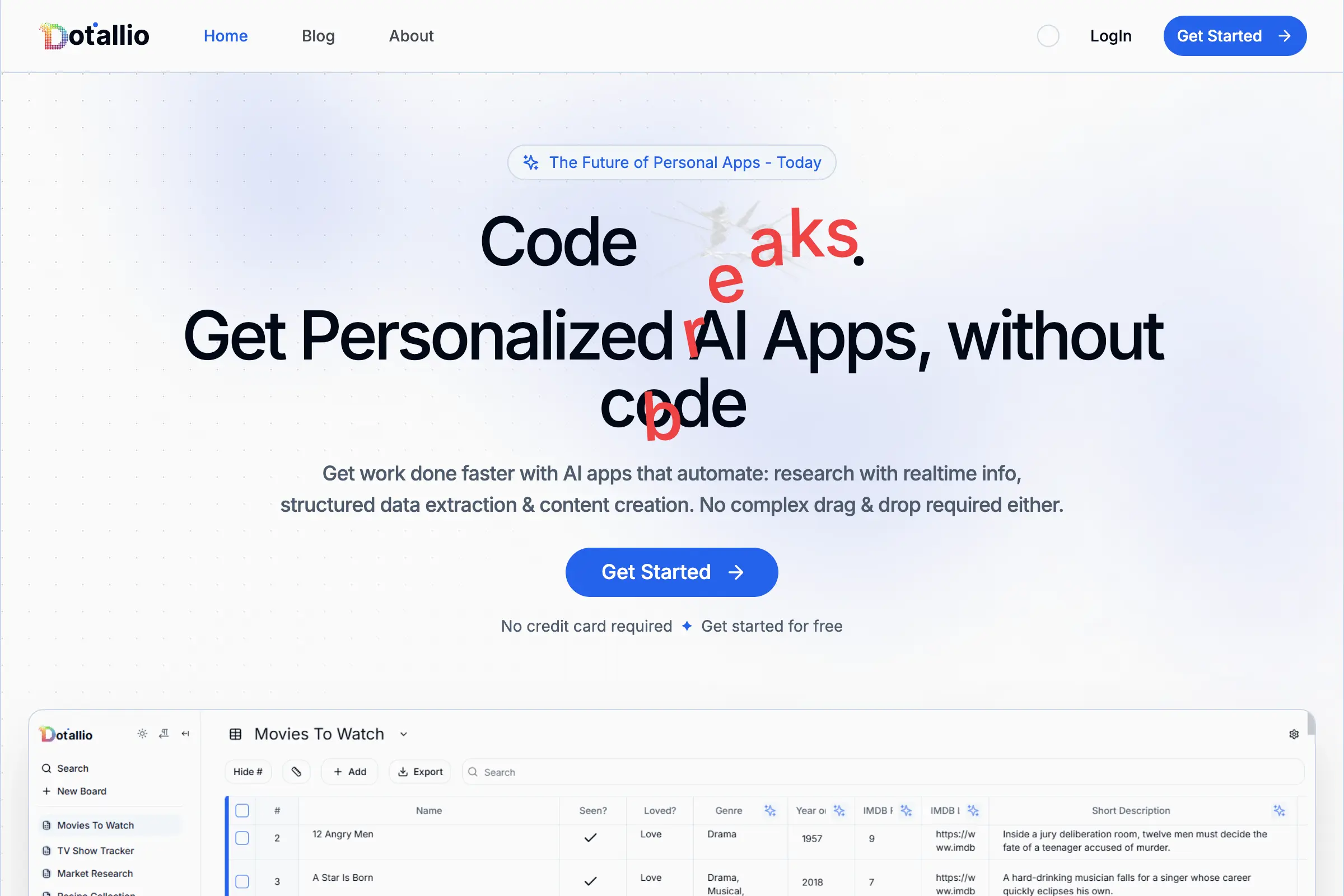
Dotallio
Personalized AI apps that automate research, data extraction, and content creation without code 🤖
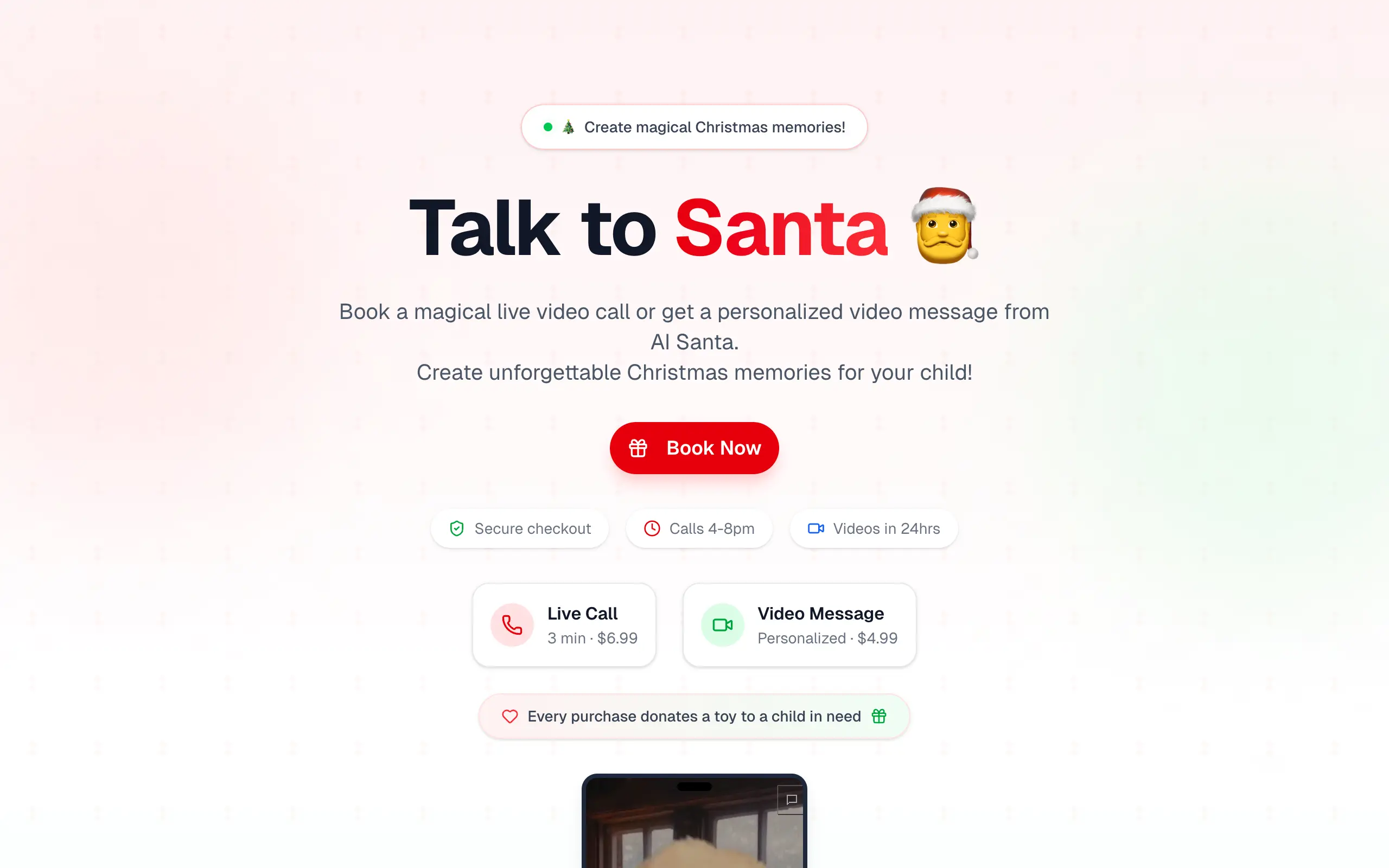
Talk to Santa
Enjoy a magical live video chat or receive a unique AI-generated video greeting from Santa Claus 🎅
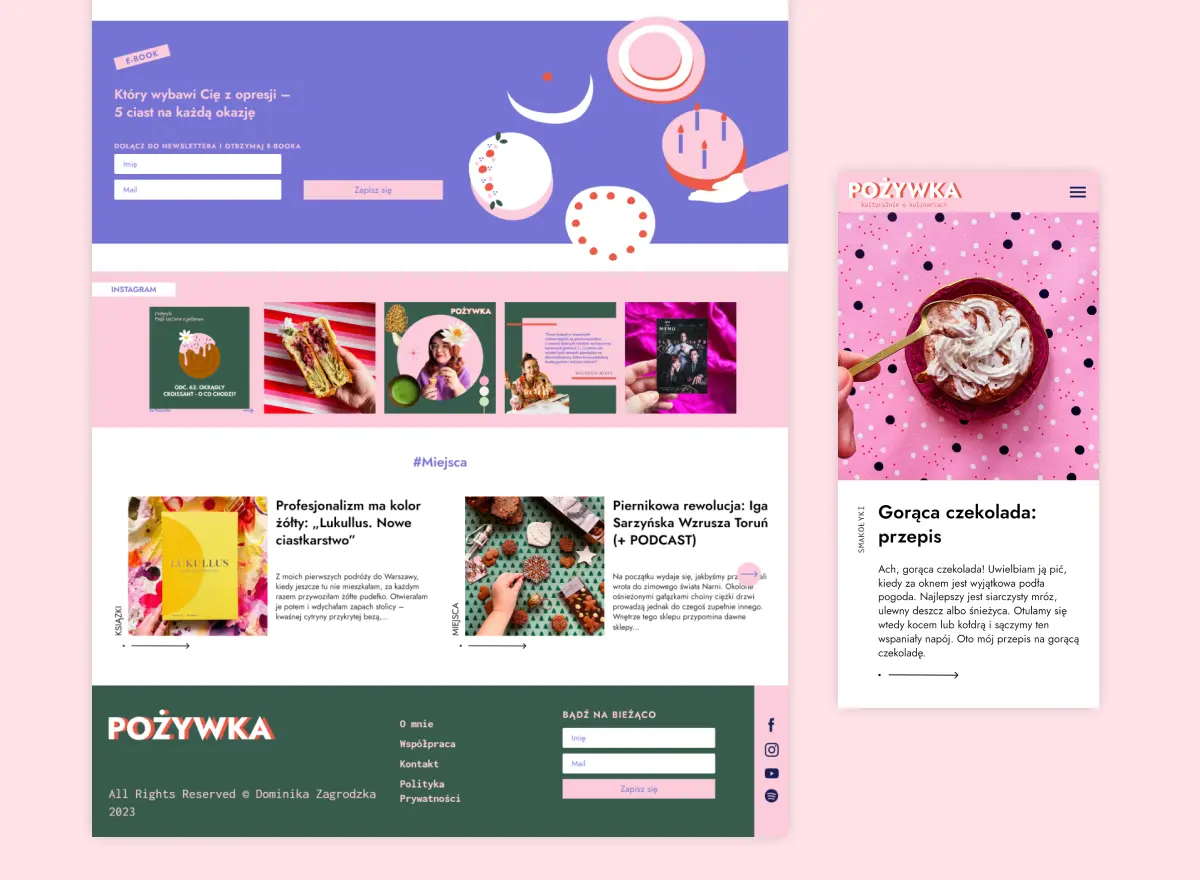
pozywka.pl
Scalable blog for food journalist, focused on performance and user experience 🌭
zagrodzki.me
Personal blog and portfolio of Bart Zagrodzki, where he shares his knowledge and work 💼
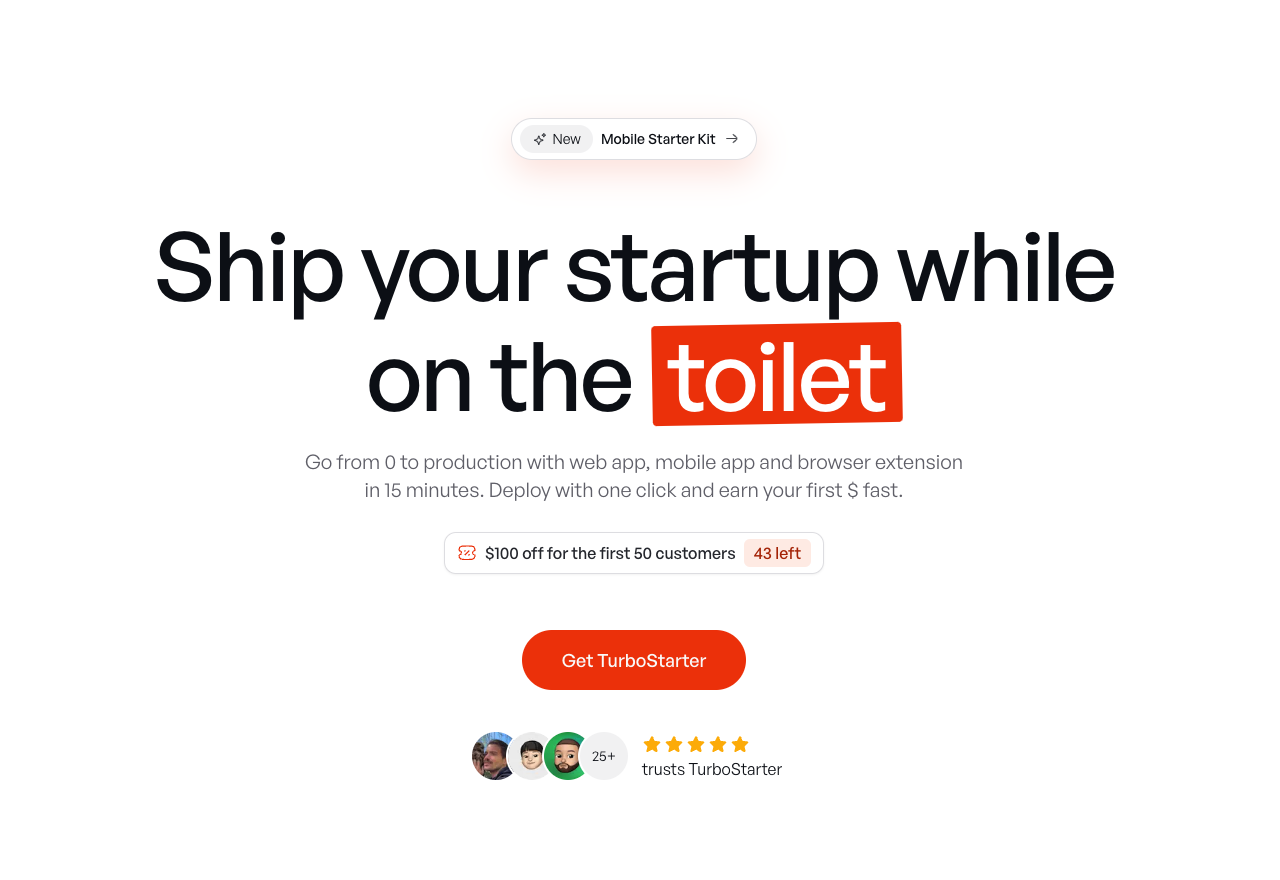
TurboStarter
Ship your startup everywhere. In minutes.
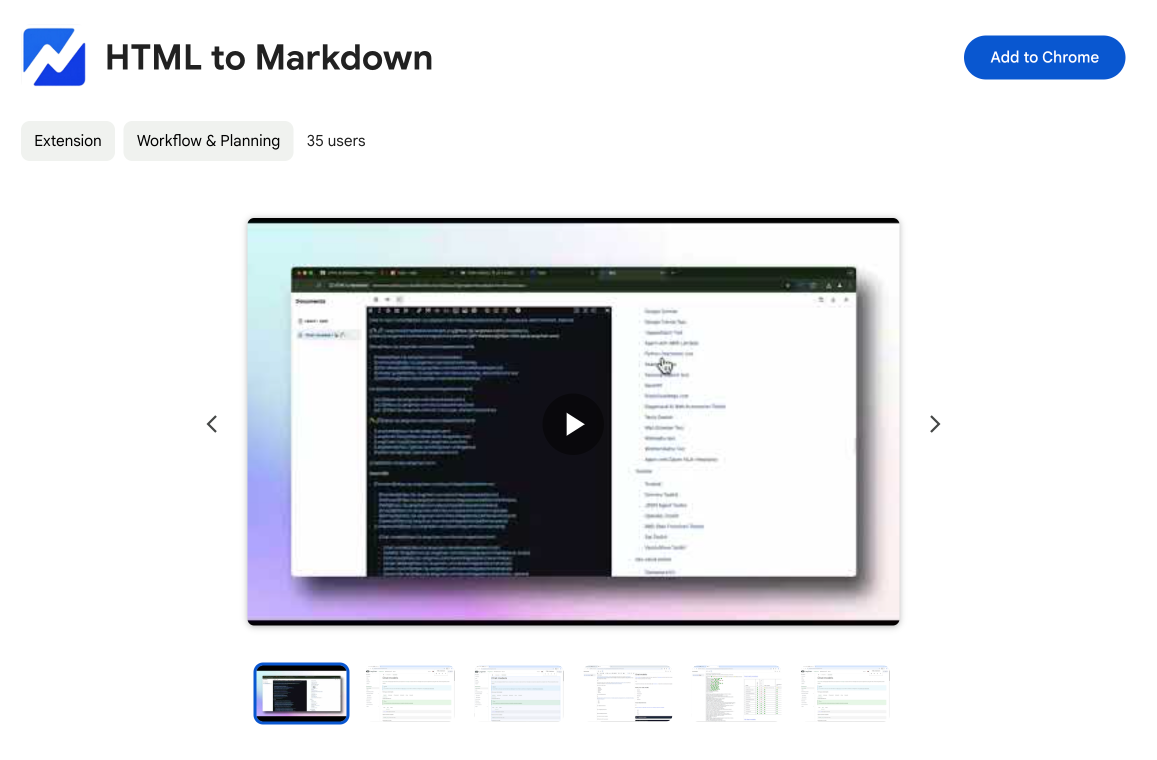
HTML to Markdown
Convert HTML to Markdown with ease, directly in your browser 📄
Dotallio
Personalized AI apps that automate research, data extraction, and content creation without code 🤖
Talk to Santa
Enjoy a magical live video chat or receive a unique AI-generated video greeting from Santa Claus 🎅
pozywka.pl
Scalable blog for food journalist, focused on performance and user experience 🌭
zagrodzki.me
Personal blog and portfolio of Bart Zagrodzki, where he shares his knowledge and work 💼
TurboStarter
Ship your startup everywhere. In minutes.
HTML to Markdown
Convert HTML to Markdown with ease, directly in your browser 📄
Dotallio
Personalized AI apps that automate research, data extraction, and content creation without code 🤖
Talk to Santa
Enjoy a magical live video chat or receive a unique AI-generated video greeting from Santa Claus 🎅
pozywka.pl
Scalable blog for food journalist, focused on performance and user experience 🌭
zagrodzki.me
Personal blog and portfolio of Bart Zagrodzki, where he shares his knowledge and work 💼
TurboStarter
Ship your startup everywhere. In minutes.
HTML to Markdown
Convert HTML to Markdown with ease, directly in your browser 📄
Dotallio
Personalized AI apps that automate research, data extraction, and content creation without code 🤖
Talk to Santa
Enjoy a magical live video chat or receive a unique AI-generated video greeting from Santa Claus 🎅
pozywka.pl
Scalable blog for food journalist, focused on performance and user experience 🌭
zagrodzki.me
Personal blog and portfolio of Bart Zagrodzki, where he shares his knowledge and work 💼
TurboStarter
Ship your startup everywhere. In minutes.
HTML to Markdown
Convert HTML to Markdown with ease, directly in your browser 📄
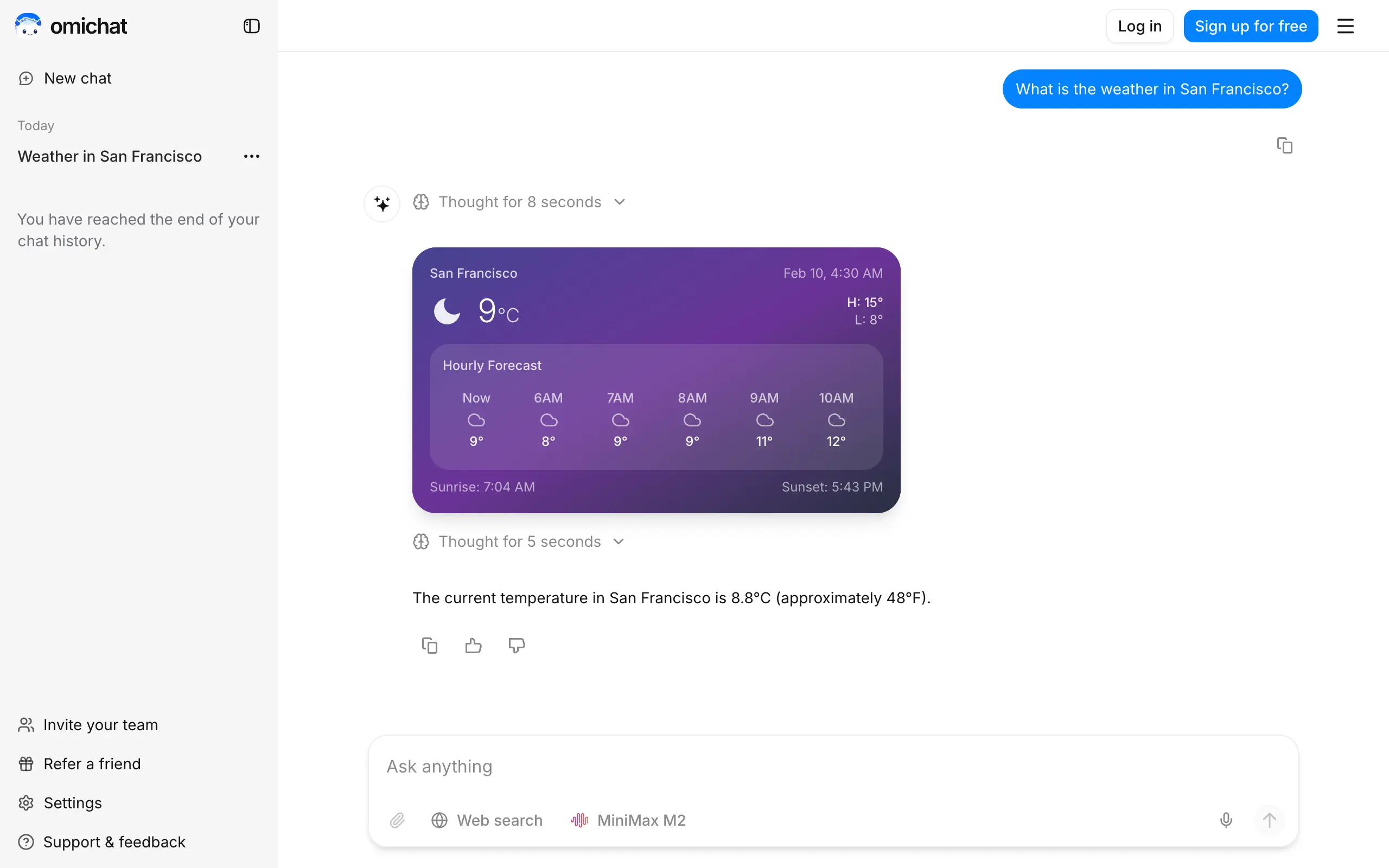
Omichat
Chat with 50+ AI models, including ChatGPT and Claude, in one place - switch models anytime without losing context 🤖
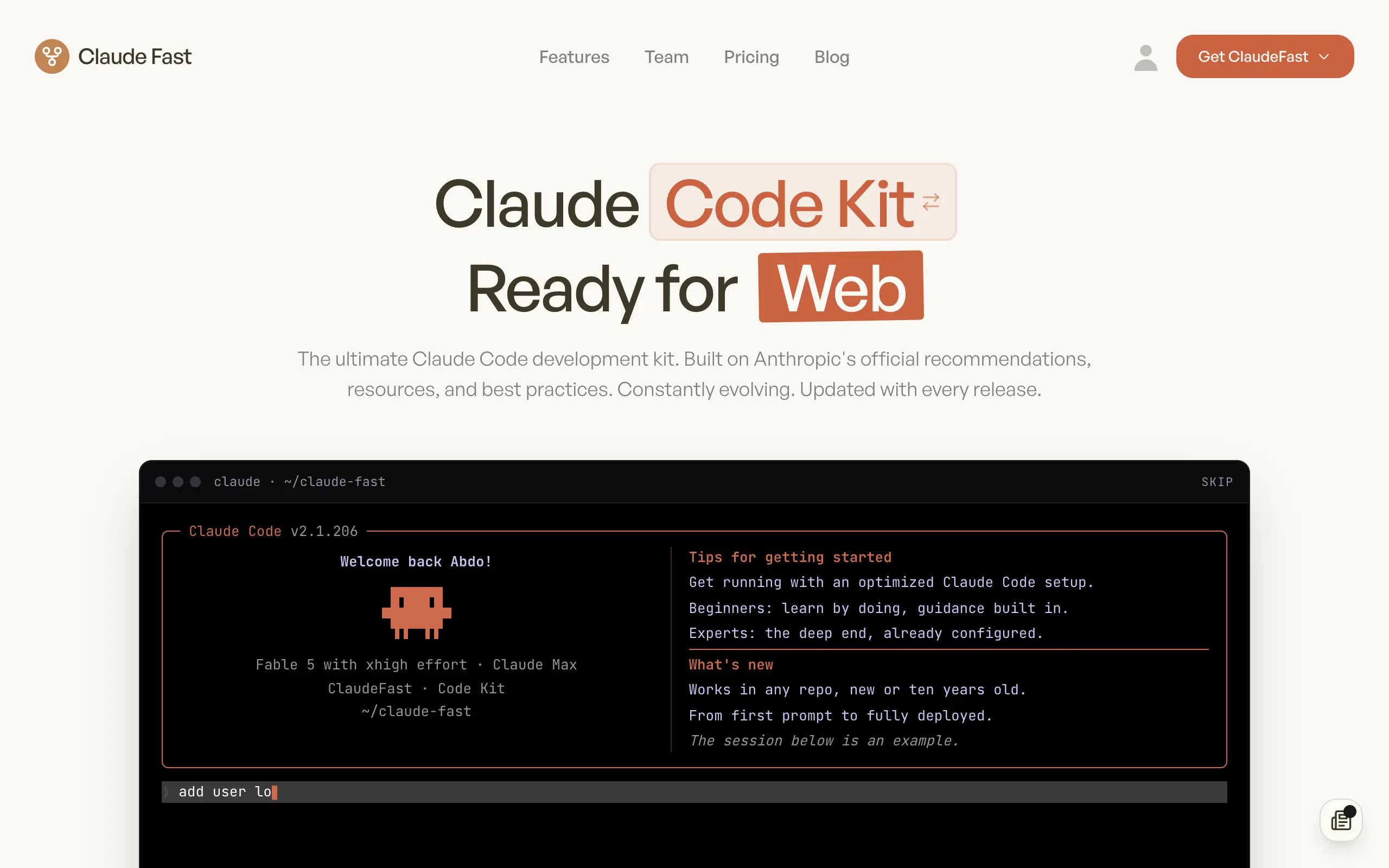
Claude Fast
Supercharge your Claude Code with 6x effective context window and specialized AI agents 🤖
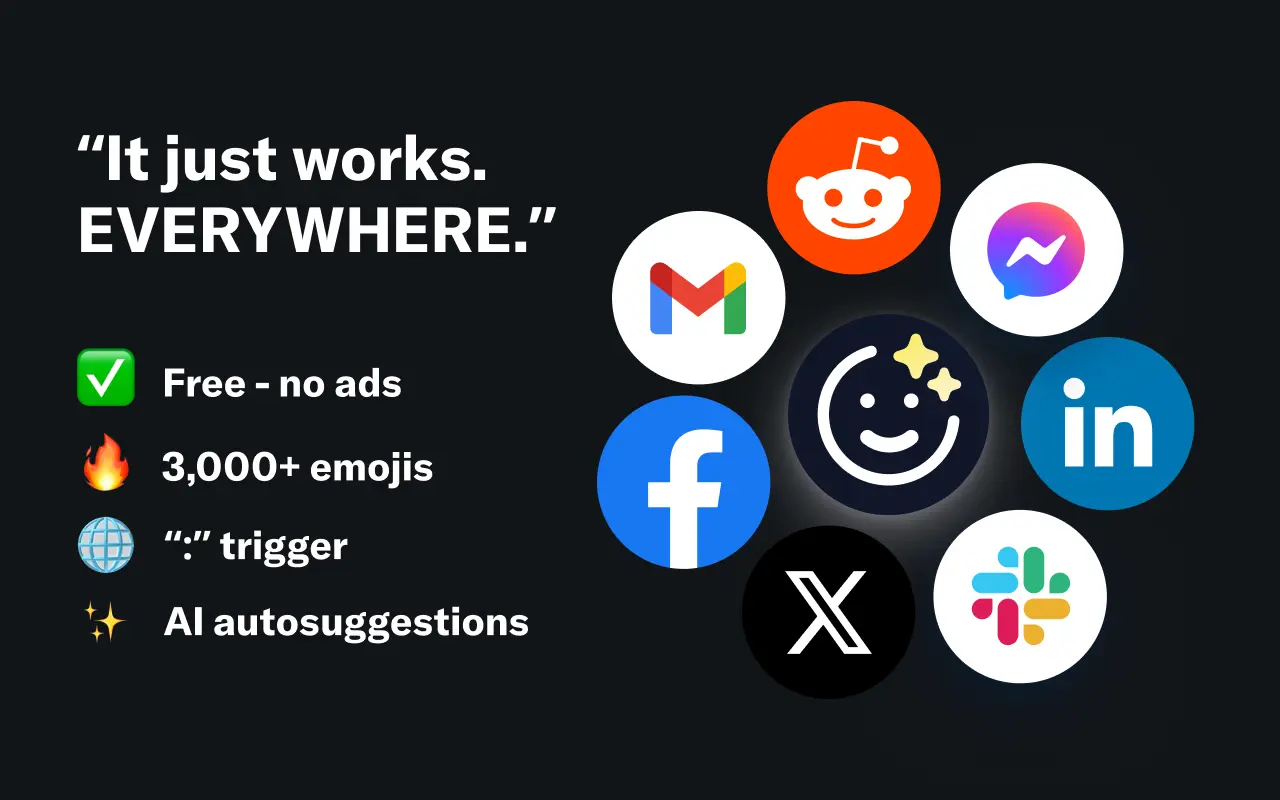
EmojAI
AI-powered emoji picker with smart, context-aware suggestions 🤖
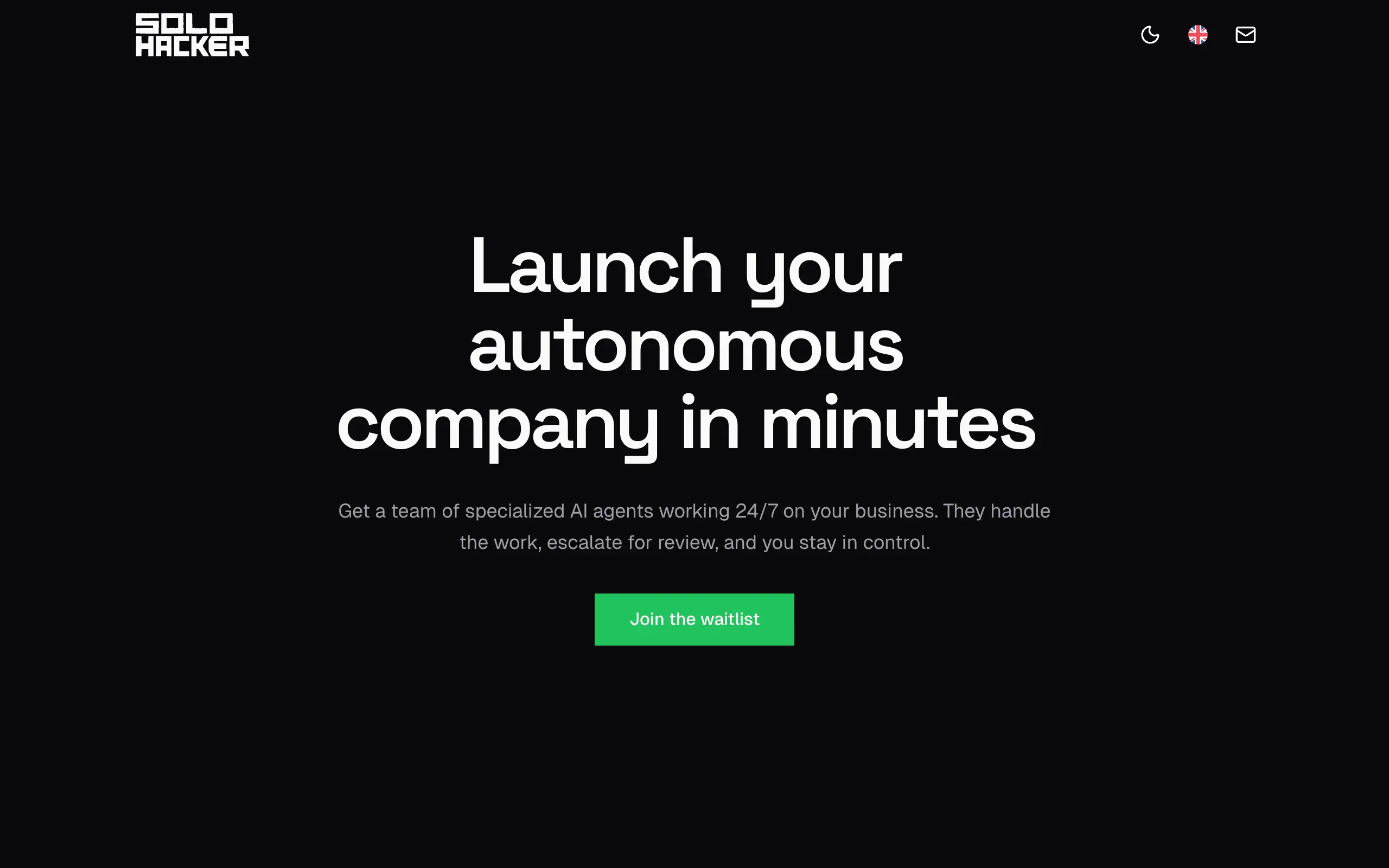
Solohacker
Autonomous company launcher - AI agents work 24/7, escalate what matters, and you stay in control 🤖
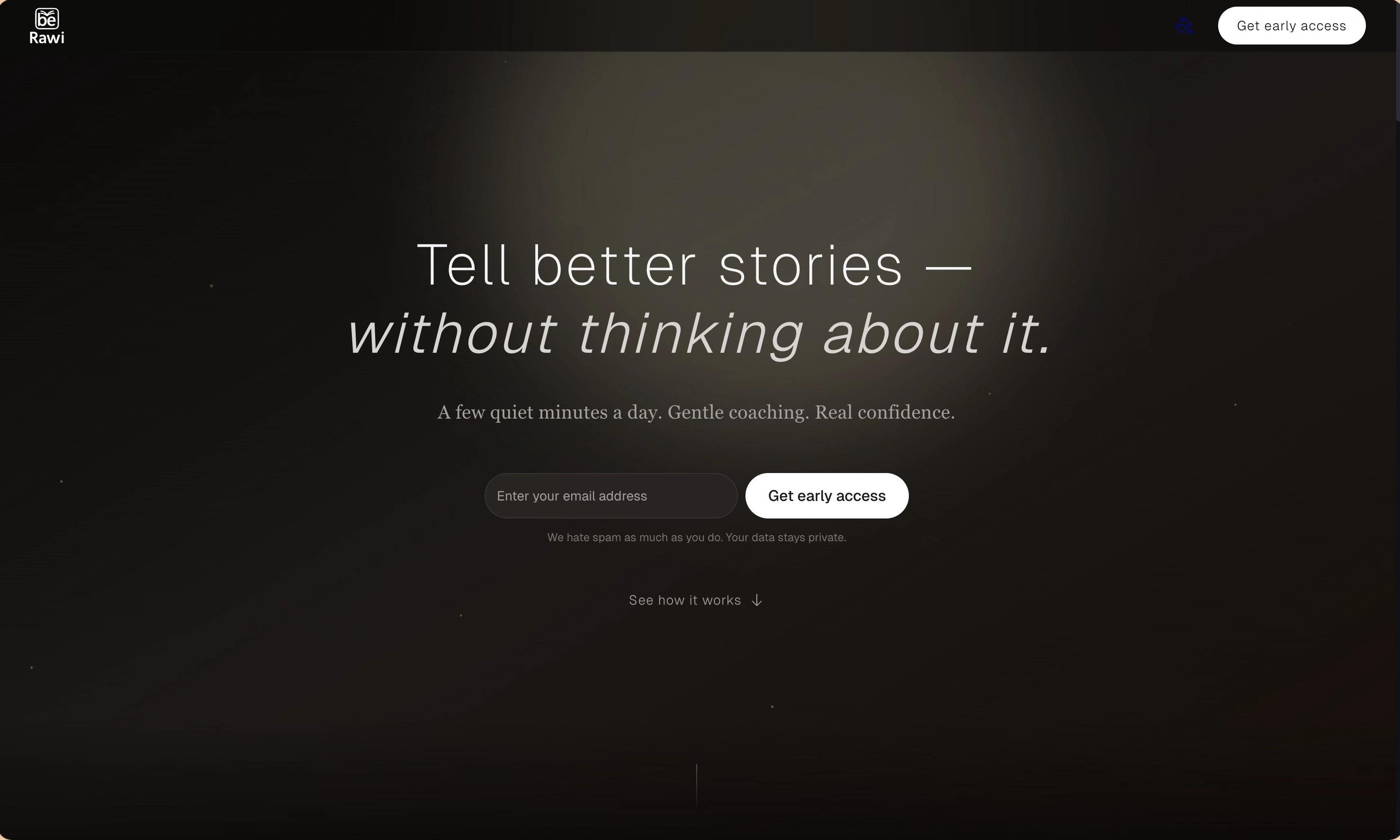
BeRawi: Storytelling Coach
Practice storytelling daily with instant feedback to sound clearer, more engaging, and confident 🎤
Omichat
Chat with 50+ AI models, including ChatGPT and Claude, in one place - switch models anytime without losing context 🤖
Claude Fast
Supercharge your Claude Code with 6x effective context window and specialized AI agents 🤖
EmojAI
AI-powered emoji picker with smart, context-aware suggestions 🤖
Solohacker
Autonomous company launcher - AI agents work 24/7, escalate what matters, and you stay in control 🤖
BeRawi: Storytelling Coach
Practice storytelling daily with instant feedback to sound clearer, more engaging, and confident 🎤
Omichat
Chat with 50+ AI models, including ChatGPT and Claude, in one place - switch models anytime without losing context 🤖
Claude Fast
Supercharge your Claude Code with 6x effective context window and specialized AI agents 🤖
EmojAI
AI-powered emoji picker with smart, context-aware suggestions 🤖
Solohacker
Autonomous company launcher - AI agents work 24/7, escalate what matters, and you stay in control 🤖
BeRawi: Storytelling Coach
Practice storytelling daily with instant feedback to sound clearer, more engaging, and confident 🎤
Omichat
Chat with 50+ AI models, including ChatGPT and Claude, in one place - switch models anytime without losing context 🤖
Claude Fast
Supercharge your Claude Code with 6x effective context window and specialized AI agents 🤖
EmojAI
AI-powered emoji picker with smart, context-aware suggestions 🤖
Solohacker
Autonomous company launcher - AI agents work 24/7, escalate what matters, and you stay in control 🤖
BeRawi: Storytelling Coach
Practice storytelling daily with instant feedback to sound clearer, more engaging, and confident 🎤

Connect with like-minded people
Join our community to get feedback, support, and grow together with 1,000+ builders on board, let's ship it!
Join usShip your startup everywhere. In minutes.
Don't burn tokens on setup and start building features on day one.