OneSuite Flow
A unified productivity suite integrating calendars, file storage, collaboration, and AI assistants so users manage everything without juggling multiple tools.
what is a unified productivity suite like OneSuite Flow?
The modern digital workspace is fragmented. Teams juggle multiple tools—Google Drive for files, Slack for communication, Notion for documentation, Zoom for meetings, and various AI tools for automation. While each tool excels individually, the constant context switching leads to lost productivity, higher costs, and cognitive overload.
A unified productivity suite like OneSuite Flow addresses this fragmentation by combining core work functions into a single platform:
- Calendar and scheduling
- File storage and document management
- Real-time collaboration
- Built-in AI assistants
- Task and workflow automation
The goal is simple but powerful: eliminate tool-switching and centralize work into one intelligent system.
This concept aligns with a growing trend toward “digital consolidation,” where businesses prefer fewer, more integrated tools instead of sprawling SaaS stacks.
why the market needs a tool like OneSuite Flow
the hidden cost of tool fragmentation
Most teams underestimate how much inefficiency comes from fragmented workflows. Research from sources like McKinsey suggests that knowledge workers spend a significant portion of their time just switching between tools and searching for information.
Key problems include:
- Context switching fatigue
- Duplicate data across platforms
- Integration failures or delays
- Rising SaaS costs
- Security and compliance risks
rise of AI-native workflows
With the explosion of AI tools, teams are now adding even more complexity:
- ChatGPT for writing
- Midjourney for design
- Notion AI for documentation
- Zapier for automation
Instead of simplifying work, AI has ironically increased tool fragmentation.
OneSuite Flow’s opportunity lies in embedding AI directly into the productivity layer, not as an add-on.
target audience analysis
primary audiences
1. startups and small teams
Startups are especially sensitive to tool overload and cost. They benefit from:
- Lower SaaS spend
- Faster onboarding
- Centralized operations
2. remote and distributed teams
Remote work depends heavily on digital tools. A unified suite helps:
- Reduce miscommunication
- Improve async collaboration
- Keep knowledge centralized
3. freelancers and solopreneurs
These users need simplicity:
- One platform for everything
- AI assistance for productivity
- Minimal setup
4. mid-sized businesses
Growing companies face scaling challenges:
- Tool sprawl
- Security concerns
- Data silos
OneSuite Flow can act as a central operating system for work.
market gap and opportunity
existing tools vs unified experience
| Feature | Google Workspace | Microsoft 365 | Notion | OneSuite Flow |
|---|---|---|---|---|
| All-in-one workspace | ❌ | ❌ | ✅ (partial) | ✅ |
| Built-in AI across modules | ✅ (limited) | ✅ (limited) | ✅ | ✅ (deep integration) |
| Seamless collaboration | ✅ | ✅ | ✅ | ✅ |
| Unified UX | ❌ | ❌ | ✅ | ✅ |
key gap
Most tools are either:
- Broad but disconnected (Google Workspace, Microsoft 365), or
- Focused but incomplete (Notion, Slack)
OneSuite Flow positions itself as:
A deeply integrated, AI-native, unified workspace that replaces multiple tools.
core features of OneSuite Flow
1. smart calendar system
- AI-powered scheduling assistant
- Automatic meeting summaries
- Context-aware reminders
- Integration with tasks and documents
2. unified file storage
- Centralized file system
- AI-powered search (semantic search, not just filenames)
- Version control
- Permission management
3. real-time collaboration
- Document editing (Google Docs-style)
- Team workspaces
- Commenting and mentions
- Embedded chat within documents
4. built-in AI assistant
This is the defining feature.
Capabilities include:
- Writing assistance
- Task generation from notes
- Meeting summarization
- Workflow automation
- Smart recommendations
5. task and workflow automation
- Visual workflow builder
- AI-generated task pipelines
- Automation triggers (e.g., “when file uploaded → notify team”)
how AI becomes the core differentiator
traditional vs AI-native productivity
Traditional tools treat AI as a feature:
- Add-on assistants
- Limited integrations
- Manual workflows
AI-native platforms embed intelligence:
- Context-aware suggestions
- Automated workflows
- Cross-module intelligence
examples of AI in action
- Turn meeting notes into tasks automatically
- Suggest deadlines based on workload
- Generate project plans from a short prompt
- Automatically organize files by context
This transforms the platform from a tool into a work co-pilot.
recommended tech stack
frontend
- React for UI
- Next.js for SSR and performance
- TailwindCSS for styling
backend
- Node.js (scalable API layer)
- GraphQL (flexible data fetching)
- PostgreSQL (structured data)
- Redis (caching and real-time features)
AI integration
- OpenAI APIs (GPT models)
- Vector databases (e.g., Pinecone or Weaviate) for semantic search
- LangChain for orchestration
file storage
- AWS S3 or Cloudflare R2
- CDN for fast delivery
real-time collaboration
- WebSockets or WebRTC
- CRDTs (Conflict-free Replicated Data Types) for document sync
authentication and security
- OAuth (Google, Microsoft)
- JWT-based sessions
- Role-based access control
architecture overview
// simplified architecture example
const system = {
  frontend: "Next.js + React",
  backend: "Node.js + GraphQL",
  database: "PostgreSQL",
  realtime: "WebSockets",
  aiLayer: "OpenAI + Vector DB",
  storage: "AWS S3",
};
monetization strategy
pricing tiers
Free tier
Basic features with limited storage and AI usage to attract users.
Pro tier
Advanced AI features, more storage, and collaboration tools.
Team tier
Team workspaces, admin controls, and integrations.
Enterprise
Custom deployments, security compliance, and dedicated support.
additional revenue streams
- AI usage-based pricing
- Marketplace for integrations
- White-label solutions
- API access for developers
competitive advantage
1. true all-in-one design
Unlike competitors, OneSuite Flow is designed from the ground up as a unified platform—not stitched together via integrations.
2. AI-first architecture
AI is not an add-on. It is embedded across:
- Files
- Calendar
- Tasks
- Communication
3. reduced cognitive load
Users don’t need to think about:
- Where things are stored
- Which tool to use
- How to connect workflows
4. cost efficiency
Replacing 4–6 tools with one platform is a strong selling point.
risks and challenges
1. feature bloat
Trying to do everything can lead to:
- Poor UX
- Slow performance
Mitigation: Start with a focused MVP and expand gradually.
2. competition from giants
Google and Microsoft can replicate features quickly.
Mitigation:
- Focus on UX and AI differentiation
- Build strong user loyalty
- Target underserved niches first
3. technical complexity
Building real-time collaboration + AI + storage is non-trivial.
Mitigation:
- Use proven frameworks
- Modular architecture
- Incremental rollout
4. user adoption barrier
Switching tools is hard.
Mitigation:
- Offer migration tools
- Provide onboarding templates
- Integrate with existing tools initially
go-to-market strategy
phase 1: niche targeting
Start with:
- Remote startups
- Tech-savvy teams
- Freelancers
phase 2: product-led growth
- Freemium model
- Viral features (collaboration, sharing)
- AI wow moments
phase 3: expansion
- Enterprise features
- API ecosystem
- Marketplace
implementation roadmap
example MVP feature set
- AI note-taking
- File storage
- Task management
- Basic collaboration
- Smart search
Focus on delivering one magical experience rather than many mediocre ones.
future expansion opportunities
1. AI agents
Autonomous agents that:
- Manage schedules
- Execute workflows
- Communicate with users
2. marketplace ecosystem
Allow developers to:
- Build plugins
- Extend functionality
- Monetize integrations
3. enterprise features
- Advanced security
- Compliance (SOC2, GDPR)
- Audit logs
seo keyword strategy
Primary keyword:
- unified productivity suite
Secondary keywords:
- all-in-one productivity app
- AI productivity tools
- team collaboration software
- productivity SaaS platform
Long-tail keywords:
- best unified productivity software for teams
- AI-powered collaboration tools
- alternatives to Google Workspace
why OneSuite Flow stands out
The biggest strength of OneSuite Flow is not just feature consolidation—it’s experience unification.
Instead of asking:
“Which tool should I use?”
Users simply work inside one intelligent environment.
actionable next steps to build OneSuite Flow
- Validate demand with landing pages and waitlists
- Build MVP with core features
- Integrate AI early (not later)
- Focus heavily on UX simplicity
- Launch to a niche audience
- Iterate rapidly
Pro tip
If you're building a SaaS like OneSuite Flow, speed matters. Using a production-ready starter kit can save months of development time and help you focus on product-market fit instead of boilerplate.
final thoughts
The future of work is not about adding more tools—it’s about removing friction.
A unified productivity suite like OneSuite Flow taps into a powerful shift:
- From fragmented tools → integrated platforms
- From manual workflows → AI-assisted work
- From complexity → simplicity
This is not just another SaaS idea—it’s a category-level opportunity.
ready to build faster?
If you want to accelerate development and launch your SaaS quickly, check out TurboStarter. It provides a solid foundation so you can focus on building unique features like AI workflows and unified collaboration instead of starting from scratch.
More ⚡ Productivity Tool SaaS ideas
Discover more innovative productivity tool SaaS ideas that are trending in 2026. Each idea is AI-generated with market validation and growth potential to help you find your next profitable venture faster than competitors.
Your competitors are building with TurboStarter
Below are some of the SaaS ideas that have been generated and built with our starter kit.
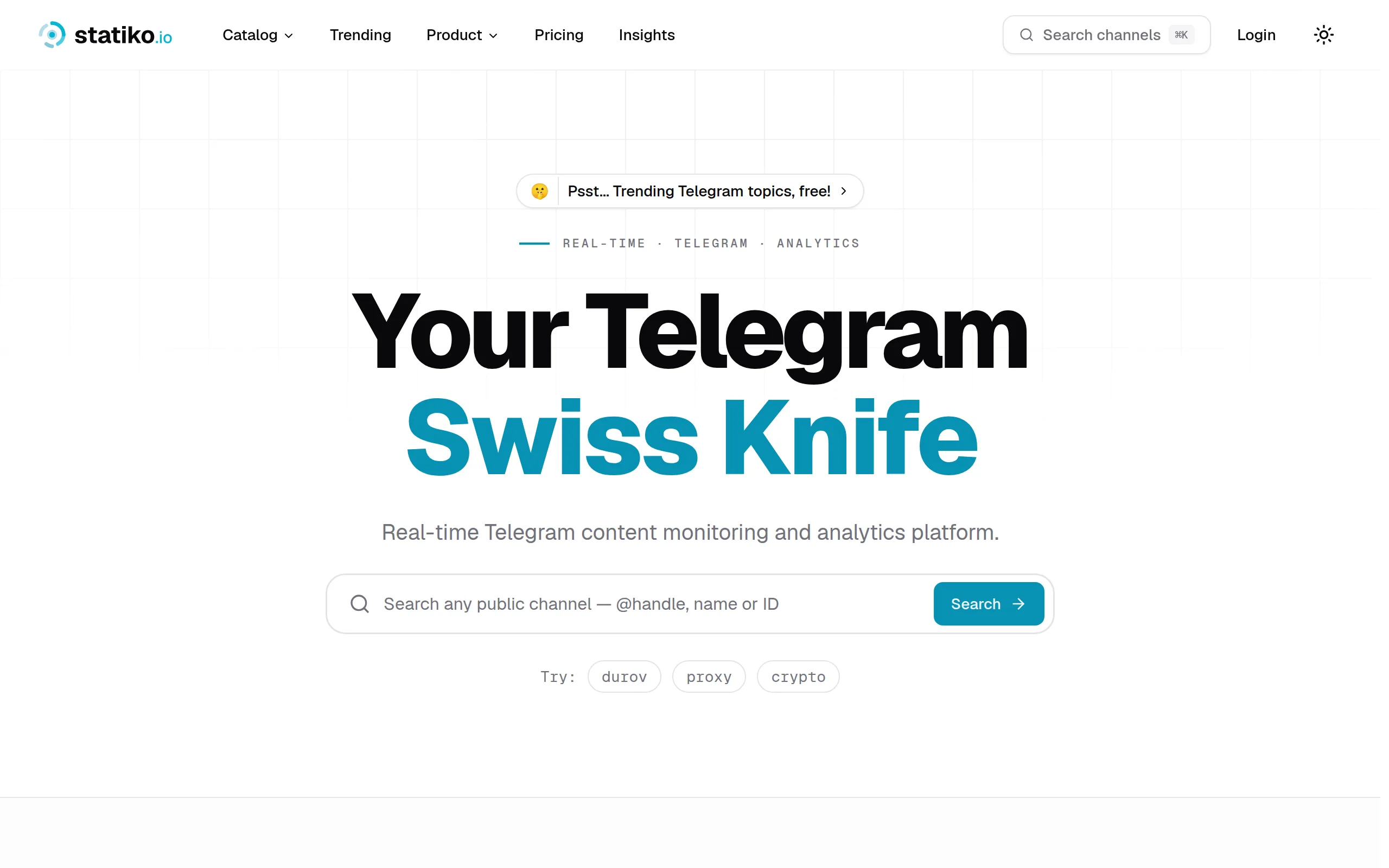
Statiko
Monitor any Telegram channel in real time - track posts, edits, deletions, and growth with AI recaps 📡

Shibui
AI website builder - describe your business, pick a niche template, edit by chatting, and publish instantly ✨

Pro Service
Find verified home service professionals, compare quotes, and pay securely through escrow - built for Brazilians across the US 🏠
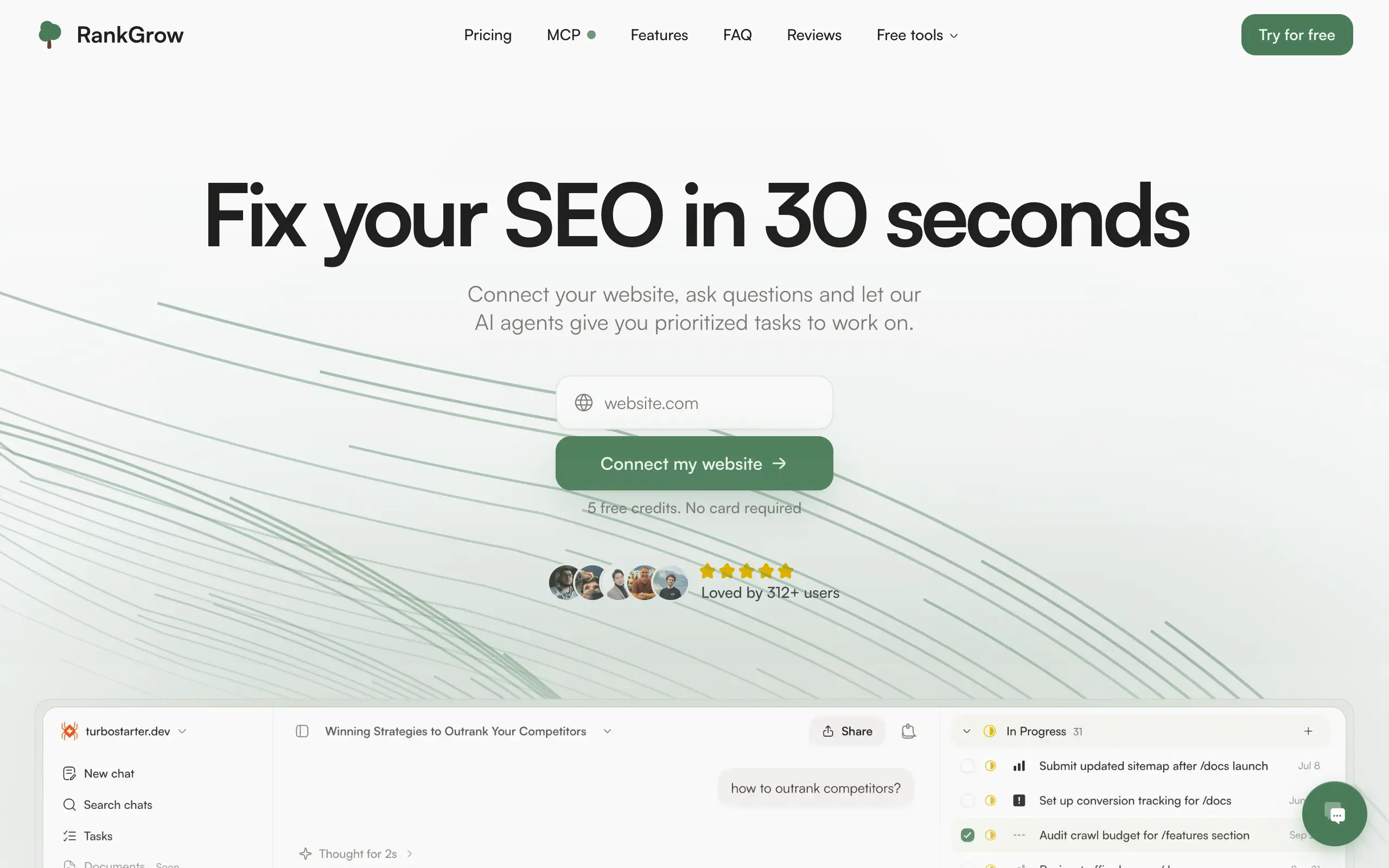
RankGrow
Fix your SEO with AI agents - connect Search Console, get prioritized tasks, and grow organic traffic 📈
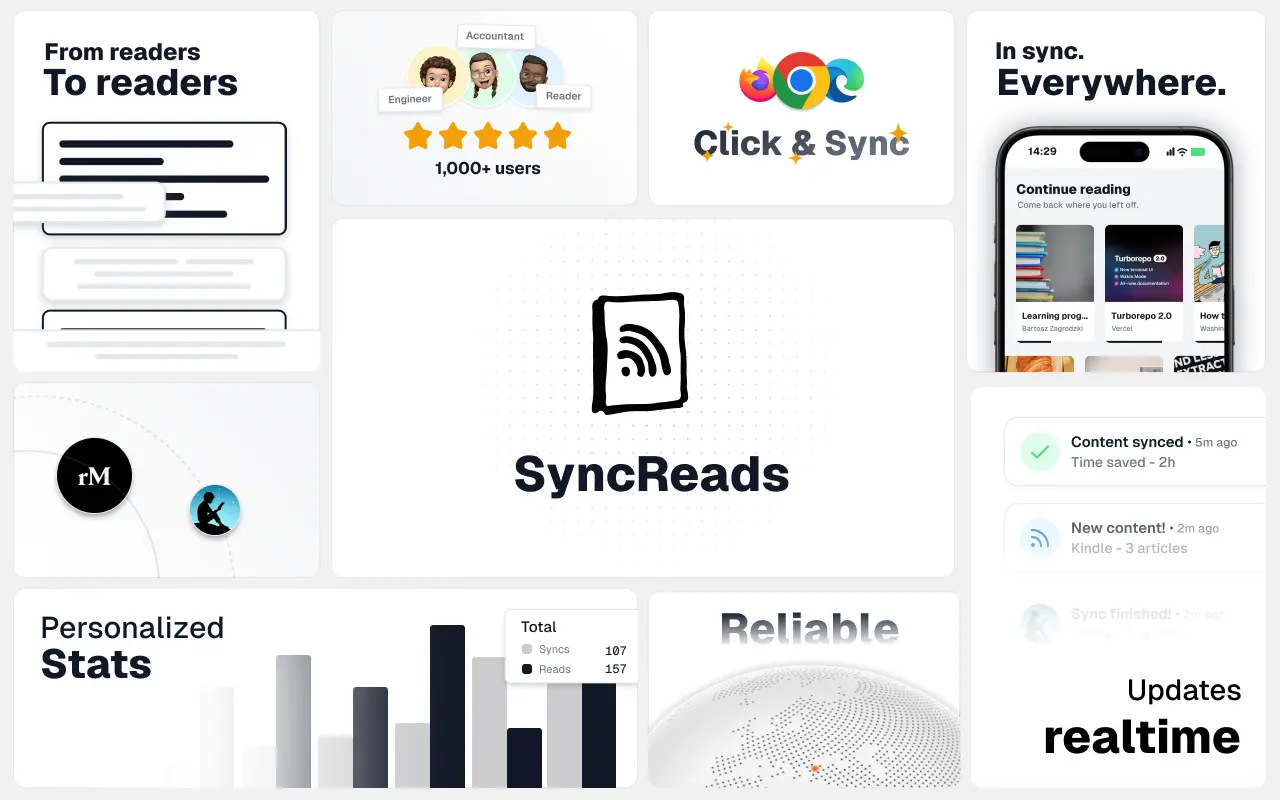
SyncReads
Sync your favorite content for distraction-free reading, save time and replace multiple apps. Anytime, anywhere 🔄
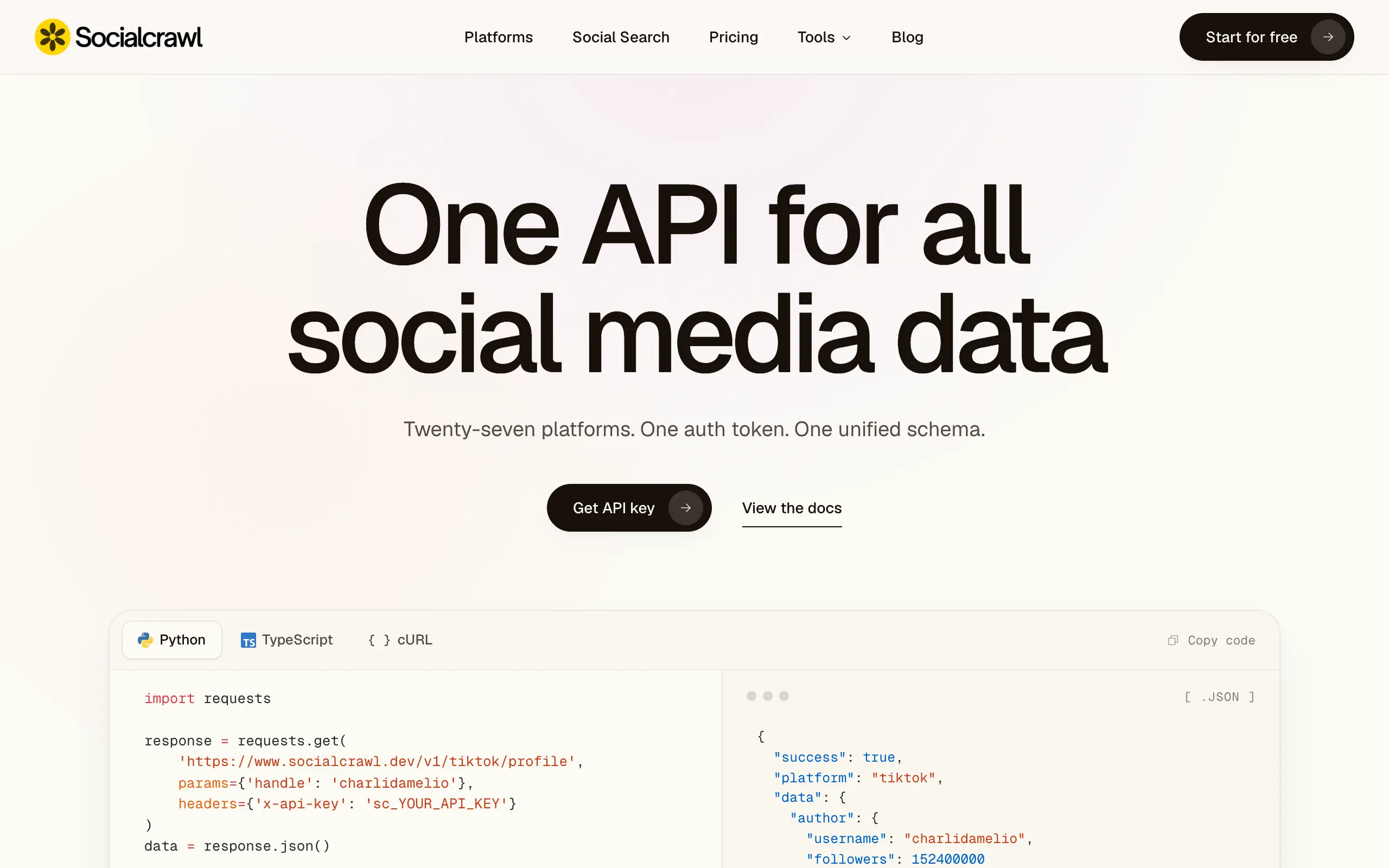
Socialcrawl
Get clean, structured data from 21 platforms like TikTok, Instagram, and YouTube with a single request 📊
Statiko
Monitor any Telegram channel in real time - track posts, edits, deletions, and growth with AI recaps 📡
Shibui
AI website builder - describe your business, pick a niche template, edit by chatting, and publish instantly ✨
Pro Service
Find verified home service professionals, compare quotes, and pay securely through escrow - built for Brazilians across the US 🏠
RankGrow
Fix your SEO with AI agents - connect Search Console, get prioritized tasks, and grow organic traffic 📈
SyncReads
Sync your favorite content for distraction-free reading, save time and replace multiple apps. Anytime, anywhere 🔄
Socialcrawl
Get clean, structured data from 21 platforms like TikTok, Instagram, and YouTube with a single request 📊
Statiko
Monitor any Telegram channel in real time - track posts, edits, deletions, and growth with AI recaps 📡
Shibui
AI website builder - describe your business, pick a niche template, edit by chatting, and publish instantly ✨
Pro Service
Find verified home service professionals, compare quotes, and pay securely through escrow - built for Brazilians across the US 🏠
RankGrow
Fix your SEO with AI agents - connect Search Console, get prioritized tasks, and grow organic traffic 📈
SyncReads
Sync your favorite content for distraction-free reading, save time and replace multiple apps. Anytime, anywhere 🔄
Socialcrawl
Get clean, structured data from 21 platforms like TikTok, Instagram, and YouTube with a single request 📊
Statiko
Monitor any Telegram channel in real time - track posts, edits, deletions, and growth with AI recaps 📡
Shibui
AI website builder - describe your business, pick a niche template, edit by chatting, and publish instantly ✨
Pro Service
Find verified home service professionals, compare quotes, and pay securely through escrow - built for Brazilians across the US 🏠
RankGrow
Fix your SEO with AI agents - connect Search Console, get prioritized tasks, and grow organic traffic 📈
SyncReads
Sync your favorite content for distraction-free reading, save time and replace multiple apps. Anytime, anywhere 🔄
Socialcrawl
Get clean, structured data from 21 platforms like TikTok, Instagram, and YouTube with a single request 📊
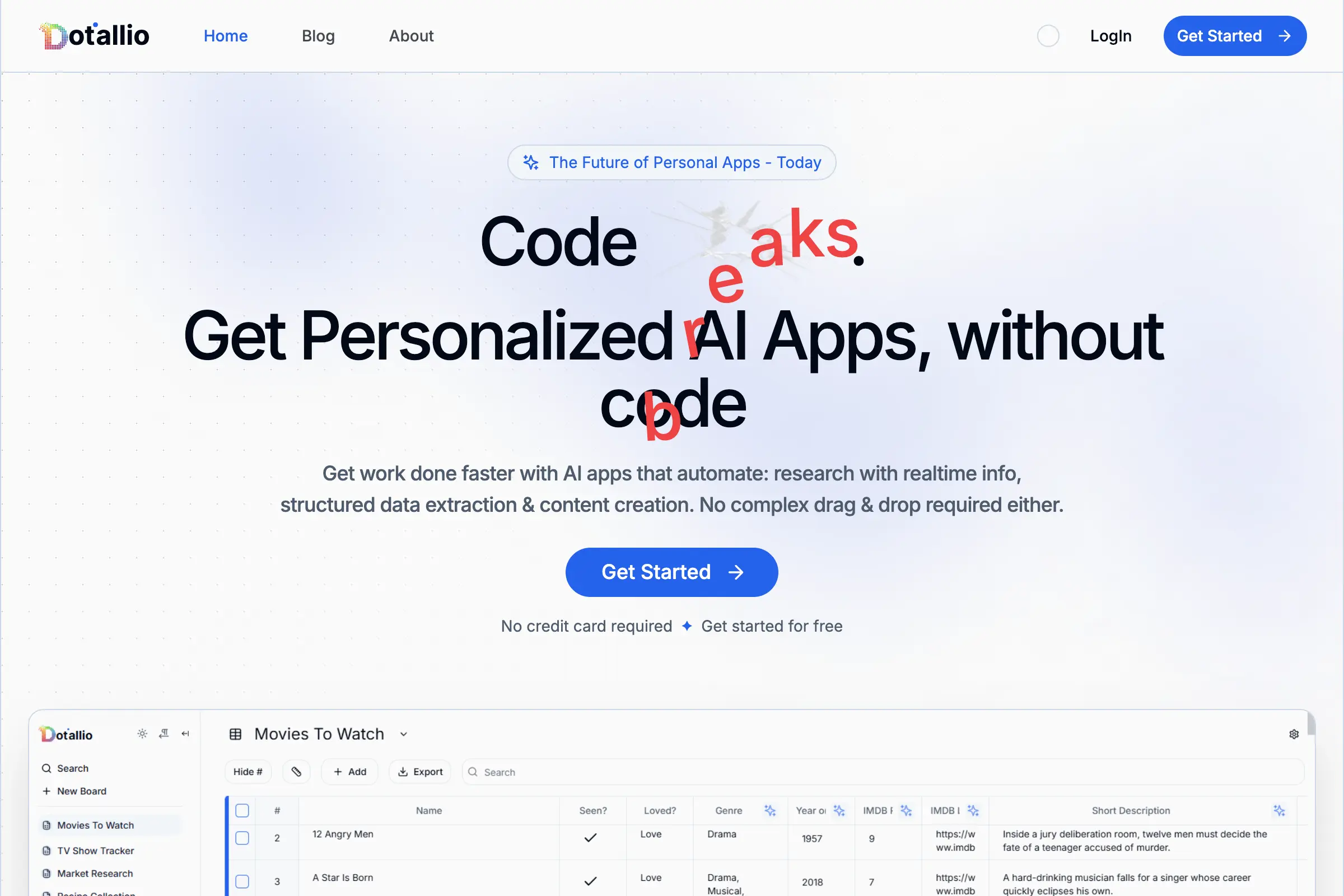
Dotallio
Personalized AI apps that automate research, data extraction, and content creation without code 🤖

Talk to Santa
Enjoy a magical live video chat or receive a unique AI-generated video greeting from Santa Claus 🎅
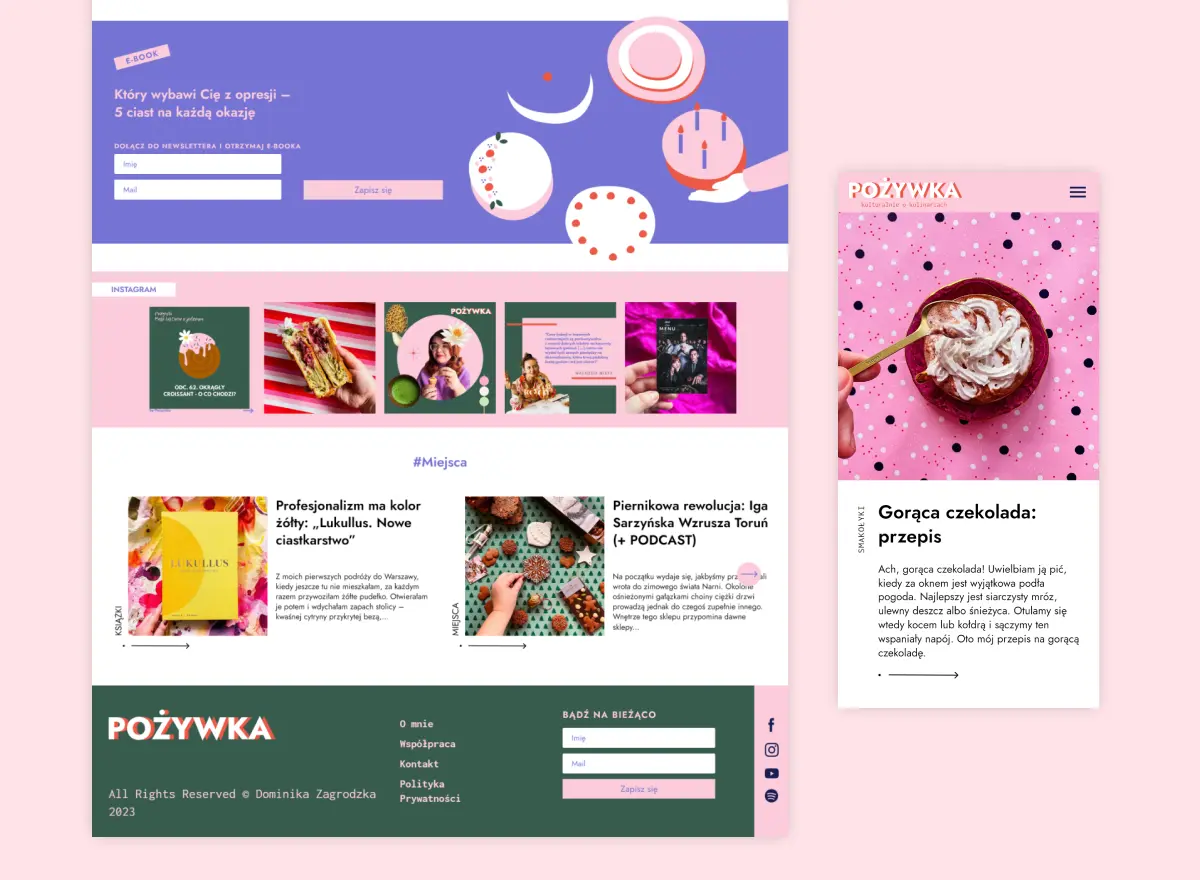
pozywka.pl
Scalable blog for food journalist, focused on performance and user experience 🌭
zagrodzki.me
Personal blog and portfolio of Bart Zagrodzki, where he shares his knowledge and work 💼
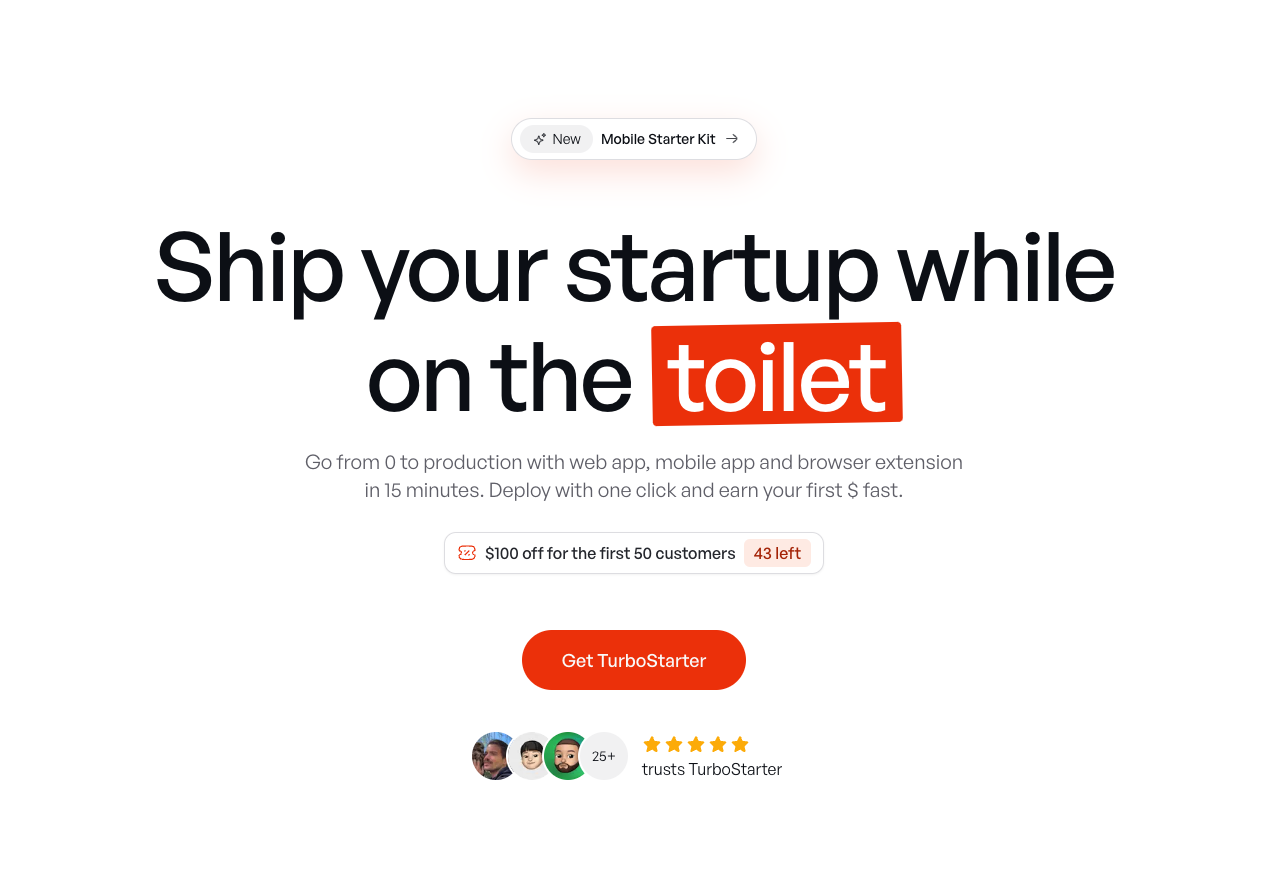
TurboStarter
Ship your startup everywhere. In minutes.
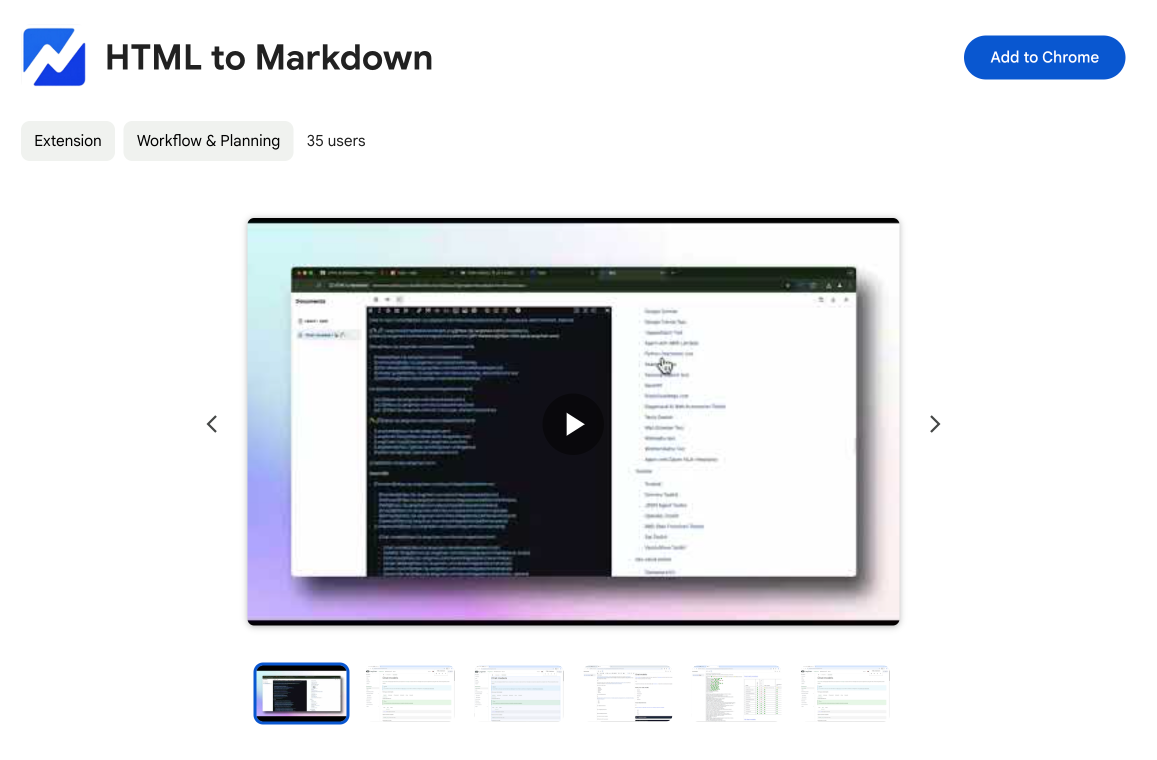
HTML to Markdown
Convert HTML to Markdown with ease, directly in your browser 📄
Dotallio
Personalized AI apps that automate research, data extraction, and content creation without code 🤖
Talk to Santa
Enjoy a magical live video chat or receive a unique AI-generated video greeting from Santa Claus 🎅
pozywka.pl
Scalable blog for food journalist, focused on performance and user experience 🌭
zagrodzki.me
Personal blog and portfolio of Bart Zagrodzki, where he shares his knowledge and work 💼
TurboStarter
Ship your startup everywhere. In minutes.
HTML to Markdown
Convert HTML to Markdown with ease, directly in your browser 📄
Dotallio
Personalized AI apps that automate research, data extraction, and content creation without code 🤖
Talk to Santa
Enjoy a magical live video chat or receive a unique AI-generated video greeting from Santa Claus 🎅
pozywka.pl
Scalable blog for food journalist, focused on performance and user experience 🌭
zagrodzki.me
Personal blog and portfolio of Bart Zagrodzki, where he shares his knowledge and work 💼
TurboStarter
Ship your startup everywhere. In minutes.
HTML to Markdown
Convert HTML to Markdown with ease, directly in your browser 📄
Dotallio
Personalized AI apps that automate research, data extraction, and content creation without code 🤖
Talk to Santa
Enjoy a magical live video chat or receive a unique AI-generated video greeting from Santa Claus 🎅
pozywka.pl
Scalable blog for food journalist, focused on performance and user experience 🌭
zagrodzki.me
Personal blog and portfolio of Bart Zagrodzki, where he shares his knowledge and work 💼
TurboStarter
Ship your startup everywhere. In minutes.
HTML to Markdown
Convert HTML to Markdown with ease, directly in your browser 📄
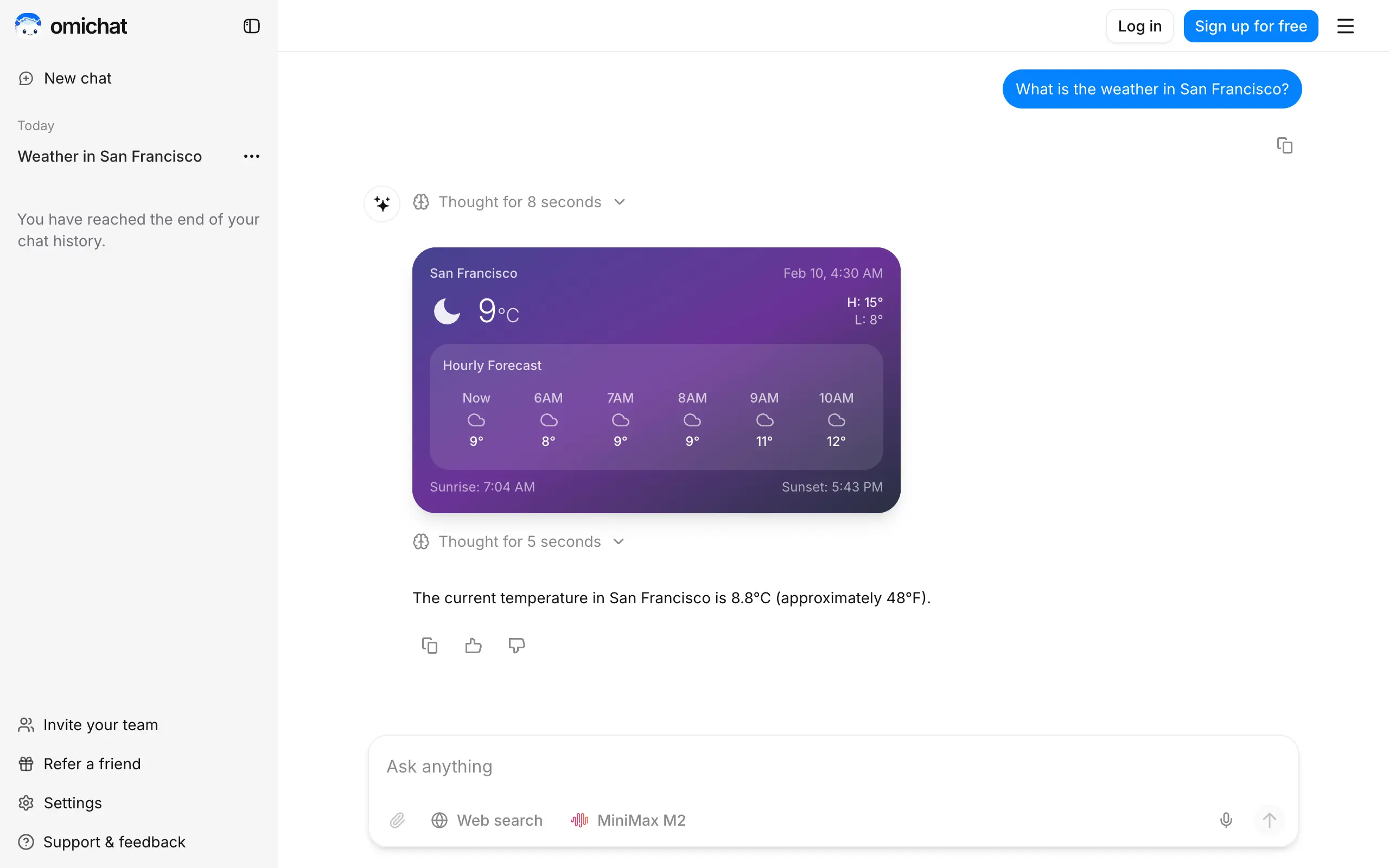
Omichat
Chat with 50+ AI models, including ChatGPT and Claude, in one place - switch models anytime without losing context 🤖
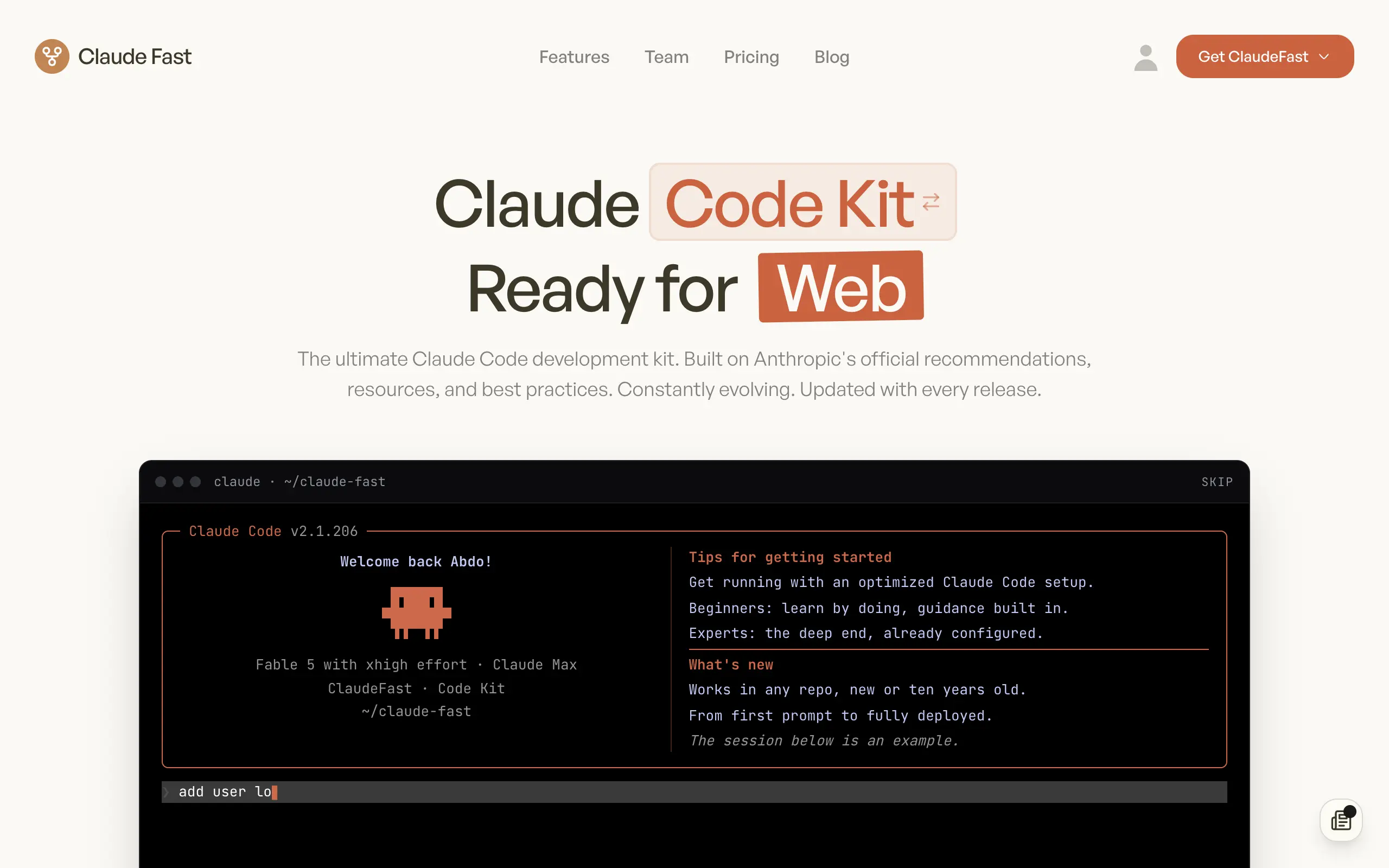
Claude Fast
Supercharge your Claude Code with 6x effective context window and specialized AI agents 🤖
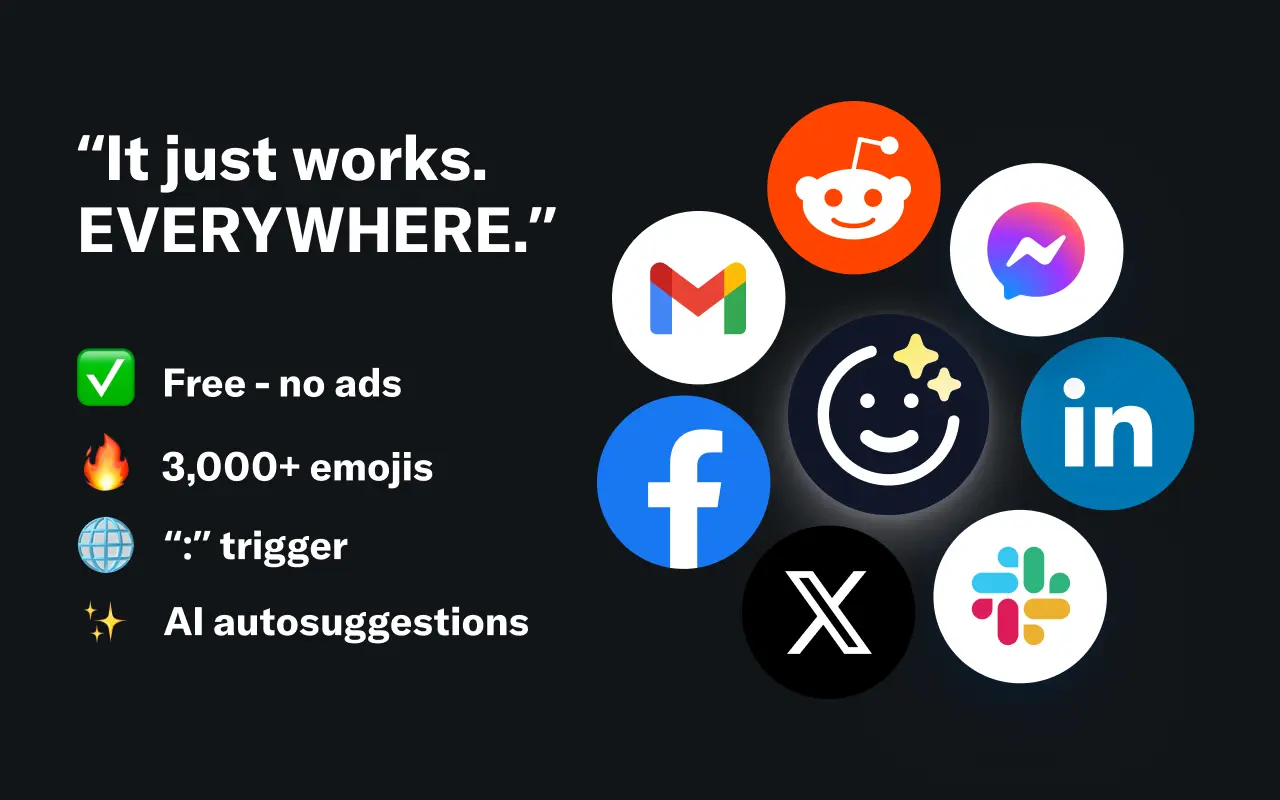
EmojAI
AI-powered emoji picker with smart, context-aware suggestions 🤖
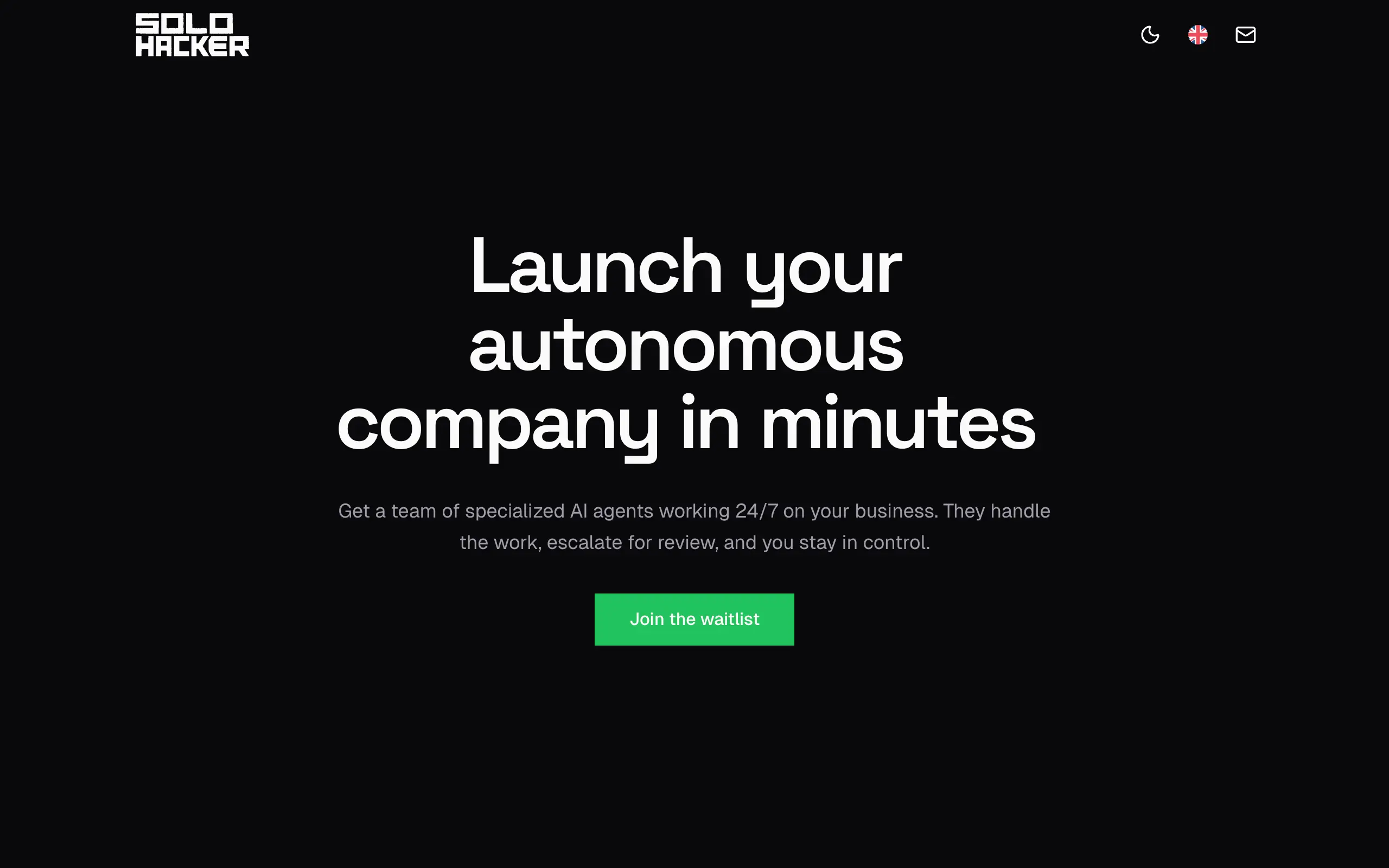
Solohacker
Autonomous company launcher - AI agents work 24/7, escalate what matters, and you stay in control 🤖
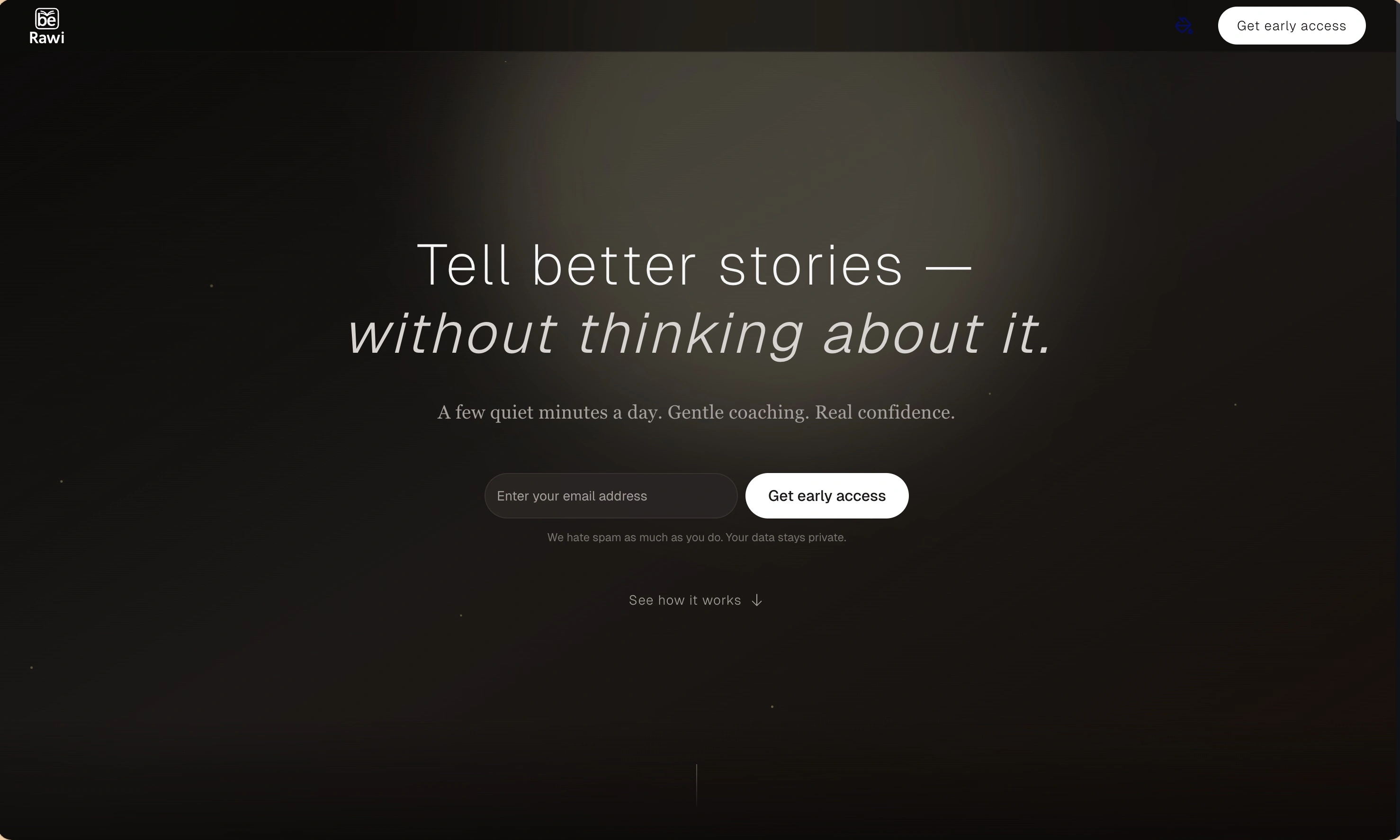
BeRawi: Storytelling Coach
Practice storytelling daily with instant feedback to sound clearer, more engaging, and confident 🎤
Omichat
Chat with 50+ AI models, including ChatGPT and Claude, in one place - switch models anytime without losing context 🤖
Claude Fast
Supercharge your Claude Code with 6x effective context window and specialized AI agents 🤖
EmojAI
AI-powered emoji picker with smart, context-aware suggestions 🤖
Solohacker
Autonomous company launcher - AI agents work 24/7, escalate what matters, and you stay in control 🤖
BeRawi: Storytelling Coach
Practice storytelling daily with instant feedback to sound clearer, more engaging, and confident 🎤
Omichat
Chat with 50+ AI models, including ChatGPT and Claude, in one place - switch models anytime without losing context 🤖
Claude Fast
Supercharge your Claude Code with 6x effective context window and specialized AI agents 🤖
EmojAI
AI-powered emoji picker with smart, context-aware suggestions 🤖
Solohacker
Autonomous company launcher - AI agents work 24/7, escalate what matters, and you stay in control 🤖
BeRawi: Storytelling Coach
Practice storytelling daily with instant feedback to sound clearer, more engaging, and confident 🎤
Omichat
Chat with 50+ AI models, including ChatGPT and Claude, in one place - switch models anytime without losing context 🤖
Claude Fast
Supercharge your Claude Code with 6x effective context window and specialized AI agents 🤖
EmojAI
AI-powered emoji picker with smart, context-aware suggestions 🤖
Solohacker
Autonomous company launcher - AI agents work 24/7, escalate what matters, and you stay in control 🤖
BeRawi: Storytelling Coach
Practice storytelling daily with instant feedback to sound clearer, more engaging, and confident 🎤

Connect with like-minded people
Join our community to get feedback, support, and grow together with 1,000+ builders on board, let's ship it!
Join usShip your startup everywhere. In minutes.
Don't burn tokens on setup and start building features on day one.