PosterPilot
Organize Canva poster campaigns with reusable briefs, size checklists, feedback, and publishing dates—built for student clubs and solo creators.
What PosterPilot is and why it matters
PosterPilot is a campaign planning and organization tool for people who create posters in Canva. It gives student clubs and solo creators a shared place to manage the work around a design: the brief, required sizes, feedback, and publishing dates.
That distinction matters. Canva helps people make visual assets, but creating an attractive poster is only one part of running a campaign. A club may also need a square graphic for social media, a printable flyer, a deadline for collecting feedback, approval from an officer, and a clear schedule for publishing each version. When those details live in separate documents, chats, and calendars, the campaign can become difficult to manage.
PosterPilot’s central promise is to make that surrounding workflow easier without trying to replace the design editor. It should help users answer practical questions:
- What are we promoting, and who is the audience?
- Which poster sizes and versions do we need?
- Who is responsible for each task?
- What feedback still needs a response?
- When does each asset need to be approved or published?
The product idea is intentionally focused. Rather than becoming a general project-management platform, PosterPilot can specialize in the repeatable process of planning and coordinating poster campaigns.
The audience for a Canva poster campaign tool
PosterPilot’s first users are likely to be people who create visual campaigns regularly but do not have a formal marketing operations team. They need enough structure to stay organized, but they may not want to configure a complex project-management system.
Student clubs and campus organizations
Student organizations are a natural starting audience. A club might promote weekly meetings, recruitment events, performances, fundraisers, and campus-wide activities. The people doing the work may change from semester to semester, and responsibilities are often shared among volunteers.
Common problems include:
- Campaign details are scattered across group chats and shared drives.
- The person who made the original Canva file is unavailable.
- Posters are created in the wrong dimensions or without required information.
- Feedback arrives late, informally, or from several people at once.
- A design is ready, but no one knows when or where it should be published.
- Important context disappears when club leadership changes.
For this audience, PosterPilot should favor quick setup, clear ownership, and easy handoffs. A student should be able to understand a campaign without needing training in a professional marketing platform.
Solo creators and independent organizers
Solo creators may not need team collaboration, but they still benefit from a dependable process. They might organize workshops, community events, creator launches, local performances, or recurring promotions. A reusable brief and checklist can reduce repeated decisions and help prevent missed deadlines.
For this group, the value is less about managing many collaborators and more about reducing mental overhead. PosterPilot can function as a lightweight campaign workspace that stores the plan alongside the schedule and asset requirements.
Other promising user groups
Once the product works well for clubs and individuals, adjacent audiences could include:
- Small nonprofits running volunteer-led campaigns
- Community groups promoting local events
- Student government and campus departments
- Local venues and independent performers
- Small businesses with recurring promotions
- Freelance designers coordinating deliverables with clients
These groups may have different approval needs, branding requirements, or publishing workflows. They should be explored through customer interviews rather than treated as one audience with identical needs.
The market opportunity and product gap
PosterPilot sits between design creation and campaign execution. Its opportunity is not to offer another place to draw, edit, or decorate a poster. It is to make the work surrounding a poster more organized and repeatable.
A user may already use Canva for design, a messaging app for feedback, a spreadsheet for deadlines, and a calendar for publishing. Each tool can work on its own, but switching among them creates coordination costs. The more people and versions involved, the easier it becomes to lose track of decisions.
A focused product can address that gap through a single campaign record that connects:
- The goal and audience of the campaign
- The required design formats
- The people responsible for work and approvals
- Feedback and revision status
- Publishing dates and channels
- Links to the relevant Canva designs or exported assets
The strongest early positioning is therefore not “a better Canva” or “a replacement for your project-management app.” It is a simple campaign operations layer for Canva-based poster work.
Why the niche can be useful
A narrow workflow gives PosterPilot several potential advantages:
- It is easier to explain. Users can quickly understand what a poster campaign workspace is for.
- It encourages repeat use. Clubs and creators often run similar campaigns again, making templates useful.
- It makes onboarding more concrete. A new user can create a campaign by answering a short set of poster-specific questions.
- It creates a clear path to expansion. The product can add related campaign types after it proves value for posters.
This does not guarantee product-market fit. The opportunity should be validated by observing how target users currently plan campaigns, where they lose time, and whether they will adopt a new workflow. If users only need a checklist once a year, a standalone subscription may be difficult to justify. If they run campaigns regularly and share ownership with others, the need is more substantial.
The core PosterPilot workflow
A useful first version should make one complete workflow feel effortless: create a campaign, define the required assets, collect feedback, and publish on schedule.
1. Create a campaign brief
The brief should capture only information that helps people make or approve the work. A starter brief could include:
- Campaign name
- Purpose or desired outcome
- Target audience
- Event date or campaign period
- Key message and call to action
- Required information, such as location or registration details
- Brand or style notes
- Campaign owner and approver
The brief should be easy to complete in a few minutes. Long forms can discourage the very users who need lightweight organization. PosterPilot can provide optional fields for advanced needs while keeping the essential details visible.
A strong brief also gives feedback a reference point. Instead of asking whether a design “looks good,” reviewers can judge whether it communicates the intended message to the intended audience.
2. Build a size and asset checklist
A campaign often needs more than one version of a design. PosterPilot can make those deliverables explicit with a reusable checklist. Possible entries might include:
- Print poster
- Social post
- Story or vertical format
- Event listing image
- Digital signage graphic
- Alternate-language version
The product should avoid assuming that every campaign needs every format. Users need to add, remove, or customize checklist items. If PosterPilot offers suggested dimensions, it should make the source and date of those recommendations clear and allow teams to verify platform requirements before publishing.
Each checklist item could have a status such as “not started,” “in progress,” “needs review,” “approved,” or “published.” A simple status model gives the team a shared view without turning the product into a complex workflow engine.
3. Link the design and its assets
PosterPilot should help users find the relevant design without pretending to be a design editor. In an initial release, the simplest approach is to let users add a Canva design link and, where appropriate, an exported file or shared asset link.
The product should clearly distinguish between:
- A link to the editable design
- A file ready for printing or publishing
- A preview used for review
- A final approved version
This distinction can prevent a common handoff problem: someone publishes a draft because the team cannot tell which file is final. PosterPilot should not imply that it can automatically access or manage Canva content unless that capability has been confirmed through current integration options and permissions.
4. Collect focused feedback
Feedback is most useful when it is specific, actionable, and connected to a version. PosterPilot can provide a simple review area where collaborators leave comments, identify the asset they are reviewing, and mark whether an issue has been resolved.
A practical review workflow might include:
- A reviewer sees the campaign brief and relevant asset.
- They leave a comment or request a change.
- The campaign owner responds or marks the comment resolved.
- The updated asset is added or linked.
- An authorized person records approval.
For the first version, comments do not need to become a full design annotation system. The priority is to replace fragmented feedback with a shared record. Later research can determine whether users need image annotations, version comparisons, or more formal approval steps.
5. Schedule publishing dates
A campaign calendar can show when each version should be published, not only when the event itself occurs. This helps teams plan reminders and coordinate channels.
A useful schedule should support:
- A campaign date range
- Individual publishing dates for assets
- Channel or location notes
- An assigned owner
- A visible status
- Reminders for upcoming deadlines
Calendar functionality should start with clear dates and ownership. Integrations with external calendars can be considered after users confirm that they need them and the development effort is justified.
Recommended feature set for an MVP
An MVP should test whether the campaign workflow is valuable, not attempt to build every feature a marketing team might eventually request.
| Feature | MVP priority | Why it matters |
|---|---|---|
| Campaign brief | High | Gives each project a shared purpose and reference point |
| Reusable templates | High | Reduces repeated setup for recurring campaigns |
| Asset and size checklist | High | Makes deliverables and readiness visible |
| Campaign and asset statuses | High | Shows what is blocked, ready, or complete |
| Canva design links | High | Connects planning to the tool users already use |
| Feedback and resolution tracking | High | Keeps review comments attached to the campaign |
| Publishing dates | High | Connects finished assets to execution |
| Notifications | Medium | Helps teams remember deadlines and review requests |
| Calendar integrations | Medium | Useful when users need dates in an existing calendar |
| Advanced analytics | Low | Requires campaign data and clear measurement needs |
| Automated design generation | Low | Risks expanding beyond the core coordination problem |
A useful MVP success test is whether a club can run a campaign from initial brief through publication without relying on a separate spreadsheet or a chain of messages to track the same information.
Competitive advantage and positioning
PosterPilot will operate alongside tools users already know. Its competitive challenge is not only direct competitors; it is also the “good enough” combination of a shared document, a group chat, a spreadsheet, and a calendar.
The product needs a differentiated workflow, not merely a list of features.
| Alternative | Strength | Typical limitation PosterPilot can address |
|---|---|---|
| Design editors such as Canva | Create and edit visual assets | Campaign briefs, ownership, and publishing coordination may live elsewhere |
| General project-management tools | Flexible task and project tracking | Poster-specific asset requirements may need manual setup |
| Spreadsheets | Familiar and adaptable | Feedback, versions, and ownership can become difficult to follow |
| Chat and email | Fast communication | Decisions and approvals can be hard to find later |
| Shared calendars | Clear date visibility | A date may not show which asset, brief, or approval it relates to |
The table describes likely workflow differences, not a claim that every competing product lacks a particular feature. Before making comparative marketing claims, PosterPilot should test current product capabilities and cite verifiable product documentation.
PosterPilot’s potential USP
A strong unique selling proposition could be:
Plan every poster campaign in one lightweight workspace, from brief and size checklist to feedback and publishing date.
That statement is specific, connected to an observable user problem, and does not claim that PosterPilot replaces Canva. Its defensibility would come from how well the product handles the complete repeatable workflow:
- Templates designed for common club and creator campaigns
- A checklist that connects formats to campaign needs
- Clear handoffs for changing student leadership
- Review and approval records tied to campaign assets
- A simple publishing schedule that stays connected to the work
The product should earn trust by remaining useful even when users create their designs elsewhere. Linking to existing assets is a feature, not a compromise.
Suggested technology stack
The best stack is the one that lets a small team test the workflow quickly while protecting user data and leaving room to grow. The following is a practical starting point, not the only valid choice.
Front end and application framework
A web application built with React and Next.js can support a responsive dashboard, campaign pages, and server-rendered marketing pages. A component-based interface is well suited to reusable elements such as checklists, status badges, campaign cards, and review panels.
For the interface, a utility-first styling system such as Tailwind CSS can accelerate iteration. The trade-off is that teams need consistent design tokens and component conventions; otherwise, styling decisions can become scattered across the codebase.
Database and authentication
A relational database is a natural fit because campaigns, users, teams, assets, comments, and schedule entries have clear relationships. PostgreSQL provides a mature foundation for those records.
A managed platform such as Supabase can reduce the work involved in setting up database access, authentication, and file storage. The trade-off is platform dependency: the team should understand how its data is structured and plan for backups, access policies, and a possible migration path.
Authentication should support the way clubs operate. At minimum, users need an account, a workspace, and roles that determine who can view, edit, or approve campaign content. More advanced single sign-on can wait until customer interviews show that institutions require it.
File and asset handling
The MVP may not need to store every original design file. Storing links and lightweight previews can reduce storage complexity and keep the product focused. If file uploads are introduced, the team should define file-size limits, accepted types, retention policies, and permissions.
Images and documents should be served through a storage service with access controls. Do not expose private campaign files through public URLs by default. Provide clear sharing behavior so users understand whether a link is private, workspace-only, or public.
Notifications and payments
Email can support invitations, reminders, and review requests. Notifications should be configurable and useful rather than frequent; users should be able to choose which events generate an email.
If PosterPilot introduces paid plans, a payment provider such as Stripe can handle subscriptions and billing workflows. The product still needs to explain plan limits clearly and avoid charging a student organization unexpectedly because a single member upgraded an account without group awareness.
A simple data model
A first implementation can use a small set of related records. The exact schema should be refined through product testing.
type CampaignStatus =
  | "planning"
  | "in_progress"
  | "in_review"
  | "scheduled"
  | "complete";

type Campaign = {
  id: string;
  workspaceId: string;
  name: string;
  purpose: string;
  audience?: string;
  status: CampaignStatus;
  startsAt?: string;
  ownerId: string;
  createdAt: string;
};

type CampaignAsset = {
  id: string;
  campaignId: string;
  name: string;
  format?: string;
  designUrl?: string;
  dueAt?: string;
  status: "not_started" | "in_progress" | "needs_review" | "approved" | "published";
};

type ReviewComment = {
  id: string;
  assetId: string;
  authorId: string;
  body: string;
  resolvedAt?: string;
  createdAt: string;
};
The model intentionally separates the campaign from its individual assets. That structure makes it possible to track several versions, deadlines, or review states within a single campaign.
Build versus accelerate
A small team can also use TurboStarter to accelerate the foundation of a SaaS product. A starter kit may reduce time spent on common application scaffolding, but it does not validate the product workflow. Teams should still review the generated architecture, security model, and maintenance implications before building customer-critical features on top of it.
Monetization strategy
PosterPilot’s pricing should reflect how its target users make decisions. Student clubs may have limited budgets and leadership turnover, while independent creators may pay personally for a tool that saves them recurring effort.
Freemium for adoption
A free plan can help individual creators and small clubs try the core workflow. Reasonable limits might apply to the number of active campaigns, collaborators, or templates. The free plan should still deliver a complete small-scale workflow; otherwise, users cannot evaluate the product’s central value.
Freemium works best when the product has an easy path from individual use to a team workspace. It can be less effective if most users run only one campaign and have no reason to return.
Per-workspace subscription
A workspace-based plan may fit clubs and small organizations better than charging each volunteer individually. It avoids penalizing collaboration and makes ownership more stable as members change.
Potential paid features could include:
- More active campaigns
- Additional reusable templates
- Expanded collaboration and review controls
- Longer campaign history
- Custom branding
- Additional workspaces or departments
Pricing should be tested with real buyers. A small student club’s willingness to pay may differ greatly from that of a nonprofit or small business.
Seasonal and institutional options
Student organizations often have budget cycles and leadership transitions. PosterPilot could consider an annual plan or an institution-sponsored plan if research shows that campus departments, student unions, or activity offices can purchase on behalf of multiple clubs.
A seasonal option may reduce the friction of paying for a tool used mainly during the academic year. However, billing flexibility adds complexity, so it should follow evidence of demand rather than be part of the first release.
Services and partnerships
Later revenue options could include onboarding packages, template libraries, or partnerships with organizations that support student groups. These should remain complementary. If templates become the main product, the company may lose focus on the operational workflow that differentiates PosterPilot.
Risks and how to mitigate them
A focused product still faces meaningful risks. Addressing them early can prevent a technically successful but commercially weak launch.
Risk: users prefer their existing combination of tools
A shared spreadsheet and group chat may feel inconvenient but familiar. Users may not switch unless PosterPilot makes a recurring task noticeably easier.
Mitigation: Interview people who have run recent campaigns. Ask them to walk through the last one, including the actual documents and handoffs they used. Look for repeated coordination failures, not just general enthusiasm for the idea. Pilot the product with active campaigns rather than asking users to evaluate a static mockup.
Risk: campaigns are too infrequent
Some clubs may create only a small number of posters each year. Infrequent use can make a subscription hard to justify and reduce the likelihood that users remember how to use the product.
Mitigation: Validate campaign frequency by audience segment. Explore whether recurring events, multiple student organizations, or small teams run enough campaigns to create habitual use. Design templates and handoffs so returning users can restart quickly.
Risk: leadership turnover disrupts ownership
Student organizations can change officers regularly. If one person owns the workspace or files, the system may become inaccessible at the exact moment a new team needs it.
Mitigation: Support multiple workspace admins, clear member roles, transferable ownership, and exportable campaign records. Include an onboarding checklist for incoming leaders. Make it possible to remove former members without deleting the organization’s historical work.
Risk: integration assumptions exceed what is available
Users may expect PosterPilot to import, edit, or synchronize Canva designs automatically. Integration options and permissions can change, and a link-based workflow may be more appropriate for an initial release.
Mitigation: Describe the current workflow accurately. Validate technical options before promising automatic sync, embedded editing, or asset access. Start with reliable links and clear version labeling, then prioritize deeper integration only when users demonstrate that it solves a high-value problem.
Risk: feedback creates notification overload
If every comment, status change, and date update sends an email, collaborators may ignore the messages or disable notifications.
Mitigation: Keep notification settings understandable. Send reminders for meaningful events, such as an assigned review or an approaching deadline, and provide an in-product activity history. Measure whether notifications help users complete work rather than optimizing for message volume.
Risk: privacy and permission mistakes
Campaigns may include unpublished event details, private contact information, or internal review comments. A poorly configured workspace could expose information to the wrong people.
Mitigation: Use role-based access, secure session handling, and private-by-default files. Document how sharing works. Review the application against recognized security practices, and consider using the OWASP project as a reference for common web application risks.
Risk: scope expands into a generic project-management product
Requests for task dependencies, advanced reporting, chat, asset editing, and broad integrations can quickly overwhelm a small team.
Mitigation: Evaluate every feature against the core job: help a small team plan and publish a poster campaign. Defer features that do not improve the brief-to-publication workflow or provide clear evidence of retention and willingness to pay.
Accessibility, trust, and responsible product design
PosterPilot should make campaign coordination usable for people with different access needs. Accessibility is not only a compliance concern; it also affects whether a team can reliably use the product under varied conditions.
Practical priorities include:
- Keyboard-accessible navigation and controls
- Clear focus indicators
- Readable text and sufficient contrast
- Labels that make form fields understandable to screen readers
- Status communication that does not rely on color alone
- Useful text descriptions for uploaded or linked visual assets
- Accessible error messages and date controls
For guidance, consult the W3C Web Accessibility Initiative. The product should also make data handling understandable: explain what is stored, who can access it, how long it is retained, and how an organization can export or delete its data.
How to validate PosterPilot before building too much
Validation should test behavior and commitment, not only whether people say the idea sounds useful.
Run problem interviews
Talk to student club officers, solo creators, and people who approve promotional materials. Ask open questions about the last campaign they ran:
- How did the work begin?
- Where did they write the brief?
- How many versions did they need?
- How did reviewers leave feedback?
- What caused the biggest delay?
- How did they know which version was final?
- What happened after the campaign ended?
Avoid leading with a product demo. First learn whether the pain is real, frequent, and important.
Test a clickable workflow
Create a prototype of the campaign brief, asset checklist, review area, and schedule. Ask participants to complete a real or realistic campaign task. Observe whether they understand what to do without explanation.
Useful evidence includes:
- Whether the user completes the flow
- Where they hesitate or ask questions
- Whether they would replace an existing document or tool
- Whether other team members need access
- Which features they try to use that are missing
Pilot with active teams
A small pilot can show whether PosterPilot works in real conditions. Choose teams that have upcoming campaigns, not only people who are curious about software. Keep the pilot narrow enough that the team can provide direct support and learn from failures.
Measure outcomes such as campaign setup time, the number of missed or unclear handoffs, completion of required assets, and repeated use across campaigns. Be careful not to treat these measures as proof of causal impact without a suitable comparison; they are practical product signals, not a substitute for rigorous research.
Actionable implementation plan
A staged approach reduces the chance of building features before confirming the workflow.
Define the first audience and job
Choose one initial audience, such as student clubs that run recurring events. Document the campaign workflow they use today and identify the most expensive coordination breakdown.
Validate the workflow with interviews
Speak with potential users and review real examples of briefs, checklists, feedback, and schedules where participants are comfortable sharing them. Confirm how often campaigns happen and who has authority to adopt a tool.
Prototype the complete campaign journey
Design a simple flow from campaign creation through asset approval and publishing. Test it with users before building integrations, advanced analytics, or complex roles.
Build the smallest useful MVP
Implement workspaces, campaign briefs, asset checklists, links to designs, feedback tracking, and publishing dates. Prioritize clear permissions, responsive design, and reliable data handling.
Run a guided pilot
Onboard a small group of active clubs or creators. Watch how they use the product, record where they fall back to chat or spreadsheets, and ask what they would miss if access ended after the pilot.
Improve retention before expanding scope
Refine templates, handoffs, and reminders based on repeated use. Add integrations or paid features only when user behavior demonstrates a clear need.
A practical launch criterion
Before broad promotion, confirm that several teams can complete a real campaign in PosterPilot, understand which asset is approved, and return to use the workflow for another campaign. Repeat usage is stronger evidence than positive feedback about a demo.
What success could look like
PosterPilot does not need to become a full creative suite to be valuable. It can succeed by making a narrow but recurring job simpler: coordinating the people, requirements, feedback, and dates around a poster campaign.
For users, success means fewer lost decisions, fewer unclear handoffs, and a more dependable route from brief to publication. For the business, success means finding an audience that runs campaigns often enough to return, sees value in a shared workspace, and is willing to pay for a workflow that existing tools do not provide conveniently.
The product’s strongest strategic choice is to complement Canva rather than compete with it. Canva can remain the place where designs are created, while PosterPilot becomes the place where a team plans what to create, reviews progress, and knows when each asset is ready to publish.
If the first audience confirms that this coordination problem is frequent and costly, PosterPilot can grow carefully from a poster campaign planner into a broader toolkit for small-team creative campaigns. The next step is not to add every possible feature. It is to observe one real campaign, identify the points where people lose context, and make those moments easier to manage.
More ⚡ Productivity Tool SaaS ideas
Discover more innovative productivity tool SaaS ideas that are trending in 2026. Each idea is AI-generated with market validation and growth potential to help you find your next profitable venture faster than competitors.
Your competitors are building with TurboStarter
Below are some of the SaaS ideas that have been generated and built with our starter kit.
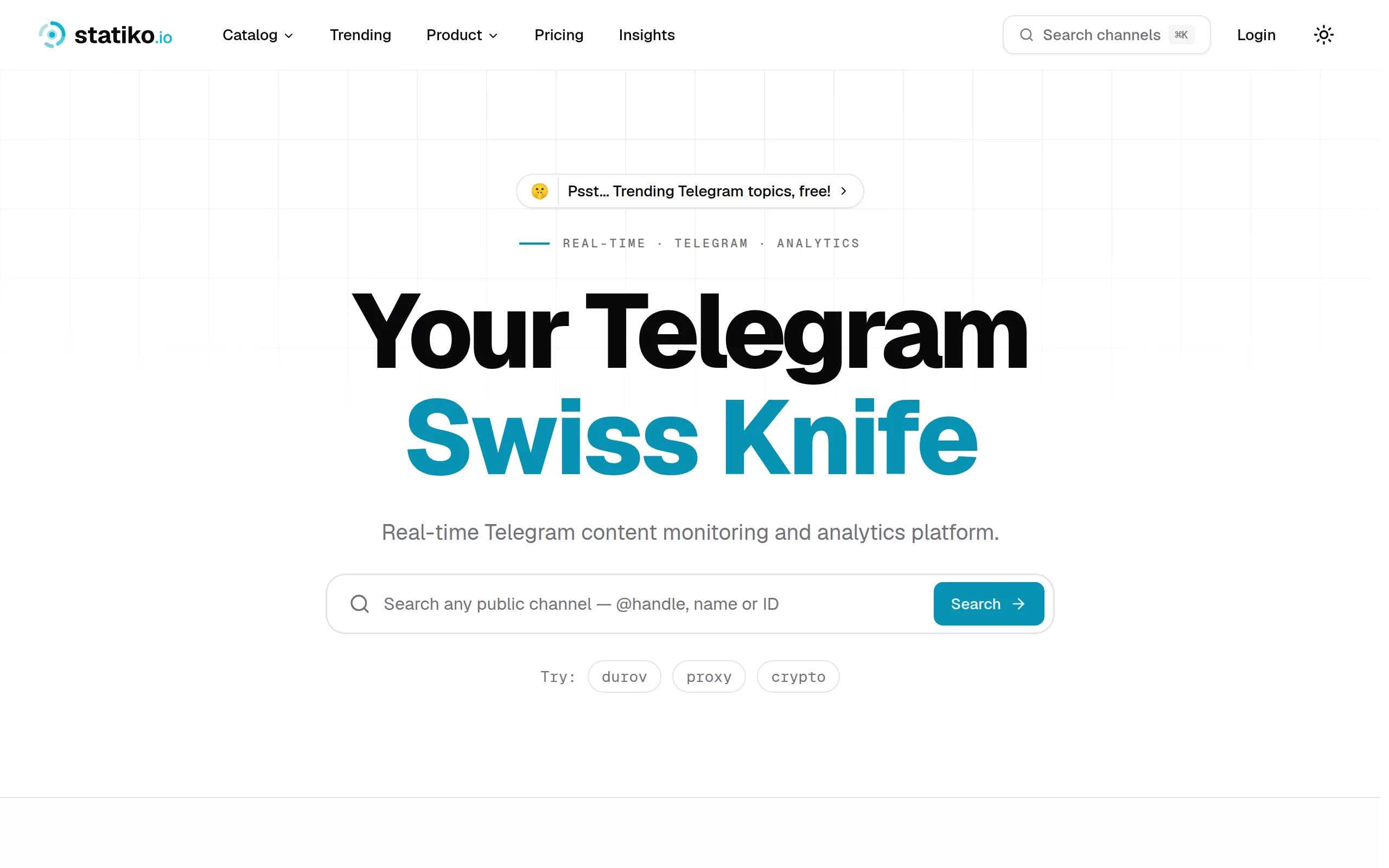
Statiko
Monitor any Telegram channel in real time - track posts, edits, deletions, and growth with AI recaps 📡
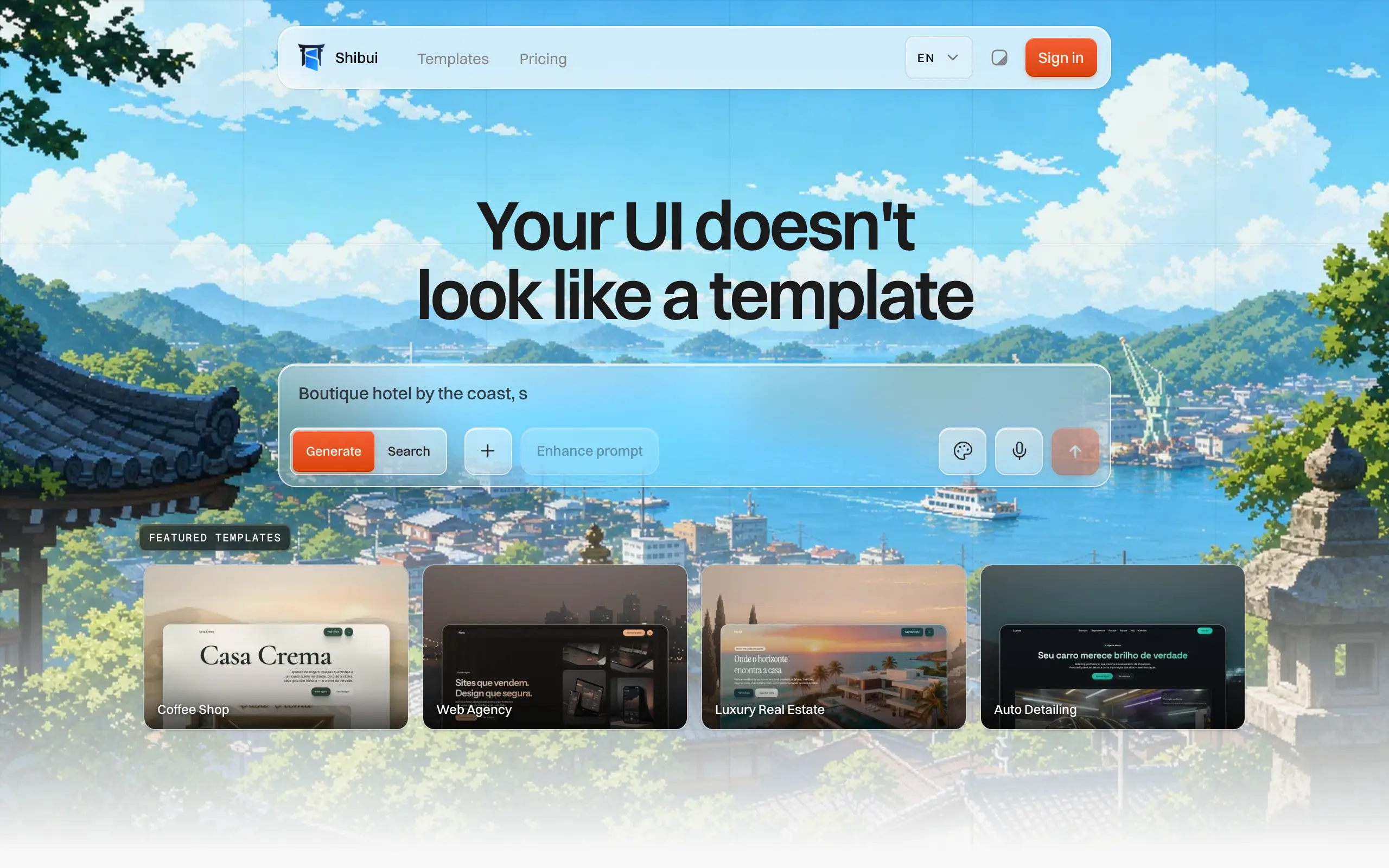
Shibui
AI website builder - describe your business, pick a niche template, edit by chatting, and publish instantly ✨

Pro Service
Find verified home service professionals, compare quotes, and pay securely through escrow - built for Brazilians across the US 🏠
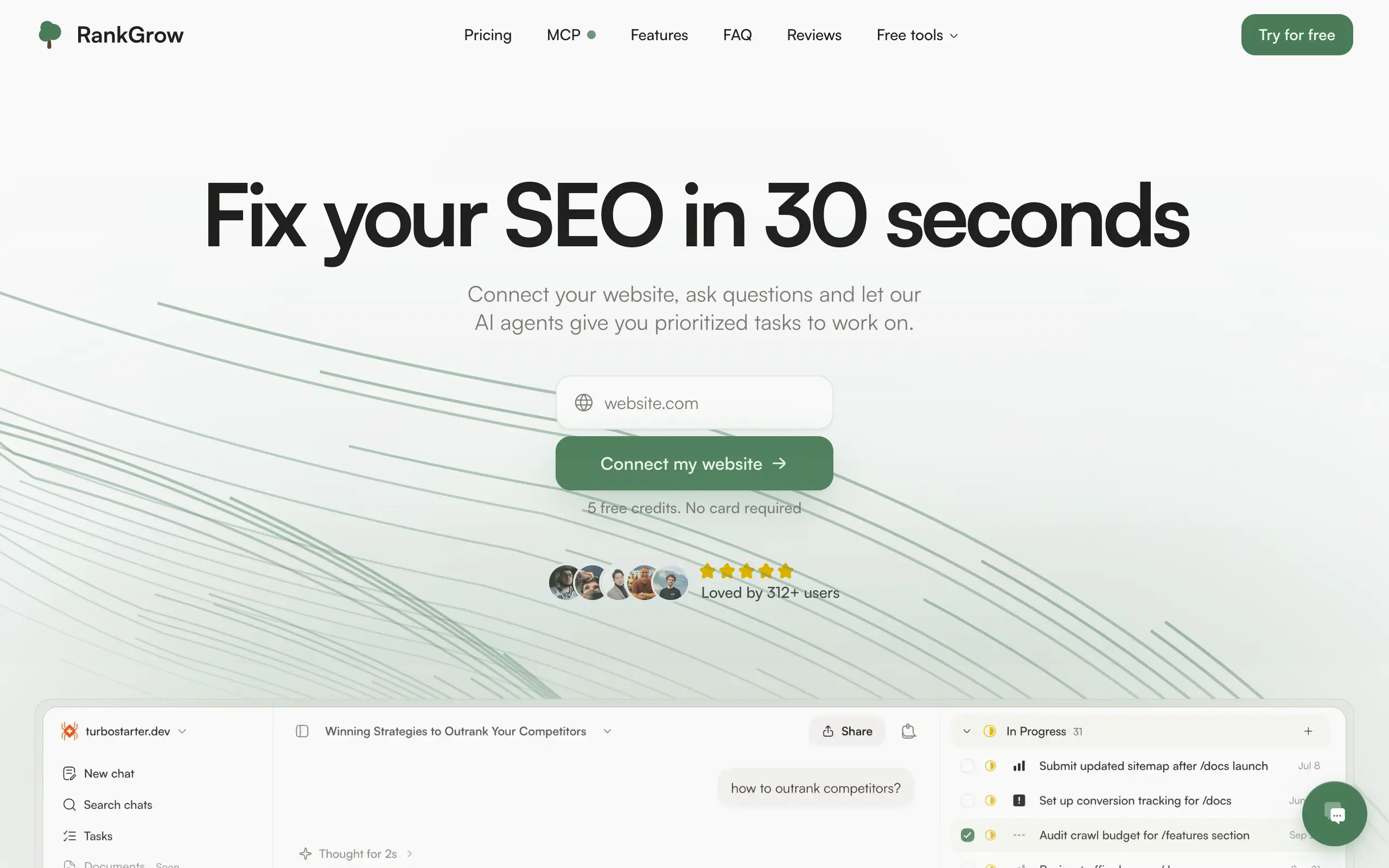
RankGrow
Fix your SEO with AI agents - connect Search Console, get prioritized tasks, and grow organic traffic 📈
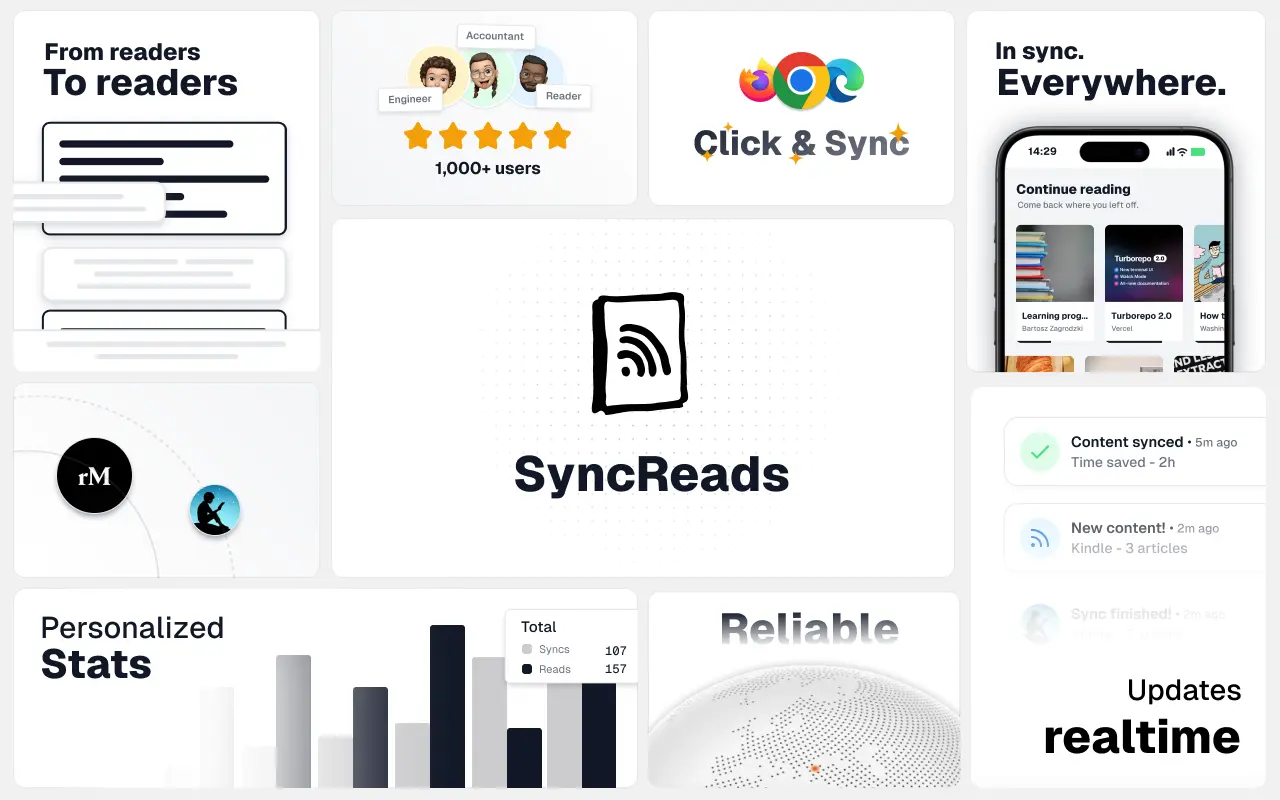
SyncReads
Sync your favorite content for distraction-free reading, save time and replace multiple apps. Anytime, anywhere 🔄
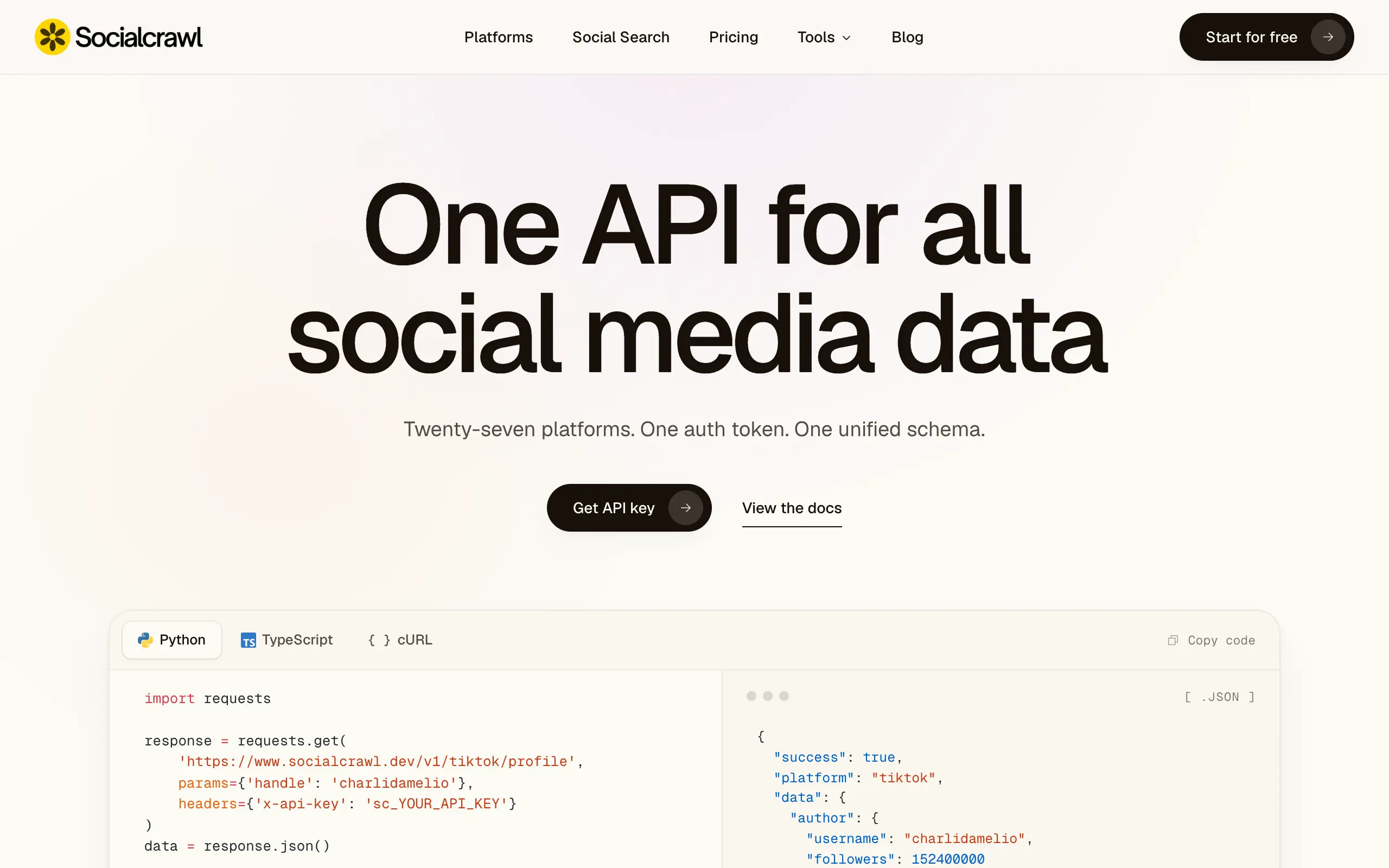
Socialcrawl
Get clean, structured data from 21 platforms like TikTok, Instagram, and YouTube with a single request 📊
Statiko
Monitor any Telegram channel in real time - track posts, edits, deletions, and growth with AI recaps 📡
Shibui
AI website builder - describe your business, pick a niche template, edit by chatting, and publish instantly ✨
Pro Service
Find verified home service professionals, compare quotes, and pay securely through escrow - built for Brazilians across the US 🏠
RankGrow
Fix your SEO with AI agents - connect Search Console, get prioritized tasks, and grow organic traffic 📈
SyncReads
Sync your favorite content for distraction-free reading, save time and replace multiple apps. Anytime, anywhere 🔄
Socialcrawl
Get clean, structured data from 21 platforms like TikTok, Instagram, and YouTube with a single request 📊
Statiko
Monitor any Telegram channel in real time - track posts, edits, deletions, and growth with AI recaps 📡
Shibui
AI website builder - describe your business, pick a niche template, edit by chatting, and publish instantly ✨
Pro Service
Find verified home service professionals, compare quotes, and pay securely through escrow - built for Brazilians across the US 🏠
RankGrow
Fix your SEO with AI agents - connect Search Console, get prioritized tasks, and grow organic traffic 📈
SyncReads
Sync your favorite content for distraction-free reading, save time and replace multiple apps. Anytime, anywhere 🔄
Socialcrawl
Get clean, structured data from 21 platforms like TikTok, Instagram, and YouTube with a single request 📊
Statiko
Monitor any Telegram channel in real time - track posts, edits, deletions, and growth with AI recaps 📡
Shibui
AI website builder - describe your business, pick a niche template, edit by chatting, and publish instantly ✨
Pro Service
Find verified home service professionals, compare quotes, and pay securely through escrow - built for Brazilians across the US 🏠
RankGrow
Fix your SEO with AI agents - connect Search Console, get prioritized tasks, and grow organic traffic 📈
SyncReads
Sync your favorite content for distraction-free reading, save time and replace multiple apps. Anytime, anywhere 🔄
Socialcrawl
Get clean, structured data from 21 platforms like TikTok, Instagram, and YouTube with a single request 📊
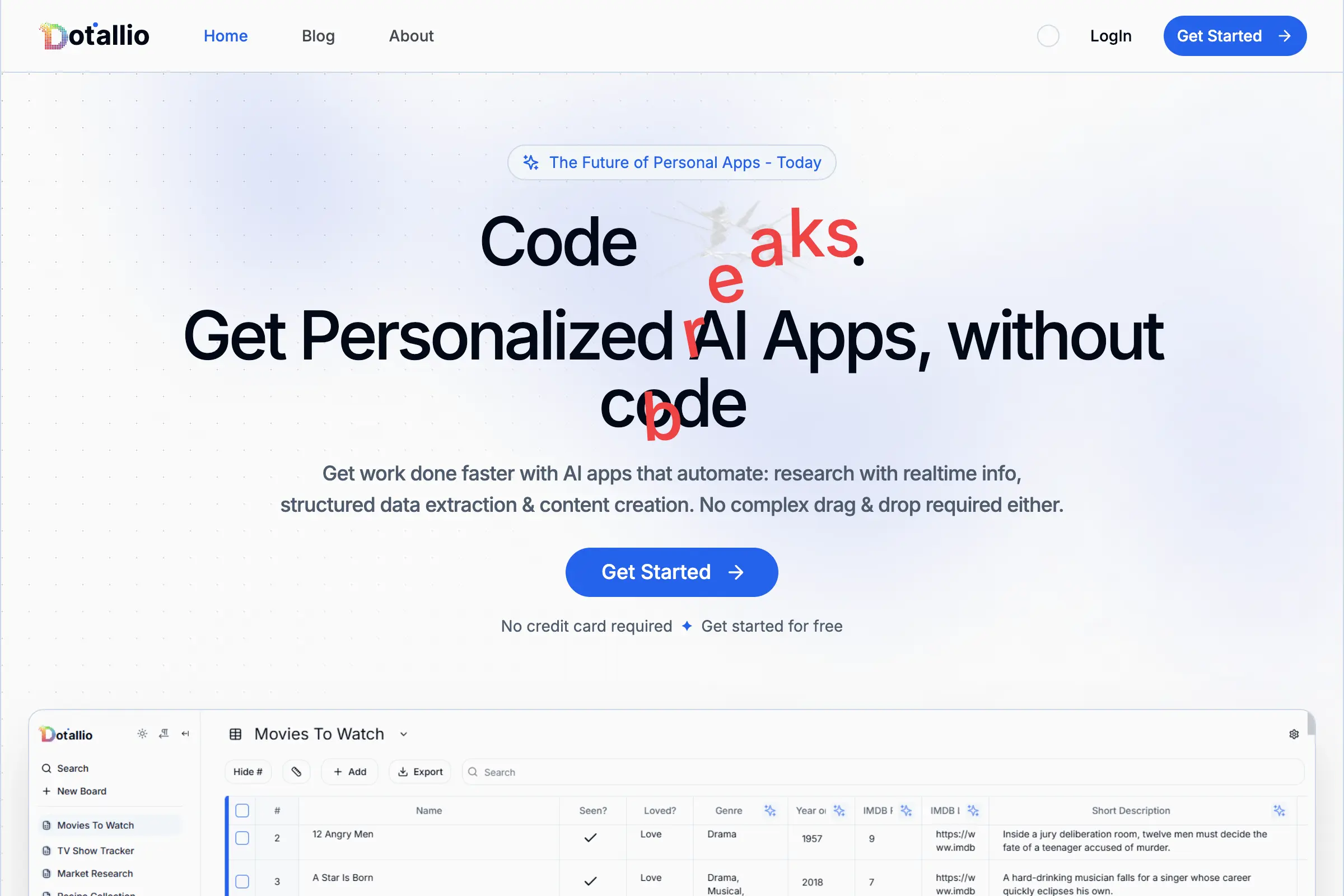
Dotallio
Personalized AI apps that automate research, data extraction, and content creation without code 🤖
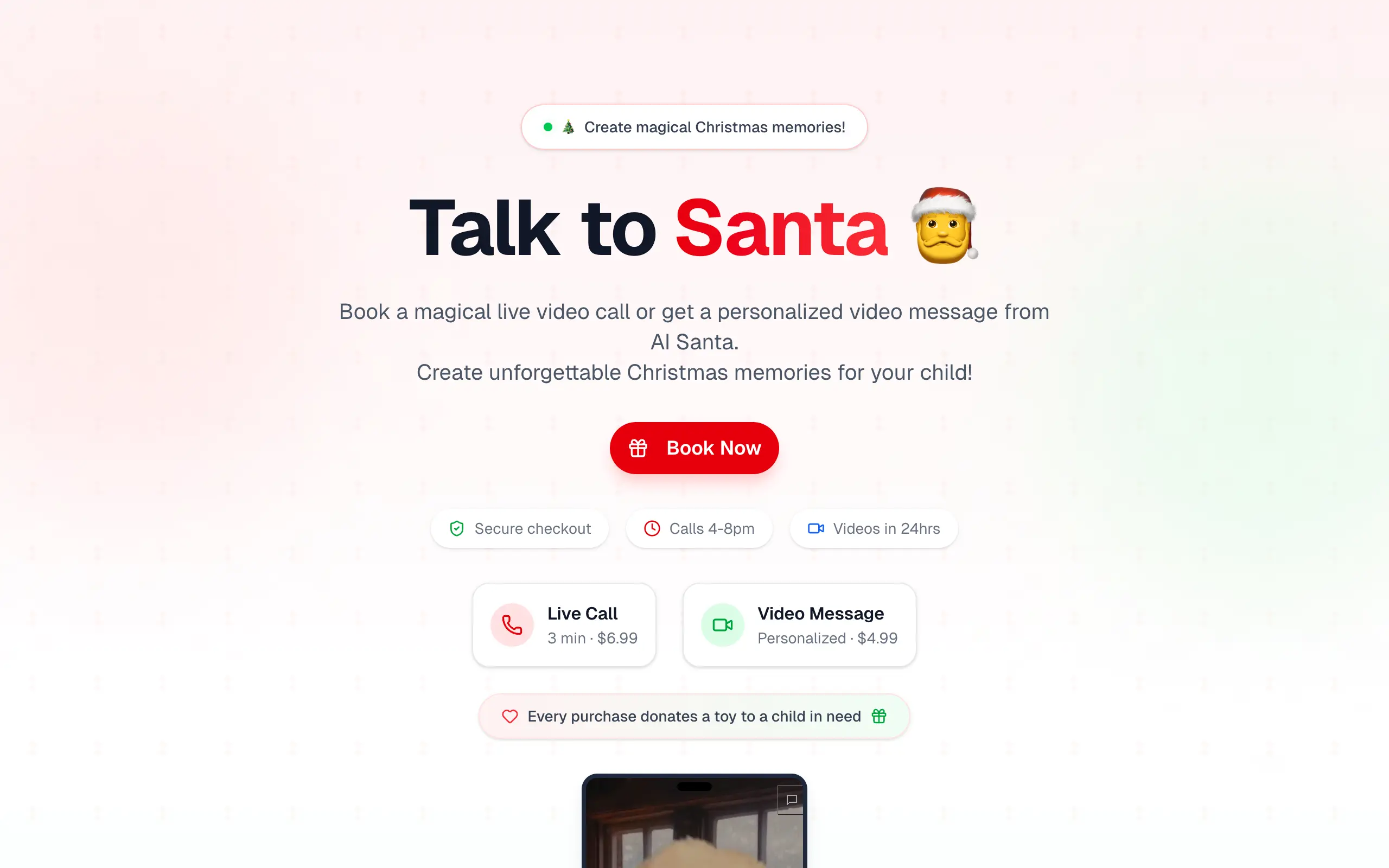
Talk to Santa
Enjoy a magical live video chat or receive a unique AI-generated video greeting from Santa Claus 🎅
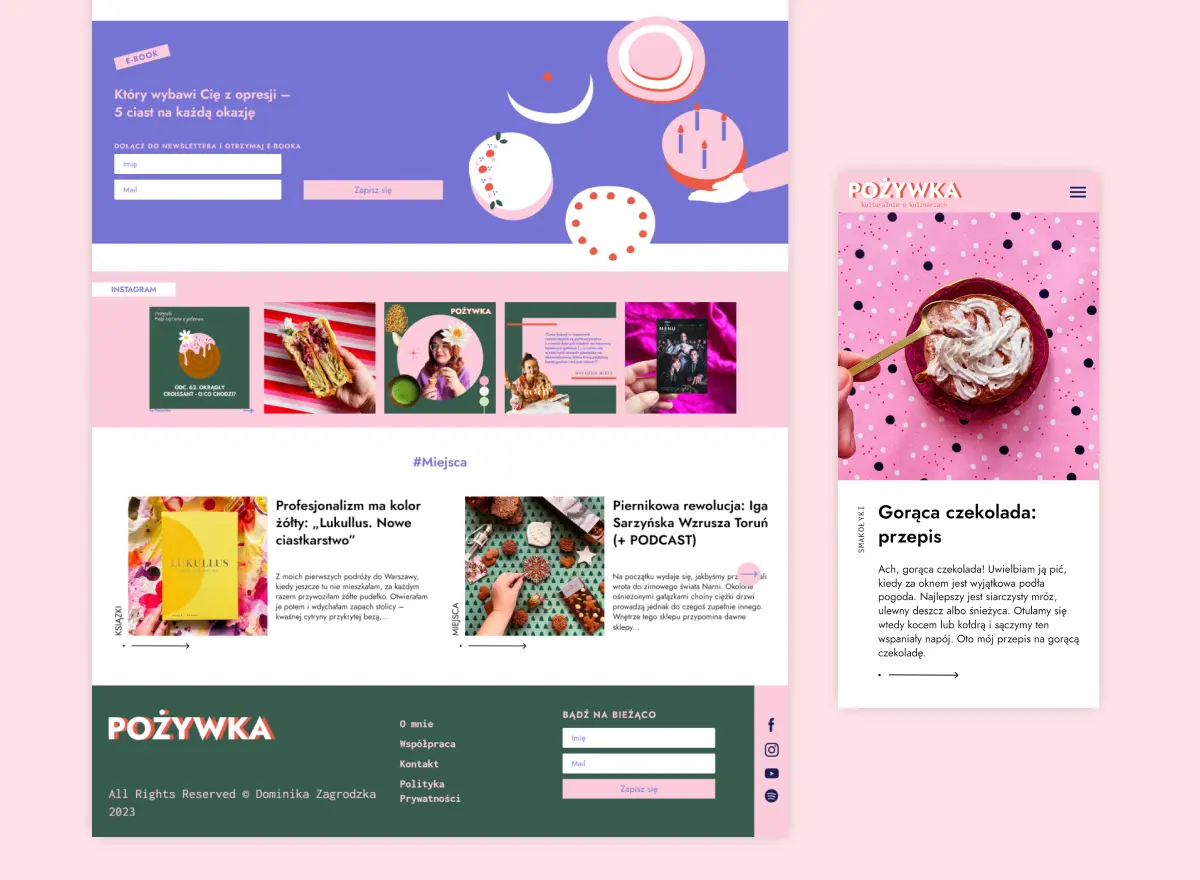
pozywka.pl
Scalable blog for food journalist, focused on performance and user experience 🌭
zagrodzki.me
Personal blog and portfolio of Bart Zagrodzki, where he shares his knowledge and work 💼
TurboStarter
Ship your startup everywhere. In minutes.
HTML to Markdown
Convert HTML to Markdown with ease, directly in your browser 📄
Dotallio
Personalized AI apps that automate research, data extraction, and content creation without code 🤖
Talk to Santa
Enjoy a magical live video chat or receive a unique AI-generated video greeting from Santa Claus 🎅
pozywka.pl
Scalable blog for food journalist, focused on performance and user experience 🌭
zagrodzki.me
Personal blog and portfolio of Bart Zagrodzki, where he shares his knowledge and work 💼
TurboStarter
Ship your startup everywhere. In minutes.
HTML to Markdown
Convert HTML to Markdown with ease, directly in your browser 📄
Dotallio
Personalized AI apps that automate research, data extraction, and content creation without code 🤖
Talk to Santa
Enjoy a magical live video chat or receive a unique AI-generated video greeting from Santa Claus 🎅
pozywka.pl
Scalable blog for food journalist, focused on performance and user experience 🌭
zagrodzki.me
Personal blog and portfolio of Bart Zagrodzki, where he shares his knowledge and work 💼
TurboStarter
Ship your startup everywhere. In minutes.
HTML to Markdown
Convert HTML to Markdown with ease, directly in your browser 📄
Dotallio
Personalized AI apps that automate research, data extraction, and content creation without code 🤖
Talk to Santa
Enjoy a magical live video chat or receive a unique AI-generated video greeting from Santa Claus 🎅
pozywka.pl
Scalable blog for food journalist, focused on performance and user experience 🌭
zagrodzki.me
Personal blog and portfolio of Bart Zagrodzki, where he shares his knowledge and work 💼
TurboStarter
Ship your startup everywhere. In minutes.
HTML to Markdown
Convert HTML to Markdown with ease, directly in your browser 📄
Omichat
Chat with 50+ AI models, including ChatGPT and Claude, in one place - switch models anytime without losing context 🤖
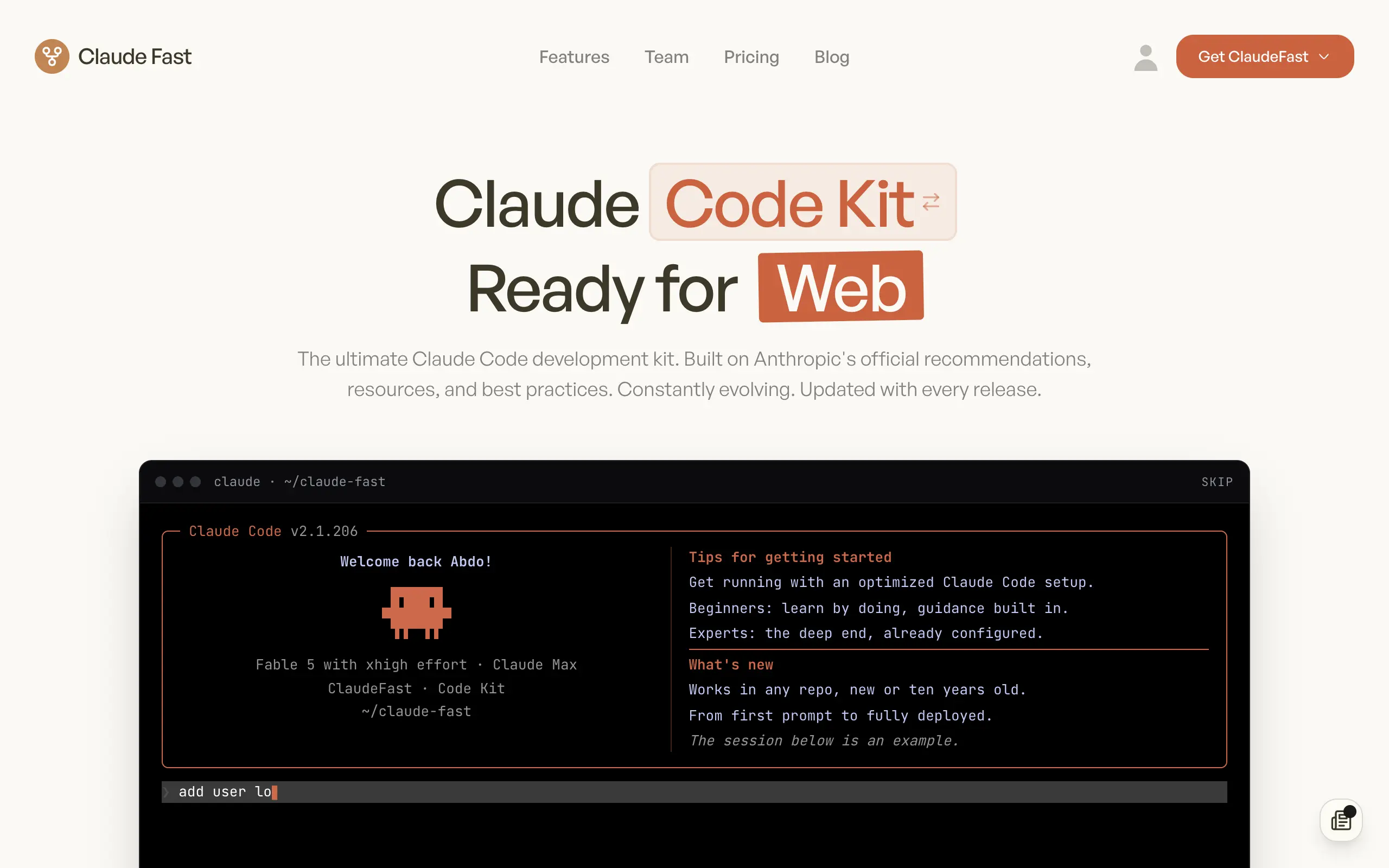
Claude Fast
Supercharge your Claude Code with 6x effective context window and specialized AI agents 🤖
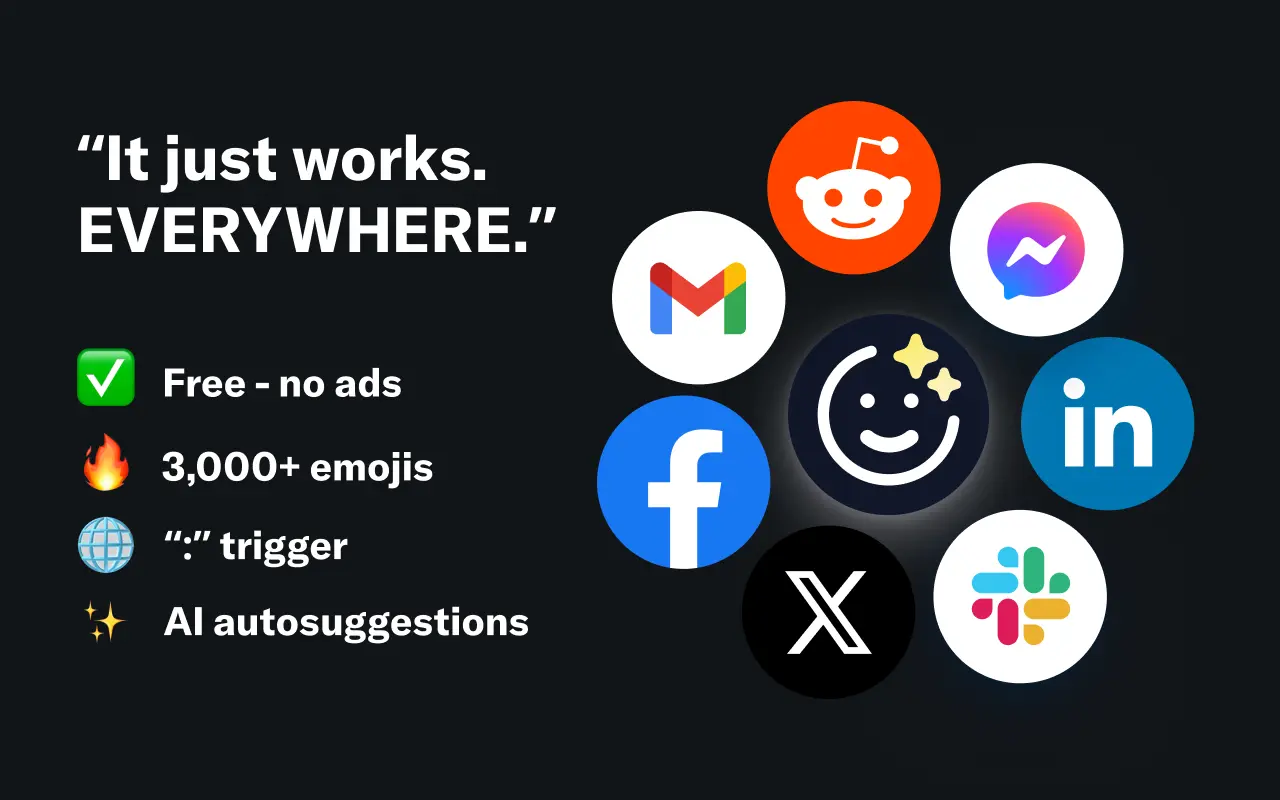
EmojAI
AI-powered emoji picker with smart, context-aware suggestions 🤖
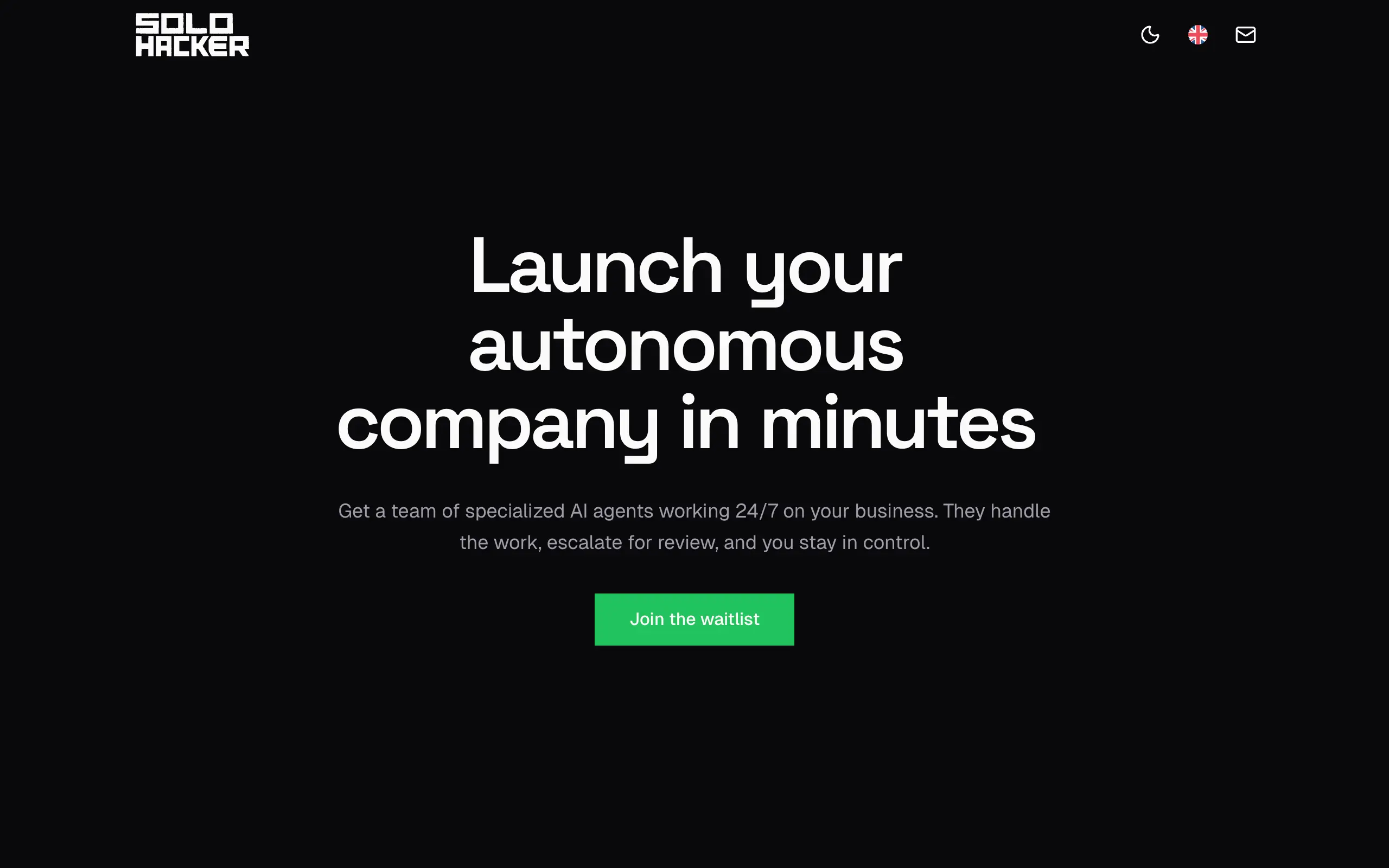
Solohacker
Autonomous company launcher - AI agents work 24/7, escalate what matters, and you stay in control 🤖
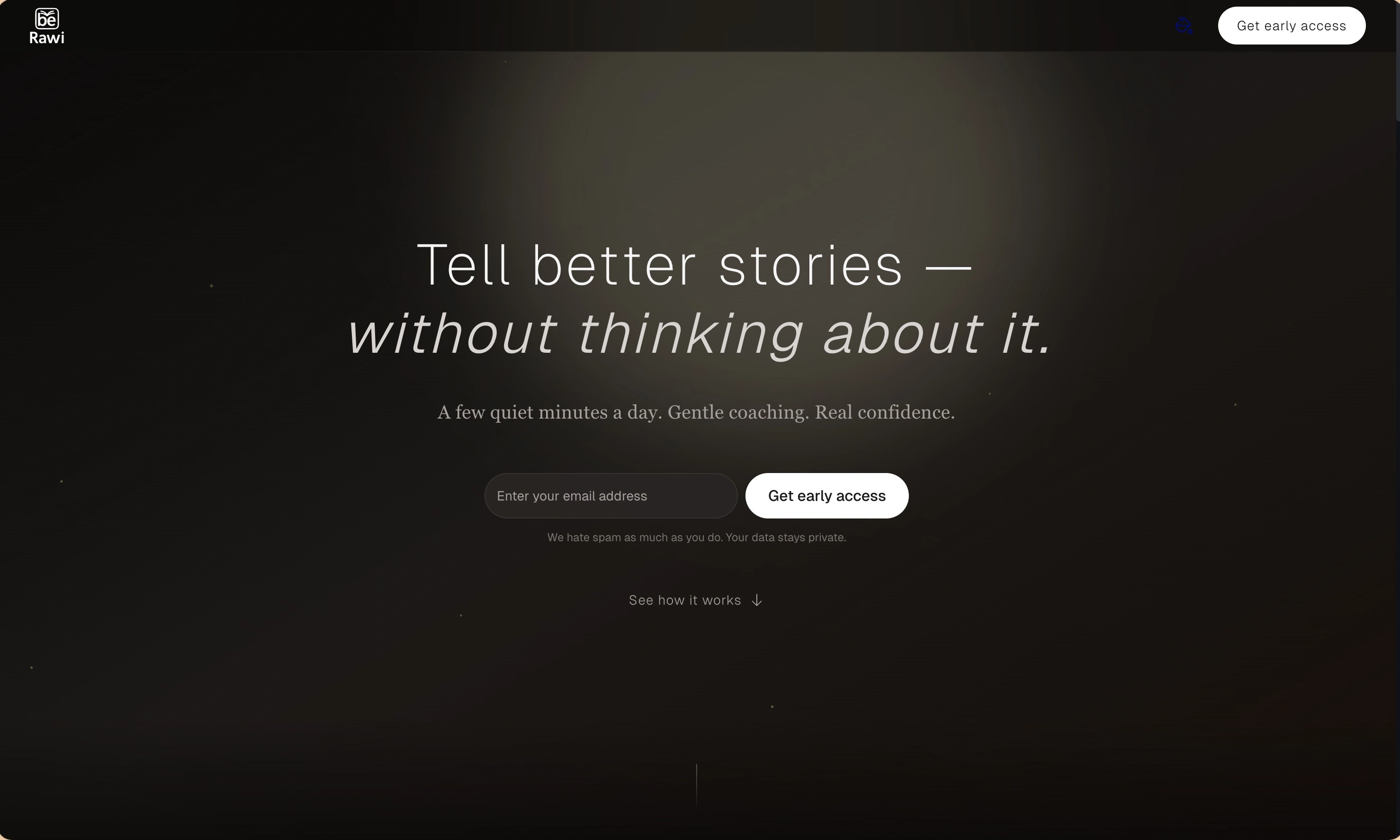
BeRawi: Storytelling Coach
Practice storytelling daily with instant feedback to sound clearer, more engaging, and confident 🎤
Omichat
Chat with 50+ AI models, including ChatGPT and Claude, in one place - switch models anytime without losing context 🤖
Claude Fast
Supercharge your Claude Code with 6x effective context window and specialized AI agents 🤖
EmojAI
AI-powered emoji picker with smart, context-aware suggestions 🤖
Solohacker
Autonomous company launcher - AI agents work 24/7, escalate what matters, and you stay in control 🤖
BeRawi: Storytelling Coach
Practice storytelling daily with instant feedback to sound clearer, more engaging, and confident 🎤
Omichat
Chat with 50+ AI models, including ChatGPT and Claude, in one place - switch models anytime without losing context 🤖
Claude Fast
Supercharge your Claude Code with 6x effective context window and specialized AI agents 🤖
EmojAI
AI-powered emoji picker with smart, context-aware suggestions 🤖
Solohacker
Autonomous company launcher - AI agents work 24/7, escalate what matters, and you stay in control 🤖
BeRawi: Storytelling Coach
Practice storytelling daily with instant feedback to sound clearer, more engaging, and confident 🎤
Omichat
Chat with 50+ AI models, including ChatGPT and Claude, in one place - switch models anytime without losing context 🤖
Claude Fast
Supercharge your Claude Code with 6x effective context window and specialized AI agents 🤖
EmojAI
AI-powered emoji picker with smart, context-aware suggestions 🤖
Solohacker
Autonomous company launcher - AI agents work 24/7, escalate what matters, and you stay in control 🤖
BeRawi: Storytelling Coach
Practice storytelling daily with instant feedback to sound clearer, more engaging, and confident 🎤

Connect with like-minded people
Join our community to get feedback, support, and grow together with 1,000+ builders on board, let's ship it!
Join usShip your startup everywhere. In minutes.
Don't burn tokens on setup and start building features on day one.