QuickForms Pro
Generate smart, reusable form templates for feedback, project updates, or onboarding. Share and track responses without complex setup or integrations.
Unlocking productivity with QuickForms Pro: Smart, reusable form templates made easy
In today's fast-moving digital workspace, gathering information—be it feedback, project updates, or onboarding details—should be seamless. Yet, many businesses still wrestle with inefficient form-building tools or time-consuming manual processes. QuickForms Pro, a SaaS productivity platform, addresses these pain points by enabling users to generate reusable form templates, share them instantly, and track responses transparently—all without complex integrations or setup.
This in-depth guide explores how QuickForms Pro empowers organizations to streamline workplace interactions, highlighting its unique value, target audiences, solution design, and clear steps for implementation.
Understanding user intent: Who needs QuickForms Pro and why?
Before diving into features, it's crucial to clarify the real-world motives that drive adoption:
- Efficiency seekers want to reduce time spent building repetitive forms or chasing up for responses.
- Non-technical users need a tool that offers frictionless setup—no coding, minimal learning curve.
- Team leads/project managers look for a way to standardize updates, feedback, and onboarding without adding IT overhead.
- Small-to-medium businesses (SMBs) want a cost-effective alternative to enterprise solutions, without sacrificing tracking or reusability.
User search intent around a solution like QuickForms Pro falls into several areas:
- Making feedback and project data collection easier
- Ensuring consistent form usage across teams
- Automating response tracking and follow-up processes
- Validating the efficiency of SaaS form builders for productivity
Market analysis: Identifying the opportunity gap
The business productivity software market is crowded—yet still fragmented when it comes to easy, template-driven form solutions focused on response tracking without heavy integrations.
Challenges with traditional form systems
- Overly complex: Many solutions are powerful but require set-up time, coding knowledge, or integration with other platforms.
- Lack of template reusability: Custom forms often need to be rebuilt for each use-case, which is inefficient.
- Cumbersome response management: Tracking who has submitted a form and following up manually is time-consuming.
- Pricing: Enterprise solutions are often priced out of reach for smaller teams.
Opportunity for QuickForms Pro
- Simplicity-first: Offers a powerful, intuitive UI for both creating and sharing forms—no setup headaches.
- Reusable templates: Save and re-use form structures for recurring needs (feedback, updates, onboarding, and more).
- Integrated tracking: Know who’s responded, prompt non-responders, and analyze results—all from one dashboard.
Industry trend spotlight
Recent data (see: McKinsey, Digital transformation in the workplace) shows that over 60% of organizations adopt new SaaS productivity solutions to reduce routine admin time and facilitate remote collaboration. The surge in distributed teams intensifies demand for low-edit, high-reuse tooling.
Who benefits most? Target audience analysis
Bringing detailed understanding to QuickForms Pro’s growth-ready niches:
HR & People Ops
Streamline employee onboarding, exit interviews, and pulse surveys with reusable templates, ensuring consistency and efficient tracking.
Project Managers
Collect project updates, risk assessments, and status reports without chasing contributors or repeating form builds.
Customer Success & Support
Standardize customer feedback forms, onboarding checklists, and satisfaction surveys to drive continual improvement.
Marketing Teams
Gather campaign feedback, event registrations, or NPS survey responses—measurably and at scale.
SMB Leaders
Enable non-technical business owners or team leads to rapidly deploy and track routine forms and data requests.
Key semantic topics covered: Employee feedback forms, automated project updates, onboarding workflows, survey tracking, SMB productivity SaaS.
Core features and solution details
Let’s break down exactly what makes QuickForms Pro a game-changer in productivity-focused SaaS tooling.
Smart, reusable templates
- Drag-and-drop builder: Rapidly create forms, choosing from question types (text, multiple choice, rating scales).
- Template saving: Store and catalog frequently used form structures for future use. Adapt quickly with cloning or versioning.
- Pre-made templates: Access a library of professionally designed templates for common workflows (onboarding, performance review, project status, etc.).
Seamless sharing
- Instant share links: Distribute forms via secure URL, email, or QR code.
- Audience controls: Restrict who can view or submit (team members, guests, specific email domains, etc.).
- Customization: Add company branding, adjust instructions, or pre-fill certain fields as needed.
Real-time response tracking
- Submission dashboard: See who’s responded at-a-glance, with timestamps and summary stats.
- Automated nudges: Schedule gentle reminders for non-responders, reducing manual follow-up.
- Data export: Download structured results in CSV, Excel, or push responses to connected tools (optional).
No integrations required (but extendable)
- Zero setup: Forms are ready to use instantly—perfect for teams without IT support.
- Optional integrations: For advanced users, connect to systems like Slack, Airtable, or workflow automation via webhooks.
Access anywhere
- Cloud native: Use from any device, anywhere—responsive web interface optimized for desktop, tablet, and mobile.
- Secure: Data encryption at rest and transit; granular access controls; GDPR compliance options.
Feature parity: Comparison table
| Reusable Templates | Real-Time Tracking | No-Code Needed | Automated Reminders | Complex Integration |
|---|---|---|---|---|
| ✅ | ❌ | ❌ | ✅ | ❌ |
| ✅ | ❌ | ✅ | ✅ | ❌ |
Recommended tech stack: Efficiency, scalability, and flexibility
To deliver on QuickForms Pro’s promise—blending power with ease-of-use—the right stack is essential. Below is an authoritative take, aligned with the latest SaaS best practices.
Frontend
- React: Component-driven, fast UI for dynamic form building and dashboard interactions.
- TailwindCSS: Rapid, maintainable styling for clean, responsive interfaces.
- Form Libraries: Formik or React Hook Form to manage form state and validation elegantly.
Backend/API
- Node.js: Reliable, scalable server-side environment.
- Express: Simple API creation, customizable for workflow logic.
- Database: PostgreSQL for structured data, form logic, and analytics.
- Optional real-time: Socket.IO for instant dashboard updates on submissions.
Hosting and integrations
- Vercel or Netlify: Effortless CI/CD and global availability for frontend.
- Amazon S3: For secure document upload/storage if required.
- Security/compliance: Use Auth0 or in-house OAuth for authentication.
Trade-offs
- Monolith vs. microservices: For early-stage, a modular monolith enables quicker iteration and easier deployment. Scale to microservices only as usage grows.
- No-code overlays: While third-party drag-and-drop builder frameworks can accelerate MVP development, custom React components ultimately provide a faster, more branded UX.
Monetization strategy: Maximizing value, minimizing friction
Freemium + tiered subscription
- Free tier: Limited active forms/templates, basic sharing, and standard response tracking to encourage onboarding.
- Pro/Team plans: Unlock advanced share options, template libraries, advanced analytics, branding, and integrations.
- Usage-based add-ons: For high-volume users, offer extra submissions, storage, or premium support at marginal costs.
Other revenue streams
- Enterprise licensing: Enable SSO, advanced compliance, group-based analytics, deeper customization for larger businesses.
- White-label options: Agencies or HR consultancies can brand and resell under their own domain.
- Affiliate/referral bonuses: Incentivize organic growth via team invites or partner networks.
Potential risks and mitigation strategies
Deploying a productivity SaaS like QuickForms Pro comes with standard and unique risks; awareness and proactive design are crucial:
Focus on UX simplicity, verticalized templates, and response tracking—features often left underdeveloped in bigger tools.
Rigorously validate new feature requests with real user testing; preserve core promise of ease and reusability.
Use proven libraries, default to encryption, and proactively audit authentication flows. Provide clear GDPR compliance information, especially for Europe-based clients.
Continually invest in template library depth, real-time tracking, and automation. Differentiate deeply at the productivity layer.
Why QuickForms Pro stands out: Competitive advantage analysis
Many tools show form-building capability—but QuickForms Pro excels by focusing on the lifecycle of repetitive business forms.
- Unmatched speed: Create, share, and track forms in minutes, not hours.
- No learning curve: Non-technical users can achieve sophisticated outcomes without training.
- Smart tracking workflows: Not just data collection, but automated nudging, per-user dashboards, and analytics.
- Rich reusable template ecosystem: Not just saving forms, but evolving templates with sharing/version workflows for teams.
- Zero dependency on IT or integrations: Usable by any department—even those lacking technical support.
How does QuickForms Pro compare to legacy solutions?
With QuickForms Pro, the time to deploy a feedback or update form drops dramatically compared to traditional form engines, which often require excessive configuration or integration work. This democratizes self-service data collection for smaller organizations and agile teams.
Actionable implementation steps
Building and deploying a SaaS like QuickForms Pro can be mapped out in a structured, iterative approach:
Validate core workflows: Conduct interviews with target users (HR, managers, SMBs) to confirm pain points and must-have features.
Design rapid prototypes: Use low-fidelity wireframes to test UI/UX for template-building and tracking dashboards.
Develop MVP: Leverage React, TailwindCSS, and a basic Node.js backend for fast iteration.
Launch and onboard seed users: Target SMBs or departments looking for immediate productivity wins—provide white-glove onboarding if needed.
Iterate and expand: Gather feedback, refine workflows, and introduce paid plans as template library and tracking capabilities mature.
Conclusion: Getting started (& next steps)
QuickForms Pro bridges one of the most persistent gaps in modern business operations: collecting, standardizing, and acting on information—without friction. By emphasizing usability, rapid deployment, and tracking, it stands out as a productivity SaaS for today's fast-paced, distributed teams.
Whether you’re a fast-scaling startup, a project manager in a growing agency, or an HR lead searching for onboarding consistency, QuickForms Pro brings efficiency and scalability across workflows. As a next step, leverage platforms like TurboStarter to kickstart your MVP build and reduce time-to-market.
Frequently asked questions
Yes, QuickForms Pro supports branding customizations, and advanced plans may include branching logic or conditional workflows.
Absolutely—data is encrypted in transit and at rest, with role-based access and compliance standards such as GDPR supported.
The free tier typically offers a limited number of active forms and responses per month, with upgrades unlocking more features.
Unlike generic tools, QuickForms Pro focuses on reusable templates, precise response tracking, and no required external integrations, ideal for business productivity.
For founders, ops leads, and team managers prioritizing productivity, QuickForms Pro is poised to deliver an outsized impact: less admin, more insight, and frictionless collaboration—every time.
More ⚡ Productivity Tool SaaS ideas
Discover more innovative productivity tool SaaS ideas that are trending in 2026. Each idea is AI-generated with market validation and growth potential to help you find your next profitable venture faster than competitors.
Your competitors are building with TurboStarter
Below are some of the SaaS ideas that have been generated and built with our starter kit.
Statiko
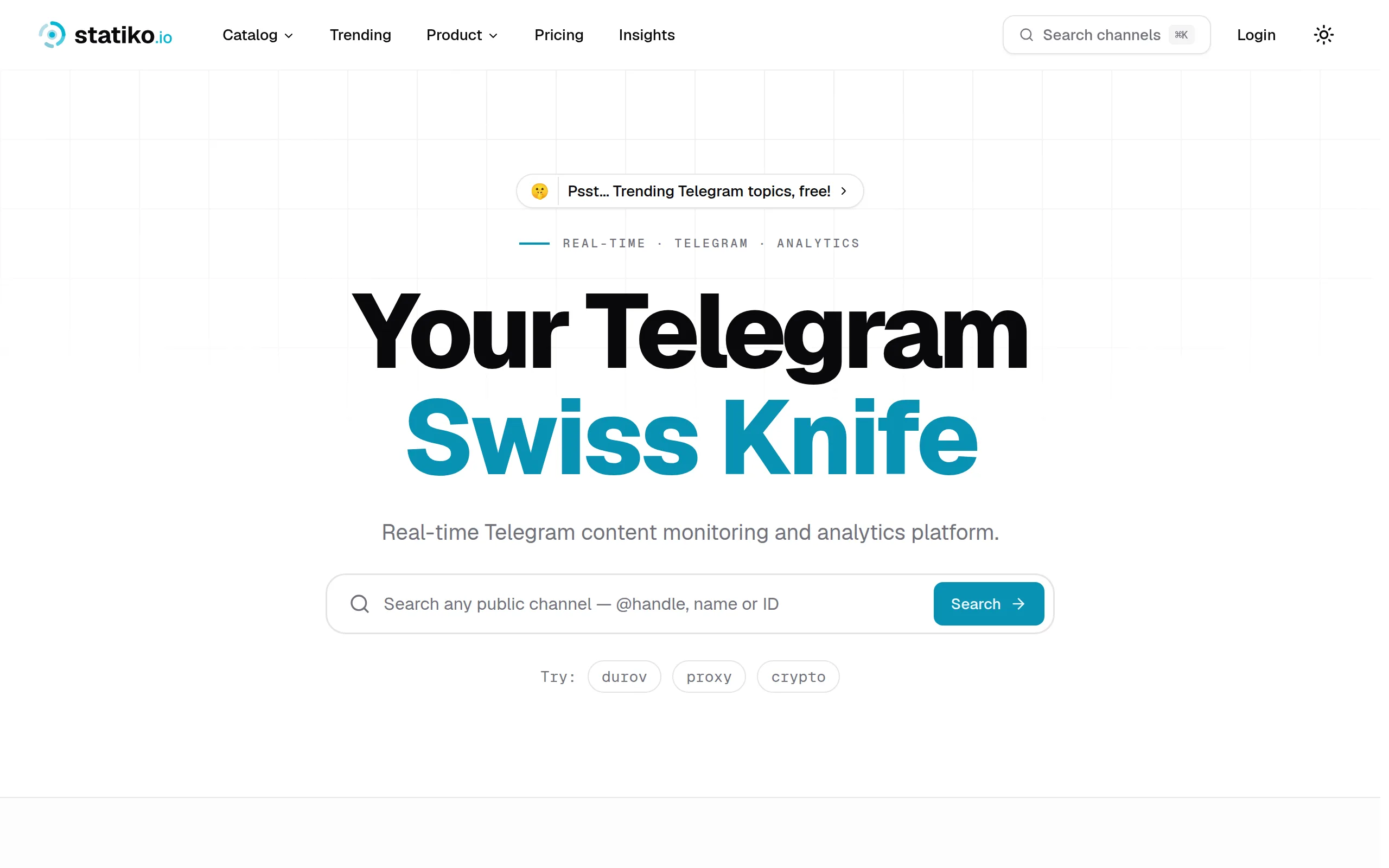
Monitor any Telegram channel in real time - track posts, edits, deletions, and growth with AI recaps 📡

Shibui
AI website builder - describe your business, pick a niche template, edit by chatting, and publish instantly ✨

Pro Service
Find verified home service professionals, compare quotes, and pay securely through escrow - built for Brazilians across the US 🏠
RankGrow
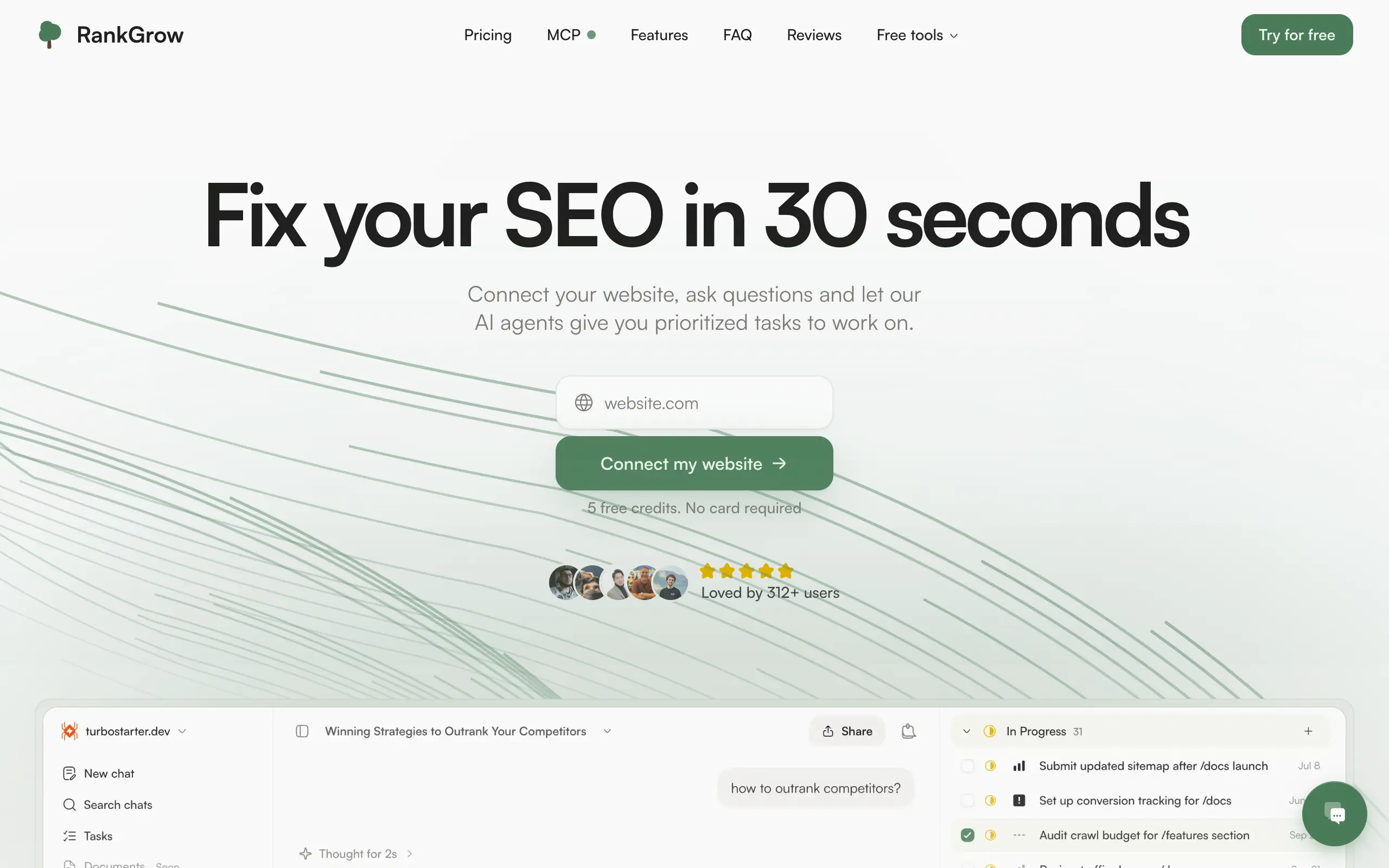
Fix your SEO with AI agents - connect Search Console, get prioritized tasks, and grow organic traffic 📈
SyncReads
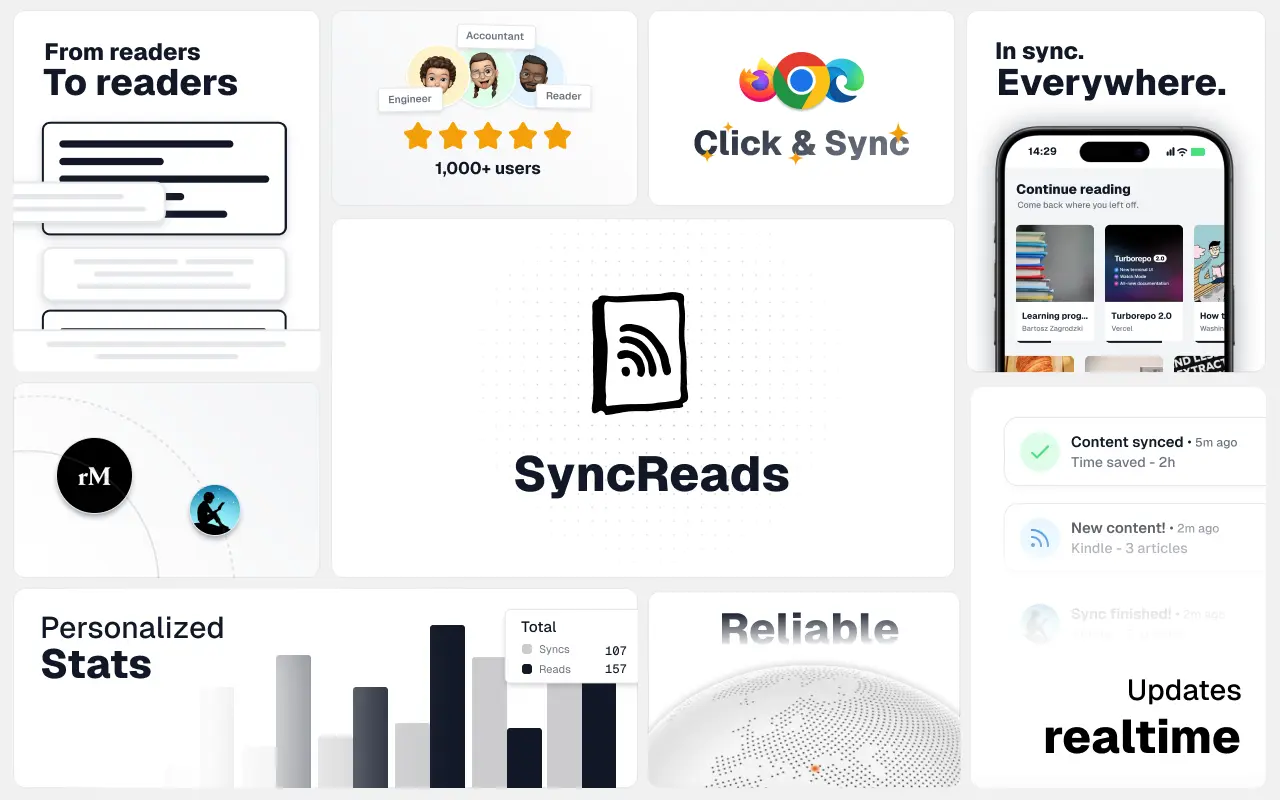
Sync your favorite content for distraction-free reading, save time and replace multiple apps. Anytime, anywhere 🔄
Socialcrawl
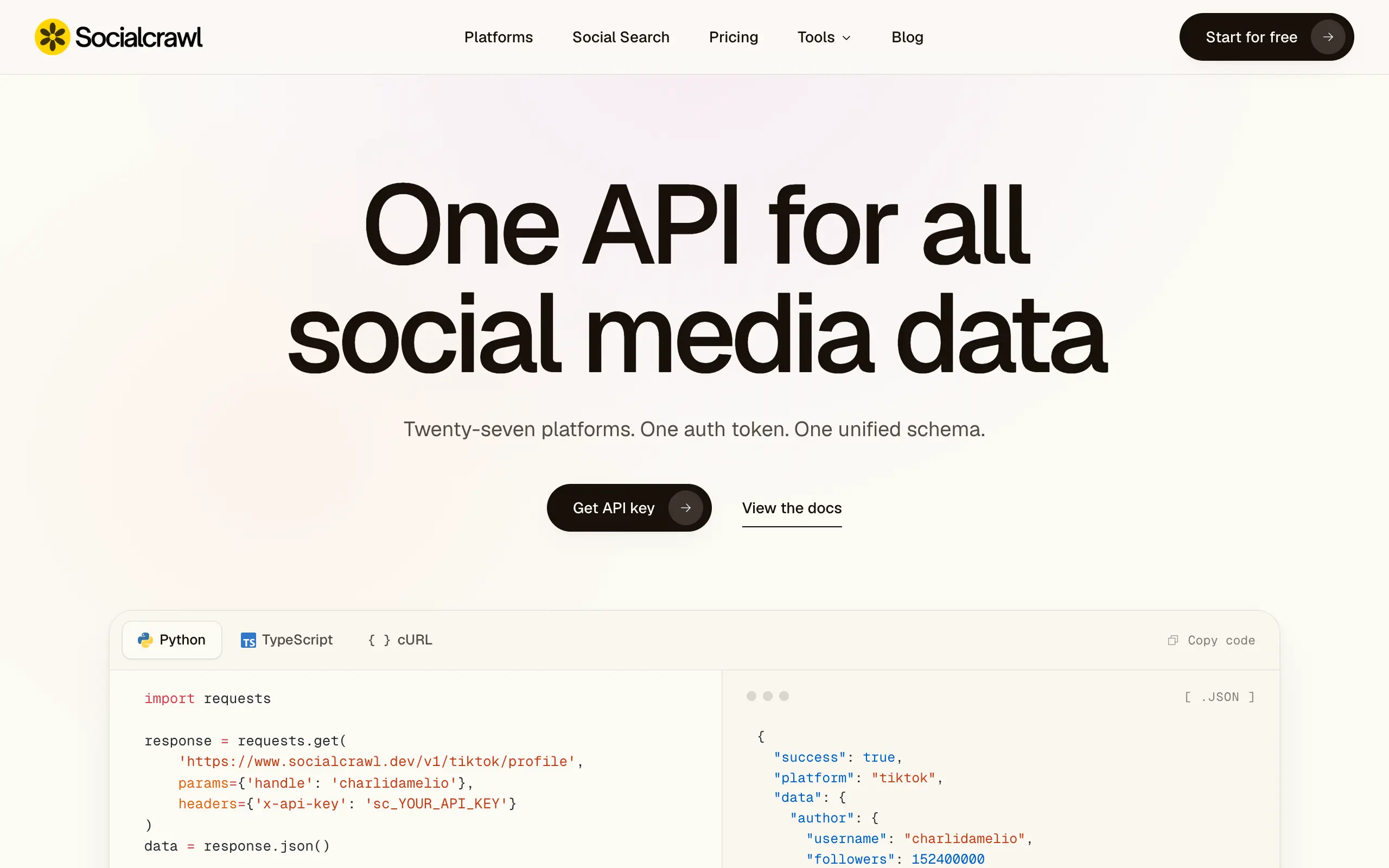
Get clean, structured data from 21 platforms like TikTok, Instagram, and YouTube with a single request 📊
Statiko
Monitor any Telegram channel in real time - track posts, edits, deletions, and growth with AI recaps 📡
Shibui
AI website builder - describe your business, pick a niche template, edit by chatting, and publish instantly ✨
Pro Service
Find verified home service professionals, compare quotes, and pay securely through escrow - built for Brazilians across the US 🏠
RankGrow
Fix your SEO with AI agents - connect Search Console, get prioritized tasks, and grow organic traffic 📈
SyncReads
Sync your favorite content for distraction-free reading, save time and replace multiple apps. Anytime, anywhere 🔄
Socialcrawl
Get clean, structured data from 21 platforms like TikTok, Instagram, and YouTube with a single request 📊
Statiko
Monitor any Telegram channel in real time - track posts, edits, deletions, and growth with AI recaps 📡
Shibui
AI website builder - describe your business, pick a niche template, edit by chatting, and publish instantly ✨
Pro Service
Find verified home service professionals, compare quotes, and pay securely through escrow - built for Brazilians across the US 🏠
RankGrow
Fix your SEO with AI agents - connect Search Console, get prioritized tasks, and grow organic traffic 📈
SyncReads
Sync your favorite content for distraction-free reading, save time and replace multiple apps. Anytime, anywhere 🔄
Socialcrawl
Get clean, structured data from 21 platforms like TikTok, Instagram, and YouTube with a single request 📊
Statiko
Monitor any Telegram channel in real time - track posts, edits, deletions, and growth with AI recaps 📡
Shibui
AI website builder - describe your business, pick a niche template, edit by chatting, and publish instantly ✨
Pro Service
Find verified home service professionals, compare quotes, and pay securely through escrow - built for Brazilians across the US 🏠
RankGrow
Fix your SEO with AI agents - connect Search Console, get prioritized tasks, and grow organic traffic 📈
SyncReads
Sync your favorite content for distraction-free reading, save time and replace multiple apps. Anytime, anywhere 🔄
Socialcrawl
Get clean, structured data from 21 platforms like TikTok, Instagram, and YouTube with a single request 📊
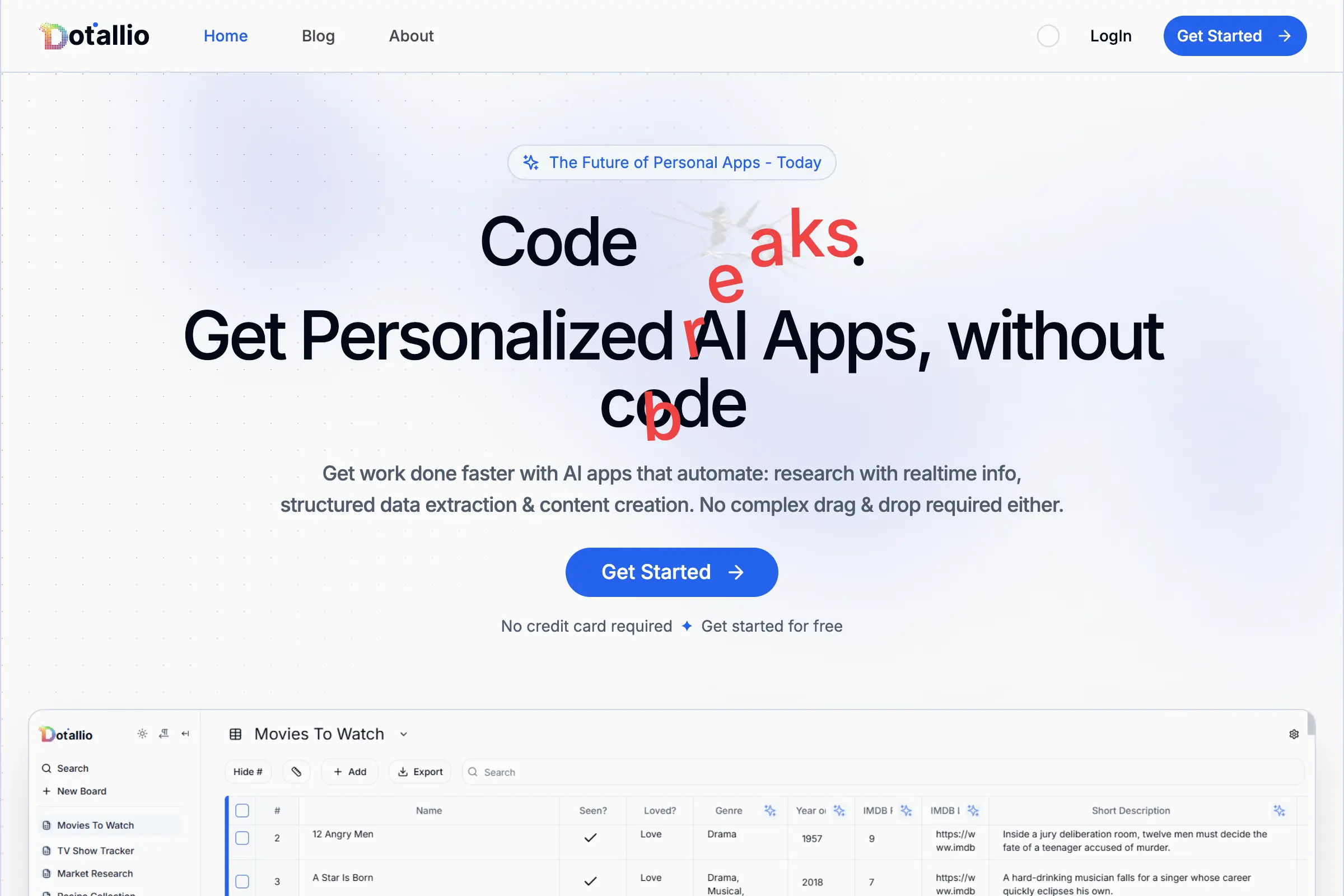
Dotallio
Personalized AI apps that automate research, data extraction, and content creation without code 🤖

Talk to Santa
Enjoy a magical live video chat or receive a unique AI-generated video greeting from Santa Claus 🎅
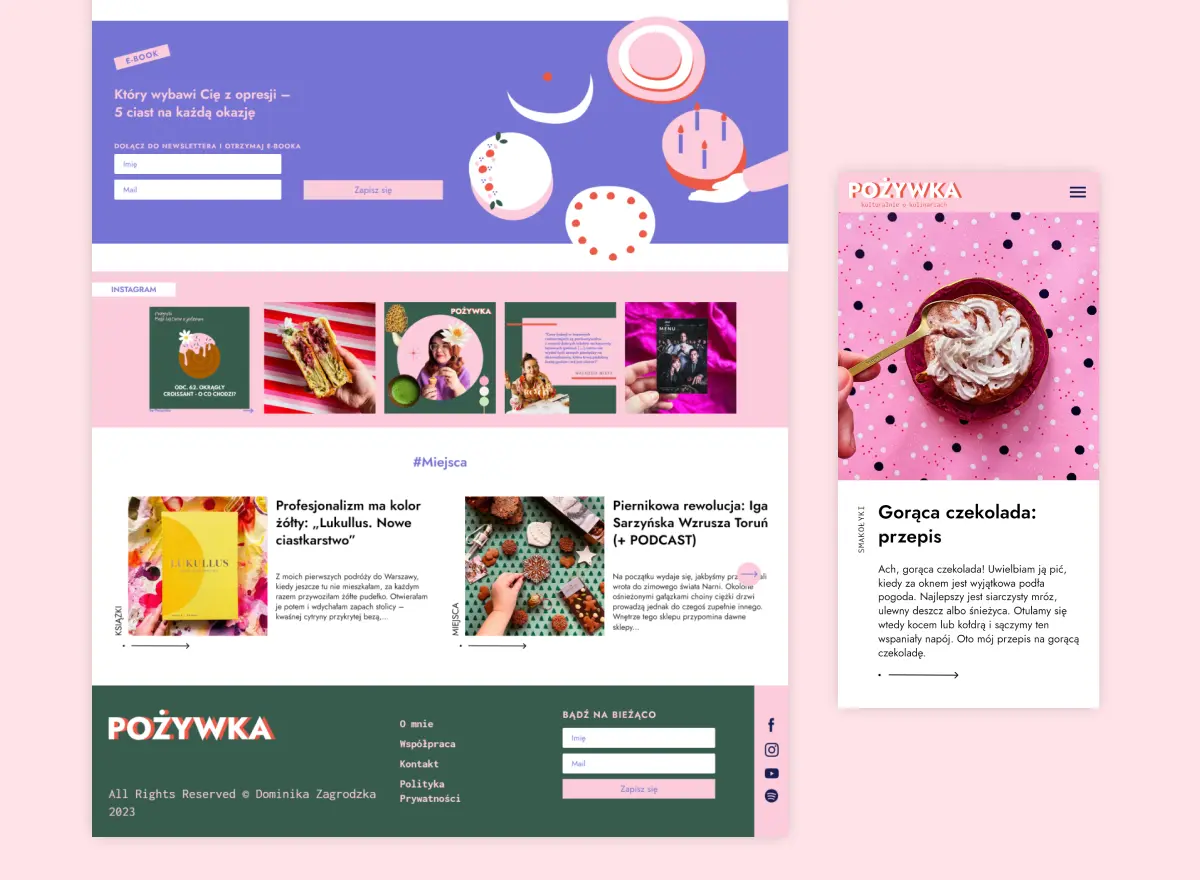
pozywka.pl
Scalable blog for food journalist, focused on performance and user experience 🌭
zagrodzki.me
Personal blog and portfolio of Bart Zagrodzki, where he shares his knowledge and work 💼
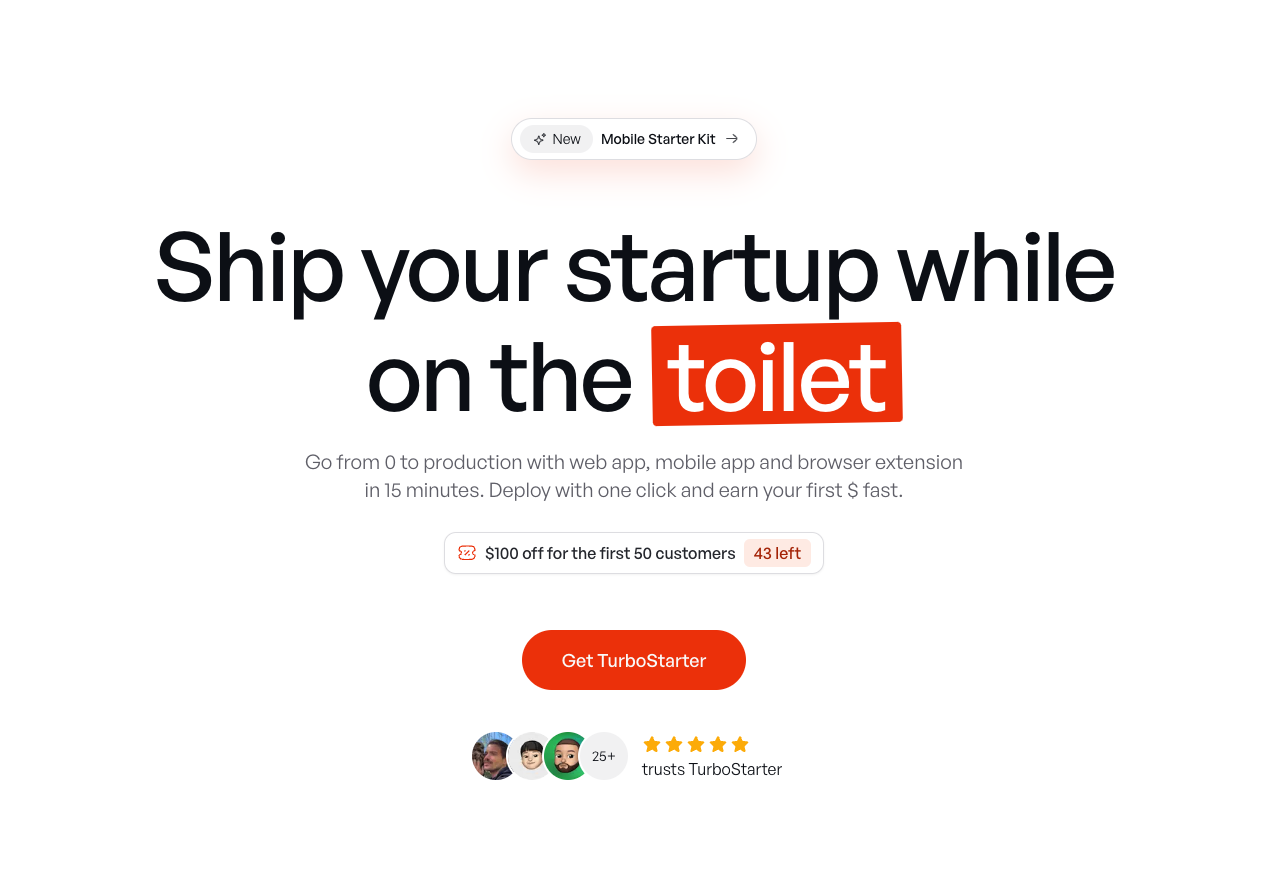
TurboStarter
Ship your startup everywhere. In minutes.
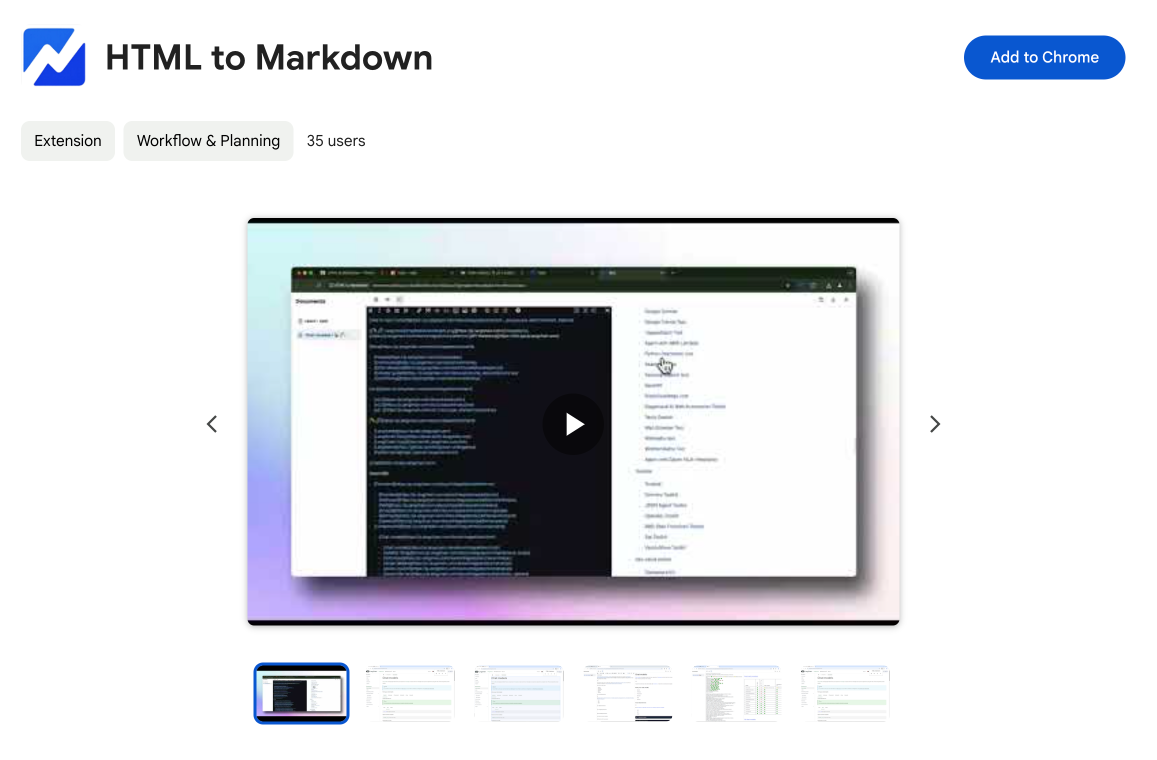
HTML to Markdown
Convert HTML to Markdown with ease, directly in your browser 📄
Dotallio
Personalized AI apps that automate research, data extraction, and content creation without code 🤖
Talk to Santa
Enjoy a magical live video chat or receive a unique AI-generated video greeting from Santa Claus 🎅
pozywka.pl
Scalable blog for food journalist, focused on performance and user experience 🌭
zagrodzki.me
Personal blog and portfolio of Bart Zagrodzki, where he shares his knowledge and work 💼
TurboStarter
Ship your startup everywhere. In minutes.
HTML to Markdown
Convert HTML to Markdown with ease, directly in your browser 📄
Dotallio
Personalized AI apps that automate research, data extraction, and content creation without code 🤖
Talk to Santa
Enjoy a magical live video chat or receive a unique AI-generated video greeting from Santa Claus 🎅
pozywka.pl
Scalable blog for food journalist, focused on performance and user experience 🌭
zagrodzki.me
Personal blog and portfolio of Bart Zagrodzki, where he shares his knowledge and work 💼
TurboStarter
Ship your startup everywhere. In minutes.
HTML to Markdown
Convert HTML to Markdown with ease, directly in your browser 📄
Dotallio
Personalized AI apps that automate research, data extraction, and content creation without code 🤖
Talk to Santa
Enjoy a magical live video chat or receive a unique AI-generated video greeting from Santa Claus 🎅
pozywka.pl
Scalable blog for food journalist, focused on performance and user experience 🌭
zagrodzki.me
Personal blog and portfolio of Bart Zagrodzki, where he shares his knowledge and work 💼
TurboStarter
Ship your startup everywhere. In minutes.
HTML to Markdown
Convert HTML to Markdown with ease, directly in your browser 📄
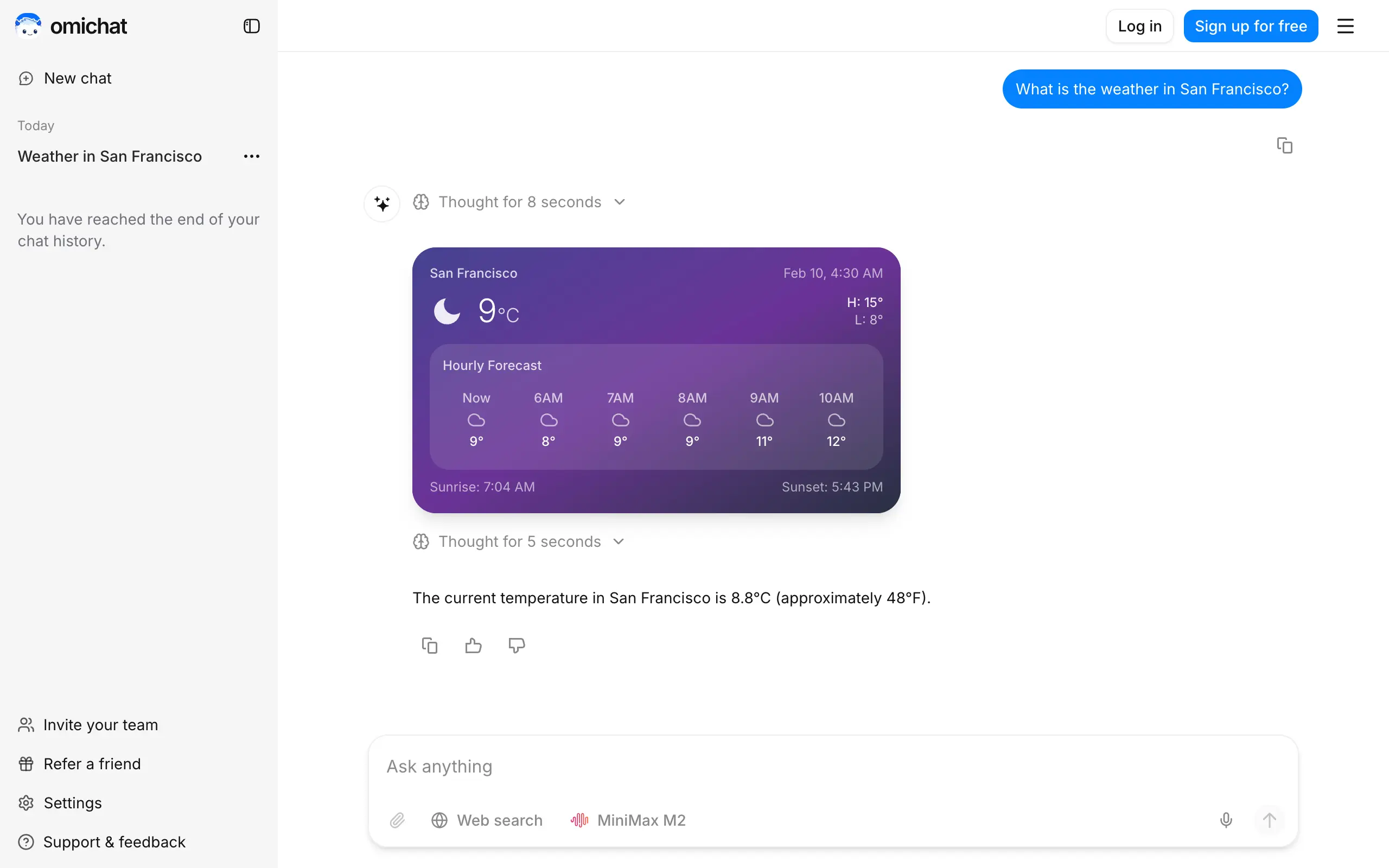
Omichat
Chat with 50+ AI models, including ChatGPT and Claude, in one place - switch models anytime without losing context 🤖
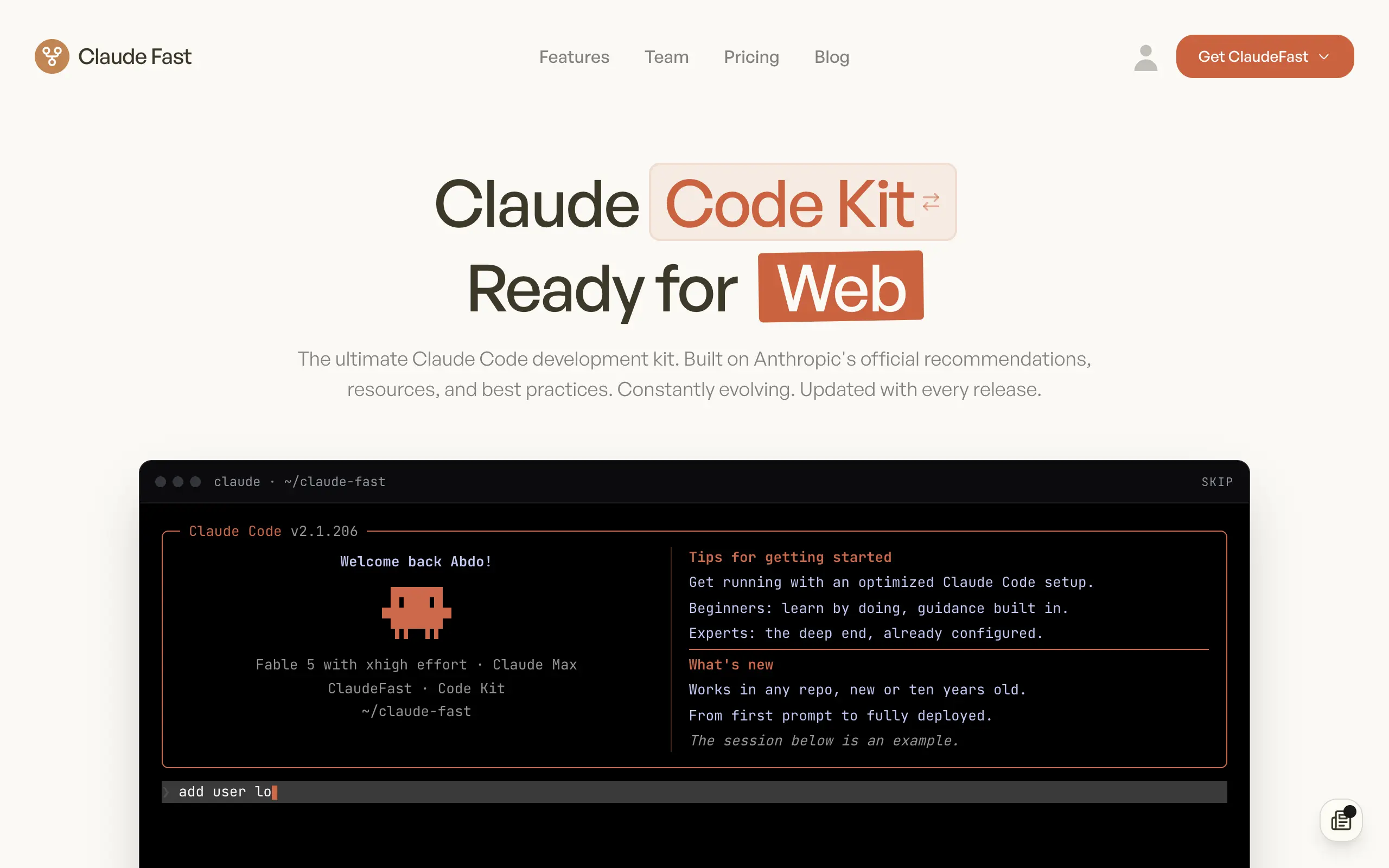
Claude Fast
Supercharge your Claude Code with 6x effective context window and specialized AI agents 🤖
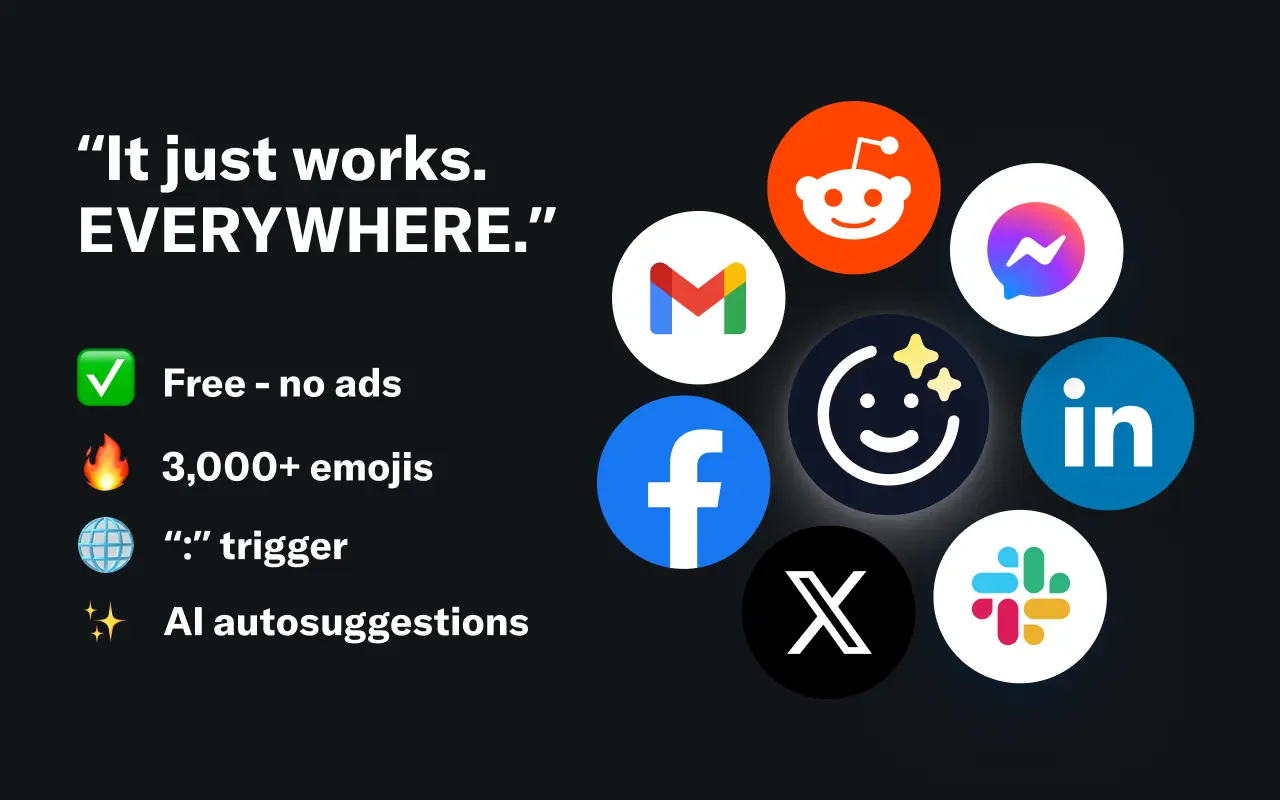
EmojAI
AI-powered emoji picker with smart, context-aware suggestions 🤖
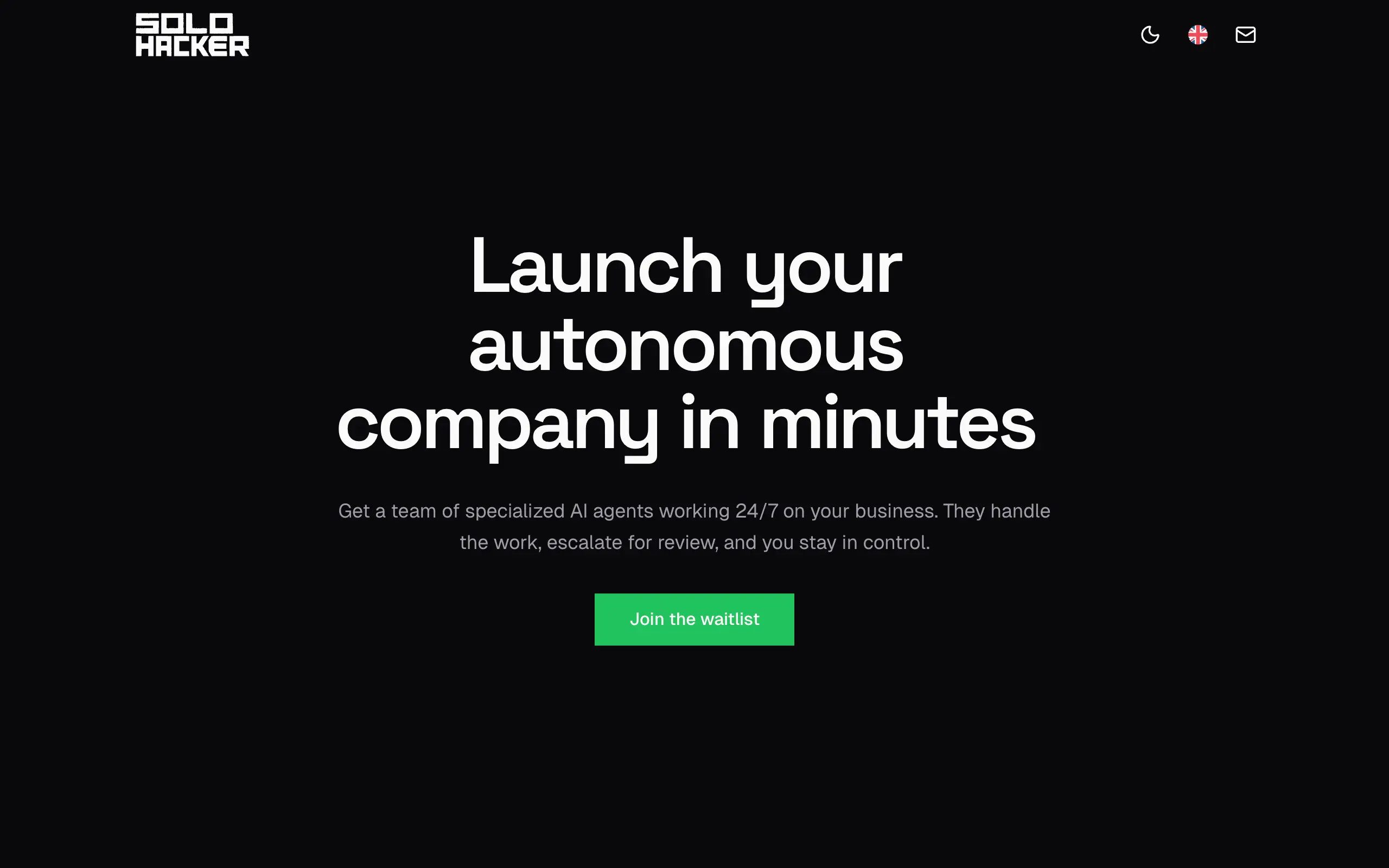
Solohacker
Autonomous company launcher - AI agents work 24/7, escalate what matters, and you stay in control 🤖
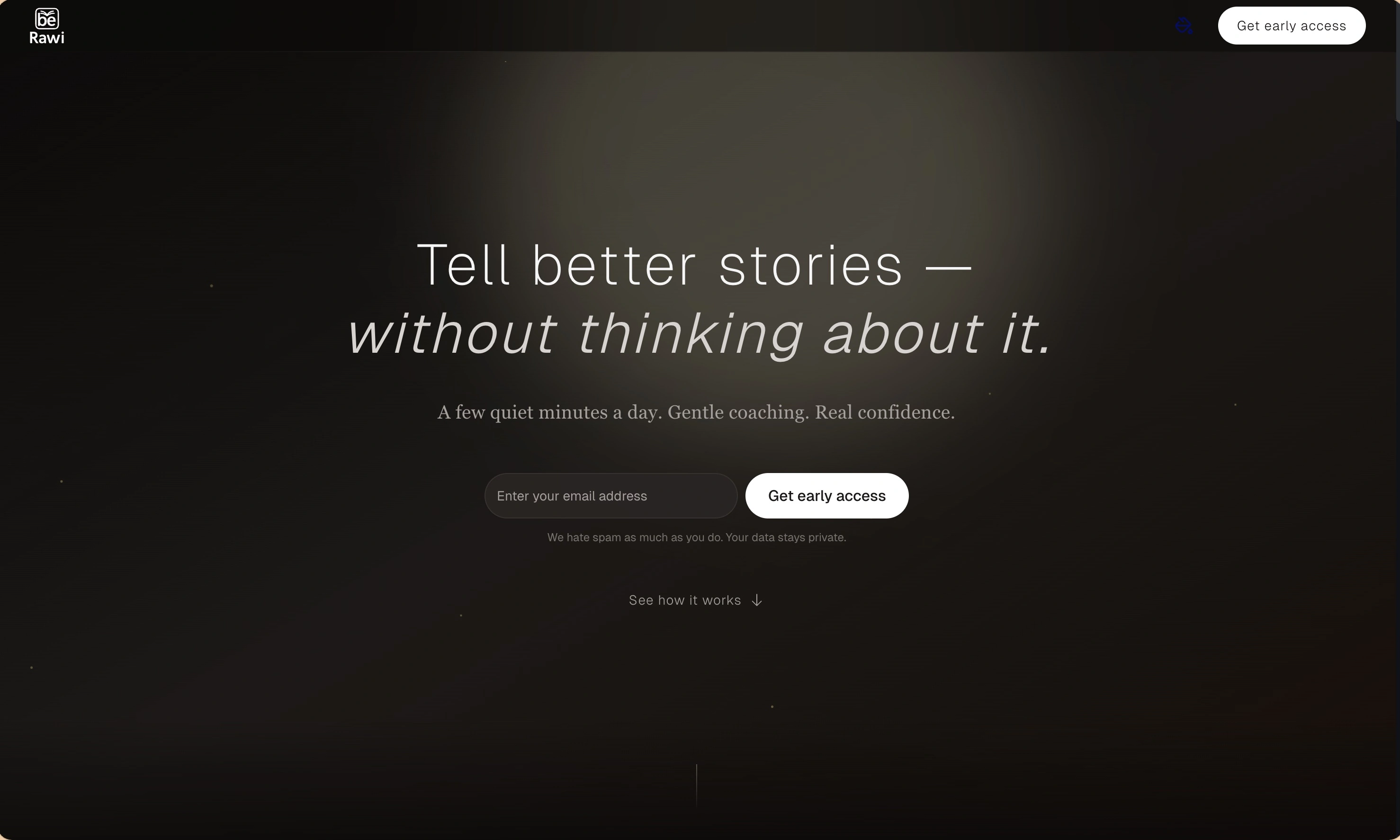
BeRawi: Storytelling Coach
Practice storytelling daily with instant feedback to sound clearer, more engaging, and confident 🎤
Omichat
Chat with 50+ AI models, including ChatGPT and Claude, in one place - switch models anytime without losing context 🤖
Claude Fast
Supercharge your Claude Code with 6x effective context window and specialized AI agents 🤖
EmojAI
AI-powered emoji picker with smart, context-aware suggestions 🤖
Solohacker
Autonomous company launcher - AI agents work 24/7, escalate what matters, and you stay in control 🤖
BeRawi: Storytelling Coach
Practice storytelling daily with instant feedback to sound clearer, more engaging, and confident 🎤
Omichat
Chat with 50+ AI models, including ChatGPT and Claude, in one place - switch models anytime without losing context 🤖
Claude Fast
Supercharge your Claude Code with 6x effective context window and specialized AI agents 🤖
EmojAI
AI-powered emoji picker with smart, context-aware suggestions 🤖
Solohacker
Autonomous company launcher - AI agents work 24/7, escalate what matters, and you stay in control 🤖
BeRawi: Storytelling Coach
Practice storytelling daily with instant feedback to sound clearer, more engaging, and confident 🎤
Omichat
Chat with 50+ AI models, including ChatGPT and Claude, in one place - switch models anytime without losing context 🤖
Claude Fast
Supercharge your Claude Code with 6x effective context window and specialized AI agents 🤖
EmojAI
AI-powered emoji picker with smart, context-aware suggestions 🤖
Solohacker
Autonomous company launcher - AI agents work 24/7, escalate what matters, and you stay in control 🤖
BeRawi: Storytelling Coach
Practice storytelling daily with instant feedback to sound clearer, more engaging, and confident 🎤

Connect with like-minded people
Join our community to get feedback, support, and grow together with 1,000+ builders on board, let's ship it!
Join usShip your startup everywhere. In minutes.
Don't burn tokens on setup and start building features on day one.