RefineText
AI-powered text enhancement tool for instant grammar and vocabulary upgrades. Integrates seamlessly with email and message boxes for quick, professional communication.
Understanding the user need for AI-powered text enhancement
In today’s fast-paced digital workplace, clear and professional written communication is non-negotiable. Whether it’s responding to customer inquiries, collaborating within teams, or networking externally, poorly worded messages can lead to misunderstandings, lost opportunities, or even damage to professional reputation. The need for instant, reliable solutions to upgrade grammar, vocabulary, tone, and style directly at the point of writing—such as in email clients or chat boxes—is at an all-time high.
RefineText addresses this pain point by providing an AI-powered text enhancement tool that seamlessly integrates with users’ preferred platforms, helping individuals and organizations communicate more effectively and confidently.
Let's explore the depth of this SaaS solution, with a comprehensive look at its target market, unique positioning, key features, technical underpinnings, monetization strategies, competitive landscape, and actionable advice for launch.
Target audience analysis: Who needs RefineText the most?
Understanding the end users is critical for building features that resonate and ensuring marketing efforts reach the right audience. Let’s break down the primary target segments for RefineText:
1. Professionals communicating via email & chat
- Corporate employees: Knowledge workers in areas like sales, support, HR, and management, where external/internal communication quality reflects on the organization.
- Customer support agents: Agents who must respond rapidly without language errors or awkward phrasing.
- Business development & account managers: Communicating across cultures and with global partners, making clarity and politeness essential.
2. Content creators and freelancers
- Writers & editors: Needing a last-mile quality check on grammar and engagement level.
- Freelancers (upwork, Fiverr, etc.): Professional messages on gig marketplaces can make the difference in securing jobs.
- Social media managers: Quick improvement of posts, replies, and direct messages.
3. Non-native English speakers
- International professionals: Employees who feel limited by language barriers, yet require confident, native-like communication.
- Students and academics: Seeking to submit high-quality, error-free academic work and emails.
4. Teams & organizations
- HR and recruiting: Ensuring job postings, candidate communications, and onboarding materials are clear and professional.
- Customer-facing teams: Sales and support teams who need to maintain company standards regardless of individual proficiency.
Shared pain points
- Embarrassment or negative reactions caused by errors.
- Lost time spent second-guessing or editing messages.
- Diminished confidence in customer and partner communication.
Tip for maximized user impact
To ensure adoption, prioritize ease of integration and privacy controls when designing your user onboarding and settings.
Identifying the market opportunity and gap
The demand for real-time writing improvement solutions is echoed by the success of grammar enhancement giants like Grammarly and Hemingway. Yet, there remain significant gaps—especially for instant, context-aware assistance inside any text entry box.
Key market trends
- Growth in remote and asynchronous work: Increased written communication volume drives the need for efficiency tools [source ref.: Statista/global remote work growth].
- Cloud-based and privacy-first solutions: Users and organizations demand tools that integrate natively with web apps while protecting sensitive data.
- Rising demand for AI-powered personalization: Generic grammar checkers are less compelling; users seek context-sensitive feedback that upgrades vocabulary and tone alongside correcting errors.
Gaps and underserved needs
- Seamless workflow integration: Most solutions require copy-pasting text into a standalone app—breaking user flow.
- Instant, inline feedback: A lack of real-time suggestions directly within email/message boxes.
- Customizable tonality and vocabulary: Few tools allow users to match organizational tone or audience (e.g., casual vs. formal).
"I need something that makes my quick replies look polished—without switching tabs."
"My team has high email volumes; anything that speeds up and improves our comms is gold."
Core features and solution details
To meet modern productivity and user expectations, RefineText must offer a robust, secure, and easy-to-use suite of features that exceed the value delivered by existing tools.
AI-powered text enhancement at your fingertips
How does it work?
- Users type messages as usual in email clients or chat apps.
- RefineText sits alongside the text box, offering instant suggestions (grammar, vocabulary, tone) as you write.
- One-click acceptance allows users to instantly apply improvements.
Key features breakdown
- Grammar and spelling correction: AI-driven suggestions that catch everything from typos to complex grammatical errors.
- Vocabulary and style enhancements: Suggestions to replace common or repetitive words with more polished alternatives.
- Tone shifting: Option to adjust for casual, formal, friendly, or persuasive tones with a simple toggle.
- Context awareness: The tool analyzes surrounding text and recipient details to offer suggestions tailored to context.
- Seamless integration: Browser extension and API support, working directly in Gmail, Outlook, Slack, Microsoft Teams, and more.
- Instant one-click fixes: Users can apply all recommended changes instantly, streamlining their workflow.
- Privacy-first architecture: Text is processed securely, and users can opt-out of any data retention.
- Personalized vocabulary: Ability to set preferred or prohibited words/patterns unique to users or organizations.
Real-time inline correction
Catch errors as you type with instant suggestions.
Adaptive vocabulary upgrades
Level-up words and phrasing based on context and recipient.
Tone & intent customization
Easily change communication style to match each message.
Privacy-first controls
Your sensitive content never leaves your browser (unless configured).
Differentiators
- Always-on, no-switch workflow: Unlike most competitors, RefineText is designed to never disrupt your train of thought.
- Enterprise compliance: Options for on-premise or managed deployments supporting privacy requirements.
Recommended tech stack for RefineText
Building RefineText for speed, reliability, and seamless integration requires choosing a modern, scalable, and secure tech stack.
Frontend
- React: Fast rendering for browser extension UIs and in-app overlays.
- TailwindCSS: Rapid styling of UI with utility-first approach for consistency and speed.
- Browser Extension Frameworks: Such as Mozilla WebExtensions for cross-browser support (Chrome, Firefox, Edge).
Backend & AI/ML layer
- Node.js: Handles API services, plug-and-play extensibility.
- Python + FastAPI: Powers the ML engine, gives flexibility for NLP research and deployment.
- AI/ML Models: Custom fine-tuned models based on leading NLP architectures (e.g., OpenAI GPT-based models or open-source alternatives such as spaCy or Hugging Face Transformers).
Infrastructure & security
- AWS or Google Cloud: Managed AI workflows, scalability, multi-region data privacy.
- End-to-end encryption: All communication encrypted; local processing when feasible.
- CI/CD pipelines: For agile development and seamless updates to browser extensions and core APIs.
Trade-offs and considerations
- Model hosting: On-premises options add complexity but are essential for enterprise and privacy-focused clients.
- Real-time vs. batch processing: Real-time in-browser inference reduces latency but may limit model complexity compared to server-side approaches.
- Cross-platform compatibility: Initial launch via Chrome/Edge covers a massive user base; Firefox and Safari support can be phased in.
- Built with React for extensible and reactive UI
- TailwindCSS ensures visual consistency
- Modularized using the WebExtension APIs
- Node.js API handles user and integration management
- Python powers the AI/ML model inference and updates
- Models can be swapped/upgraded with minimal friction
- Deployed on AWS or Google Cloud for scalability
- All traffic secured with industry-standard encryption
- Privacy and compliance features for enterprise readiness
Monetization strategy options
A productivity tool like RefineText lends itself to several SaaS revenue models. The optimal model must align with user willingness-to-pay, business adoption cycles, and long-term value.
1. Freemium with usage-limited free tier
- Free plan: Basic grammar and spelling corrections with limited monthly usage—drives viral adoption.
- Premium plan: Unlimited usage, advanced style/tone enhancements, organizational vocabulary, team features.
- Team/Enterprise plan: Advanced controls, admin oversight, API access, SSO integration.
2. Enterprise licensing
- Custom deployments: Private/on-prem versions for compliance-heavy industries (finance, healthcare, legal).
- Volume-based pricing: Per-seat, per-usage, or organization-wide flat fees.
3. API access for developers & integrations
- Pay-as-you-go or tiered access for SaaS platforms wanting to embed writing enhancements within their offerings (CRM, support desk software, etc.).
Upsell & retention
- Discounts for annual contracts.
- Referral rewards for promoting within organizations.
- Add-on modules for branded suggestions or custom AI models.
| Plan | Grammar | Vocabulary | Premium Tones | API Access |
|---|---|---|---|---|
| Free | ✅ | ❌ | ❌ | ❌ |
| Pro | ✅ | ✅ | ✅ | ❌ |
| Enterprise | ✅ | ✅ | ✅ | ✅ |
Potential risks and mitigation strategies
For RefineText to earn the trust of both individuals and enterprises, it’s vital to proactively address the main challenges associated with AI text enhancement tools.
1. Data privacy and security
- Risk: User messages may contain confidential or regulatory-protected information.
- Mitigation:
- Provide clear, user-friendly privacy settings.
- Default to local (browser-based) processing when possible.
- Offer enterprise on-premises deployment options.
2. AI bias and accuracy
- Risk: AI models might make inappropriate or culturally insensitive suggestions.
- Mitigation:
- Continually retrain models on diverse, anonymized data.
- Include in-app flagging for problematic suggestions.
- Allow customization of forbidden or required vocabularies.
3. Overreliance and user trust
- Risk: Users may trust AI over their own judgement, risking errors.
- Mitigation:
- Transparency: Always allow users to accept or reject suggestions.
- Display a confidence/quality indicator for each suggestion.
4. Integration breaking with platform updates
- Risk: Web app interface changes could break the extension UI.
- Mitigation:
- Automated regression tests.
- Real-time monitoring for extension injection issues.
- Rapid release process for hotfixes.
Clear competitive advantage: Why RefineText stands out
In a crowded field of grammar and text correction tools, RefineText’s unique selling proposition (USP) is its context-aware, AI-powered enhancement that works instantly inside any text box—not in a separate app, not only in a browser form, but wherever you communicate digitally.
Key differentiators include:
- Instant, inline, and actionable feedback as you type—streamlining productivity.
- Advanced, AI-driven suggestions that go beyond mere grammar: improving vocabulary, tone, and even intent.
- Privacy-first architecture with options for browser-only processing and customizable enterprise deployments.
- Powerful, flexible integrations via browser, API, and organizational tools—meaning your whole workflow can be upgraded, not just email or documents.
What makes RefineText truly unique
No other tool combines adaptive AI writing enhancement, instant inline integrations, and privacy-first design for both individuals and enterprises.
Actionable implementation steps for launching RefineText
Building and deploying RefineText from idea to market involves key decisions and milestones. Here’s a recommended high-level roadmap:
Validate demand & prioritize features:
- Collect user stories and real-world pain points through surveys/interviews.
- Prioritize integrations (Gmail, Outlook, Slack) based on target user volume.
Build an MVP:
- Develop a basic React + TailwindCSS browser extension with grammar/spelling correction.
- Integrate an open-source or cloud-supported NLP API for quick wins.
- Emphasize UI/UX that fits naturally into existing workflows.
Iterate with real users:
- Launch a private beta with a clear feedback loop.
- Rapidly adjust core features (tone adjustment, vocabulary, privacy) based on user response.
Solidify security and privacy posture:
- Include clear user privacy controls and transparent data handling.
- Prepare for enterprise onboarding with compliance documentation.
Monetize and scale:
- Launch freemium with pro/enterprise upgrades.
- Equip a referral and feedback mechanism to boost organic growth.
Expand integrations:
- Add more platforms and API endpoints.
- Market to SaaS providers for embedded use.
Critical launch tip
Don’t overbuild! Focus on robust, real-time inline enhancement for your first release—add deeper AI capabilities and integrations after validating strong product-market fit.
Recap: Why RefineText is poised to transform digital communication
RefineText is more than a grammar-checker—it's an AI-powered productivity tool built for the demands of modern digital communication. By solving the pain of awkward, error-prone writing at the source, and providing contextually smart suggestions in real time, it amplifies professionalism and effectiveness across roles and industries.
Key to its long-term success will be delivering privacy, seamless integration, and adaptability to different user needs. With a technically sound foundation, a clear monetization pathway, and a uniquely user-centric focus, RefineText stands out as a SaaS product built for relevance, scale, and impact.
Related resources & next steps
If you’re looking to accelerate your product development, go to TurboStarter—a platform built to launch modern SaaS businesses like RefineText faster, with expert support, industry best practices, and access to cutting-edge launch tools.
Explore further
Stay connected to the latest in SaaS and AI-powered productivity solutions, or request a demo of RefineText to see firsthand how instant writing enhancement can upgrade your workflow.
More ⚡ Productivity Tool SaaS ideas
Discover more innovative productivity tool SaaS ideas that are trending in 2026. Each idea is AI-generated with market validation and growth potential to help you find your next profitable venture faster than competitors.
Your competitors are building with TurboStarter
Below are some of the SaaS ideas that have been generated and built with our starter kit.

Statiko
Monitor any Telegram channel in real time - track posts, edits, deletions, and growth with AI recaps 📡

Shibui
AI website builder - describe your business, pick a niche template, edit by chatting, and publish instantly ✨

Pro Service
Find verified home service professionals, compare quotes, and pay securely through escrow - built for Brazilians across the US 🏠

RankGrow
Fix your SEO with AI agents - connect Search Console, get prioritized tasks, and grow organic traffic 📈
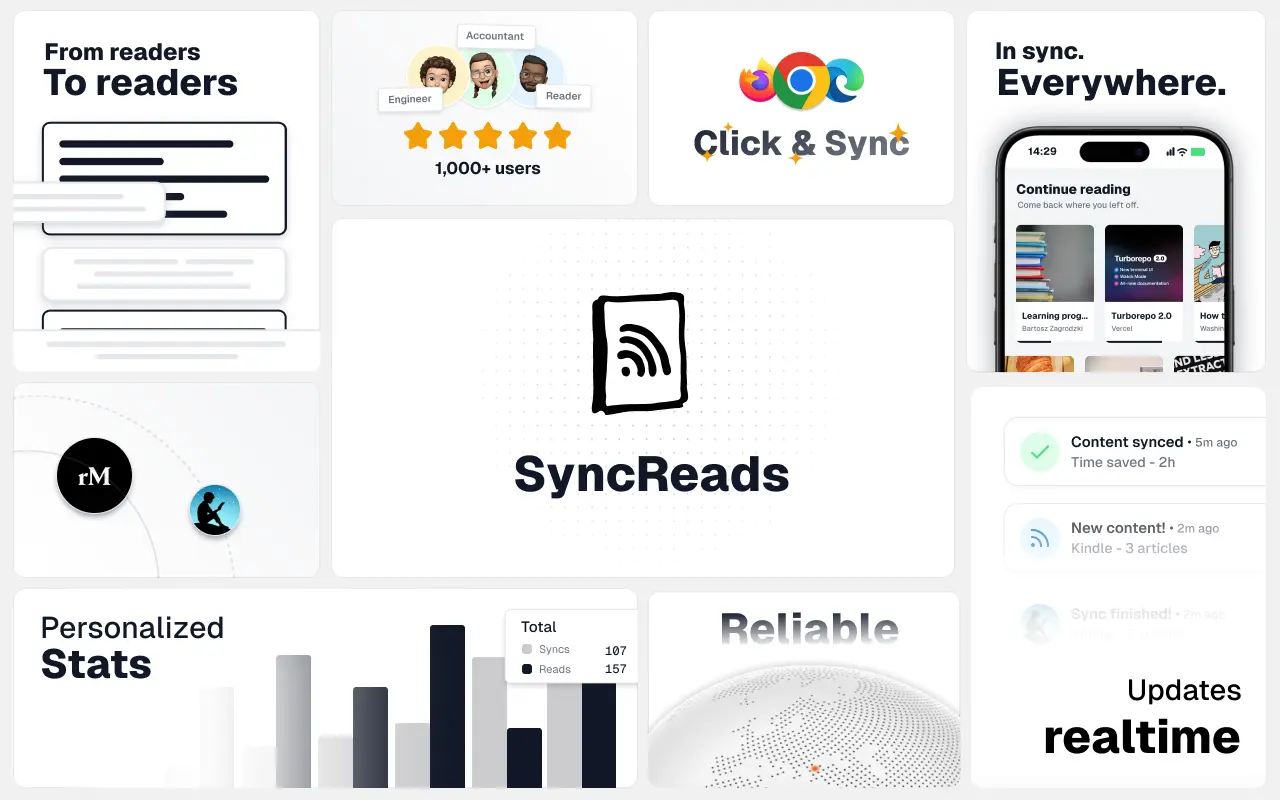
SyncReads
Sync your favorite content for distraction-free reading, save time and replace multiple apps. Anytime, anywhere 🔄
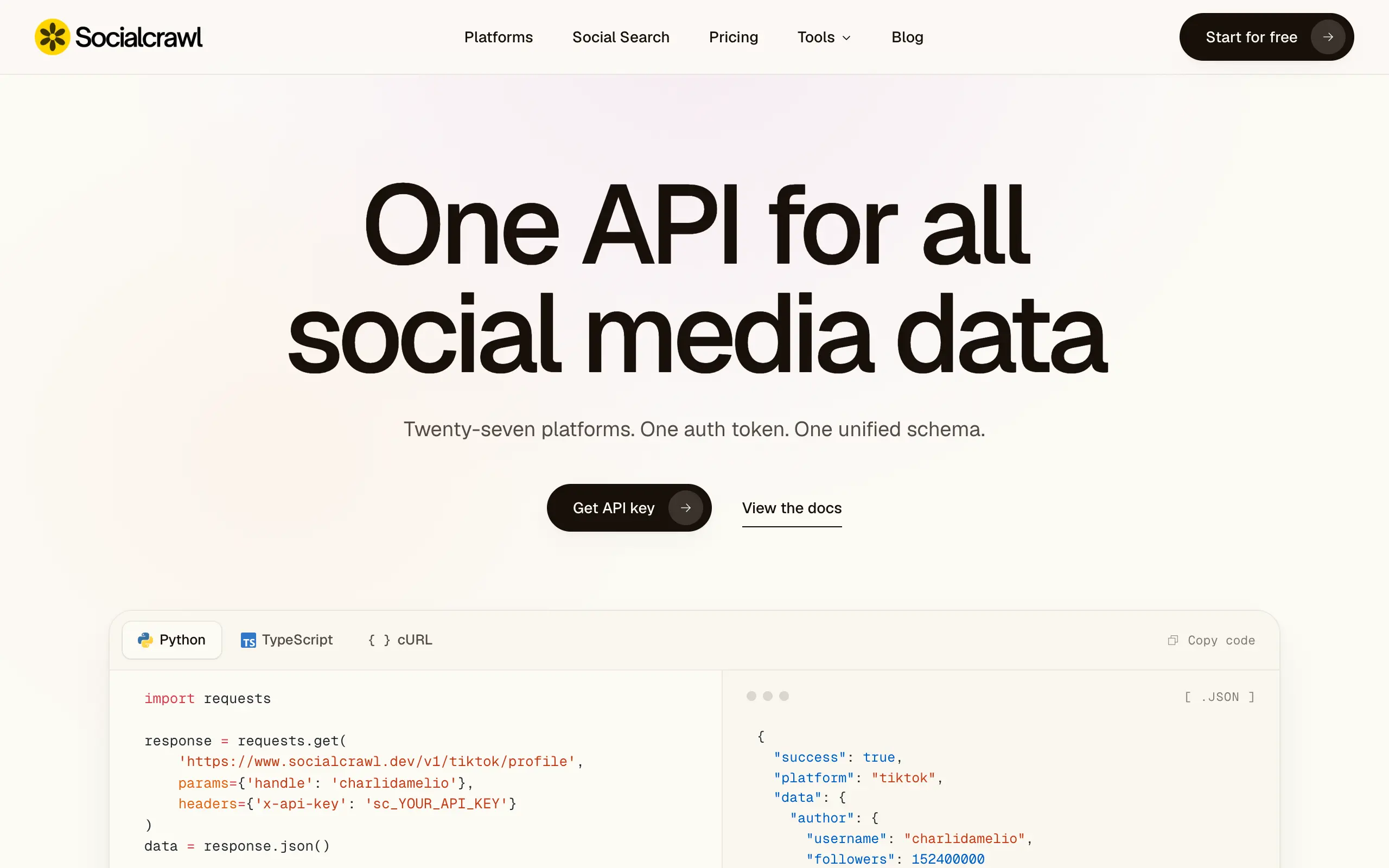
Socialcrawl
Get clean, structured data from 21 platforms like TikTok, Instagram, and YouTube with a single request 📊
Statiko
Monitor any Telegram channel in real time - track posts, edits, deletions, and growth with AI recaps 📡
Shibui
AI website builder - describe your business, pick a niche template, edit by chatting, and publish instantly ✨
Pro Service
Find verified home service professionals, compare quotes, and pay securely through escrow - built for Brazilians across the US 🏠
RankGrow
Fix your SEO with AI agents - connect Search Console, get prioritized tasks, and grow organic traffic 📈
SyncReads
Sync your favorite content for distraction-free reading, save time and replace multiple apps. Anytime, anywhere 🔄
Socialcrawl
Get clean, structured data from 21 platforms like TikTok, Instagram, and YouTube with a single request 📊
Statiko
Monitor any Telegram channel in real time - track posts, edits, deletions, and growth with AI recaps 📡
Shibui
AI website builder - describe your business, pick a niche template, edit by chatting, and publish instantly ✨
Pro Service
Find verified home service professionals, compare quotes, and pay securely through escrow - built for Brazilians across the US 🏠
RankGrow
Fix your SEO with AI agents - connect Search Console, get prioritized tasks, and grow organic traffic 📈
SyncReads
Sync your favorite content for distraction-free reading, save time and replace multiple apps. Anytime, anywhere 🔄
Socialcrawl
Get clean, structured data from 21 platforms like TikTok, Instagram, and YouTube with a single request 📊
Statiko
Monitor any Telegram channel in real time - track posts, edits, deletions, and growth with AI recaps 📡
Shibui
AI website builder - describe your business, pick a niche template, edit by chatting, and publish instantly ✨
Pro Service
Find verified home service professionals, compare quotes, and pay securely through escrow - built for Brazilians across the US 🏠
RankGrow
Fix your SEO with AI agents - connect Search Console, get prioritized tasks, and grow organic traffic 📈
SyncReads
Sync your favorite content for distraction-free reading, save time and replace multiple apps. Anytime, anywhere 🔄
Socialcrawl
Get clean, structured data from 21 platforms like TikTok, Instagram, and YouTube with a single request 📊
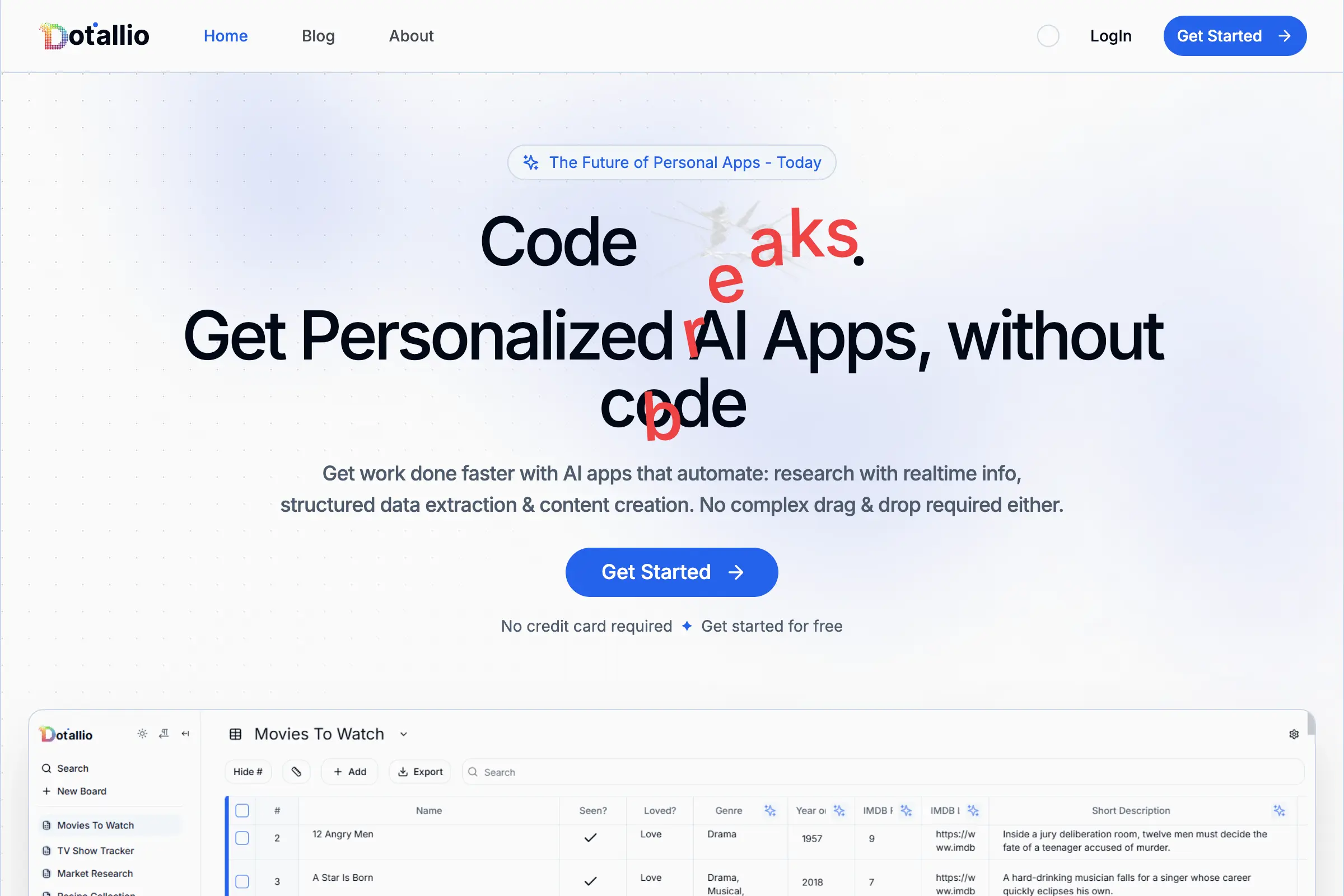
Dotallio
Personalized AI apps that automate research, data extraction, and content creation without code 🤖

Talk to Santa
Enjoy a magical live video chat or receive a unique AI-generated video greeting from Santa Claus 🎅

pozywka.pl
Scalable blog for food journalist, focused on performance and user experience 🌭
zagrodzki.me
Personal blog and portfolio of Bart Zagrodzki, where he shares his knowledge and work 💼

TurboStarter
Ship your startup everywhere. In minutes.
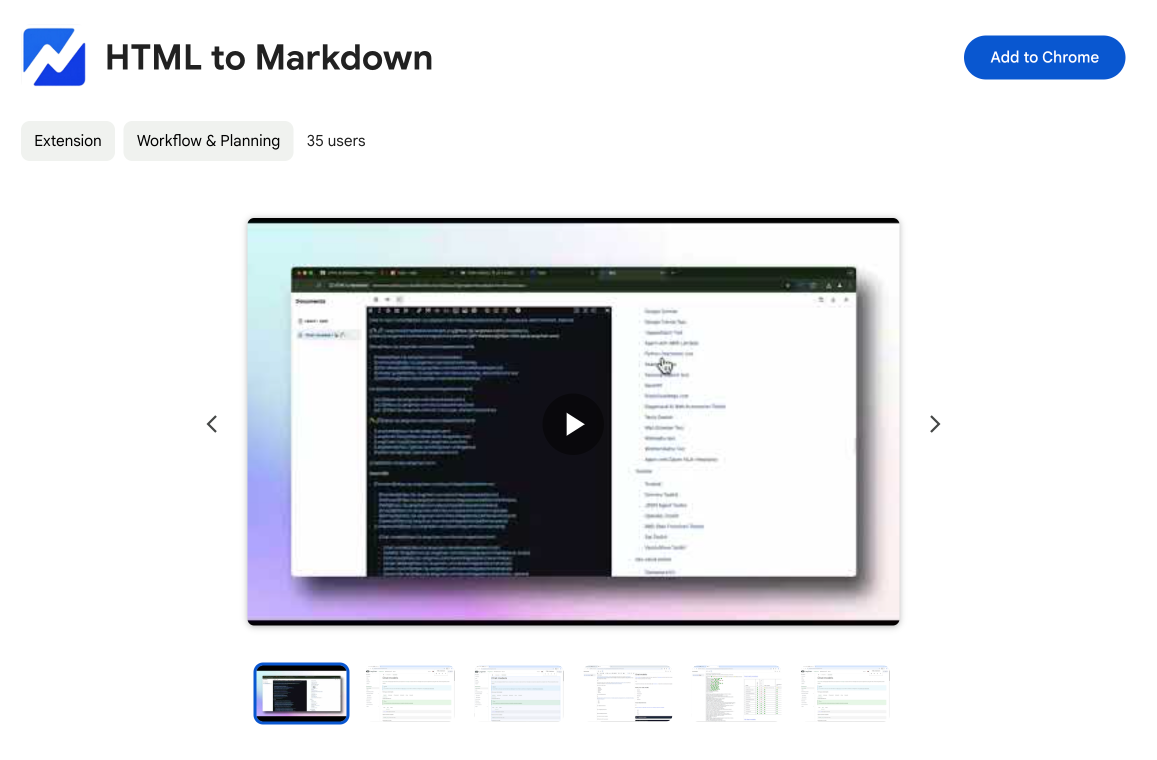
HTML to Markdown
Convert HTML to Markdown with ease, directly in your browser 📄
Dotallio
Personalized AI apps that automate research, data extraction, and content creation without code 🤖
Talk to Santa
Enjoy a magical live video chat or receive a unique AI-generated video greeting from Santa Claus 🎅
pozywka.pl
Scalable blog for food journalist, focused on performance and user experience 🌭
zagrodzki.me
Personal blog and portfolio of Bart Zagrodzki, where he shares his knowledge and work 💼
TurboStarter
Ship your startup everywhere. In minutes.
HTML to Markdown
Convert HTML to Markdown with ease, directly in your browser 📄
Dotallio
Personalized AI apps that automate research, data extraction, and content creation without code 🤖
Talk to Santa
Enjoy a magical live video chat or receive a unique AI-generated video greeting from Santa Claus 🎅
pozywka.pl
Scalable blog for food journalist, focused on performance and user experience 🌭
zagrodzki.me
Personal blog and portfolio of Bart Zagrodzki, where he shares his knowledge and work 💼
TurboStarter
Ship your startup everywhere. In minutes.
HTML to Markdown
Convert HTML to Markdown with ease, directly in your browser 📄
Dotallio
Personalized AI apps that automate research, data extraction, and content creation without code 🤖
Talk to Santa
Enjoy a magical live video chat or receive a unique AI-generated video greeting from Santa Claus 🎅
pozywka.pl
Scalable blog for food journalist, focused on performance and user experience 🌭
zagrodzki.me
Personal blog and portfolio of Bart Zagrodzki, where he shares his knowledge and work 💼
TurboStarter
Ship your startup everywhere. In minutes.
HTML to Markdown
Convert HTML to Markdown with ease, directly in your browser 📄
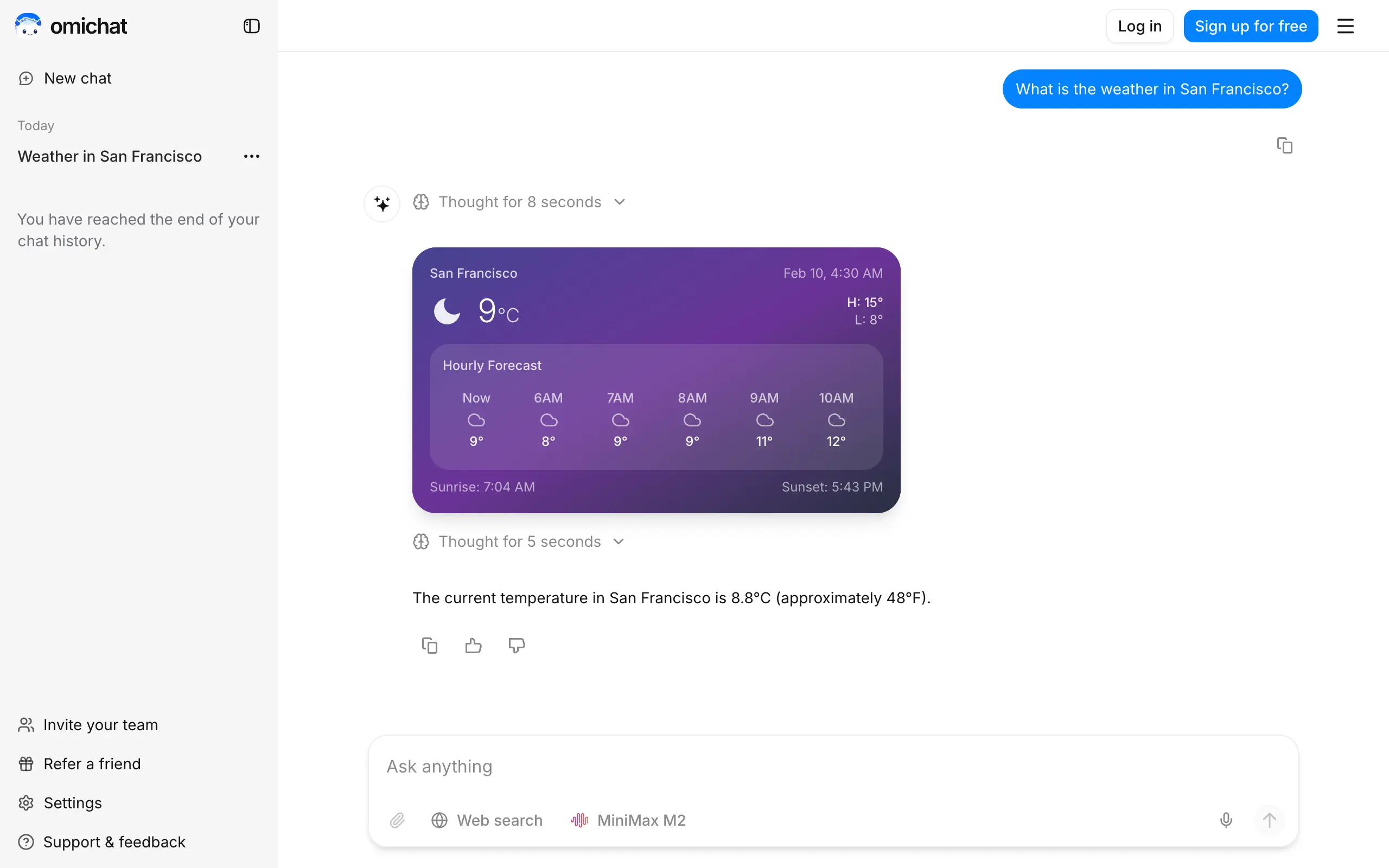
Omichat
Chat with 50+ AI models, including ChatGPT and Claude, in one place - switch models anytime without losing context 🤖
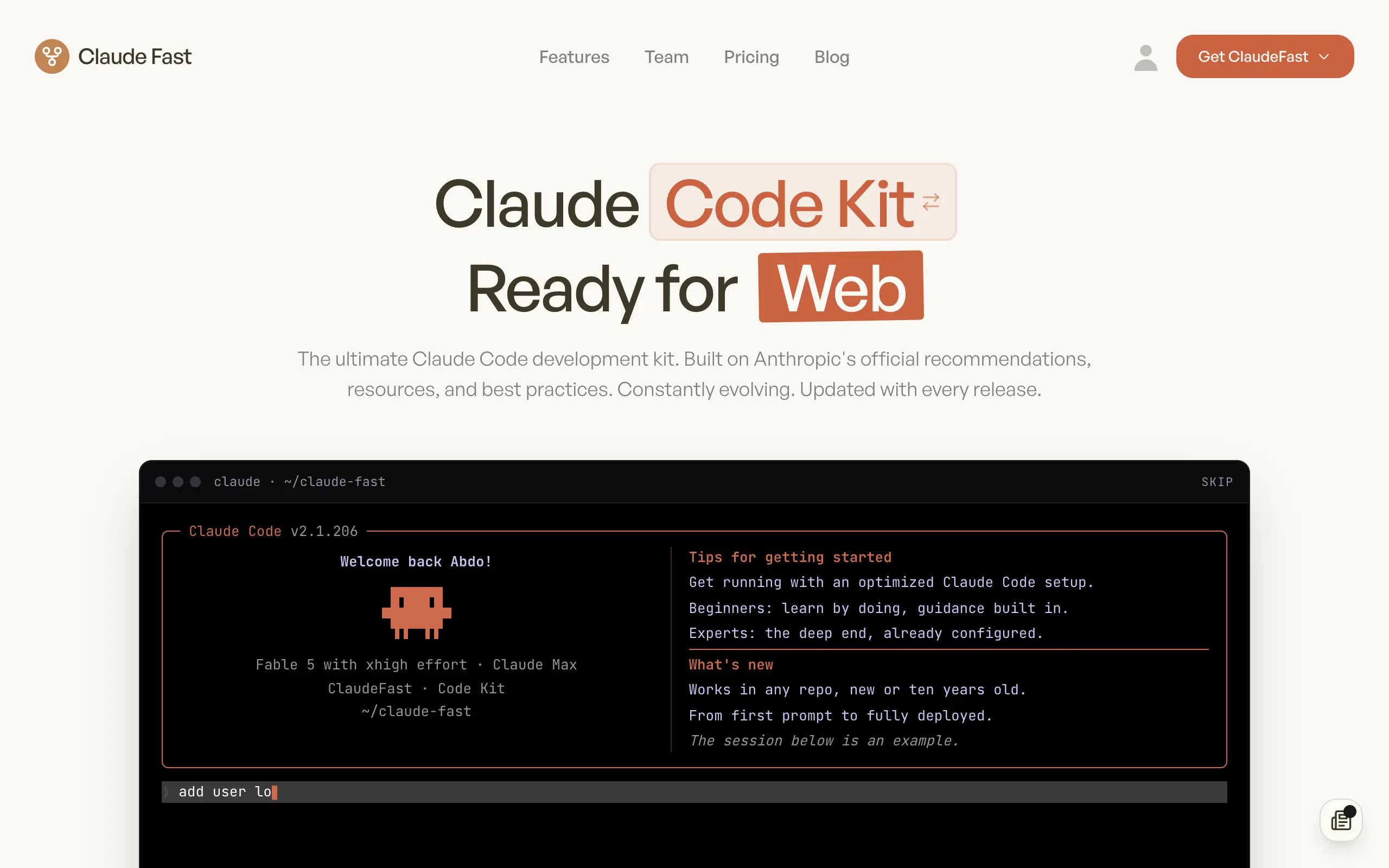
Claude Fast
Supercharge your Claude Code with 6x effective context window and specialized AI agents 🤖
EmojAI
AI-powered emoji picker with smart, context-aware suggestions 🤖

Solohacker
Autonomous company launcher - AI agents work 24/7, escalate what matters, and you stay in control 🤖

BeRawi: Storytelling Coach
Practice storytelling daily with instant feedback to sound clearer, more engaging, and confident 🎤
Omichat
Chat with 50+ AI models, including ChatGPT and Claude, in one place - switch models anytime without losing context 🤖
Claude Fast
Supercharge your Claude Code with 6x effective context window and specialized AI agents 🤖
EmojAI
AI-powered emoji picker with smart, context-aware suggestions 🤖
Solohacker
Autonomous company launcher - AI agents work 24/7, escalate what matters, and you stay in control 🤖
BeRawi: Storytelling Coach
Practice storytelling daily with instant feedback to sound clearer, more engaging, and confident 🎤
Omichat
Chat with 50+ AI models, including ChatGPT and Claude, in one place - switch models anytime without losing context 🤖
Claude Fast
Supercharge your Claude Code with 6x effective context window and specialized AI agents 🤖
EmojAI
AI-powered emoji picker with smart, context-aware suggestions 🤖
Solohacker
Autonomous company launcher - AI agents work 24/7, escalate what matters, and you stay in control 🤖
BeRawi: Storytelling Coach
Practice storytelling daily with instant feedback to sound clearer, more engaging, and confident 🎤
Omichat
Chat with 50+ AI models, including ChatGPT and Claude, in one place - switch models anytime without losing context 🤖
Claude Fast
Supercharge your Claude Code with 6x effective context window and specialized AI agents 🤖
EmojAI
AI-powered emoji picker with smart, context-aware suggestions 🤖
Solohacker
Autonomous company launcher - AI agents work 24/7, escalate what matters, and you stay in control 🤖
BeRawi: Storytelling Coach
Practice storytelling daily with instant feedback to sound clearer, more engaging, and confident 🎤

Connect with like-minded people
Join our community to get feedback, support, and grow together with 1,000+ builders on board, let's ship it!
Join usShip your startup everywhere. In minutes.
Don't burn tokens on setup and start building features on day one.