ScribeMate
ScribeMate auto-refines your text for better grammar and word choice directly in your email or messaging platform via a simple extension.
ScribeMate is an innovative browser extension that auto-refines your written text for grammar accuracy and word choice sophistication, directly inside your email or messaging platforms. With its seamless integration and intelligent suggestions, it empowers knowledge workers, business professionals, and anyone who relies on clear communication to elevate the quality of their writing—without interrupting their workflow.
Understanding ScribeMate’s target audience
To design and grow a SaaS tool like ScribeMate, it is essential to start with an in-depth analysis of the target users and their primary pain points.
Who benefits most from ScribeMate?
ScribeMate is for anyone who writes in digital workspaces, but certain personas especially benefit:
- Corporate employees who spend hours on email. They want fast, error-free, and professional communication.
- Remote and hybrid teams who collaborate via tools like Gmail, Outlook, Slack, or Teams, needing writing that is both effective and polished.
- Customer support and sales teams for whom quick, precise responses are crucial to reputation and conversion.
- Non-native English speakers looking to reduce grammar errors and adopt more natural phrasing.
- Writers, students, and freelancers seeking to enhance professionalism in their drafts and proposals.
Pain points addressed
- Embarrassment due to overlooked grammar issues in fast-paced communication.
- Time wasted toggling between external grammar tools and email or chat windows.
- Sub-optimal word choice that undermines message clarity or tone.
- Inconsistent communication quality across an organization.
Seamless integration
No need to leave your workspace or disrupt your flow—ScribeMate works in-line.
Instant feedback
Get real-time suggestions for grammar and vocabulary as you write.
Confidence boost
Reduce anxiety about miscommunication and present your best self every time.
Identifying the market opportunity and gap
Online communication is ubiquitous and more critical than ever. Yet, many productivity solutions still force users to rely on copying and pasting text into separate grammar-checking apps or browser tabs—breaking concentration and causing workflow friction.
Market trends and validation
- Rise of remote work: According to Statista, the number of people working remotely is expected to continue rising globally. Asynchronous, text-based communication is now the norm, making clarity and correctness non-negotiable.
- Business email volume: Radicati Group’s research estimates that over 300 billion emails are sent and received daily worldwide.
- Proliferation of SaaS: Teams now expect in-browser, cross-platform tools that simply “fit in” rather than require another standalone app.
Industry insight
Advanced language models and contextual AI enable smarter writing tools than a decade ago. The ability to operate directly within messaging interfaces—without uploading or exporting content—is a strong differentiator.
Competitive landscape
Some solutions exist that check spelling and grammar (like Grammarly, Microsoft Editor), but there’s a growing user appetite for:
- Superior workflow integration (not just browser typing, but deep email/chat platform support)
- Context-aware upgrades to vocabulary and tone
- Minimalism—avoiding notification overload or intrusive features
Core features and technical solution details
The foundation of ScribeMate’s value is its real-time, in-line grammar and style enhancement for emails and messages. Let’s dig into what sets it apart.
Core ScribeMate features
- One-click refinement: Instantly upgrade selected text for grammar, clarity, and word choice.
- Contextual tone adjustment: Choose between professional, friendly, or neutral tone (adapts suggestions accordingly).
- Real-time grammar and spelling checks: Inline suggestions as you compose emails or messages.
- Word choice enhancements: Replace bland or repetitive language with richer alternatives suited for business.
- Works where you write: Native integration with Gmail, Outlook Web, Slack, Microsoft Teams, and popular messaging clients.
- Customizable writing profiles: Save preferred writing styles for personal, sales, or support communication.
- Privacy-first: User text is processed securely, with no persistent storage or data selling.
| Native Integration | AI-Driven Refinement | Custom User Styles | Real-time Suggestions | Offline Mode |
|---|---|---|---|---|
| ✅ | ❌ | ❌ | ✅ | ❌ |
| ✅ | ❌ | ✅ | ✅ | ❌ |
Solution architecture overview
ScribeMate operates as a lightweight browser extension, intercepting and enhancing user input directly within email and chat platforms. Its core architecture includes:
- Frontend extension: Runs as a browser plugin (Chrome, Edge, Firefox), injecting UI elements into compose boxes of supported platforms.
- Backend AI service: Securely processes text, returning grammar, clarity, and tone refinements in milliseconds.
- Settings and profiles: Stored locally or via encrypted sync for cross-device consistency.
How ScribeMate improves communication quality
When a user composes a message, ScribeMate’s extension parses the text, detects grammar and style opportunities, and provides actionable suggestions in-line. Users can accept, ignore, or edit the suggestions—all without disrupting their workflow.
// Example: ScribeMate API call to grammar refinement endpoint
const response = await fetch('https://api.scribemate.co/refine', {
  method: 'POST',
  headers: { 'Authorization': `Bearer ${userToken}` },
  body: JSON.stringify({ text: userInput, style: userSelectedStyle }),
})
const data = await response.json();
setRefinedText(data.refinedText);
Advanced capabilities and product roadmap
- AI-driven tone detection: Intelligently recommends a formal or friendly rewrite based on message intent.
- Support for multiple languages: Enabling error-free emails for international users.
- Team dashboards: For organizations to analyze and support communication quality.
Recommended tech stack: efficiency, accuracy, and scalability
Selecting the right technologies is crucial for balancing a smooth user experience, privacy, and the ability to deliver accurate language suggestions.
Suggested stack for ScribeMate
-
Frontend/browser extension:
- React for robust UI components and reactivity inside the browser extension.
- TailwindCSS for efficient, consistent, and responsive styling.
-
Backend/cloud:
- Lightweight Node.js server for handling refinement requests.
- Integration with large language models (via APIs such as OpenAI or hosted transformer models).
- Caching layers (e.g., Redis) for performance.
-
Data privacy and sync:
- TLS encryption on all API calls.
- Local browser storage for user profiles, with an opt-in encrypted sync.
-
Testing:
- Jest and Cypress for extension and API integration testing.
Trade-offs and considerations
- Real-time performance vs. Accuracy:
Using a high-performing language model ensures better suggestions but may introduce slight latency. Caching common requests and optimizing prompt engineering can mitigate this. - Privacy:
Processing text snippets “in-memory only” for real-time feedback means no persistent storage. However, for advanced AI features, some server-side processing may be necessary. Clear privacy messaging is critical.
Balance privacy and utility
AI language refinement typically requires sending text to a backend for analysis, but ScribeMate minimizes risks by never storing text or tying suggestions to identities.
Monetization strategies for ScribeMate
There are several sustainable revenue avenues for a SaaS browser extension with strong B2C and B2B potential.
Core options
-
Freemium model:
Offer essential features for free—such as basic grammar and spell-check—while advanced tone adjustment, style profiles, and team dashboards are premium. This model encourages wide adoption with a clear upgrade path. -
Business/enterprise licensing:
Custom plans with analytics, centralized controls, and priority support. -
In-app add-ons:
Purchasable features like multilingual support or specialized writing templates. -
Affiliate partnerships:
Integrate with or promote complementary workflow tools.
Why freemium works in productivity SaaS
The most successful browser productivity solutions (such as Grammarly) hook users with everyday value, then monetize power features. ScribeMate’s no-disruption, high-trust model fits this approach perfectly.
Analyzing risks and proactive mitigation
Every new SaaS product faces potential challenges. Identifying and addressing them early strengthens long-term trust and adoption.
Potential risks
-
Platform compatibility drift:
Messaging platforms regularly update their UIs, sometimes breaking extension integrations. -
User privacy concerns:
Misconceptions about data use can quickly erode brand trust if not managed directly. -
AI “hallucinations” and overcorrections:
Automated systems can sometimes make incorrect suggestions or alter intended meaning. -
Market saturation:
Competing tools with larger budgets can overshadow new entrants.
Proactive mitigation strategies
Monitor major interface updates on supported platforms. Employ a flexible codebase and auto-update extension frequently.
Publish clear, specific privacy policies. Offer in-extension messaging about data handling and never persist user text on servers.
Allow users to review and revert suggestions easily, putting them in control of changes.
Build fast in-app feedback loops so users can flag errors or misleading suggestions.
ScribeMate’s competitive advantage and unique selling proposition
What truly sets ScribeMate apart?
- Seamless, proactive integration:
ScribeMate is invisible until you need it, embedding refinement directly into Gmail, Slack, and nearly any popular messaging platform. - Contextual intelligence:
Moves beyond spellcheck—adapts tone and vocabulary to your intent. - Privacy first, always:
No permanent text storage. Strict adherence to transparent privacy practices. - Workflow-centric:
Reduces friction by empowering users within their existing routines instead of demanding new ones. - Affordably premium:
Advanced features for power users and teams at a price accessible to individuals and SMBs.
Why ScribeMate for productivity
ScribeMate brings together best-in-class grammar and vocabulary enhancement with native, in-line, and privacy-focused design—improving communication immediately and unobtrusively.
Actionable implementation steps: going from concept to MVP
Delivering a successful SaaS productivity extension like ScribeMate involves measured planning and iterative development. Here’s a step-by-step pathway:
Conclusion: Delivering lasting value in digital communication
ScribeMate directly meets the needs of today’s knowledge workers by removing friction from the writing process—delivering fast, smart, and secure grammar and vocabulary refinement inside the tools people already use. It achieves the ideal balance of productivity enhancement and privacy, thanks to modern AI and minimalist extension design.
By focusing on user-first integration, context sensitivity, and transparent business practices, ScribeMate carves out an essential niche in the crowded productivity SaaS landscape. With a strategic blend of freemium adoption, pro features, and enterprise appeal, its growth potential is immense—especially with ongoing attention to user trust and technical agility.
Frequently asked questions about ScribeMate
Unlike basic grammar checkers, ScribeMate offers contextual enhancements, tone adjustments, and deep integration directly within email and messaging platforms—focusing on workflow and privacy.
ScribeMate is engineered to support all major email and collaboration clients (like Gmail, Outlook Web, Slack, and Teams), with ongoing updates for platform compatibility.
Absolutely not—user text is processed in real time for refinement suggestions, but never stored or sold. Transparency and user control are core principles.
Yes, ScribeMate uses a freemium model. Essential grammar and spelling features will always be free, while premium functionality is available for subscribers.
We recommend exploring TurboStarter for proven SaaS scaling resources.
More ⚡ Productivity Tool SaaS ideas
Discover more innovative productivity tool SaaS ideas that are trending in 2026. Each idea is AI-generated with market validation and growth potential to help you find your next profitable venture faster than competitors.
Your competitors are building with TurboStarter
Below are some of the SaaS ideas that have been generated and built with our starter kit.

Statiko
Monitor any Telegram channel in real time - track posts, edits, deletions, and growth with AI recaps 📡

Shibui
AI website builder - describe your business, pick a niche template, edit by chatting, and publish instantly ✨

Pro Service
Find verified home service professionals, compare quotes, and pay securely through escrow - built for Brazilians across the US 🏠
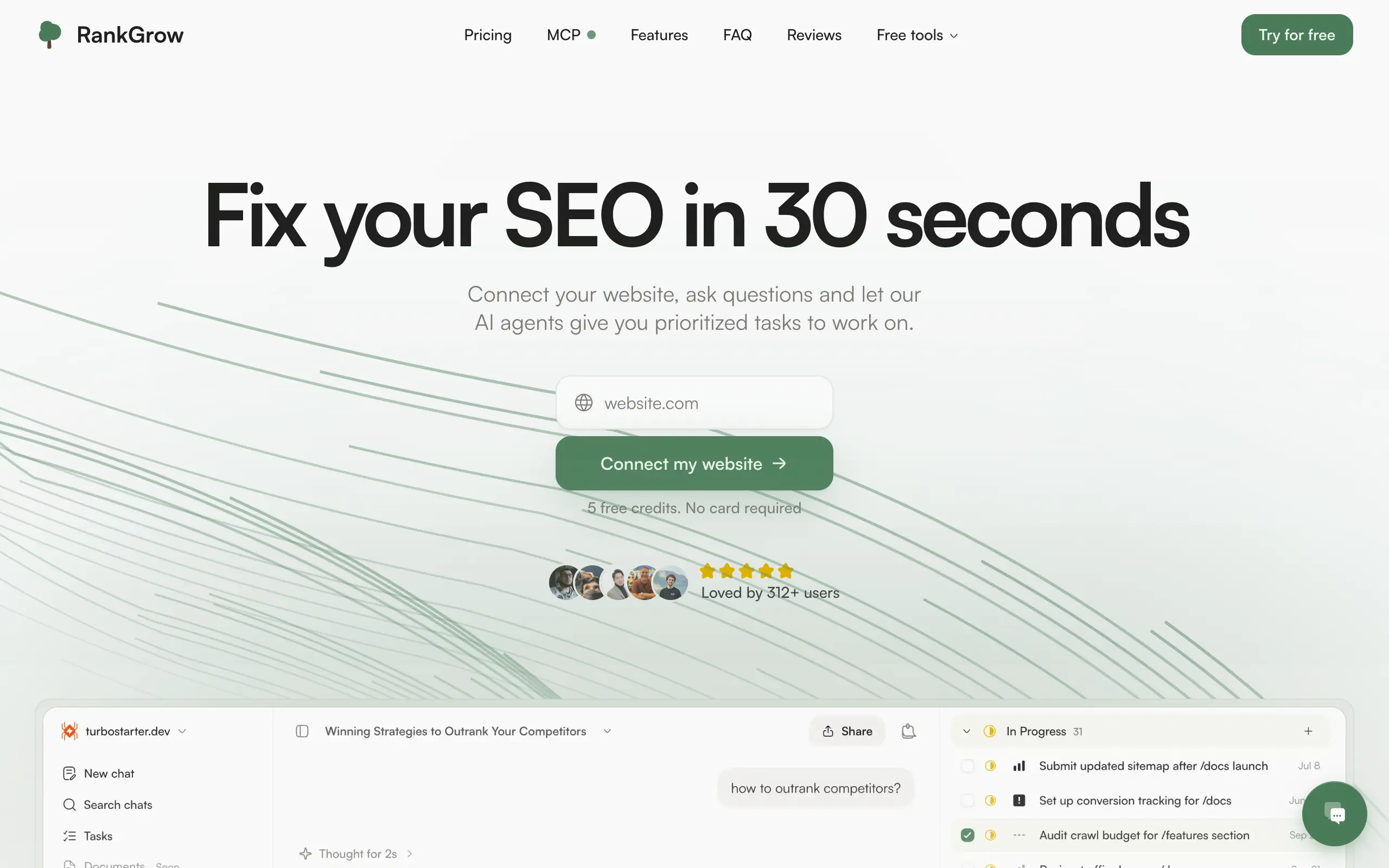
RankGrow
Fix your SEO with AI agents - connect Search Console, get prioritized tasks, and grow organic traffic 📈
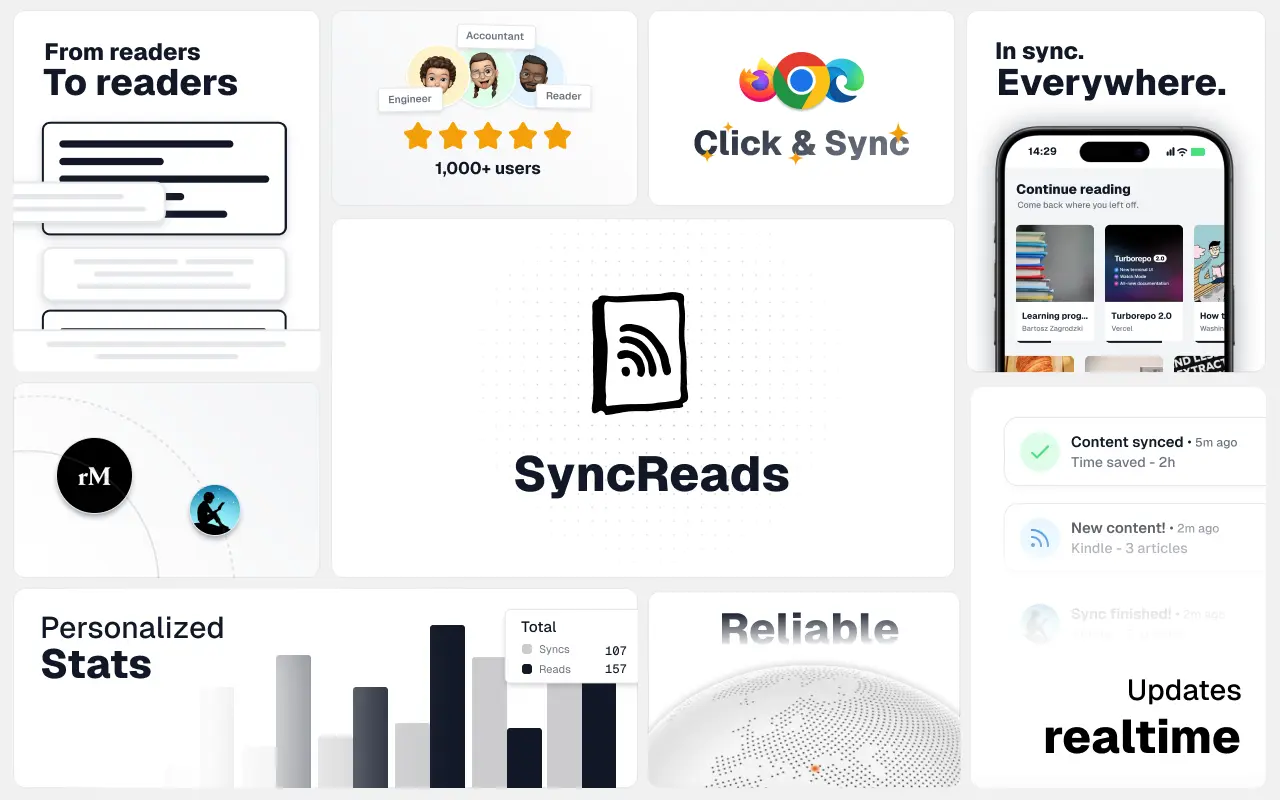
SyncReads
Sync your favorite content for distraction-free reading, save time and replace multiple apps. Anytime, anywhere 🔄
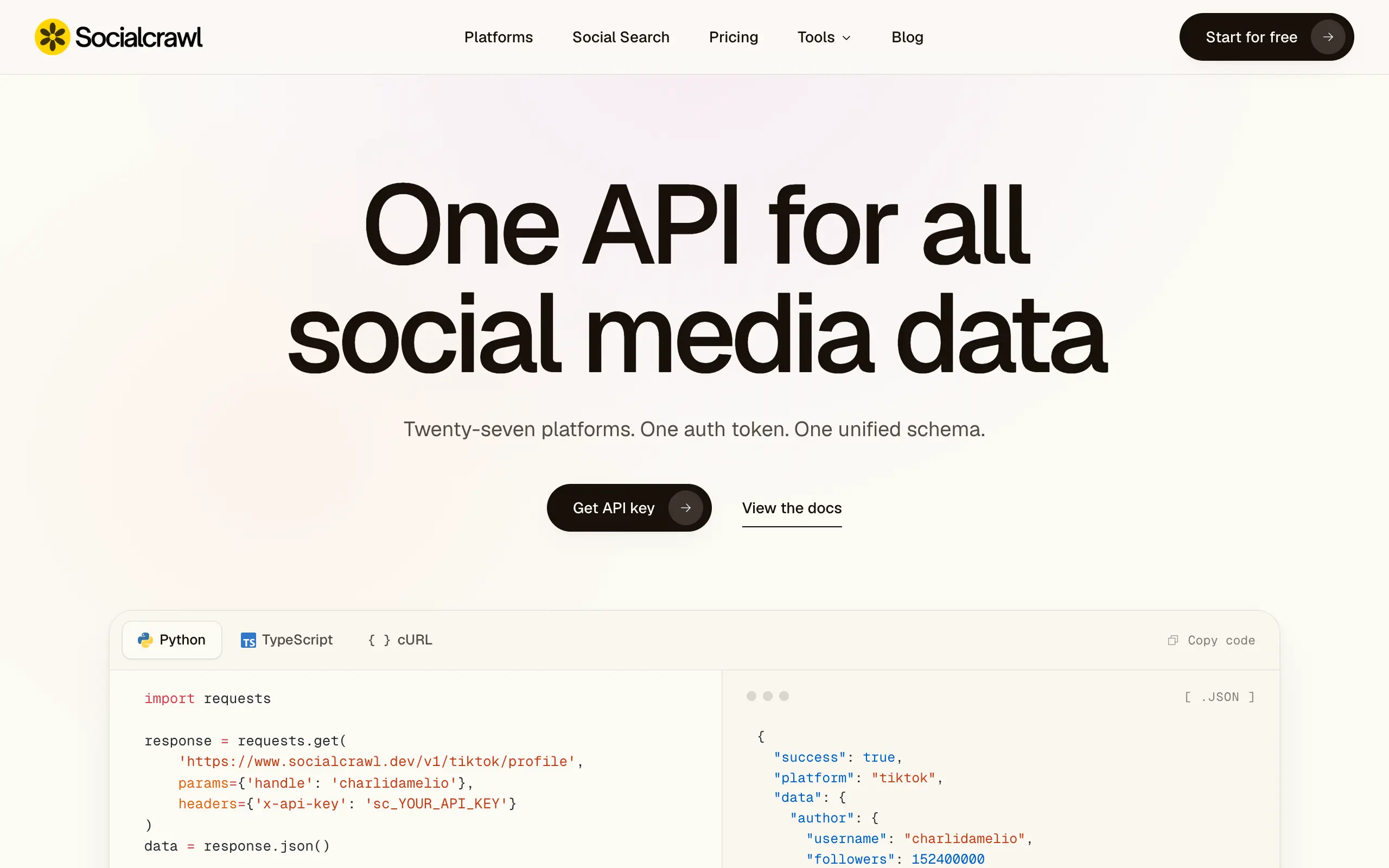
Socialcrawl
Get clean, structured data from 21 platforms like TikTok, Instagram, and YouTube with a single request 📊
Statiko
Monitor any Telegram channel in real time - track posts, edits, deletions, and growth with AI recaps 📡
Shibui
AI website builder - describe your business, pick a niche template, edit by chatting, and publish instantly ✨
Pro Service
Find verified home service professionals, compare quotes, and pay securely through escrow - built for Brazilians across the US 🏠
RankGrow
Fix your SEO with AI agents - connect Search Console, get prioritized tasks, and grow organic traffic 📈
SyncReads
Sync your favorite content for distraction-free reading, save time and replace multiple apps. Anytime, anywhere 🔄
Socialcrawl
Get clean, structured data from 21 platforms like TikTok, Instagram, and YouTube with a single request 📊
Statiko
Monitor any Telegram channel in real time - track posts, edits, deletions, and growth with AI recaps 📡
Shibui
AI website builder - describe your business, pick a niche template, edit by chatting, and publish instantly ✨
Pro Service
Find verified home service professionals, compare quotes, and pay securely through escrow - built for Brazilians across the US 🏠
RankGrow
Fix your SEO with AI agents - connect Search Console, get prioritized tasks, and grow organic traffic 📈
SyncReads
Sync your favorite content for distraction-free reading, save time and replace multiple apps. Anytime, anywhere 🔄
Socialcrawl
Get clean, structured data from 21 platforms like TikTok, Instagram, and YouTube with a single request 📊
Statiko
Monitor any Telegram channel in real time - track posts, edits, deletions, and growth with AI recaps 📡
Shibui
AI website builder - describe your business, pick a niche template, edit by chatting, and publish instantly ✨
Pro Service
Find verified home service professionals, compare quotes, and pay securely through escrow - built for Brazilians across the US 🏠
RankGrow
Fix your SEO with AI agents - connect Search Console, get prioritized tasks, and grow organic traffic 📈
SyncReads
Sync your favorite content for distraction-free reading, save time and replace multiple apps. Anytime, anywhere 🔄
Socialcrawl
Get clean, structured data from 21 platforms like TikTok, Instagram, and YouTube with a single request 📊
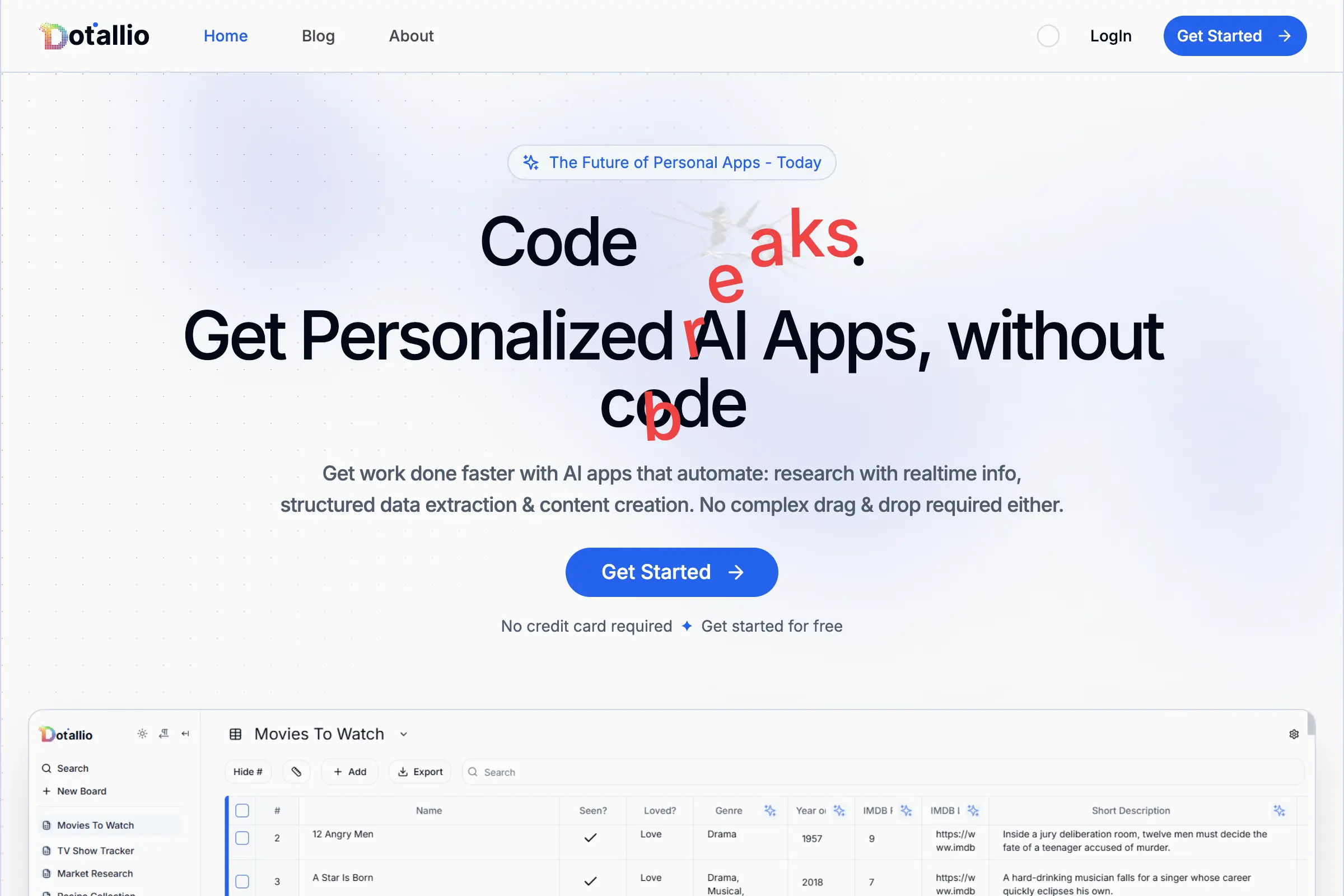
Dotallio
Personalized AI apps that automate research, data extraction, and content creation without code 🤖

Talk to Santa
Enjoy a magical live video chat or receive a unique AI-generated video greeting from Santa Claus 🎅

pozywka.pl
Scalable blog for food journalist, focused on performance and user experience 🌭
zagrodzki.me
Personal blog and portfolio of Bart Zagrodzki, where he shares his knowledge and work 💼
TurboStarter
Ship your startup everywhere. In minutes.
HTML to Markdown
Convert HTML to Markdown with ease, directly in your browser 📄
Dotallio
Personalized AI apps that automate research, data extraction, and content creation without code 🤖
Talk to Santa
Enjoy a magical live video chat or receive a unique AI-generated video greeting from Santa Claus 🎅
pozywka.pl
Scalable blog for food journalist, focused on performance and user experience 🌭
zagrodzki.me
Personal blog and portfolio of Bart Zagrodzki, where he shares his knowledge and work 💼
TurboStarter
Ship your startup everywhere. In minutes.
HTML to Markdown
Convert HTML to Markdown with ease, directly in your browser 📄
Dotallio
Personalized AI apps that automate research, data extraction, and content creation without code 🤖
Talk to Santa
Enjoy a magical live video chat or receive a unique AI-generated video greeting from Santa Claus 🎅
pozywka.pl
Scalable blog for food journalist, focused on performance and user experience 🌭
zagrodzki.me
Personal blog and portfolio of Bart Zagrodzki, where he shares his knowledge and work 💼
TurboStarter
Ship your startup everywhere. In minutes.
HTML to Markdown
Convert HTML to Markdown with ease, directly in your browser 📄
Dotallio
Personalized AI apps that automate research, data extraction, and content creation without code 🤖
Talk to Santa
Enjoy a magical live video chat or receive a unique AI-generated video greeting from Santa Claus 🎅
pozywka.pl
Scalable blog for food journalist, focused on performance and user experience 🌭
zagrodzki.me
Personal blog and portfolio of Bart Zagrodzki, where he shares his knowledge and work 💼
TurboStarter
Ship your startup everywhere. In minutes.
HTML to Markdown
Convert HTML to Markdown with ease, directly in your browser 📄
Omichat
Chat with 50+ AI models, including ChatGPT and Claude, in one place - switch models anytime without losing context 🤖
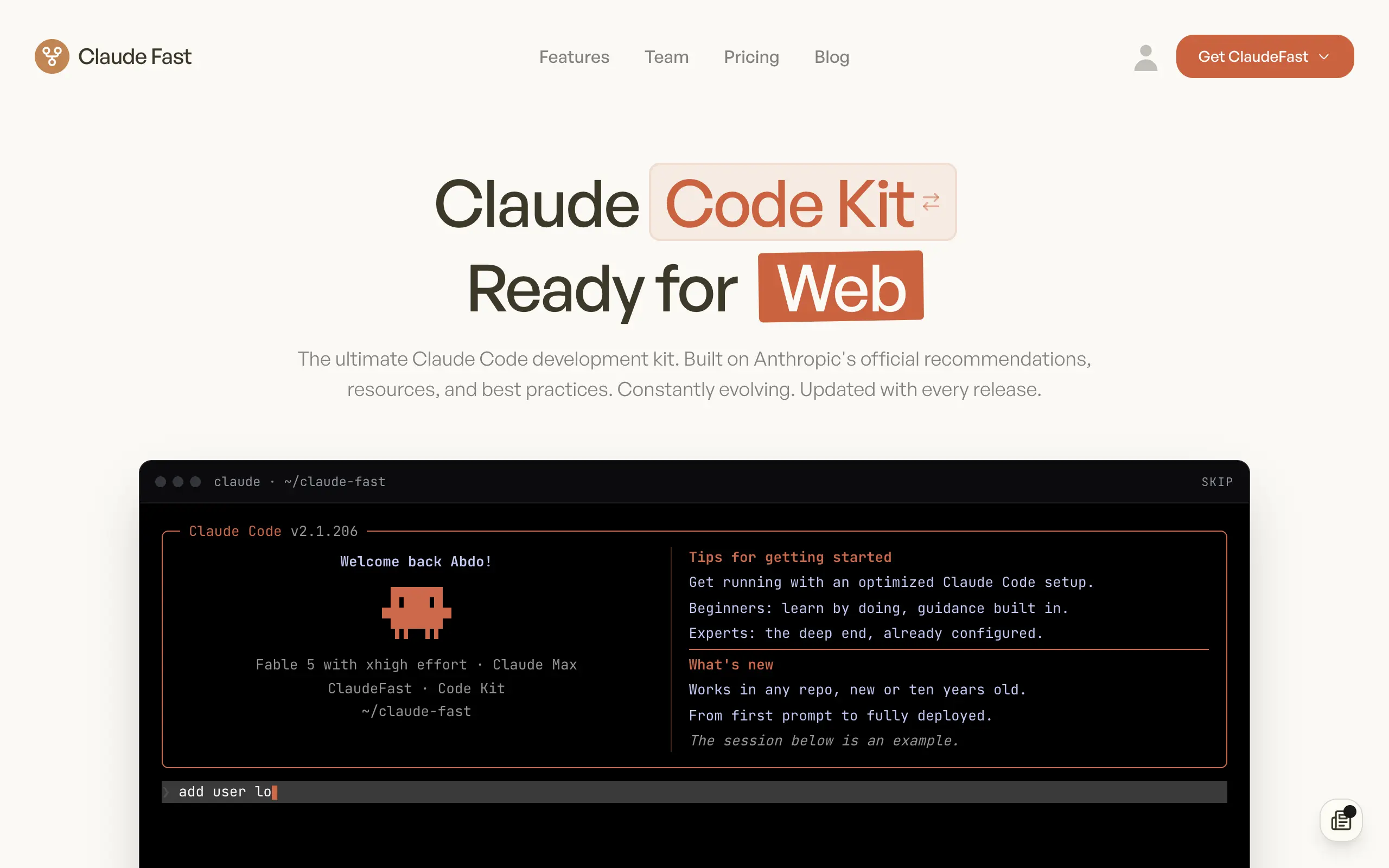
Claude Fast
Supercharge your Claude Code with 6x effective context window and specialized AI agents 🤖
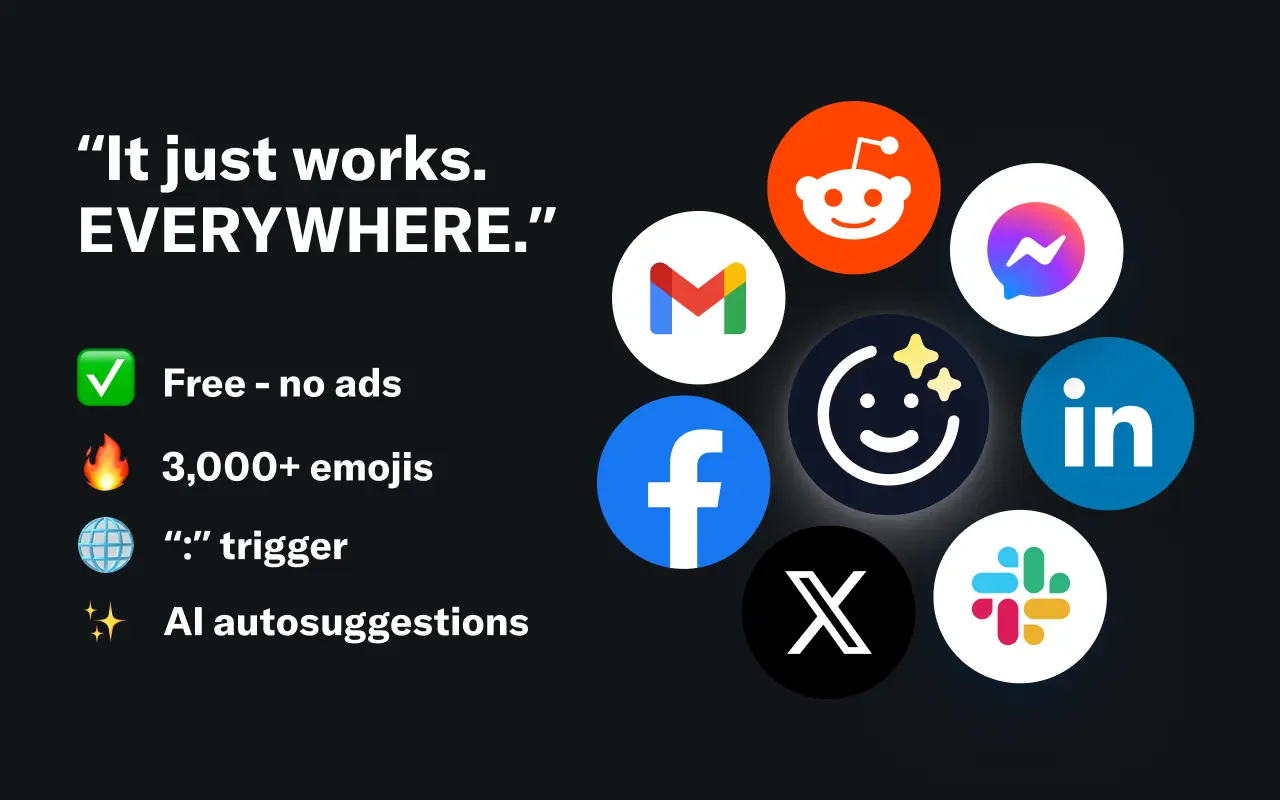
EmojAI
AI-powered emoji picker with smart, context-aware suggestions 🤖
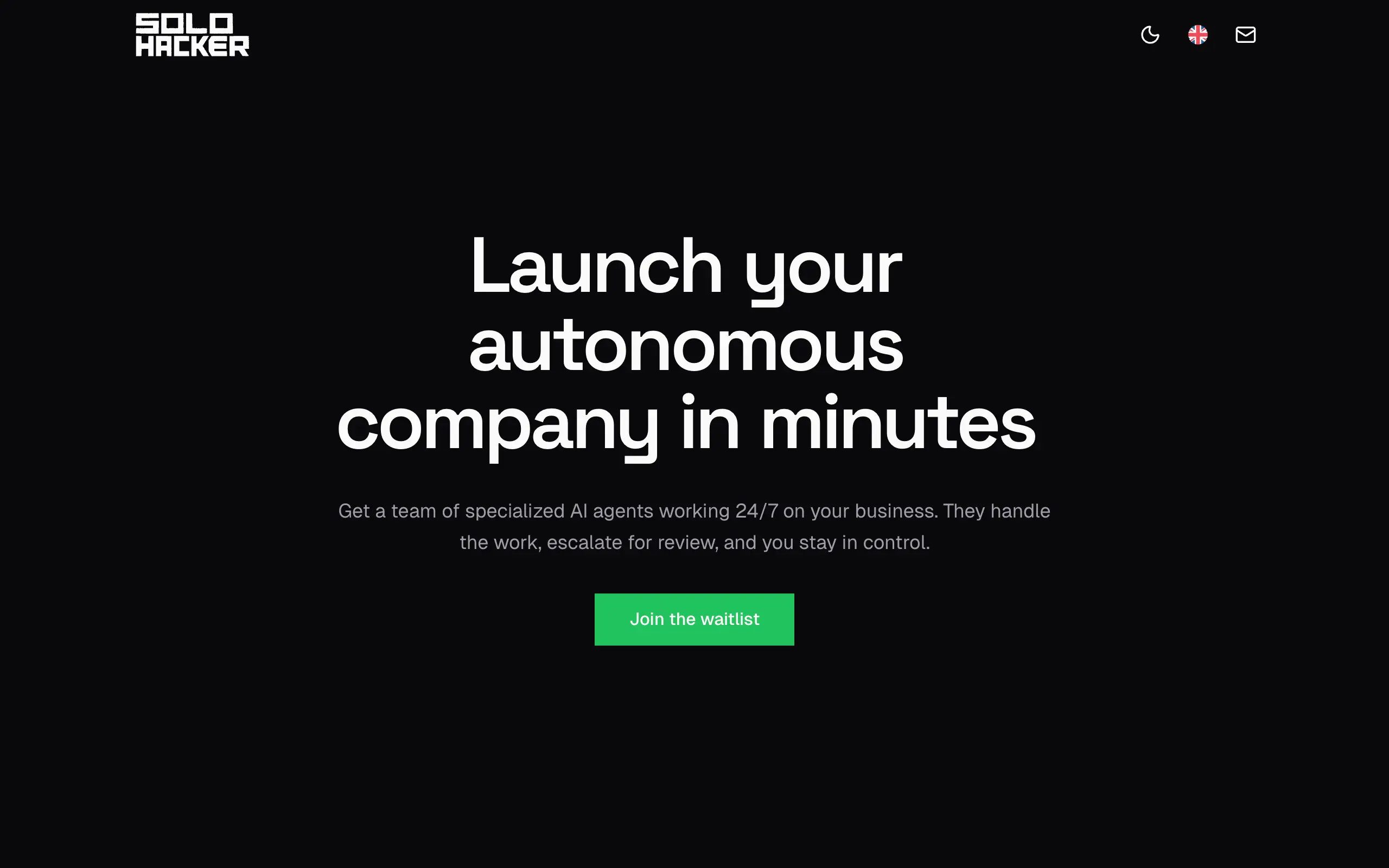
Solohacker
Autonomous company launcher - AI agents work 24/7, escalate what matters, and you stay in control 🤖

BeRawi: Storytelling Coach
Practice storytelling daily with instant feedback to sound clearer, more engaging, and confident 🎤
Omichat
Chat with 50+ AI models, including ChatGPT and Claude, in one place - switch models anytime without losing context 🤖
Claude Fast
Supercharge your Claude Code with 6x effective context window and specialized AI agents 🤖
EmojAI
AI-powered emoji picker with smart, context-aware suggestions 🤖
Solohacker
Autonomous company launcher - AI agents work 24/7, escalate what matters, and you stay in control 🤖
BeRawi: Storytelling Coach
Practice storytelling daily with instant feedback to sound clearer, more engaging, and confident 🎤
Omichat
Chat with 50+ AI models, including ChatGPT and Claude, in one place - switch models anytime without losing context 🤖
Claude Fast
Supercharge your Claude Code with 6x effective context window and specialized AI agents 🤖
EmojAI
AI-powered emoji picker with smart, context-aware suggestions 🤖
Solohacker
Autonomous company launcher - AI agents work 24/7, escalate what matters, and you stay in control 🤖
BeRawi: Storytelling Coach
Practice storytelling daily with instant feedback to sound clearer, more engaging, and confident 🎤
Omichat
Chat with 50+ AI models, including ChatGPT and Claude, in one place - switch models anytime without losing context 🤖
Claude Fast
Supercharge your Claude Code with 6x effective context window and specialized AI agents 🤖
EmojAI
AI-powered emoji picker with smart, context-aware suggestions 🤖
Solohacker
Autonomous company launcher - AI agents work 24/7, escalate what matters, and you stay in control 🤖
BeRawi: Storytelling Coach
Practice storytelling daily with instant feedback to sound clearer, more engaging, and confident 🎤

Connect with like-minded people
Join our community to get feedback, support, and grow together with 1,000+ builders on board, let's ship it!
Join usShip your startup everywhere. In minutes.
Don't burn tokens on setup and start building features on day one.