ShiftList Pro
Customizable team checklists built for shift-based operations with photos, signatures, and inputs. Ensure consistent handovers across morning, afternoon, and night teams.
Shift-based checklist software for consistent team handovers
In industries where operations run around the clock—hospitality, manufacturing, healthcare, logistics, and retail—shift transitions are one of the most fragile points in daily workflows. Miscommunication, missed tasks, and lack of accountability during handovers can lead to costly errors, safety risks, and poor customer experiences.
That’s where ShiftList Pro, a customizable team checklist platform for shift-based operations, enters the picture. It’s designed to ensure every shift—morning, afternoon, or night—follows consistent processes, captures proof of work (photos, signatures, inputs), and leaves a clear, structured trail for the next team.
This article dives deep into the product strategy, market opportunity, feature design, and implementation blueprint for building and scaling a SaaS like ShiftList Pro.
Understanding the core problem in shift-based operations
Shift work introduces a unique operational challenge: continuity without overlap.
Unlike standard 9–5 workflows, shift-based environments often rely on asynchronous handovers. This creates several recurring issues:
- Tasks are completed but not documented properly
- Critical information is passed verbally and forgotten
- No standardized checklist exists across teams
- Managers lack visibility into execution quality
- Compliance and audit trails are inconsistent
These issues compound over time, especially in multi-location operations.
Real-world impact
- In hospitality, missed cleaning tasks affect guest satisfaction
- In manufacturing, skipped safety checks increase liability
- In healthcare, incomplete handovers can impact patient outcomes
- In retail, poor shift communication leads to inventory discrepancies
ShiftList Pro solves this by introducing structured, verifiable, and trackable workflows across shifts.
Target audience analysis
ShiftList Pro is not a generic productivity tool—it’s purpose-built for operational environments. The key to its success lies in focusing on industries where repeatable processes + accountability + compliance are essential.
Primary customer segments
- "Operations managers": responsible for ensuring consistency across shifts
- "Team leads / supervisors": manage execution during specific shifts
- "Frontline staff": complete tasks and checklists
- "Compliance officers": require audit trails and verification
Industry verticals with strong product-market fit
Hospitality
Hotels, restaurants, and resorts need consistent cleaning, prep, and service workflows.
Healthcare
Clinics and care facilities rely on accurate shift handovers and patient updates.
Manufacturing
Production lines require safety checks, machine logs, and maintenance tracking.
Retail
Stores need shift-based inventory checks, opening/closing routines, and reporting.
Buyer vs user dynamics
- Buyer: Operations head, regional manager, or business owner
- User: Shift workers and supervisors
This distinction matters for product design:
- Users need simplicity and speed
- Buyers need reporting, compliance, and ROI
Market opportunity and gap analysis
The productivity SaaS space is crowded, but shift-specific workflow tools remain underserved.
Existing solutions and their limitations
| Feature | Generic tools | Form apps | Legacy systems | ShiftList Pro |
|---|---|---|---|---|
| Shift awareness | ❌ | ❌ | ✅ | ✅ |
| Photo verification | ❌ | ✅ | ❌ | ✅ |
| Structured handovers | ❌ | ❌ | ✅ | ✅ |
| Mobile-first UX | ⚠️ | ✅ | ❌ | ✅ |
| Audit-ready logs | ❌ | ⚠️ | ✅ | ✅ |
Key market gap
Most tools fall into one of three categories:
- Task managers (e.g., Trello, Asana) → not built for shifts
- Form builders (e.g., Typeform, Jotform) → lack workflow continuity
- Enterprise systems → expensive, rigid, and outdated
ShiftList Pro’s opportunity lies in combining:
- Checklists + workflows + verification + shift context
This creates a strong differentiation layer.
Core product features and solution design
The success of ShiftList Pro depends on balancing simplicity for users with depth for operators.
1. Customizable shift checklists
Admins can create reusable templates:
- Opening checklist
- Mid-shift tasks
- Closing checklist
- Emergency protocols
Each checklist can include:
- Text instructions
- Required fields (inputs)
- Photo uploads
- Signature capture
2. Photo and signature verification
Verification transforms checklists from “claims” into “proof.”
- Photos confirm task completion
- Signatures ensure accountability
- Timestamps add traceability
Why this matters
Verification features significantly increase compliance rates because they introduce visibility and accountability without requiring micromanagement.
3. Shift-based workflows
Tasks are tied to:
- Specific shifts (morning, evening, night)
- Locations or departments
- Roles or responsibilities
This ensures that:
- No task is duplicated unnecessarily
- Nothing falls through the cracks
- Each team knows exactly what’s expected
4. Structured handover logs
Each shift generates a handover report, including:
- Completed tasks
- Pending items
- Notes for next shift
- Attached photos and signatures
This becomes a living operational record.
5. Real-time dashboards
Managers get visibility into:
- Checklist completion rates
- Missed tasks
- Shift performance trends
- Location comparisons
6. Mobile-first design
Shift workers are rarely sitting at desks.
The app must:
- Work seamlessly on mobile devices
- Function in low-connectivity environments
- Be fast and intuitive
7. Notifications and alerts
- Reminders for incomplete tasks
- Alerts for missed checklists
- Escalations for critical failures
Technical architecture and recommended stack
Building ShiftList Pro requires a stack optimized for:
- Real-time updates
- Mobile-first performance
- Scalability across locations
Frontend
- React for UI flexibility
- TailwindCSS for rapid styling
- React Native or Expo for mobile apps
Backend
- Node.js with NestJS for structured APIs
- PostgreSQL for relational data (checklists, logs, users)
- Redis for caching and real-time events
Storage
- AWS S3 or Cloudflare R2 for image uploads
- CDN for fast media delivery
Authentication
- Role-based access control (RBAC)
- OAuth + email/password login
Real-time capabilities
- WebSockets or Firebase for live updates
- Event-driven architecture for notifications
Deployment
- Vercel for frontend
- AWS or Railway for backend services
Trade-off consideration
Using Firebase simplifies real-time sync but can limit flexibility at scale. A custom backend with WebSockets offers more control but increases complexity.
UX design principles for adoption
Adoption is the biggest risk in operational tools.
Key UX rules
- Minimize typing (use buttons, toggles, defaults)
- Reduce steps per task
- Provide visual feedback (progress bars, completion states)
- Design for speed under pressure
Example checklist interaction
function ChecklistItem() {
  return (
    <div className="p-4 border rounded-xl">
      <p className="font-semibold">Clean coffee machine</p>
      <input type="file" accept="image/*" />
      <button className="mt-2 bg-green-500 text-white px-4 py-2 rounded">
        Mark as Complete
      </button>
    </div>
  );
}
Monetization strategy
ShiftList Pro can adopt a SaaS pricing model with strong expansion potential.
Pricing tiers
- Free tier (limited checklists, single location)
- Pro tier (advanced features, multiple shifts)
- Business tier (multi-location, analytics, integrations)
- Enterprise tier (custom workflows, SLA, onboarding)
Pricing metrics
- Per location
- Per active user
- Per checklist volume
Upsell opportunities
- Advanced analytics
- Compliance reporting
- API access
- White-labeling
Competitive advantage and differentiation
ShiftList Pro’s moat comes from specialization + verification + workflow continuity.
Unique selling points
- Built specifically for shift-based teams
- Combines checklists with proof (photos + signatures)
- Enables structured handovers, not just task tracking
- Mobile-first for frontline workers
Strategic positioning
Instead of competing with generic tools, ShiftList Pro should position itself as:
“The operating system for shift-based teams”
Potential risks and mitigation strategies
1. User adoption resistance
Risk: Workers may resist new systems
Mitigation:
- Keep UI extremely simple
- Offer onboarding templates
- Provide offline functionality
2. Data overload for managers
Risk: Too much data reduces usefulness
Mitigation:
- Focus on actionable insights
- Use summaries and alerts
3. Competition from large platforms
Risk: Larger SaaS tools may expand into this niche
Mitigation:
- Move fast and specialize deeply
- Build industry-specific features
4. Connectivity issues
Risk: Many environments have poor internet
Mitigation:
- Offline mode with sync
- Lightweight app design
Implementation roadmap
Building ShiftList Pro should follow a phased approach.
Go-to-market strategy
Initial traction channels
- Direct outreach to operations managers
- Industry-specific communities
- LinkedIn content targeting operations leaders
- Case studies from pilot customers
Product-led growth
- Free templates (e.g., “restaurant opening checklist”)
- Freemium onboarding
- Viral loops via team invites
Future expansion opportunities
Once the core product is established, ShiftList Pro can evolve into a broader platform.
Expansion areas
- AI-powered anomaly detection
- Predictive task recommendations
- Integration with HR and scheduling tools
- Voice-based checklist completion
Yes. AI can analyze historical checklist data to identify patterns, predict missed tasks, and recommend optimizations. Over time, this becomes a powerful operational intelligence layer.
Absolutely. Small teams benefit even more from structured workflows because they often lack formal processes.
Why this idea stands out
ShiftList Pro succeeds because it solves a clear, expensive, and frequent problem:
- Every shift needs consistency
- Every team needs accountability
- Every business needs visibility
Most tools address pieces of this—but very few bring everything together in a simple, mobile-first system.
Build faster with the right foundation
If you're planning to build a SaaS like ShiftList Pro, starting from scratch can slow you down significantly.
Using a production-ready SaaS starter like TurboStarter helps you:
- Skip boilerplate setup
- Focus on core features
- Launch faster with scalable architecture
Final thoughts and next steps
Shift-based operations are everywhere—and they’re not going away. As businesses become more distributed and efficiency-driven, tools like ShiftList Pro will become essential infrastructure.
If you’re building this:
- Start narrow, not broad
- Focus on real-world workflows
- Prioritize usability over feature depth
- Validate with actual shift workers
The opportunity isn’t just in building another productivity tool—it’s in redefining how operational teams communicate, verify, and execute work across time boundaries.
That’s where ShiftList Pro can truly lead.
More ⚡ Productivity Tool SaaS ideas
Discover more innovative productivity tool SaaS ideas that are trending in 2026. Each idea is AI-generated with market validation and growth potential to help you find your next profitable venture faster than competitors.
Your competitors are building with TurboStarter
Below are some of the SaaS ideas that have been generated and built with our starter kit.
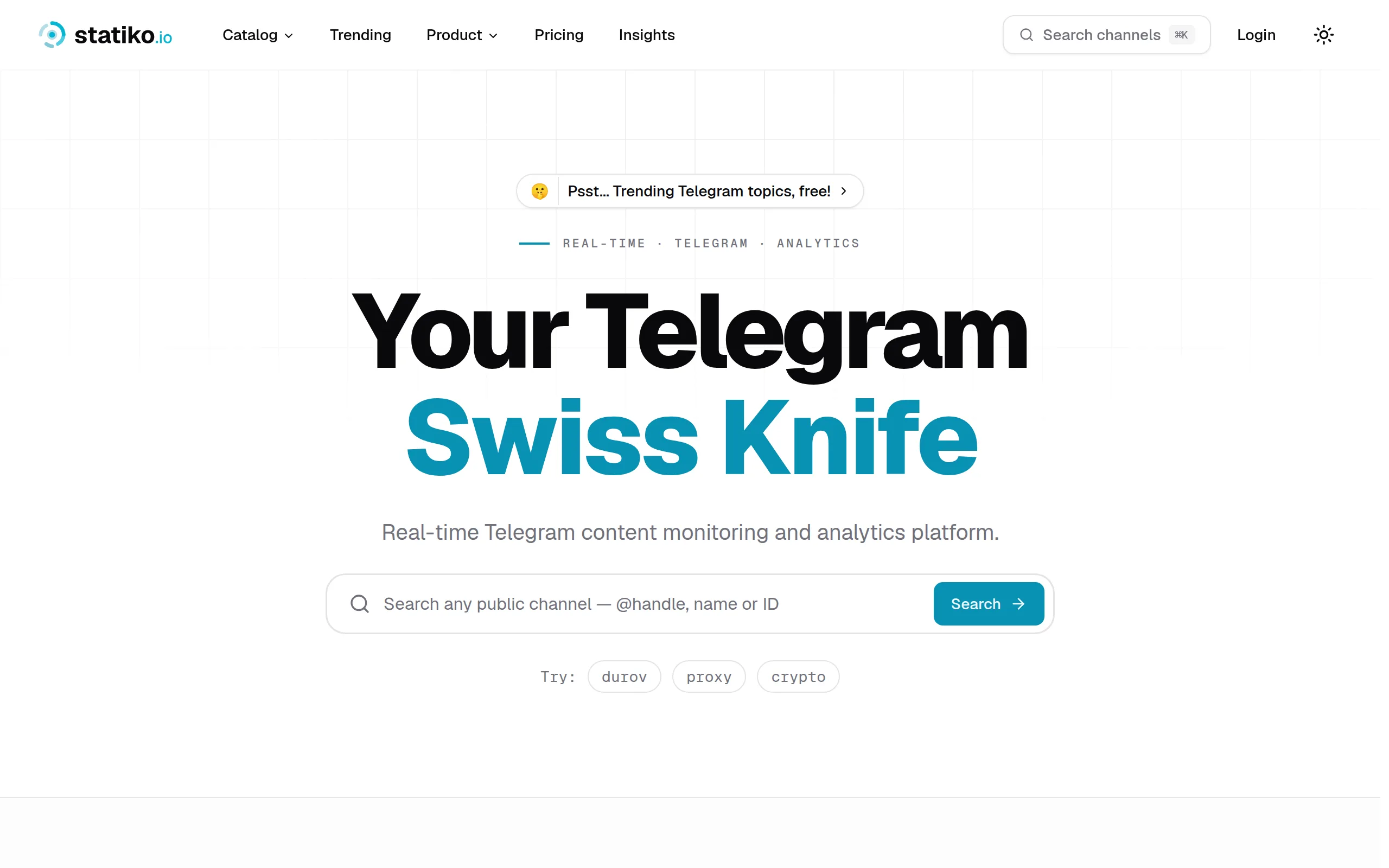
Statiko
Monitor any Telegram channel in real time - track posts, edits, deletions, and growth with AI recaps 📡

Shibui
AI website builder - describe your business, pick a niche template, edit by chatting, and publish instantly ✨

Pro Service
Find verified home service professionals, compare quotes, and pay securely through escrow - built for Brazilians across the US 🏠
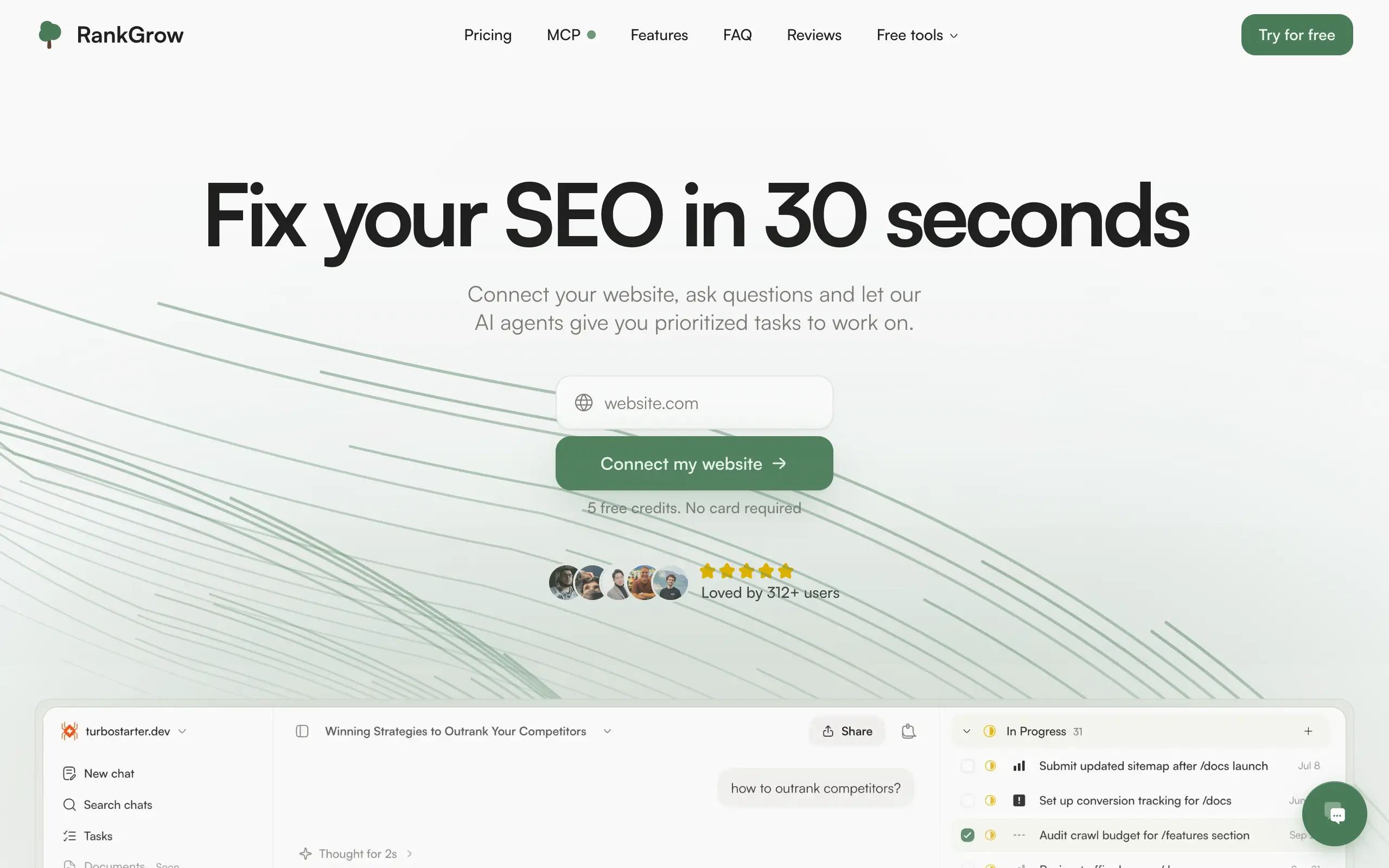
RankGrow
Fix your SEO with AI agents - connect Search Console, get prioritized tasks, and grow organic traffic 📈
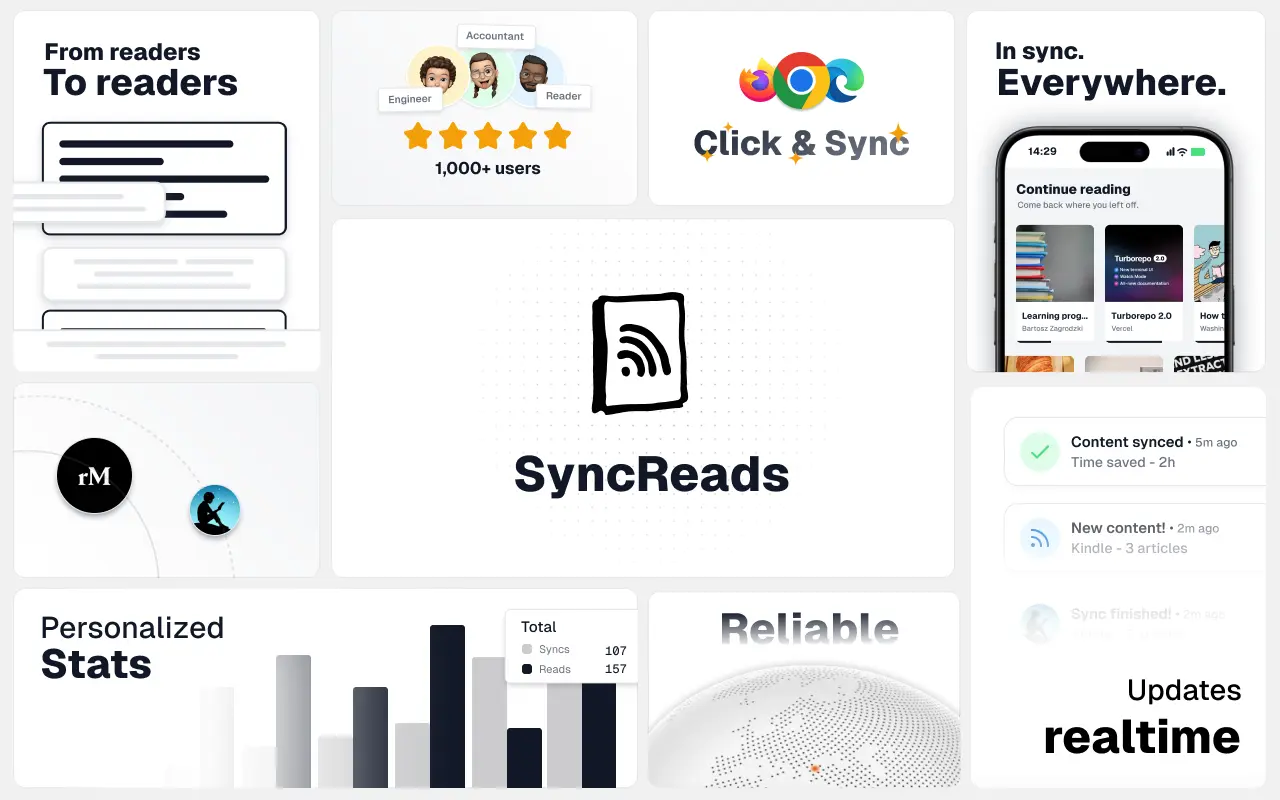
SyncReads
Sync your favorite content for distraction-free reading, save time and replace multiple apps. Anytime, anywhere 🔄
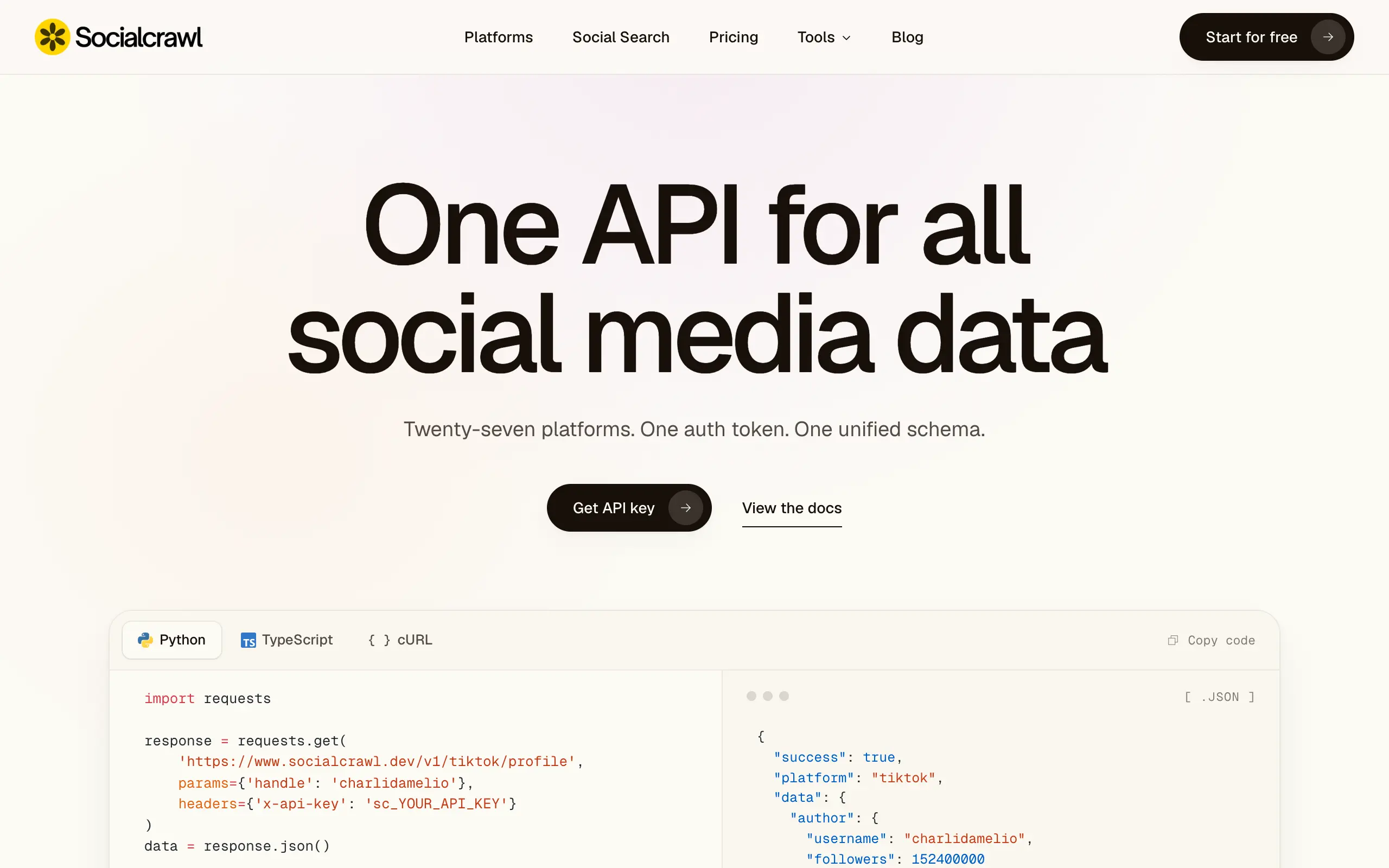
Socialcrawl
Get clean, structured data from 21 platforms like TikTok, Instagram, and YouTube with a single request 📊
Statiko
Monitor any Telegram channel in real time - track posts, edits, deletions, and growth with AI recaps 📡
Shibui
AI website builder - describe your business, pick a niche template, edit by chatting, and publish instantly ✨
Pro Service
Find verified home service professionals, compare quotes, and pay securely through escrow - built for Brazilians across the US 🏠
RankGrow
Fix your SEO with AI agents - connect Search Console, get prioritized tasks, and grow organic traffic 📈
SyncReads
Sync your favorite content for distraction-free reading, save time and replace multiple apps. Anytime, anywhere 🔄
Socialcrawl
Get clean, structured data from 21 platforms like TikTok, Instagram, and YouTube with a single request 📊
Statiko
Monitor any Telegram channel in real time - track posts, edits, deletions, and growth with AI recaps 📡
Shibui
AI website builder - describe your business, pick a niche template, edit by chatting, and publish instantly ✨
Pro Service
Find verified home service professionals, compare quotes, and pay securely through escrow - built for Brazilians across the US 🏠
RankGrow
Fix your SEO with AI agents - connect Search Console, get prioritized tasks, and grow organic traffic 📈
SyncReads
Sync your favorite content for distraction-free reading, save time and replace multiple apps. Anytime, anywhere 🔄
Socialcrawl
Get clean, structured data from 21 platforms like TikTok, Instagram, and YouTube with a single request 📊
Statiko
Monitor any Telegram channel in real time - track posts, edits, deletions, and growth with AI recaps 📡
Shibui
AI website builder - describe your business, pick a niche template, edit by chatting, and publish instantly ✨
Pro Service
Find verified home service professionals, compare quotes, and pay securely through escrow - built for Brazilians across the US 🏠
RankGrow
Fix your SEO with AI agents - connect Search Console, get prioritized tasks, and grow organic traffic 📈
SyncReads
Sync your favorite content for distraction-free reading, save time and replace multiple apps. Anytime, anywhere 🔄
Socialcrawl
Get clean, structured data from 21 platforms like TikTok, Instagram, and YouTube with a single request 📊
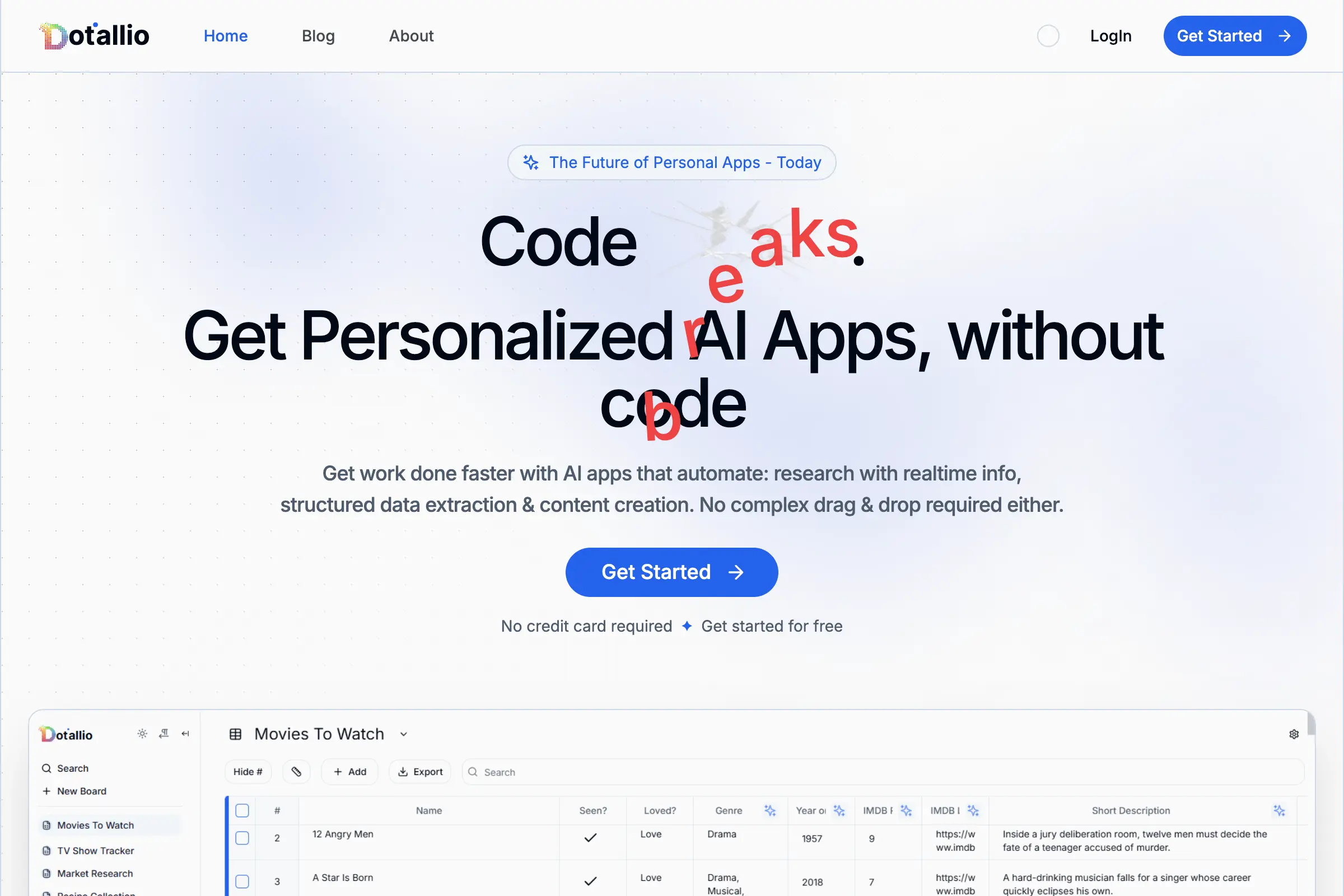
Dotallio
Personalized AI apps that automate research, data extraction, and content creation without code 🤖

Talk to Santa
Enjoy a magical live video chat or receive a unique AI-generated video greeting from Santa Claus 🎅

pozywka.pl
Scalable blog for food journalist, focused on performance and user experience 🌭
zagrodzki.me
Personal blog and portfolio of Bart Zagrodzki, where he shares his knowledge and work 💼
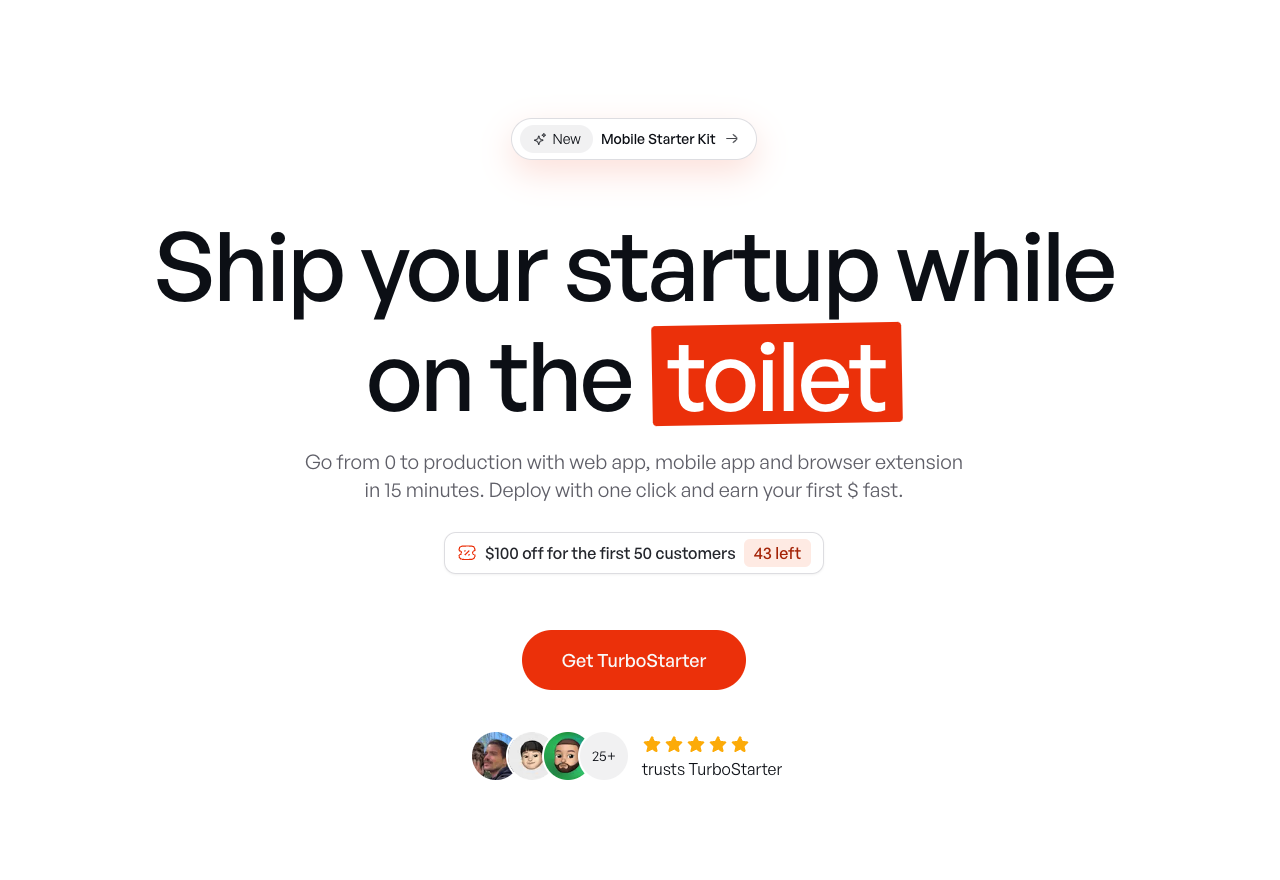
TurboStarter
Ship your startup everywhere. In minutes.
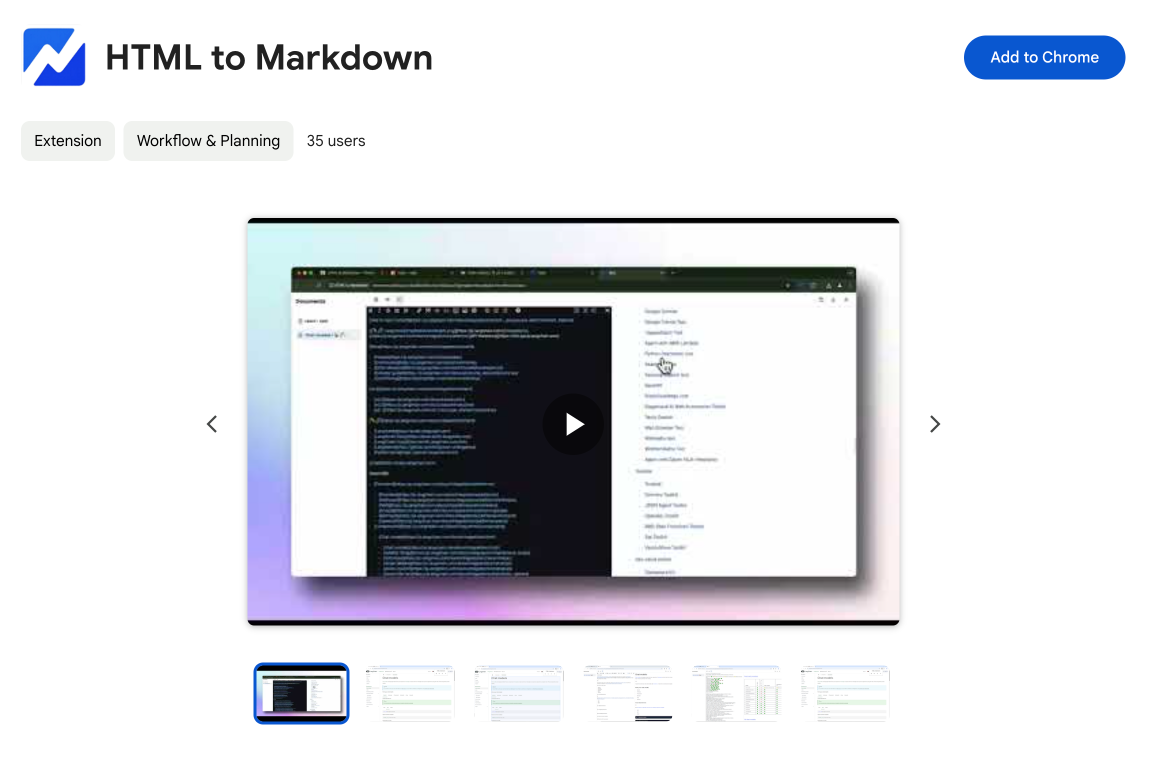
HTML to Markdown
Convert HTML to Markdown with ease, directly in your browser 📄
Dotallio
Personalized AI apps that automate research, data extraction, and content creation without code 🤖
Talk to Santa
Enjoy a magical live video chat or receive a unique AI-generated video greeting from Santa Claus 🎅
pozywka.pl
Scalable blog for food journalist, focused on performance and user experience 🌭
zagrodzki.me
Personal blog and portfolio of Bart Zagrodzki, where he shares his knowledge and work 💼
TurboStarter
Ship your startup everywhere. In minutes.
HTML to Markdown
Convert HTML to Markdown with ease, directly in your browser 📄
Dotallio
Personalized AI apps that automate research, data extraction, and content creation without code 🤖
Talk to Santa
Enjoy a magical live video chat or receive a unique AI-generated video greeting from Santa Claus 🎅
pozywka.pl
Scalable blog for food journalist, focused on performance and user experience 🌭
zagrodzki.me
Personal blog and portfolio of Bart Zagrodzki, where he shares his knowledge and work 💼
TurboStarter
Ship your startup everywhere. In minutes.
HTML to Markdown
Convert HTML to Markdown with ease, directly in your browser 📄
Dotallio
Personalized AI apps that automate research, data extraction, and content creation without code 🤖
Talk to Santa
Enjoy a magical live video chat or receive a unique AI-generated video greeting from Santa Claus 🎅
pozywka.pl
Scalable blog for food journalist, focused on performance and user experience 🌭
zagrodzki.me
Personal blog and portfolio of Bart Zagrodzki, where he shares his knowledge and work 💼
TurboStarter
Ship your startup everywhere. In minutes.
HTML to Markdown
Convert HTML to Markdown with ease, directly in your browser 📄
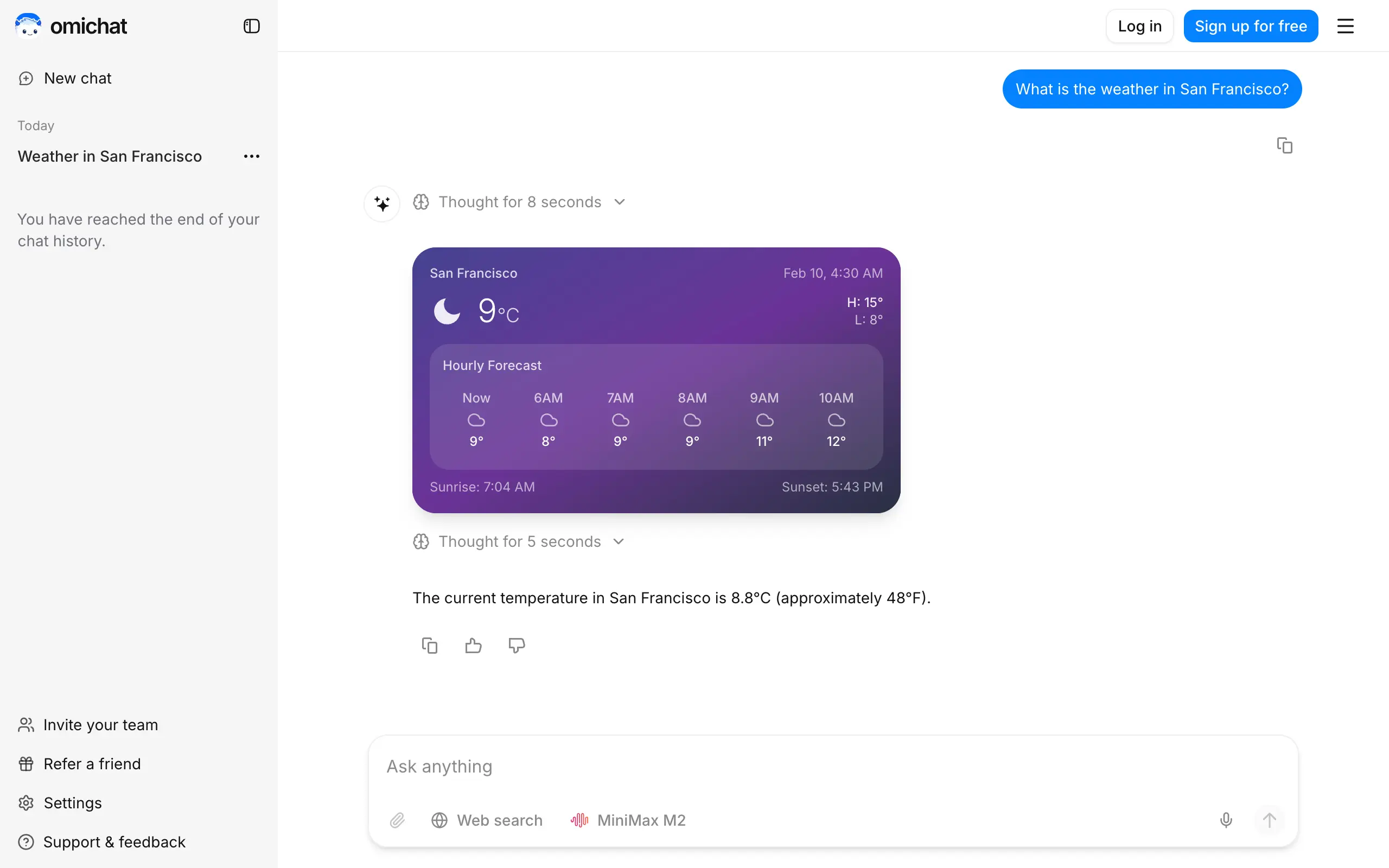
Omichat
Chat with 50+ AI models, including ChatGPT and Claude, in one place - switch models anytime without losing context 🤖
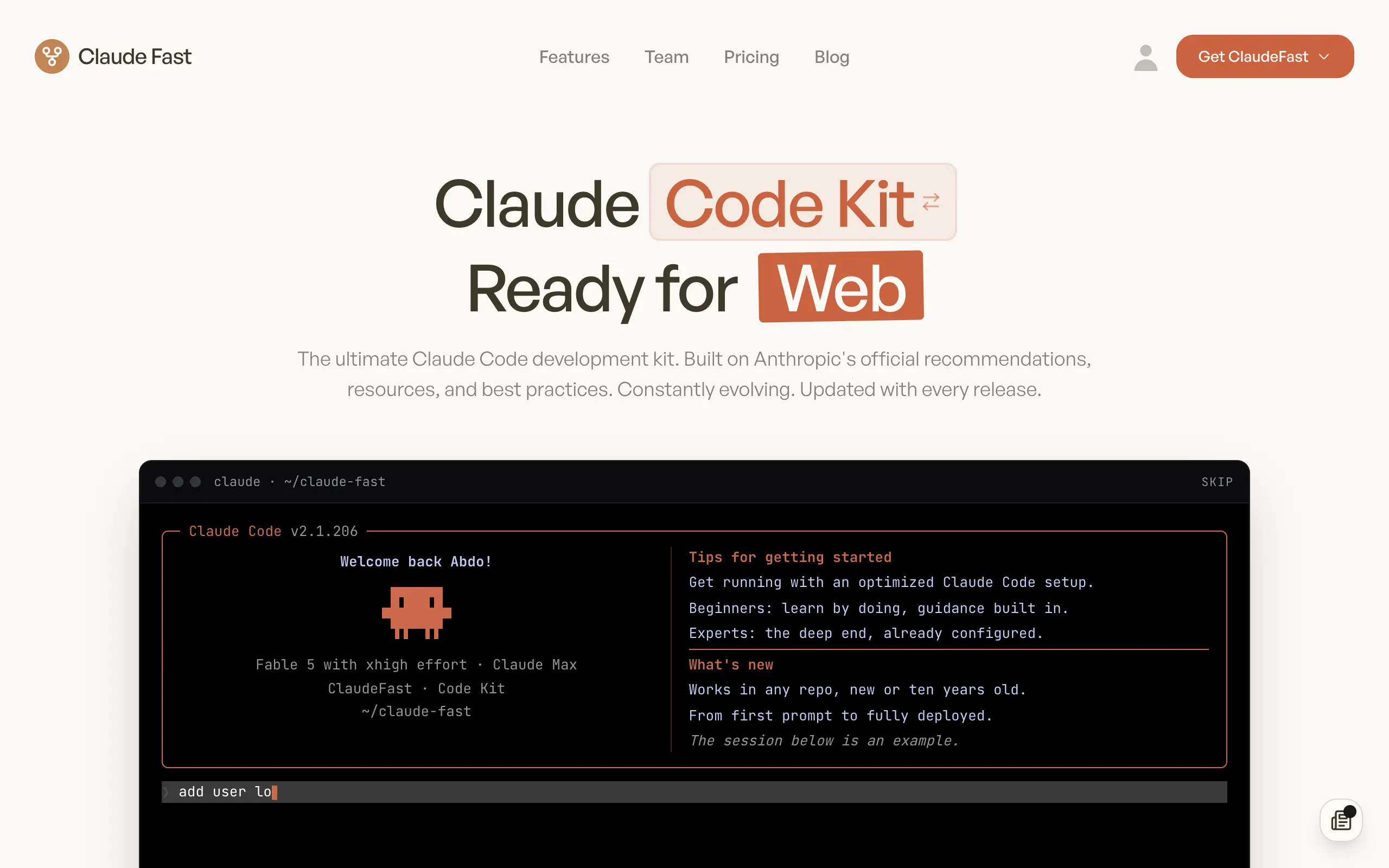
Claude Fast
Supercharge your Claude Code with 6x effective context window and specialized AI agents 🤖
EmojAI
AI-powered emoji picker with smart, context-aware suggestions 🤖
Solohacker
Autonomous company launcher - AI agents work 24/7, escalate what matters, and you stay in control 🤖
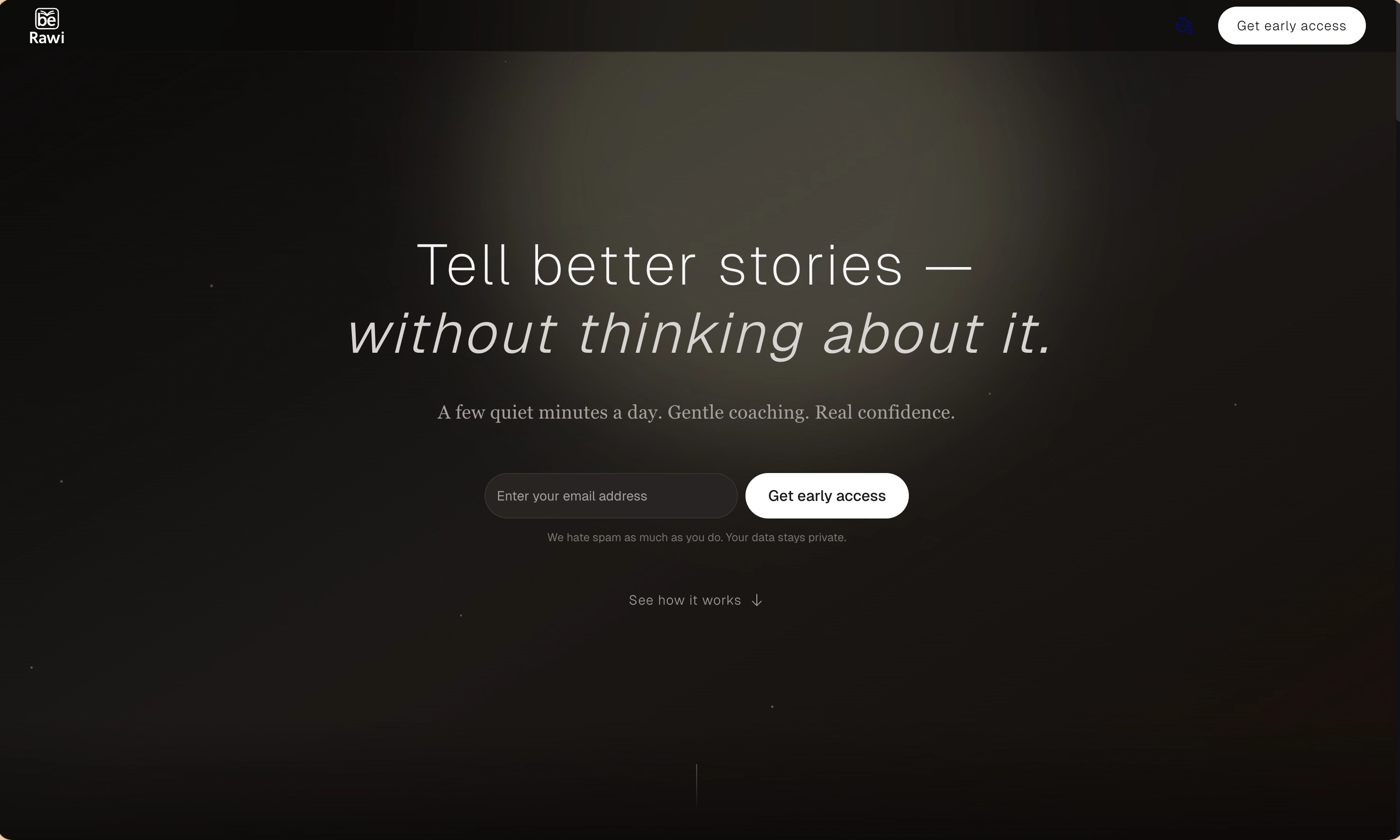
BeRawi: Storytelling Coach
Practice storytelling daily with instant feedback to sound clearer, more engaging, and confident 🎤
Omichat
Chat with 50+ AI models, including ChatGPT and Claude, in one place - switch models anytime without losing context 🤖
Claude Fast
Supercharge your Claude Code with 6x effective context window and specialized AI agents 🤖
EmojAI
AI-powered emoji picker with smart, context-aware suggestions 🤖
Solohacker
Autonomous company launcher - AI agents work 24/7, escalate what matters, and you stay in control 🤖
BeRawi: Storytelling Coach
Practice storytelling daily with instant feedback to sound clearer, more engaging, and confident 🎤
Omichat
Chat with 50+ AI models, including ChatGPT and Claude, in one place - switch models anytime without losing context 🤖
Claude Fast
Supercharge your Claude Code with 6x effective context window and specialized AI agents 🤖
EmojAI
AI-powered emoji picker with smart, context-aware suggestions 🤖
Solohacker
Autonomous company launcher - AI agents work 24/7, escalate what matters, and you stay in control 🤖
BeRawi: Storytelling Coach
Practice storytelling daily with instant feedback to sound clearer, more engaging, and confident 🎤
Omichat
Chat with 50+ AI models, including ChatGPT and Claude, in one place - switch models anytime without losing context 🤖
Claude Fast
Supercharge your Claude Code with 6x effective context window and specialized AI agents 🤖
EmojAI
AI-powered emoji picker with smart, context-aware suggestions 🤖
Solohacker
Autonomous company launcher - AI agents work 24/7, escalate what matters, and you stay in control 🤖
BeRawi: Storytelling Coach
Practice storytelling daily with instant feedback to sound clearer, more engaging, and confident 🎤

Connect with like-minded people
Join our community to get feedback, support, and grow together with 1,000+ builders on board, let's ship it!
Join usShip your startup everywhere. In minutes.
Don't burn tokens on setup and start building features on day one.