SnapNote Scheduler
Turn quick handwritten notes or photos into smart to-do lists and calendar events automatically with AI-driven OCR. Perfect for busy professionals or students.
SnapNote Scheduler offers a breakthrough solution for busy professionals and students seeking to seamlessly turn handwritten notes and quick snapshots into smart, actionable to-do lists and calendar events—automatically. With its AI-powered OCR (Optical Character Recognition) technology, it transforms analog data into digital productivity, helping you stay organized even when jotting things down on the go. This article delivers a deep dive into the concept, its market fit, technical approach, monetization options, risks, and what makes it unique in the highly competitive productivity SaaS sector.
Understanding the target audience for SnapNote Scheduler
A key SEO consideration is matching user intent, which, for SnapNote Scheduler, centers on streamlining organization and workflow for time-strapped users. Let’s break down the primary personas:
1. Busy professionals
- Pain points: Overflowing schedules, information scattered across notebooks, sticky notes, and meeting snapshots.
- Needs: Instant digitization, smart task extraction, calendar sync, frictionless adoption.
2. Students
- Pain points: Lecture notes in notebooks, class assignment reminders in planners, limited time to manually transfer to-do’s.
- Needs: Fast capture, automatic to-do creation, academic calendar management, integration with learning tools.
3. Knowledge workers & creative teams
- Pain points: Inspiration and tasks written on whiteboards, napkins, paper during brainstorming.
- Needs: Flexible capture, real-time collaboration, task assignment, and reminders.
4. Neurodiverse users & individuals with executive function challenges
- Pain points: Difficulty organizing spontaneous thoughts and reminders, easily losing ideas written on paper.
- Needs: Effortless capture, automation, minimal manual input, accessibility features.
Search intent: Users discovering SnapNote Scheduler are looking for solutions that bridge the gap between analog (handwritten/physical) and digital productivity—that is, searching for “convert handwritten notes to tasks,” “turn photos to calendar events,” or “AI to-do list from paper.”
Market opportunity and the productivity SaaS gap
The personal productivity SaaS market is crowded—Yet, there remains a persistent challenge: the analog-digital divide. Let’s examine where SnapNote Scheduler fits:
Why does this opportunity exist?
- Ubiquity of analog input: Despite digital tools, people still use notepads, whiteboards, sticky notes, and capture ideas on paper, especially when multitasking or when digital entry is inconvenient.
- Rise of hybrid environments: Professionals and students frequently alternate between analog and digital workflows—think meetings, classrooms, workshops.
- Advances in AI & OCR: Recent improvements in AI-driven OCR offer far greater accuracy in reading natural handwriting and structured data (citing Tesseract OCR and Google Cloud Vision), making automatic digitization and semantic understanding viable.
Key market statistics
- 70% of workers still use handwritten notes weekly (suggest citing market survey data here).
- EdTech adoption and hybrid learning environments expected to grow by 12% YoY through 2026 (suggest research from credible EdTech market reports).
- Global productivity app market projected to exceed $120B by 2027 (suggest referencing Statista or Gartner).
Gaps that SnapNote Scheduler targets
- Lack of seamless analog-to-digital bridges: Existing OCR tools generally require manual correction and don’t create actionable tasks or events.
- Inadequate semantic understanding: Few apps can not only read handwriting but also turn it into smart, context-aware calendar items or to-do’s with deadlines and reminders.
How SnapNote Scheduler works: Features and solution overview
The principal keyword focus here is AI-driven OCR productivity. SnapNote Scheduler combines several innovative modules:
Core features
-
AI-powered OCR ingestion
- High accuracy reading of varied handwriting, whiteboards, or typed text from photos.
-
Context-aware parsing
- Intelligent analysis to identify actionable items, dates, priorities, recurrence, and assign to appropriate lists or calendar slots.
-
Automatic to-do and calendar event creation
- With a single snap, your notes become structured tasks or events—with reminders, deadlines, and tags.
-
Seamless integrations
- Sync with Google Calendar, Outlook, Notion, Todoist, Asana, and more.
- Export options (CSV, PDF, markdown).
-
Multi-platform support
- Mobile apps (iOS/Android), web portal, and browser extension.
-
Privacy-first data processing
- On-device OCR option, encrypted cloud processing, and clear data retention controls.
Advanced (optional) features
-
Collaborative taskboards
- Share and assign tasks from group whiteboard photos (team meetings, classrooms).
-
Custom AI training
- “Teach” SnapNote Scheduler to better recognize personal handwriting styles.
-
Voice note and audio transcription
- Supplement images with voice memos that are also parsed for actionable items.
-
Accessibility features
- Dyslexia-friendly fonts, voice feedback, and screen reader compatibility.
Example: The workflow in action
- User snaps a photo of meeting notes.
- AI OCR processes text, detects to-dos and dates.
- Tasks/events are autoloaded to the user’s preferred productivity tool with suggested priorities and reminders.
Recommended tech stack (with trade-offs)
Choosing the right technology is critical. Below is an SEO-rich breakdown:
Frontend
- React: Industry-standard for SPA/mobile UIs. Pros: mature, huge ecosystem, solid SSR options for SEO. Cons: can get heavy without careful optimization.
- TailwindCSS: For rapid, accessible UI development. Streamlines app theming and mobile-first design.
- React Native: For cross-platform mobile app deployment.
Backend
- Node.js: Excellent for handling high-concurrency I/O, real-time notifications, and integrations.
- Python: Ideal for AI/ML pipelines (OCR, NLP).
AI and OCR
- Tesseract OCR: Open-source, customizable, strong handwriting recognition—may require training datasets for best results.
- Google Cloud Vision or Microsoft Azure Computer Vision: Best-in-class OCR APIs, especially for edge cases and non-Latin scripts.
Data and storage
- PostgreSQL: For structured task/event data.
- Redis: For fast caching and notification management.
- Firebase: Mobile auth and push notifications.
Trade-offs
- Open-source vs proprietary OCR: Opens scalability vs. accuracy and cost; hybrid approach often optimal (fallback to cloud AI for hard cases).
- On-device vs. cloud AI processing: On-device = faster, privacy-safe, limits model size. Cloud offers deep learning power, faster updates.
- Single-page app UX vs. SEO: SSR for landing pages and onboarding flows boosts discoverability.
Monetization strategies
A robust SaaS needs a clear path to revenue. Consider these options:
Freemium model
- Free tier: Limited scans/month, basic export, single integration.
- Premium tiers: Unlimited scans, advanced integrations, priority AI training, collaborative boards, enterprise onboarding.
Subscription (monthly/annual)
- Ideal for professionals, students—discounts for yearly commitment.
- Student/educator pricing models to boost adoption.
Pay-as-you-go
- Charge per scan batch (useful for infrequent users).
Enterprise/team licensing
- Group collaboration features, admin control, team analytics.
Add-ons & cross-selling
- Offer handwriting tutoring or vision enhancement modules.
- Cross-promote with stationary/electronic pen vendors.
Advertising (cautious, opt-in only)
- Recommended only within free tier, strictly privacy-safe.
Risks and mitigation strategies
Launching an AI-powered productivity SaaS comes with unique risks:
Privacy & Data Security
- Risk: Sensitive note content stored/processed.
- Mitigation: End-to-end encryption, on-device OCR option, clear privacy policy, GDPR/CCPA compliance.
OCR inaccuracies
- Risk: Misreading handwriting, extracting wrong tasks.
- Mitigation: User-assisted correction, “Undo” flows, personalized AI improvement via feedback.
Integration maintenance
- Risk: APIs from big platforms change or break.
- Mitigation: Robust integration monitoring, clear error reporting, partner programs with ecosystem players.
User adoption friction
- Risk: Too many steps, poor onboarding hinders retention.
- Mitigation: Frictionless onboarding, thoughtful UX, just-in-time tips, mobile-first design.
Competitive advantage analysis
SnapNote Scheduler's unique selling proposition (USP) is its end-to-end automation, bridging analog and digital with minimal user input, powered by state-of-the-art AI. Here’s how it compares:
| AI OCR | Actionable Events | Real-Time Collaboration | Personalized AI Training | On-device Privacy |
|---|---|---|---|---|
| ✅ | ❌ | ❌ | ✅ | ❌ |
| ✅ | ❌ | ✅ | ✅ | ❌ |
What sets SnapNote Scheduler apart?
- Zero-friction capture: Take a photo, let AI do the rest—no manual copying/typing.
- Smart context understanding: Goes beyond text extraction to assign priorities, due dates, and integrates tasks/events automatically.
- Privacy-first approach: On-device OCR option keeps confidential notes off the cloud.
- Accessibility by design: Features for neurodiverse users and those with disabilities.
- Rapid AI personalization: Custom model training for better recognition accuracy with individual handwriting.
Actionable steps for implementing SnapNote Scheduler
Ready to bring this idea to life? Here’s a suggested roadmap:
Pro Tip: Rapid idea validation
Use [TurboStarter](https://www.turbostarter.dev) to create a high-converting MVP landing page, validate demand, and gauge user interest before investing in full development.
Accessibility excellence
Differentiate SnapNote Scheduler by building baked-in accessibility (voice control, screen reader support, dyslexia-friendly features) from day one.
Continuous improvement
Collect anonymized task and correction data—opt-in only!—to fine-tune OCR and context AI models over time.
Conclusion: Why SnapNote Scheduler is poised to win
The increasing hybridization of work, study, and creative collaboration means the need to effortlessly bridge analog and digital productivity is more vital than ever. By harnessing cutting-edge AI OCR, context parsing, and a relentless focus on user-centric design, SnapNote Scheduler stands out as a future-ready productivity SaaS platform.
Its advantages—zero-friction capture, smart automation, robust privacy, and accessibility—meet genuine market gaps. With strategic execution, differentiated features, and continuous AI/UX improvement, SnapNote Scheduler is well-positioned to capture a loyal share of both professional and educational productivity markets.
Frequently asked questions
Unlike basic OCR tools, SnapNote Scheduler doesn’t just turn images into text. It uses AI to truly understand your notes—automatically creating to-do’s and calendar events, assigning priorities and dates, and integrating with your favorite productivity platforms.
Absolutely. SnapNote Scheduler offers both encrypted cloud and on-device OCR processing, putting privacy first. You control retention policies and can choose local-only data flows for sensitive notes.
With continuous improvements and optional personalized AI training, SnapNote Scheduler delivers industry-leading handwriting recognition. While extreme cases may still need minor edits, accuracy continues to improve as more users adopt the platform.
Ready to turn every note into a smart, actionable step with AI-driven simplicity? SnapNote Scheduler is your bridge from pen and paper to peak productivity.
More ⚡ Productivity Tool SaaS ideas
Discover more innovative productivity tool SaaS ideas that are trending in 2026. Each idea is AI-generated with market validation and growth potential to help you find your next profitable venture faster than competitors.
Your competitors are building with TurboStarter
Below are some of the SaaS ideas that have been generated and built with our starter kit.
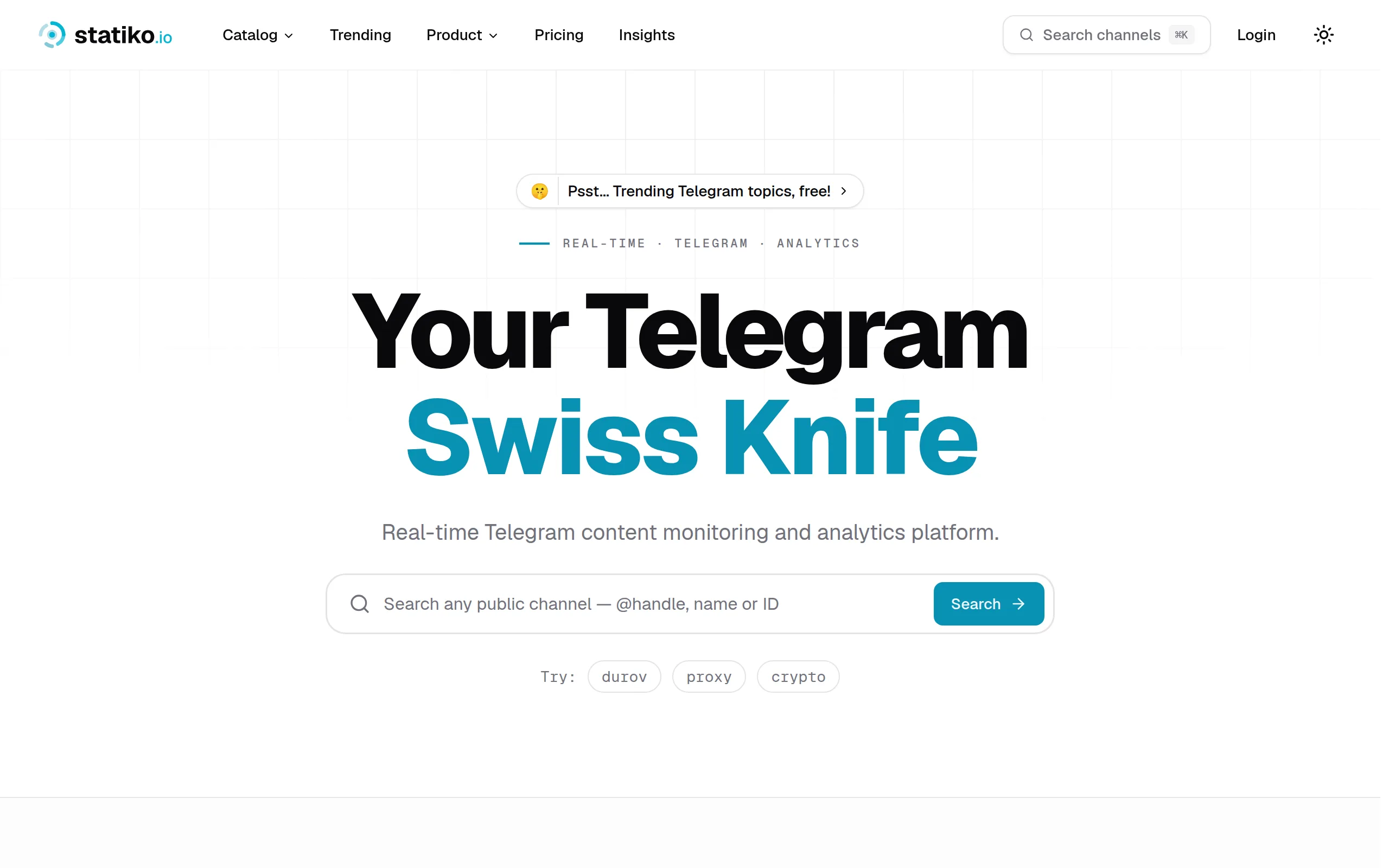
Statiko
Monitor any Telegram channel in real time - track posts, edits, deletions, and growth with AI recaps 📡

Shibui
AI website builder - describe your business, pick a niche template, edit by chatting, and publish instantly ✨

Pro Service
Find verified home service professionals, compare quotes, and pay securely through escrow - built for Brazilians across the US 🏠
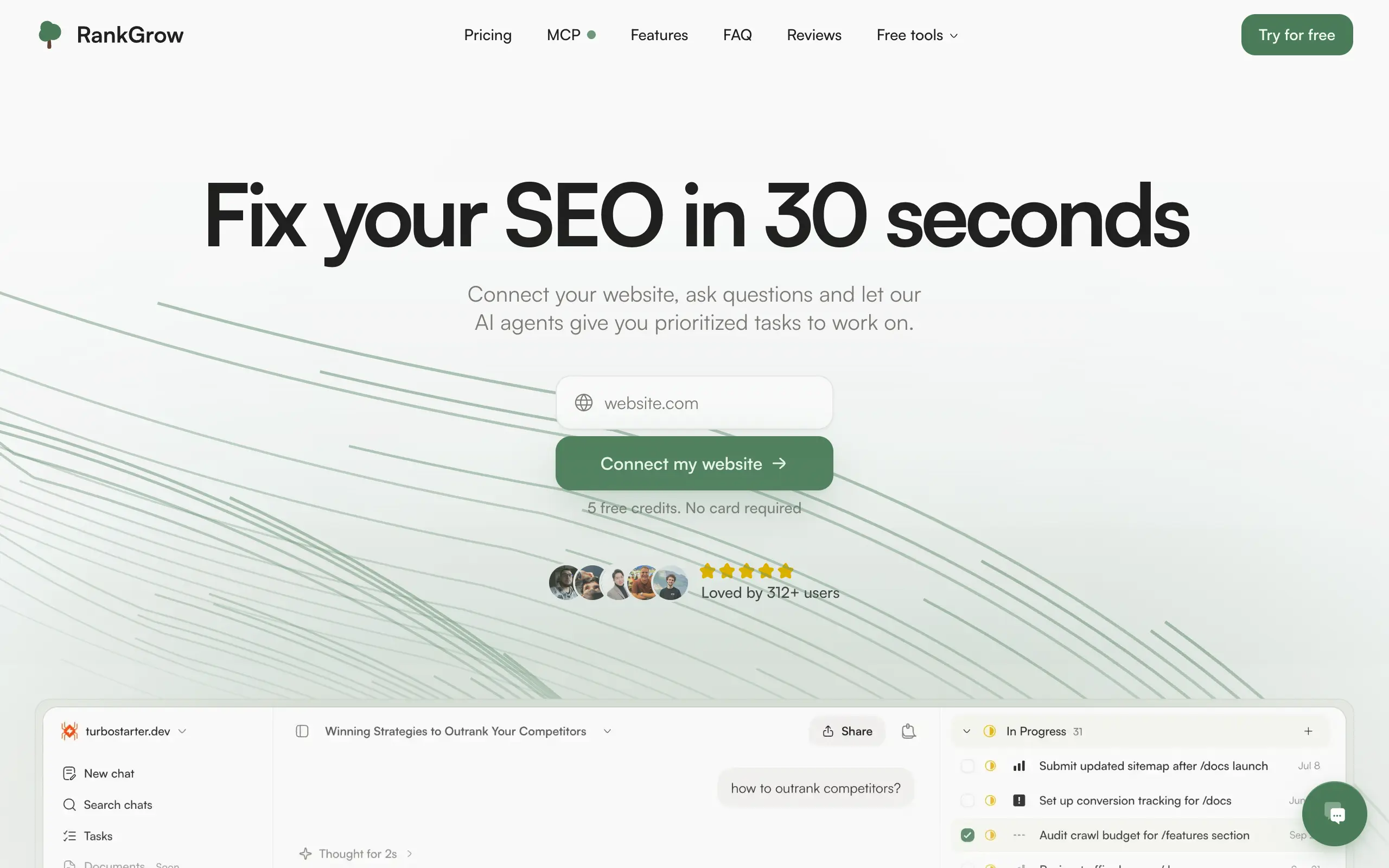
RankGrow
Fix your SEO with AI agents - connect Search Console, get prioritized tasks, and grow organic traffic 📈
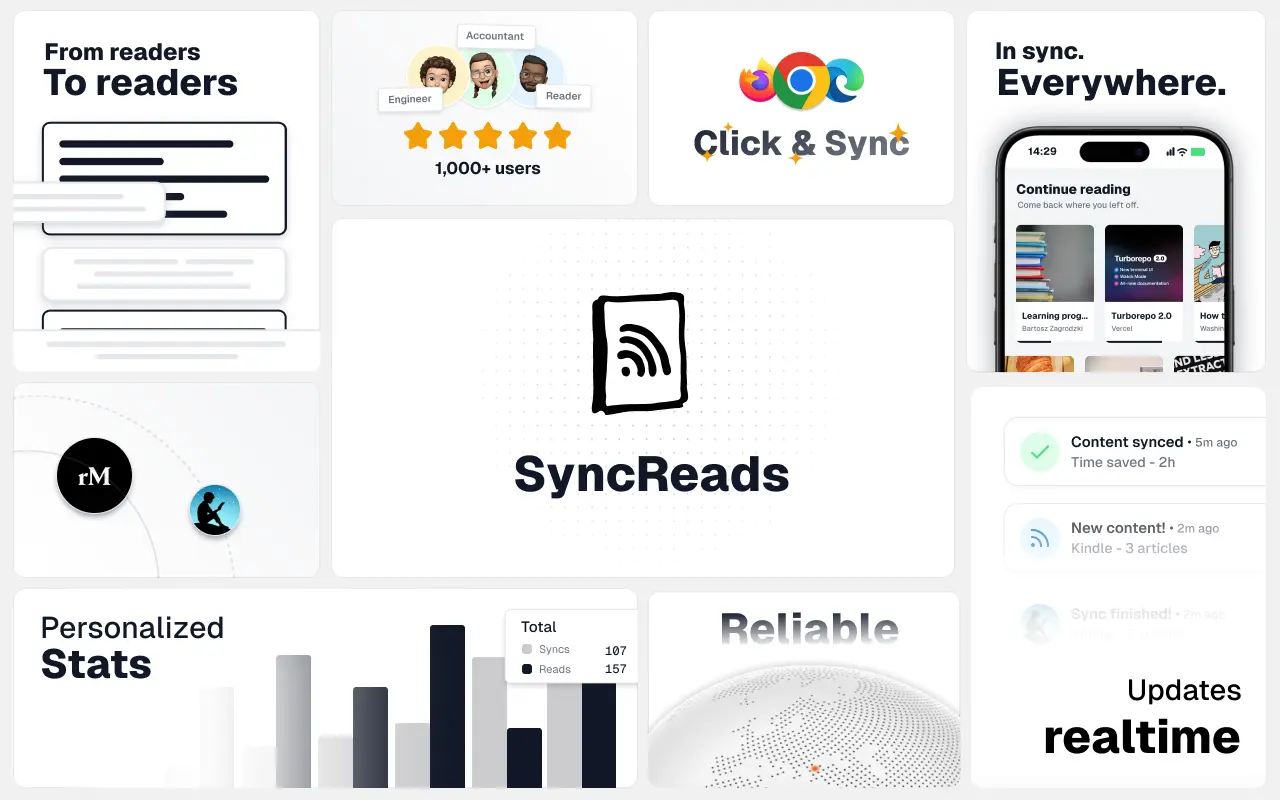
SyncReads
Sync your favorite content for distraction-free reading, save time and replace multiple apps. Anytime, anywhere 🔄
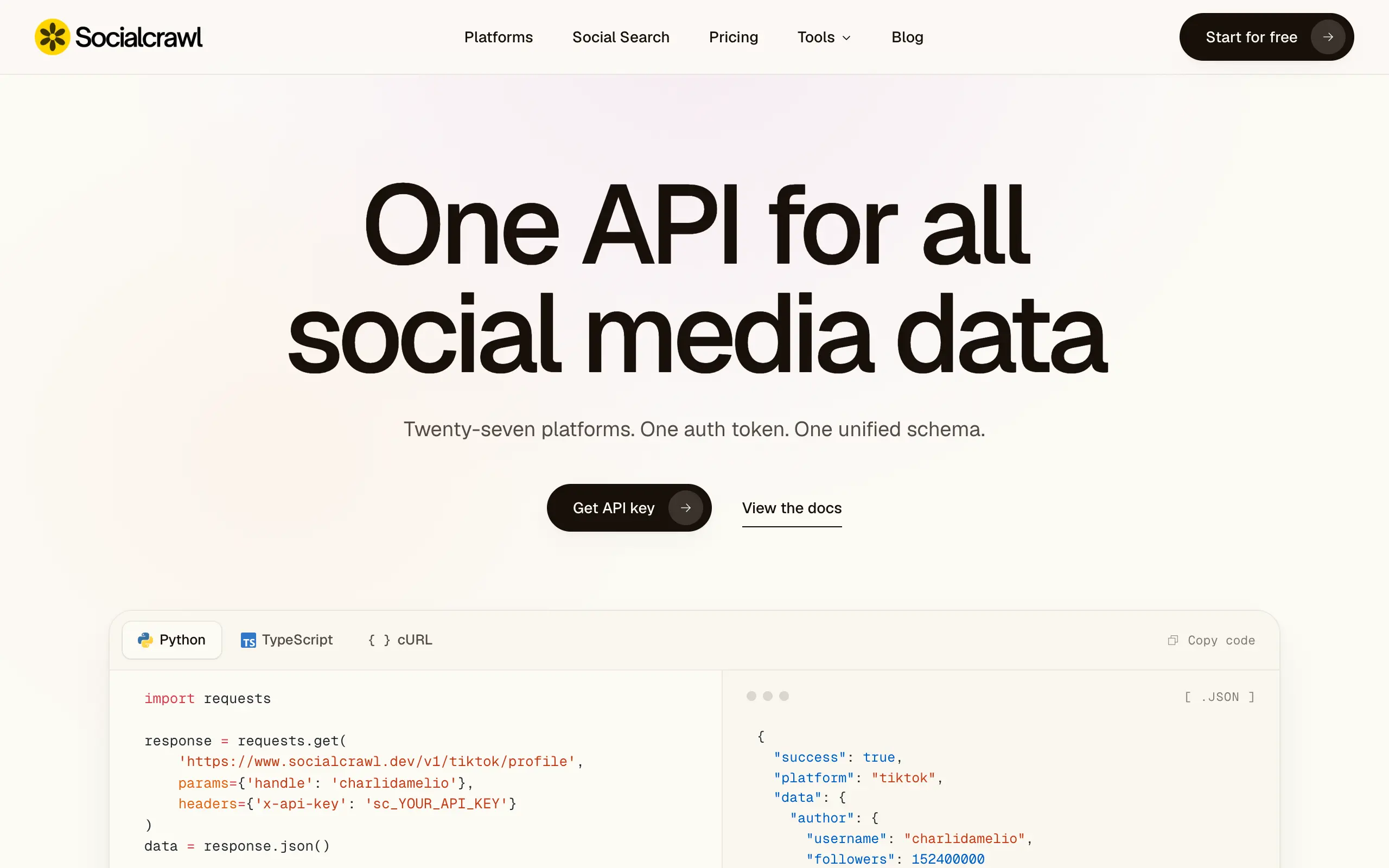
Socialcrawl
Get clean, structured data from 21 platforms like TikTok, Instagram, and YouTube with a single request 📊
Statiko
Monitor any Telegram channel in real time - track posts, edits, deletions, and growth with AI recaps 📡
Shibui
AI website builder - describe your business, pick a niche template, edit by chatting, and publish instantly ✨
Pro Service
Find verified home service professionals, compare quotes, and pay securely through escrow - built for Brazilians across the US 🏠
RankGrow
Fix your SEO with AI agents - connect Search Console, get prioritized tasks, and grow organic traffic 📈
SyncReads
Sync your favorite content for distraction-free reading, save time and replace multiple apps. Anytime, anywhere 🔄
Socialcrawl
Get clean, structured data from 21 platforms like TikTok, Instagram, and YouTube with a single request 📊
Statiko
Monitor any Telegram channel in real time - track posts, edits, deletions, and growth with AI recaps 📡
Shibui
AI website builder - describe your business, pick a niche template, edit by chatting, and publish instantly ✨
Pro Service
Find verified home service professionals, compare quotes, and pay securely through escrow - built for Brazilians across the US 🏠
RankGrow
Fix your SEO with AI agents - connect Search Console, get prioritized tasks, and grow organic traffic 📈
SyncReads
Sync your favorite content for distraction-free reading, save time and replace multiple apps. Anytime, anywhere 🔄
Socialcrawl
Get clean, structured data from 21 platforms like TikTok, Instagram, and YouTube with a single request 📊
Statiko
Monitor any Telegram channel in real time - track posts, edits, deletions, and growth with AI recaps 📡
Shibui
AI website builder - describe your business, pick a niche template, edit by chatting, and publish instantly ✨
Pro Service
Find verified home service professionals, compare quotes, and pay securely through escrow - built for Brazilians across the US 🏠
RankGrow
Fix your SEO with AI agents - connect Search Console, get prioritized tasks, and grow organic traffic 📈
SyncReads
Sync your favorite content for distraction-free reading, save time and replace multiple apps. Anytime, anywhere 🔄
Socialcrawl
Get clean, structured data from 21 platforms like TikTok, Instagram, and YouTube with a single request 📊
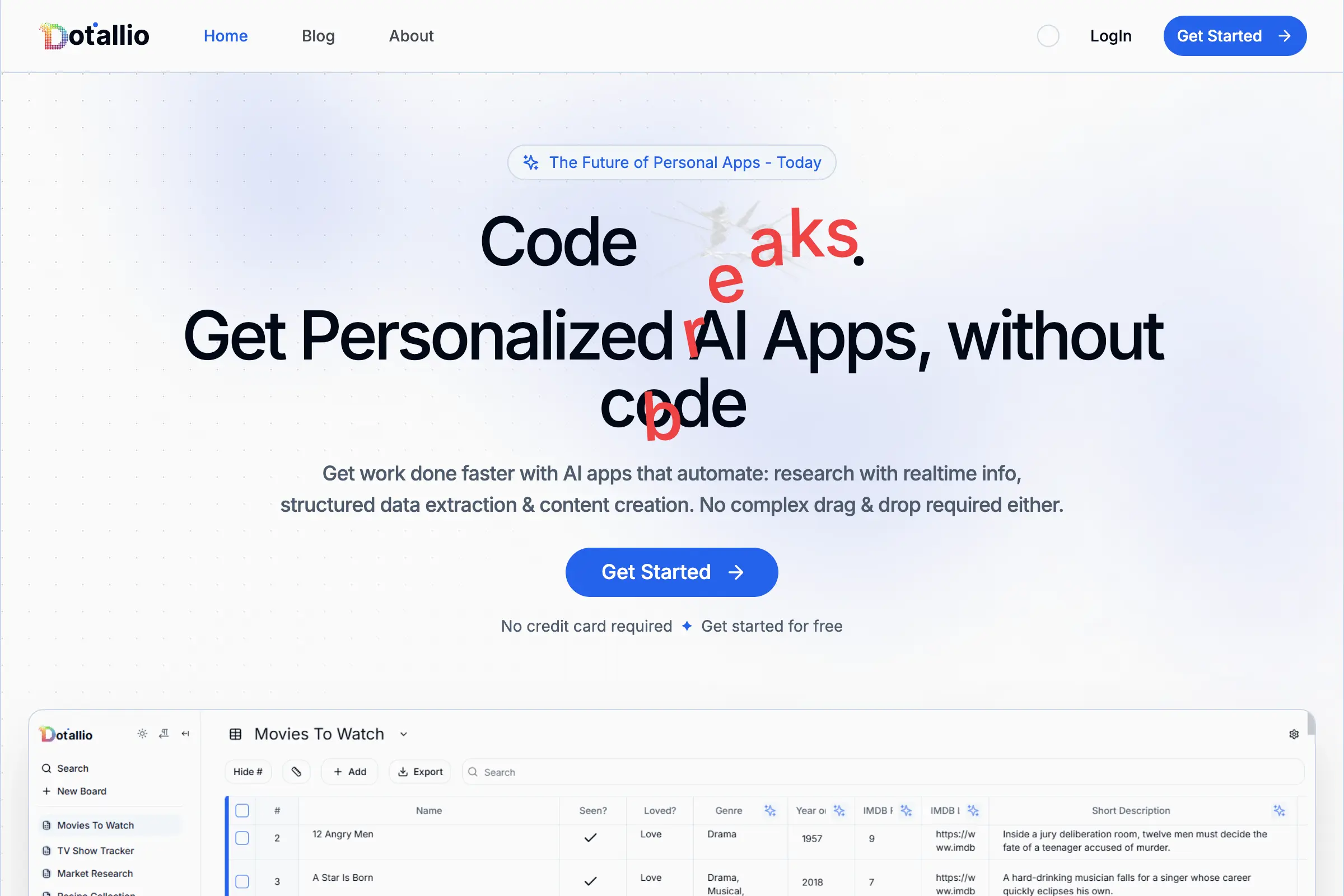
Dotallio
Personalized AI apps that automate research, data extraction, and content creation without code 🤖
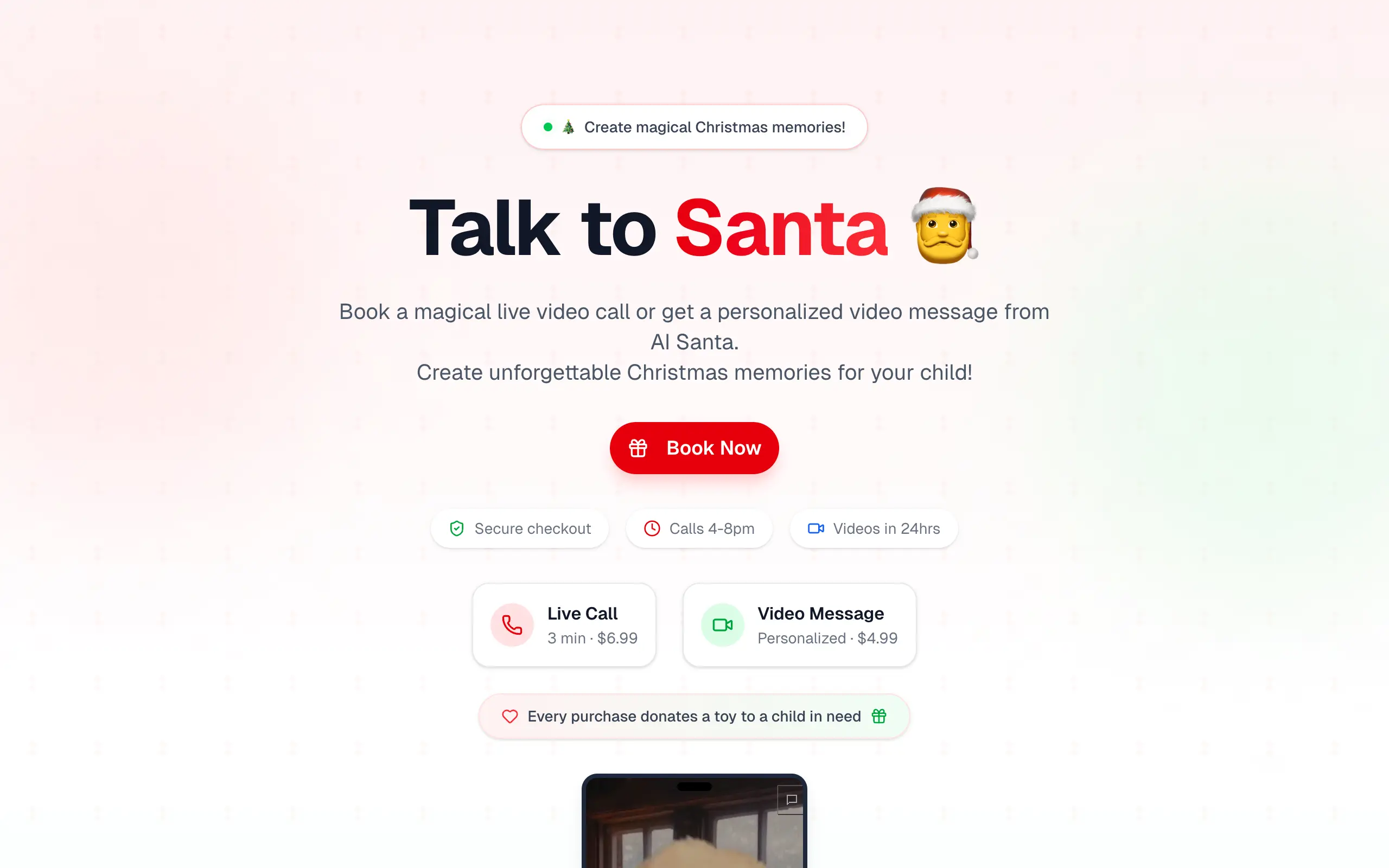
Talk to Santa
Enjoy a magical live video chat or receive a unique AI-generated video greeting from Santa Claus 🎅
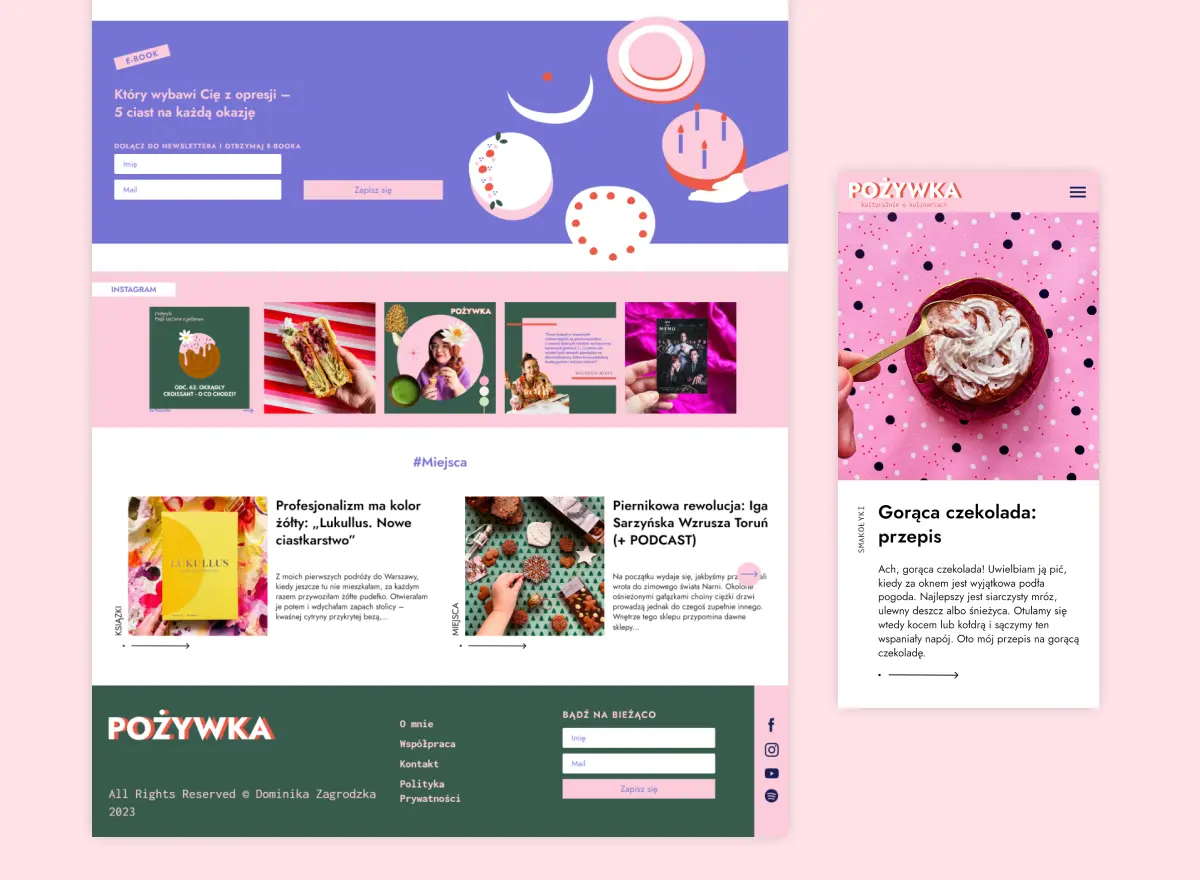
pozywka.pl
Scalable blog for food journalist, focused on performance and user experience 🌭
zagrodzki.me
Personal blog and portfolio of Bart Zagrodzki, where he shares his knowledge and work 💼
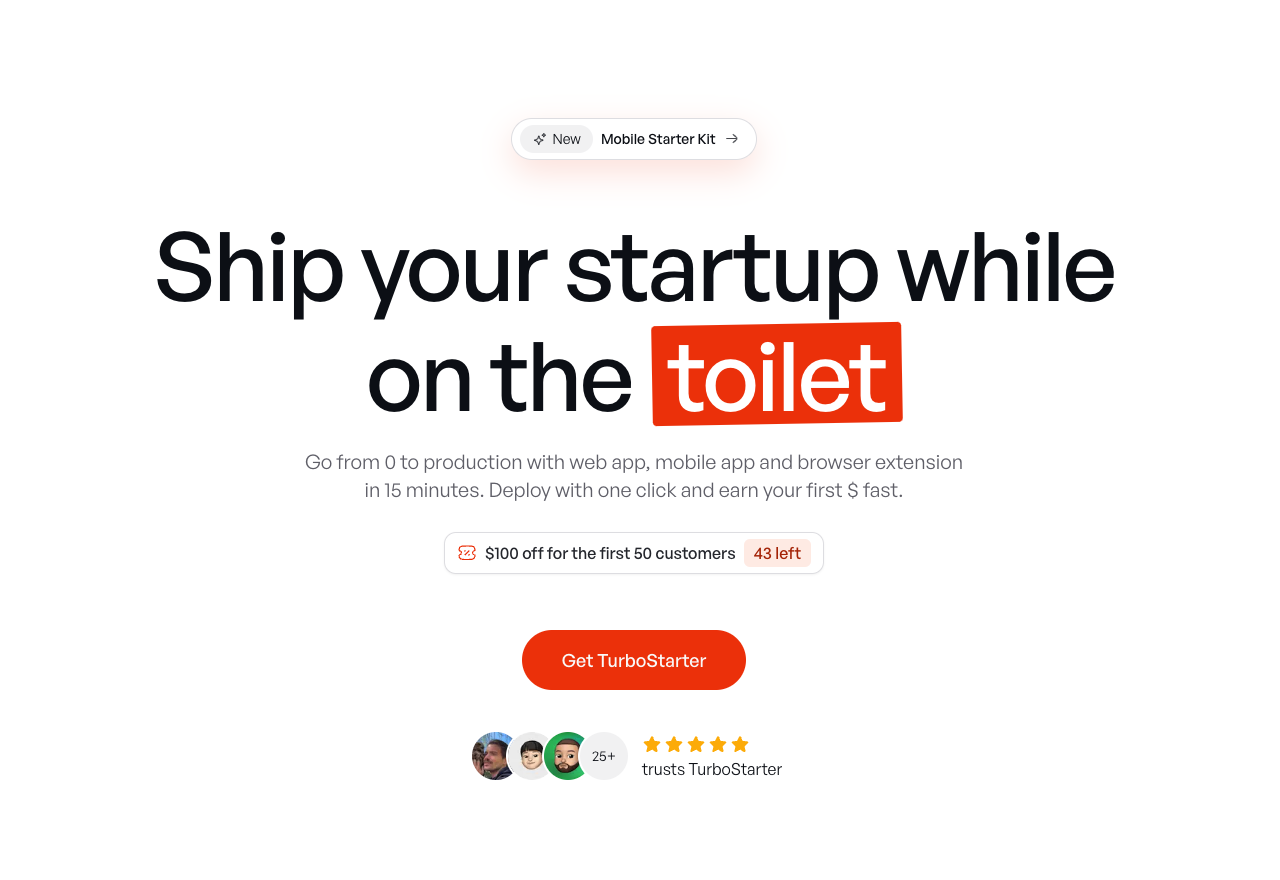
TurboStarter
Ship your startup everywhere. In minutes.
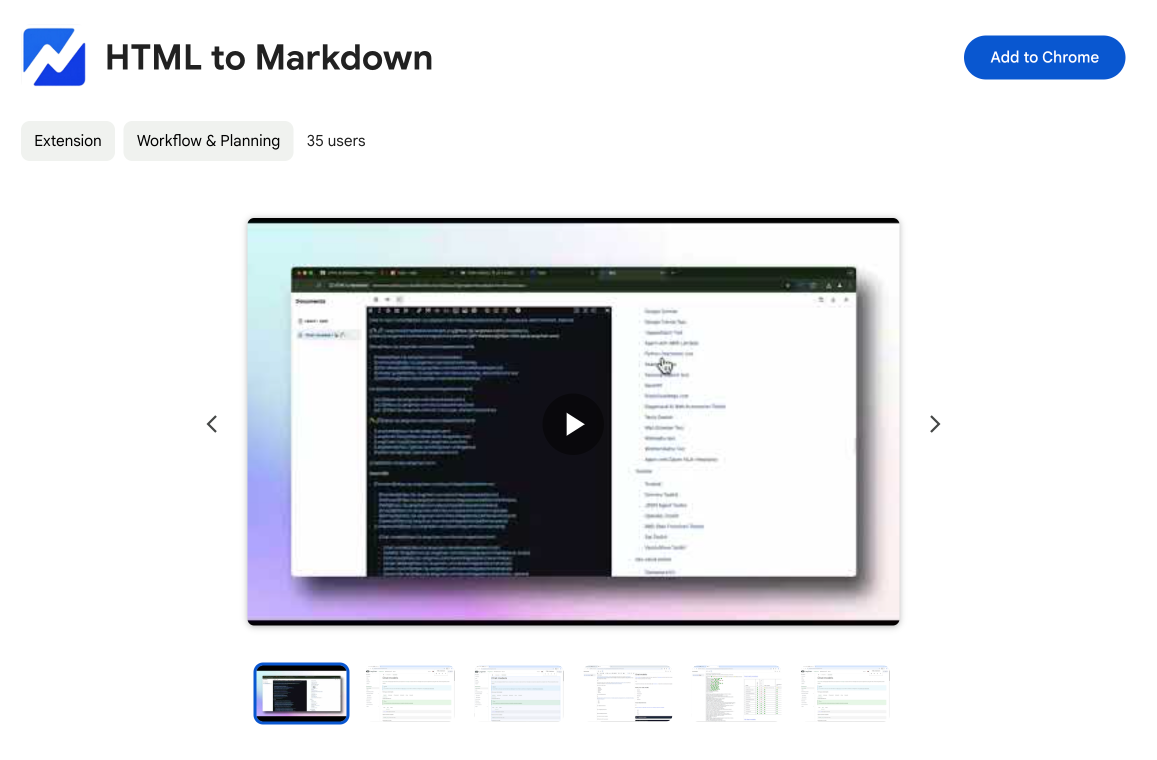
HTML to Markdown
Convert HTML to Markdown with ease, directly in your browser 📄
Dotallio
Personalized AI apps that automate research, data extraction, and content creation without code 🤖
Talk to Santa
Enjoy a magical live video chat or receive a unique AI-generated video greeting from Santa Claus 🎅
pozywka.pl
Scalable blog for food journalist, focused on performance and user experience 🌭
zagrodzki.me
Personal blog and portfolio of Bart Zagrodzki, where he shares his knowledge and work 💼
TurboStarter
Ship your startup everywhere. In minutes.
HTML to Markdown
Convert HTML to Markdown with ease, directly in your browser 📄
Dotallio
Personalized AI apps that automate research, data extraction, and content creation without code 🤖
Talk to Santa
Enjoy a magical live video chat or receive a unique AI-generated video greeting from Santa Claus 🎅
pozywka.pl
Scalable blog for food journalist, focused on performance and user experience 🌭
zagrodzki.me
Personal blog and portfolio of Bart Zagrodzki, where he shares his knowledge and work 💼
TurboStarter
Ship your startup everywhere. In minutes.
HTML to Markdown
Convert HTML to Markdown with ease, directly in your browser 📄
Dotallio
Personalized AI apps that automate research, data extraction, and content creation without code 🤖
Talk to Santa
Enjoy a magical live video chat or receive a unique AI-generated video greeting from Santa Claus 🎅
pozywka.pl
Scalable blog for food journalist, focused on performance and user experience 🌭
zagrodzki.me
Personal blog and portfolio of Bart Zagrodzki, where he shares his knowledge and work 💼
TurboStarter
Ship your startup everywhere. In minutes.
HTML to Markdown
Convert HTML to Markdown with ease, directly in your browser 📄
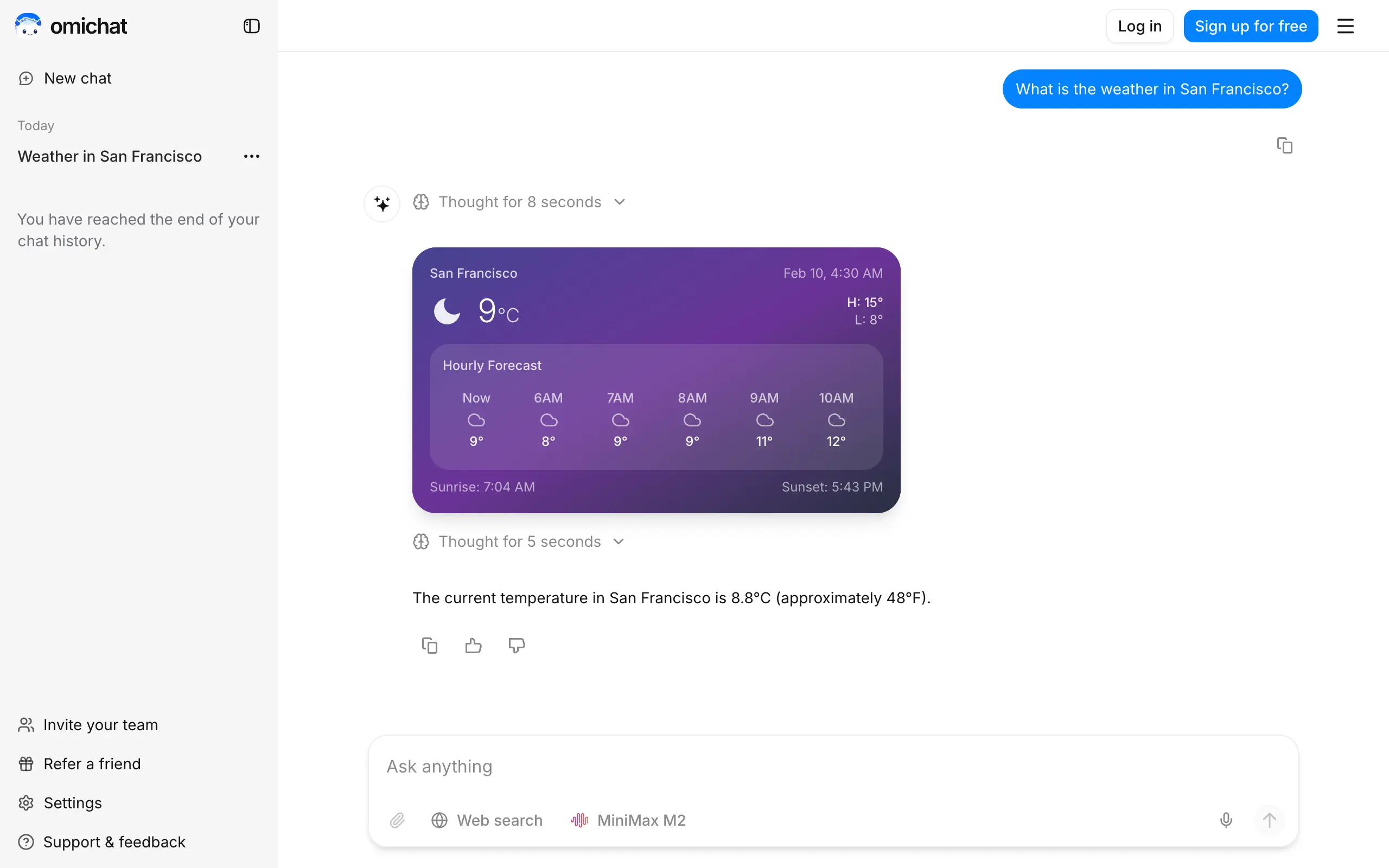
Omichat
Chat with 50+ AI models, including ChatGPT and Claude, in one place - switch models anytime without losing context 🤖
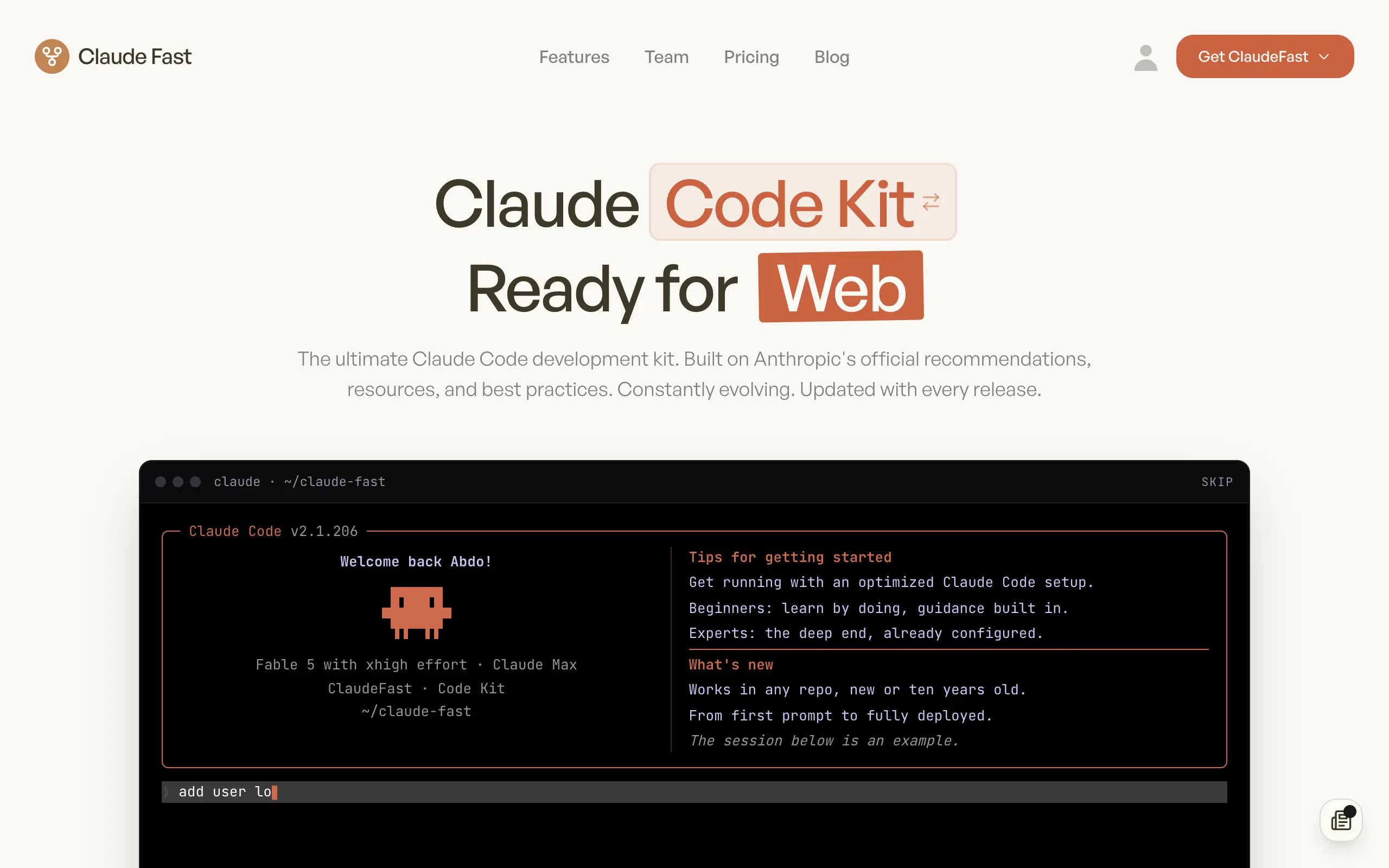
Claude Fast
Supercharge your Claude Code with 6x effective context window and specialized AI agents 🤖
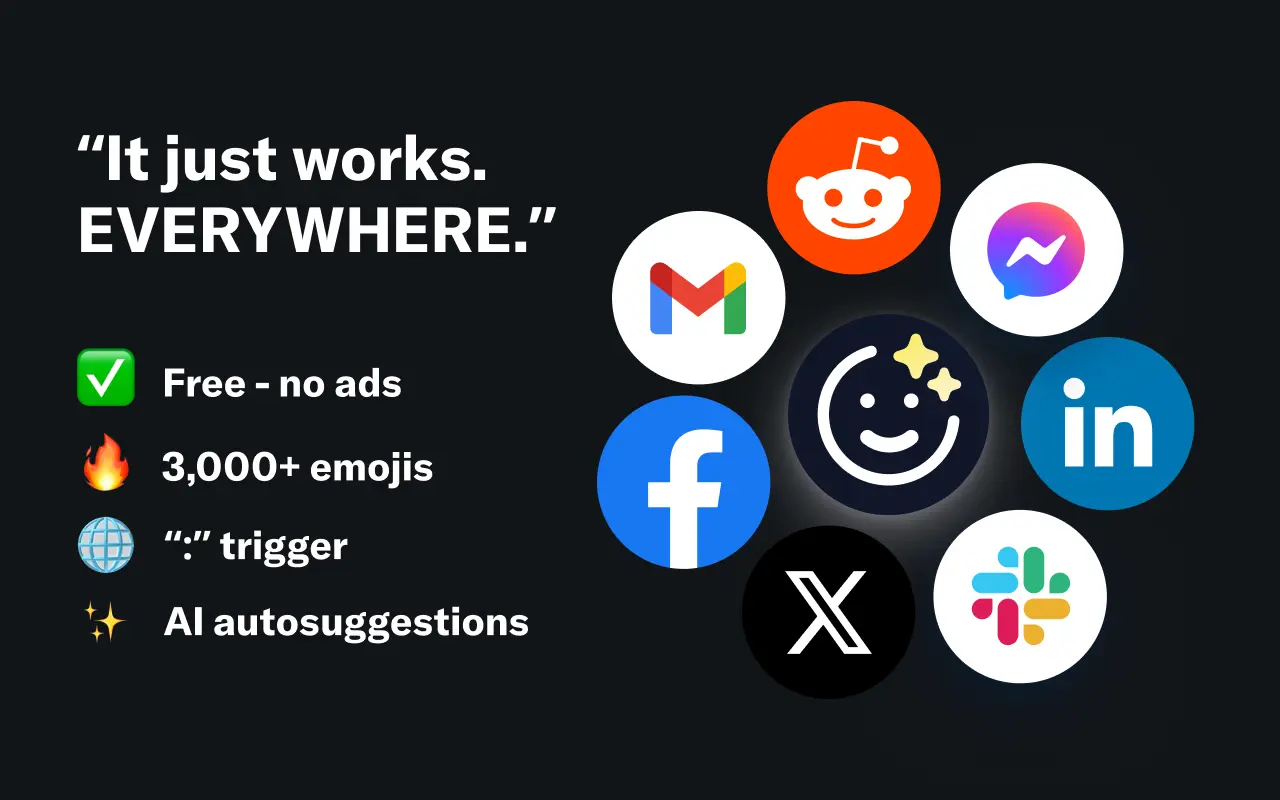
EmojAI
AI-powered emoji picker with smart, context-aware suggestions 🤖
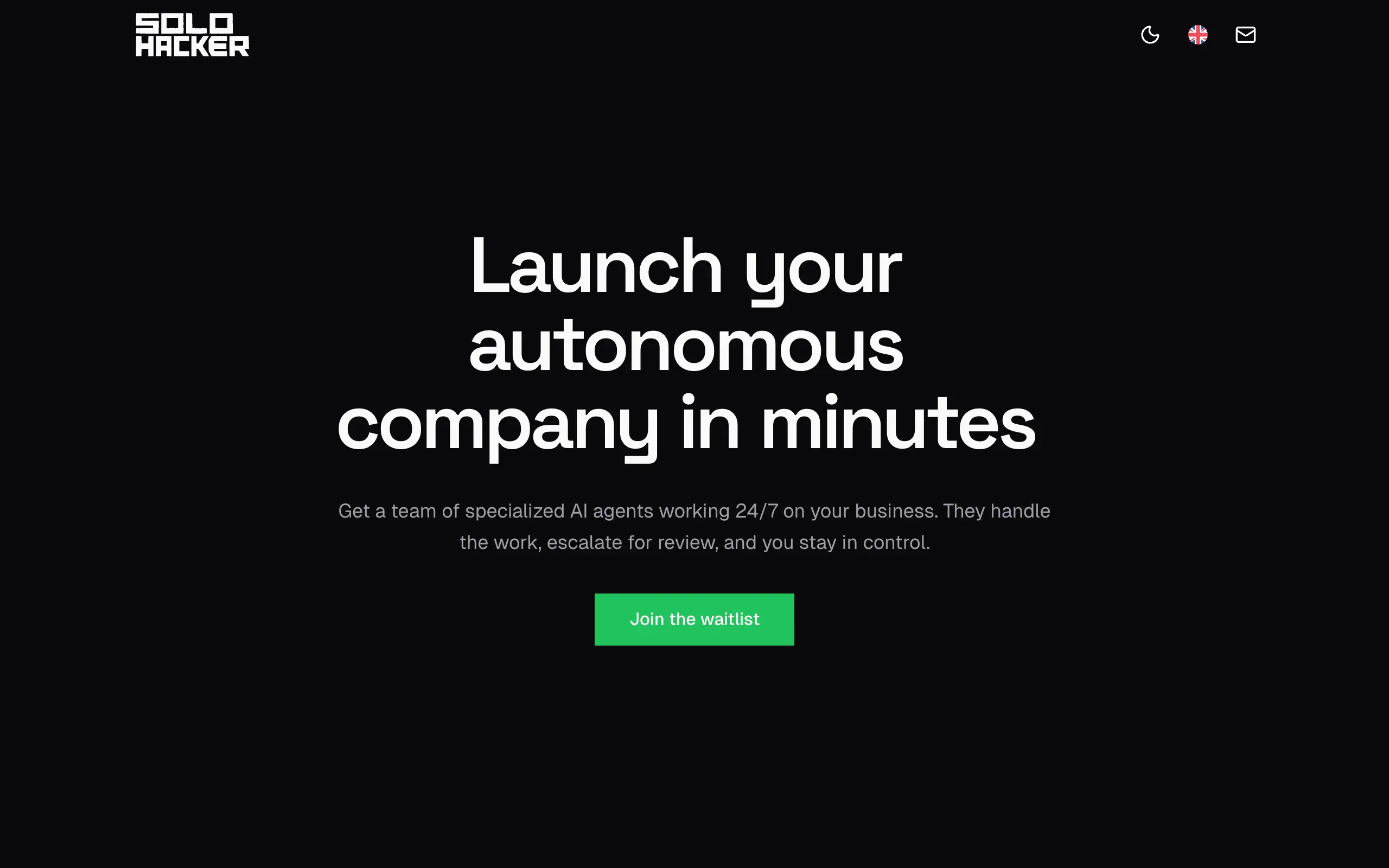
Solohacker
Autonomous company launcher - AI agents work 24/7, escalate what matters, and you stay in control 🤖
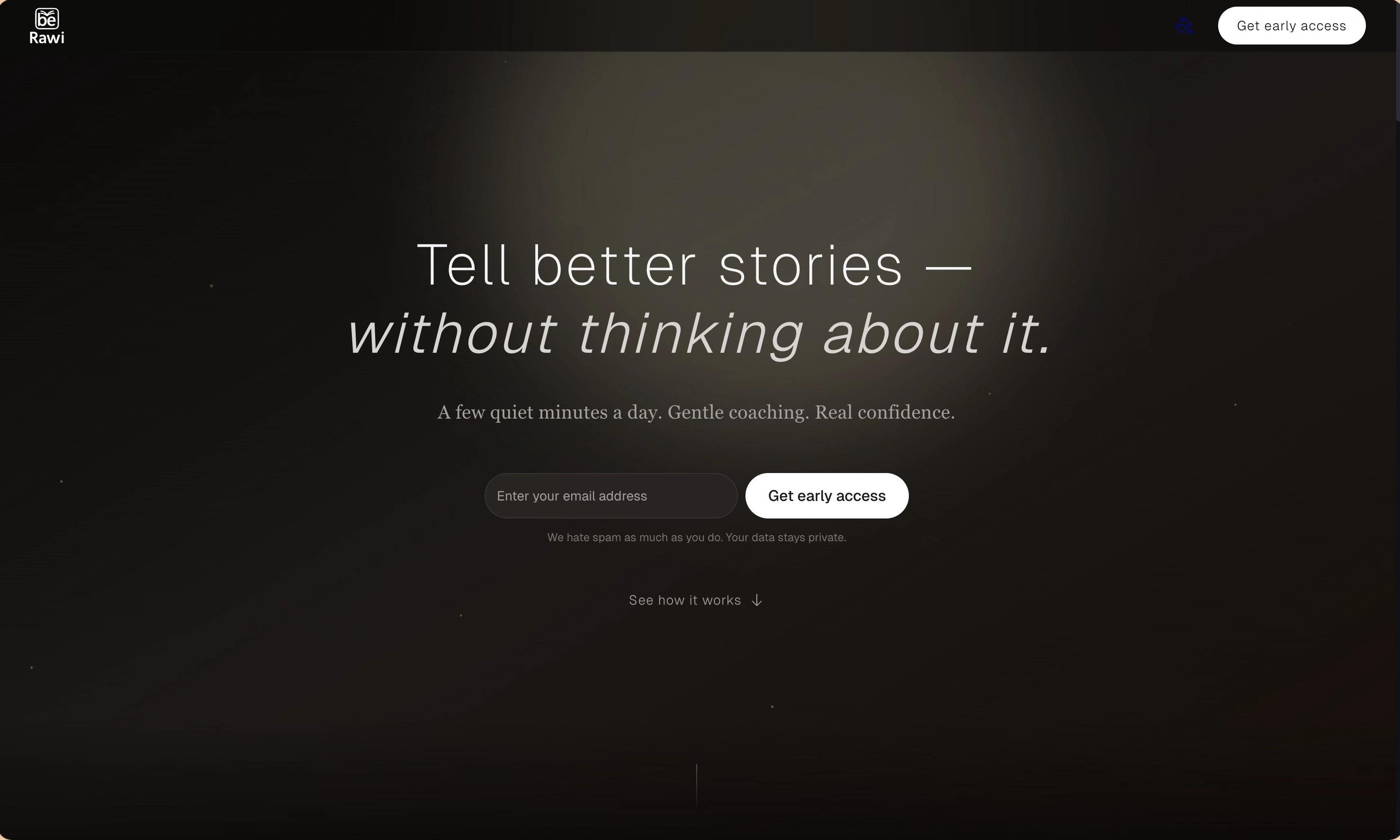
BeRawi: Storytelling Coach
Practice storytelling daily with instant feedback to sound clearer, more engaging, and confident 🎤
Omichat
Chat with 50+ AI models, including ChatGPT and Claude, in one place - switch models anytime without losing context 🤖
Claude Fast
Supercharge your Claude Code with 6x effective context window and specialized AI agents 🤖
EmojAI
AI-powered emoji picker with smart, context-aware suggestions 🤖
Solohacker
Autonomous company launcher - AI agents work 24/7, escalate what matters, and you stay in control 🤖
BeRawi: Storytelling Coach
Practice storytelling daily with instant feedback to sound clearer, more engaging, and confident 🎤
Omichat
Chat with 50+ AI models, including ChatGPT and Claude, in one place - switch models anytime without losing context 🤖
Claude Fast
Supercharge your Claude Code with 6x effective context window and specialized AI agents 🤖
EmojAI
AI-powered emoji picker with smart, context-aware suggestions 🤖
Solohacker
Autonomous company launcher - AI agents work 24/7, escalate what matters, and you stay in control 🤖
BeRawi: Storytelling Coach
Practice storytelling daily with instant feedback to sound clearer, more engaging, and confident 🎤
Omichat
Chat with 50+ AI models, including ChatGPT and Claude, in one place - switch models anytime without losing context 🤖
Claude Fast
Supercharge your Claude Code with 6x effective context window and specialized AI agents 🤖
EmojAI
AI-powered emoji picker with smart, context-aware suggestions 🤖
Solohacker
Autonomous company launcher - AI agents work 24/7, escalate what matters, and you stay in control 🤖
BeRawi: Storytelling Coach
Practice storytelling daily with instant feedback to sound clearer, more engaging, and confident 🎤

Connect with like-minded people
Join our community to get feedback, support, and grow together with 1,000+ builders on board, let's ship it!
Join usShip your startup everywhere. In minutes.
Don't burn tokens on setup and start building features on day one.