UniFlow Assistant
Smart academic workflow AI that manages assignments, deadlines, emails, and group projects by integrating with LMS platforms and calendars.
The rise of AI-powered academic workflow assistants
Higher education has quietly become one of the most complex productivity environments in modern life. Students juggle multiple learning management systems (LMS), overlapping deadlines, fragmented communication channels, and group projects that rarely stay organized. The result? Cognitive overload, missed deadlines, and inefficient workflows.
This is exactly where AI-powered academic workflow tools like UniFlow Assistant come in.
UniFlow Assistant represents a new category of student productivity SaaS platforms—tools that go beyond simple task management to actively orchestrate a student’s academic life. By integrating LMS platforms, calendars, emails, and collaboration tools, it acts as a centralized intelligence layer that simplifies decision-making and execution.
This article breaks down the full strategic opportunity behind this idea—from market demand and feature design to monetization and technical architecture—so you can validate, build, or scale a product like UniFlow Assistant.
Understanding the target audience
Primary users: digitally overwhelmed students
The core audience includes:
- Undergraduate and graduate students
- Online learners and hybrid students
- International students managing multiple systems
- Students in rigorous programs (medicine, law, engineering)
These users share a common pain point: fragmented academic workflows.
They typically use:
- LMS platforms (Canvas, Blackboard, Moodle)
- Email (Gmail, Outlook)
- Calendar apps (Google Calendar, Apple Calendar)
- Messaging tools (Slack, Discord, WhatsApp)
- File-sharing platforms (Google Drive, Dropbox)
Yet none of these tools communicate seamlessly.
Secondary users: educators and institutions
While students are the primary users, institutions benefit from:
- Higher assignment submission rates
- Better student engagement
- Reduced administrative burden
This opens doors for B2B partnerships later.
The problem: academic workflow fragmentation
Modern students face a paradox: more tools, less clarity.
Key pain points
- Scattered deadlines: Assignments spread across multiple LMS dashboards
- Email overload: Important academic updates buried in inbox clutter
- Group project chaos: Poor coordination across tools
- Lack of prioritization: Students don’t know what to do next
- Manual tracking: Students create their own systems (often inefficient)
Critical insight
Most productivity tools fail students because they require manual input. Students need automation, not another system to maintain.
The solution: what UniFlow Assistant actually does
UniFlow Assistant is not just a task manager—it’s an AI-powered orchestration layer for academic workflows.
Core functionality
- Automatically pulls assignments from LMS platforms
- Syncs deadlines into a unified calendar
- Prioritizes tasks using AI
- Summarizes emails and highlights actionable items
- Coordinates group project workflows
- Sends smart reminders based on urgency and workload
Core features that drive real value
1. LMS integration engine
Seamless integration with platforms like:
- Canvas
- Blackboard
- Moodle
This allows automatic extraction of:
- Assignments
- Deadlines
- Course materials
- Announcements
2. AI-powered task prioritization
Instead of static lists, UniFlow uses:
- Deadline proximity
- Assignment weight
- Estimated effort
- User behavior patterns
To generate:
- Daily task plans
- Smart suggestions
- “What should I do next?” answers
3. Intelligent email summarization
Students often miss key updates buried in emails.
UniFlow can:
- Summarize long emails
- Extract action items
- Link emails to relevant tasks
4. Group project coordination
A major differentiator.
Features include:
- Task assignment tracking
- Shared timelines
- Communication summaries
- Progress monitoring
5. Unified academic dashboard
A single interface showing:
- Upcoming deadlines
- Current workload
- Priority tasks
- Notifications
Market opportunity and industry trends
EdTech is expanding rapidly
According to publicly available industry reports (e.g., HolonIQ), the global EdTech market is projected to exceed $400 billion by 2030.
Within this, student productivity tools are still underdeveloped.
Why now is the perfect timing
- AI adoption is accelerating
- Students are more digitally dependent than ever
- LMS platforms are widespread but siloed
- Mental health concerns are pushing demand for clarity and structure
Market gap
There are:
- Task managers (Notion, Todoist)
- Note-taking apps
- LMS platforms
But no dominant AI-powered academic workflow orchestrator.
That’s the gap UniFlow Assistant fills.
Competitive landscape analysis
| Feature | UniFlow Assistant | Notion | Todoist | LMS Platforms | Google Calendar |
|---|---|---|---|---|---|
| LMS integration | ✅ | ❌ | ❌ | ✅ | ❌ |
| AI prioritization | ✅ | ✅ | ✅ | ❌ | ❌ |
| Group project coordination | ✅ | ✅ | ❌ | ❌ | ❌ |
| Email summarization | ✅ | ❌ | ❌ | ❌ | ❌ |
| Academic-specific workflows | ✅ | ❌ | ❌ | ✅ | ❌ |
Key takeaway
UniFlow’s advantage lies in vertical specialization + AI orchestration.
Unique selling proposition (USP)
UniFlow Assistant stands out because it:
- Combines automation + AI + academic context
- Eliminates manual task entry entirely
- Acts as a decision-making assistant, not just a tracker
- Bridges gaps between disconnected systems
Positioning insight
UniFlow should be positioned as “your academic autopilot,” not just another productivity app.
Recommended tech stack (with trade-offs)
Frontend
Why:
- Fast UI development
- Scalable component architecture
Trade-off:
- Requires careful state management for complex workflows
Backend
- Node.js with NestJS or Express
- GraphQL API layer
Why:
- Flexible integrations
- Strong ecosystem
AI layer
- OpenAI APIs or similar LLM providers
- Vector database (e.g., Pinecone, Weaviate)
Use cases:
- Task prioritization
- Email summarization
- Context-aware suggestions
Trade-off:
- Cost management is critical
Integrations
- LMS APIs (or scraping fallback if APIs are limited)
- Google Calendar API
- Gmail/Outlook APIs
Database
- PostgreSQL (structured data)
- Redis (caching and real-time updates)
System architecture overview
// Simplified architecture concept
const system = {
  frontend: "React + Tailwind",
  backend: "Node.js API",
  integrations: ["LMS APIs", "Google Calendar", "Email APIs"],
  aiLayer: "LLM + vector DB",
  database: "PostgreSQL",
};
Monetization strategy
Freemium model (recommended)
Free tier:
- Basic LMS sync
- Limited AI suggestions
- Calendar integration
Premium tier ($5–$12/month):
- Advanced AI prioritization
- Email summarization
- Group project tools
- Smart scheduling
Alternative revenue streams
- University partnerships (B2B SaaS)
- Affiliate integrations (study tools, tutoring platforms)
- Data insights (aggregated, anonymized trends)
Go-to-market strategy
Phase 1: student-led growth
- Launch at universities
- Use campus ambassadors
- Target Reddit, Discord, TikTok
Phase 2: viral loops
- Group project features drive referrals
- Shared dashboards invite users organically
Phase 3: institutional sales
- Partner with universities
- Offer white-labeled solutions
Potential risks and mitigation strategies
1. LMS integration complexity
Risk:
- APIs differ or are restricted
Mitigation:
- Build modular integration layers
- Use browser extensions as fallback
2. AI accuracy concerns
Risk:
- Incorrect prioritization could harm trust
Mitigation:
- Allow user overrides
- Provide transparency in suggestions
3. User retention
Risk:
- Students abandon tools mid-semester
Mitigation:
- Focus on onboarding
- Deliver immediate value within first session
Implementation roadmap
Feature prioritization for MVP
Must-have
LMS sync, calendar integration, basic dashboard
Should-have
AI task prioritization, reminders
Nice-to-have
Email summarization, group tools
Future expansion opportunities
1. AI study assistant
- Generate summaries
- Create practice quizzes
- Suggest study plans
2. Career integration
- Internship tracking
- Resume building
- Networking reminders
3. Mental health support
- Workload balance insights
- Burnout detection
Why this idea has strong long-term potential
UniFlow Assistant aligns with three major trends:
- AI becoming a personal assistant layer
- Increasing academic complexity
- Demand for automation over manual productivity
Unlike generic tools, it’s deeply embedded in a specific, high-frequency use case.
Building faster with the right tools
If you're planning to build a SaaS like UniFlow Assistant, speed matters. Using a pre-built foundation can save months of development time.
TurboStarter is designed specifically for launching SaaS products quickly, with built-in authentication, billing, and scalable architecture—making it a strong starting point for projects like this.
Final thoughts
UniFlow Assistant isn’t just another productivity app—it represents a shift toward AI-driven workflow orchestration in education.
The real opportunity lies in:
- Eliminating friction
- Automating decision-making
- Creating clarity in a chaotic system
If executed well, this type of product could become an essential tool for millions of students worldwide.
The key is simple: don’t just help students organize—help them think less about organizing altogether.
More ⚡ Productivity Tool SaaS ideas
Discover more innovative productivity tool SaaS ideas that are trending in 2026. Each idea is AI-generated with market validation and growth potential to help you find your next profitable venture faster than competitors.
Your competitors are building with TurboStarter
Below are some of the SaaS ideas that have been generated and built with our starter kit.
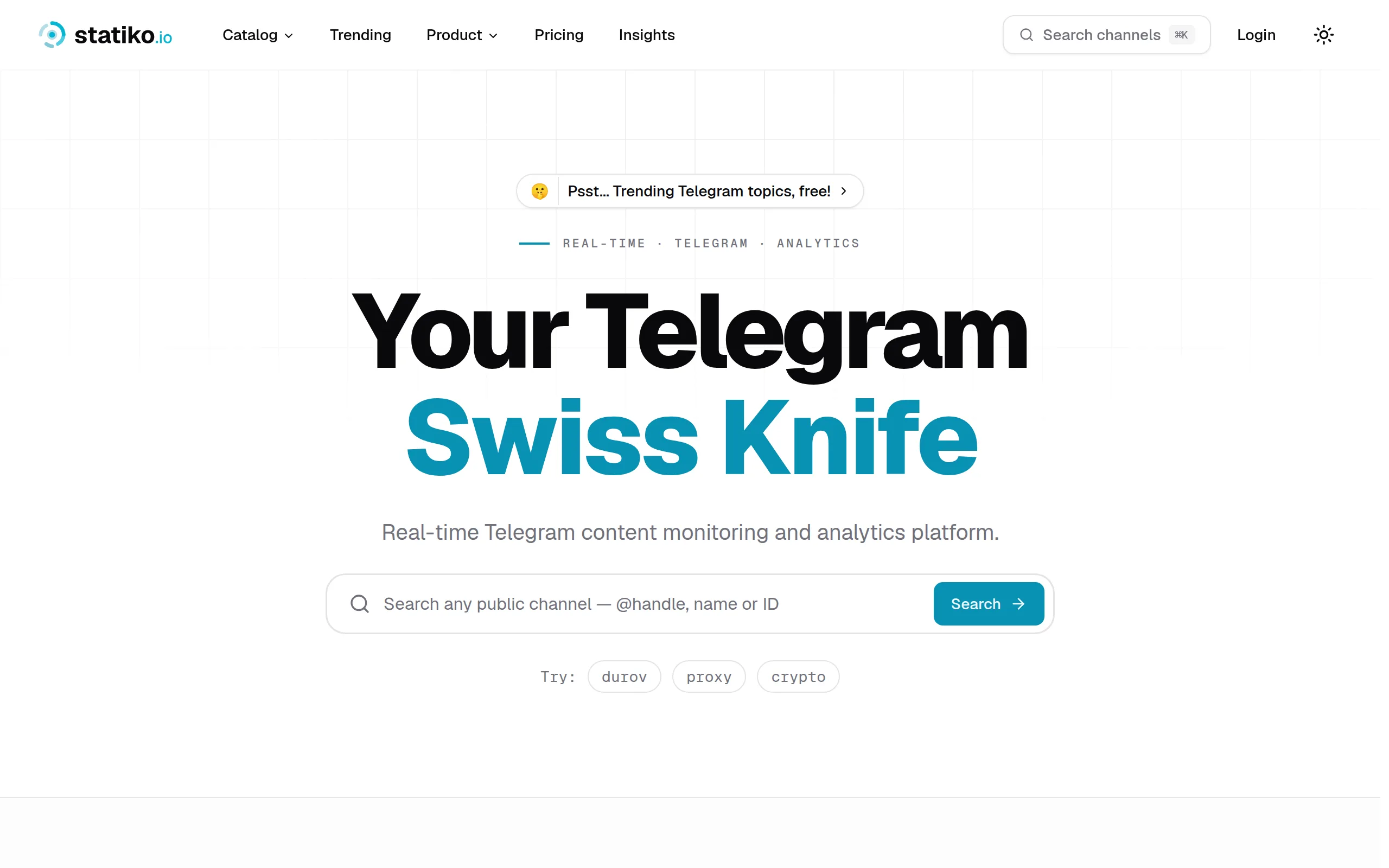
Statiko
Monitor any Telegram channel in real time - track posts, edits, deletions, and growth with AI recaps 📡

Shibui
AI website builder - describe your business, pick a niche template, edit by chatting, and publish instantly ✨

Pro Service
Find verified home service professionals, compare quotes, and pay securely through escrow - built for Brazilians across the US 🏠
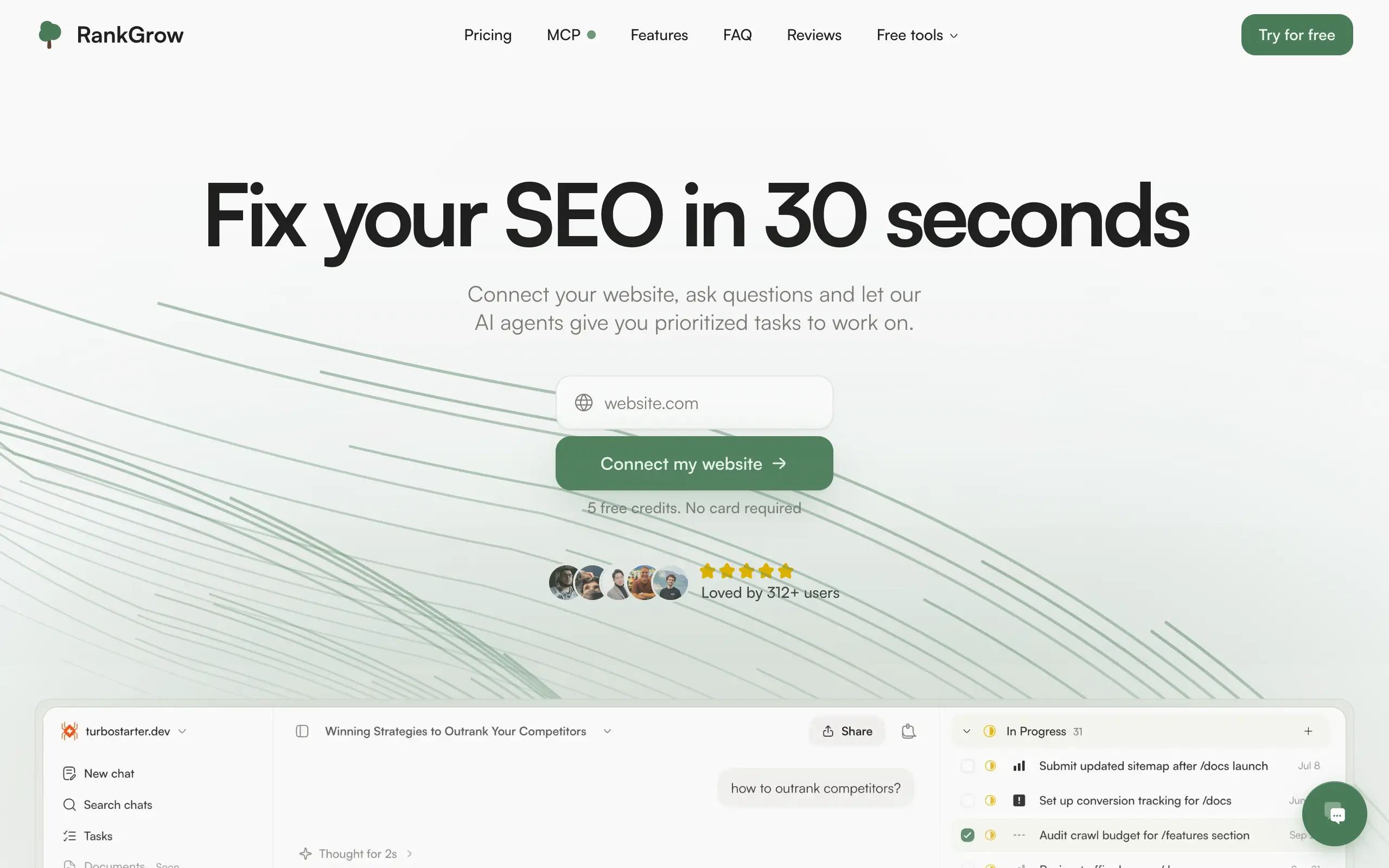
RankGrow
Fix your SEO with AI agents - connect Search Console, get prioritized tasks, and grow organic traffic 📈
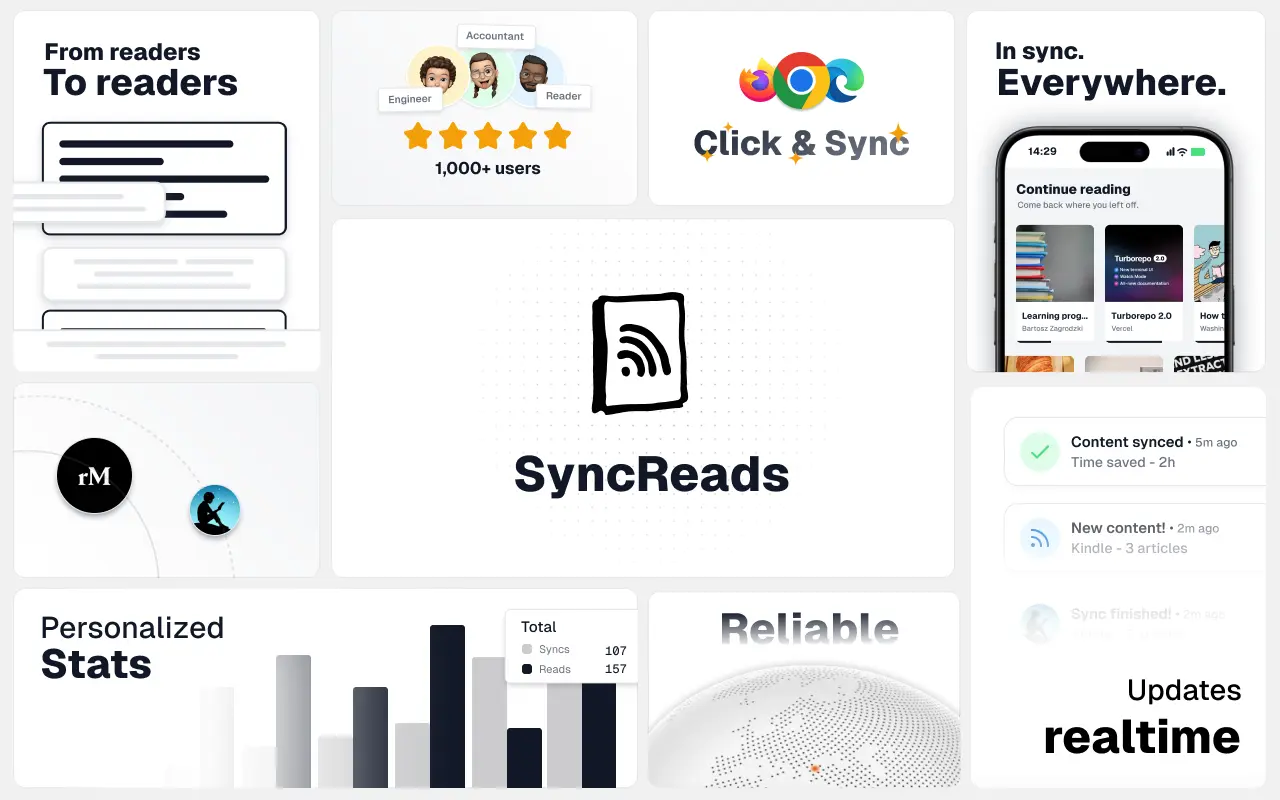
SyncReads
Sync your favorite content for distraction-free reading, save time and replace multiple apps. Anytime, anywhere 🔄
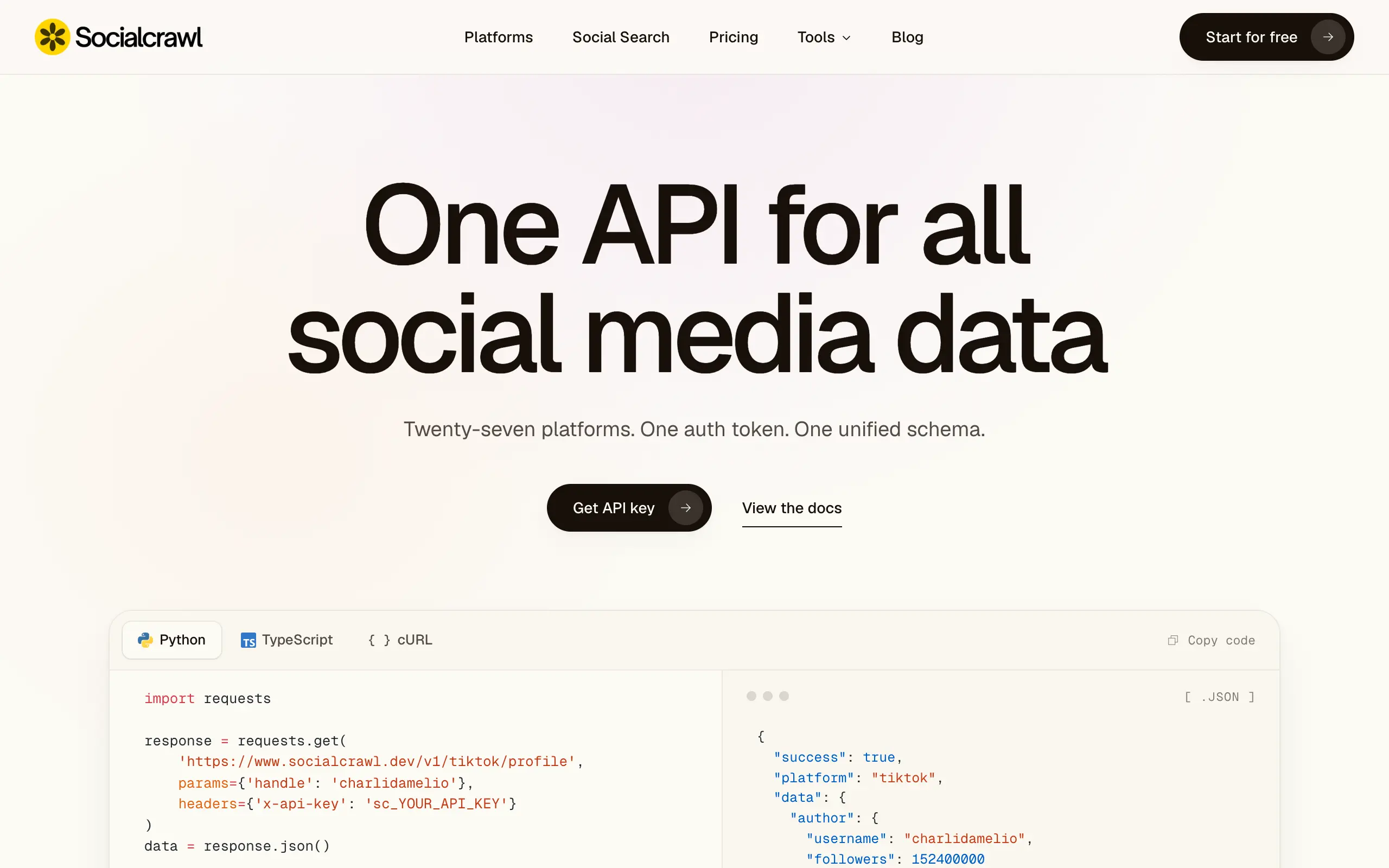
Socialcrawl
Get clean, structured data from 21 platforms like TikTok, Instagram, and YouTube with a single request 📊
Statiko
Monitor any Telegram channel in real time - track posts, edits, deletions, and growth with AI recaps 📡
Shibui
AI website builder - describe your business, pick a niche template, edit by chatting, and publish instantly ✨
Pro Service
Find verified home service professionals, compare quotes, and pay securely through escrow - built for Brazilians across the US 🏠
RankGrow
Fix your SEO with AI agents - connect Search Console, get prioritized tasks, and grow organic traffic 📈
SyncReads
Sync your favorite content for distraction-free reading, save time and replace multiple apps. Anytime, anywhere 🔄
Socialcrawl
Get clean, structured data from 21 platforms like TikTok, Instagram, and YouTube with a single request 📊
Statiko
Monitor any Telegram channel in real time - track posts, edits, deletions, and growth with AI recaps 📡
Shibui
AI website builder - describe your business, pick a niche template, edit by chatting, and publish instantly ✨
Pro Service
Find verified home service professionals, compare quotes, and pay securely through escrow - built for Brazilians across the US 🏠
RankGrow
Fix your SEO with AI agents - connect Search Console, get prioritized tasks, and grow organic traffic 📈
SyncReads
Sync your favorite content for distraction-free reading, save time and replace multiple apps. Anytime, anywhere 🔄
Socialcrawl
Get clean, structured data from 21 platforms like TikTok, Instagram, and YouTube with a single request 📊
Statiko
Monitor any Telegram channel in real time - track posts, edits, deletions, and growth with AI recaps 📡
Shibui
AI website builder - describe your business, pick a niche template, edit by chatting, and publish instantly ✨
Pro Service
Find verified home service professionals, compare quotes, and pay securely through escrow - built for Brazilians across the US 🏠
RankGrow
Fix your SEO with AI agents - connect Search Console, get prioritized tasks, and grow organic traffic 📈
SyncReads
Sync your favorite content for distraction-free reading, save time and replace multiple apps. Anytime, anywhere 🔄
Socialcrawl
Get clean, structured data from 21 platforms like TikTok, Instagram, and YouTube with a single request 📊
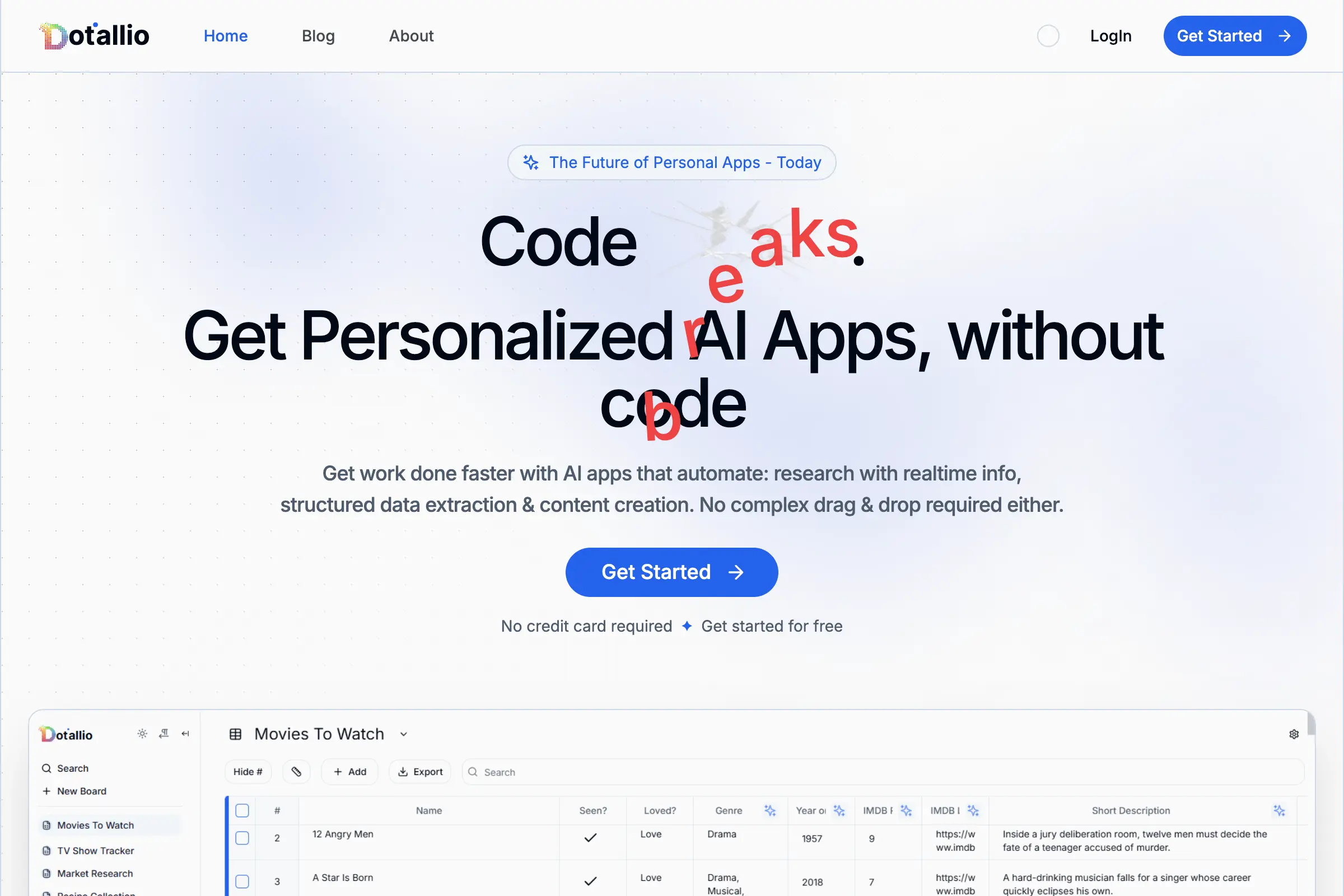
Dotallio
Personalized AI apps that automate research, data extraction, and content creation without code 🤖
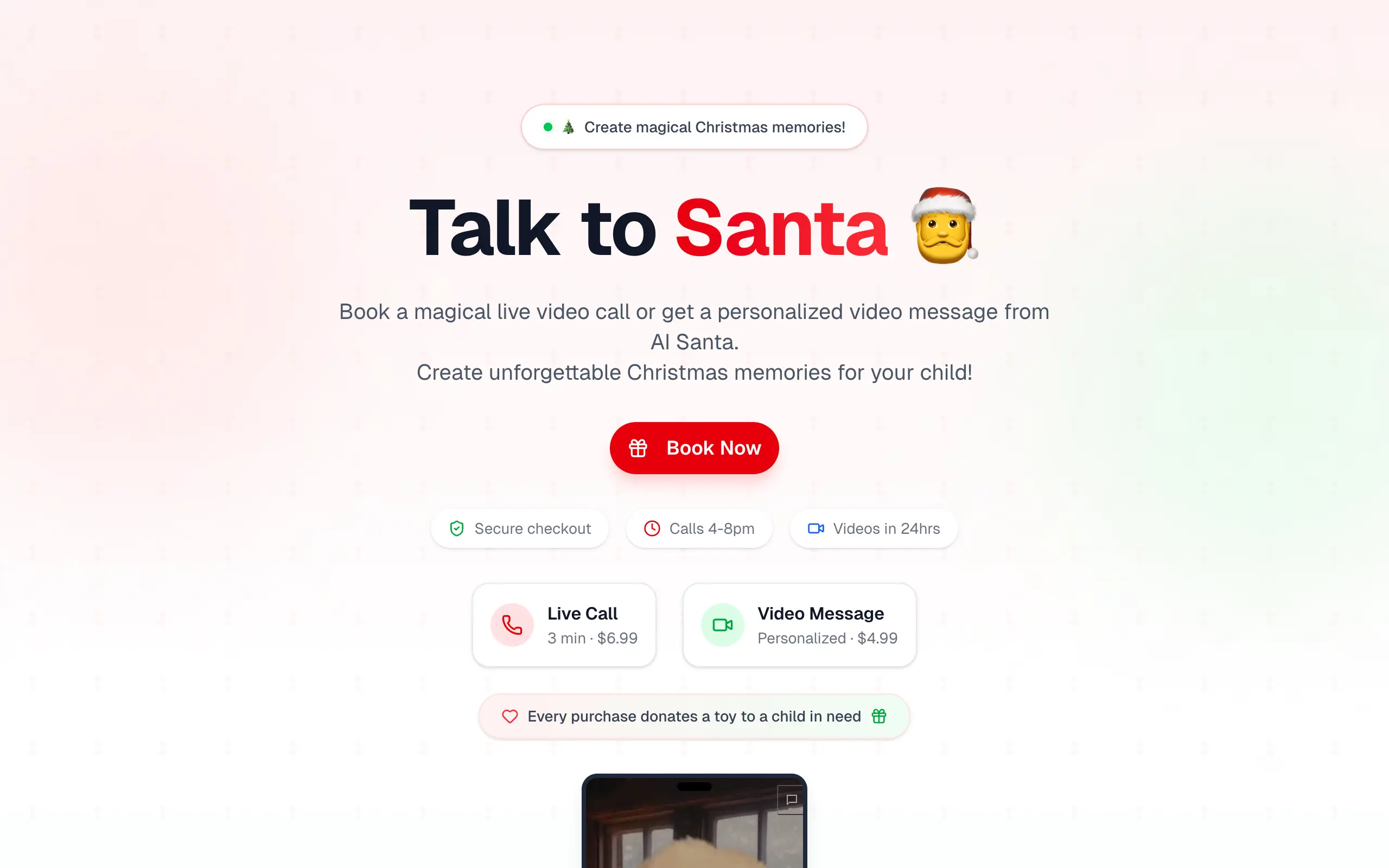
Talk to Santa
Enjoy a magical live video chat or receive a unique AI-generated video greeting from Santa Claus 🎅
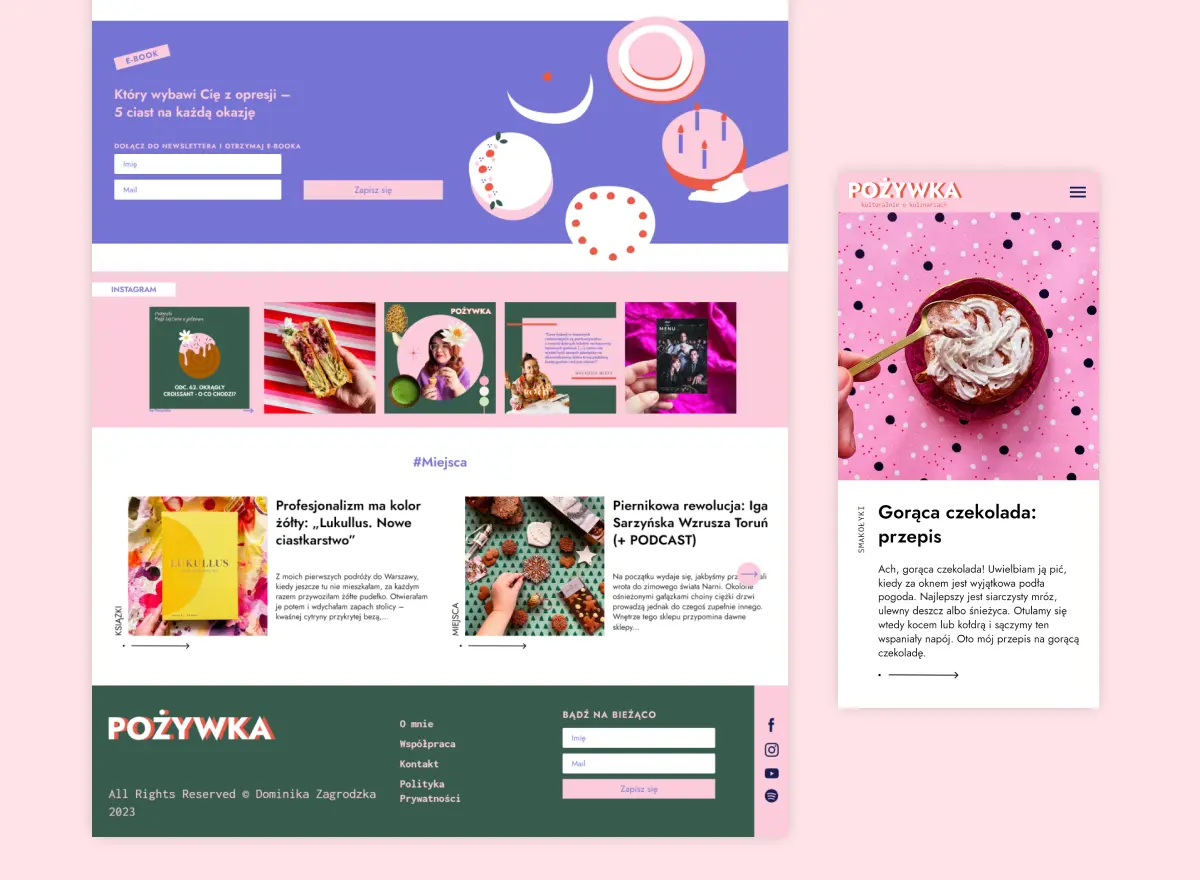
pozywka.pl
Scalable blog for food journalist, focused on performance and user experience 🌭
zagrodzki.me
Personal blog and portfolio of Bart Zagrodzki, where he shares his knowledge and work 💼
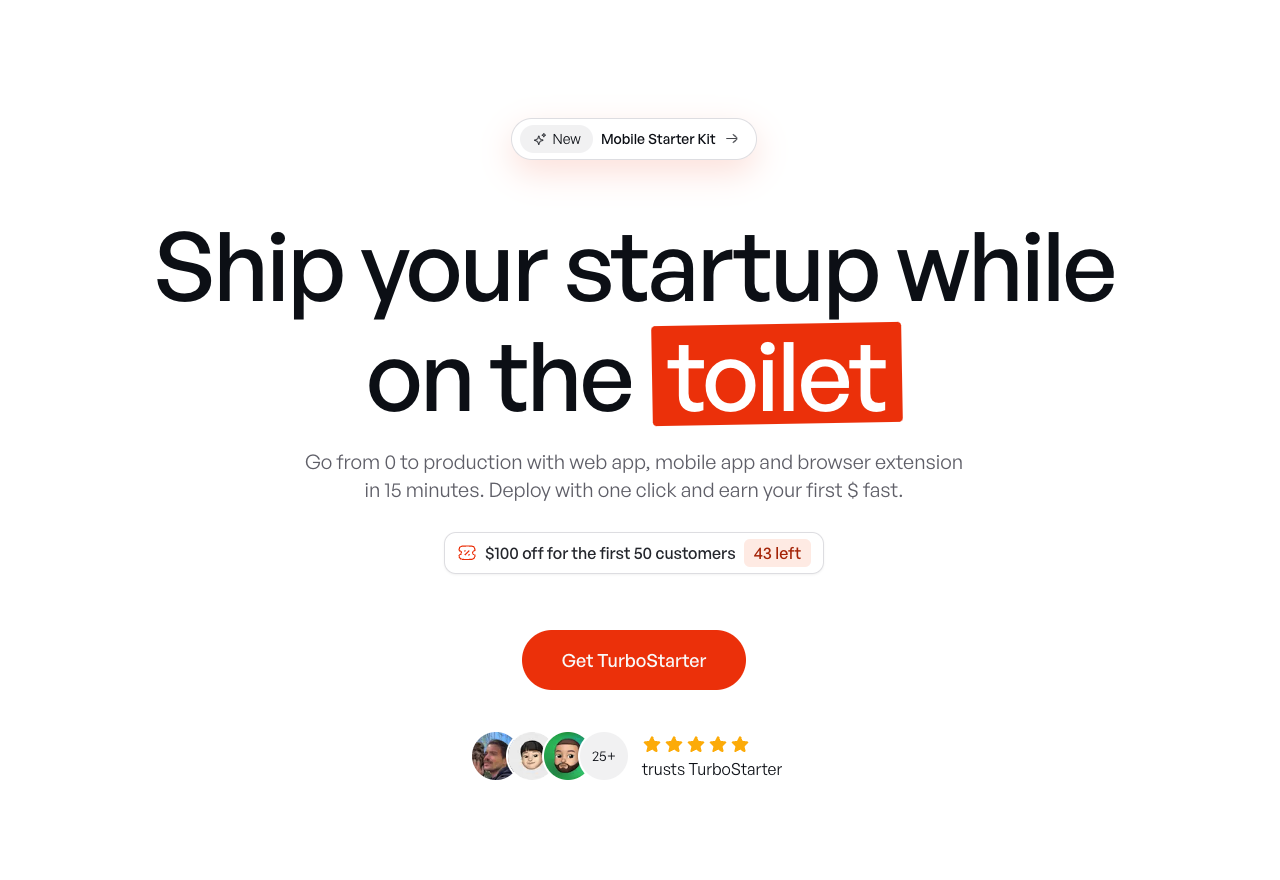
TurboStarter
Ship your startup everywhere. In minutes.
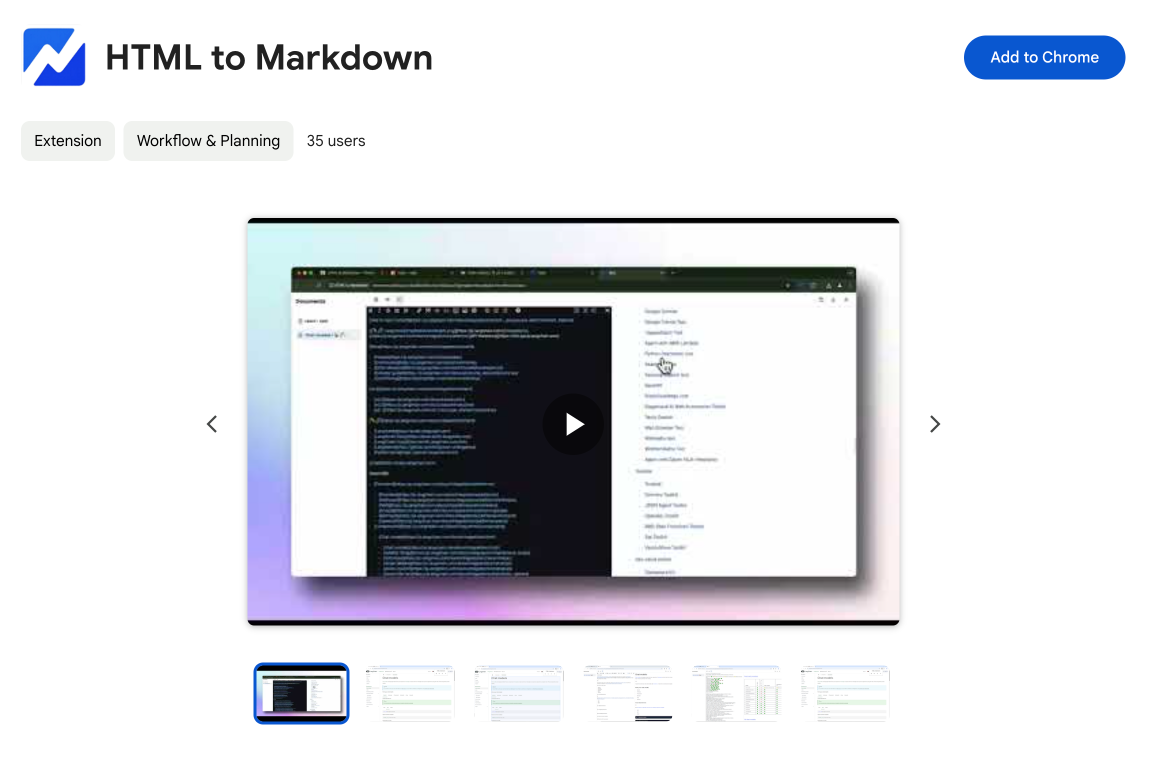
HTML to Markdown
Convert HTML to Markdown with ease, directly in your browser 📄
Dotallio
Personalized AI apps that automate research, data extraction, and content creation without code 🤖
Talk to Santa
Enjoy a magical live video chat or receive a unique AI-generated video greeting from Santa Claus 🎅
pozywka.pl
Scalable blog for food journalist, focused on performance and user experience 🌭
zagrodzki.me
Personal blog and portfolio of Bart Zagrodzki, where he shares his knowledge and work 💼
TurboStarter
Ship your startup everywhere. In minutes.
HTML to Markdown
Convert HTML to Markdown with ease, directly in your browser 📄
Dotallio
Personalized AI apps that automate research, data extraction, and content creation without code 🤖
Talk to Santa
Enjoy a magical live video chat or receive a unique AI-generated video greeting from Santa Claus 🎅
pozywka.pl
Scalable blog for food journalist, focused on performance and user experience 🌭
zagrodzki.me
Personal blog and portfolio of Bart Zagrodzki, where he shares his knowledge and work 💼
TurboStarter
Ship your startup everywhere. In minutes.
HTML to Markdown
Convert HTML to Markdown with ease, directly in your browser 📄
Dotallio
Personalized AI apps that automate research, data extraction, and content creation without code 🤖
Talk to Santa
Enjoy a magical live video chat or receive a unique AI-generated video greeting from Santa Claus 🎅
pozywka.pl
Scalable blog for food journalist, focused on performance and user experience 🌭
zagrodzki.me
Personal blog and portfolio of Bart Zagrodzki, where he shares his knowledge and work 💼
TurboStarter
Ship your startup everywhere. In minutes.
HTML to Markdown
Convert HTML to Markdown with ease, directly in your browser 📄
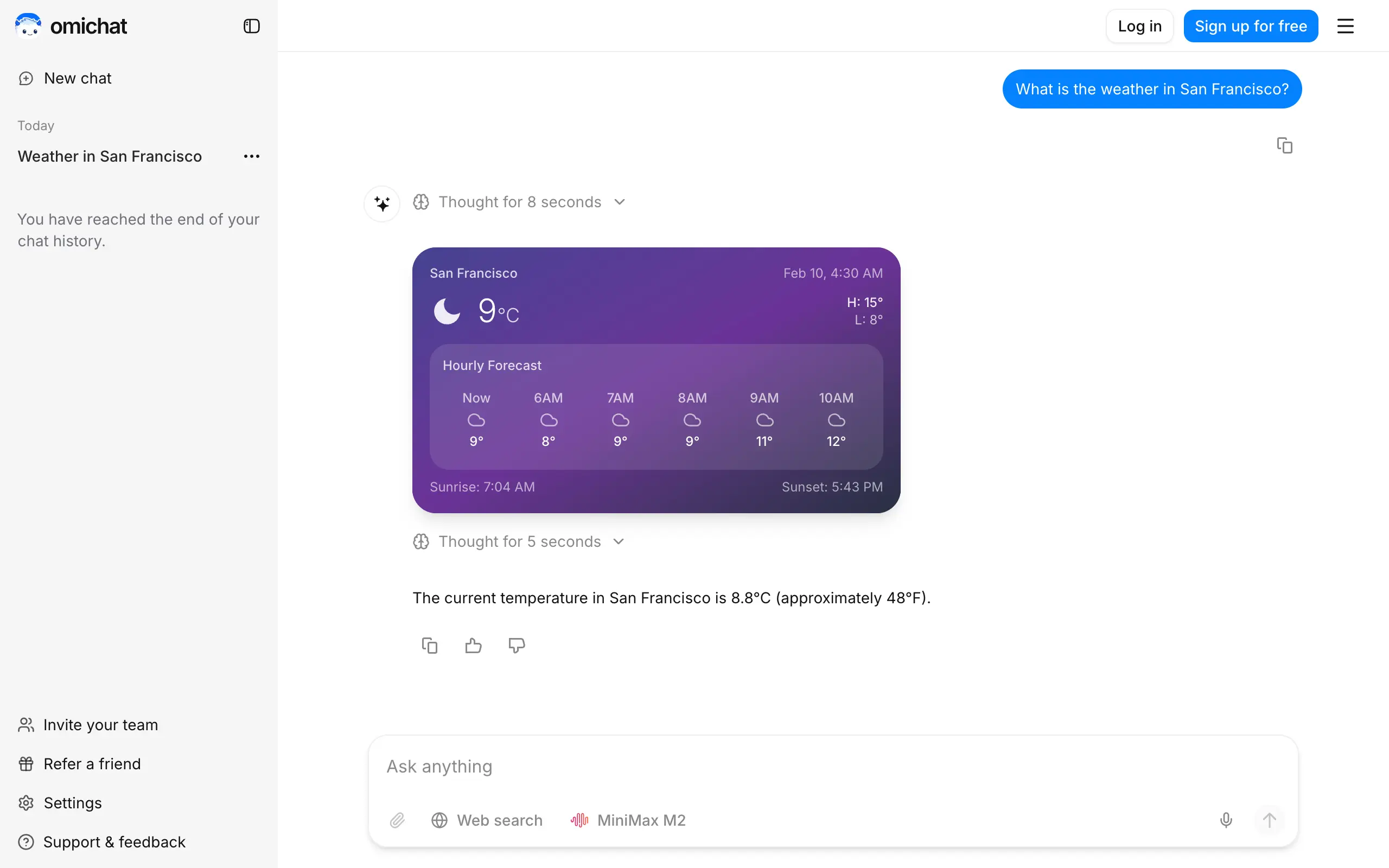
Omichat
Chat with 50+ AI models, including ChatGPT and Claude, in one place - switch models anytime without losing context 🤖
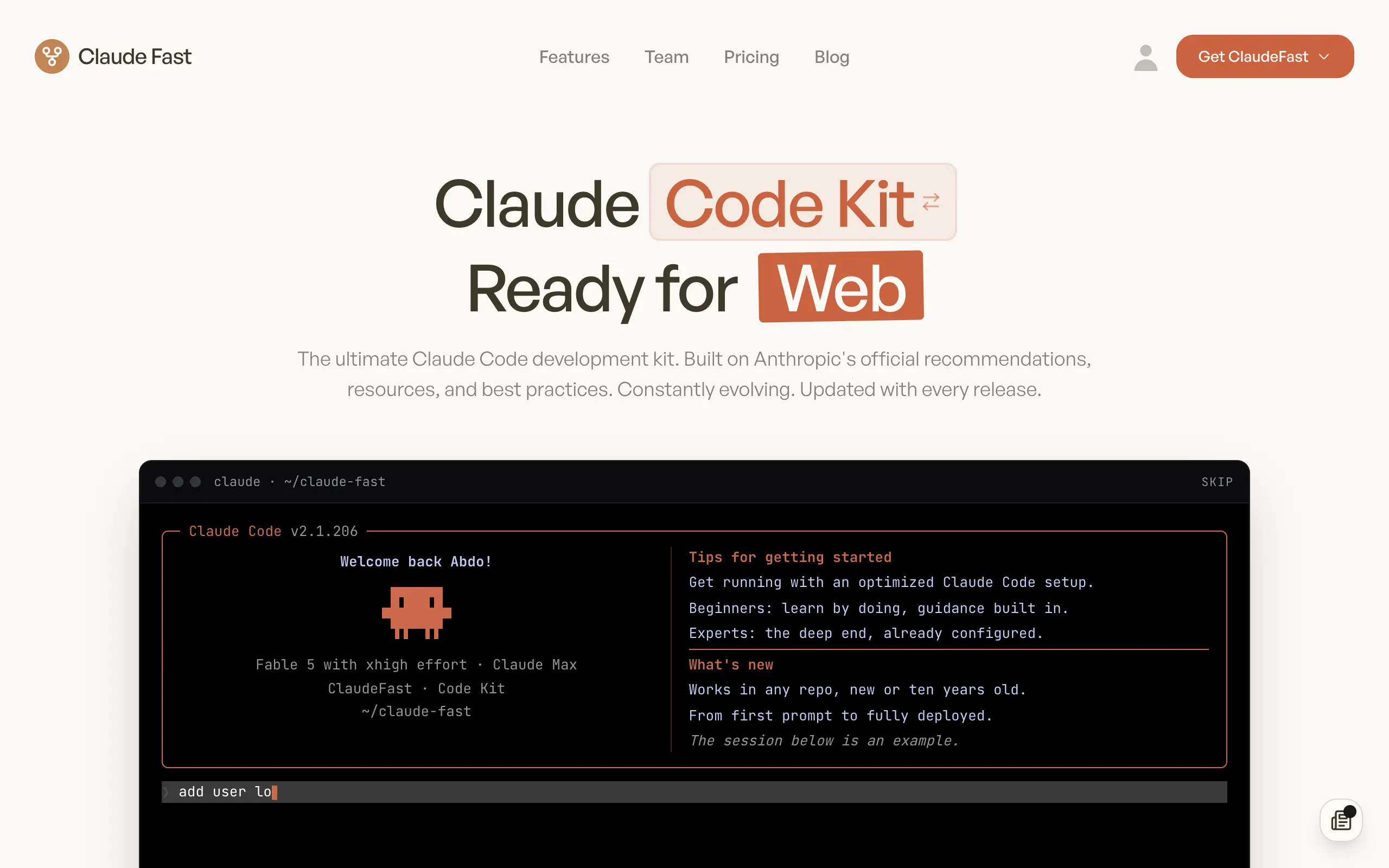
Claude Fast
Supercharge your Claude Code with 6x effective context window and specialized AI agents 🤖
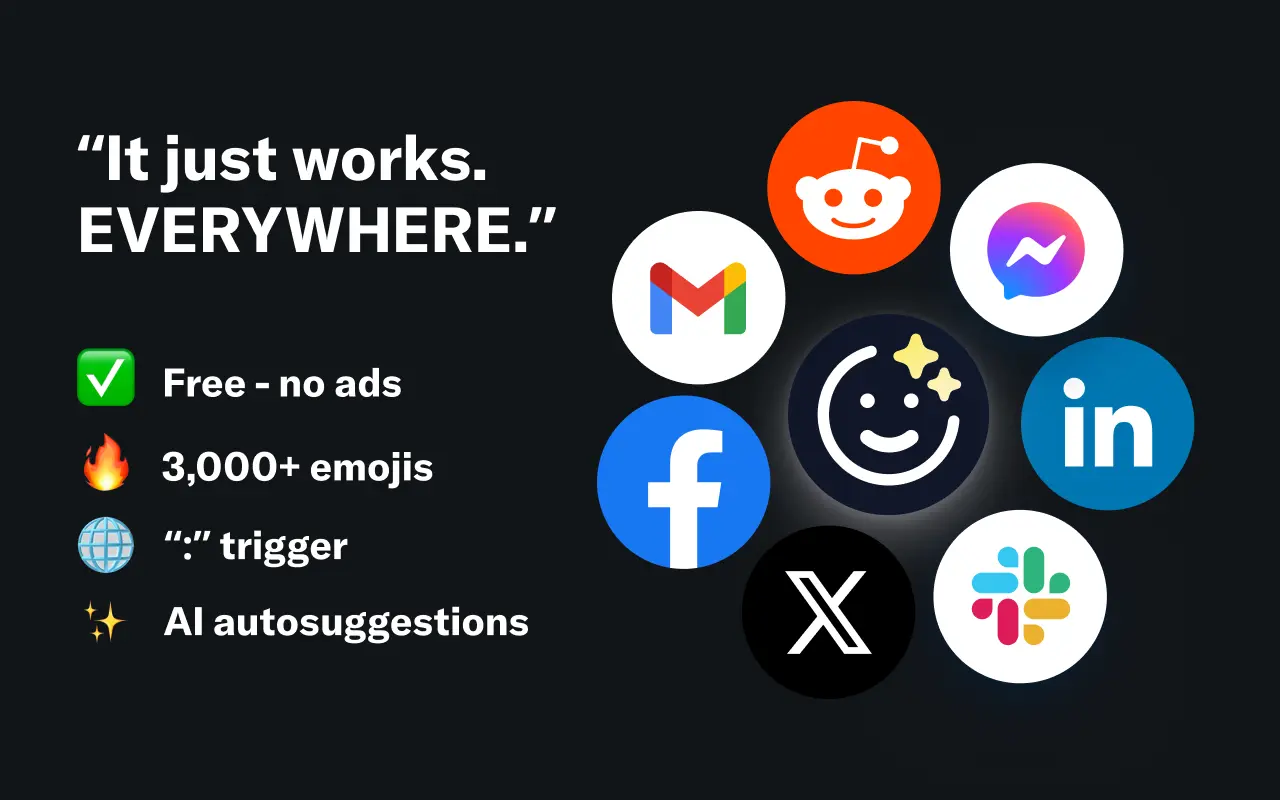
EmojAI
AI-powered emoji picker with smart, context-aware suggestions 🤖
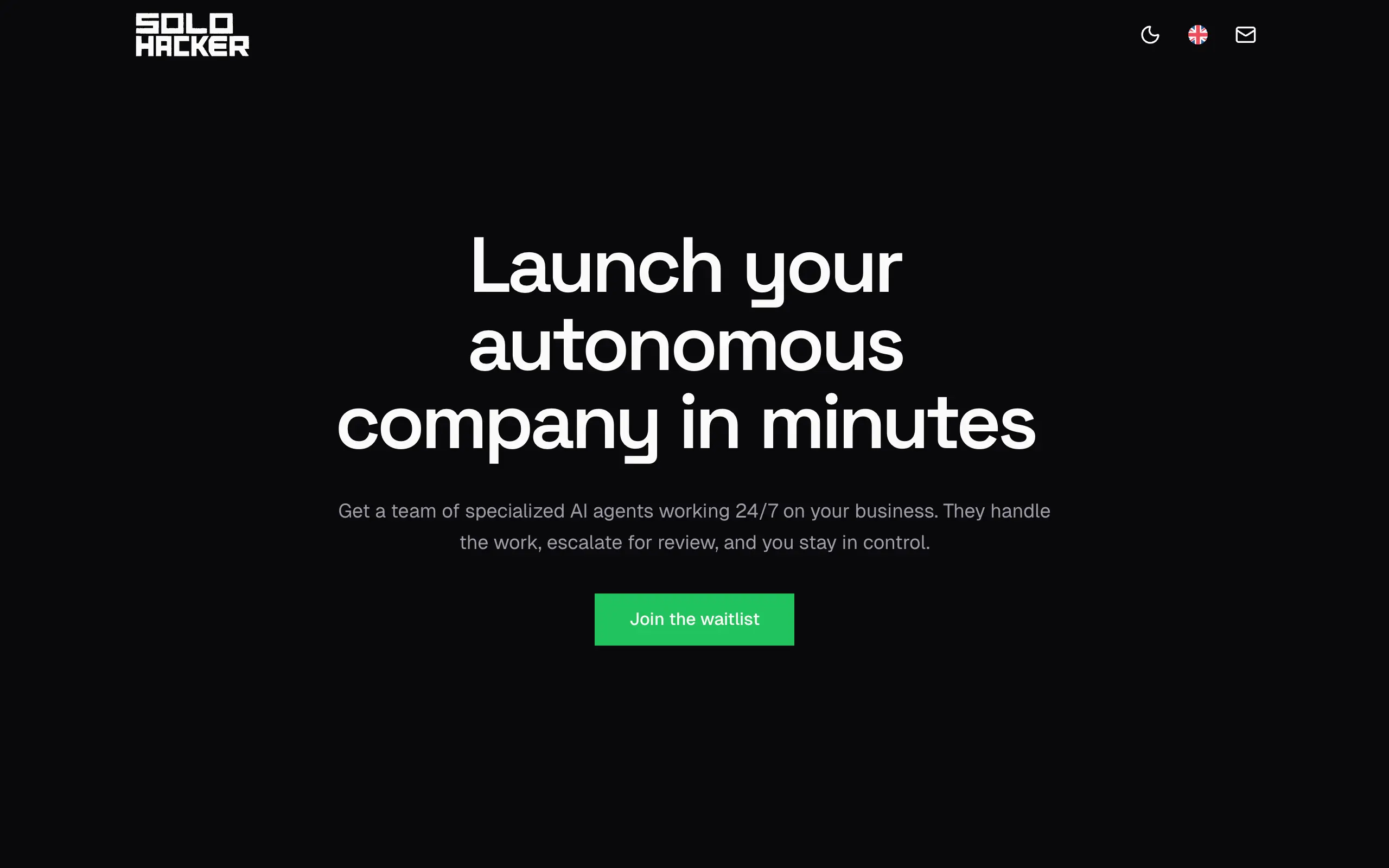
Solohacker
Autonomous company launcher - AI agents work 24/7, escalate what matters, and you stay in control 🤖
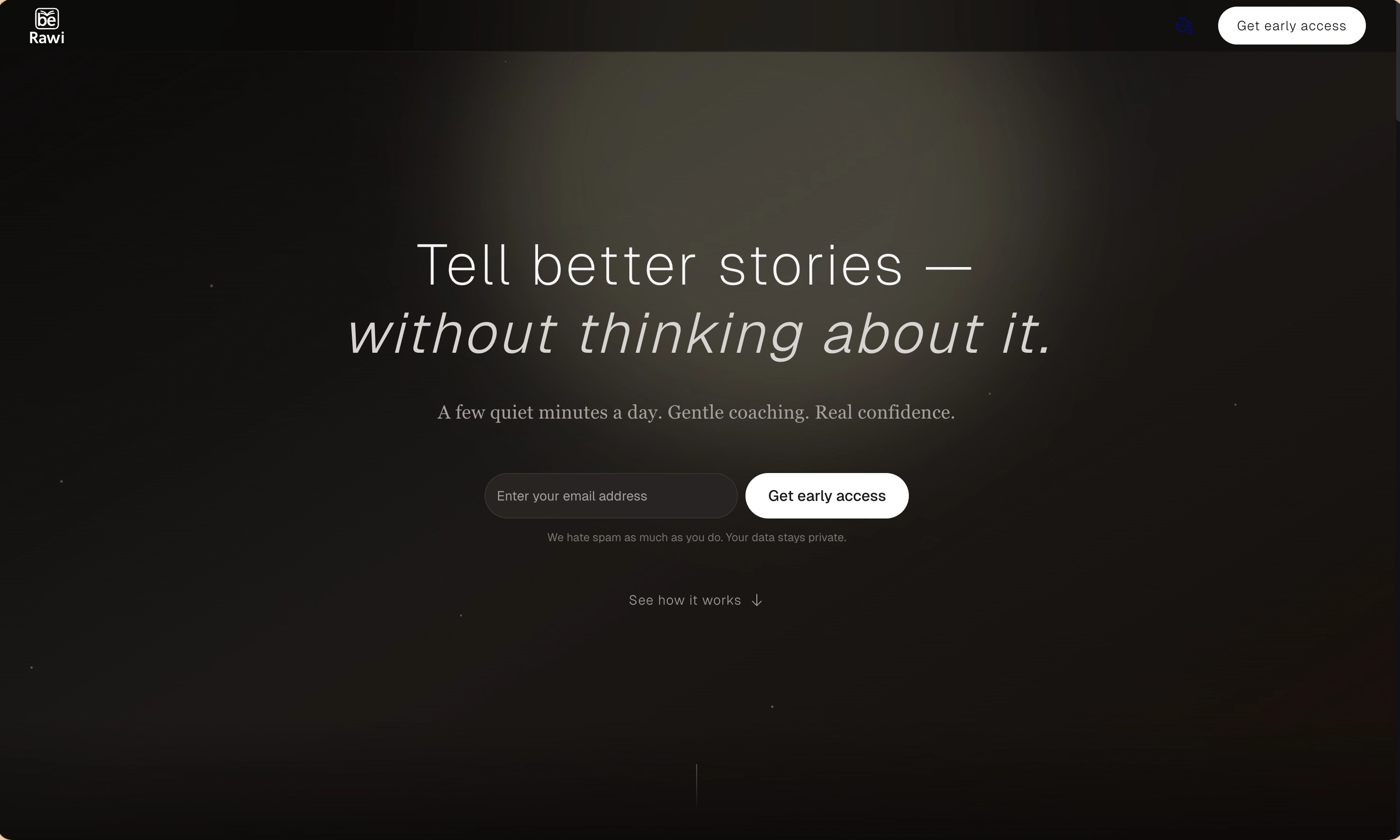
BeRawi: Storytelling Coach
Practice storytelling daily with instant feedback to sound clearer, more engaging, and confident 🎤
Omichat
Chat with 50+ AI models, including ChatGPT and Claude, in one place - switch models anytime without losing context 🤖
Claude Fast
Supercharge your Claude Code with 6x effective context window and specialized AI agents 🤖
EmojAI
AI-powered emoji picker with smart, context-aware suggestions 🤖
Solohacker
Autonomous company launcher - AI agents work 24/7, escalate what matters, and you stay in control 🤖
BeRawi: Storytelling Coach
Practice storytelling daily with instant feedback to sound clearer, more engaging, and confident 🎤
Omichat
Chat with 50+ AI models, including ChatGPT and Claude, in one place - switch models anytime without losing context 🤖
Claude Fast
Supercharge your Claude Code with 6x effective context window and specialized AI agents 🤖
EmojAI
AI-powered emoji picker with smart, context-aware suggestions 🤖
Solohacker
Autonomous company launcher - AI agents work 24/7, escalate what matters, and you stay in control 🤖
BeRawi: Storytelling Coach
Practice storytelling daily with instant feedback to sound clearer, more engaging, and confident 🎤
Omichat
Chat with 50+ AI models, including ChatGPT and Claude, in one place - switch models anytime without losing context 🤖
Claude Fast
Supercharge your Claude Code with 6x effective context window and specialized AI agents 🤖
EmojAI
AI-powered emoji picker with smart, context-aware suggestions 🤖
Solohacker
Autonomous company launcher - AI agents work 24/7, escalate what matters, and you stay in control 🤖
BeRawi: Storytelling Coach
Practice storytelling daily with instant feedback to sound clearer, more engaging, and confident 🎤

Connect with like-minded people
Join our community to get feedback, support, and grow together with 1,000+ builders on board, let's ship it!
Join usShip your startup everywhere. In minutes.
Don't burn tokens on setup and start building features on day one.