UniWork Hub
An all-in-one productivity workspace combining tasks, notes, time tracking, and team chat with unified billing to replace multiple SaaS subscriptions.
what is a unified productivity workspace and why it matters
Modern teams are drowning in tools. Task managers, note-taking apps, chat platforms, time trackers, and billing dashboards all compete for attention—and budget. This fragmentation creates hidden inefficiencies: context switching, data silos, duplicate work, and rising SaaS costs.
A unified productivity workspace like UniWork Hub addresses this problem by combining all essential work tools into a single, cohesive environment. Instead of stitching together multiple platforms, teams operate within one system where tasks, communication, documentation, and time tracking naturally coexist.
This article explores how a product like UniWork Hub can succeed, who it serves, and how to build and scale it into a competitive SaaS business.
understanding the target audience
A successful all-in-one productivity SaaS must serve clearly defined user segments. UniWork Hub naturally appeals to users frustrated by tool fragmentation and cost inefficiencies.
primary audiences
1. startups and small teams
- Typically use 5–10 different tools (Notion, Slack, Trello, Harvest, etc.)
- Highly cost-sensitive
- Value simplicity and speed over deep specialization
2. freelancers and solopreneurs
- Need task management + time tracking + invoicing in one place
- Prefer minimal setup and low overhead
- Often juggle multiple clients and projects
3. agencies and service-based businesses
- Require time tracking, collaboration, and billing integration
- Need client-friendly reporting
- Seek operational efficiency
4. remote-first teams
- Depend heavily on async communication and documentation
- Struggle with scattered knowledge bases and chats
user pain points
- Constant context switching between apps
- Duplicate data entry across tools
- Rising monthly SaaS costs
- Lack of integration reliability
- Poor visibility into work progress and time usage
Key insight
Most users don’t actually want more features—they want fewer tools that work seamlessly together.
market opportunity and gap analysis
The productivity SaaS market is massive and growing, but also saturated. However, saturation doesn’t mean there’s no opportunity—it means differentiation is critical.
current landscape
Major players include:
- Notion (notes + databases)
- ClickUp (tasks + docs)
- Asana (task management)
- Slack (communication)
- Harvest (time tracking)
Each excels in a specific domain, but none fully replace the entire stack without compromises.
the gap UniWork Hub can fill
1. true unification vs integration Most tools rely on integrations (Zapier, APIs), which introduce latency and complexity. UniWork Hub’s advantage lies in native feature integration.
2. unified billing This is a major differentiator. Instead of paying for:
- Slack
- Notion
- Trello
- Time tracker
Users pay for one platform.
3. simplified UX Many “all-in-one” tools become bloated. The opportunity lies in:
- Clean UI
- Opinionated workflows
- Fast onboarding
trend alignment
UniWork Hub aligns with several major trends:
- tool consolidation movement (companies reducing SaaS spend)
- async work adoption
- AI-assisted productivity
- remote and hybrid work models
core features of UniWork Hub
To compete effectively, UniWork Hub must deliver tightly integrated features without overwhelming users.
1. task and project management
- Kanban boards, lists, and timelines
- Task dependencies and priorities
- Team assignments and notifications
- Recurring tasks
2. notes and knowledge base
- Rich text editor
- Linked notes (wiki-style)
- Templates for documentation
- Search across all content
3. built-in team chat
- Channels and direct messages
- Threaded conversations
- File sharing
- Task linking inside chat
4. time tracking
- Manual and automatic timers
- Task-linked time entries
- Reporting dashboards
- Billable vs non-billable tracking
5. unified billing and subscriptions
- Single subscription per team
- Usage-based pricing options
- Invoice generation
- Integration with Stripe
6. analytics and reporting
- Team productivity insights
- Time utilization reports
- Project progress dashboards
7. AI-powered productivity assistant (optional but strategic)
- Task summarization
- Meeting note generation
- Smart suggestions for prioritization
All-in-one experience
Eliminate the need for multiple SaaS tools and manage everything in one place.
Cost efficiency
Reduce subscription costs with unified billing.
Seamless workflows
No integrations required—everything works together natively.
competitive comparison
| Feature | UniWork Hub | Notion | ClickUp | Slack |
|---|---|---|---|---|
| Tasks | ✅ | ✅ | ✅ | ❌ |
| Notes | ✅ | ✅ | ✅ | ❌ |
| Chat | ✅ | ❌ | ✅ | ✅ |
| Time tracking | ✅ | ❌ | ✅ | ❌ |
| Unified billing | ✅ | ❌ | ❌ | ❌ |
recommended tech stack
Building a unified productivity platform requires scalability, real-time capabilities, and strong UX performance.
frontend
- React for UI
- Next.js for SSR and routing
- Tailwind CSS for styling
backend
- Node.js (NestJS or Express)
- GraphQL or REST APIs
- WebSockets for real-time chat
database
- PostgreSQL (relational data)
- Redis (caching and real-time state)
infrastructure
- AWS or Vercel for hosting
- Docker for containerization
payments
- Stripe for subscriptions and billing
trade-offs
-
Monolith vs microservices
- Monolith is faster for MVP
- Microservices scale better long-term
-
GraphQL vs REST
- GraphQL offers flexibility
- REST is simpler to implement
monetization strategy
A strong monetization strategy is essential for sustainability.
pricing models
1. subscription tiers
- Free tier (limited features)
- Pro ($10–$20/user/month)
- Business ($25–$40/user/month)
2. usage-based pricing
- Charge based on storage, users, or tracked hours
3. add-ons
- AI assistant
- Advanced analytics
- Enterprise security
pricing psychology
- Emphasize cost savings vs multiple tools
- Bundle features instead of upselling individually
- Offer annual discounts
potential risks and mitigation strategies
risk 1: feature bloat
problem: Trying to do everything leads to poor UX
solution: Focus on core workflows first
risk 2: competition from established tools
problem: Big players dominate
solution: Differentiate with simplicity and pricing
risk 3: performance issues
problem: Real-time features can slow down
solution: Use optimized architecture and caching
risk 4: user resistance to switching
problem: Teams are locked into existing tools
solution:
- Provide migration tools
- Offer onboarding support
Critical challenge
The biggest threat is not competition—it’s user inertia. Switching costs are psychological as much as technical.
unique selling proposition (USP)
UniWork Hub stands out by delivering:
- true all-in-one functionality (not just integrations)
- cost consolidation
- simplified user experience
- native feature interoperability
Unlike competitors, it doesn’t try to be everything—it focuses on being everything well enough in one place.
implementation roadmap
MVP feature set
Start small:
- Task management
- Notes/wiki
- Basic chat
Then expand.
sample architecture snippet
// Example: unified task + time tracking model

type Task = {
  id: string;
  title: string;
  description?: string;
  status: "todo" | "in-progress" | "done";
  assignedTo?: string;
  timeEntries: TimeEntry[];
};

type TimeEntry = {
  id: string;
  taskId: string;
  duration: number; // in seconds
  createdAt: Date;
};
go-to-market strategy
acquisition channels
- SEO content (high intent keywords like "all-in-one productivity tool")
- Product Hunt launch
- Indie hacker communities
- LinkedIn for B2B outreach
content strategy
Focus on:
- Tool comparisons
- Productivity guides
- Cost-saving case studies
viral loops
- Team invites
- Shared workspaces
- Referral incentives
scaling and future expansion
Once traction is achieved, expand into:
- mobile apps
- API ecosystem
- integrations (ironically, for edge cases)
- enterprise features (SSO, compliance)
frequently asked questions
It depends. For most small teams, the efficiency and cost savings outweigh the loss of specialized features.
By focusing on simplicity, pricing, and seamless integration rather than feature depth.
Balancing feature richness with usability while maintaining performance.
actionable next steps
If you’re building UniWork Hub or a similar SaaS:
- Validate demand with a landing page
- Identify your niche (don’t target everyone)
- Build a focused MVP
- Prioritize UX over features
- Launch जल्दी and iterate
For faster development, consider using a starter framework like TurboStarter, which can accelerate your SaaS build process with pre-configured architecture.
final thoughts
The future of productivity software isn’t about adding more tools—it’s about removing friction.
UniWork Hub taps into a powerful shift: consolidation over fragmentation. If executed well, it can become the default workspace for modern teams who value simplicity, efficiency, and cost control.
The opportunity is real—but success depends on disciplined execution, sharp positioning, and relentless focus on user experience.
More ⚡ Productivity Tool SaaS ideas
Discover more innovative productivity tool SaaS ideas that are trending in 2026. Each idea is AI-generated with market validation and growth potential to help you find your next profitable venture faster than competitors.
Your competitors are building with TurboStarter
Below are some of the SaaS ideas that have been generated and built with our starter kit.
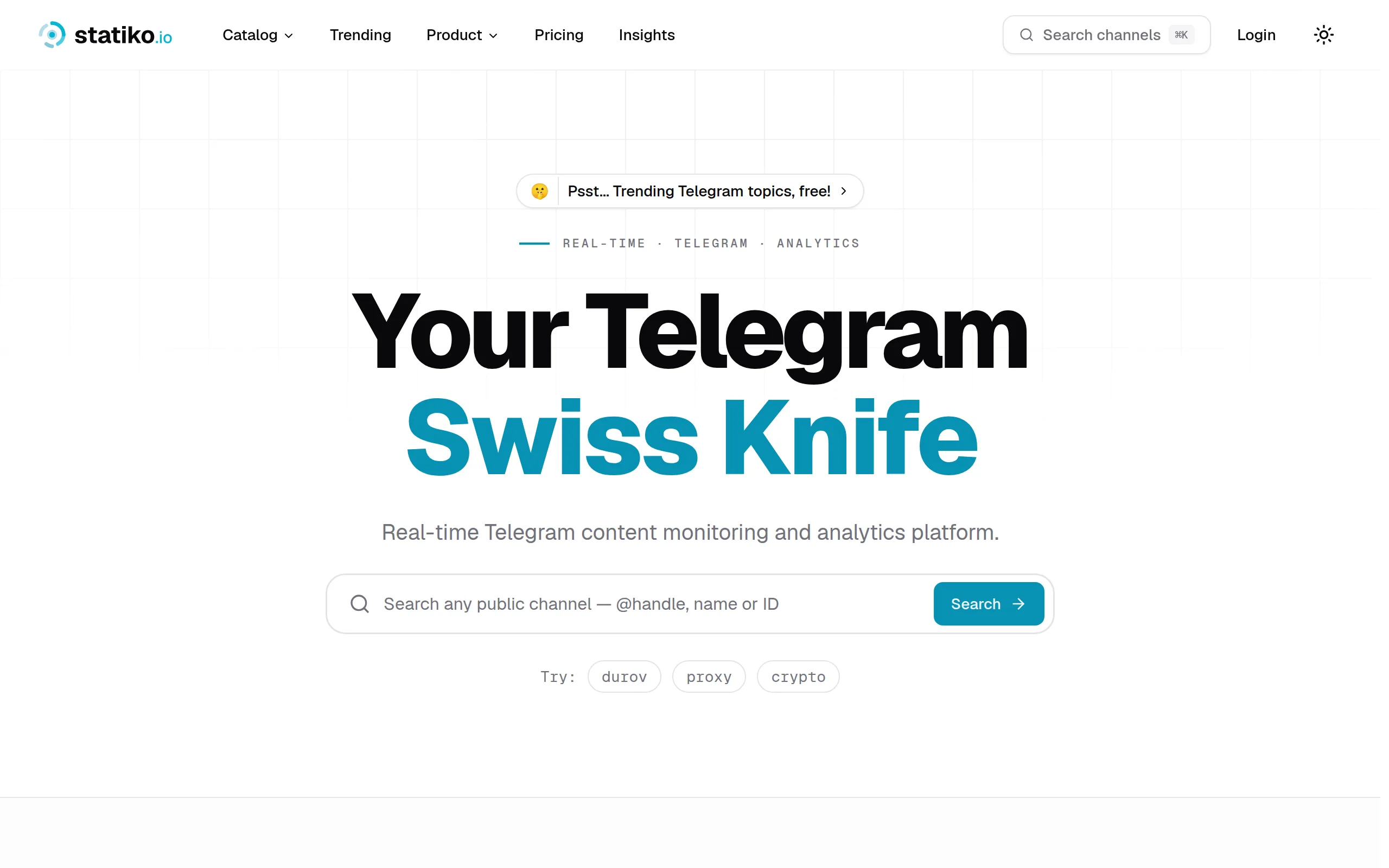
Statiko
Monitor any Telegram channel in real time - track posts, edits, deletions, and growth with AI recaps 📡

Shibui
AI website builder - describe your business, pick a niche template, edit by chatting, and publish instantly ✨

Pro Service
Find verified home service professionals, compare quotes, and pay securely through escrow - built for Brazilians across the US 🏠
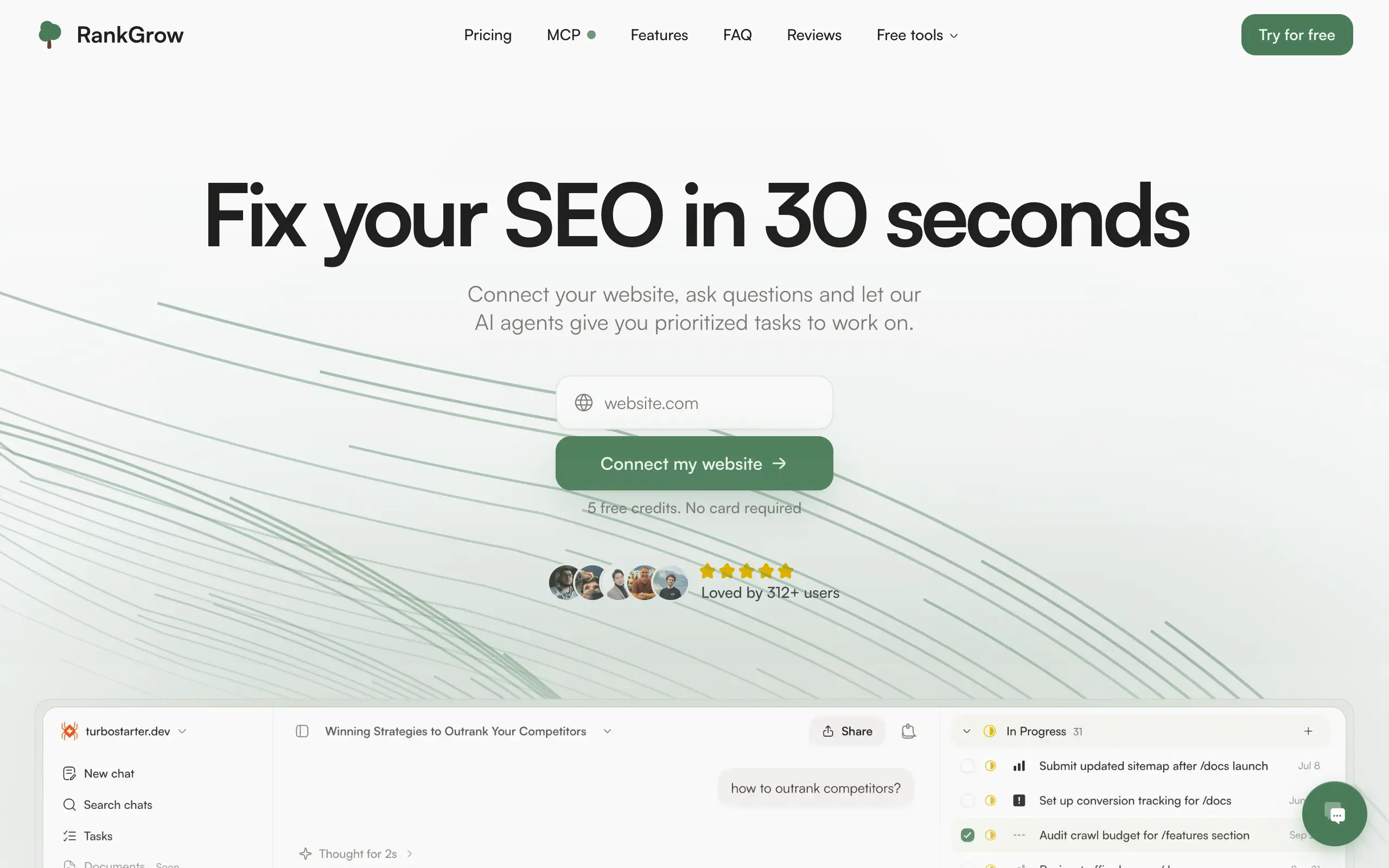
RankGrow
Fix your SEO with AI agents - connect Search Console, get prioritized tasks, and grow organic traffic 📈
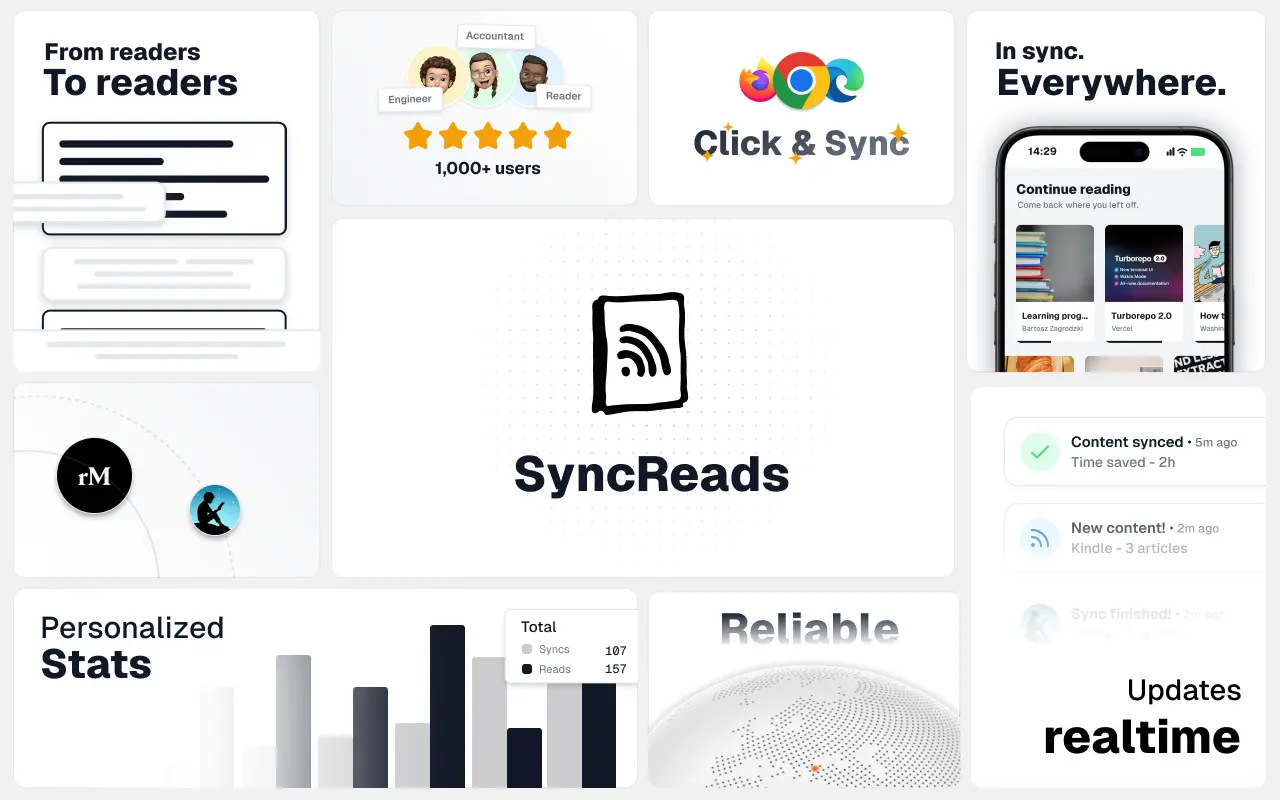
SyncReads
Sync your favorite content for distraction-free reading, save time and replace multiple apps. Anytime, anywhere 🔄
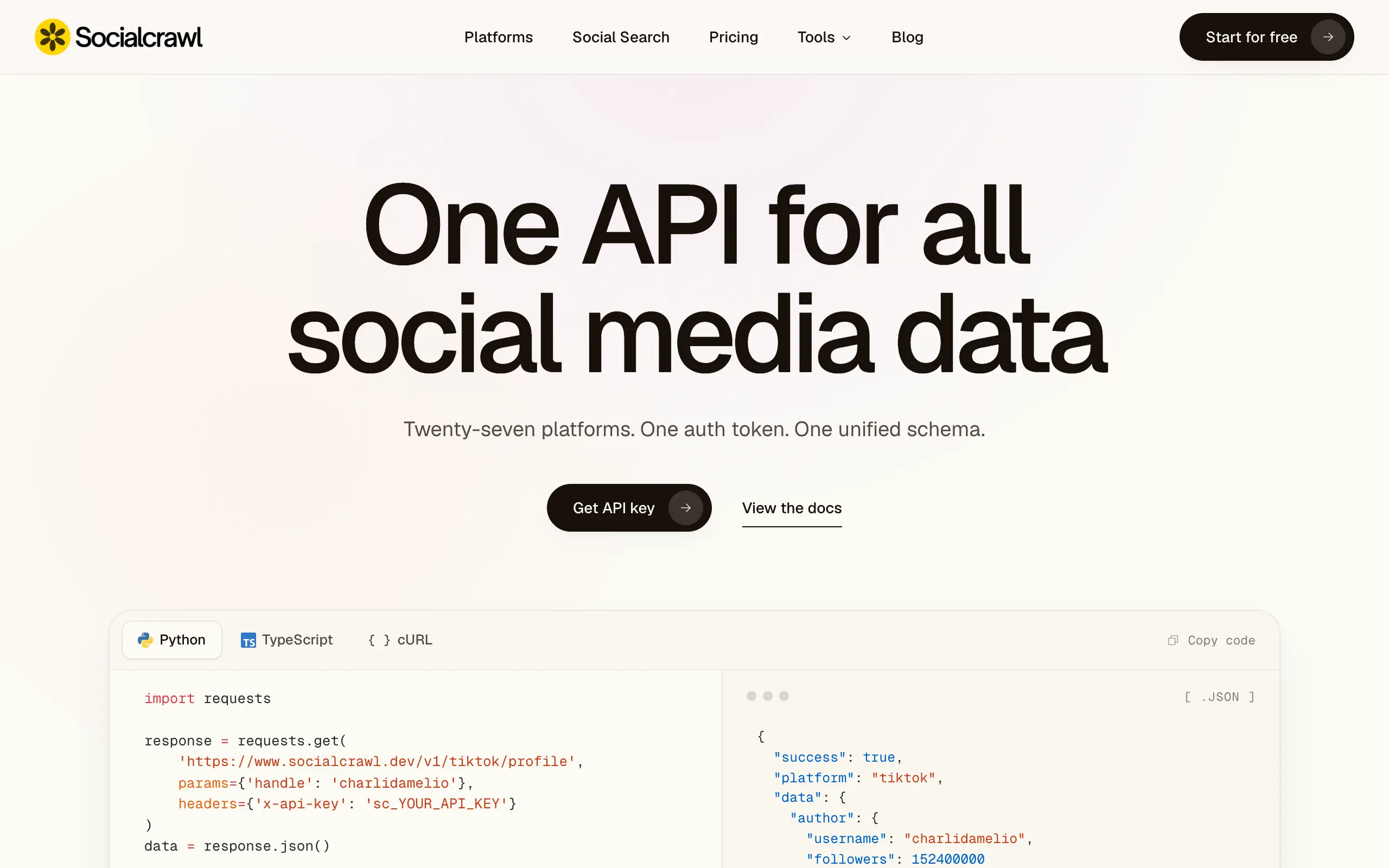
Socialcrawl
Get clean, structured data from 21 platforms like TikTok, Instagram, and YouTube with a single request 📊
Statiko
Monitor any Telegram channel in real time - track posts, edits, deletions, and growth with AI recaps 📡
Shibui
AI website builder - describe your business, pick a niche template, edit by chatting, and publish instantly ✨
Pro Service
Find verified home service professionals, compare quotes, and pay securely through escrow - built for Brazilians across the US 🏠
RankGrow
Fix your SEO with AI agents - connect Search Console, get prioritized tasks, and grow organic traffic 📈
SyncReads
Sync your favorite content for distraction-free reading, save time and replace multiple apps. Anytime, anywhere 🔄
Socialcrawl
Get clean, structured data from 21 platforms like TikTok, Instagram, and YouTube with a single request 📊
Statiko
Monitor any Telegram channel in real time - track posts, edits, deletions, and growth with AI recaps 📡
Shibui
AI website builder - describe your business, pick a niche template, edit by chatting, and publish instantly ✨
Pro Service
Find verified home service professionals, compare quotes, and pay securely through escrow - built for Brazilians across the US 🏠
RankGrow
Fix your SEO with AI agents - connect Search Console, get prioritized tasks, and grow organic traffic 📈
SyncReads
Sync your favorite content for distraction-free reading, save time and replace multiple apps. Anytime, anywhere 🔄
Socialcrawl
Get clean, structured data from 21 platforms like TikTok, Instagram, and YouTube with a single request 📊
Statiko
Monitor any Telegram channel in real time - track posts, edits, deletions, and growth with AI recaps 📡
Shibui
AI website builder - describe your business, pick a niche template, edit by chatting, and publish instantly ✨
Pro Service
Find verified home service professionals, compare quotes, and pay securely through escrow - built for Brazilians across the US 🏠
RankGrow
Fix your SEO with AI agents - connect Search Console, get prioritized tasks, and grow organic traffic 📈
SyncReads
Sync your favorite content for distraction-free reading, save time and replace multiple apps. Anytime, anywhere 🔄
Socialcrawl
Get clean, structured data from 21 platforms like TikTok, Instagram, and YouTube with a single request 📊
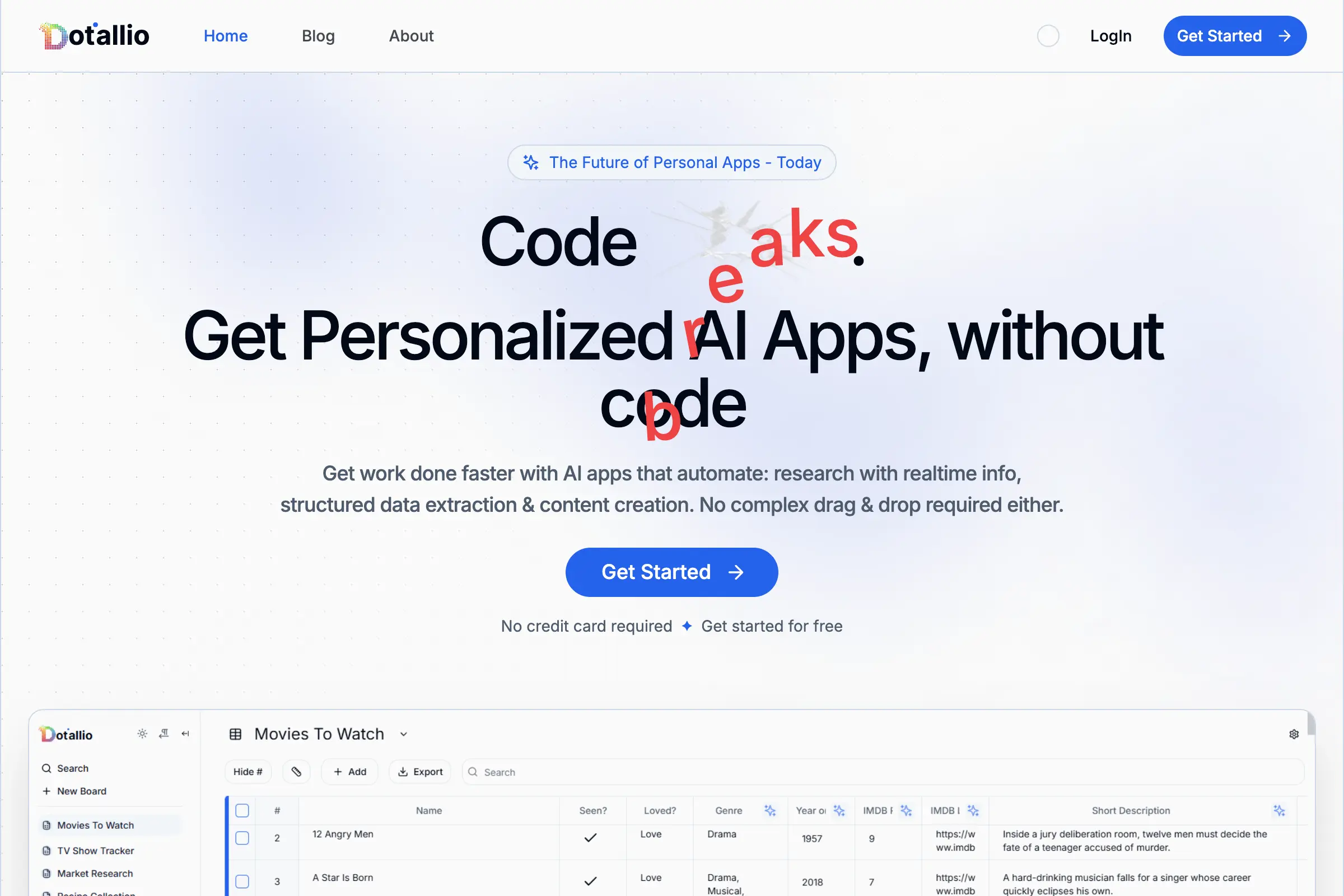
Dotallio
Personalized AI apps that automate research, data extraction, and content creation without code 🤖
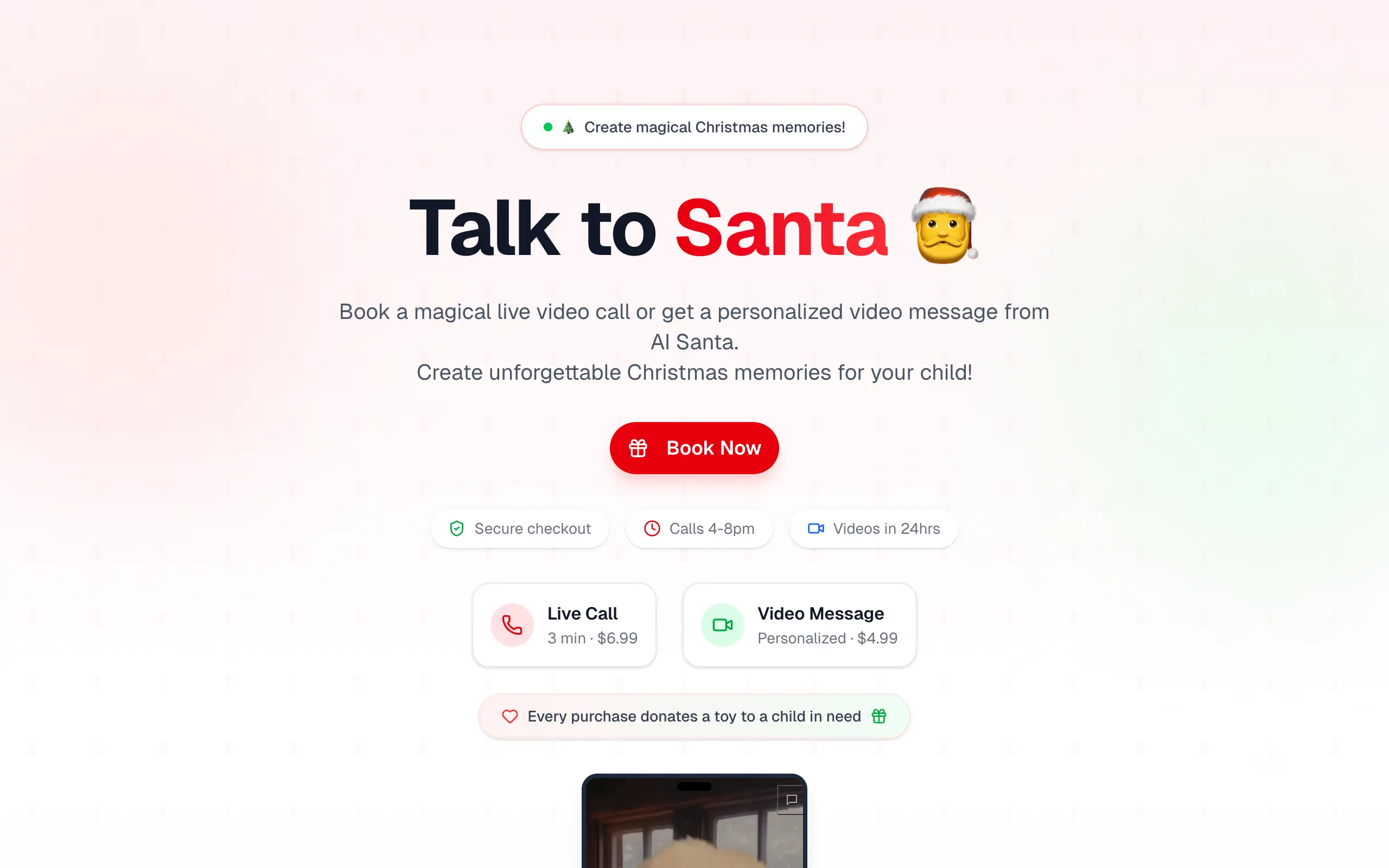
Talk to Santa
Enjoy a magical live video chat or receive a unique AI-generated video greeting from Santa Claus 🎅
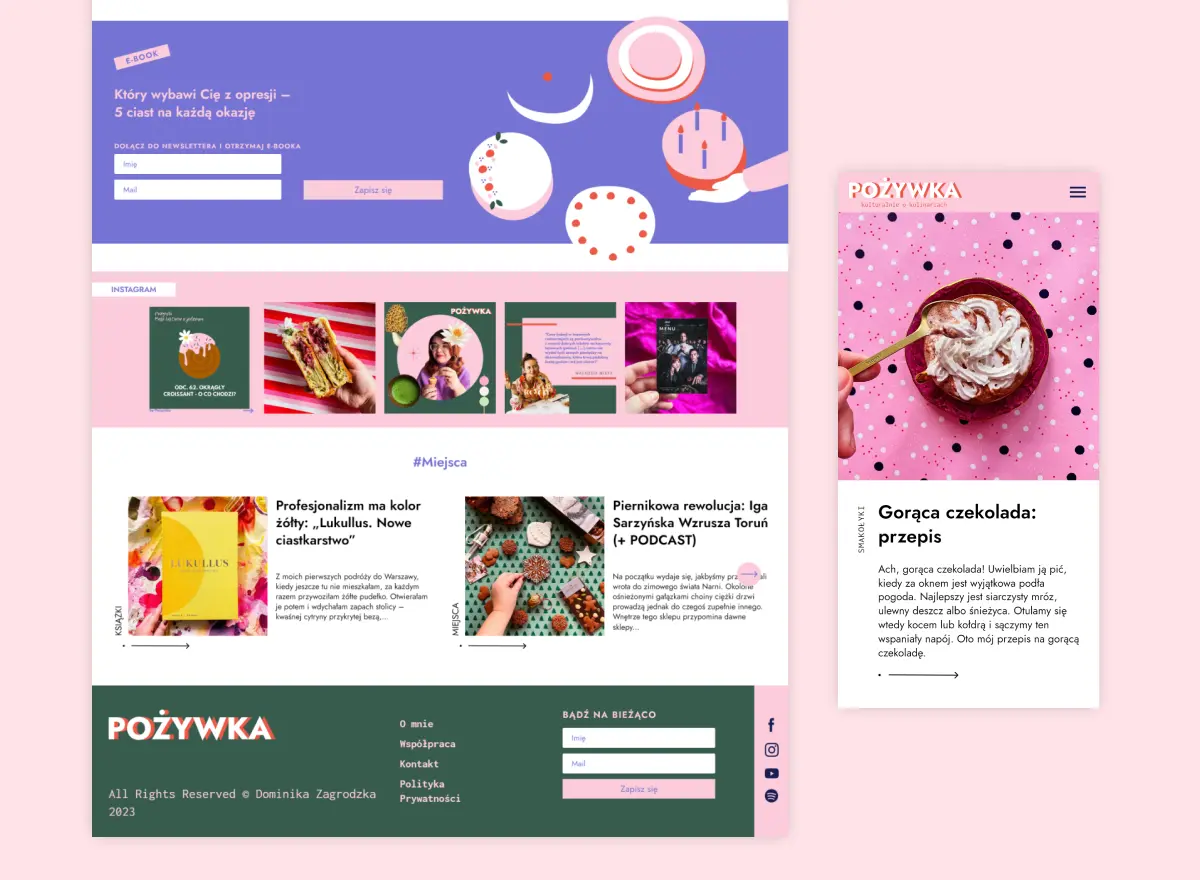
pozywka.pl
Scalable blog for food journalist, focused on performance and user experience 🌭
zagrodzki.me
Personal blog and portfolio of Bart Zagrodzki, where he shares his knowledge and work 💼
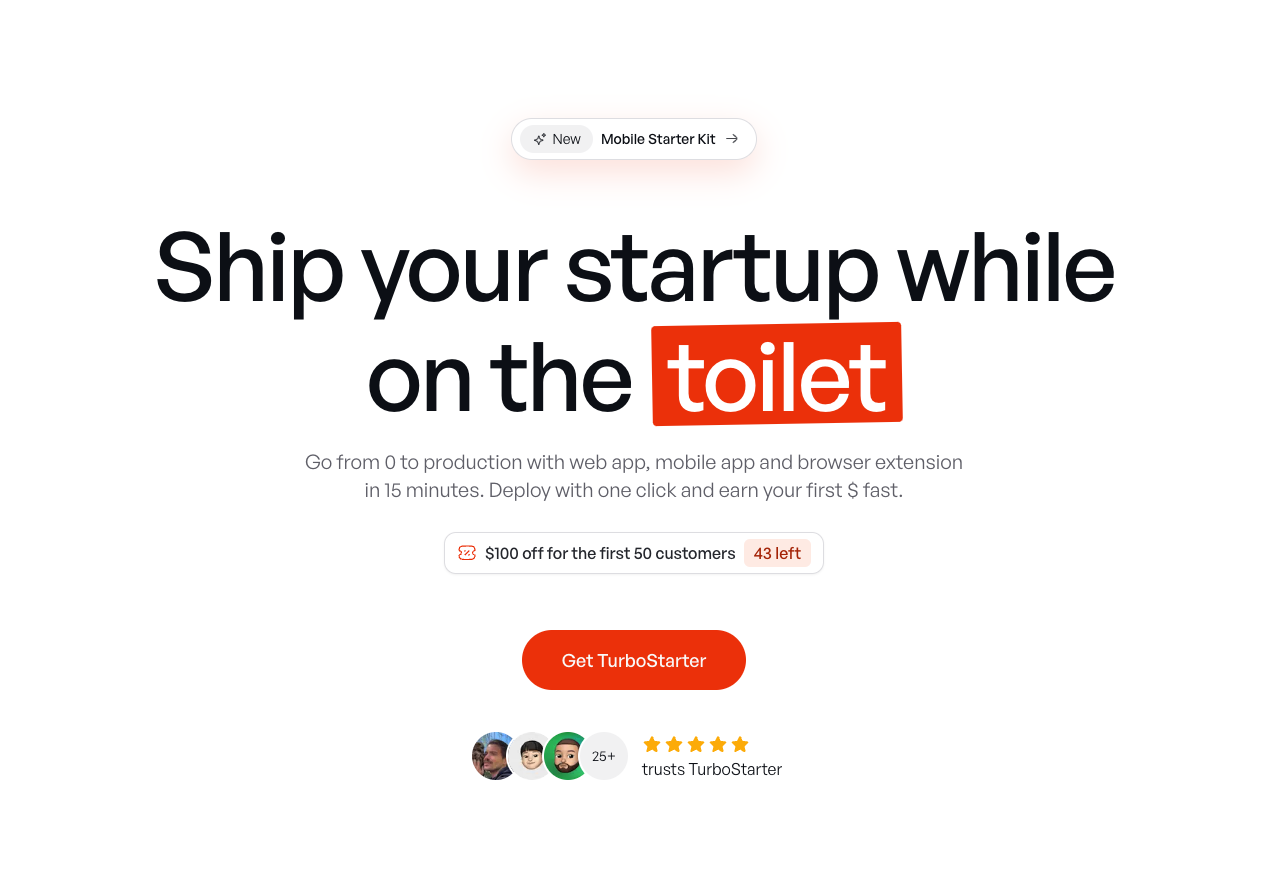
TurboStarter
Ship your startup everywhere. In minutes.
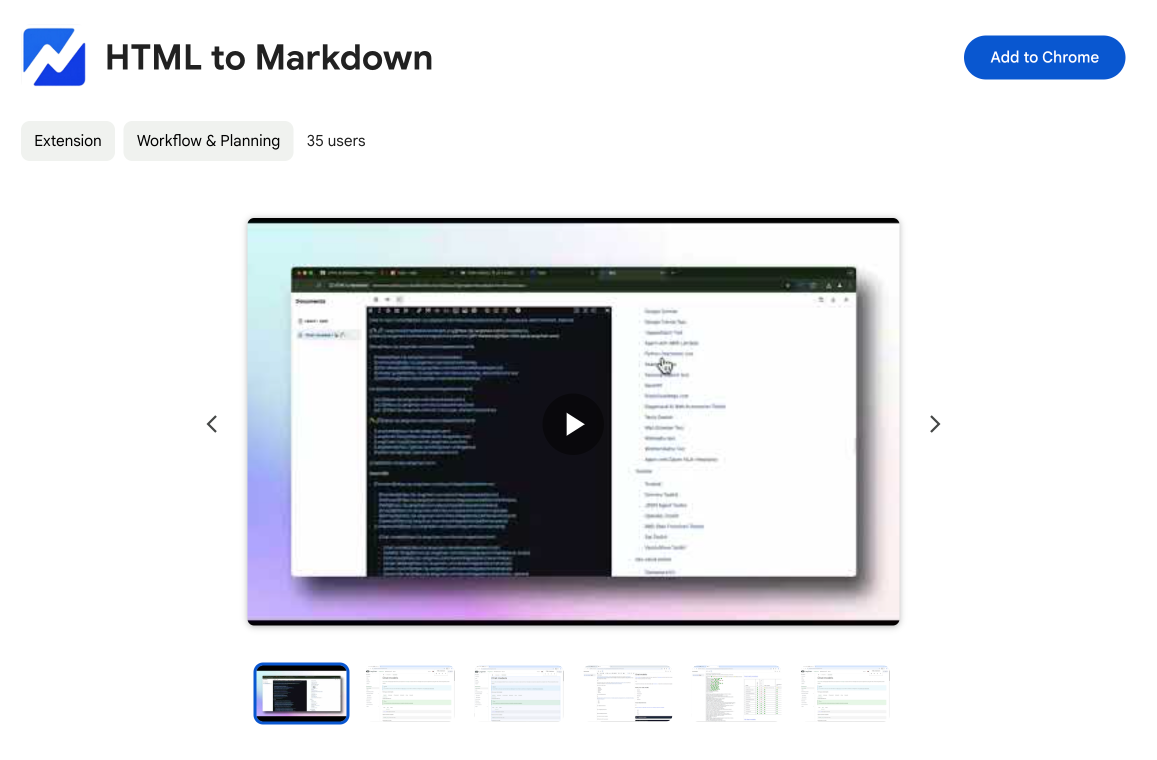
HTML to Markdown
Convert HTML to Markdown with ease, directly in your browser 📄
Dotallio
Personalized AI apps that automate research, data extraction, and content creation without code 🤖
Talk to Santa
Enjoy a magical live video chat or receive a unique AI-generated video greeting from Santa Claus 🎅
pozywka.pl
Scalable blog for food journalist, focused on performance and user experience 🌭
zagrodzki.me
Personal blog and portfolio of Bart Zagrodzki, where he shares his knowledge and work 💼
TurboStarter
Ship your startup everywhere. In minutes.
HTML to Markdown
Convert HTML to Markdown with ease, directly in your browser 📄
Dotallio
Personalized AI apps that automate research, data extraction, and content creation without code 🤖
Talk to Santa
Enjoy a magical live video chat or receive a unique AI-generated video greeting from Santa Claus 🎅
pozywka.pl
Scalable blog for food journalist, focused on performance and user experience 🌭
zagrodzki.me
Personal blog and portfolio of Bart Zagrodzki, where he shares his knowledge and work 💼
TurboStarter
Ship your startup everywhere. In minutes.
HTML to Markdown
Convert HTML to Markdown with ease, directly in your browser 📄
Dotallio
Personalized AI apps that automate research, data extraction, and content creation without code 🤖
Talk to Santa
Enjoy a magical live video chat or receive a unique AI-generated video greeting from Santa Claus 🎅
pozywka.pl
Scalable blog for food journalist, focused on performance and user experience 🌭
zagrodzki.me
Personal blog and portfolio of Bart Zagrodzki, where he shares his knowledge and work 💼
TurboStarter
Ship your startup everywhere. In minutes.
HTML to Markdown
Convert HTML to Markdown with ease, directly in your browser 📄
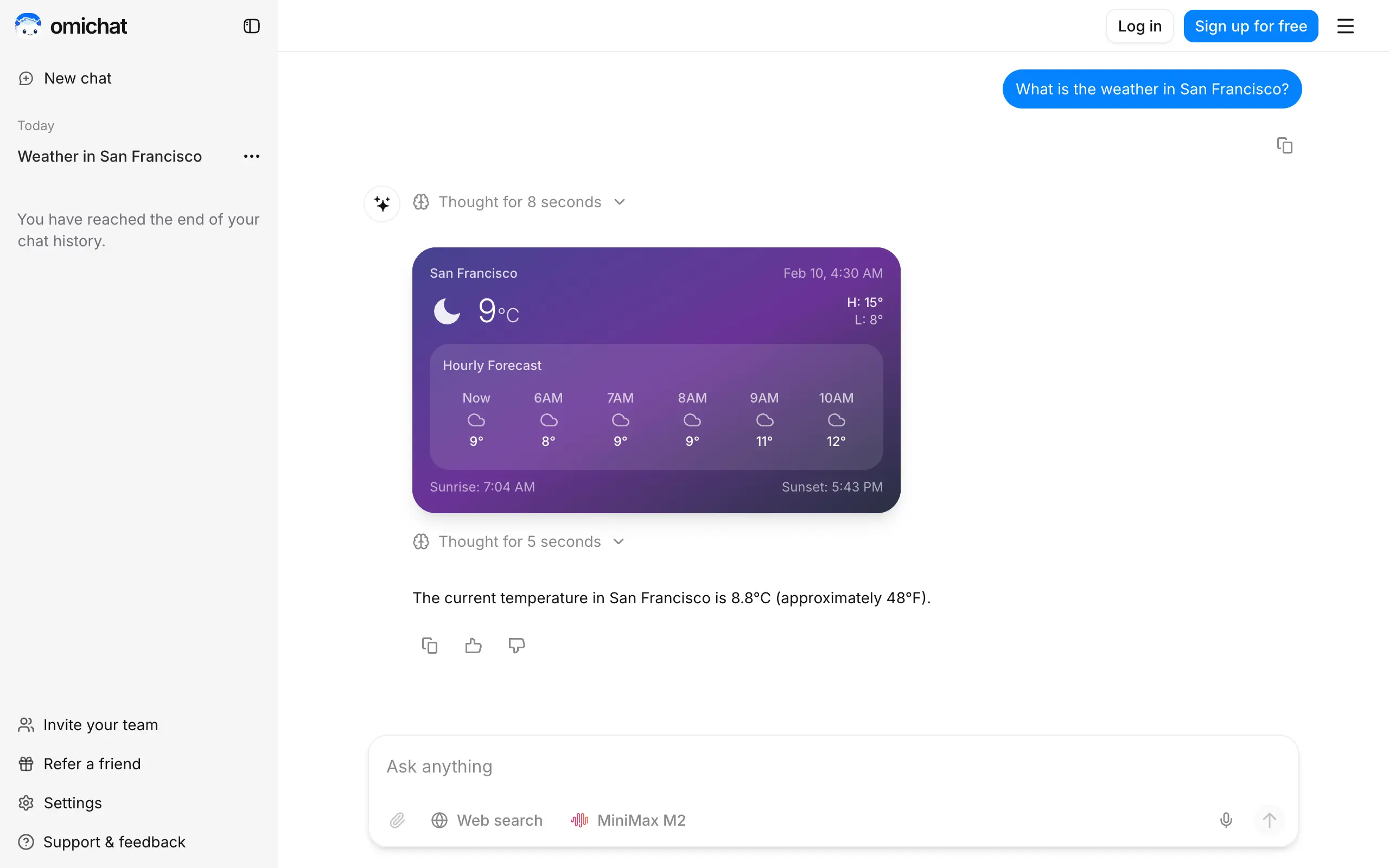
Omichat
Chat with 50+ AI models, including ChatGPT and Claude, in one place - switch models anytime without losing context 🤖
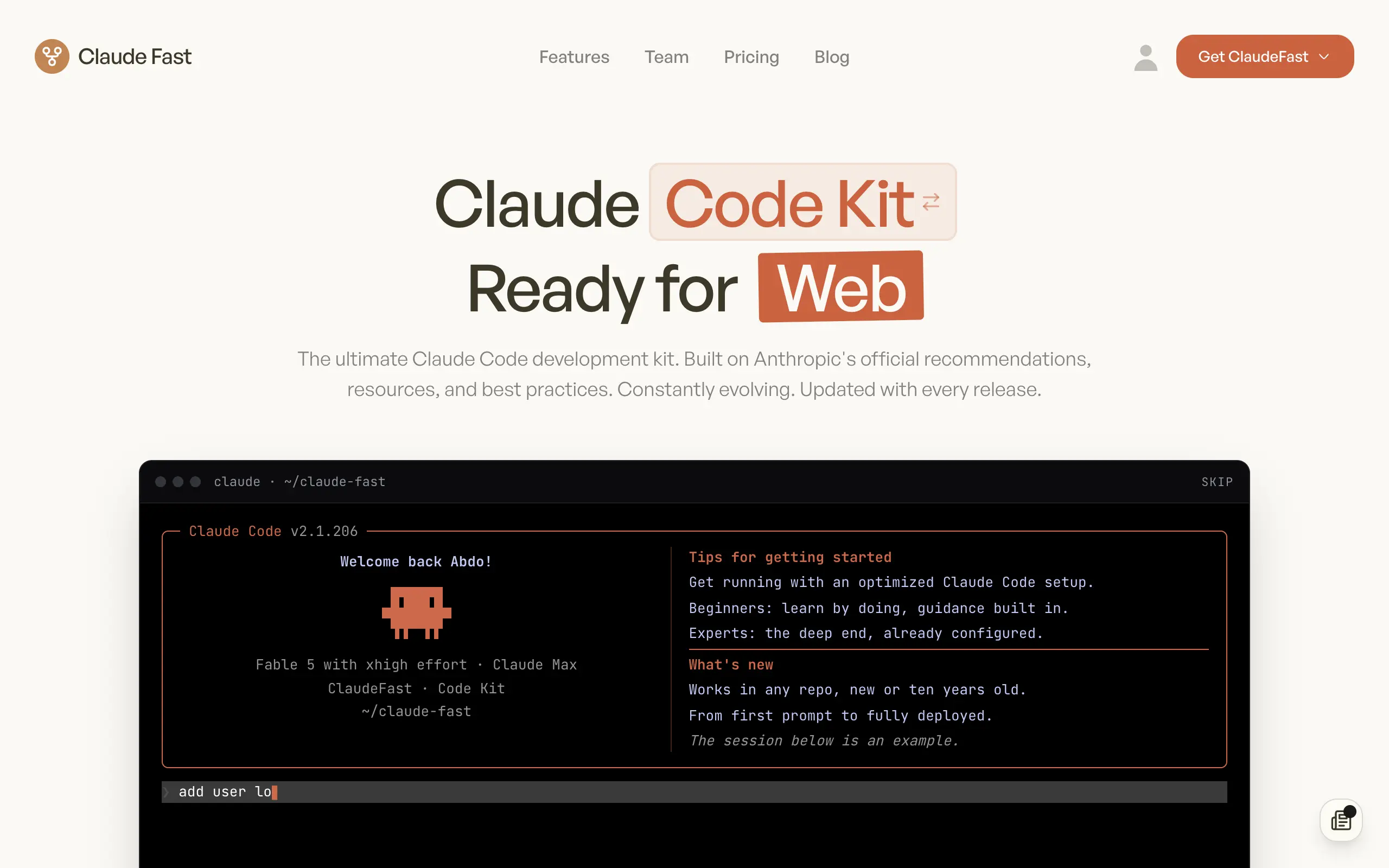
Claude Fast
Supercharge your Claude Code with 6x effective context window and specialized AI agents 🤖
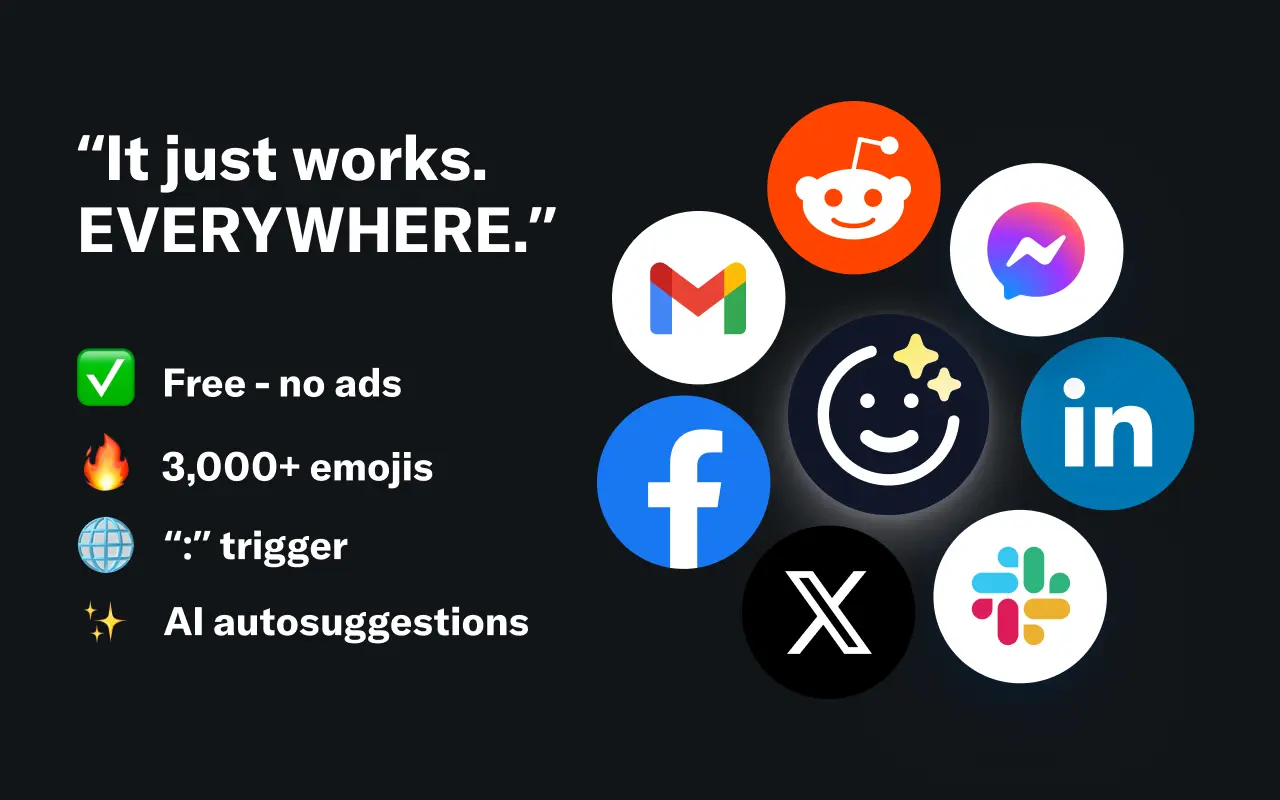
EmojAI
AI-powered emoji picker with smart, context-aware suggestions 🤖
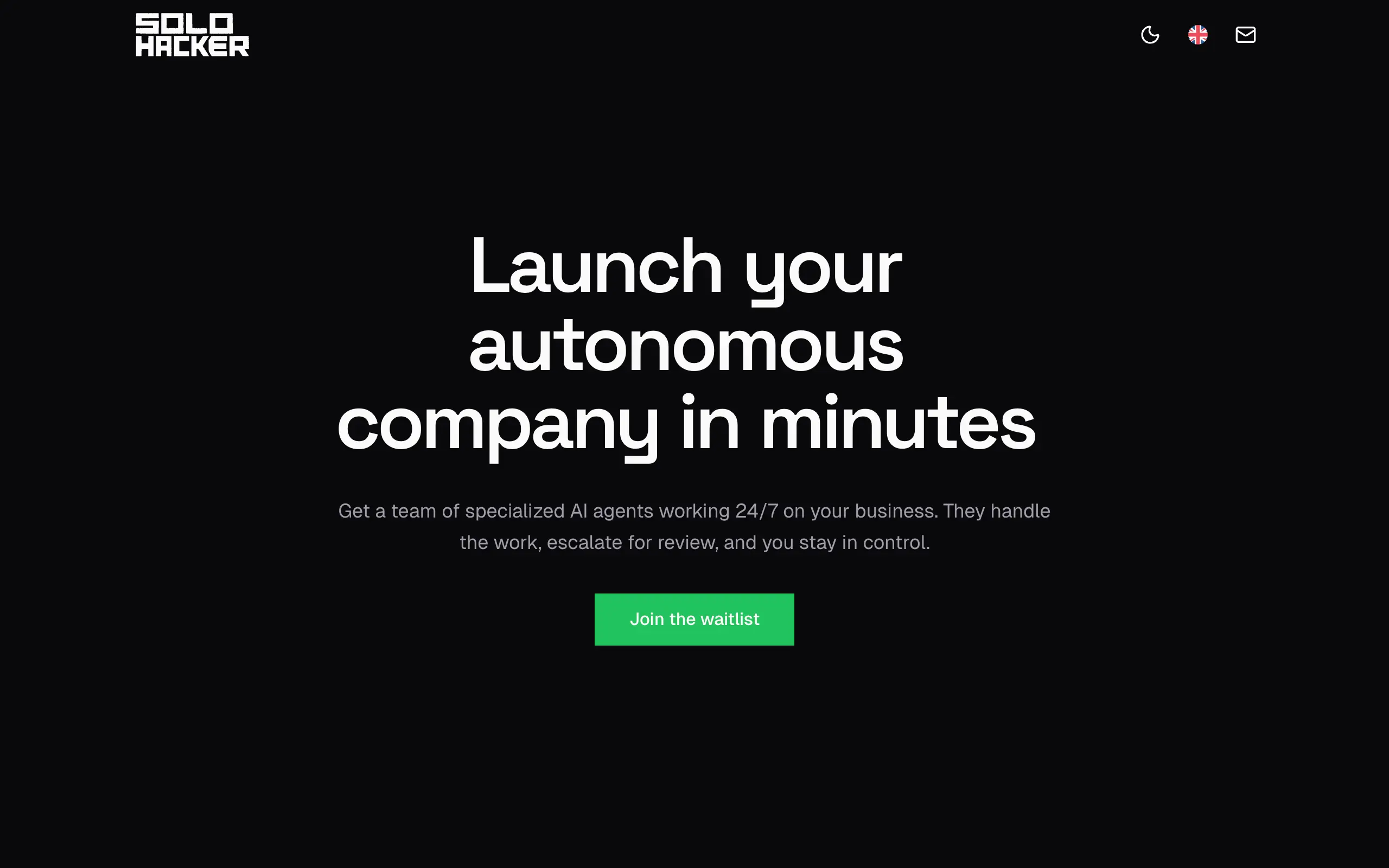
Solohacker
Autonomous company launcher - AI agents work 24/7, escalate what matters, and you stay in control 🤖
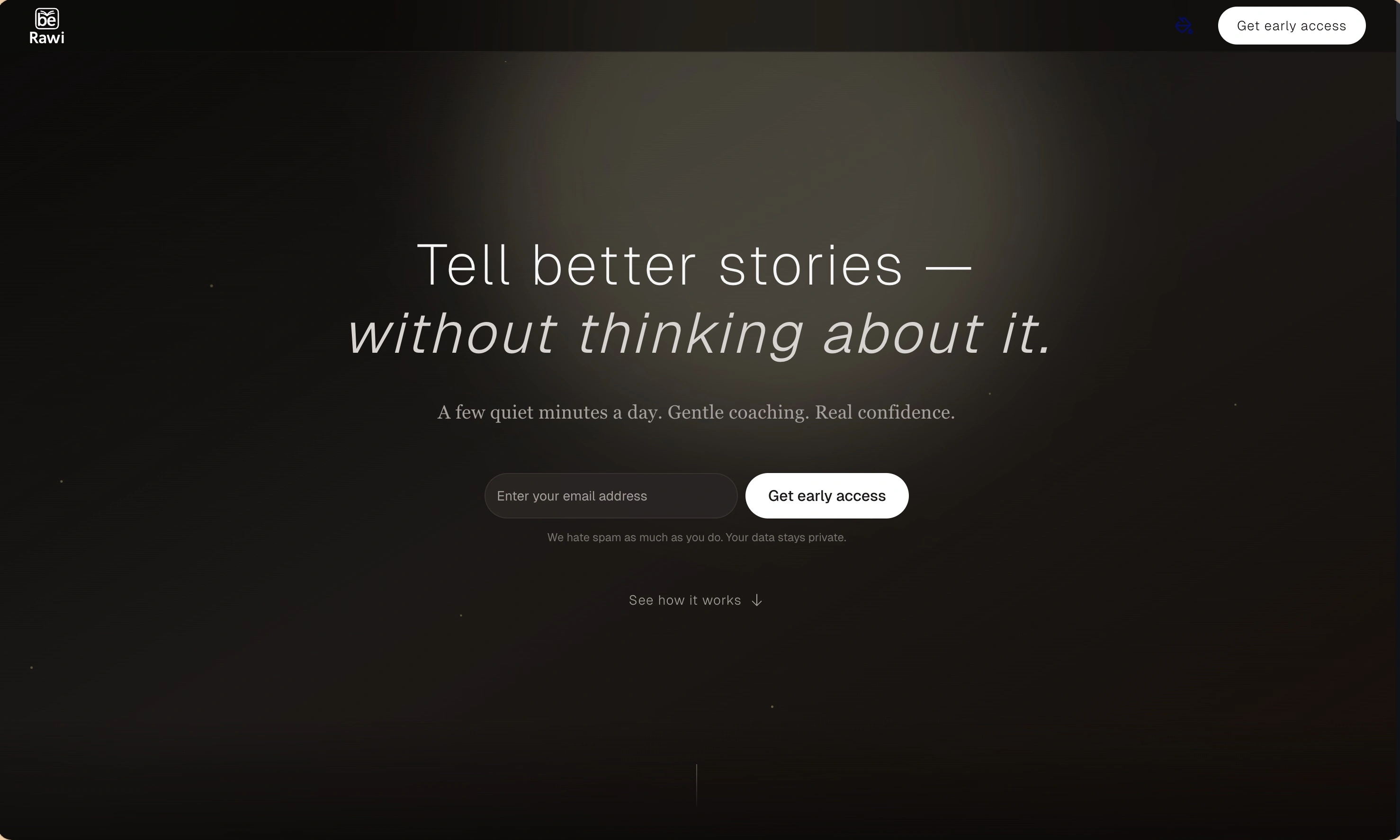
BeRawi: Storytelling Coach
Practice storytelling daily with instant feedback to sound clearer, more engaging, and confident 🎤
Omichat
Chat with 50+ AI models, including ChatGPT and Claude, in one place - switch models anytime without losing context 🤖
Claude Fast
Supercharge your Claude Code with 6x effective context window and specialized AI agents 🤖
EmojAI
AI-powered emoji picker with smart, context-aware suggestions 🤖
Solohacker
Autonomous company launcher - AI agents work 24/7, escalate what matters, and you stay in control 🤖
BeRawi: Storytelling Coach
Practice storytelling daily with instant feedback to sound clearer, more engaging, and confident 🎤
Omichat
Chat with 50+ AI models, including ChatGPT and Claude, in one place - switch models anytime without losing context 🤖
Claude Fast
Supercharge your Claude Code with 6x effective context window and specialized AI agents 🤖
EmojAI
AI-powered emoji picker with smart, context-aware suggestions 🤖
Solohacker
Autonomous company launcher - AI agents work 24/7, escalate what matters, and you stay in control 🤖
BeRawi: Storytelling Coach
Practice storytelling daily with instant feedback to sound clearer, more engaging, and confident 🎤
Omichat
Chat with 50+ AI models, including ChatGPT and Claude, in one place - switch models anytime without losing context 🤖
Claude Fast
Supercharge your Claude Code with 6x effective context window and specialized AI agents 🤖
EmojAI
AI-powered emoji picker with smart, context-aware suggestions 🤖
Solohacker
Autonomous company launcher - AI agents work 24/7, escalate what matters, and you stay in control 🤖
BeRawi: Storytelling Coach
Practice storytelling daily with instant feedback to sound clearer, more engaging, and confident 🎤

Connect with like-minded people
Join our community to get feedback, support, and grow together with 1,000+ builders on board, let's ship it!
Join usShip your startup everywhere. In minutes.
Don't burn tokens on setup and start building features on day one.