VibeTrail
Plan and ship vibe-coded apps without losing AI chat context. Track prompts, decisions, bugs, and next steps in one lightweight project workspace.
VibeTrail is a project workspace for people building apps with AI coding tools. It helps makers keep prompts, product decisions, bugs, and next steps connected to the code they ship—without relying on a sprawling chat history or trying to turn a lightweight side project into a heavyweight project-management process.
The opportunity is not simply to build another task tracker. It is to create a durable context layer between an AI-assisted development conversation and a working software project. That distinction gives VibeTrail a focused audience, a clear product promise, and a practical path to an initial version.
What is VibeTrail?
VibeTrail is a lightweight workspace for planning and shipping vibe-coded apps. A user can capture a prompt, record why a decision was made, turn a bug into a trackable issue, and define what to do next. Each item belongs to a project, so important context stays useful even after a conversation is long, scattered, or no longer available.
In this context, “vibe coding” describes a style of software development where people use AI tools to generate, revise, and debug code through natural-language instructions. The exact tools and workflows vary, but the recurring challenge is familiar: useful decisions become buried in chat threads, task lists drift away from the code, and the builder has to reconstruct project history from memory.
VibeTrail addresses that coordination gap. It is not necessarily an AI coding tool itself. Instead, it helps users maintain the project context around AI-assisted coding.
A clear positioning statement could be:
VibeTrail helps solo builders and small teams preserve the decisions, prompts, bugs, and next steps that make AI-built apps easier to finish.
That statement gives the product a narrower and more memorable starting point than a generic promise to “manage projects better.”
The problem VibeTrail solves
AI coding can make it easier to move from an idea to a working prototype. But generating code is only one part of shipping an app. Builders still have to decide what to build, keep track of changes, reproduce bugs, and remember why they chose one approach over another.
When that context lives across chat sessions, code editors, issue trackers, documents, and personal notes, several problems emerge:
- A builder repeats a prompt because the earlier version is difficult to find.
- A workaround is applied, but the reason for it is lost.
- A bug report lacks the prompt or code change that introduced the problem.
- A new session starts without the important decisions from earlier sessions.
- A small app accumulates enough informal notes that the creator no longer knows which next step matters most.
These issues are not exclusive to AI-generated software. They also appear in traditional product development. The difference is that conversational coding creates a particularly large stream of context, much of it informal and difficult to turn into structured project knowledge.
VibeTrail can turn that stream into a compact, reusable trail. The product should help users answer practical questions quickly:
- What did I ask the AI to do?
- What changed after that prompt?
- Why did I choose this implementation?
- Which problems are still open?
- What should I tackle next?
- What context should I bring into the next coding session?
If VibeTrail consistently answers those questions with less effort than a combination of chat search, notes, and a task app, it has a useful product foundation.
Target audience analysis
The strongest initial audience is not everyone who has ever used an AI assistant to write code. It is people who build small software products and need help maintaining continuity from one work session to the next.
Solo makers and indie hackers
Solo makers often work in short sessions around other commitments. A project might pause for a few days or weeks, then resume with the creator needing to remember the current state. VibeTrail can provide a concise project record without requiring a formal engineering process.
For this group, the product should emphasize:
- Fast capture of a prompt, idea, or bug.
- A clear “next steps” view.
- Simple project history.
- Minimal setup and administration.
- Easy return to an unfinished project.
Nontechnical founders and product-minded builders
Some founders use AI coding tools to prototype workflows, test product concepts, or create early versions of internal tools. They may not have an engineering team or a consistent technical documentation practice.
VibeTrail can help them keep product goals and implementation notes connected. The interface should avoid assuming that every user understands repositories, branches, deployments, or technical ticket conventions.
Small product teams using AI in development
A small team may share responsibility for prompts, implementation, testing, and product decisions. In this setting, project context is not only a personal memory aid; it becomes a collaboration asset.
These users may need:
- Shared project workspaces.
- Ownership and assignment.
- Comments or lightweight review.
- A record of decisions and changes.
- Permissions that keep private projects private.
Team features should follow evidence from user research. Building organization controls, complex role systems, or advanced reporting before a team needs them can add friction without improving the core workflow.
Educators, students, and workshop participants
People learning to build with AI often move quickly between experiments. A project trail can help them understand what they tried, what worked, and what they learned. For educators, that trail may also make it easier to review project progress or provide feedback.
This segment may be a useful distribution channel, but it may have different pricing expectations from professional users. It should be tested as a distinct audience rather than assumed to be the primary revenue source.
Who should VibeTrail avoid serving first?
VibeTrail should resist becoming a universal project-management suite at launch. Large engineering organizations may expect extensive reporting, integrations, compliance controls, and administration. Those needs can overwhelm the focused experience that solo builders value.
A more defensible initial target is a user who already feels the context problem and is willing to try a lightweight tool to solve it.
Market opportunity and product gap
The opportunity for VibeTrail lies between several established categories:
- AI coding assistants, where much of the conversational development context originates.
- General-purpose project-management apps, which track work but may not center prompts and AI sessions.
- Notes and document apps, which capture information but often require users to design their own project structure.
- Issue trackers and code-hosting platforms, which can organize technical work but may feel too process-heavy for an individual maker.
That does not mean existing products cannot support the workflow. A person can use a document, a task board, and chat search together. The product gap is about reducing the effort required to keep those pieces connected.
VibeTrail’s opportunity is to make the connection itself the product:
- Capture the development context with minimal interruption.
- Structure it into useful project records.
- Make the records easy to retrieve later.
- Convert the records into a clear next action.
The gap should be validated through interviews and observation, not treated as proof of demand. Users may already have a good enough system, or the pain may not be frequent enough to justify another subscription. The key research question is whether context loss meaningfully slows projects, causes repeated work, or makes builders abandon promising apps.
Useful research prompts include:
- “Tell me about the last time you returned to a project after a break.”
- “How do you currently save AI prompts or coding decisions?”
- “What information do you usually need to recover before continuing?”
- “Have you ever repeated work because you could not find earlier context?”
- “Which tools do you already use for tasks, notes, code, and AI conversations?”
- “What would make you trust a new workspace with this information?”
Ask about recent behavior rather than hypothetical interest. “Would you use this?” often produces weaker evidence than asking someone to show how they currently handle the problem.
Core features for a useful VibeTrail MVP
The first version should help users preserve and retrieve project context. Every feature should support that loop, rather than adding surface area for its own sake.
1. Project workspaces
Each app or experiment needs a home for its context. A project workspace could contain a short description, status, links, and a timeline of prompts, decisions, bugs, and tasks.
A workspace should make it obvious what the project is and what is happening next. Avoid forcing users to configure a complex project template before they can record their first item.
2. Prompt and session capture
Prompt capture is a central differentiator for VibeTrail. Users should be able to save a prompt, add a short outcome, and connect it to a project. A saved item becomes more useful when it includes enough context to interpret it later.
A prompt record could include:
- Prompt text or a concise summary.
- The project it belongs to.
- The date it was used.
- The tool or environment, if known.
- The outcome or follow-up note.
- Links to related tasks, bugs, decisions, or code.
Do not require users to manually enter every possible field. Start with a quick-capture flow and make extra details optional.
3. Decision log
A decision log records choices that affect future work. For example, a user might note why they selected a particular authentication approach, postponed a feature, or changed an app’s onboarding flow.
Decision records should be short and practical. Useful fields include the decision, its rationale, any alternatives considered, and whether it should be revisited later. The goal is not to create formal architecture documentation for every small change; it is to preserve decisions that would otherwise be confusing or expensive to reconstruct.
4. Bug tracking
Bugs need a place in the project trail, especially when they are discovered during AI-assisted coding. A useful bug record includes the expected behavior, actual behavior, reproduction steps, and any related prompt or change.
The initial bug workflow can remain simple:
- Open.
- In progress.
- Resolved.
- Deferred.
A lightweight system is more likely to be used consistently than a large taxonomy with labels, priorities, severities, and custom workflows that must be maintained.
5. Next steps and project status
A project workspace should answer “What should I do next?” A short prioritized list can help users return to a project without rereading every record.
Make next steps distinct from historical notes. A saved prompt may explain what happened; an actionable task explains what to do. Connecting the two helps users understand why a task exists and what context they need before starting it.
6. Search and retrieval
A context archive is only valuable if users can find information when they need it. Search should work across project names, prompt text, decisions, bug reports, and notes.
Useful retrieval options may include:
- Keyword search.
- Filters by project, item type, or status.
- Recent activity.
- Related-item links.
- A compact project summary.
AI-powered search or summaries may improve this experience later, but conventional search should work first. A user should not have to trust a generated answer to find a prompt they saved.
7. Export and portability
Users may be hesitant to store their project history in a new product if they cannot get it back out. Export helps build trust and reduces the perception of lock-in.
A first version might support a straightforward export of project records in a readable format. The exact format should match user needs and the product’s technical constraints. Provide clear information about what is included and how users can delete their data.
8. Integrations, added after validation
Integrations could make VibeTrail much more convenient, but they also add support and maintenance costs. Start by learning where users want to capture context from.
Potential integration directions include:
- Links to code repositories and pull requests.
- Importing or attaching AI conversation exports.
- Browser or editor capture tools.
- Notifications through team communication tools.
- Task or issue synchronization.
A good integration should eliminate a repeated workflow. An integration that merely adds another settings screen may not be worth building.
Product experience and information architecture
VibeTrail should feel like a focused workbench, not an archive that users need to maintain. The experience should make it easy to capture information at the moment it is useful and return to a project later.
A practical structure might include:
- Projects for separating apps and experiments.
- Trail items for prompts, decisions, bugs, and notes.
- Tasks for actionable work.
- Connections for relating an item to a task, bug, or decision.
- Project summaries for the current state and next steps.
This structure can be expressed in familiar language rather than requiring users to learn a new system. For example, “Save a prompt” is clearer than asking a user to choose an abstract record type before they understand the product.
The most important onboarding moment is the first useful capture. Ask the user to create a project, save one piece of context, and identify a next step. If they must configure a team, import data, and build a workflow before seeing value, activation will suffer.
Design for the return visit
A key product moment is not only the first project setup. It is the moment a user returns after a break and can understand the project’s state quickly. Treat that return journey as a first-class use case.
Recommended technology stack
The right stack depends on the team’s experience, expected usage, and integration requirements. For an early SaaS product, prefer tools that make authentication, data modeling, deployment, and iteration straightforward.
Front end
A TypeScript-based React application is a strong choice for a responsive web workspace. React has a broad ecosystem and is suitable for interactive interfaces such as timelines, project views, and search.
Possible choices include:
- React for the interface library.
- Next.js when server rendering, routing, and full-stack application features are useful.
- Tailwind CSS for utility-based styling and rapid interface iteration.
The trade-off is ecosystem complexity. A large component stack can slow a small team if it brings conventions the team does not need. Choose a design system and form approach that the team can maintain, rather than assembling dependencies for hypothetical future scale.
Back end and database
VibeTrail has relational data: users own or belong to workspaces, workspaces contain projects, and projects contain connected records. A relational database such as PostgreSQL is a natural fit.
A practical back-end design should account for:
- User and workspace ownership.
- Project-level access control.
- Searchable text fields.
- Related records and activity history.
- Data export and deletion.
- Future team collaboration.
A managed database and authentication service can reduce operational overhead for an early product. The trade-off is provider dependence and the need to understand its access-control model. Keep the data model and business rules clear enough that the team can change providers if the product’s needs evolve.
Authentication and authorization
Start with a dependable sign-in flow and simple workspace permissions. If the MVP is for individuals, avoid implementing a detailed role hierarchy before there are paying teams that need it.
Authorization must be enforced on the server, not only hidden in the user interface. Every request that reads or changes project data should verify that the user has access to the relevant workspace.
Search and optional AI features
For an initial release, database-backed text search may be sufficient. If users later need semantic retrieval across long notes or imported conversations, a vector search approach could be tested.
AI features might eventually help with:
- Summarizing a project’s recent activity.
- Turning a saved prompt into a structured task.
- Highlighting decisions relevant to a new session.
- Drafting a handoff summary for another contributor.
These features should be optional and transparent. Show users what information is being processed, provide ways to correct generated summaries, and avoid presenting uncertain output as authoritative project history. AI should reduce effort without becoming a new source of context loss.
Deployment, analytics, and reliability
Use a deployment setup the team can operate confidently. Add product analytics to understand activation and repeated usage, while collecting only the information needed to improve the product.
Useful early signals include:
- Percentage of new users who create a project.
- Percentage who save a first trail item.
- Percentage who return to the project.
- Frequency of prompt, decision, and bug capture.
- Conversion from active use to a paid plan.
- Workspace deletion and cancellation reasons.
Analytics should support product decisions, not encourage excessive collection of sensitive prompt content. Make privacy choices explicit and keep access to customer data limited.
Monetization strategy
VibeTrail can test several monetization models, but pricing should reflect the value users receive and the cost of serving them.
Freemium for individual makers
A free plan can make it easy to try VibeTrail on a personal project. Paid tiers could add more active projects, larger history limits, exports, advanced search, or premium integrations.
The main risk is placing the core value behind a paywall too early. Users need enough room to experience the context loop before they understand why a subscription is worthwhile.
Paid individual subscription
A direct subscription may work if VibeTrail becomes part of a user’s repeated development routine. It is simpler to explain than a complex tier structure, but the product must provide ongoing value rather than functioning as a one-time archive.
Team pricing
Small teams may pay for shared workspaces, collaboration, permissions, and integrations. Team pricing can increase revenue per account, but it introduces expectations around access control, support, billing management, and data retention.
Usage-based AI features
If VibeTrail introduces AI-generated summaries or semantic search, usage-based limits could help manage variable model costs. However, users may find unpredictable bills confusing. Consider including clear usage allowances and offering a predictable paid plan.
Test pricing with real usage and purchasing conversations. A landing-page survey can indicate interest, but it is not a substitute for observing whether users adopt the workflow and pay to keep using it.
Competitive advantage analysis
VibeTrail will compete with existing habits as much as with software products. Many users already combine a chat tool, notes app, issue tracker, and code repository. The product must be meaningfully easier for a specific workflow.
| Alternative | Strength | Common limitation for this use case | VibeTrail opportunity |
|---|---|---|---|
| Chat history | Keeps the original conversation | Project context may be spread across many sessions | Create reusable project records from important moments |
| Notes app | Flexible and familiar | Users must create and maintain their own structure | Offer a purpose-built trail for prompts, decisions, and bugs |
| General task manager | Strong task organization | May not connect tasks to AI development context | Link next steps to the prompts and decisions behind them |
| Issue tracker | Useful for technical teams | Can feel process-heavy for a solo maker | Keep capture and triage lightweight |
| Code repository | Tracks code changes | Does not automatically preserve product rationale | Connect project work to decisions and development notes |
The table describes category-level trade-offs, not a claim that every product in a category has the same limitations. VibeTrail should regularly review user alternatives because established tools may add features that overlap with its workflow.
VibeTrail’s unique selling proposition
VibeTrail’s strongest potential differentiator is the relationship between four kinds of project context:
- Prompts show what the builder asked.
- Decisions explain why the project took a particular direction.
- Bugs record what went wrong.
- Next steps turn the history into forward progress.
The USP is not “more features than a task manager.” It is “a lightweight project memory built around the realities of AI-assisted app development.”
That positioning becomes more defensible if VibeTrail delivers a noticeably better capture-and-return experience than generic tools. Over time, user trust, a well-designed project data model, and integrations with the workflows people already use can strengthen the advantage.
Risks and mitigation
Risk of weak or infrequent usage
Users may agree that context loss is frustrating but fail to record information consistently.
Mitigation: Make capture fast, support lightweight defaults, and observe whether users return to saved context. Measure repeated use rather than relying only on sign-ups.
Risk of becoming another place to update
If users must copy every prompt, task, and bug into VibeTrail manually, the product may add work instead of removing it.
Mitigation: Identify the most common capture point and make it effortless. Prioritize integrations only when research shows that they remove repeated effort.
Risk of scope creep
A product aimed at AI-assisted app building could expand into a full issue tracker, documentation platform, code review tool, and team operations suite.
Mitigation: Tie roadmap decisions to the core loop: capture, connect, retrieve, and continue. Defer features that do not make that loop meaningfully better.
Risk of sensitive data exposure
Prompts and project notes may contain code, credentials, customer information, or business plans. Users need confidence that this material is protected.
Mitigation: Apply strong access controls, use secure transport, minimize data collection, and document retention and deletion behavior. Warn users not to store secrets such as API keys in ordinary notes. Establish a process for handling security reports and incidents.
Risk of AI-generated errors
If the product summarizes or transforms project records, generated content could omit important context or state a guess as fact.
Mitigation: Keep original records accessible, label generated summaries, make editing easy, and avoid automatically changing task status or decisions without user confirmation.
Risk of dependency on external platforms
Integrations can be valuable but may break when third-party APIs change or impose new limits.
Mitigation: Keep the core experience usable without integrations, isolate integration logic, and communicate clearly when connected services are unavailable.
Risk of unclear positioning
“Project management for vibe coding” may be memorable to some people but confusing to others, especially as terminology changes.
Mitigation: Pair the category phrase with a concrete explanation: save prompts, decisions, bugs, and next steps for each app. Test the language with target users and optimize for comprehension as well as novelty.
How to validate VibeTrail before building too much
Validation should establish whether the problem is common, costly, and solvable with a dedicated workspace.
A practical research sequence is:
- Interview solo makers and small teams who have recently built with AI coding tools.
- Ask participants to show their current method for tracking prompts, decisions, bugs, and tasks.
- Identify where information gets lost and how often that causes rework or delay.
- Create a clickable prototype focused on project setup, quick capture, and returning to a project.
- Test the prototype with a real or recently paused project.
- Offer a small private beta and observe actual behavior.
- Ask engaged users to pay, choose a plan, or commit to a pilot rather than relying only on verbal enthusiasm.
Prototype the workflow before investing in advanced AI features. The first question is whether people want a structured project trail. The next question is which records and capture methods they will use consistently.
Actionable implementation steps
Choose a narrow first user. Start with one segment, such as solo makers who build small web apps with AI coding tools. Document their current workflow and the moment when context loss causes the most friction.
Define the core loop. Write down the smallest sequence that delivers value: create a project, save useful context, connect it to a next step, and return later to continue.
Prototype the essential screens. Test project creation, prompt capture, a decision or bug record, and a return-to-project summary. Use realistic project examples rather than placeholder content.
Build the minimum trusted product. Implement authentication, project workspaces, basic records, search, access controls, and export or deletion behavior. Keep AI automation and complex team features out of the first release unless research proves they are essential.
Run a focused beta. Recruit a small group of target users, help them bring one real project into VibeTrail, and observe where they hesitate or stop capturing context.
Measure retention and willingness to pay. Track whether users return, which record types they use, and whether the product changes how they resume work. Test pricing with users who have experienced the workflow.
Expand based on repeated evidence. Add the highest-value capture integrations, collaboration tools, or AI features only after users demonstrate a consistent need.
For founders who want to move quickly from validation to a working SaaS foundation, TurboStarter can be part of the implementation toolkit. Choose scaffolding based on the product’s real requirements, and make sure the team understands the code and infrastructure it adopts.
Frequently asked questions about VibeTrail
Is VibeTrail an AI coding assistant?
No. VibeTrail is best understood as a project workspace for the context around AI-assisted development. It can organize prompts, decisions, bugs, and next steps without replacing the tools users rely on to generate or edit code.
Who is VibeTrail for?
Its strongest initial audience is likely solo makers, indie hackers, and small teams building apps with AI coding tools. The product should validate one segment first rather than trying to serve every developer or organization at launch.
What should the first version include?
A focused MVP should include project workspaces, quick capture, a simple prompt and decision history, basic bug tracking, next steps, search, and clear data controls. Advanced automation and large integration libraries can follow when there is evidence they will improve adoption.
How can VibeTrail stand out from a notes app or task manager?
It can focus on connecting development prompts and decisions to bugs and actionable next steps. A notes app or task manager may be adaptable, but VibeTrail’s value depends on making this specific workflow easier without requiring users to design and maintain their own system.
Should VibeTrail use AI?
AI may help summarize project history, find relevant context, or turn notes into tasks. It should support the core product rather than define it. Users need reliable capture and retrieval even when no AI feature is available.
Conclusion
VibeTrail has a focused opportunity to help people ship AI-assisted apps without losing the context behind their work. Its strongest version is not a general-purpose project-management suite. It is a lightweight project memory that connects prompts, decisions, bugs, and next steps in a way that makes it easier to resume and finish an app.
The path forward is to validate the workflow with builders who already experience context loss, make the first capture effortless, and measure whether users return to their project trail. If VibeTrail can help someone pick up an unfinished app and understand what matters next, it will deliver a practical benefit that is easy to explain—and worth building around.
More ⚡ Productivity Tool SaaS ideas
Discover more innovative productivity tool SaaS ideas that are trending in 2026. Each idea is AI-generated with market validation and growth potential to help you find your next profitable venture faster than competitors.
Your competitors are building with TurboStarter
Below are some of the SaaS ideas that have been generated and built with our starter kit.
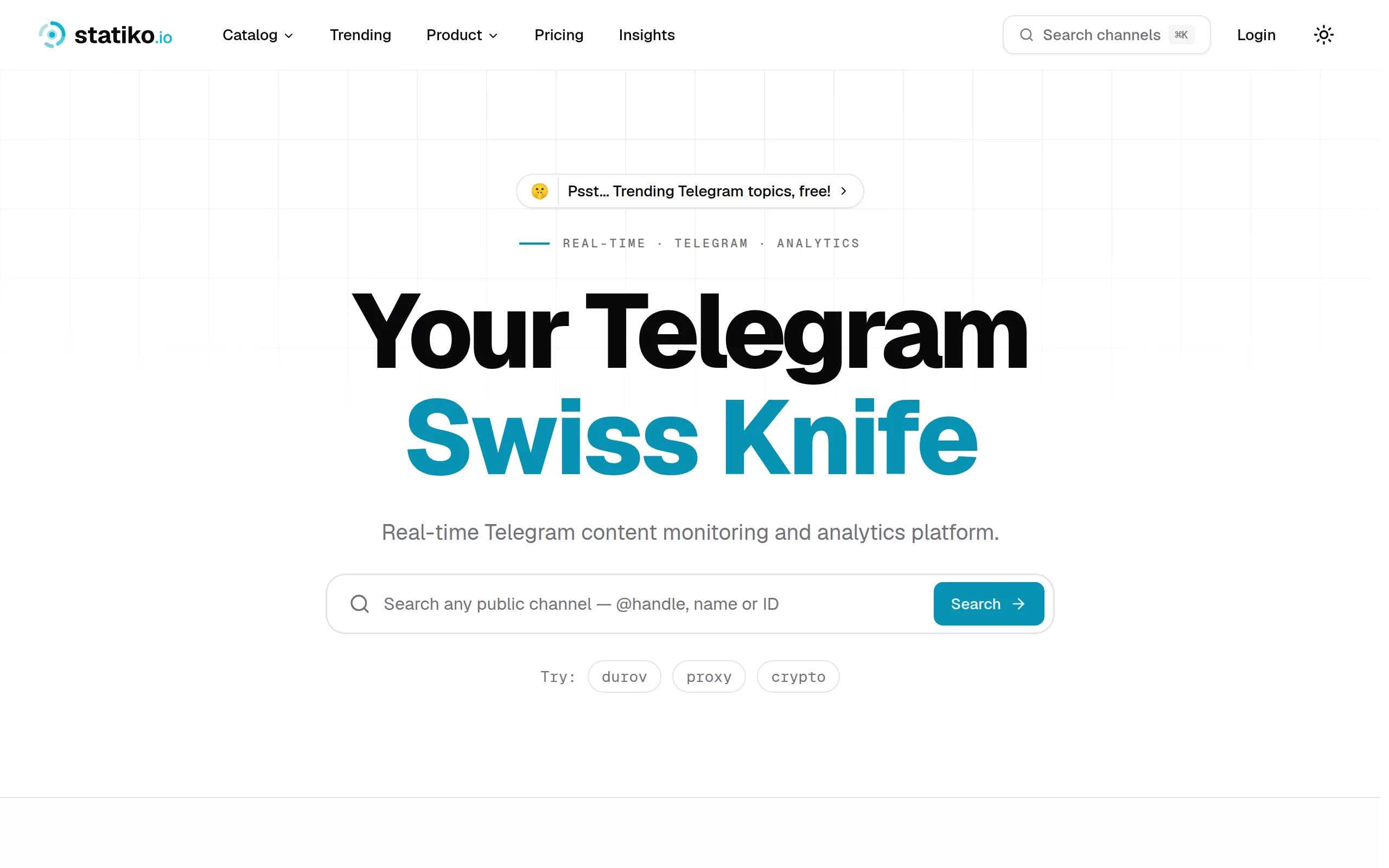
Statiko
Monitor any Telegram channel in real time - track posts, edits, deletions, and growth with AI recaps 📡

Shibui
AI website builder - describe your business, pick a niche template, edit by chatting, and publish instantly ✨

Pro Service
Find verified home service professionals, compare quotes, and pay securely through escrow - built for Brazilians across the US 🏠
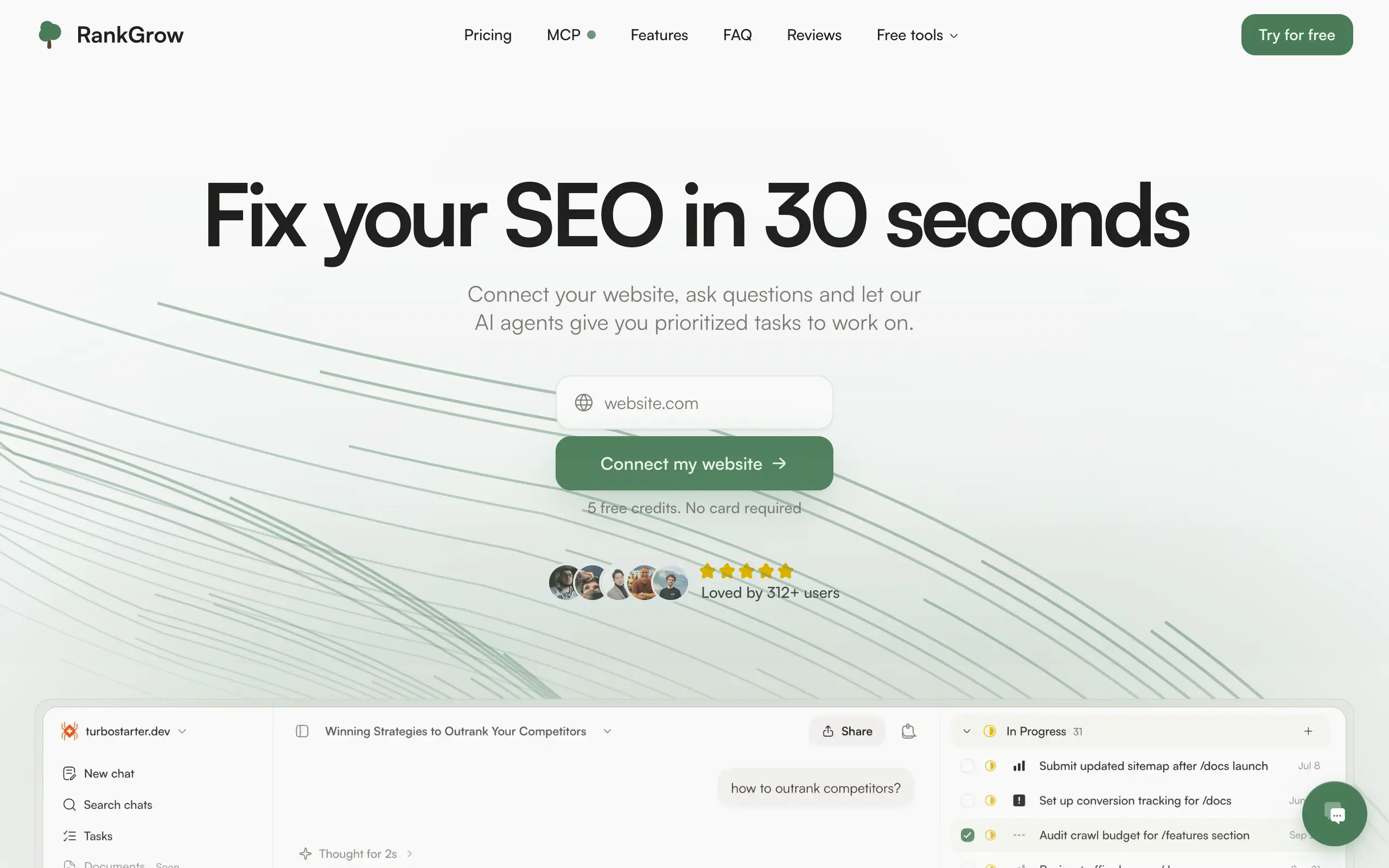
RankGrow
Fix your SEO with AI agents - connect Search Console, get prioritized tasks, and grow organic traffic 📈
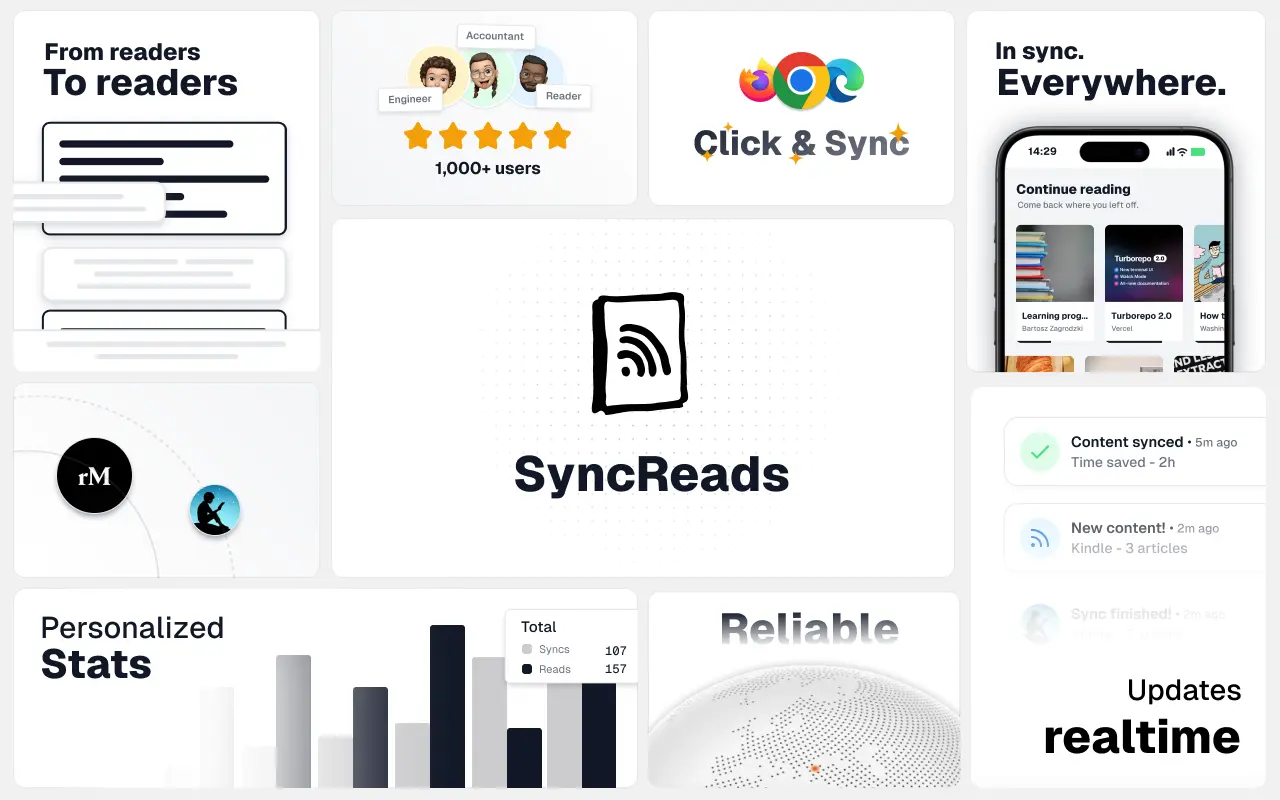
SyncReads
Sync your favorite content for distraction-free reading, save time and replace multiple apps. Anytime, anywhere 🔄
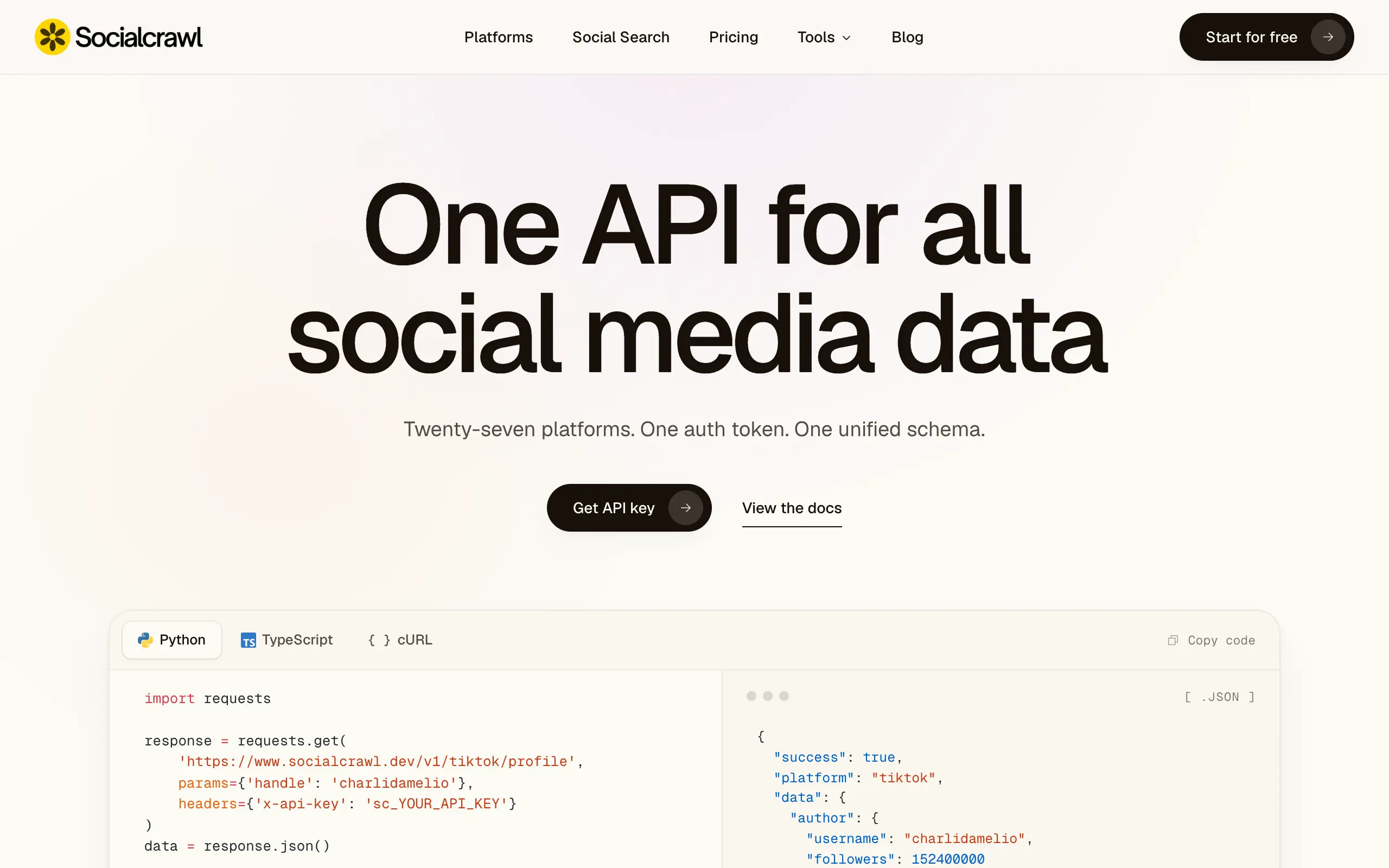
Socialcrawl
Get clean, structured data from 21 platforms like TikTok, Instagram, and YouTube with a single request 📊
Statiko
Monitor any Telegram channel in real time - track posts, edits, deletions, and growth with AI recaps 📡
Shibui
AI website builder - describe your business, pick a niche template, edit by chatting, and publish instantly ✨
Pro Service
Find verified home service professionals, compare quotes, and pay securely through escrow - built for Brazilians across the US 🏠
RankGrow
Fix your SEO with AI agents - connect Search Console, get prioritized tasks, and grow organic traffic 📈
SyncReads
Sync your favorite content for distraction-free reading, save time and replace multiple apps. Anytime, anywhere 🔄
Socialcrawl
Get clean, structured data from 21 platforms like TikTok, Instagram, and YouTube with a single request 📊
Statiko
Monitor any Telegram channel in real time - track posts, edits, deletions, and growth with AI recaps 📡
Shibui
AI website builder - describe your business, pick a niche template, edit by chatting, and publish instantly ✨
Pro Service
Find verified home service professionals, compare quotes, and pay securely through escrow - built for Brazilians across the US 🏠
RankGrow
Fix your SEO with AI agents - connect Search Console, get prioritized tasks, and grow organic traffic 📈
SyncReads
Sync your favorite content for distraction-free reading, save time and replace multiple apps. Anytime, anywhere 🔄
Socialcrawl
Get clean, structured data from 21 platforms like TikTok, Instagram, and YouTube with a single request 📊
Statiko
Monitor any Telegram channel in real time - track posts, edits, deletions, and growth with AI recaps 📡
Shibui
AI website builder - describe your business, pick a niche template, edit by chatting, and publish instantly ✨
Pro Service
Find verified home service professionals, compare quotes, and pay securely through escrow - built for Brazilians across the US 🏠
RankGrow
Fix your SEO with AI agents - connect Search Console, get prioritized tasks, and grow organic traffic 📈
SyncReads
Sync your favorite content for distraction-free reading, save time and replace multiple apps. Anytime, anywhere 🔄
Socialcrawl
Get clean, structured data from 21 platforms like TikTok, Instagram, and YouTube with a single request 📊
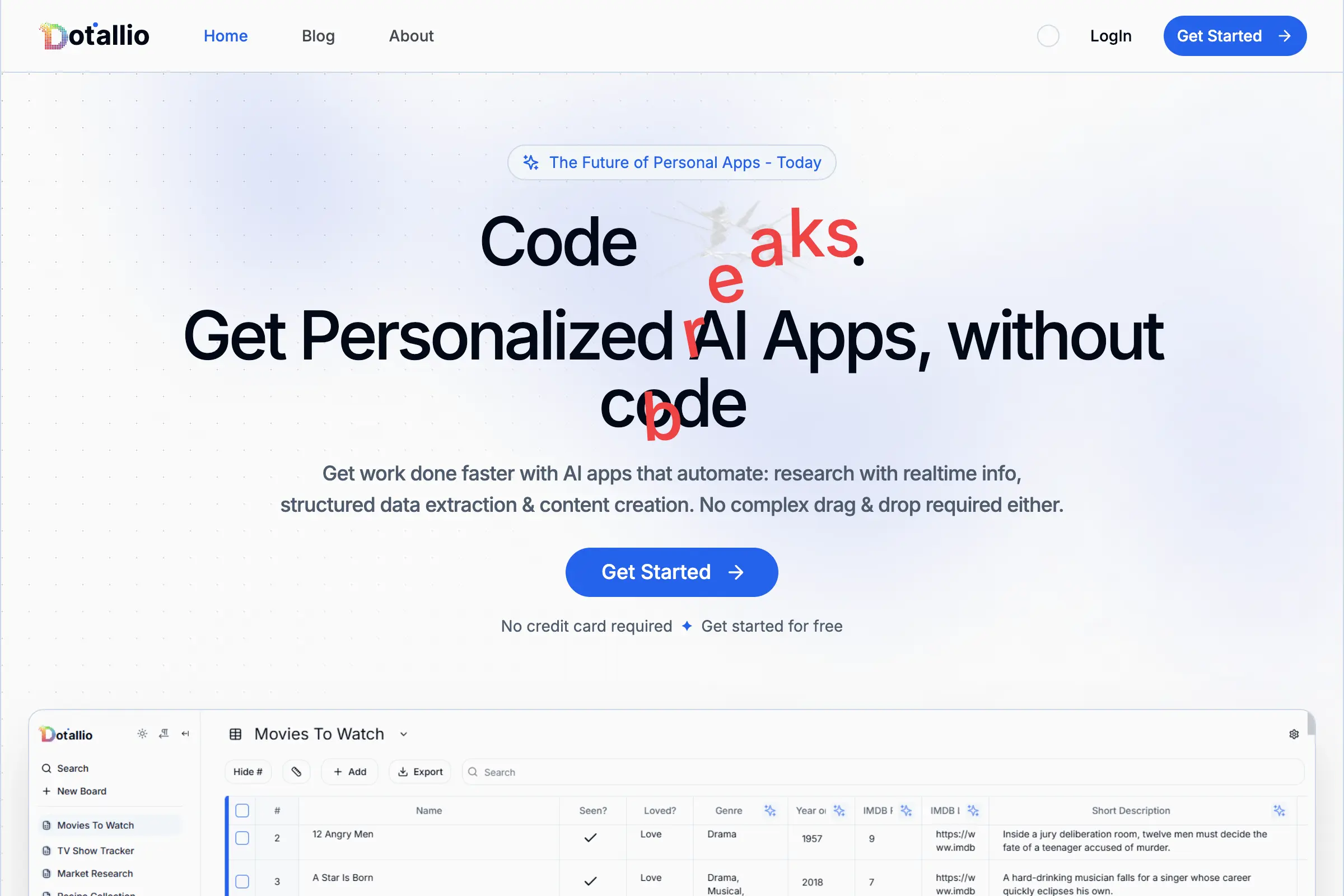
Dotallio
Personalized AI apps that automate research, data extraction, and content creation without code 🤖
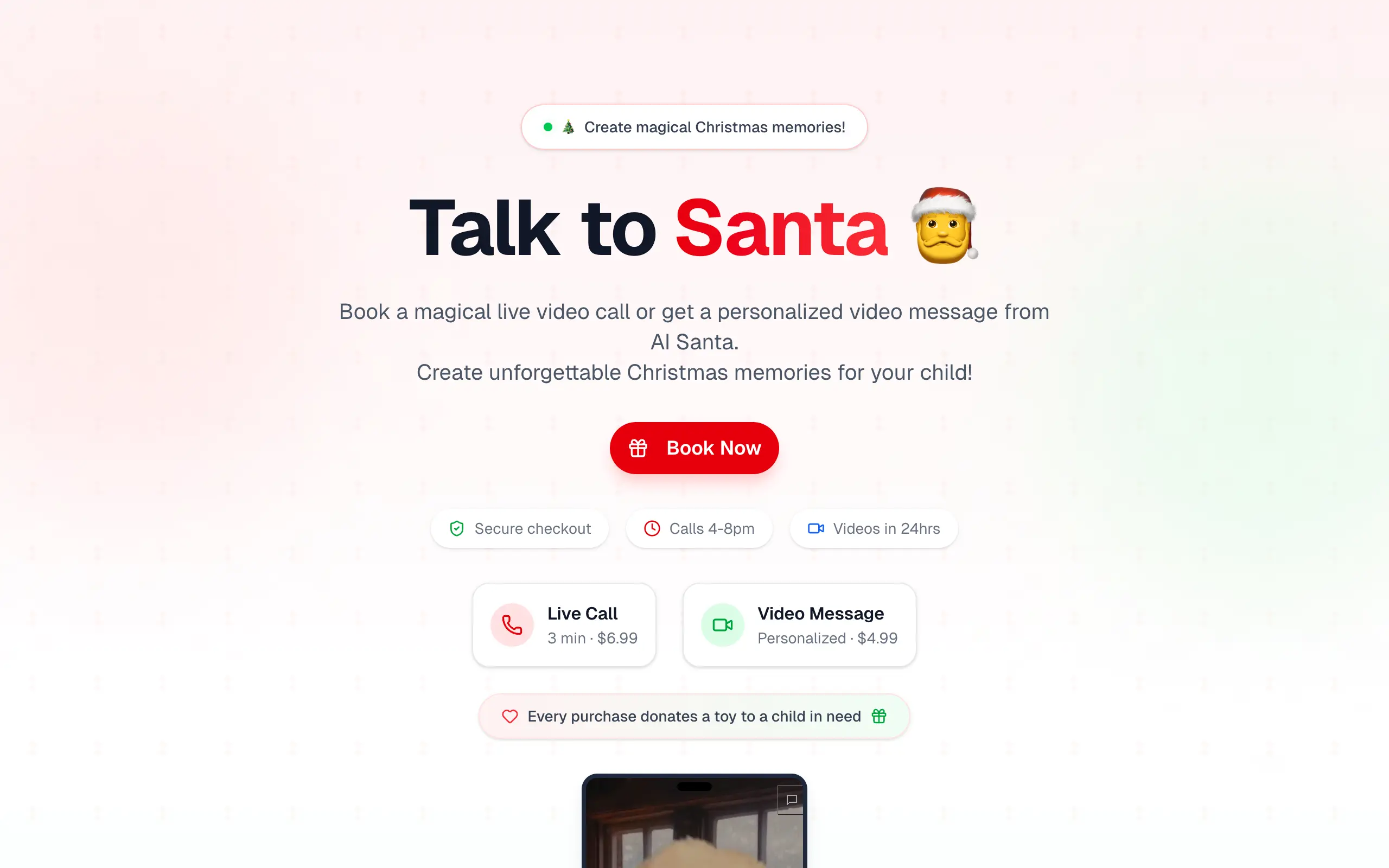
Talk to Santa
Enjoy a magical live video chat or receive a unique AI-generated video greeting from Santa Claus 🎅

pozywka.pl
Scalable blog for food journalist, focused on performance and user experience 🌭
zagrodzki.me
Personal blog and portfolio of Bart Zagrodzki, where he shares his knowledge and work 💼
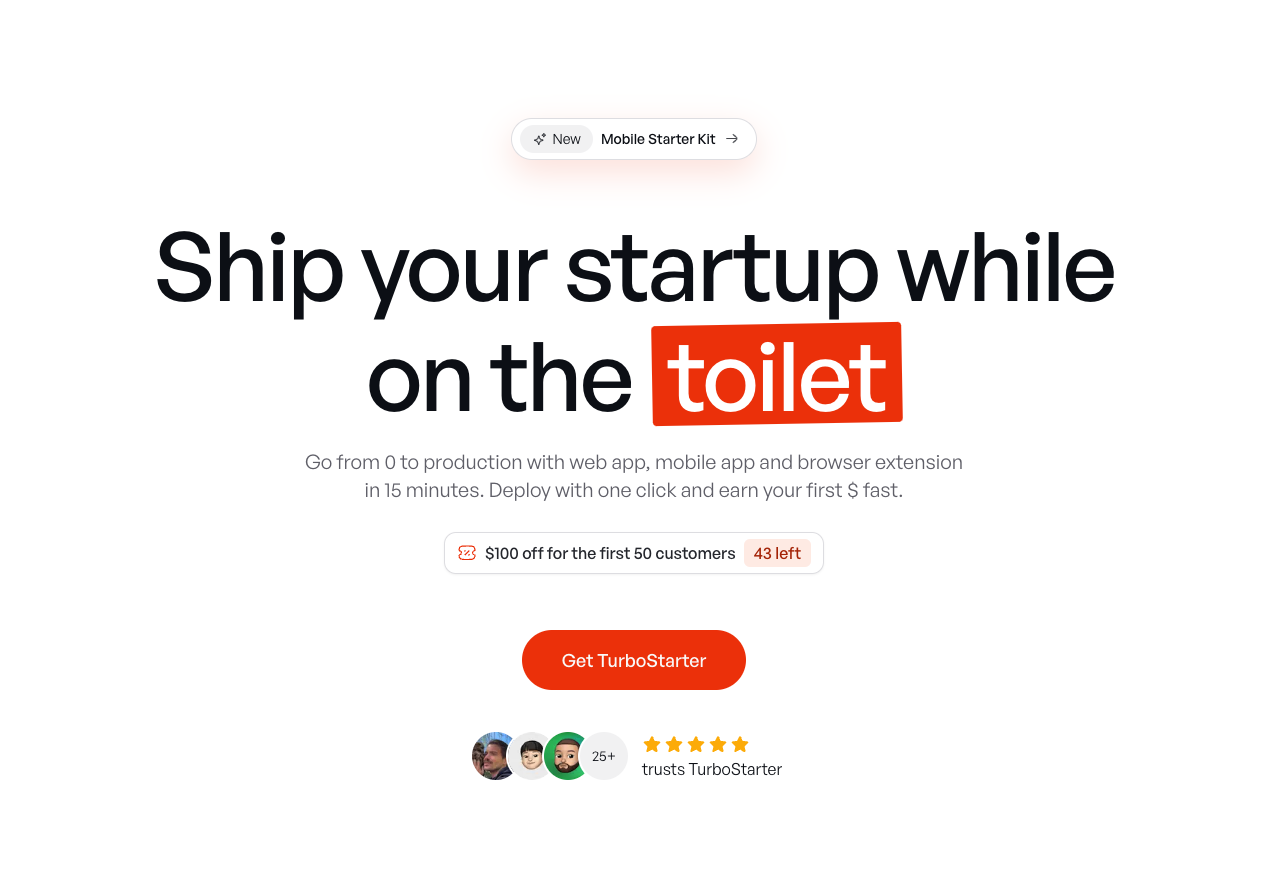
TurboStarter
Ship your startup everywhere. In minutes.
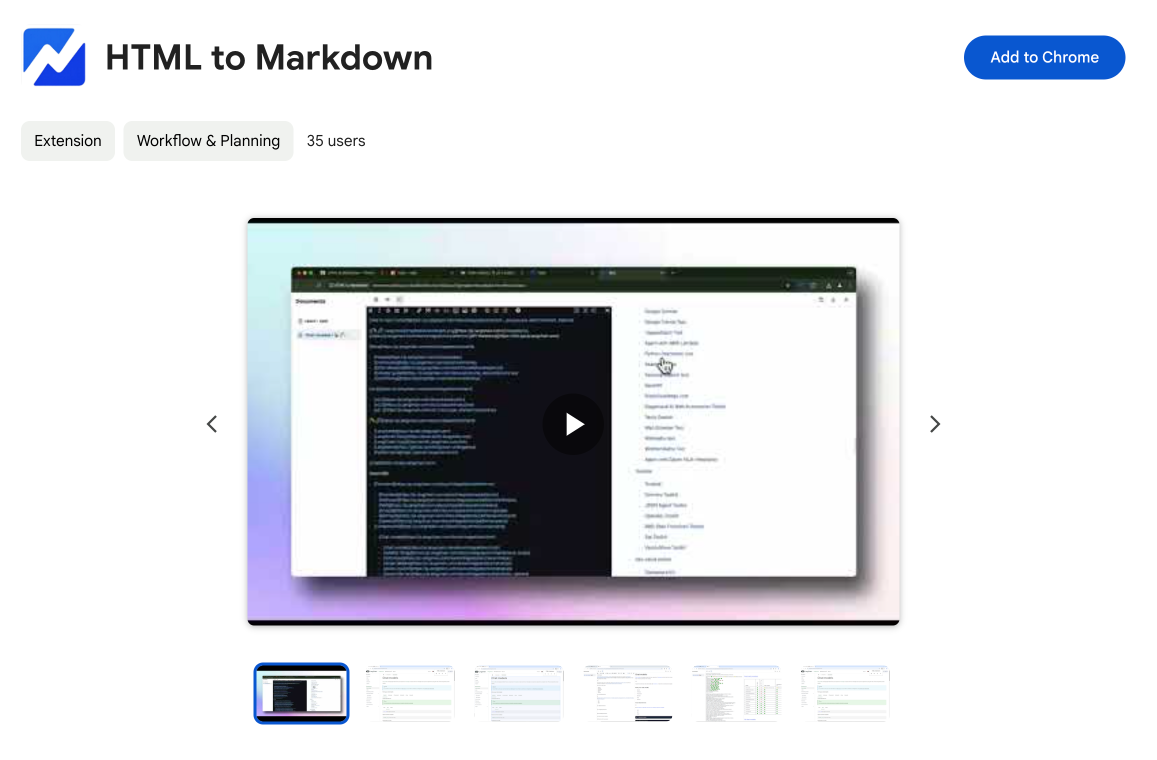
HTML to Markdown
Convert HTML to Markdown with ease, directly in your browser 📄
Dotallio
Personalized AI apps that automate research, data extraction, and content creation without code 🤖
Talk to Santa
Enjoy a magical live video chat or receive a unique AI-generated video greeting from Santa Claus 🎅
pozywka.pl
Scalable blog for food journalist, focused on performance and user experience 🌭
zagrodzki.me
Personal blog and portfolio of Bart Zagrodzki, where he shares his knowledge and work 💼
TurboStarter
Ship your startup everywhere. In minutes.
HTML to Markdown
Convert HTML to Markdown with ease, directly in your browser 📄
Dotallio
Personalized AI apps that automate research, data extraction, and content creation without code 🤖
Talk to Santa
Enjoy a magical live video chat or receive a unique AI-generated video greeting from Santa Claus 🎅
pozywka.pl
Scalable blog for food journalist, focused on performance and user experience 🌭
zagrodzki.me
Personal blog and portfolio of Bart Zagrodzki, where he shares his knowledge and work 💼
TurboStarter
Ship your startup everywhere. In minutes.
HTML to Markdown
Convert HTML to Markdown with ease, directly in your browser 📄
Dotallio
Personalized AI apps that automate research, data extraction, and content creation without code 🤖
Talk to Santa
Enjoy a magical live video chat or receive a unique AI-generated video greeting from Santa Claus 🎅
pozywka.pl
Scalable blog for food journalist, focused on performance and user experience 🌭
zagrodzki.me
Personal blog and portfolio of Bart Zagrodzki, where he shares his knowledge and work 💼
TurboStarter
Ship your startup everywhere. In minutes.
HTML to Markdown
Convert HTML to Markdown with ease, directly in your browser 📄
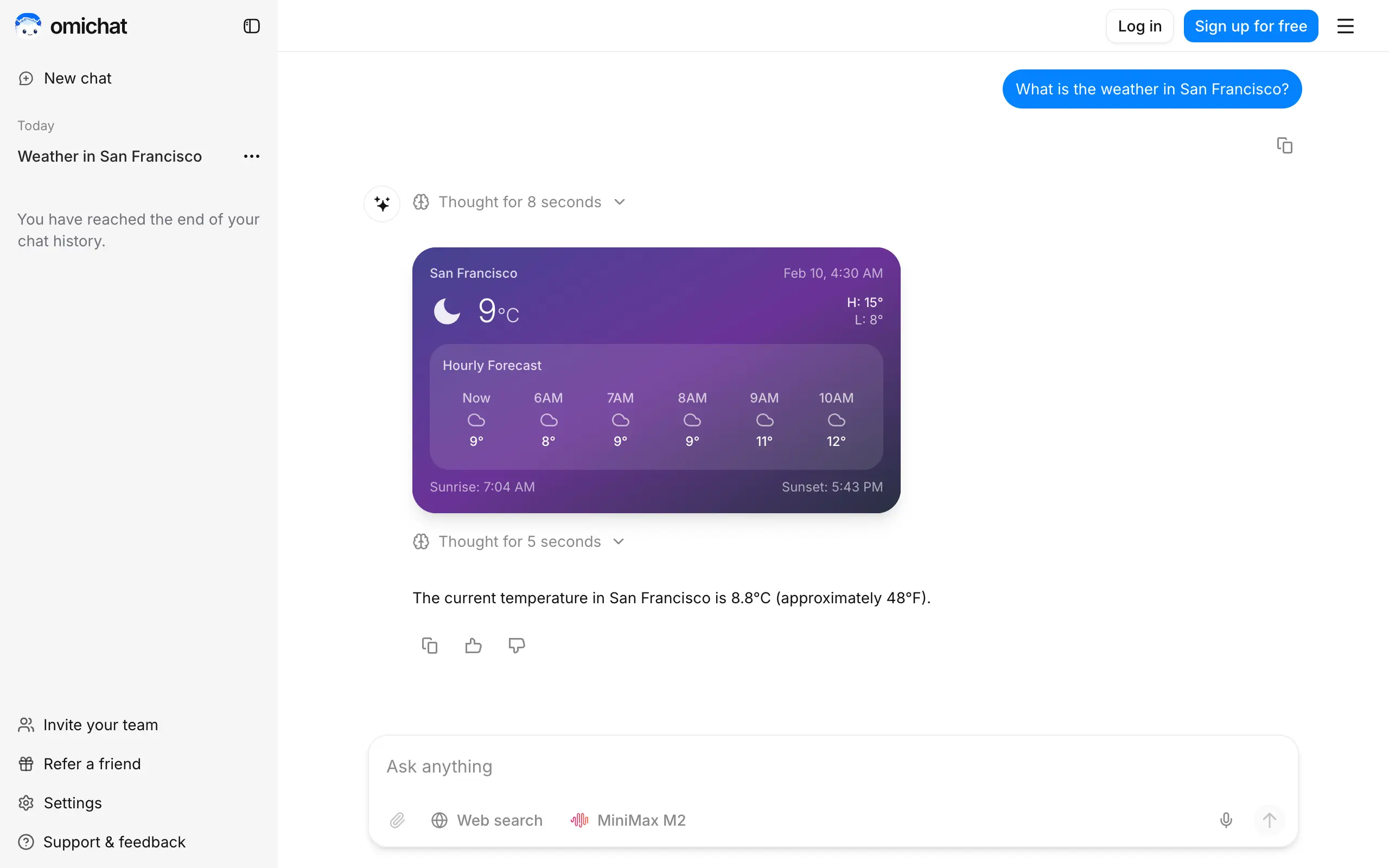
Omichat
Chat with 50+ AI models, including ChatGPT and Claude, in one place - switch models anytime without losing context 🤖
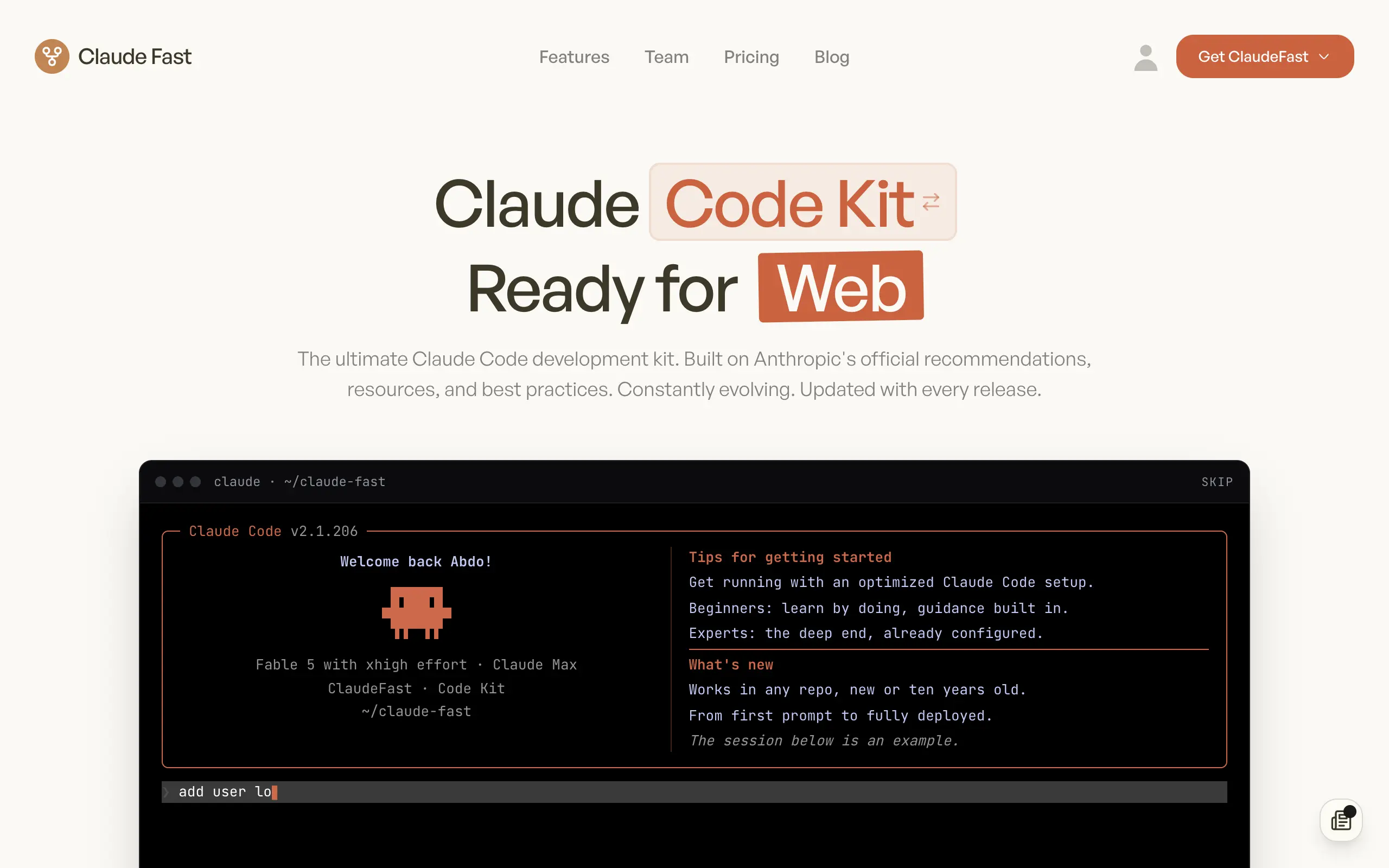
Claude Fast
Supercharge your Claude Code with 6x effective context window and specialized AI agents 🤖
EmojAI
AI-powered emoji picker with smart, context-aware suggestions 🤖
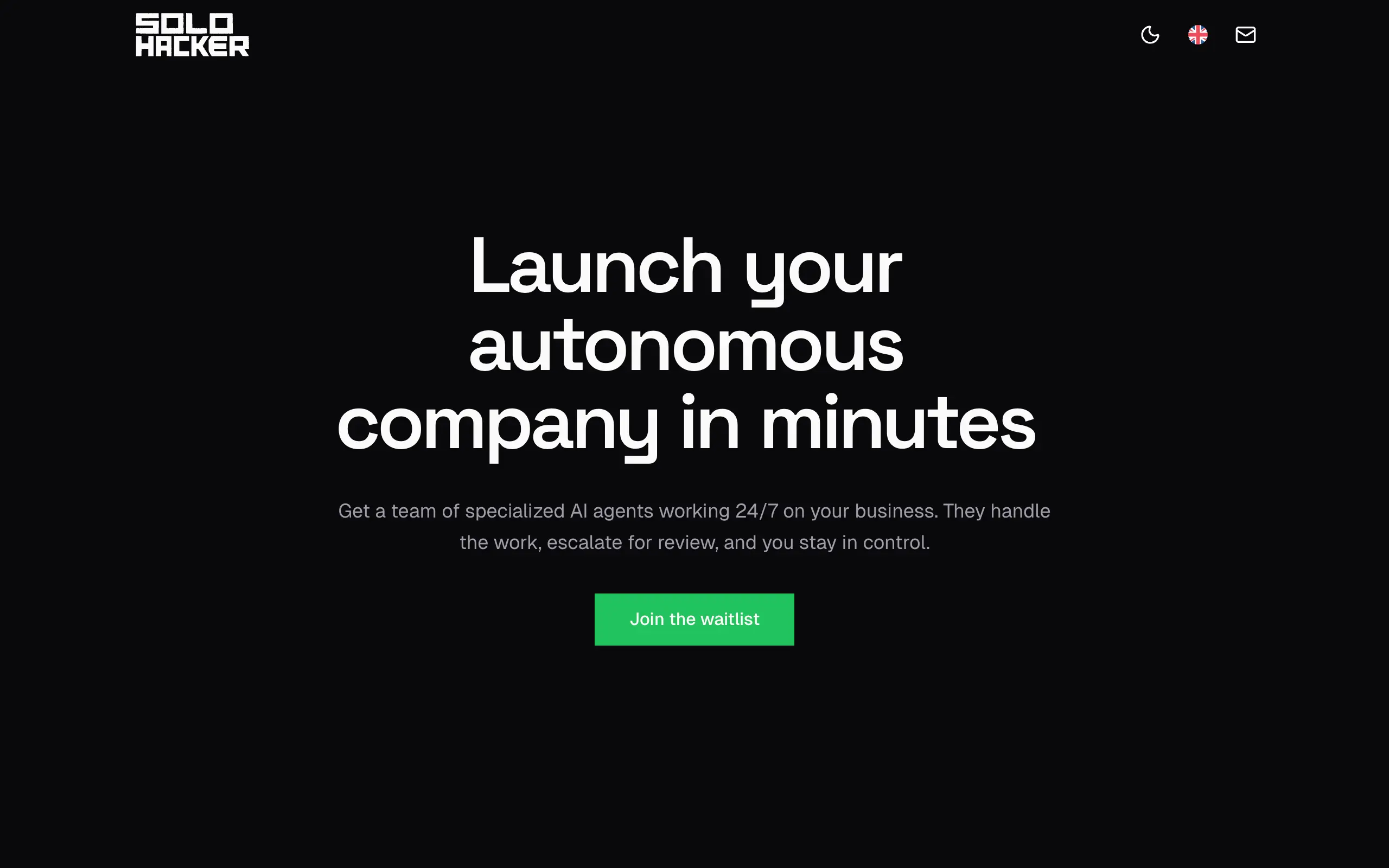
Solohacker
Autonomous company launcher - AI agents work 24/7, escalate what matters, and you stay in control 🤖
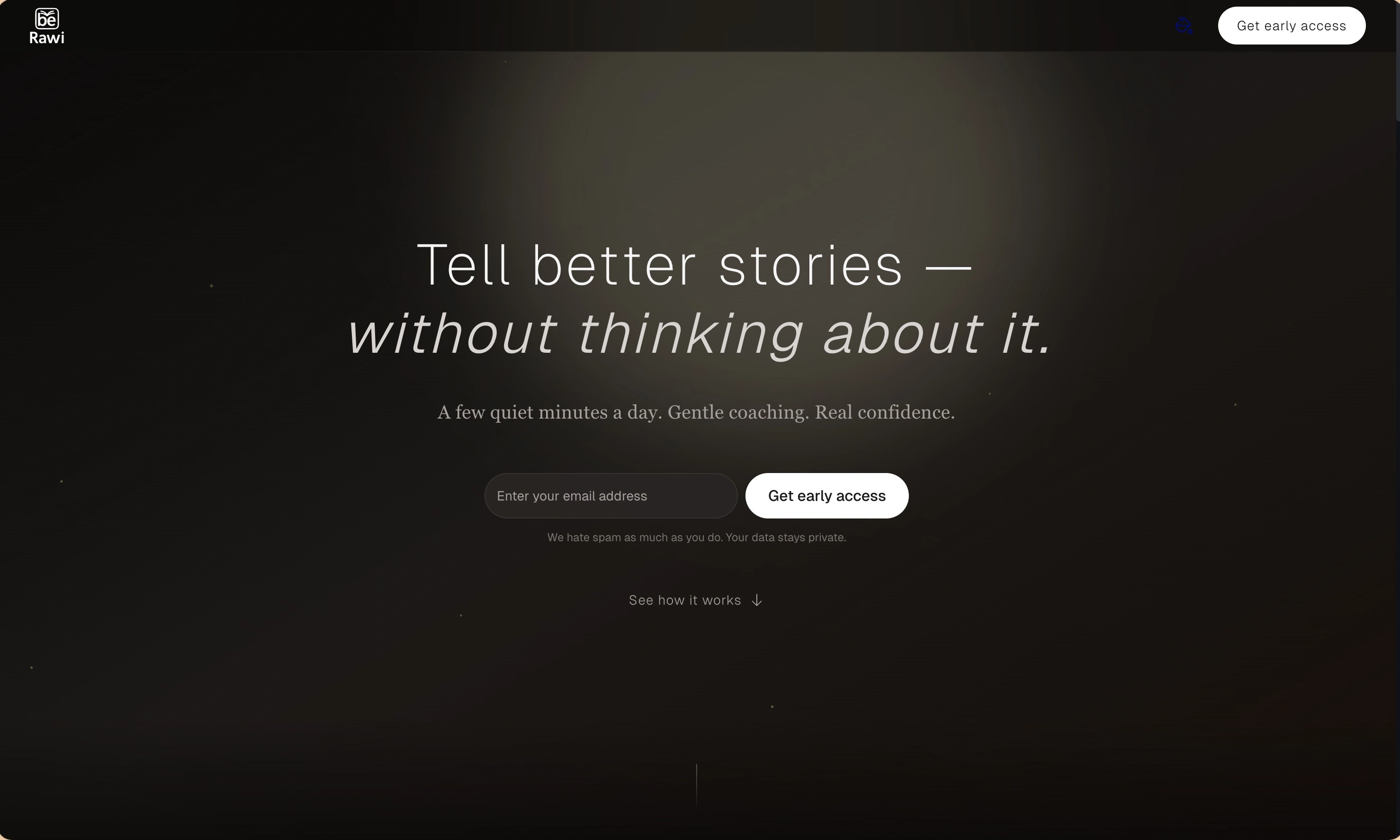
BeRawi: Storytelling Coach
Practice storytelling daily with instant feedback to sound clearer, more engaging, and confident 🎤
Omichat
Chat with 50+ AI models, including ChatGPT and Claude, in one place - switch models anytime without losing context 🤖
Claude Fast
Supercharge your Claude Code with 6x effective context window and specialized AI agents 🤖
EmojAI
AI-powered emoji picker with smart, context-aware suggestions 🤖
Solohacker
Autonomous company launcher - AI agents work 24/7, escalate what matters, and you stay in control 🤖
BeRawi: Storytelling Coach
Practice storytelling daily with instant feedback to sound clearer, more engaging, and confident 🎤
Omichat
Chat with 50+ AI models, including ChatGPT and Claude, in one place - switch models anytime without losing context 🤖
Claude Fast
Supercharge your Claude Code with 6x effective context window and specialized AI agents 🤖
EmojAI
AI-powered emoji picker with smart, context-aware suggestions 🤖
Solohacker
Autonomous company launcher - AI agents work 24/7, escalate what matters, and you stay in control 🤖
BeRawi: Storytelling Coach
Practice storytelling daily with instant feedback to sound clearer, more engaging, and confident 🎤
Omichat
Chat with 50+ AI models, including ChatGPT and Claude, in one place - switch models anytime without losing context 🤖
Claude Fast
Supercharge your Claude Code with 6x effective context window and specialized AI agents 🤖
EmojAI
AI-powered emoji picker with smart, context-aware suggestions 🤖
Solohacker
Autonomous company launcher - AI agents work 24/7, escalate what matters, and you stay in control 🤖
BeRawi: Storytelling Coach
Practice storytelling daily with instant feedback to sound clearer, more engaging, and confident 🎤

Connect with like-minded people
Join our community to get feedback, support, and grow together with 1,000+ builders on board, let's ship it!
Join usShip your startup everywhere. In minutes.
Don't burn tokens on setup and start building features on day one.