BuildBloom
A social showcase where student creators share vibe-coded apps, Canva designs, and digital products, get feedback, and find collaborators for their next launch.
What BuildBloom could become
BuildBloom is a social showcase platform where student creators can publish projects, get useful feedback, and meet potential collaborators. Its focus is broader than coding: a student could share a vibe-coded app, a Canva design, a digital product, or an early-stage startup concept in the same community.
That breadth is the opportunity. Students often create across tools and disciplines, but their work is scattered across portfolio sites, social feeds, class platforms, and private group chats. BuildBloom could bring those projects together in a place designed specifically for discovery, constructive critique, and collaboration.
The key is to make it more than a gallery. A gallery helps people look at work; a community helps creators improve it and take the next step. BuildBloom’s strongest product proposition is therefore a student creator showcase platform that connects publishing, feedback, and collaboration in one focused workflow.
The problem BuildBloom solves
Students are making more digital work than ever, but sharing it effectively remains difficult. A project may be built in a no-code tool, designed in Canva, prototyped with AI, or assembled through a mix of code and creative software. The result may be valuable even when it is unfinished, but the creator may not know where to post it or how to get meaningful responses.
Common problems include:
- Projects are spread across platforms. A portfolio may contain polished work, while experiments live on social media, in a design tool, or in a class presentation.
- General social feeds reward attention, not necessarily learning. A post can receive likes without generating specific feedback that helps someone improve.
- Early-stage work is hard to present. Many portfolio products are optimized for finished case studies, while students often need to share a first prototype or an idea in progress.
- Finding collaborators is difficult. A designer may need a developer, a builder may need a marketer, and an aspiring founder may need teammates with complementary skills.
- Students lack a clear path from project to opportunity. Work can be difficult for peers, mentors, clubs, or potential employers to discover.
BuildBloom can address these problems by making each project a structured, shareable object rather than just another social post.
Who the platform should serve
A successful BuildBloom launch should begin with a clear understanding of its first users. “Students” is a large audience, and the platform will need to serve a specific initial community before expanding.
Student creators
These are the core users: people who make digital products, creative work, or experiments and want a better place to share them.
They may be:
- Vibe-coding an app or website with AI-assisted tools
- Creating templates, illustrations, presentations, or social assets in Canva
- Building a digital product such as a guide, plugin, or resource pack
- Designing an early product concept or interactive prototype
- Learning programming, user experience design, product management, or digital marketing
Their central need is to show what they made without having to present it as finished work. BuildBloom should let them label a project as an idea, prototype, work in progress, or launched product.
Students seeking collaborators
Some members will join with a project idea rather than a finished artifact. They may be looking for a teammate to help with design, coding, research, content, or launch planning.
These users need searchable signals that reveal:
- What the project is trying to do
- Which skills are already represented
- What kind of help is needed
- Whether the creator is looking for a one-time contribution or a long-term collaborator
- How interested collaborators can make contact safely
Peer reviewers and mentors
A healthy showcase needs people who respond thoughtfully. Peer reviewers might be students who enjoy giving design or product feedback. Mentors could include alumni, educators, club organizers, or professionals who want to support emerging talent.
BuildBloom should make reviewing easy and specific. A visitor could answer a prompt such as “What is clear?”, “What would you improve?”, or “What should the creator test next?” Structured prompts help comments become more useful than a simple reaction.
Clubs, educators, and student programs
Student organizations, entrepreneurship programs, design clubs, and courses can use BuildBloom to help members share work beyond a classroom or private group. These users may eventually value private cohorts, showcases, project challenges, and group-level discovery.
This audience can support distribution, but the platform should avoid becoming an institution-first tool before individual creators find value. Student creators need to want to use BuildBloom even when nobody requires them to.
The market opportunity and product gap
BuildBloom sits at the intersection of several established product categories:
- Portfolio platforms help people present polished work.
- Social networks help people publish and discover updates.
- Design communities showcase visual work.
- Maker communities focus on products, launches, and technical projects.
- Collaboration platforms coordinate work after a team has formed.
- Learning platforms organize courses and assignments.
The opportunity is not to reproduce all of these categories. It is to connect the moments that often remain separate: share an early project, get relevant feedback, and find someone who can help move it forward.
A student can already post a prototype on a social network or place a case study in a portfolio. BuildBloom’s differentiation must come from the workflow and community around the project, not from the existence of a profile page.
A more useful kind of project page
Each project page should answer the questions a visitor naturally has:
- What is this project?
- Who is it for?
- What stage is it at?
- What has the creator made so far?
- What feedback would be most useful?
- Is the creator looking for collaborators?
- Where can someone try or learn more about it?
This structure helps viewers understand the work and gives creators a better chance of receiving actionable responses.
A community for work in progress
Many showcase platforms emphasize the final result. BuildBloom can stand out by treating unfinished work as valuable. A project does not need to be launch-ready to be worth sharing. In fact, inviting feedback earlier can help creators identify problems before they invest more time.
This positioning should be reflected in product language, moderation standards, and community norms. A creator should feel comfortable sharing an imperfect prototype without being judged against a professional portfolio.
Cross-disciplinary discovery
A coding-only community may not help someone find a designer. A design-only portfolio site may not make it easy to find a technical collaborator. BuildBloom can organize projects across disciplines while still allowing users to filter by format, skill, tool, and stage.
That creates a potential network effect: more diverse projects attract more diverse contributors, and more contributors make it easier for projects to progress.
The core product experience
BuildBloom should make the first meaningful action obvious. A new user should be able to create a profile, publish a project, and request feedback without needing to complete a lengthy setup process.
Creator profiles
Profiles should provide enough context to support trust and discovery without turning onboarding into a résumé exercise. A useful profile might include:
- Name and optional profile image
- School or community, with privacy controls
- Interests and skills
- Tools the creator uses
- Types of projects they want to work on
- Collaboration availability
- Links to selected projects or external work
Let users decide what information is public. School affiliation should be optional, especially for users who do not want their educational identity visible.
Project publishing
A project submission should support multiple types of work rather than forcing every creator into a software-product template. Useful project formats could include:
- App or website
- Design or visual concept
- Digital product
- Prototype
- Creative experiment
- Startup or community idea
A project can include a title, short description, thumbnail, media, links, tools used, project stage, and an optional request for feedback. The form should encourage clarity without making publishing feel like a homework assignment.
Feedback that leads somewhere
BuildBloom should reward useful feedback, not merely high activity. A comment prompt can help visitors give concrete responses. For example, a creator might ask whether the navigation is clear, which feature seems most valuable, or what audience the concept appears to serve.
Useful feedback features include:
- Replies and creator acknowledgments
- Feedback prompts attached to each project
- Reactions that are secondary to comments
- A way to mark feedback as helpful
- Reporting and moderation tools
- Notifications that let creators return to the discussion
The platform should be careful with public scoring and leaderboards. If users believe the goal is to maximize likes, they may optimize for popularity rather than learning.
Collaboration discovery
Collaboration should be an explicit part of the project model. Creators could add a “looking for” status and choose relevant skills, such as front-end development, visual design, copywriting, research, or launch support.
A practical first version does not need a full project-management system. It needs a safe, clear way to signal interest and start a conversation. The creator should be able to review requests and choose whether to respond.
Search and discovery
Discovery should help members find projects that match their interests, skills, and available time. Search filters might include:
- Project category
- Current stage
- Tools used
- Skills requested
- Feedback requested
- Recently published or recently updated
A thoughtful feed can combine followed creators, projects seeking feedback, and new work in relevant categories. BuildBloom should explain why a project appears in someone’s feed and avoid relying entirely on opaque engagement ranking.
Recommended feature priorities
The early product should focus on a small number of connected behaviors rather than a long feature checklist.
| Feature | Creator value | Community value | MVP priority | Reason |
|---|---|---|---|---|
| Project pages | Show work clearly | Understand what is shared | High | The project is the core content object |
| Feedback prompts | Get actionable responses | Make reviewing easier | High | Supports the product’s learning loop |
| Creator profiles | Build a public identity | Learn who made the work | High | Connects projects to people |
| Collaboration requests | Find useful teammates | Help projects progress | Medium | Important differentiator after core sharing works |
| Private cohorts | Share with a trusted group | Support classes and clubs | Later | Requires community and access controls |
How BuildBloom can establish a competitive advantage
BuildBloom will compete for attention with products students already use. Its advantage should be specific and demonstrable, not simply “a community for creators.”
Make progress visible, not just polish
A project timeline could show how an idea changes through feedback, iteration, and launch. This gives creators a record of learning and helps visitors see the process behind the result.
Connect feedback to the project stage
A reviewer’s advice should make sense for the project’s maturity. Someone sharing an early concept may need help defining the audience, while a launched product may need usability feedback or distribution ideas. Let creators choose what they need, and make that request visible.
Support multiple creative formats
BuildBloom can serve a broader student maker community by treating apps, visual designs, and digital products as first-class projects. This is more inclusive than assuming that every creator is building a software startup.
Make collaboration discoverable
A public portfolio usually says what a person has done. BuildBloom can also make it clear what they want to do next and what help they are seeking. That difference turns discovery into a possible team-forming mechanism.
Build community norms into the product
A welcoming culture is a product advantage, but it does not emerge automatically. Feedback prompts, moderation tools, accessible reporting, and visible community guidelines can help make constructive participation the default.
Suggested technology stack
The best stack depends on the founding team’s experience, budget, and expected product complexity. For an early BuildBloom release, prioritize fast iteration, reliable media handling, and secure user data over an elaborate architecture.
Web application
A TypeScript-based application using Next.js and React is a practical choice for a content-focused social product. Server rendering can support discoverable project pages, while React offers a flexible component model for feeds, profiles, forms, and interactive feedback.
A utility-first styling approach with Tailwind CSS can help a small team build and adjust interfaces quickly. The trade-off is that a growing application needs consistent component patterns and design tokens to avoid scattered styling decisions.
Database and authentication
A relational database such as PostgreSQL suits BuildBloom’s connected data: users, projects, skills, feedback, follows, and collaboration requests. Relationships and constraints matter because the platform must reliably connect content to its creator and control who can access it.
A managed backend service can reduce infrastructure work during validation. The trade-off is that the team should understand the provider’s pricing, data export options, authentication model, and limits before relying on provider-specific features.
Authentication should support accessible sign-up and account recovery. If BuildBloom is intended for students, do not require school email as the only path; many students may prefer a personal email, and some target users may not have access to institutional accounts.
Media storage and delivery
Project pages will likely include images, short videos, or embedded previews. Store uploads in object storage and deliver them through a content delivery network. Set file-size limits, validate upload types, generate optimized image variants, and provide alt text fields.
Do not allow uploaded media to become an unmoderated attack surface. Use clear file restrictions and a reporting process, and make external embeds subject to sensible security controls.
Search, analytics, and monitoring
Start with database-backed search and filters if the initial catalog is small. A dedicated search service may be appropriate later if users need typo tolerance, complex ranking, or large-scale indexing.
Use privacy-conscious product analytics to answer specific questions, such as whether users complete project publishing or receive feedback after sharing. Add error monitoring and performance monitoring early enough to catch broken publishing flows and slow project pages.
Build versus buy
BuildBloom’s unique value is the creator experience and community loop. It usually does not make sense to build commodity infrastructure such as email delivery, image transformation, or payment processing from scratch.
For a team that wants to accelerate product development, TurboStarter can be considered as a starting point for common SaaS foundations. Evaluate any starter kit against the product’s requirements, especially around community features, privacy, content moderation, and the ability to customize the user experience.
Monetization options
BuildBloom should validate repeated user value before introducing aggressive monetization. A community that feels like an advertising funnel may lose the trust it needs to grow.
Freemium memberships
A free plan can support profiles, basic project publishing, and community participation. A paid creator plan might later offer expanded portfolio customization, advanced project analytics, additional media capacity, or private project spaces.
Keep essential discovery and feedback accessible. If the platform charges users simply to receive meaningful community participation, it may undermine its core promise.
Cohort and organization plans
Clubs, courses, entrepreneurship programs, and student organizations may pay for private spaces, curated showcases, member management, or program-level reporting. These plans could generate revenue while helping BuildBloom reach a concentrated group of users.
Institutional sales can take longer than self-serve adoption, so they should complement rather than replace individual creator growth.
Sponsored challenges
A company, nonprofit, or campus organization might sponsor a themed design or product challenge. Sponsorship should be clearly labeled, and participation should remain optional. Challenge judging criteria and any prizes should be transparent to avoid damaging community trust.
Carefully selected services
BuildBloom could eventually offer paid workshops, mentor sessions, or launch support. These services can be valuable, but they require reliable delivery and clear boundaries. They should not be presented as guaranteed career outcomes or guaranteed project success.
Risks and how to reduce them
The cold-start problem
A social showcase is less valuable when it has few projects or no feedback activity. Launching a general platform to everyone at once can produce an empty feed and weak retention.
Mitigation: Start with a campus, club, course, or creator cohort. Recruit creators before opening broad discovery, and schedule recurring showcase events that give members a reason to participate together.
Low-quality or unhelpful feedback
If comments are vague, dismissive, or promotional, creators may stop sharing. If the platform uses visible popularity scores, feedback quality may decline as users chase engagement.
Mitigation: Use specific feedback prompts, community guidance, moderation, and reporting. Encourage creators to state what kind of response they want. Track whether feedback leads to a reply, a project update, or a return visit rather than measuring comments alone.
Harassment and privacy concerns
Students may include personal information in project pages or receive unwanted messages. Users who are minors or who attend schools with strict privacy expectations may need additional safeguards.
Mitigation: Offer privacy controls, block and report actions, safe contact flows, and clear content rules. Collect only the personal data required for the product. If minors could use the service, obtain appropriate legal and privacy advice for the relevant jurisdictions before launch.
Content ownership and attribution
Creators need confidence that their work remains theirs. They may also use third-party assets or publish projects containing code, images, or designs with different license terms.
Mitigation: Make platform permissions understandable and limited to what is needed to host and display content. Encourage users to identify external assets and licenses when relevant. Provide a straightforward process for reporting ownership disputes.
Moderation workload
A platform that enables public posting and direct interaction will need processes for spam, abuse, impersonation, and inappropriate content. Manual moderation may become expensive as usage grows.
Mitigation: Establish community rules before launch, provide user reporting, rate-limit high-risk actions, and build an admin moderation queue. Use automation to prioritize review where appropriate, but do not treat automated classification as a substitute for human judgment in consequential cases.
Unclear product positioning
BuildBloom could become difficult to explain if it tries to be a portfolio site, social network, job board, learning platform, and project-management tool at once.
Mitigation: Keep the initial promise concise: share a student-made project, get useful feedback, and find collaborators. Add adjacent features only when usage shows that they strengthen this loop.
Metrics that reveal whether the product is working
Account creation alone is not evidence of a healthy community. BuildBloom should track behaviors that show creators and reviewers are receiving value.
Useful early measures include:
- Project activation: the share of new users who publish a project
- Time to first response: how long a creator waits for their first useful feedback
- Feedback participation: how many visitors leave substantive responses
- Creator return rate: whether creators return to update or share another project
- Collaboration intent: how often project owners receive or accept collaboration requests
- Project progression: whether creators report making an iteration, launch, or other next step
- Community health: reports, moderation actions, blocked interactions, and feedback quality signals
Define “useful feedback” carefully. A like or short reaction may be encouraging, but it may not help someone improve. Combine product analytics with interviews and qualitative review of community interactions.
Avoid promising employment, investment, or educational outcomes based on these metrics. BuildBloom can facilitate visibility and collaboration, but it cannot guarantee what happens after someone publishes a project.
A practical implementation roadmap
Phase 1: Validate the problem
Interview student creators, club organizers, and potential reviewers. Ask how they currently share work, where feedback comes from, and what makes them hesitate to publish an unfinished project.
Do not lead with a feature pitch. Learn what users already do and where the process breaks down. A useful validation question is whether they would share a project and return to respond to feedback, not merely whether they like the concept.
Phase 2: Test a focused community
Choose one initial segment, such as a campus design club, a student startup program, or a group of beginner builders. Run a small showcase using a lightweight prototype or manually coordinated submission process.
Observe whether members publish, review one another’s work, and return after the event. This can reveal whether BuildBloom’s core value is project discovery, structured feedback, collaboration, or some combination.
Phase 3: Build the minimum viable product
Prioritize:
- User profiles with skills and interests
- Project publishing with clear stages and categories
- Project pages that are easy to share
- Feedback prompts and comments
- Basic search and discovery
- Reporting and moderation tools
- Notifications for meaningful project activity
Defer complex recommendation systems, direct messaging at scale, paid subscriptions, and elaborate organization dashboards until there is evidence they are needed.
Phase 4: Improve the feedback loop
Once members publish and respond, measure which prompts lead to thoughtful feedback. Test project categories, onboarding, and notification timing. Interview creators who received useful responses as well as those who received none.
Use the findings to improve the product’s strongest behavior. If collaboration requests are rare but feedback is frequent, prioritize feedback quality before building advanced team features.
Phase 5: Expand through repeatable communities
When one cohort has consistent activity, test whether the same playbook works with another club, course, or campus. Document how organizers recruit members, seed projects, and keep review activity healthy.
Only expand broadly when the platform can reliably create a useful experience for newcomers. More registrations do not compensate for a feed that feels inactive or a community that does not respond.
Why BuildBloom has a distinctive opportunity
BuildBloom’s strongest differentiator is not simply that students can post their work. It is the possibility of creating a supportive path from making something to improving it with other people.
A student can share an early prototype without pretending it is finished. A reviewer can give focused feedback rather than a generic reaction. A project owner can make a specific request for collaborators. Over time, the platform can help users build a visible record of what they tried, learned, and launched.
That combination gives BuildBloom a clear product direction:
- Showcase projects across code, design, and digital products.
- Support useful, stage-appropriate feedback.
- Connect creators with people who have complementary skills.
- Track progress from early idea to launch or next iteration.
The defensible advantage will come from community quality and product habits, not from a feature that competitors cannot copy. A focused first audience, a consistent feedback culture, and low-friction project publishing can create the trust and participation that make the platform valuable.
Final recommendation
BuildBloom is promising if it resists the temptation to launch as a broad social network. Begin with one community and one clear job: help student creators share projects, receive actionable feedback, and discover potential collaborators.
Validate that loop manually before investing in advanced feeds or monetization. Build privacy and moderation into the initial experience, and treat work in progress as a first-class part of the platform. If students come back because their projects improve and their connections grow, BuildBloom will have a stronger foundation than a showcase site built around views alone.
More 🌐 Social Network SaaS ideas
Discover more innovative social network SaaS ideas that are trending in 2026. Each idea is AI-generated with market validation and growth potential to help you find your next profitable venture faster than competitors.
Your competitors are building with TurboStarter
Below are some of the SaaS ideas that have been generated and built with our starter kit.
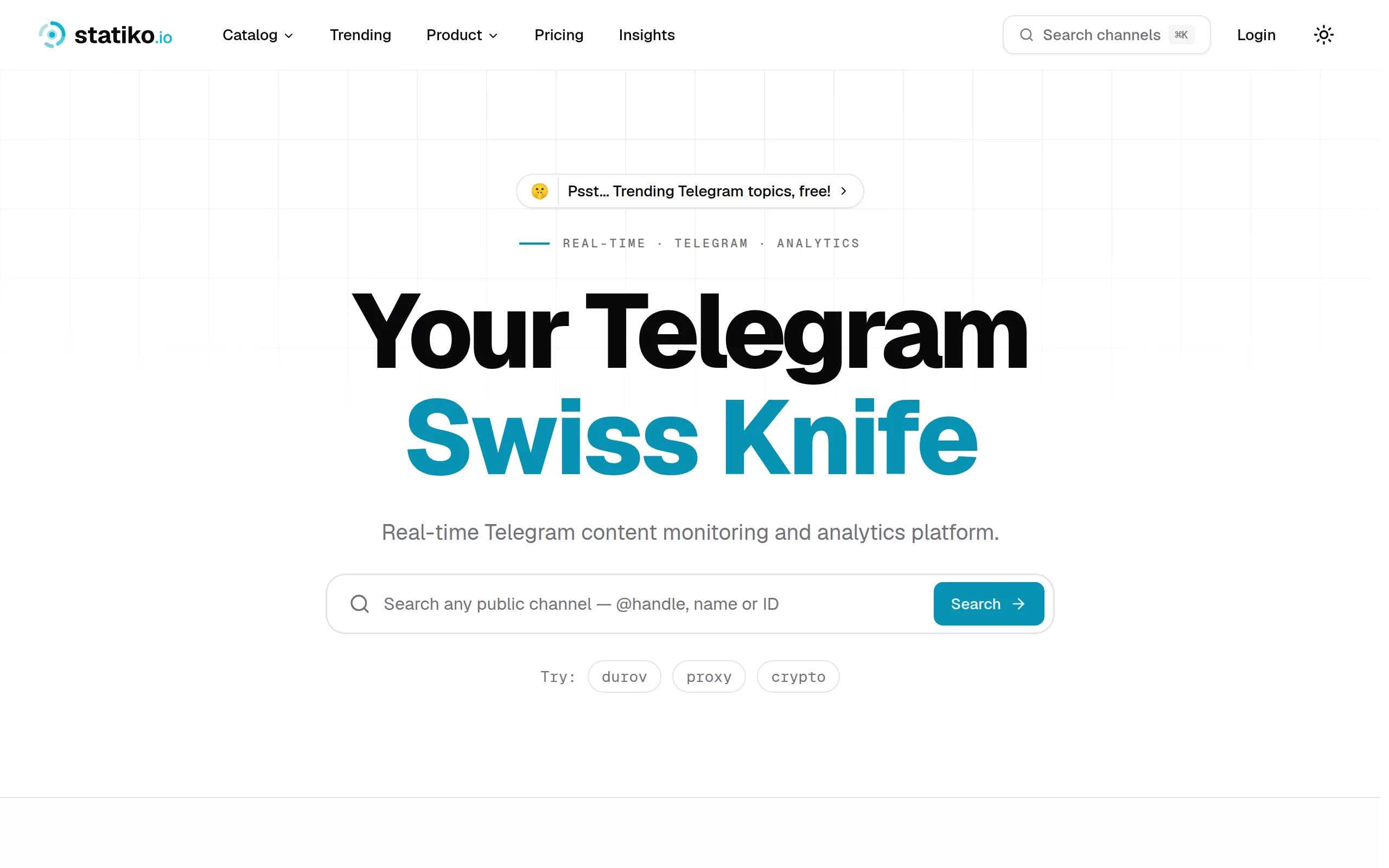
Statiko
Monitor any Telegram channel in real time - track posts, edits, deletions, and growth with AI recaps 📡

Shibui
AI website builder - describe your business, pick a niche template, edit by chatting, and publish instantly ✨
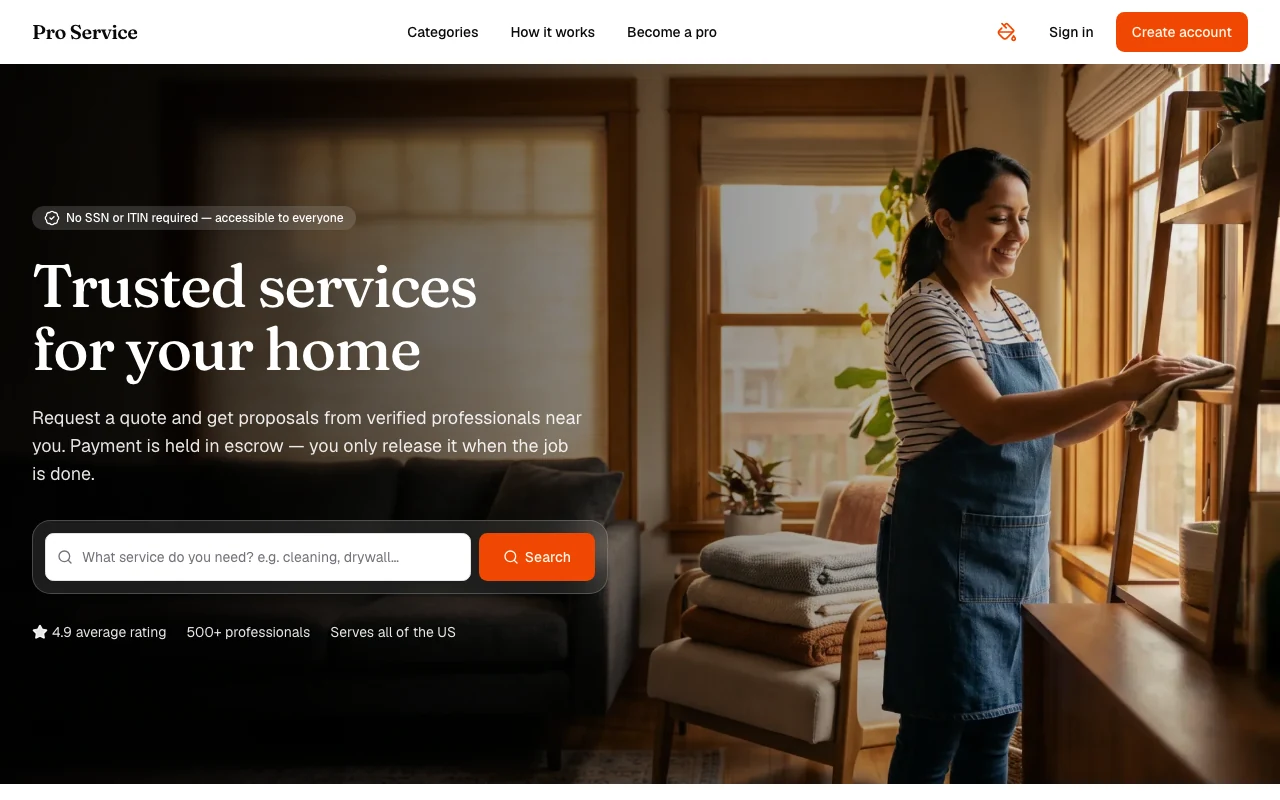
Pro Service
Find verified home service professionals, compare quotes, and pay securely through escrow - built for Brazilians across the US 🏠
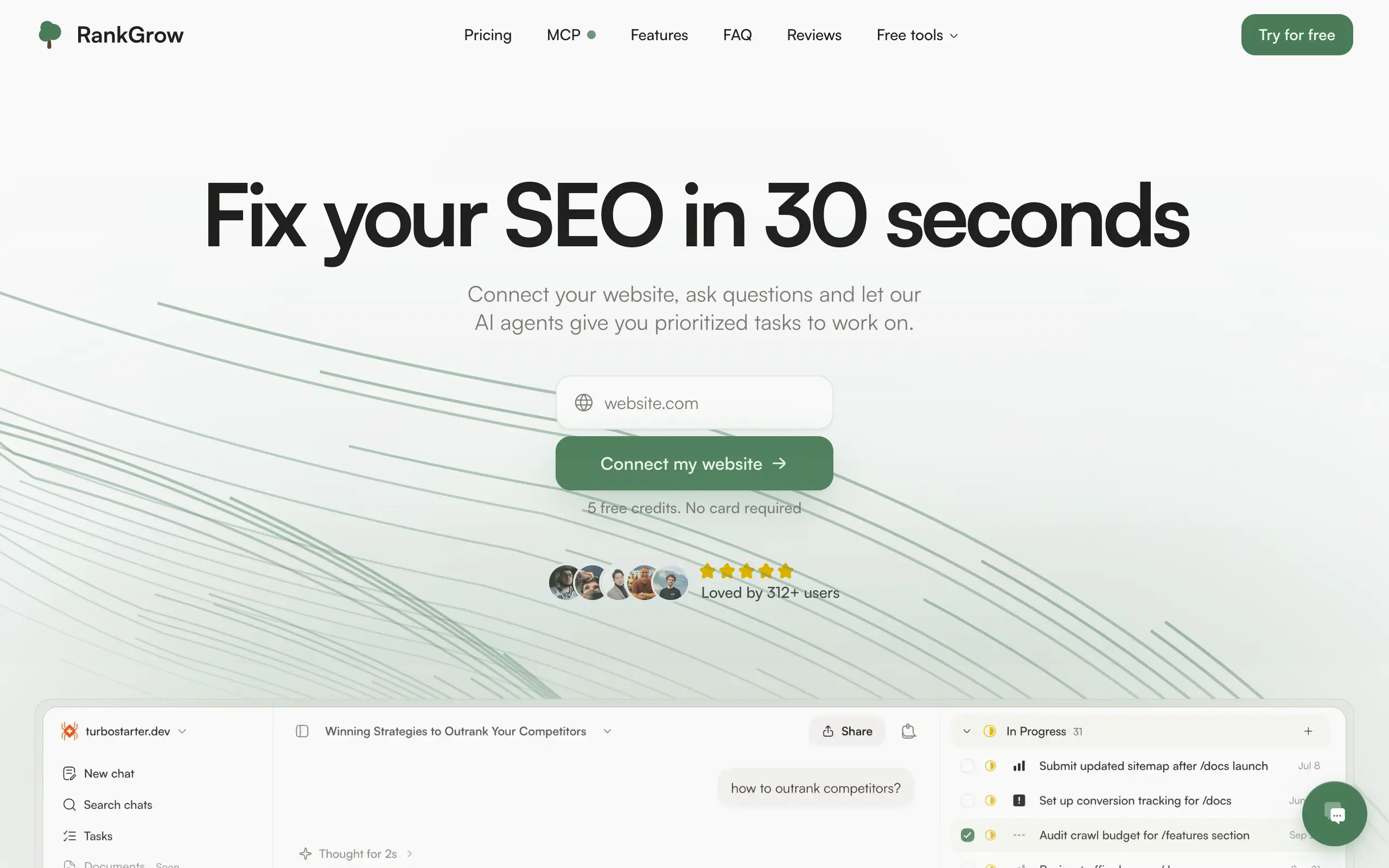
RankGrow
Fix your SEO with AI agents - connect Search Console, get prioritized tasks, and grow organic traffic 📈
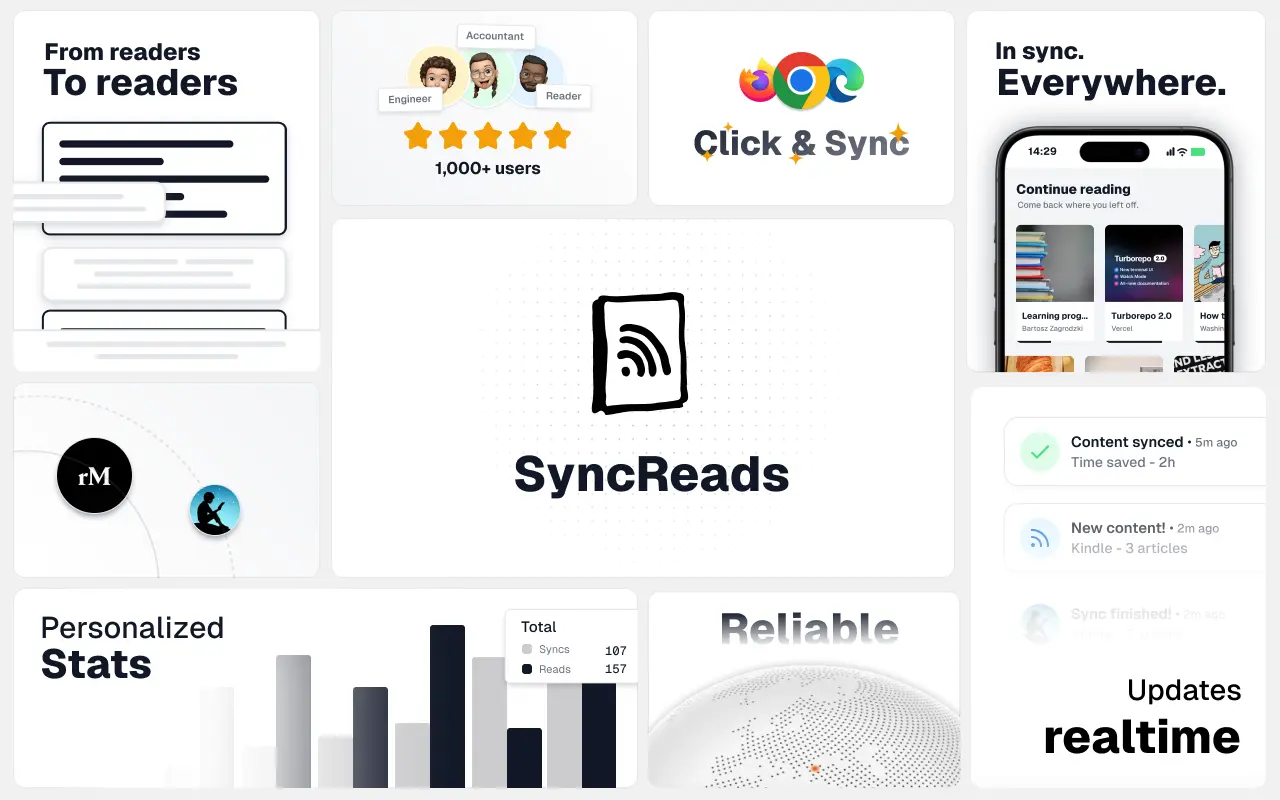
SyncReads
Sync your favorite content for distraction-free reading, save time and replace multiple apps. Anytime, anywhere 🔄
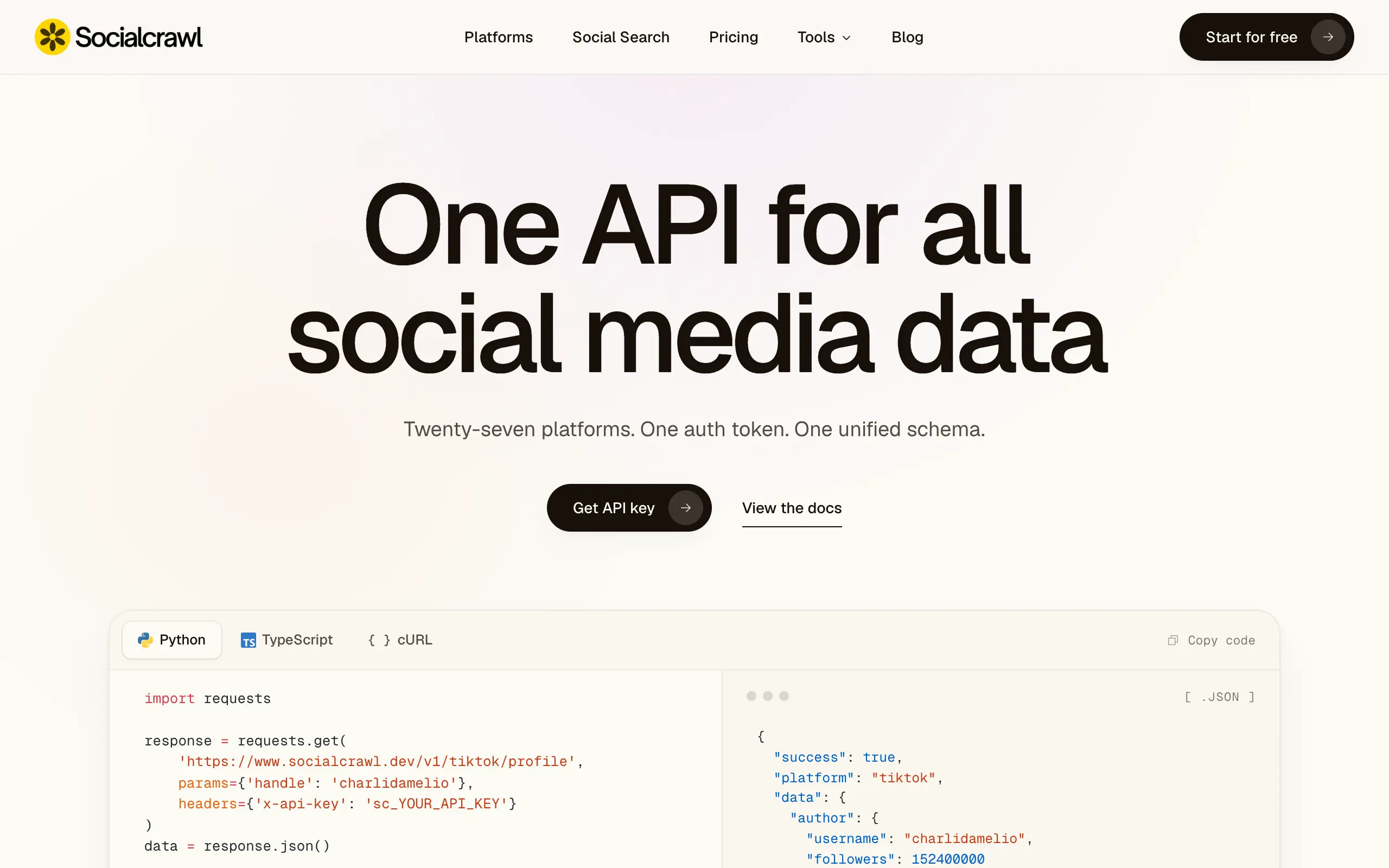
Socialcrawl
Get clean, structured data from 21 platforms like TikTok, Instagram, and YouTube with a single request 📊
Statiko
Monitor any Telegram channel in real time - track posts, edits, deletions, and growth with AI recaps 📡
Shibui
AI website builder - describe your business, pick a niche template, edit by chatting, and publish instantly ✨
Pro Service
Find verified home service professionals, compare quotes, and pay securely through escrow - built for Brazilians across the US 🏠
RankGrow
Fix your SEO with AI agents - connect Search Console, get prioritized tasks, and grow organic traffic 📈
SyncReads
Sync your favorite content for distraction-free reading, save time and replace multiple apps. Anytime, anywhere 🔄
Socialcrawl
Get clean, structured data from 21 platforms like TikTok, Instagram, and YouTube with a single request 📊
Statiko
Monitor any Telegram channel in real time - track posts, edits, deletions, and growth with AI recaps 📡
Shibui
AI website builder - describe your business, pick a niche template, edit by chatting, and publish instantly ✨
Pro Service
Find verified home service professionals, compare quotes, and pay securely through escrow - built for Brazilians across the US 🏠
RankGrow
Fix your SEO with AI agents - connect Search Console, get prioritized tasks, and grow organic traffic 📈
SyncReads
Sync your favorite content for distraction-free reading, save time and replace multiple apps. Anytime, anywhere 🔄
Socialcrawl
Get clean, structured data from 21 platforms like TikTok, Instagram, and YouTube with a single request 📊
Statiko
Monitor any Telegram channel in real time - track posts, edits, deletions, and growth with AI recaps 📡
Shibui
AI website builder - describe your business, pick a niche template, edit by chatting, and publish instantly ✨
Pro Service
Find verified home service professionals, compare quotes, and pay securely through escrow - built for Brazilians across the US 🏠
RankGrow
Fix your SEO with AI agents - connect Search Console, get prioritized tasks, and grow organic traffic 📈
SyncReads
Sync your favorite content for distraction-free reading, save time and replace multiple apps. Anytime, anywhere 🔄
Socialcrawl
Get clean, structured data from 21 platforms like TikTok, Instagram, and YouTube with a single request 📊
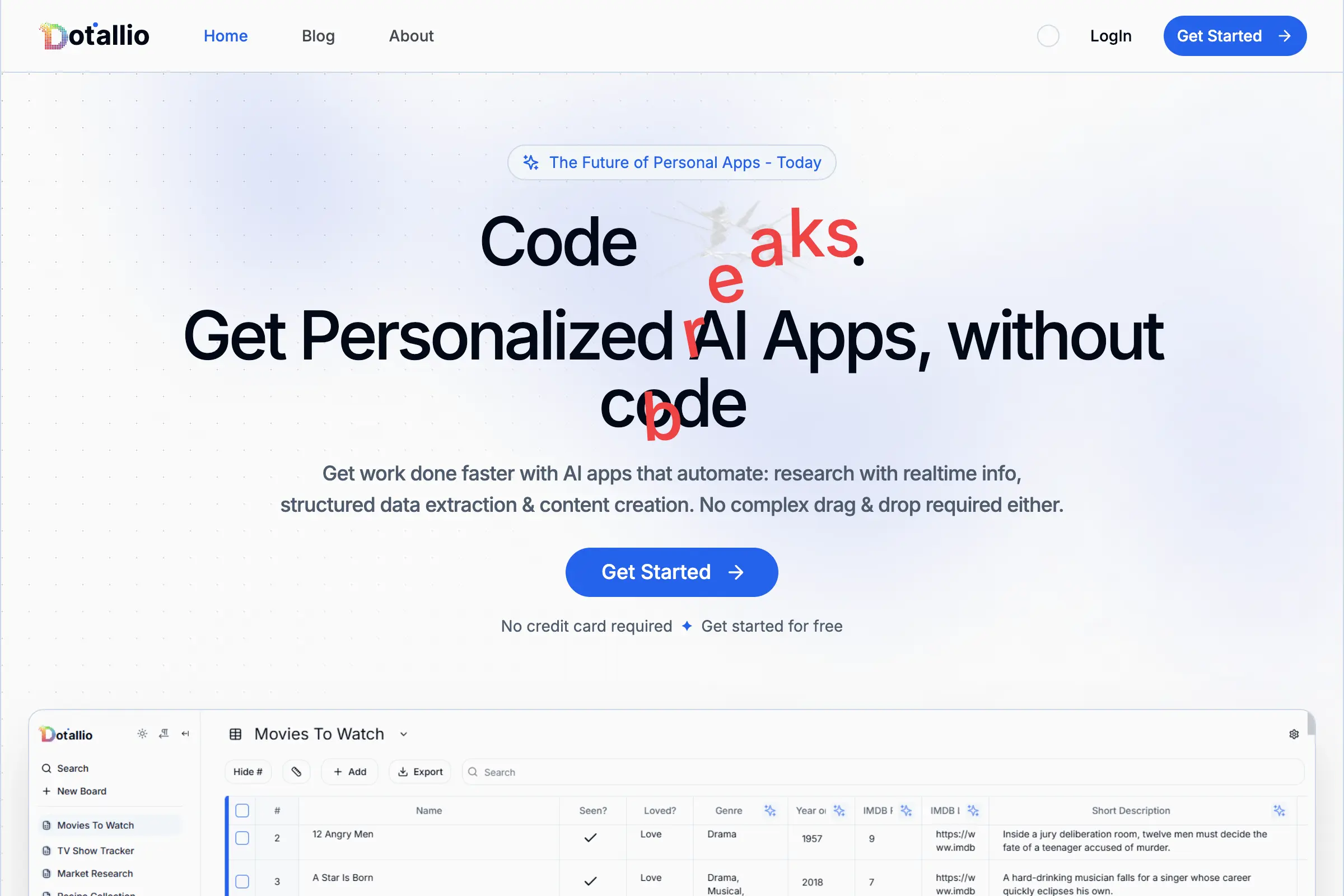
Dotallio
Personalized AI apps that automate research, data extraction, and content creation without code 🤖
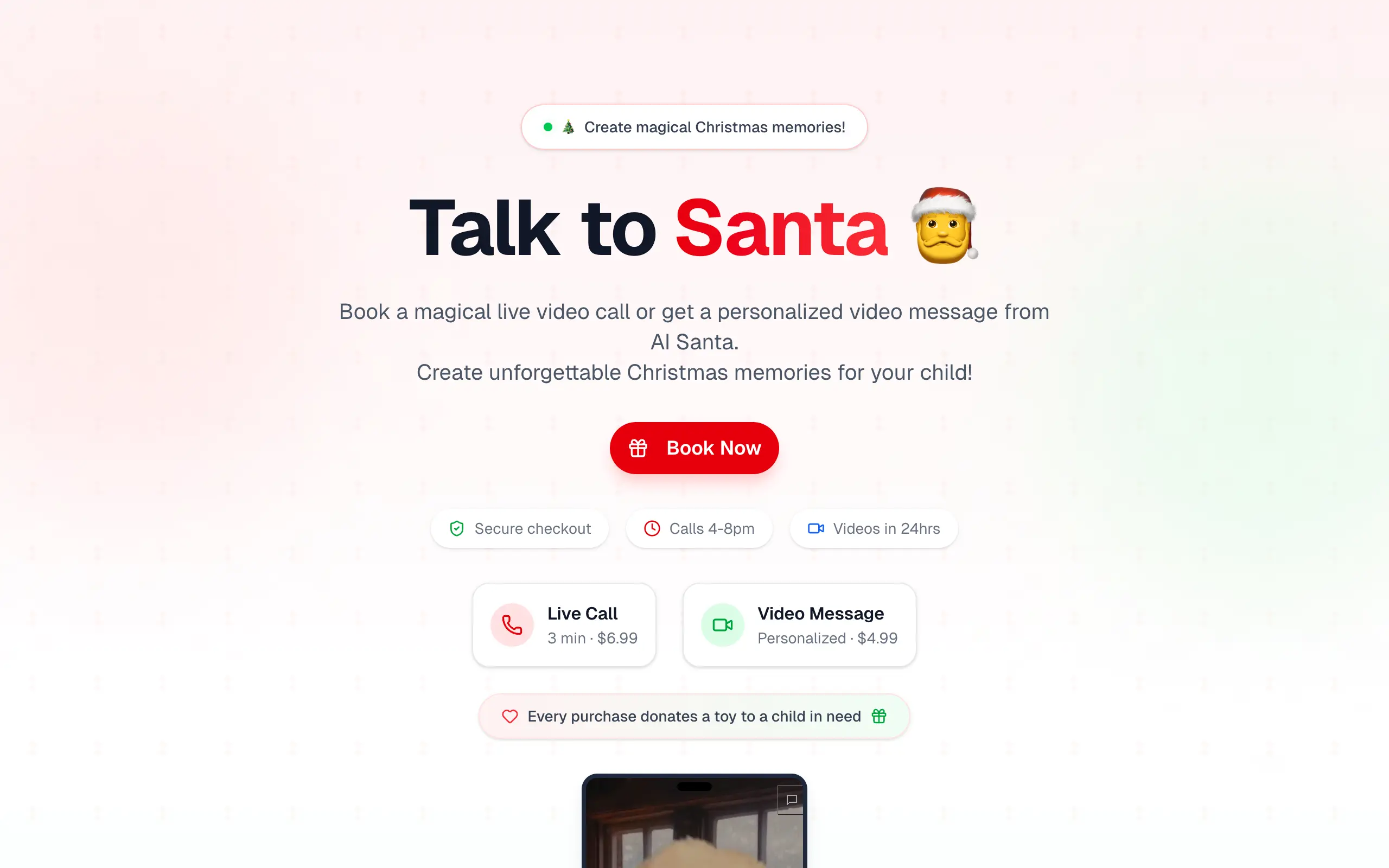
Talk to Santa
Enjoy a magical live video chat or receive a unique AI-generated video greeting from Santa Claus 🎅
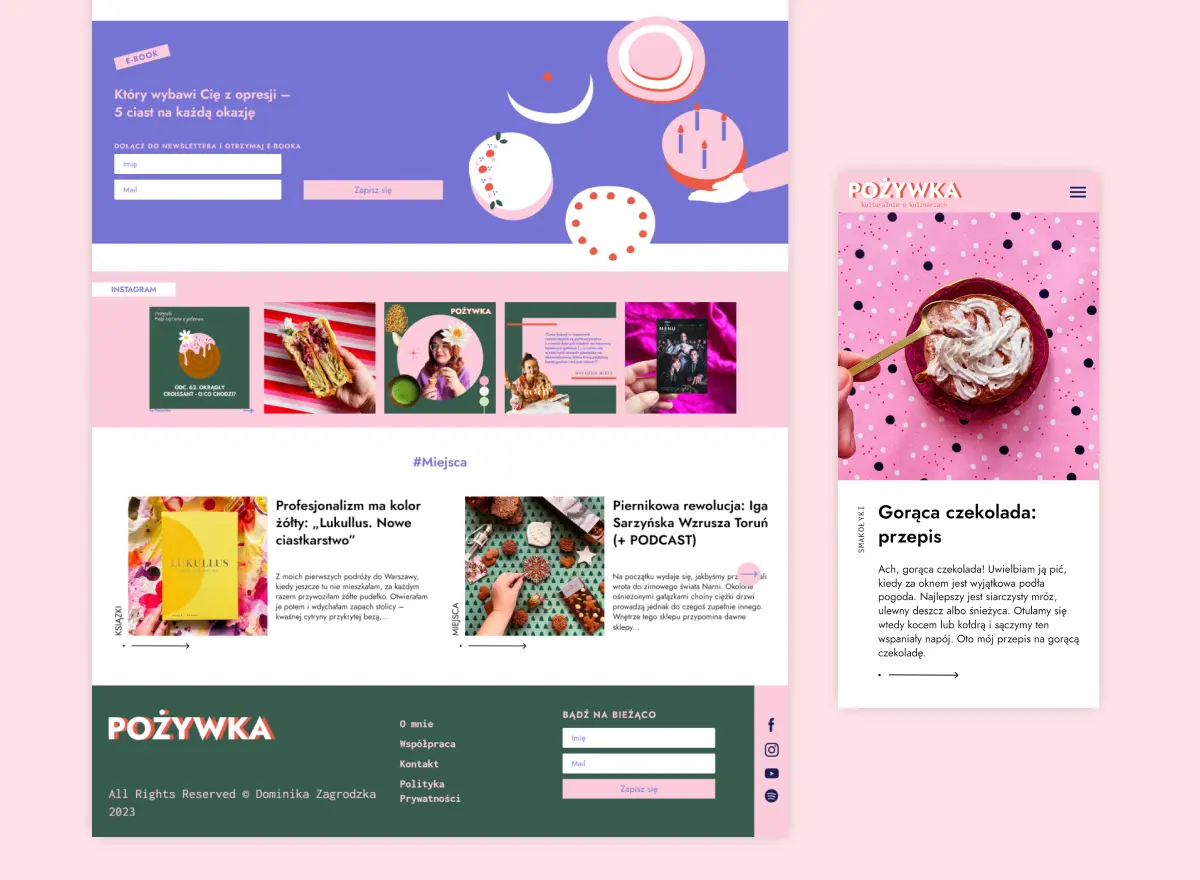
pozywka.pl
Scalable blog for food journalist, focused on performance and user experience 🌭
zagrodzki.me
Personal blog and portfolio of Bart Zagrodzki, where he shares his knowledge and work 💼
TurboStarter
Ship your startup everywhere. In minutes.
HTML to Markdown
Convert HTML to Markdown with ease, directly in your browser 📄
Dotallio
Personalized AI apps that automate research, data extraction, and content creation without code 🤖
Talk to Santa
Enjoy a magical live video chat or receive a unique AI-generated video greeting from Santa Claus 🎅
pozywka.pl
Scalable blog for food journalist, focused on performance and user experience 🌭
zagrodzki.me
Personal blog and portfolio of Bart Zagrodzki, where he shares his knowledge and work 💼
TurboStarter
Ship your startup everywhere. In minutes.
HTML to Markdown
Convert HTML to Markdown with ease, directly in your browser 📄
Dotallio
Personalized AI apps that automate research, data extraction, and content creation without code 🤖
Talk to Santa
Enjoy a magical live video chat or receive a unique AI-generated video greeting from Santa Claus 🎅
pozywka.pl
Scalable blog for food journalist, focused on performance and user experience 🌭
zagrodzki.me
Personal blog and portfolio of Bart Zagrodzki, where he shares his knowledge and work 💼
TurboStarter
Ship your startup everywhere. In minutes.
HTML to Markdown
Convert HTML to Markdown with ease, directly in your browser 📄
Dotallio
Personalized AI apps that automate research, data extraction, and content creation without code 🤖
Talk to Santa
Enjoy a magical live video chat or receive a unique AI-generated video greeting from Santa Claus 🎅
pozywka.pl
Scalable blog for food journalist, focused on performance and user experience 🌭
zagrodzki.me
Personal blog and portfolio of Bart Zagrodzki, where he shares his knowledge and work 💼
TurboStarter
Ship your startup everywhere. In minutes.
HTML to Markdown
Convert HTML to Markdown with ease, directly in your browser 📄
Omichat
Chat with 50+ AI models, including ChatGPT and Claude, in one place - switch models anytime without losing context 🤖
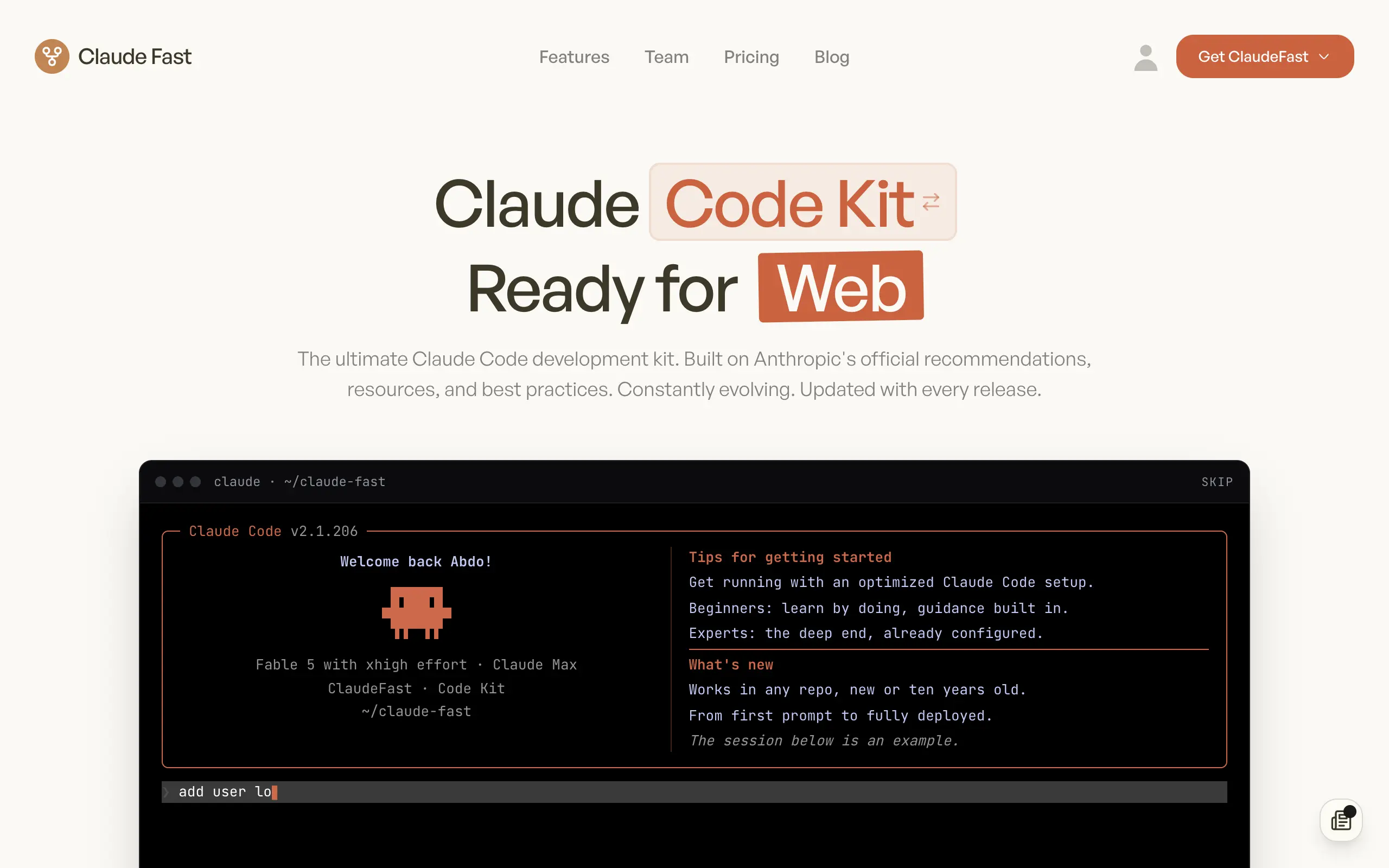
Claude Fast
Supercharge your Claude Code with 6x effective context window and specialized AI agents 🤖
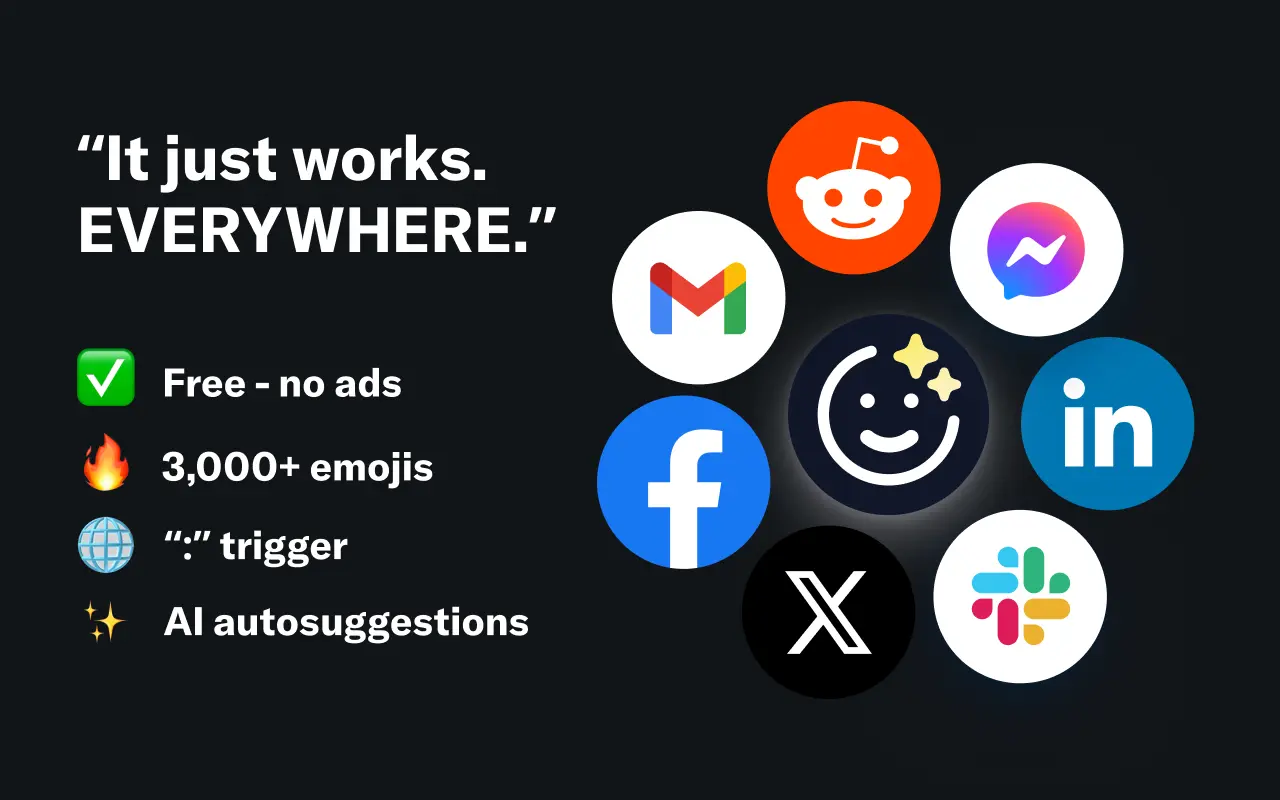
EmojAI
AI-powered emoji picker with smart, context-aware suggestions 🤖
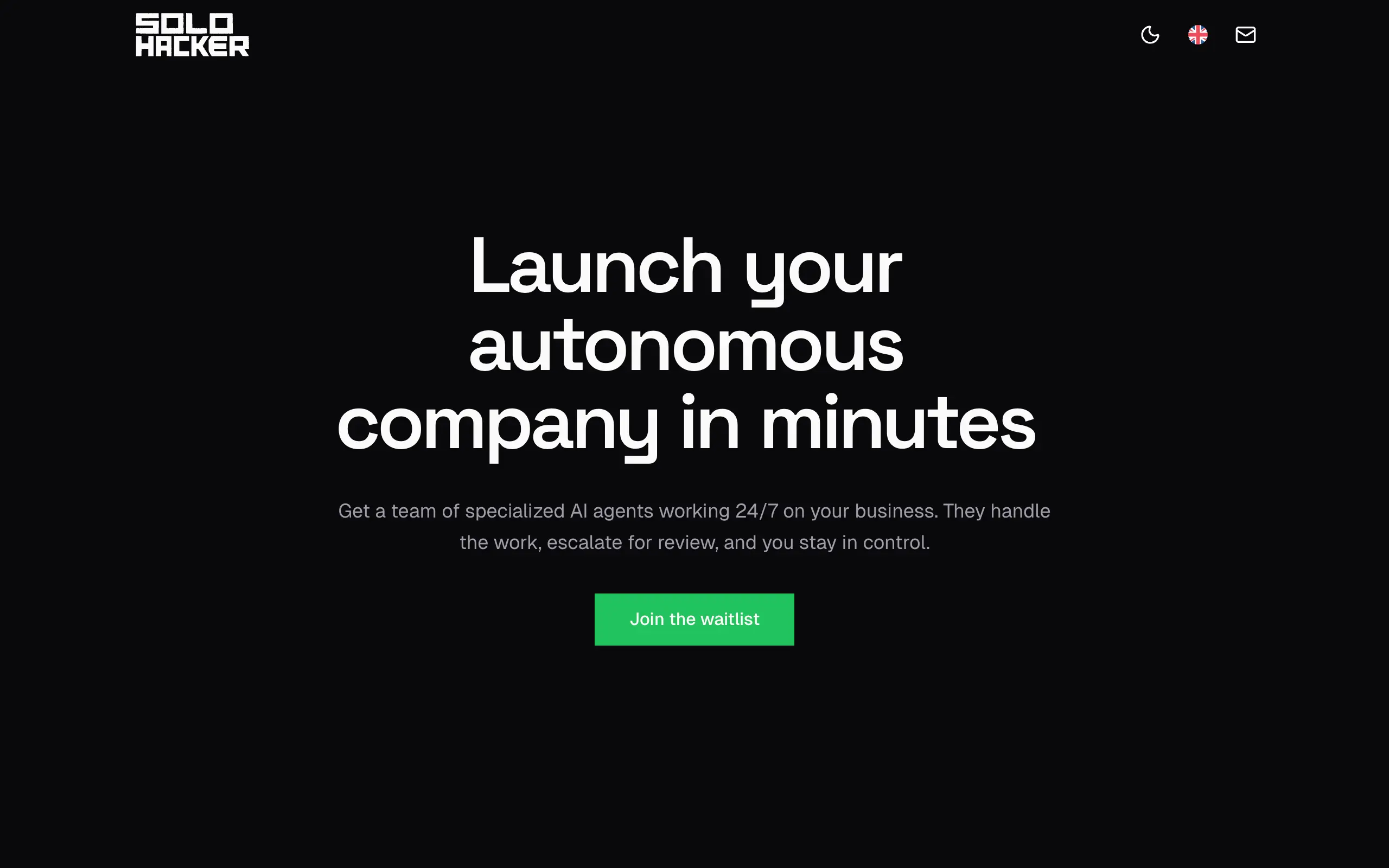
Solohacker
Autonomous company launcher - AI agents work 24/7, escalate what matters, and you stay in control 🤖
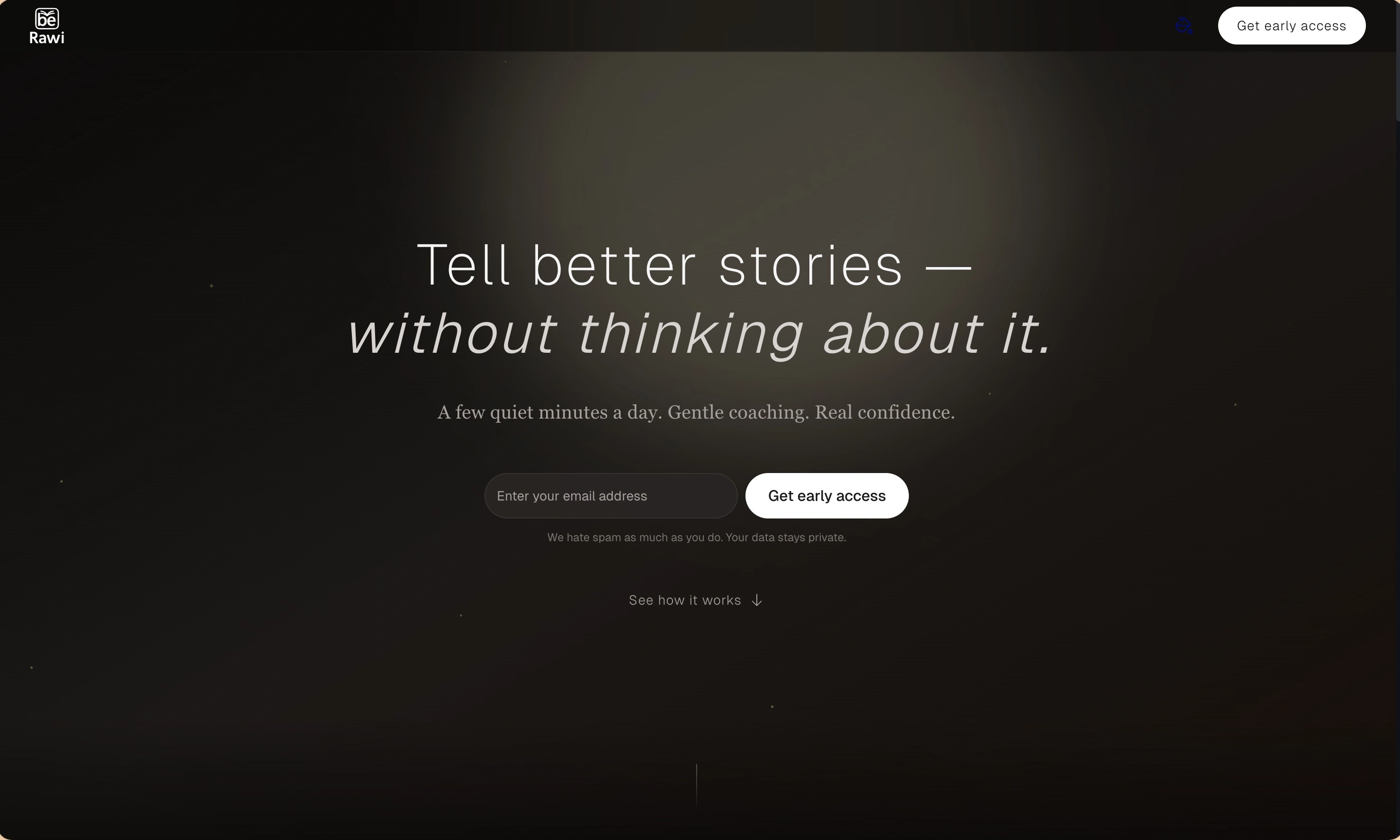
BeRawi: Storytelling Coach
Practice storytelling daily with instant feedback to sound clearer, more engaging, and confident 🎤
Omichat
Chat with 50+ AI models, including ChatGPT and Claude, in one place - switch models anytime without losing context 🤖
Claude Fast
Supercharge your Claude Code with 6x effective context window and specialized AI agents 🤖
EmojAI
AI-powered emoji picker with smart, context-aware suggestions 🤖
Solohacker
Autonomous company launcher - AI agents work 24/7, escalate what matters, and you stay in control 🤖
BeRawi: Storytelling Coach
Practice storytelling daily with instant feedback to sound clearer, more engaging, and confident 🎤
Omichat
Chat with 50+ AI models, including ChatGPT and Claude, in one place - switch models anytime without losing context 🤖
Claude Fast
Supercharge your Claude Code with 6x effective context window and specialized AI agents 🤖
EmojAI
AI-powered emoji picker with smart, context-aware suggestions 🤖
Solohacker
Autonomous company launcher - AI agents work 24/7, escalate what matters, and you stay in control 🤖
BeRawi: Storytelling Coach
Practice storytelling daily with instant feedback to sound clearer, more engaging, and confident 🎤
Omichat
Chat with 50+ AI models, including ChatGPT and Claude, in one place - switch models anytime without losing context 🤖
Claude Fast
Supercharge your Claude Code with 6x effective context window and specialized AI agents 🤖
EmojAI
AI-powered emoji picker with smart, context-aware suggestions 🤖
Solohacker
Autonomous company launcher - AI agents work 24/7, escalate what matters, and you stay in control 🤖
BeRawi: Storytelling Coach
Practice storytelling daily with instant feedback to sound clearer, more engaging, and confident 🎤

Connect with like-minded people
Join our community to get feedback, support, and grow together with 1,000+ builders on board, let's ship it!
Join usShip your startup everywhere. In minutes.
Don't burn tokens on setup and start building features on day one.