Migrate from Clerk to Better Auth
How to migrate Clerk to Better Auth: bcrypt passwords, user export, cutover vs dual-run, middleware, and what breaks (sessions, orgs).
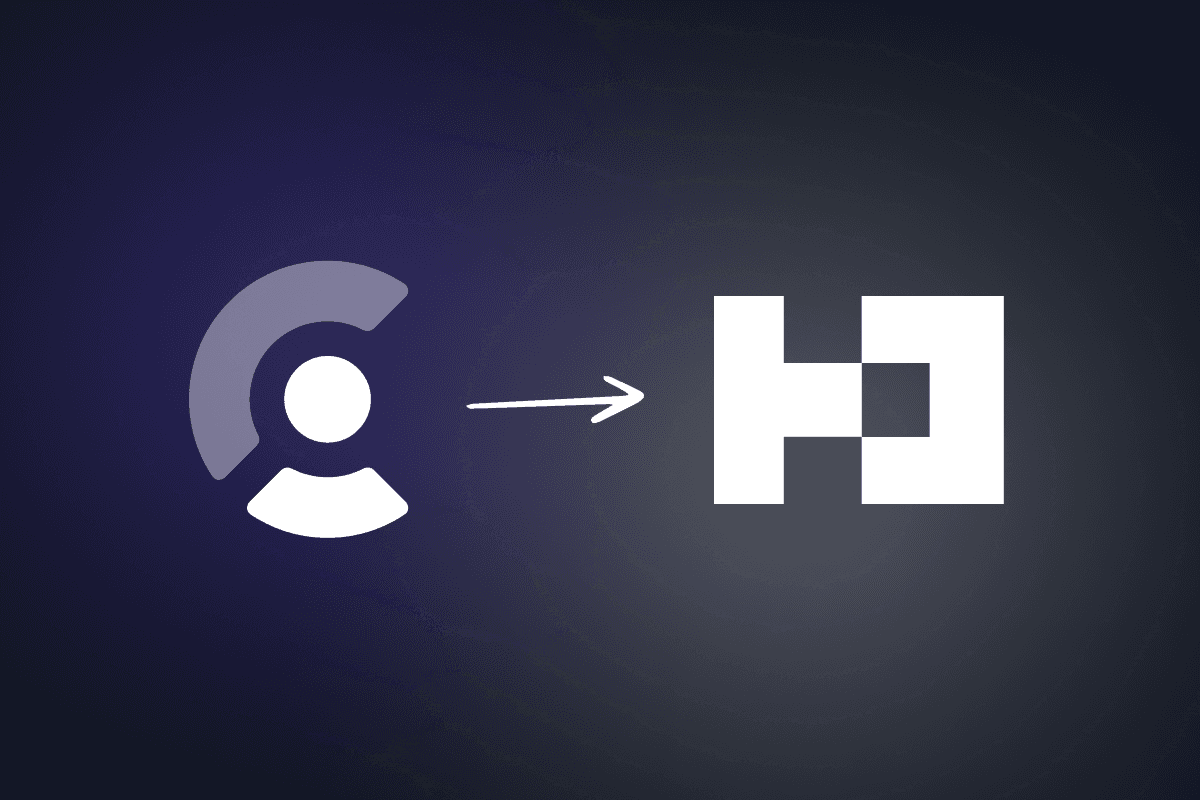
You shipped with Clerk, and it worked. Then the bill, the lock-in, or the "your users live in someone else's database" feeling pushed you to look at Better Auth. Searching for how to migrate from Clerk to Better Auth usually lands you on a script dump or a comparison post. This guide is the project plan: what moves, what breaks, which strategy fits, and how to cut over without guessing.
Still deciding if you should leave Clerk at all? Read Better Auth vs Clerk vs NextAuth vs Supabase Auth first, then come back here when the decision is migrate.
Short answer
Yes, you can migrate from Clerk to Better Auth with password continuity. Clerk's dashboard export includes hashed passwords (password_digest / password_hasher). Better Auth defaults to scrypt, so you configure bcrypt verify/hash for migrated users, import users + OAuth accounts + optional 2FA via the official Clerk migration guide, then replace Clerk middleware and UI. Active Clerk sessions do not transfer. Pick big-bang cutover (simpler) or dual-run (accept either cookie for 1–4 weeks) based on how hard a forced re-login is for your users. Organizations need extra work; the official guide does not migrate them yet.
Why teams leave Clerk for Better Auth
Clerk is a hosted auth product. Better Auth is a self-hosted TypeScript library. The migration is really a change of ownership model.
| Pressure | What people mean in practice |
|---|---|
| Cost at scale | Pro + MRU overages vs Postgres + your compute |
| Data ownership | Users/sessions in your DB instead of Clerk's API |
| Reliability / SPOF | Session refresh no longer depends on Clerk staying up |
| Product fit | Social apps, custom user models, or multi-platform shared auth |
| Stack alignment | Already on Drizzle/Postgres and want auth tables next to app data |
That last row is why this topic shows up next to SaaS starters: kits like TurboStarter already ship Better Auth wired to your database, so greenfield skips this migration entirely.
Cutover vs dual-run: pick before you write a script
Do not start with migrate-clerk.ts. Start with session strategy.
| Strategy | How it works | Best when | Cost |
|---|---|---|---|
| Big-bang cutover | Export → import → flip UI/middleware → everyone signs in again on Better Auth | Small user base, B2B with notice window | Forced re-login; simplest codebase |
| Dual-run (trickle) | Auth endpoints accept Clerk or Better Auth cookies; new logins only BA | Consumer apps where logout day is a support fire | Temporary dual middleware; longer Clerk bill |
Clerk itself documents the same two shapes when people migrate into Clerk (export/import vs trickle). The reverse trip uses the same tradeoffs. Val Town's public write-up on leaving Clerk for Better Auth used a two-week dual-run: every auth-aware endpoint accepted either cookie until traffic drained off Clerk (Val Town blog).
Decision rule: if a full re-login on deploy day is acceptable (email announcement + OAuth one-click), use cutover. If you need sessions to die of old age, dual-run.
Sessions never migrate
The Better Auth Clerk guide states it plainly: migration invalidates all active sessions. Users must sign in again on Better Auth. Dual-run only softens when that happens, not whether.
What actually migrates (and what does not)
Clerk can export user data from the Dashboard (Settings → User Exports → Export all users). That CSV includes hashed passwords for email/password users (Clerk: migrating / exporting users). You can also pull rich user records from the Backend API for OAuth links, images, ban flags, and more.
| Data | Migrates with official path? | Notes |
|---|---|---|
| Users (id, email, name, image) | Yes | Keep Clerk IDs if your app FKs them (forceAllowId) |
| Password hashes | Yes | CSV password_digest + bcrypt config in Better Auth |
| OAuth / external accounts | Yes | Script fetches Clerk API external_accounts |
| TOTP / 2FA secrets | Yes if 2FA plugin enabled | Backup codes are regenerated in the official script |
| Phone / username | Yes if plugins enabled | Match plugins before import |
| Active sessions | No | Re-login required |
| Organizations / memberships | Not in official guide | Possible with Organization plugin + custom mapping |
| Clerk Dashboard roles / UI | No | Rebuild admin with your own tools or Better Auth admin plugin |
Ignore blog posts that claim "Clerk never exports password hashes." Clerk's own docs say the Dashboard export includes hashed passwords. The catch is algorithm mismatch (bcrypt vs Better Auth's default scrypt), not missing digests.
Prerequisites
Before any import:
- A Postgres (or other) database Better Auth can own
- Better Auth installed and schema migrated (
npx auth migrateor your Drizzle generate/migrate flow) - Same OAuth apps (Google, GitHub, etc.) with new callback URLs pointing at Better Auth routes
- Email provider ready for verification / reset (you own that now)
- Staging clone of production user export for a dry run
- Inventory of every place you call
auth()/currentUser()/ Clerk middleware
If you need drop-in screens after the server move, pair Better Auth with Better Auth UI or start from a Next.js Better Auth template.
How to migrate from Clerk to Better Auth (cutover)
This follows the official guide's shape. Use their full script as the source of truth; customize for your adapters and plugins.
Install Better Auth and connect your database
Follow the Better Auth installation guide. Point database at the same Postgres your app already uses (or a new one if you are splitting concerns). Generate or migrate the auth schema so user, account, session, and plugin tables exist before the import.
Configure bcrypt for password continuity
Clerk hashes with bcrypt. Better Auth defaults to scrypt. Without this override, imported digests will not verify.
import { betterAuth } from "better-auth";
import bcrypt from "bcrypt";

export const auth = betterAuth({
  emailAndPassword: {
    enabled: true,
    password: {
      hash: async (password) => bcrypt.hash(password, 10),
      verify: async ({ hash, password }) => bcrypt.compare(password, hash),
    },
  },
});
Enable the same social providers and plugins (admin, twoFactor, phoneNumber, username) you relied on in Clerk before running the import. The official script branches on which plugins are present.
Export users from Clerk
In the Clerk Dashboard: Settings → User Exports → Export all users, then download the CSV. Save it as exported_users.csv at the project root (or update the script path). Keep CLERK_SECRET_KEY available for the script's Backend API pagination (/v1/users?offset=&limit=500).
Run the migration script on staging first
Copy Better Auth's migrate-clerk.ts. It:
- Parses the CSV (
password_digest, emails, TOTP secret, etc.) - Fetches full Clerk users for
external_accountsand metadata - Inserts
userrows (optionally preserving Clerk IDs) - Creates
accountrows for credentials and OAuth providers - Inserts
twoFactorrows when that plugin is enabled
Run it against staging. Spot-check counts: users, accounts per provider, 2FA flags, banned users. Only then run against production during a maintenance window if you chose cutover.
Swap the application layer
Data in the database is not a finished migration. Replace:
- Sign-in / sign-up UI with Better Auth client calls (
authClient.signIn.email, social helpers) or Better Auth UI - Middleware with session-cookie checks via
getSessionCookiefrombetter-auth/cookies(see the official middleware snippet) - Server helpers that used Clerk's
auth()/currentUser()with Better Authauth.api.getSession(or your framework wrapper) - Webhook handlers that synced Clerk → your
userstable (often deletable once Better Auth writes directly to your DB)
If your app stored Clerk user IDs as foreign keys, preserving those IDs during import avoids a second data migration. If you mint new IDs, plan a remap table.
Verify, then remove Clerk
Checklist before uninstall:
- Email/password login works for a sample of migrated users (no forced reset)
- Each OAuth provider completes a round trip on the new callbacks
- Protected routes redirect correctly with the new middleware
- Sign-out clears the Better Auth session cookie
- 2FA users can complete a challenge if you migrated TOTP
- Support docs / emails updated for "sign in again" if you cut over cold
Then remove packages (@clerk/nextjs, themes, types), env vars, and Dashboard webhooks. Cancel the Clerk subscription only after traffic and support tickets confirm the old sessions are gone.
Dual-run extras (if cutover is too sharp)
If you choose dual-run:
- Ship Better Auth routes and UI behind the same app
- Make new sign-ins create Better Auth sessions only
- Teach every auth gate to accept Clerk session or Better Auth session
- Optionally nudge users (banner, soft re-auth on sensitive actions)
- Watch Clerk MRU / active session metrics until residual traffic is tiny
- Export remaining inactive users, import, then delete Clerk codepaths
This is more engineering than the official script. Treat it like a temporary compatibility layer with a kill date, not a permanent abstraction.
Organizations, IDs, and other sharp edges
Organizations. Better Auth's guide does not migrate Clerk Organizations today. If you use B2B orgs, export memberships separately and map them into the Organization plugin tables, or rebuild org invites after cutover. Budget this as its own milestone.
Foreign keys. Apps that treated Clerk as the user table often have clerk_user_id columns everywhere. Prefer preserving IDs on import, or run a one-shot remap before flipping reads.
Rate limits and sync debt. If you already mirrored Clerk users into Postgres via webhooks (common once you hit API rate limits on profile reads), decide which row is canonical after cutover. Better Auth should become the sole writer for auth fields.
Email and abuse. You now own verification, password reset, and rate limiting. Wire those before removing Clerk's hosted flows.
Mobile / extension. Shared-session products need the new auth origin and cookie strategy on every client. TurboStarter's web, mobile, and extension docs assume one Better Auth backend; a Clerk migration that stops at Next.js middleware is incomplete if you ship those surfaces.
When a starter beats DIY migration
Migrating auth is only worth it if the destination stack is the one you want long term. If you are also rewriting billing, orgs, admin, and marketing pages, cloning a kit that already uses Better Auth + Drizzle can be cheaper than a six-week auth-only project.
TurboStarter ships Better Auth on web (and shared patterns for mobile/extension), with MFA, OAuth, and organizations already wired. Use this guide when you have an existing Clerk production app. Use the kit when you are starting over or spinning up the next product and do not want to earn the migration scars twice.
FAQ
Yes, for email/password accounts, if you import Clerk's exported password digests and configure Better Auth to verify with bcrypt (Clerk's hasher). See Clerk's export docs and Better Auth's Clerk migration guide. OAuth-only users just sign in with the same provider on the new callbacks.
No. The official Better Auth guide invalidates active sessions. Users must authenticate again. Dual-run delays the moment of re-login by accepting Clerk cookies until they expire or users hit the new sign-in page.
Not in the stock Better Auth Clerk guide. Plan a custom mapping into Better Auth's Organization plugin, or recreate orgs after cutover. Treat org migration as separate from user/account import.
You can, and some teams prefer it for operational simplicity. It is worse UX and unnecessary if digests are available and bcrypt is configured correctly. Reserve forced resets for failed imports or unknown hashers.
Long enough to drain active sessions and capture inactive users in a final export: often 2–4 weeks for consumer apps, shorter for internal tools. Cap it with a calendar date so Clerk does not become a forever dependency.
No. Stay on Clerk if hosted UI, dashboard ops, and ship speed still beat ownership and MRU cost for your stage. Migrate when you want users in your Postgres, plugin-based MFA/orgs you control, and no per-user auth bill. Compare models in our auth comparison.
Migrating from Clerk to Better Auth is a data job plus an application rewrite of every auth boundary. Get the strategy right, preserve bcrypt passwords from Clerk's export, dry-run the official import script, then swap middleware and UI with your eyes open about sessions and organizations. Do that once, cleanly, and you own the identity layer for the rest of the product.
Merchant of record for SaaS (2026): MoR vs Stripe, fees, and switching providers
What a merchant of record handles vs a payment processor, when Stripe plus Stripe Tax is enough, developer-friendly MoRs for indie SaaS, and what switching billing providers means in code.
Expo React Native Guide for Web Developers (2026 Edition)
Expo React Native guide for web developers: map React and Next.js skills to mobile, ship to TestFlight with EAS, and share code with your web app.