For the complete documentation index, see llms.txt. Prefer markdown by appending.mdto documentation URLs or sendingAccept: text/markdown.
Invitations
Send, track, and accept organization invites. Team invites, roles, permissions, and active organization context explained.
Invite teammates by email to join an organization directly from your mobile app. Acceptance is straightforward: we verify the invite, create or reuse the membership with the intended role, and set the user's active organization.
The implementation uses the same APIs and rules as the web app and is powered by the Better Auth organization plugin.
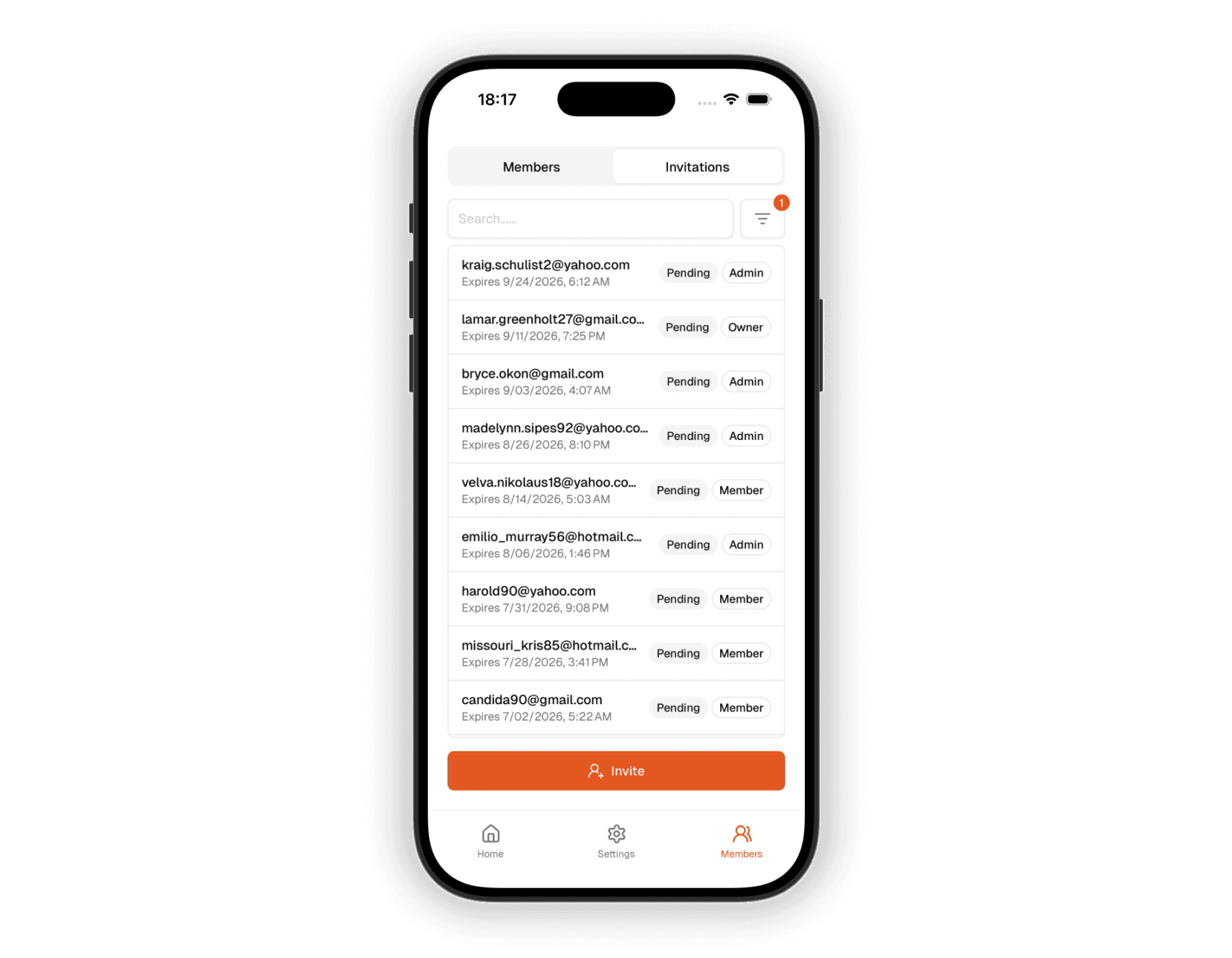
Capabilities
- Send invitations by email.
- View and filter invitations by status or role, and search by email.
- Resend or revoke an invitation.
- Accept an invitation via a deep link.
Permissions are enforced by roles. Typically, only organization admins can send or manage invites. See RBAC (Roles & Permissions).
Inviting members
Sending an invitation typically requires the invitee's email and the intended role. You can add multiple recipients in the invitation form to invite several members at once.
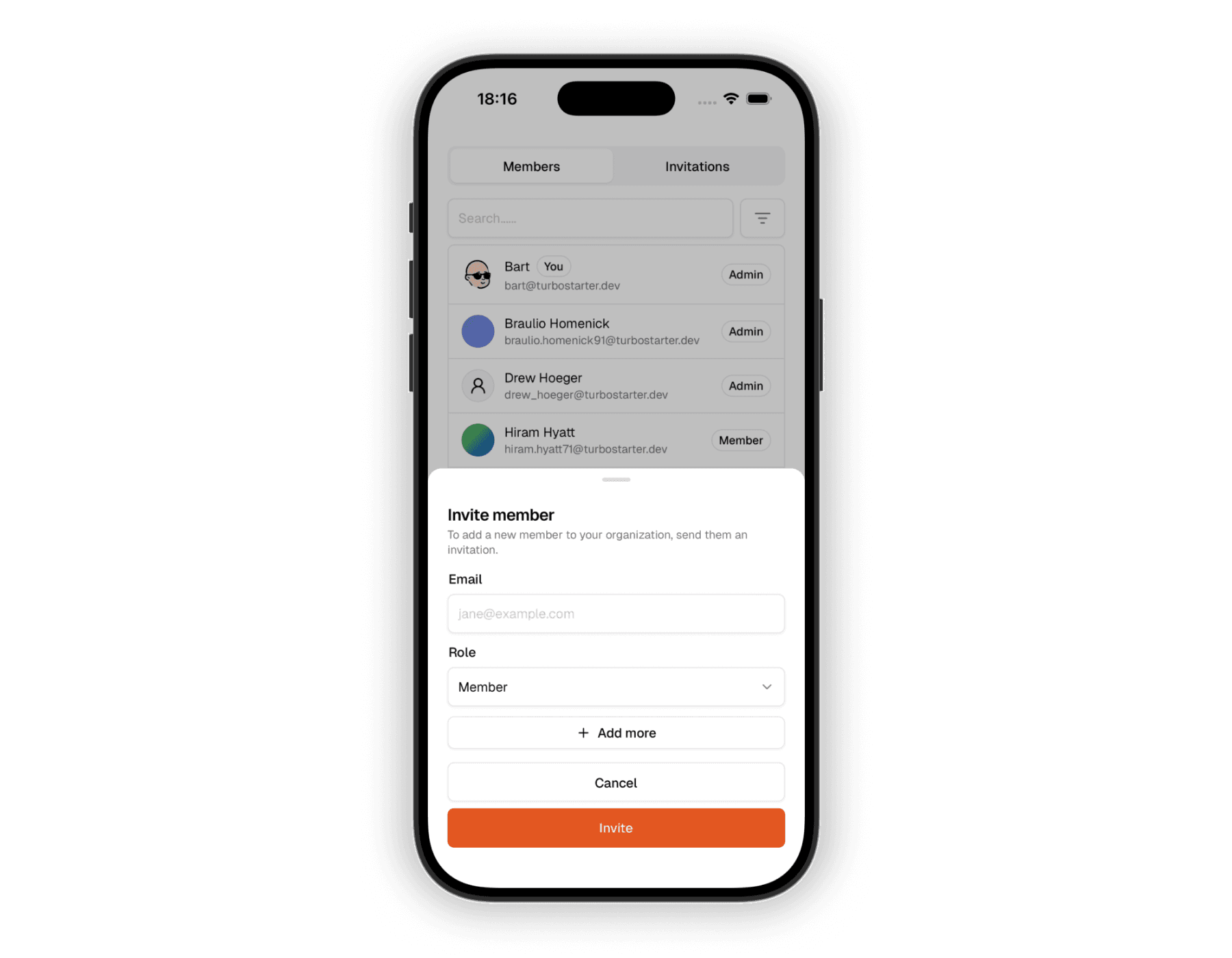
After sending, the invitee receives an email with a link to accept. It's a deep link that opens your app and automatically validates the invite.
Handling invitations
When a recipient opens an invite link on their device, the app automatically handles the entire flow - reading, parsing, and validating the invite - for you.
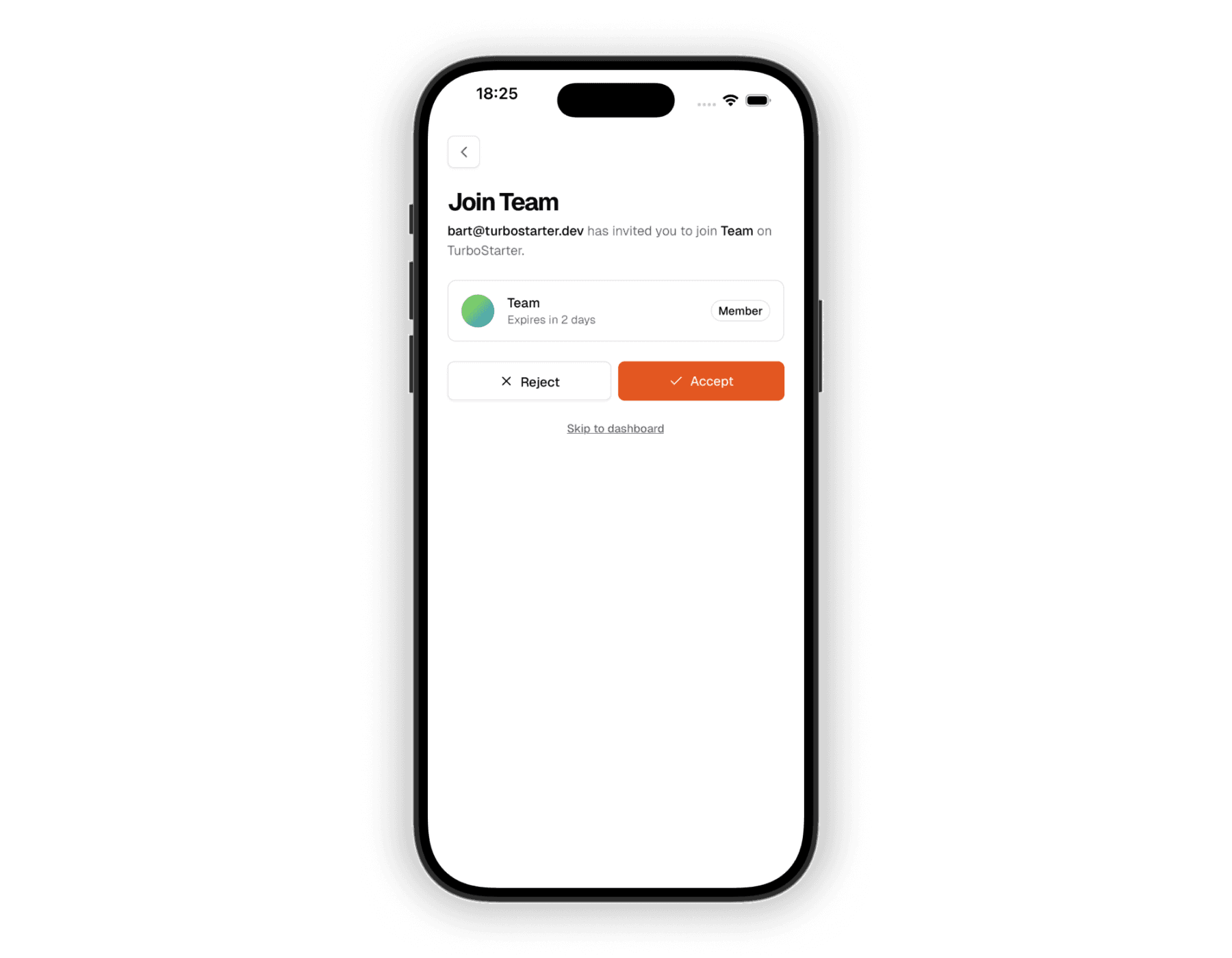
When the user accepts, we create or reuse their membership and set the active organization in their session. If they reject the invite, we redirect them to their account home.
Learn more
For underlying details shared across platforms, see the web documentation:
Data model
Schema for organizations and invitations
Statuses and flow
Invitation status codes and how they update
Automatic invalidation
How invitations are automatically cleaned up
Admin management
Admin tooling for managing invitations
These cover the schema, token lifecycle, and admin tooling shared by the mobile and web apps.
How is this guide?
Last updated on