Queuewise
Gives small shop owners an AI forecast of checkout lines during busy hours, with alerts when to open another register. Cashiers stop guessing and customers wait less.
Queuewise is an AI forecasting tool for small retailers that predicts checkout queue length in the coming 15 to 60 minutes and alerts the owner when to open another register. It has potential in 2026 because small shops now have digital point-of-sale data, cheap cameras and affordable AI inference, yet almost every queue-management product is built for big-box chains. A checkout queue forecasting tool for small shops fills that gap with a simple, low-priced product.
Key takeaways
- Target customer: owners and shift managers of independent grocery stores, convenience stores, bakeries and boutiques with 2 to 6 registers.
- Pricing angle: a flat per-store subscription, for example $29 to $79 per month, priced against one lost sale per day rather than against enterprise software.
- Biggest risk: forecast accuracy and trust. If the first three alerts are wrong, the owner mutes the product for good.
- Time to MVP: about 4 to 6 weeks for a POS-data-only version, assuming you start from a starter kit and skip computer vision at first.
What problem does a checkout queue forecast solve?
Small shops lose sales and goodwill when lines grow faster than staff can react. The owner is often stocking shelves or talking to a supplier, and notices the line only when customers start sighing or leaving.
Staffing decisions are made by memory: "Fridays after 5 are busy." That works until a school lets out early, it rains, a promotion goes live or a delivery truck arrives late.
Who is Queuewise for?
The ideal customer is the owner-operator of a shop with 2 to 6 registers and a handful of staff on a shift. Think a neighborhood supermarket, a convenience store near a transit stop, a garden center on weekends or a busy bakery.
They share three traits:
- They have a modern POS or card terminal that records every transaction with a timestamp.
- They cannot afford a dedicated floor supervisor.
- They feel the pain of a long line directly, in lost sales and bad reviews.
What do they do today, and why does it fail?
The current workarounds are gut feeling, a cashier shouting "can someone open two?" and printed staffing schedules based on last year's patterns. Some owners glance at POS sales reports at the end of the day.
These fail for the same reason: they are reactive and backward-looking. A daily sales report tells you what happened. A shout means the line already exists. Nobody tells the owner that in 20 minutes the line will double.
Is there a market for small-shop queue forecasting in 2026?
Yes, but it is a narrow, practical market rather than a flashy one. Large retailers already buy workforce management and queue analytics from enterprise vendors, and the big POS platforms such as Square and Shopify POS offer sales reporting. What is largely missing is a short-term, actionable alert designed for a shop with a few registers.
Why now?
Several shifts make this buildable by a small team:
- Better POS data access. Many modern POS systems expose transaction data through APIs or exports, which gives you the arrival signal without hardware.
- Cheap time-series modeling. Short-horizon forecasting no longer needs a data science team. Gradient boosted models or lightweight foundation models for time series are enough for a first version.
- Tight labor. Small retailers are reluctant to overstaff, so any tool that helps them place staff precisely has a clear value story.
- Cheap cameras and edge inference. Counting people in a line is feasible on inexpensive hardware, though it carries privacy complexity you should defer.
Where is the gap?
Enterprise queue analytics is priced and sold for chains with IT departments. Generic dashboards from POS vendors show history, not the next hour. The gap is a product that a shop owner can set up in an afternoon and that sends one useful message at the right time.
What should the Queuewise MVP include?
Build the smallest loop that proves the forecast is useful: connect data, predict, alert, learn whether the alert was right. Cut everything else, including cameras, multi-store rollups and staff scheduling.
The aha moment is the first alert that arrives 15 minutes before a rush and the owner sees the line form exactly as predicted.
POS data connection
Import transactions through a POS integration or CSV upload so the model learns the shop's real arrival patterns without any hardware.
Short-term queue forecast
Predict expected wait or line length for the next 15 to 60 minutes, using time of day, weekday, weather and recent transaction rate.
Open-a-register alerts
Send a push, SMS or email to the manager when the forecast crosses a threshold they set, with a plain-language reason.
Accuracy feedback loop
Let staff tap whether the alert was useful, and show a weekly accuracy score so trust is earned with evidence.
What to cut from version one
- Computer vision and line-counting cameras.
- Employee scheduling and shift swapping.
- Multi-location dashboards and benchmarking.
- Customer-facing wait time displays.
Each of these is a valid later product. None is needed to prove that a forecast changes behavior.
How is Queuewise different from existing tools?
The unique selling proposition is simple: a forecast and an alert, not a dashboard. It is priced and set up for a shop without an IT person, and it focuses on one decision, whether to open another register now.
| Option | Predicts the next hour | Setup for a small shop | Actionable alerts | Typical fit |
|---|---|---|---|---|
| Queuewise | ✅ | Under an afternoon | ✅ | 2 to 6 register shops |
| Gut feeling and shouting | ❌ | None | ❌ | Any, but reactive |
| Spreadsheets and POS reports | ❌ | Manual | ❌ | Hindsight only |
| Enterprise queue analytics | ✅ | Long, often hardware | ✅ | Large chains |
| DIY with a data freelancer | Depends | Weeks | Depends | Rarely maintained |
The honest caveat: POS vendors could add a similar alert. Your defense is focus, speed and a dataset of small-shop patterns that grows with each customer.
How would Queuewise make money?
A flat subscription per store is the most realistic model. Owners dislike usage-based bills and want a number they can compare with a part-time cashier's hourly cost.
Option 1: flat per-store subscription
Charge $29 to $79 per month per store, with a free trial or a 30-day money-back guarantee. If you charge $49 per month and convert 10% of trial shops, 100 trials per month yields about 10 paying stores, roughly $490 in new monthly revenue. Treat these as assumptions to test, not forecasts.
Option 2: tiered by registers and alerts
A basic tier covers one to two registers with email alerts. A higher tier adds SMS, multiple shifts and weekly reports. This lets bigger shops pay more without complicating the entry price.
Option 3: POS partner or reseller revenue
Once you have a working integration, a POS reseller or payment provider may bundle Queuewise for their merchants. It is slower to close but reduces acquisition cost. Do not rely on it for the first revenue.
Which growth channel works first?
Start with direct outreach in one retail niche and one city, for example independent grocers. Walk in, ask the owner when the line gets worst, and offer a free two-week forecast. Local shop associations and POS-specific communities are the next channels.
How do you validate Queuewise before building it?
You can learn most of what matters in two weeks without writing production code. The key unknowns are whether owners feel the pain, whether they will share POS data and whether they will pay.
Interview ten shop owners
Visit or call owners of 2 to 6 register shops. Ask when lines get long, what they lose, and what they did the last time it happened.
Collect sample POS exports
Ask three owners for a few weeks of anonymized transaction timestamps. If nobody will share data, that is a critical finding about onboarding.
Build a manual forecast
Run a simple model in a notebook and send the owner a hand-written text before a rush. Check whether they act on it and whether the line matched.
Launch a landing page and waitlist
Promise one outcome: know when to open another register 20 minutes before the line forms. Drive local traffic and measure signups.
Ask for a pre-sale
Offer a discounted first three months for a card on file or a signed letter of intent. Two or three paying shops are stronger evidence than 200 waitlist emails.
What tech stack do you need to build a queue forecasting app?
A web app with a background job pipeline is enough. The product has four layers: data ingestion, forecasting, alerting and a lightweight dashboard for settings and accuracy.
Recommended architecture
- Ingestion: scheduled jobs pull POS transactions, or accept CSV uploads in the earliest version.
- Forecasting: a Python service or a TypeScript-callable model that runs every few minutes per store.
- Alerting: a rules layer that checks the forecast against thresholds and sends push, SMS or email.
- Dashboard: store settings, alert history and weekly accuracy.
Starting from TurboStarter removes the undifferentiated work. It ships with a monorepo for web and mobile, so the manager can get alerts through a mobile app later. Authentication and billing cover login and per-store subscriptions, and the database layer holds stores, transactions and forecasts. The background tasks setup is a natural home for the scheduled ingestion and forecast jobs. That leaves your time for the model and the alert quality.
A minimal data model
create table stores (
  id uuid primary key,
  name text not null,
  registers int not null,
  alert_threshold_minutes int not null default 5
);

create table transactions (
  id uuid primary key,
  store_id uuid references stores(id),
  occurred_at timestamptz not null,
  items int
);

create table forecasts (
  id uuid primary key,
  store_id uuid references stores(id),
  made_at timestamptz not null,
  horizon_minutes int not null,
  predicted_wait_minutes numeric not null,
  actual_wait_minutes numeric
);
The actual_wait_minutes column is what lets you measure accuracy, which is the basis of trust.
Which forecasting approach should you pick?
Best for the MVP. It trains quickly on a few weeks of per-store data, is cheap to run and is easy to explain. Features like hour, weekday, weather and recent arrival rate usually carry most of the signal.
Useful when a new store has little history, since a pretrained model can give a reasonable first forecast. It adds cost and less transparency, so compare it against the simple model before adopting it.
Gives a direct measure of line length and a ground truth for training, but needs hardware, installation and privacy handling. Treat it as a later add-on for shops that want higher accuracy.
What could make Queuewise fail?
Most failure paths are about trust and distribution, not technology.
Biggest risk: inaccurate alerts destroy trust
If early alerts are wrong, owners will ignore or mute them and rarely come back. Start with conservative thresholds, show the reason behind each alert, track accuracy per store and do a manual review of the first two weeks for every new customer.
- POS integration friction. Every POS system differs, and access can be restricted. Mitigate by supporting CSV upload first and integrating with one popular POS at a time based on where your first customers are.
- Thin data for new stores. A new store has no history. Use a warm-up period with conservative alerts and borrow patterns from similar shops once you have enough of them.
- Low willingness to pay. Owners may like the idea but not pay. Test pricing in pre-sales and tie the message to a concrete lost-sale estimate they can calculate themselves.
- Platform risk. A POS vendor could ship a similar feature. Stay close to a niche, move faster on alert quality and consider partnering rather than competing head-on.
What should you do in the first 30 days?
Aim for two paying pilot shops and a working alert loop by day 30.
- Days 1 to 7: interview ten owners, collect sample POS data and pick one retail niche.
- Days 8 to 14: run a manual forecast for three shops and send alerts by text to test behavior change.
- Days 15 to 21: set up the app from TurboStarter, with auth, billing and the database, and build CSV ingestion plus the first forecast job.
- Days 22 to 26: add threshold alerts by email and SMS, plus the accuracy score screen.
- Days 27 to 30: onboard pilot shops, collect feedback on every alert and convert at least two into paid plans.
If the first alerts change what a manager does on shift, you have a real product. Start with one shop and one rush hour, and build from there.
FAQ
Interview ten owners, get real POS timestamps from a few of them and send manual forecasts by text before building anything. If owners act on the alerts and a few agree to pre-pay, the demand is real.
A flat monthly fee per store, typically in the range of a few hours of cashier wages, is a sensible starting point. Test $29, $49 and $79 in pre-sales and watch which price gets a yes without negotiation.
Competitors fall into categories: enterprise queue analytics and workforce management vendors, POS platforms with sales reporting, and manual methods like spreadsheets. Few offer a short-term forecast with alerts designed for shops with a handful of registers.
A TypeScript web app with a Postgres database, scheduled background jobs and a simple forecasting model is enough for the MVP. A starter kit like TurboStarter covers auth, billing, emails and a monorepo so you focus on the model and alerts.
With a starter kit and a POS-data-only approach, a solo founder can typically reach a working MVP in 4 to 6 weeks. Costs are mostly your time, hosting and SMS fees, and they stay low until you add cameras or heavy models.
No. Transaction timestamps already reveal arrival and service rates, which is enough for a useful first forecast. Cameras can come later for shops that want higher accuracy and accept the privacy and installation work.
More 🤖 AI Startup SaaS ideas
Discover more innovative ai startup SaaS ideas that are trending in 2026. Each idea is AI-generated with market validation and growth potential to help you find your next profitable venture faster than competitors.
Your competitors are building with TurboStarter
Below are some of the SaaS ideas that have been generated and built with our starter kit.

Monitor any Telegram channel in real time - track posts, edits, deletions, and growth with AI recaps 📡

AI website builder - describe your business, pick a niche template, edit by chatting, and publish instantly ✨
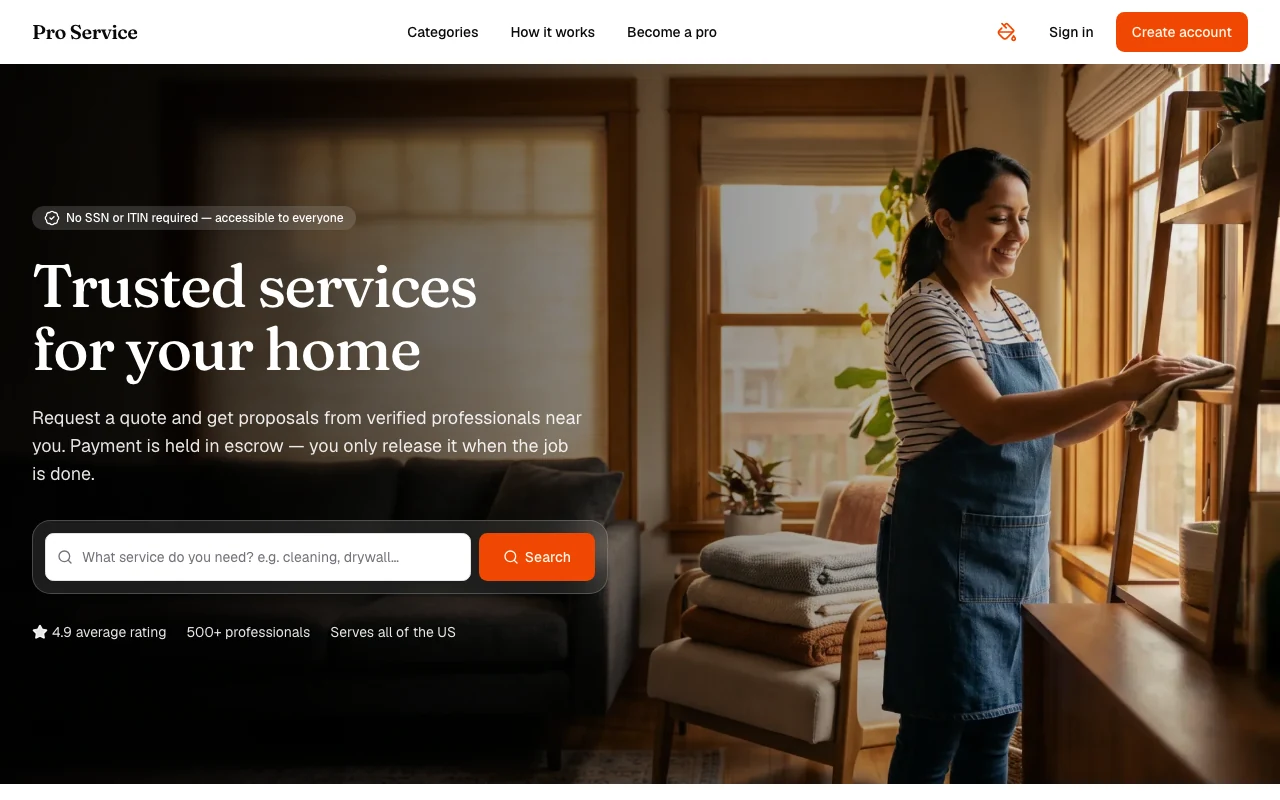
Find verified home service professionals, compare quotes, and pay securely through escrow - built for Brazilians across the US 🏠
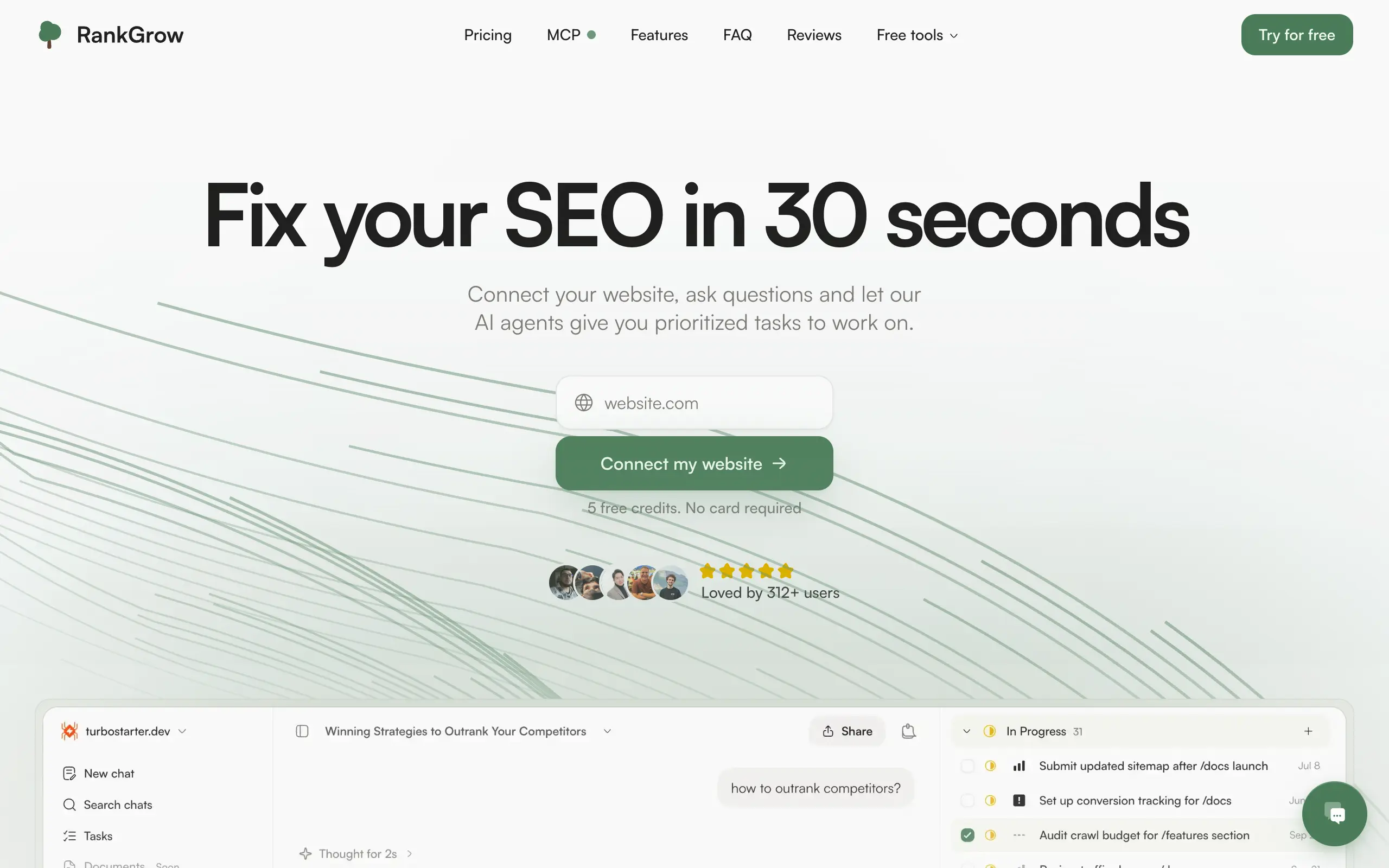
Fix your SEO with AI agents - connect Search Console, get prioritized tasks, and grow organic traffic 📈
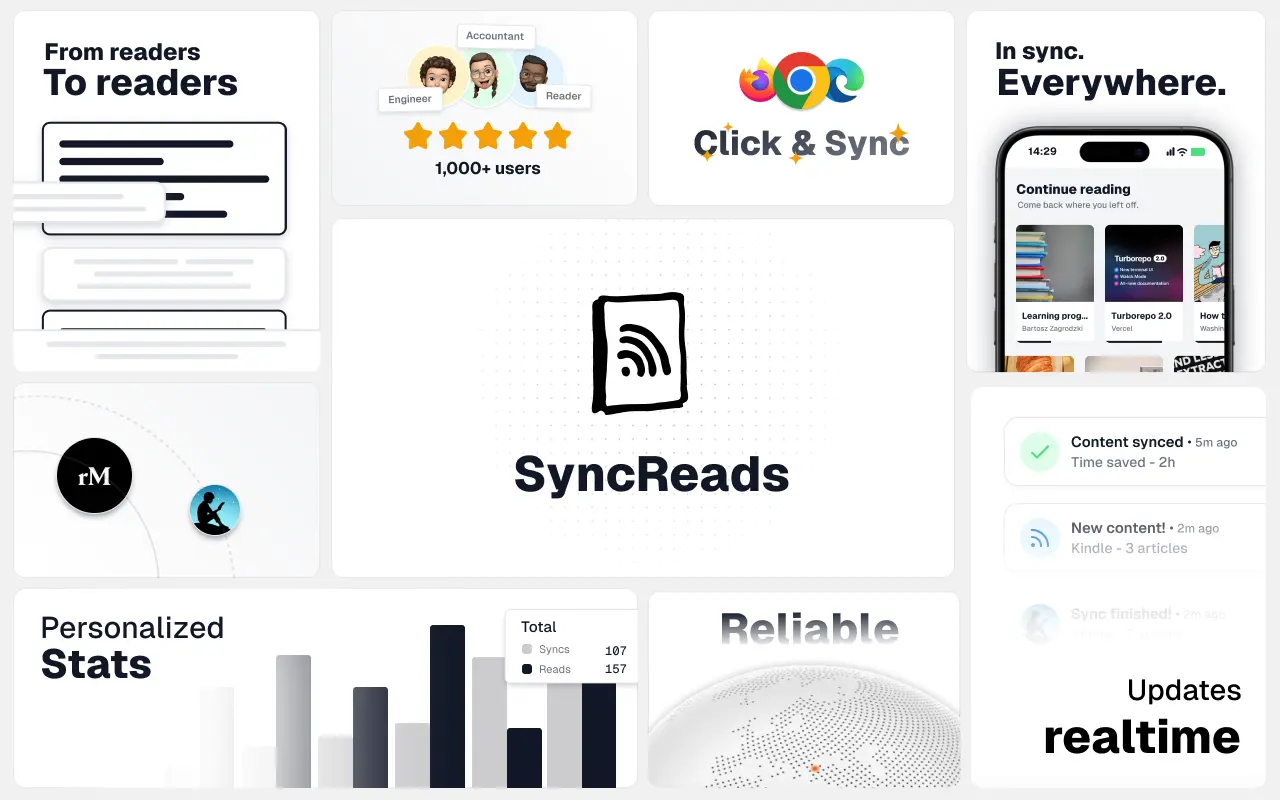
Sync your favorite content for distraction-free reading, save time and replace multiple apps. Anytime, anywhere 🔄
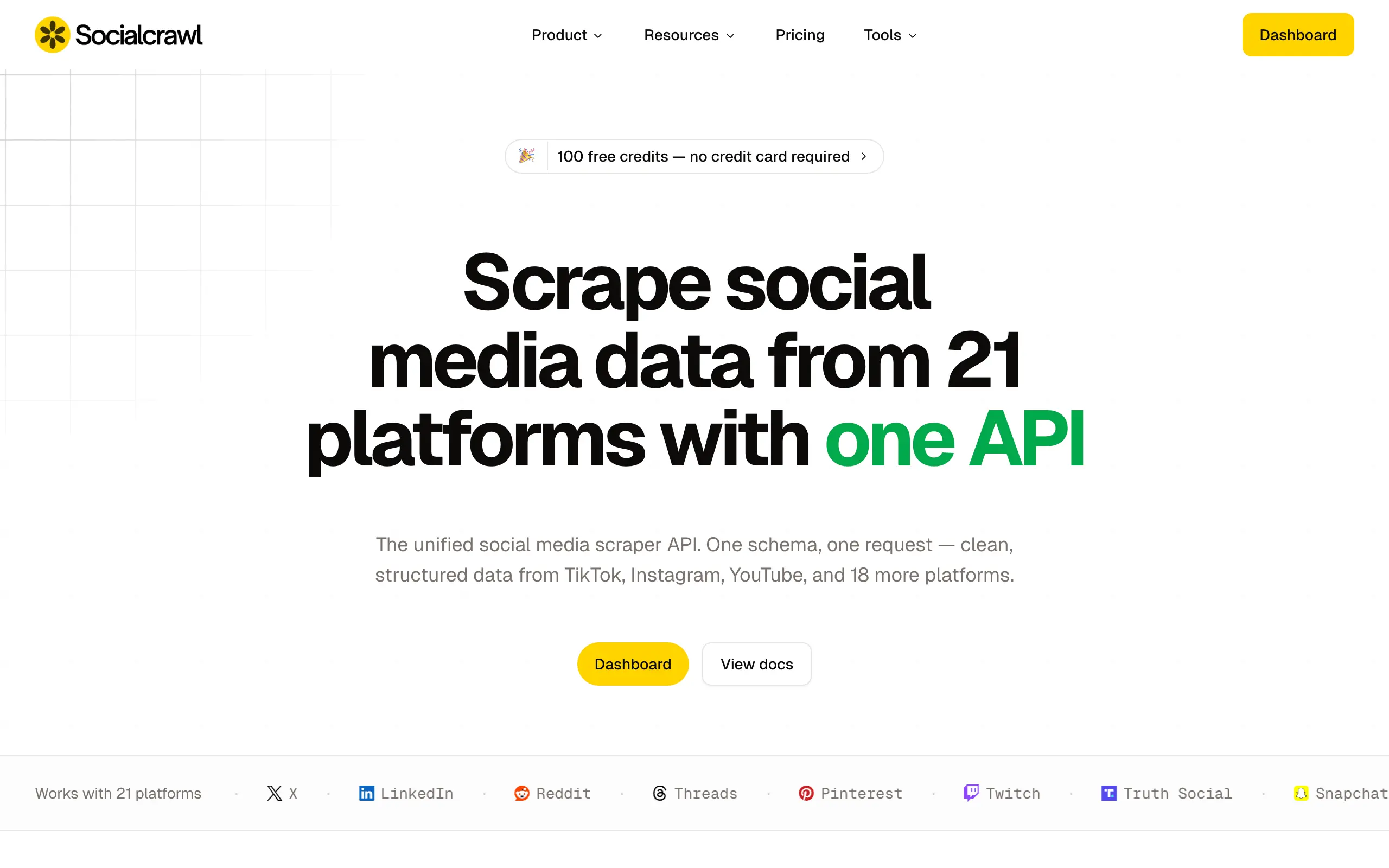
Get clean, structured data from 21 platforms like TikTok, Instagram, and YouTube with a single request 📊
Monitor any Telegram channel in real time - track posts, edits, deletions, and growth with AI recaps 📡
AI website builder - describe your business, pick a niche template, edit by chatting, and publish instantly ✨
Find verified home service professionals, compare quotes, and pay securely through escrow - built for Brazilians across the US 🏠
Fix your SEO with AI agents - connect Search Console, get prioritized tasks, and grow organic traffic 📈
Sync your favorite content for distraction-free reading, save time and replace multiple apps. Anytime, anywhere 🔄
Get clean, structured data from 21 platforms like TikTok, Instagram, and YouTube with a single request 📊
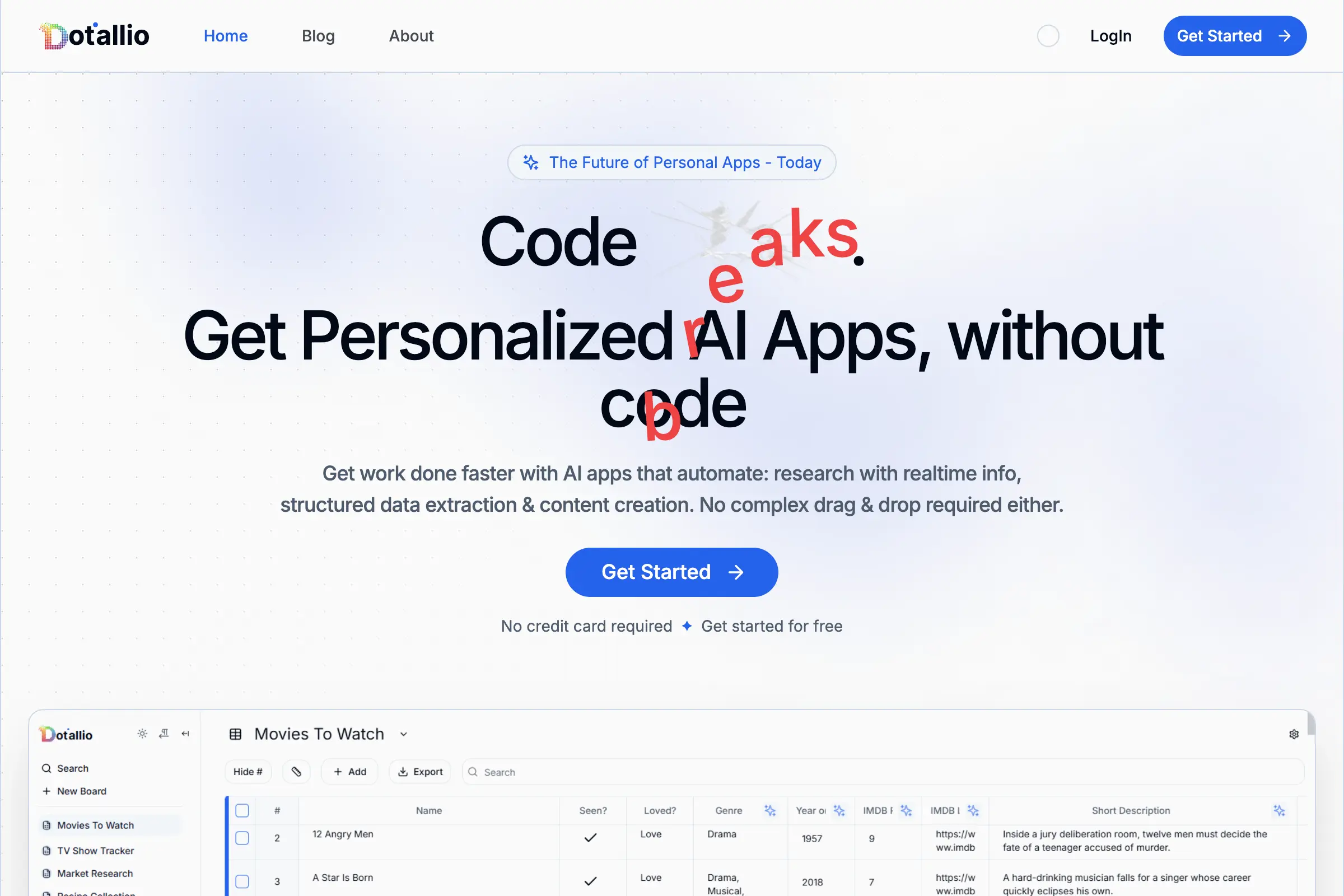
Personalized AI apps that automate research, data extraction, and content creation without code 🤖
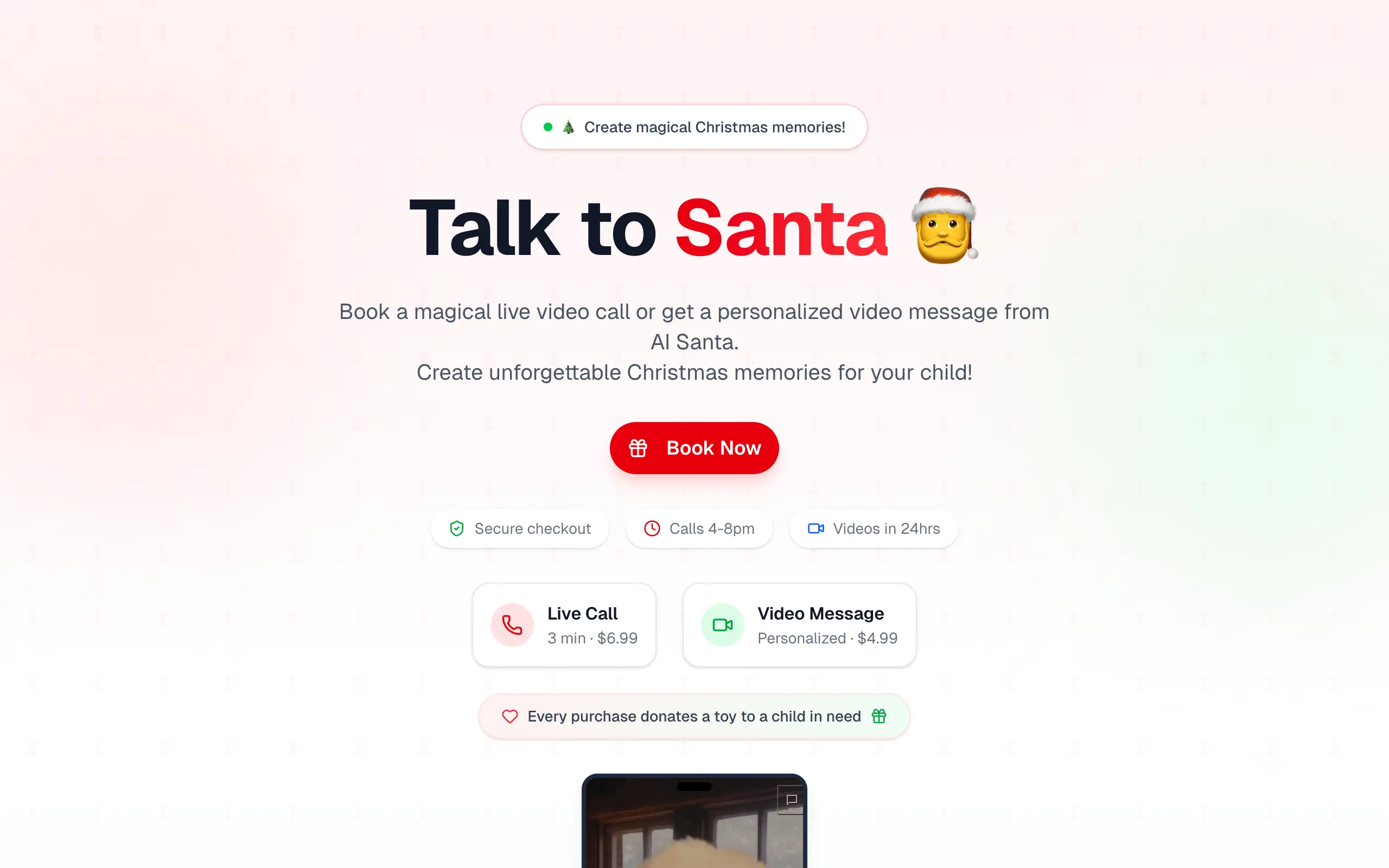
Enjoy a magical live video chat or receive a unique AI-generated video greeting from Santa Claus 🎅

Scalable blog for food journalist, focused on performance and user experience 🌭
Personal blog and portfolio of Bart Zagrodzki, where he shares his knowledge and work 💼
Ship your startup everywhere. In minutes.
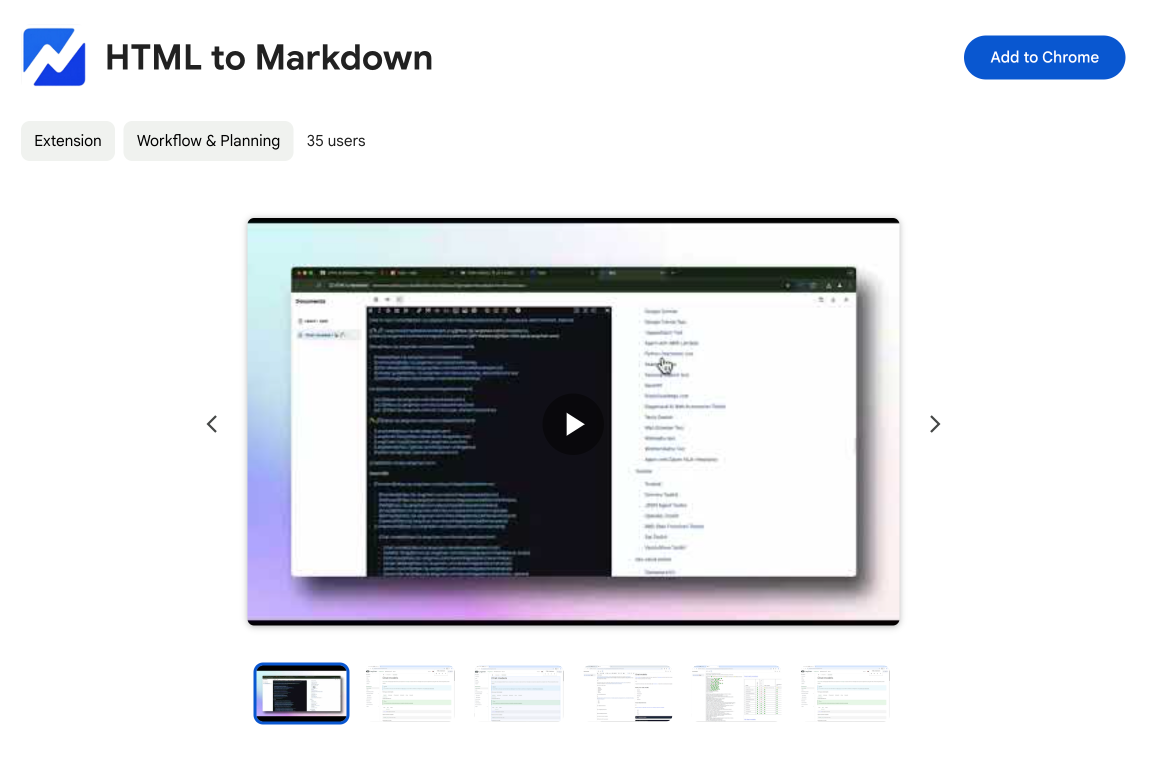
Convert HTML to Markdown with ease, directly in your browser 📄
Personalized AI apps that automate research, data extraction, and content creation without code 🤖
Enjoy a magical live video chat or receive a unique AI-generated video greeting from Santa Claus 🎅
Scalable blog for food journalist, focused on performance and user experience 🌭
Personal blog and portfolio of Bart Zagrodzki, where he shares his knowledge and work 💼
Ship your startup everywhere. In minutes.
Convert HTML to Markdown with ease, directly in your browser 📄
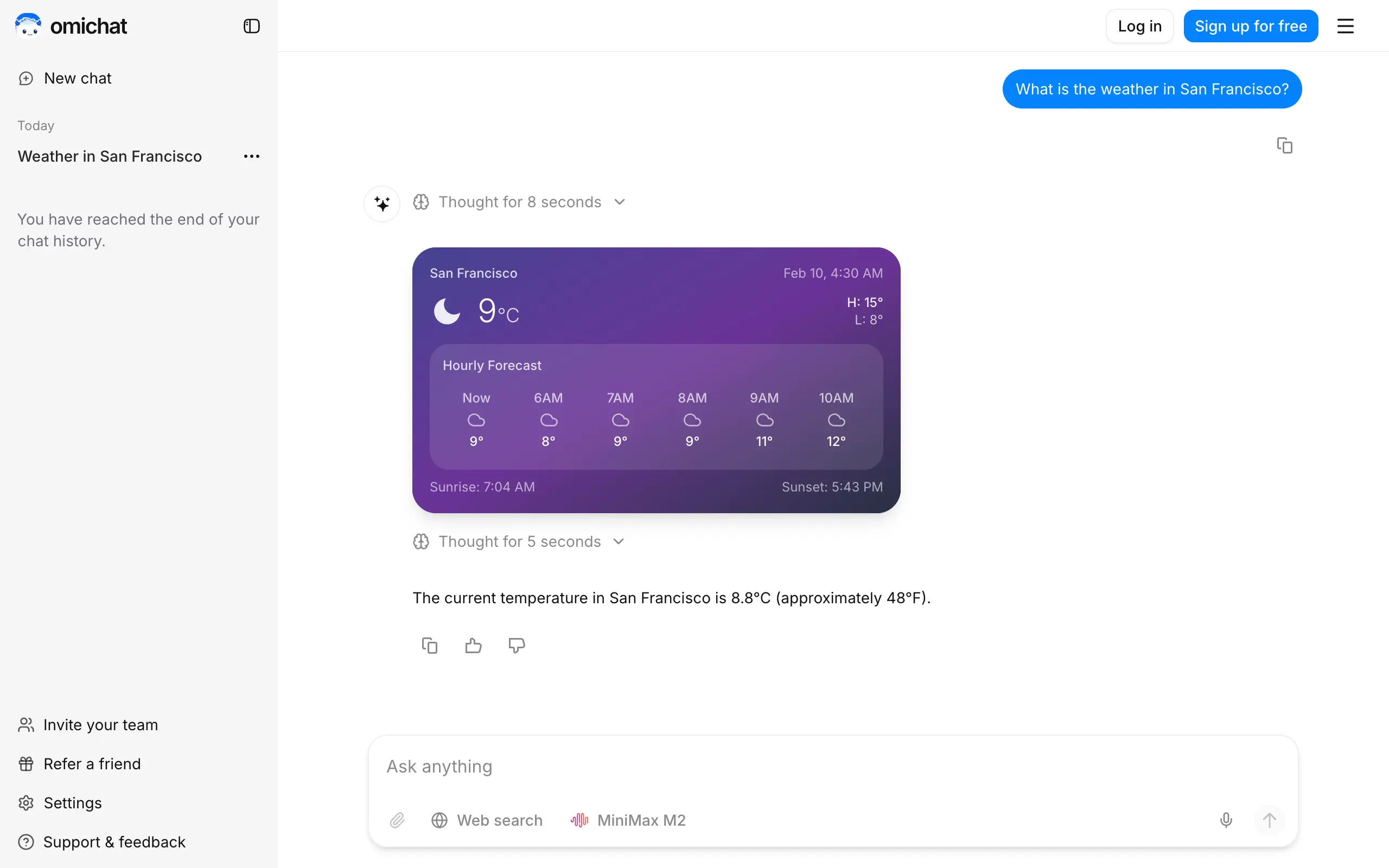
Chat with 50+ AI models, including ChatGPT and Claude, in one place - switch models anytime without losing context 🤖
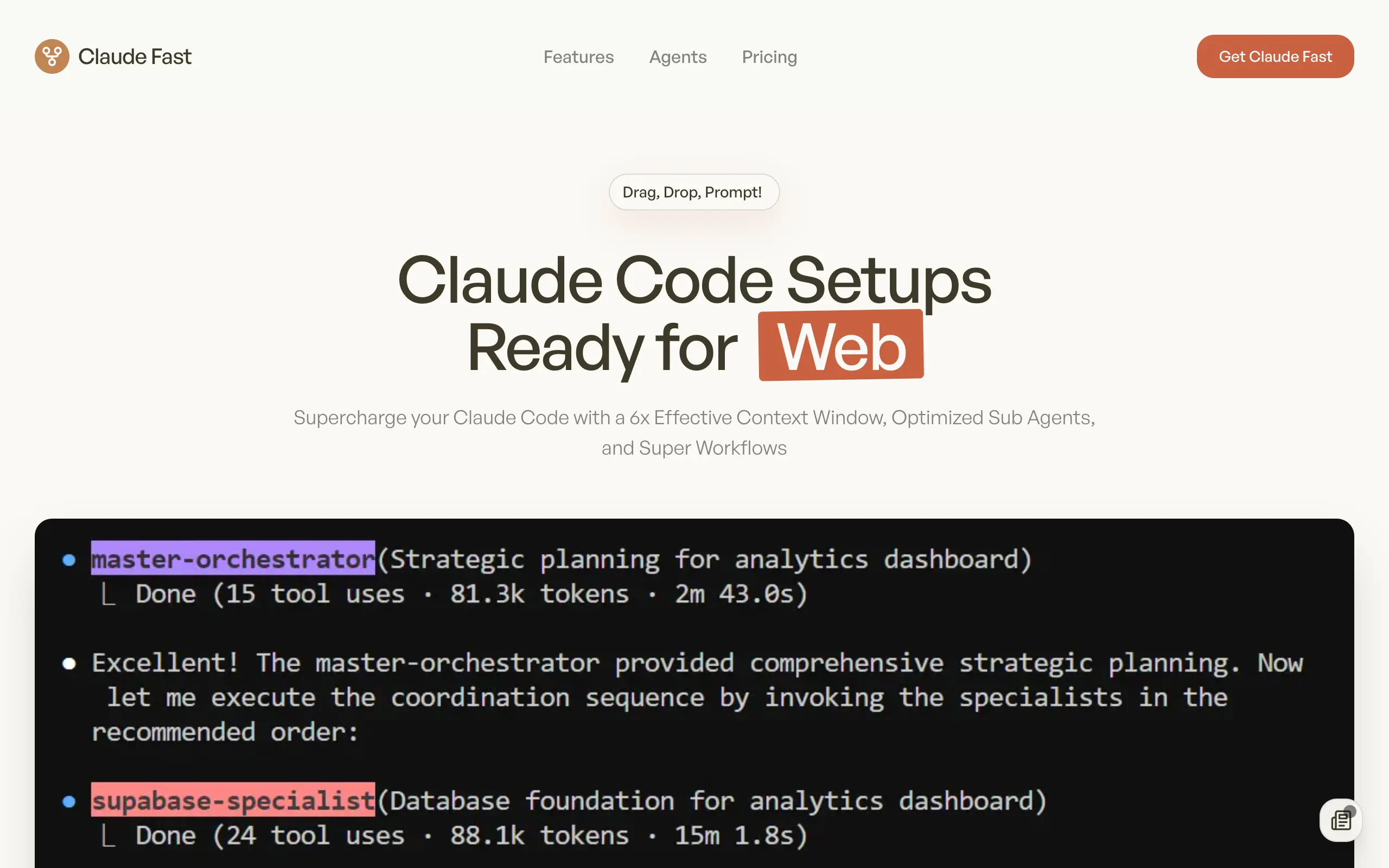
Supercharge your Claude Code with 6x effective context window and specialized AI agents 🤖
AI-powered emoji picker with smart, context-aware suggestions 🤖
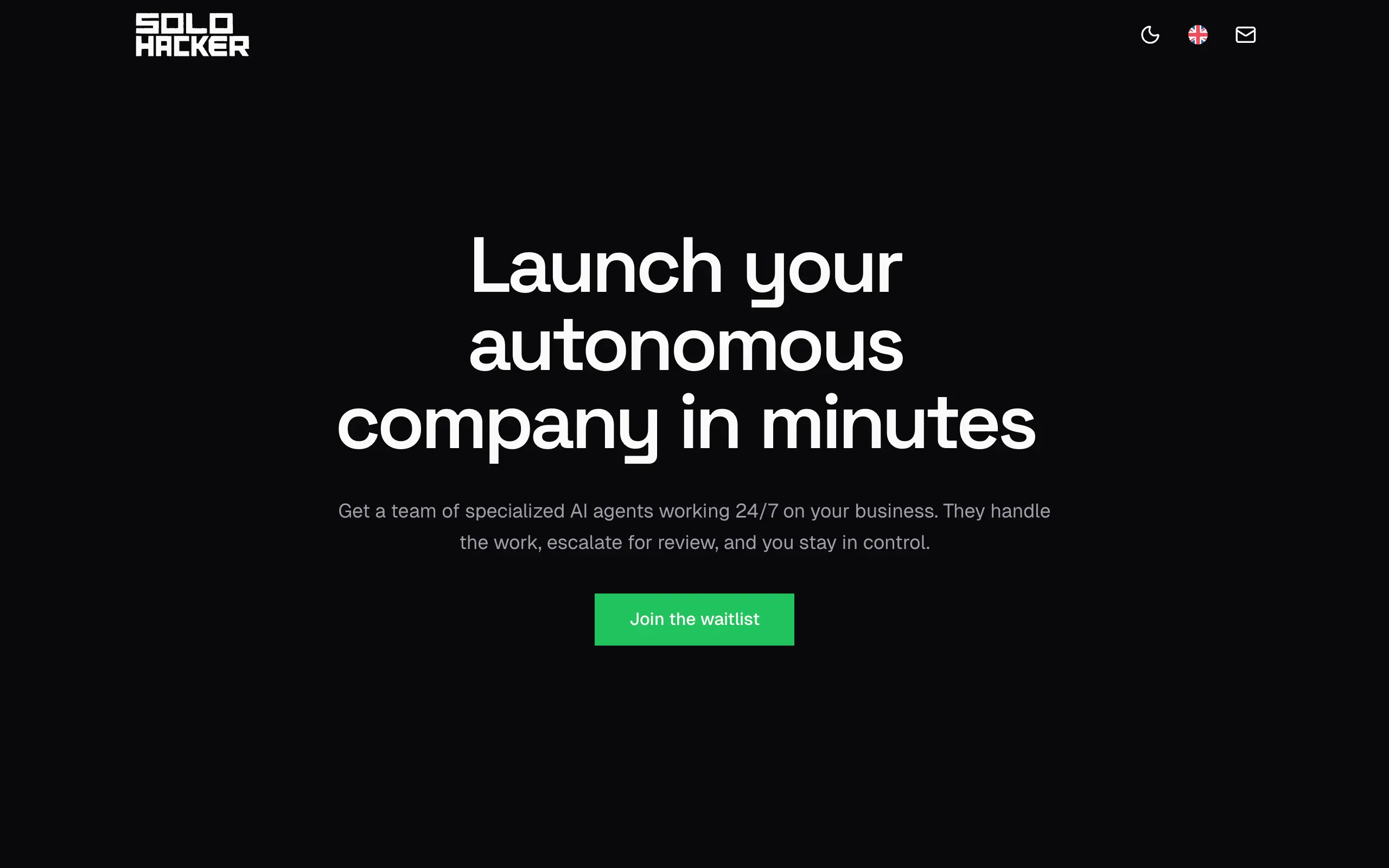
Autonomous company launcher - AI agents work 24/7, escalate what matters, and you stay in control 🤖
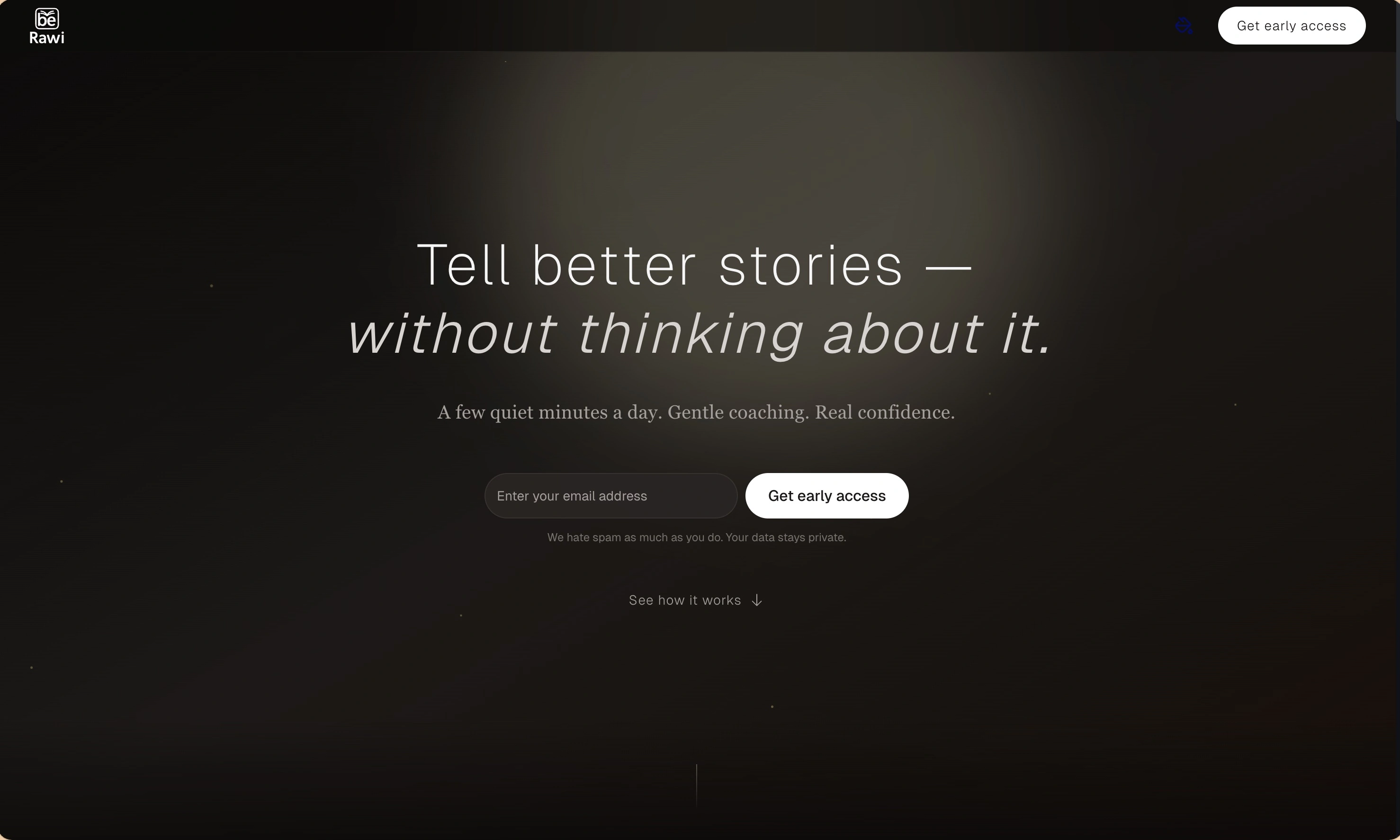
Practice storytelling daily with instant feedback to sound clearer, more engaging, and confident 🎤
Chat with 50+ AI models, including ChatGPT and Claude, in one place - switch models anytime without losing context 🤖
Supercharge your Claude Code with 6x effective context window and specialized AI agents 🤖
AI-powered emoji picker with smart, context-aware suggestions 🤖
Autonomous company launcher - AI agents work 24/7, escalate what matters, and you stay in control 🤖
Practice storytelling daily with instant feedback to sound clearer, more engaging, and confident 🎤

Connect with like-minded people
Join our community to get feedback, support, and grow together with 1,000+ builders on board, let's ship it!
Join usShip your startup everywhere. In minutes.
Don't burn tokens on setup and start building features on day one.