Rushline
Helps restaurant managers predict peak-hour order volume and staffing needs for the next shift. Each kitchen gets a prep and labor plan that cuts overtime and long ticket waits.
Rushline is an AI forecasting tool that tells restaurant managers how many orders to expect in each part of the next shift, then turns that forecast into a prep list and a staffing plan. In 2026 it has real potential because restaurant labor is still the largest controllable cost, delivery and online channels make demand spikier, and cheap forecasting models no longer need a data science team. The opening is AI shift forecasting for restaurants, aimed at independent and small multi-unit operators that big enterprise suites ignore.
Key takeaways
- Target customer: general managers and owner-operators of 2 to 20 location restaurant groups, especially fast casual, pizza and burger concepts with heavy delivery volume.
- Pricing angle: per-location subscription, for example $79 to $149 per month, justified by labor hours saved in a single week.
- Biggest risk: forecast accuracy depends on clean point-of-sale data, and if the first forecasts miss, managers stop trusting the tool.
- Time to MVP: about 4 to 6 weeks for one POS integration, a daily forecast and a shift plan, assuming you start from a starter kit.
What problem does AI shift forecasting for restaurants solve?
Restaurant managers schedule staff and set prep quantities from memory and gut feeling, and the cost of being wrong lands within hours. Overstaff and you pay for idle labor. Understaff and tickets back up, guests wait, and the team ends the night with overtime and burnout.
Who feels it most
The ideal customer is a general manager at a fast casual or casual dining restaurant with 15 to 40 staff. They write the weekly schedule on Sunday night, adjust it by text message, and decide prep levels each morning. They are accountable for labor percentage but have no forecasting help beyond last week's sales.
Owner-operators of small groups feel the same pain with less time. They split attention across locations, so inconsistent scheduling between sites is common.
The current workaround and why it fails
Most managers use a mix of three things:
- Memory and habit: "Fridays are busy." This misses weather, local events, holidays, promotions and delivery app surges.
- Spreadsheets: last year's same-week sales, copied forward. They break the moment anything changes, and nobody maintains them.
- Built-in POS reports: useful for history, weak at telling you what the next shift needs, and almost never translated into headcount or prep.
The failure is not lack of data. It is that data never becomes a decision a manager can act on at 3 p.m. before a dinner rush.
Why is demand forecasting for restaurants a good opportunity in 2026?
The gap is between enterprise workforce suites, which are expensive and slow to implement, and the basic reports inside a POS. Small and mid-size operators sit in the middle with real labor pressure and no tailored tool.
The gap in existing solutions
Scheduling and labor tools such as 7shifts, Deputy and HotSchedules (now part of Fourth) handle shift assignment and time tracking. POS platforms such as Toast, Square and Clover provide sales reporting. Inventory and food cost tools such as MarginEdge and Restaurant365 focus on purchasing and accounting. Each touches part of the problem, but few produce a simple, shift-level answer to "how busy will we be, and what should we do about it?"
That gap is the wedge. Rushline does not need to replace a scheduler. It can sit beside one and supply the number the schedule should be built on.
Why now
- Forecasting is cheap to build: gradient boosted models and modern time series libraries handle this class of problem well on modest data, and an LLM can explain the forecast in plain language.
- Digital channels create volatility: delivery and online ordering produce sharp spikes that human intuition handles poorly.
- Labor cost pressure persists: operators are actively looking for ways to cut overtime without cutting service quality.
- POS platforms expose APIs: integration is more feasible than it was a decade ago, though access terms vary by vendor.
What should the Rushline MVP include?
Build one thing first: a forecast a manager trusts enough to act on. The aha moment is opening the app the afternoon before a shift, seeing a quarter-hour order forecast, and getting a plan that says "add one line cook from 5 to 8 p.m., prep 30% more fries."
Order volume forecast
Predicts orders per 15 or 30 minute block for the next shift using POS history, day of week, weather and local events.
Staffing recommendation
Converts the forecast into suggested headcount by station so managers see where they are over or under.
Prep plan
Translates expected orders into prep quantities for top menu items, so the kitchen starts the shift ready.
Forecast accuracy tracker
Shows predicted versus actual after every shift, which builds trust and feeds model improvement.
What to cut from version one
- Full scheduling and shift swapping. Integrate or export instead.
- Inventory ordering and supplier management.
- Multi-POS support. Pick one POS with the most customers in your target niche.
- Native mobile apps. A responsive web app plus a daily SMS or email summary is enough at first.
How is Rushline different from scheduling and POS tools?
Rushline's position is forecast first, plan second. Schedulers start from shifts people already built. POS reports start from the past. Rushline starts from the next shift and works backward to what the kitchen should do.
| Option | Shift-level forecast | Prep plan | Staffing recommendation | Setup effort |
|---|---|---|---|---|
| Rushline | ✅ | ✅ | ✅ | Connect POS |
| Spreadsheets | Manual | ❌ | Manual | High, ongoing |
| POS reports | ❌ | ❌ | ❌ | None |
| Scheduling apps | Limited | ❌ | Partial | Medium |
| Enterprise suites | ✅ | Varies | ✅ | High, slow |
The honest caveat: scheduling vendors can add forecasting. Your defense is focus, speed of setup and the prep plan, which sits closer to kitchen operations than to HR.
How would Rushline make money?
Charge per location, monthly, because the value is tied to a single kitchen's labor bill. Three realistic options:
- Flat per-location plan: $79 to $149 per month. Simple to explain. If a location saves even a handful of overtime hours per month, the tool pays for itself, assuming typical kitchen wages.
- Tiered by features: a base forecast tier and a higher tier adding prep plans, multi-location dashboards and scheduler integrations. This raises average revenue for groups.
- Group pricing with onboarding fee: for operators with 5 or more sites, a discounted per-location rate plus a one-time setup fee that covers data cleanup.
As an assumption: at $99 per location and 40 locations, monthly revenue is $3,960. That is a modest start, so the goal is to prove retention first.
The first growth channel
Direct outreach to operators in one niche, such as pizza or fast casual franchisees, is most likely to work first. Offer a free two-week forecast on their historical data. Back-tested accuracy against their own numbers is a more convincing pitch than any demo. Partnerships with POS or scheduling marketplaces can come later.
How do you validate Rushline in two weeks?
Validate whether managers will share data and pay, not whether forecasting is interesting.
Interview 10 to 15 managers
Ask how they decide staffing and prep today, what their last bad shift looked like, and what they already pay for. Listen for specific costs, not general enthusiasm.
Run a manual back-test
Get historical POS exports from two or three friendly restaurants and build a basic forecast in a notebook. Compare it with what actually happened and with their gut estimates.
Publish a focused landing page
Promise one outcome, such as fewer overtime hours and shorter ticket times, and collect waitlist emails from one restaurant niche.
Ask for pre-sales or a paid pilot
Offer a discounted founding rate for a 60-day pilot. Even three or four paid commitments tell you more than a long waitlist.
What tech stack do you need to build Rushline?
Keep the product a standard web app with a data pipeline behind it. The unique work is ingestion, forecasting and plan generation. Everything else should be off the shelf.
A practical architecture:
- Web app: dashboard, forecast view, plan view, settings.
- Ingestion jobs: scheduled pulls from the POS API, normalized into your own order tables.
- Forecast service: a model run nightly and again before each shift.
- Plan generator: rules that convert forecast volume into headcount and prep, with an LLM optionally writing the plain-language summary.
- Notifications: daily email or SMS with the plan.
Where TurboStarter saves time
TurboStarter provides the undifferentiated parts in a ready-made monorepo: authentication, billing for subscriptions, organizations for restaurant groups with multiple locations and managers, and background tasks for scheduled POS syncs and nightly forecasts. It also includes a database layer, emails, file storage, AI integration, an admin panel, analytics and monitoring, so you spend your first weeks on the forecast rather than login screens.
A simple data model
Normalize every POS into one shape so the forecasting code never cares about the source.
create table orders (
  id uuid primary key,
  location_id uuid not null,
  placed_at timestamptz not null,
  channel text not null, -- dine_in, pickup, delivery
  item_count int not null,
  total_cents int not null
);

create table forecasts (
  id uuid primary key,
  location_id uuid not null,
  slot_start timestamptz not null,
  predicted_orders numeric not null,
  actual_orders int
);
Choosing the forecasting approach
Gradient boosted trees or classical time series models trained per location are cheap to run, explainable and strong on tabular history with calendar and weather features. This is the right core for numeric forecasts. The trade-off is that you maintain a small training pipeline.
Asking an LLM to predict volume from raw data is fast to prototype but unreliable for numbers and hard to back-test. Use an LLM for explanations and summaries of the forecast, not for the forecast itself.
Run the model in a Python worker if your team prefers its ecosystem, and keep the main app in TypeScript with React. The docs at TurboStarter docs cover how the monorepo is organized.
What could make Rushline fail?
Biggest risk: forecasts that are not accurate enough to trust
Small restaurants have noisy, sparse data, and new locations have little history. If the first week of forecasts misses badly, managers return to gut feeling and do not come back. Mitigate this by starting with locations that have at least several months of POS history, showing a back-test before purchase, displaying the forecast as a range rather than a single number, and tracking accuracy openly in the product.
Other real risks:
- POS integration friction: vendors control API access and terms. Start with the POS that has the most open developer program, and offer CSV upload as a fallback.
- Behavior change: a correct plan still has to be followed. Keep recommendations short and tied to one or two actions per shift.
- Incumbents adding forecasting: schedulers could ship similar features. Stay ahead with the prep plan, niche focus and faster onboarding.
- Churn from seasonal closures or low engagement: send the plan to managers by SMS or email so value arrives without logging in.
What should you do in the first 30 days?
Week 1: interviews and data
Complete 10 interviews and secure historical data from at least two restaurants.
Week 2: back-test and landing page
Produce a notebook forecast, compare against reality, and publish a landing page with your best accuracy result.
Week 3: build the thin product
Start from a starter kit, connect one POS or CSV import, and ship the forecast and shift plan screens.
Week 4: paid pilots
Onboard three to five pilot locations, send daily plans, and review accuracy with each manager weekly.
If you want to reach the pilot stage quickly, start your build on TurboStarter so auth, billing and multi-location accounts are done on day one, and spend your time proving the forecast.
FAQ
Run a back-test on real POS history from two or three restaurants and compare your forecast with what happened. Then ask managers for a paid pilot. Willingness to share data and pay is a stronger signal than survey answers.
A per-location price in the range of $79 to $149 per month is a reasonable starting assumption. Anchor it to the overtime and wasted prep cost a single location carries, and test two price points with your first pilots.
Scheduling tools like 7shifts and Deputy, POS platforms like Toast and Square, and back-office suites like Restaurant365 and MarginEdge cover adjacent needs. Few focus on a shift-level forecast with a prep plan for smaller operators, which is the opening.
A TypeScript web app with a Postgres database, scheduled background jobs for data syncs, and a classical forecasting model for the numbers. Use an LLM only to summarize the plan. A starter kit handles auth, billing and teams so you can focus on the model.
With one POS integration and a single forecasting model, a solo developer can typically ship a usable MVP in 4 to 6 weeks. Costs are mostly your time, hosting and a modest amount of compute, assuming you avoid heavy infrastructure early.
More 🤖 AI Startup SaaS ideas
Discover more innovative ai startup SaaS ideas that are trending in 2026. Each idea is AI-generated with market validation and growth potential to help you find your next profitable venture faster than competitors.
Your competitors are building with TurboStarter
Below are some of the SaaS ideas that have been generated and built with our starter kit.

Monitor any Telegram channel in real time - track posts, edits, deletions, and growth with AI recaps 📡

AI website builder - describe your business, pick a niche template, edit by chatting, and publish instantly ✨
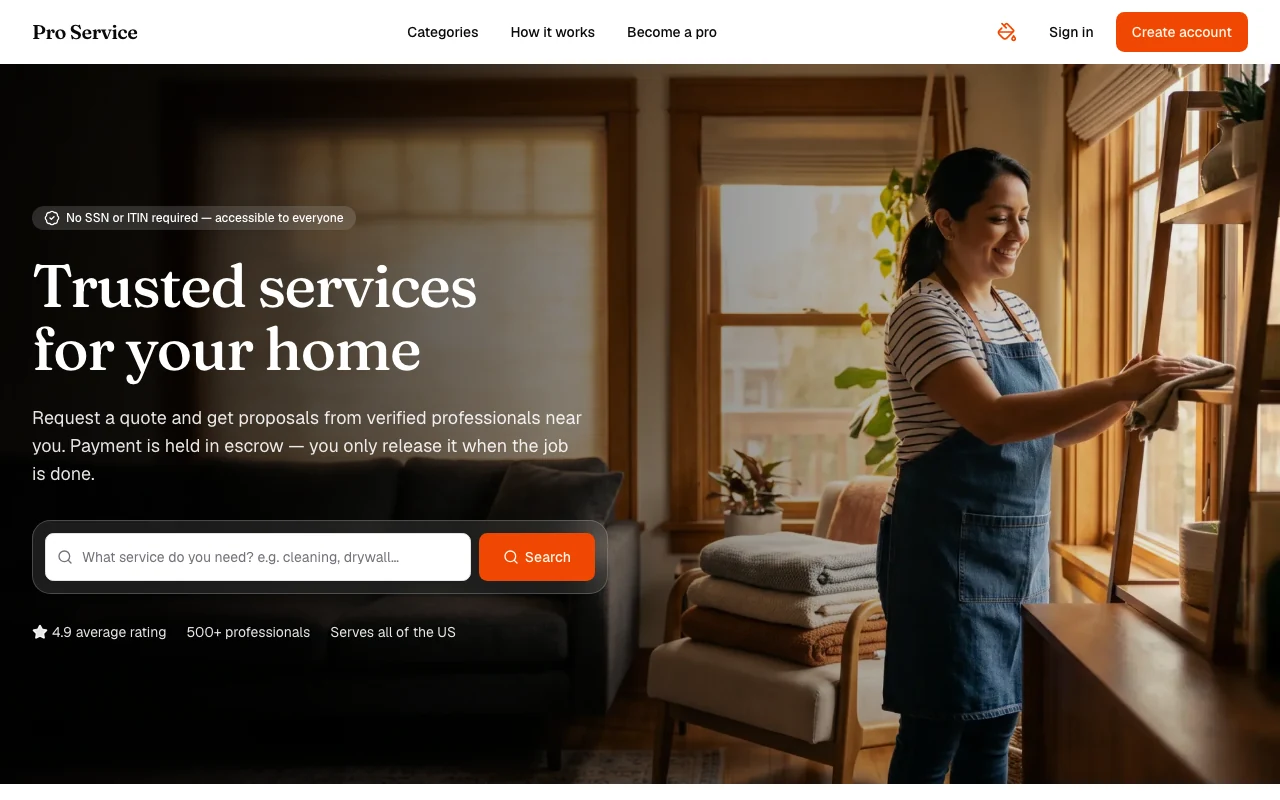
Find verified home service professionals, compare quotes, and pay securely through escrow - built for Brazilians across the US 🏠
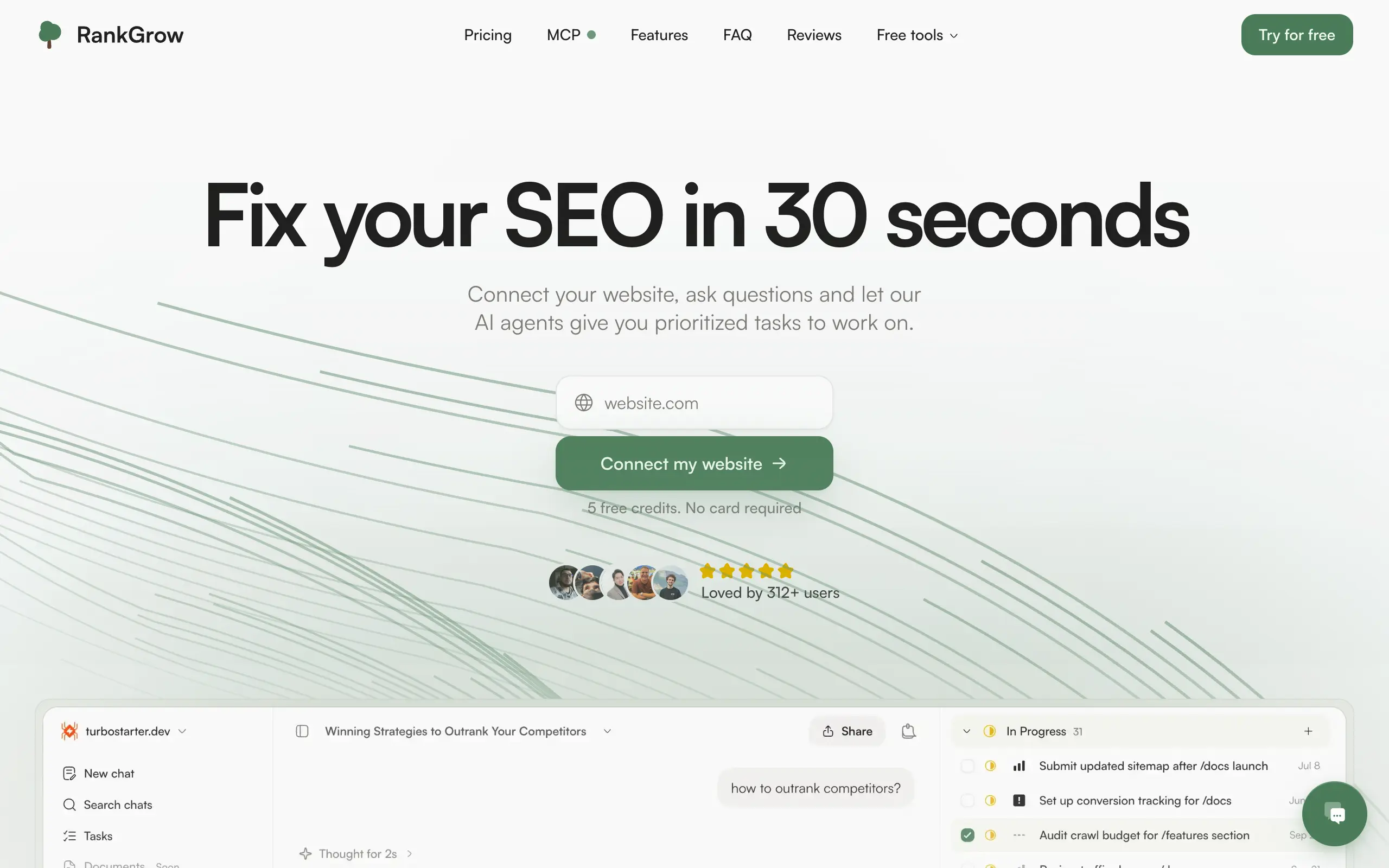
Fix your SEO with AI agents - connect Search Console, get prioritized tasks, and grow organic traffic 📈
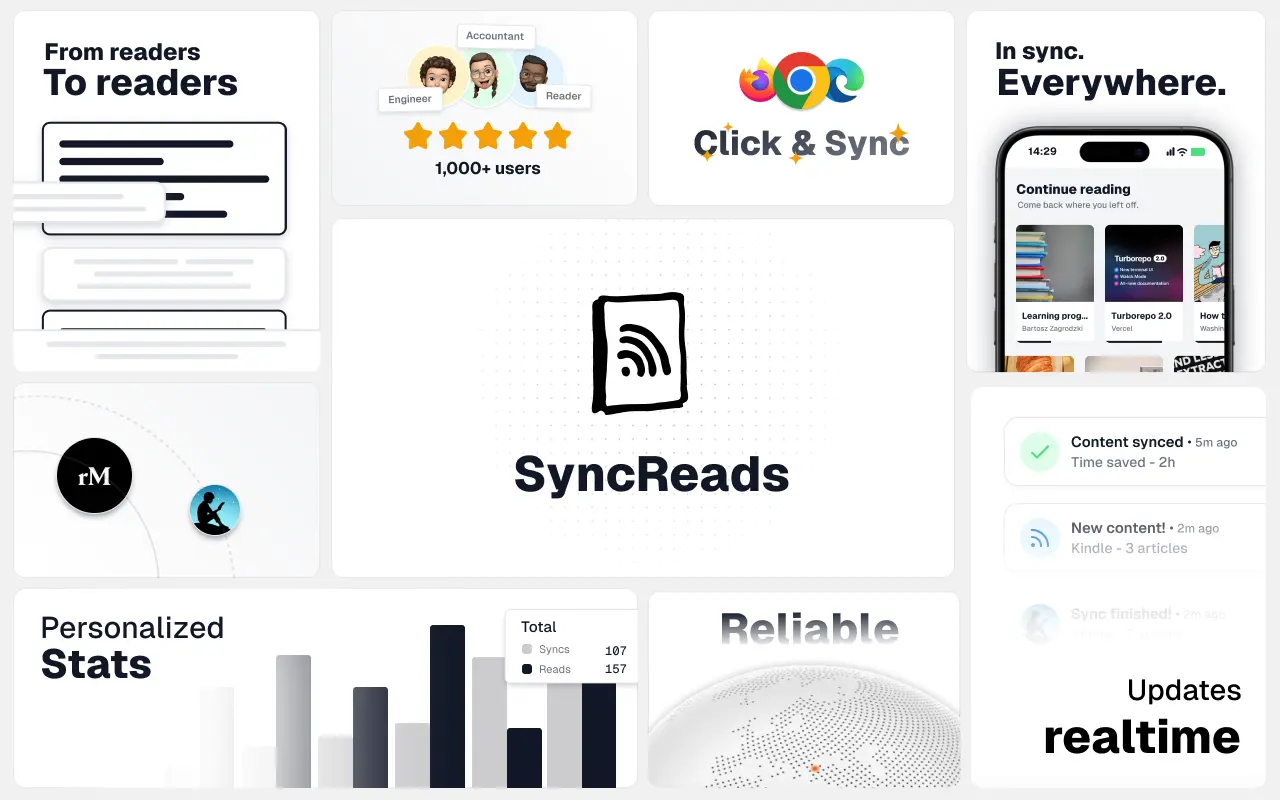
Sync your favorite content for distraction-free reading, save time and replace multiple apps. Anytime, anywhere 🔄
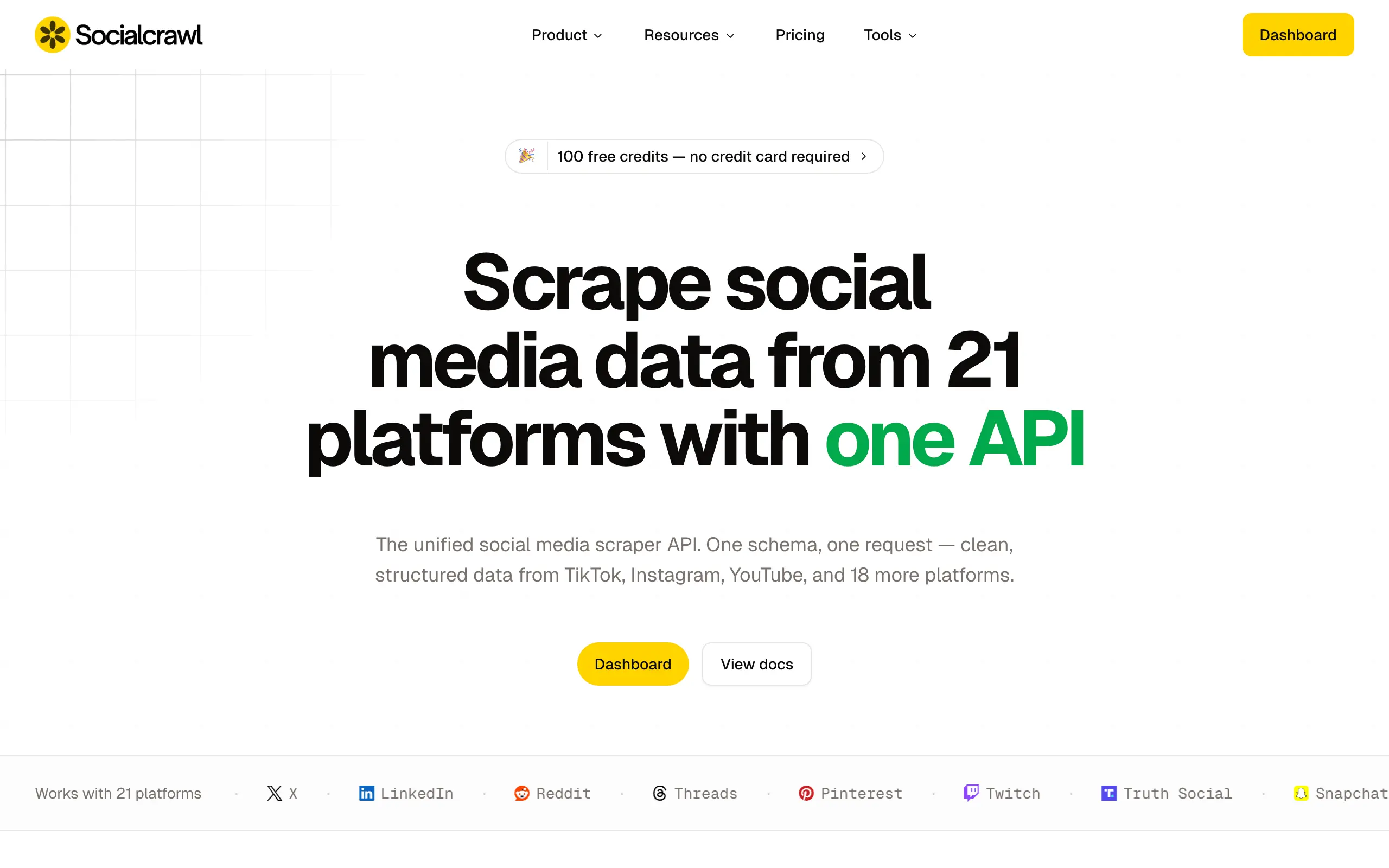
Get clean, structured data from 21 platforms like TikTok, Instagram, and YouTube with a single request 📊
Monitor any Telegram channel in real time - track posts, edits, deletions, and growth with AI recaps 📡
AI website builder - describe your business, pick a niche template, edit by chatting, and publish instantly ✨
Find verified home service professionals, compare quotes, and pay securely through escrow - built for Brazilians across the US 🏠
Fix your SEO with AI agents - connect Search Console, get prioritized tasks, and grow organic traffic 📈
Sync your favorite content for distraction-free reading, save time and replace multiple apps. Anytime, anywhere 🔄
Get clean, structured data from 21 platforms like TikTok, Instagram, and YouTube with a single request 📊
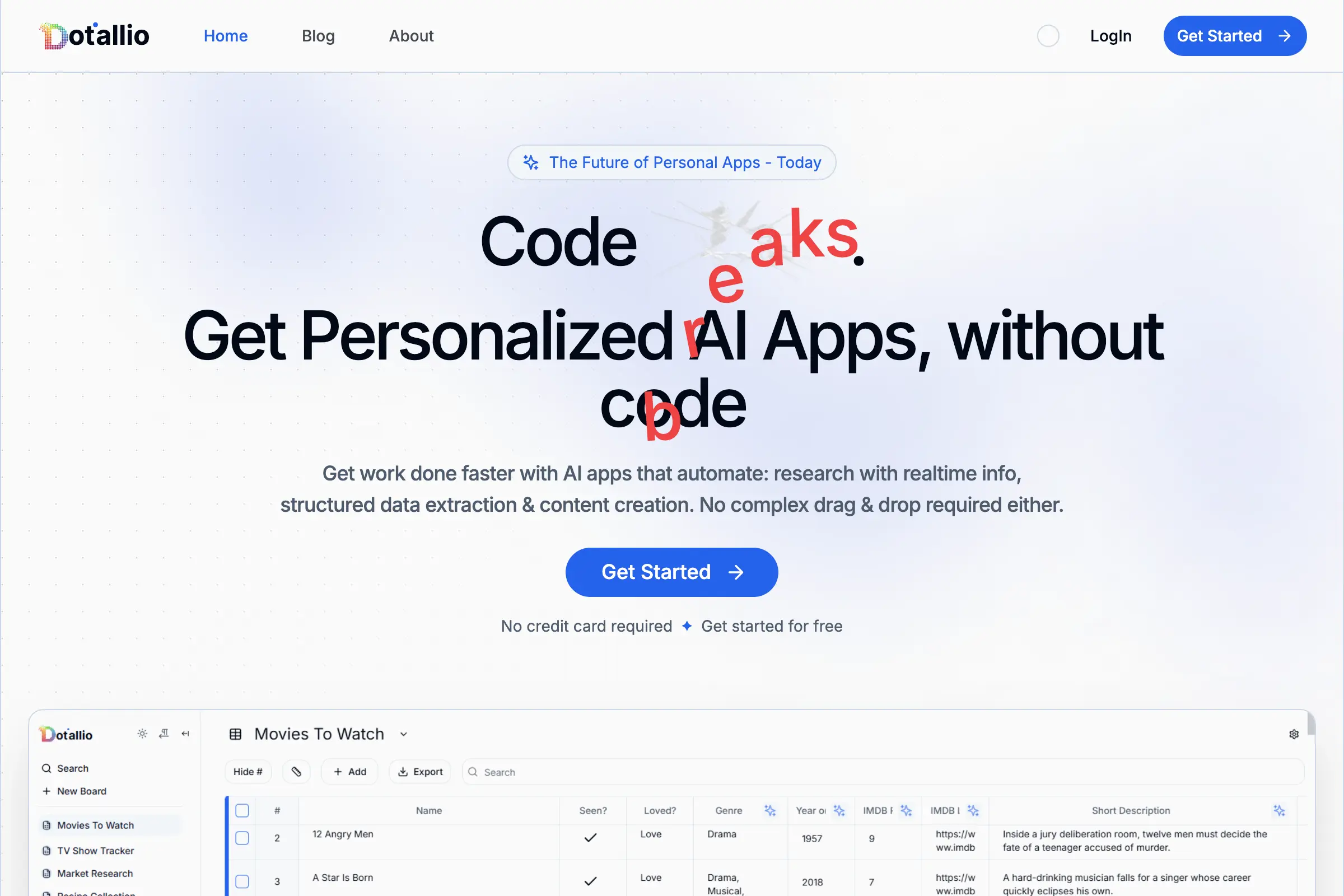
Personalized AI apps that automate research, data extraction, and content creation without code 🤖
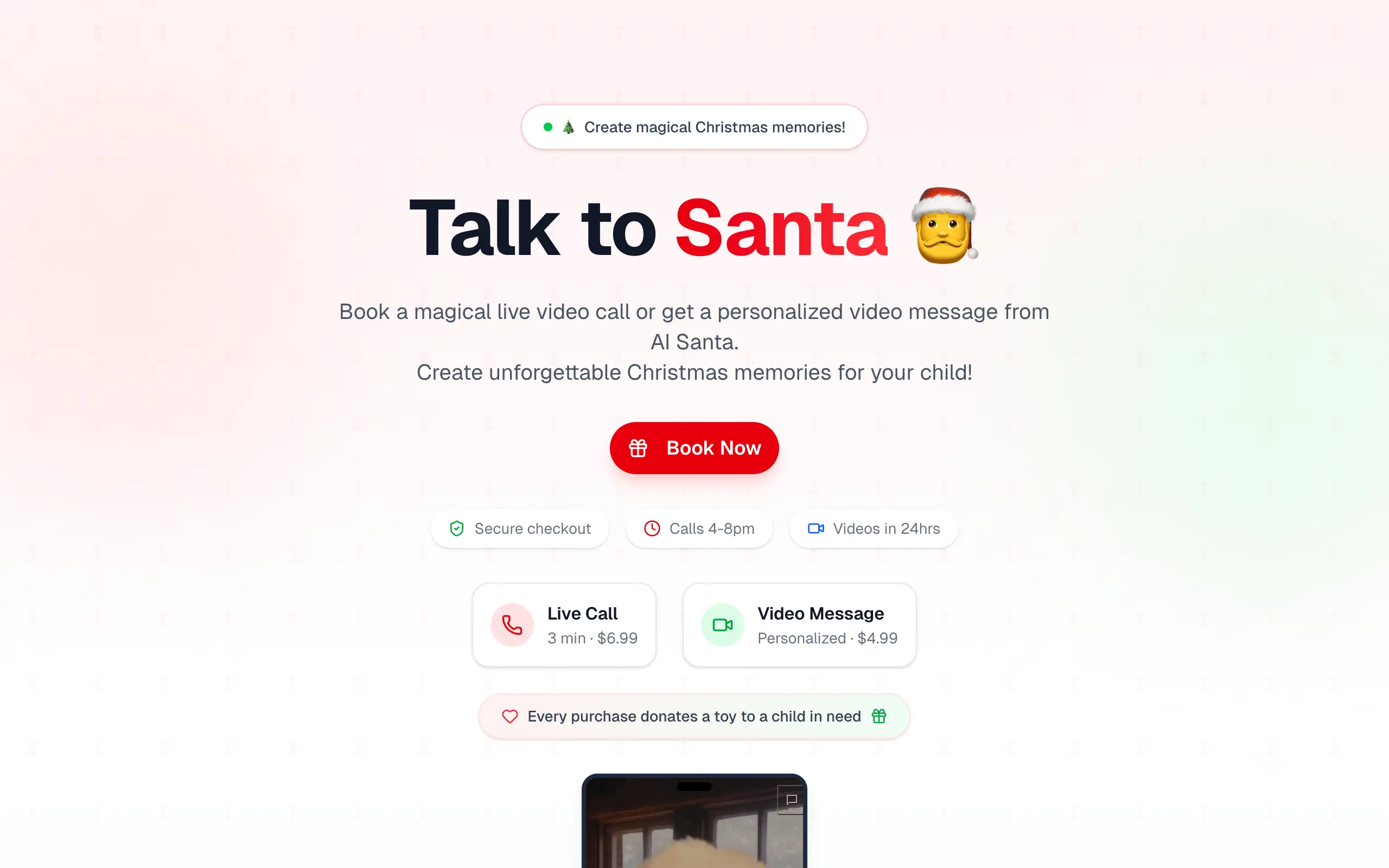
Enjoy a magical live video chat or receive a unique AI-generated video greeting from Santa Claus 🎅
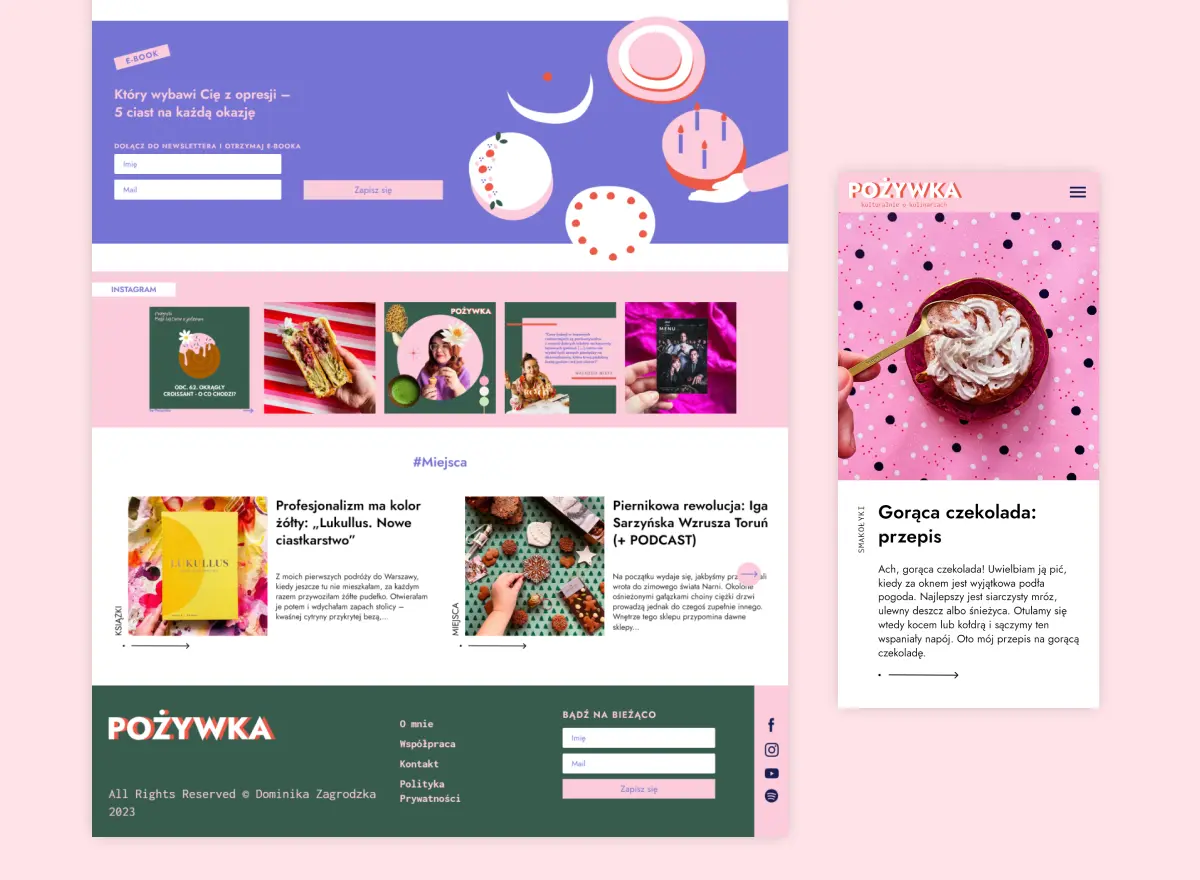
Scalable blog for food journalist, focused on performance and user experience 🌭
Personal blog and portfolio of Bart Zagrodzki, where he shares his knowledge and work 💼
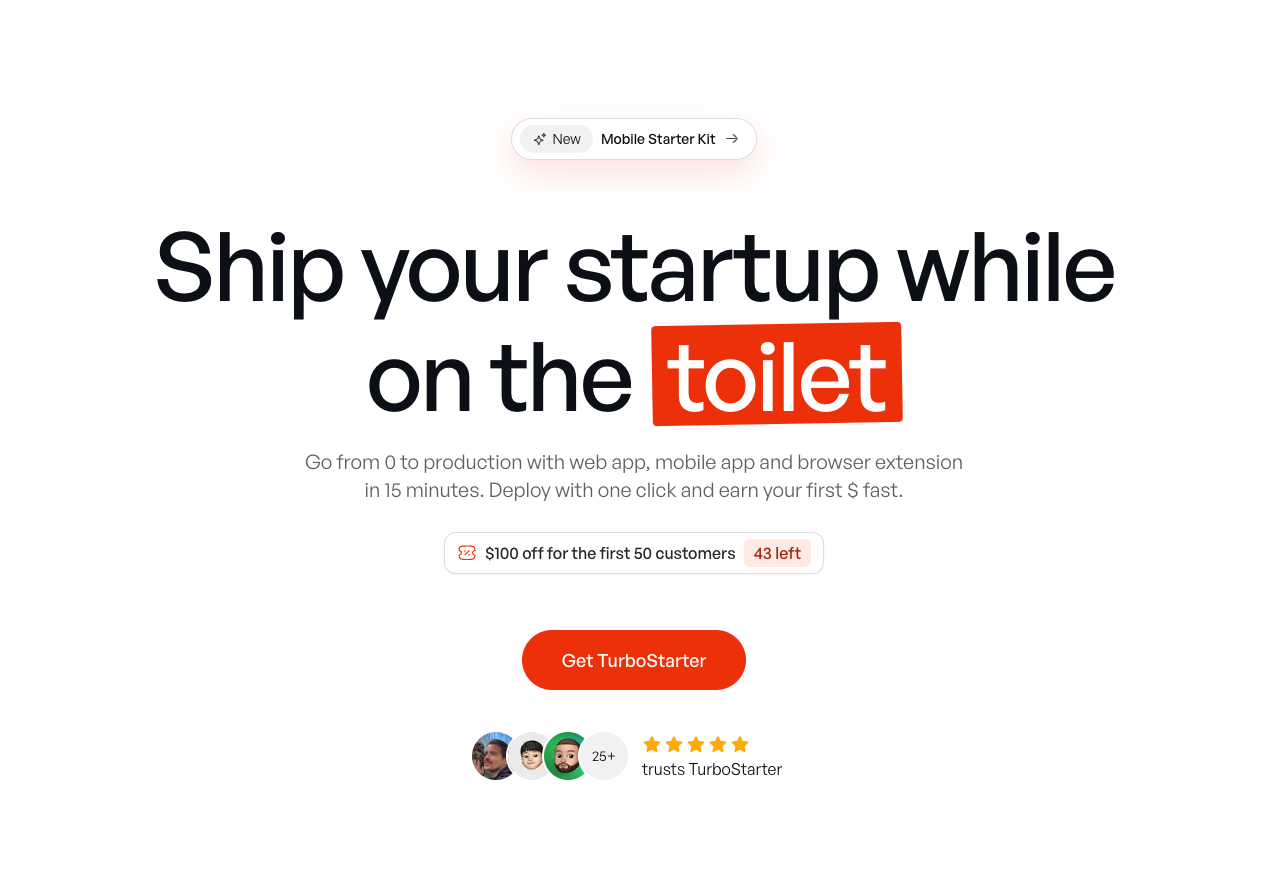
Ship your startup everywhere. In minutes.
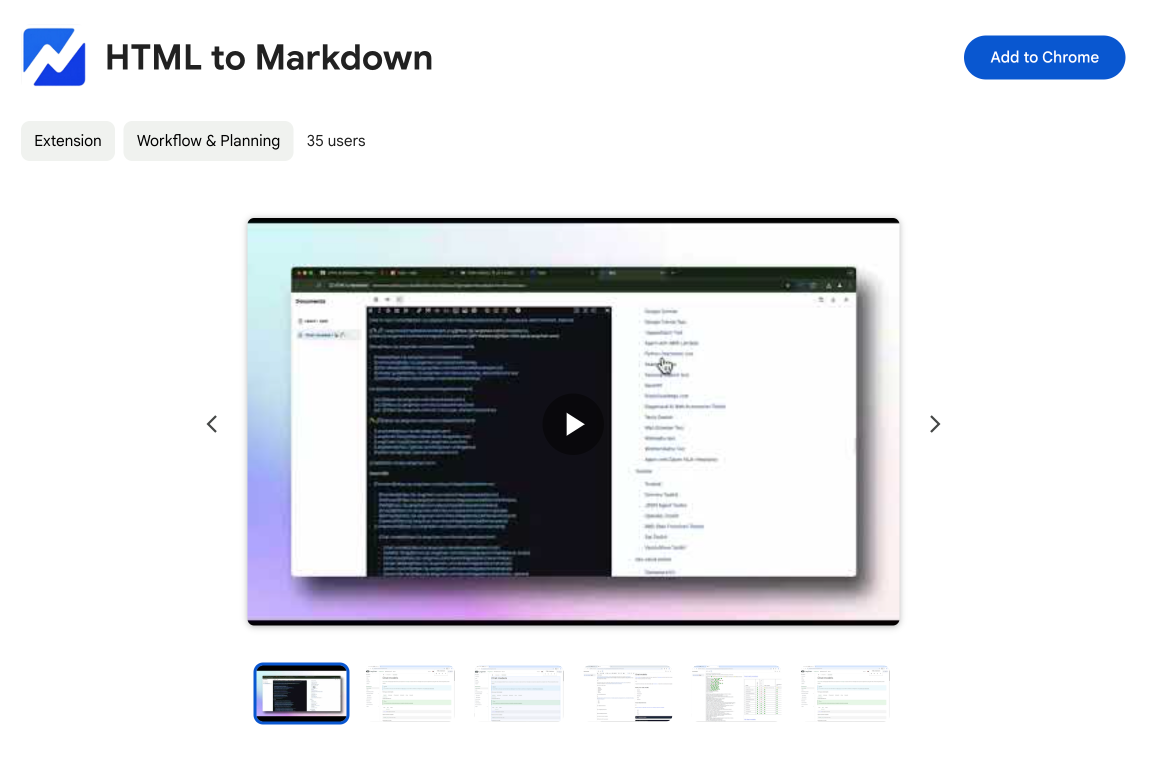
Convert HTML to Markdown with ease, directly in your browser 📄
Personalized AI apps that automate research, data extraction, and content creation without code 🤖
Enjoy a magical live video chat or receive a unique AI-generated video greeting from Santa Claus 🎅
Scalable blog for food journalist, focused on performance and user experience 🌭
Personal blog and portfolio of Bart Zagrodzki, where he shares his knowledge and work 💼
Ship your startup everywhere. In minutes.
Convert HTML to Markdown with ease, directly in your browser 📄
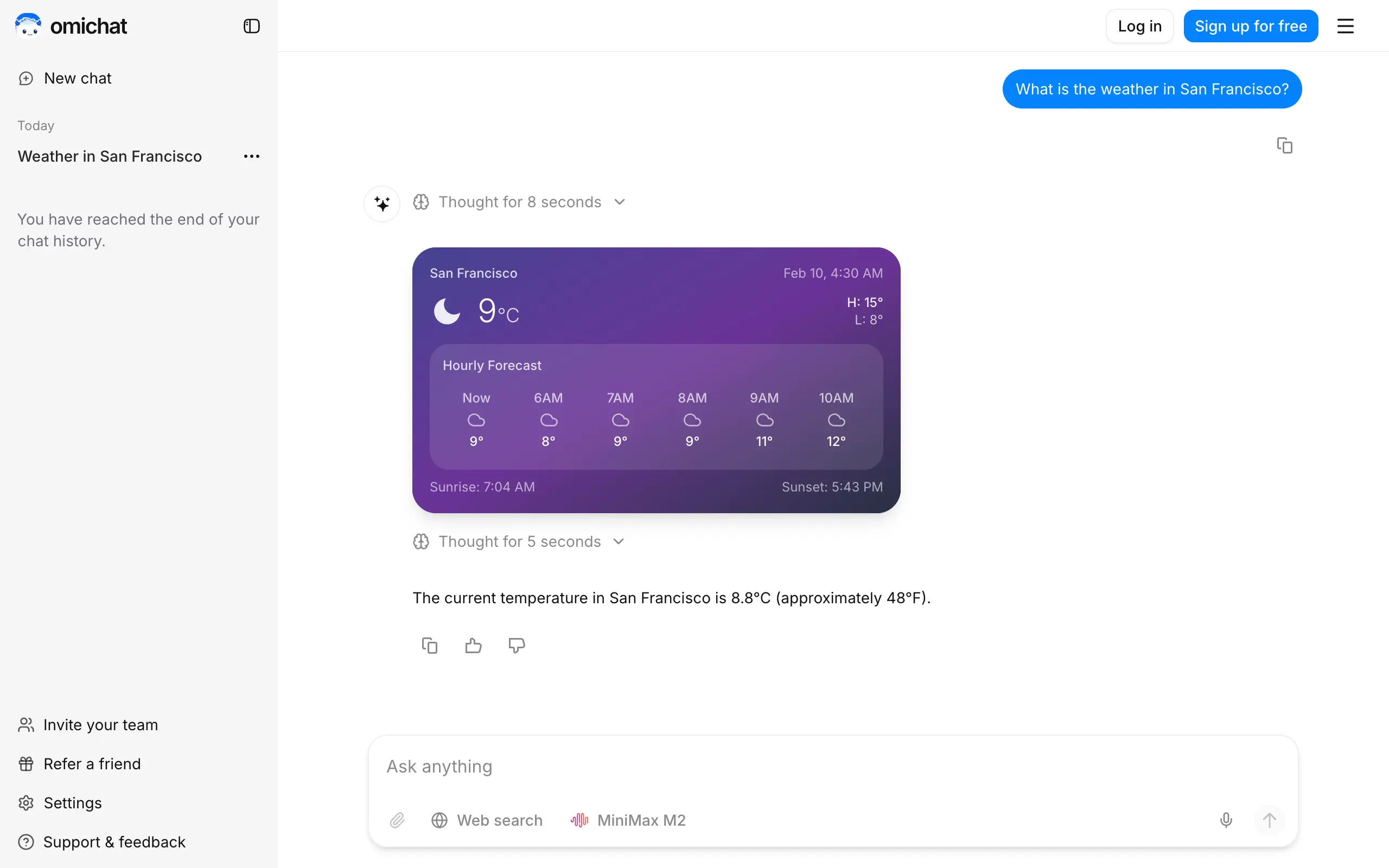
Chat with 50+ AI models, including ChatGPT and Claude, in one place - switch models anytime without losing context 🤖
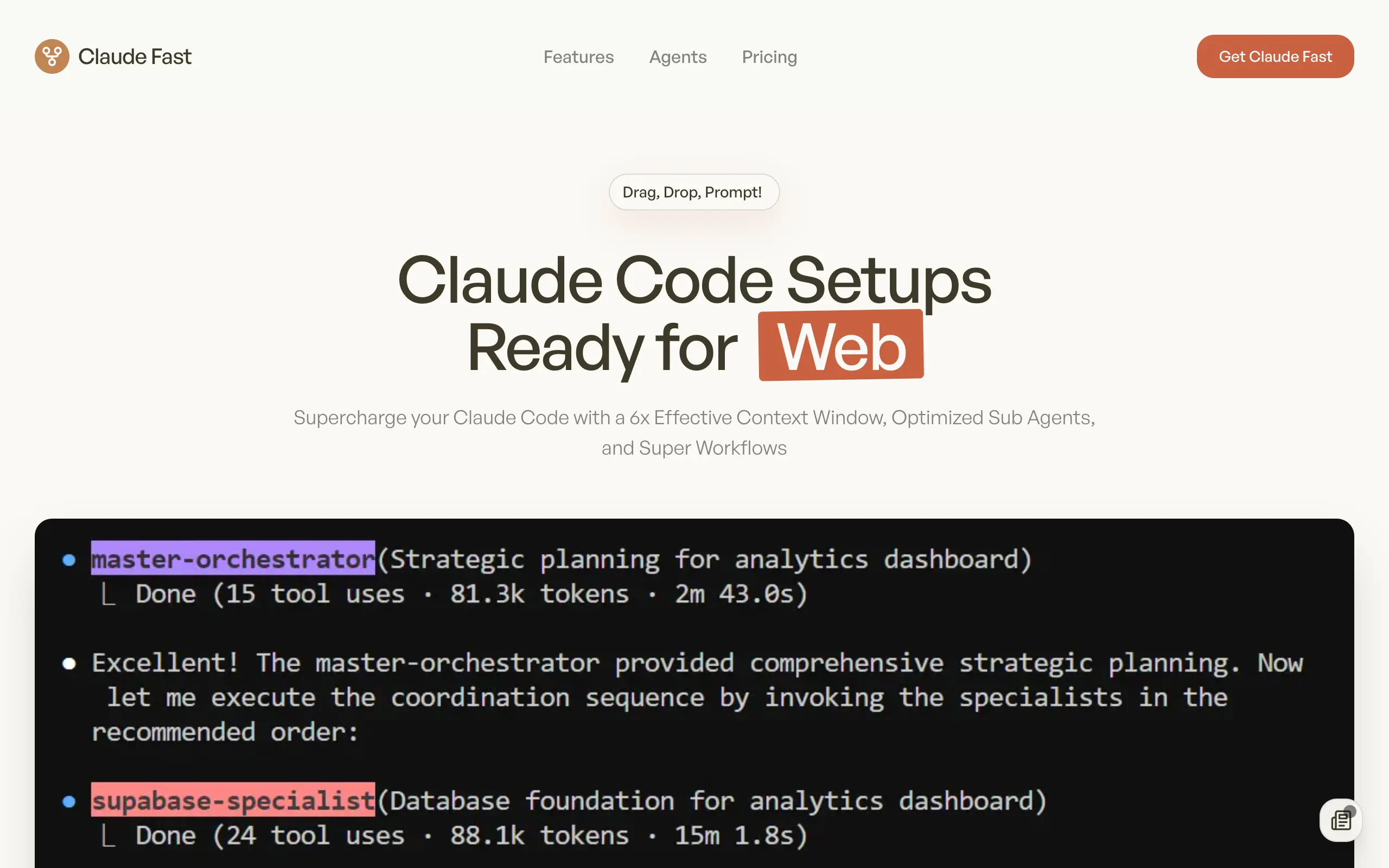
Supercharge your Claude Code with 6x effective context window and specialized AI agents 🤖
AI-powered emoji picker with smart, context-aware suggestions 🤖
Autonomous company launcher - AI agents work 24/7, escalate what matters, and you stay in control 🤖
Practice storytelling daily with instant feedback to sound clearer, more engaging, and confident 🎤
Chat with 50+ AI models, including ChatGPT and Claude, in one place - switch models anytime without losing context 🤖
Supercharge your Claude Code with 6x effective context window and specialized AI agents 🤖
AI-powered emoji picker with smart, context-aware suggestions 🤖
Autonomous company launcher - AI agents work 24/7, escalate what matters, and you stay in control 🤖
Practice storytelling daily with instant feedback to sound clearer, more engaging, and confident 🎤

Connect with like-minded people
Join our community to get feedback, support, and grow together with 1,000+ builders on board, let's ship it!
Join usShip your startup everywhere. In minutes.
Don't burn tokens on setup and start building features on day one.