Tabletop Forecast
Helps independent restaurant owners predict nightly covers and order ingredients from past sales and local events. Cuts food waste by roughly a fifth within the first month.
Tabletop Forecast is an AI forecasting tool that predicts nightly covers for independent restaurants from past sales and local events, then turns that prediction into a suggested ingredient order. In 2026, demand forecasting for independent restaurants is worth building because thin margins, volatile food costs and cheap access to event and weather data make guesswork more expensive than ever, while the existing tools are built for chains.
Key takeaways
- Target customer: owner-operators and chef-owners of single-location, full-service restaurants with 40 to 120 seats.
- Pricing angle: a flat monthly subscription, for example $49 to $99 per location, justified by food cost savings rather than software features.
- Biggest risk: getting clean sales data out of the point-of-sale system. Without integrations, there is no forecast.
- Time to MVP: about 4 to 6 weeks for one POS integration, a cover forecast and a prep and order sheet, assuming you start from a starter kit.
What problem does restaurant demand forecasting solve?
Independent restaurants over-order to avoid running out, and the surplus gets thrown away. They also under-prep on surprise busy nights and lose sales. The core problem is that nightly demand is uncertain and the person ordering is usually the owner, working from memory.
Who is Tabletop Forecast for?
The ideal customer is an owner-operator or chef-owner running one to three full-service locations. They place orders with two to five suppliers, often by text, phone or a supplier portal. They are not in a group with a central purchasing team and they do not have an analyst.
Good early segments include:
- Fresh-focused restaurants (seafood, farm-to-table, Italian) where product spoils fast.
- Venues near stadiums, theaters, universities or festival grounds, where events swing covers.
- Restaurants with a short menu, where fewer items make ordering logic simpler.
What do they do today, and why does it fail?
Most rely on gut feel, a handwritten "last Tuesday" note or a spreadsheet exported from the POS. Some use the reporting built into their POS, which shows what happened but does not predict what will happen.
These workarounds fail for predictable reasons:
- Memory is biased. Owners remember the disastrous Saturday and over-order for months.
- Spreadsheets are static. They do not know about the concert across the street, the rainy forecast or the holiday weekend.
- Time is scarce. Ordering happens late at night or between services, so any tool that takes more than a few minutes will not get used.
Why is now a good time for AI restaurant forecasting?
The gap is between enterprise-grade tools and the spreadsheet. Large chains buy inventory and labor planning systems with long implementations. Independents are left with POS reports and a few inventory apps that track stock but do not forecast demand well for a single venue.
Several 2026 trends make this buildable by a small team:
- Accessible data. Weather forecasts and event listings are available through APIs, so contextual signals no longer require custom data collection.
- Cloud POS ubiquity. Many independents now run cloud-based POS systems with APIs, which makes sales history retrievable with owner consent.
- Cheaper modeling. Standard time-series methods plus a language model for event interpretation can run at low cost per restaurant.
- Cost pressure. Food and labor costs remain a constant concern for owners, so waste reduction has a clear budget line.
Existing categories to study include POS reporting add-ons, restaurant inventory and ordering tools, and general-purpose forecasting platforms. Study them closely, since you will be sold against them. The honest caveat is that some will add forecasting, so speed and focus matter more than a technical moat.
What should the MVP include?
Build the smallest product that produces one believable number each afternoon: tonight's expected covers and what to order for the next delivery. Everything else can wait.
The aha moment is when an owner opens the app on a Thursday, sees a forecast with a note like "Friday: concert nearby, expect higher covers than a typical Friday", and the prediction proves close.
POS data import
Connect one major POS or accept a CSV upload so the model has at least several months of sales history.
Cover forecast
Predict covers per service for the next 7 to 14 days, with a plain-language reason for each adjustment.
Event and weather signals
Pull local events, holidays and weather so the forecast reflects what is happening outside the restaurant.
Order suggestions
Translate forecast covers into ingredient quantities per supplier using a simple recipe or usage mapping.
What to cut from version one
- Full inventory counting and stock management.
- Direct ordering with suppliers. Start with an exportable order sheet or email.
- Labor scheduling. It is tempting, but it doubles the scope.
- Multi-location rollups and native mobile apps.
How is Tabletop Forecast different from spreadsheets and POS reports?
The unique selling proposition is simple: a nightly forecast that already knows about local events, and a prep and order list the owner can act on in two minutes. It is built for one-venue operators, not for a head office.
| Option | Predicts future covers | Uses local events | Suggests orders | Setup effort |
|---|---|---|---|---|
| Tabletop Forecast | ✅ | ✅ | ✅ | Low |
| Spreadsheet | Manual | ❌ | Manual | Medium |
| POS reports | ❌ | ❌ | ❌ | Low |
| Inventory apps | Limited | ❌ | Partial | Medium |
| Enterprise forecasting | ✅ | Varies | Varies | High |
The comparison shows where to position: more predictive than reports, lighter than enterprise software. Your messaging should talk about waste and stockouts, not "AI".
How would Tabletop Forecast make money?
Pricing should anchor to savings. A restaurant that throws away a meaningful amount of product each week can justify a modest subscription quickly. Measure each pilot's baseline waste before claiming any percentage.
Option 1: flat per-location subscription
Charge $49 to $99 per month per location. Assume a 14-day trial and a 10% trial-to-paid rate: 200 trials a month would give about 20 new customers, or roughly $1,000 to $2,000 in new monthly revenue. It is simple to explain and fits owners who dislike variable bills.
Option 2: tiered by features
A base tier covers forecasts, a higher tier adds supplier order exports, multi-location views and event alerts. This raises average revenue but adds pricing complexity early.
Option 3: onboarding fee plus subscription
A one-time setup fee of a few hundred dollars covers data cleanup and recipe mapping. It filters for serious buyers and funds the manual work that early customers will need anyway.
Which growth channel works first?
Start with direct outreach in one city. Walk in at 3 p.m., talk to owners, and offer a free two-week forecast on their exported sales data. Local restaurant associations, supplier reps and POS reseller communities are the next best channels because they already have the owners' trust.
How do you validate the idea before building?
Spend one to two weeks proving that owners will share data and pay.
Interview 10 owners
Ask how they decide what to order, what they threw away last week and what they have tried. Listen for real money pain, not polite interest.
Run a manual forecast
Take three owners' sales exports and build forecasts in a spreadsheet, adding events by hand. Send them before each weekend and compare to actuals.
Launch a one-page waitlist
State one promise, such as "know your covers before you order", and collect emails plus the POS system each visitor uses. The POS answers decide your first integration.
Ask for a pre-sale
Offer founding-customer pricing for a paid pilot. Even three to five paying restaurants tell you more than hundreds of signups.
What tech stack do you need to build it?
Keep the system boring: a web app, a Postgres database, a scheduled job that refreshes forecasts nightly and an integration layer for POS data. Owners will mostly check a phone browser, so a responsive web app comes before a native app.
TurboStarter removes the undifferentiated work. It ships with web and mobile apps in a monorepo, plus authentication, billing, database, emails, storage, AI, background tasks, an admin panel, analytics and monitoring. That leaves your time for data ingestion and forecast quality.
Useful pieces for this product:
- Authentication for owner and manager accounts.
- Billing for subscriptions and trials.
- Background tasks for nightly data syncs and forecast runs.
- Database for sales history, events and forecasts.
Which forecasting approach should you choose?
Seasonal time-series methods on historical covers are cheap, explainable and a strong baseline. They struggle with one-off events unless you encode them as features.
A language model can read event descriptions and judge their likely impact. It is flexible but inconsistent, so it is risky as the only forecaster.
Use a statistical baseline for covers and a language model only to classify events into a few impact levels that feed the model. This is the most practical starting point.
A starting data model
create table daily_sales (
  id uuid primary key,
  restaurant_id uuid not null,
  service_date date not null,
  service text not null,
  covers integer not null,
  revenue_cents integer,
  unique (restaurant_id, service_date, service)
);

create table forecasts (
  id uuid primary key,
  restaurant_id uuid not null,
  service_date date not null,
  service text not null,
  predicted_covers integer not null,
  reason text,
  created_at timestamptz default now()
);
Store every forecast next to the actual result. That comparison becomes your accuracy report and your best sales asset.
What could make Tabletop Forecast fail?
Biggest risk: data access
If you cannot reliably get sales history out of the POS, you cannot forecast. Many POS vendors restrict API access or charge for it. Start with CSV uploads, pick the one or two POS systems your pilot customers actually use, and confirm API terms before committing to an integration.
Other risks to plan for:
- Poor accuracy on small samples. A single restaurant has noisy data. Use a simple baseline, show a range instead of one number and track error openly.
- Low habit formation. If owners do not open the app, nothing is saved. Send a short daily message with the forecast and order suggestions.
- Unproven savings. A waste reduction claim is only credible with a baseline. Measure waste before and after each pilot and share only what you observe.
- Incumbents adding forecasting. Stay narrow, serve a niche deeply and win on onboarding and support.
What are the next steps? A 30-day launch plan
Week 1: interviews and manual forecasts
Talk to 10 owners and start manual forecasts for three of them.
Week 2: landing page and pre-sales
Publish the waitlist, record the POS systems requested and ask for paid pilot commitments.
Week 3: build the core
Set up the app on a starter kit, add CSV import, the baseline forecast and the order sheet.
Week 4: onboard pilots
Connect pilot restaurants, send daily forecasts and compare predictions to actual covers.
Pick one city, one cuisine type and one POS system, and start talking to owners this week. The first version of this AI demand forecasting for independent restaurants product can be live within a month if you keep the scope tight.
FAQ
Run manual forecasts for a few owners using their exported sales data and see whether they act on them. Then ask for a paid pilot. Willingness to share data and pay matters more than positive feedback.
A flat $49 to $99 per location per month is a reasonable starting range, assuming the tool saves more than that in avoided waste. Test it with pilots and adjust based on what owners say about value.
You will face POS reporting tools, restaurant inventory and ordering apps, general forecasting platforms and spreadsheets. Most are either broader or built for larger groups, so focus on single-venue simplicity.
A TypeScript web app, Postgres, scheduled background jobs and a Python or TypeScript forecasting service is enough. A starter kit like TurboStarter covers accounts, billing and infrastructure so you can focus on the forecast.
Expect roughly 4 to 6 weeks for an MVP with CSV import, one integration, a baseline forecast and order suggestions. Costs are mostly your time, hosting and event or weather data fees, which stay low at pilot scale.
Not at first. A responsive web app and a daily email or text message cover the main workflow. Add mobile once owners ask for it.
More 🤖 AI Startup SaaS ideas
Discover more innovative ai startup SaaS ideas that are trending in 2026. Each idea is AI-generated with market validation and growth potential to help you find your next profitable venture faster than competitors.
Your competitors are building with TurboStarter
Below are some of the SaaS ideas that have been generated and built with our starter kit.

Monitor any Telegram channel in real time - track posts, edits, deletions, and growth with AI recaps 📡

AI website builder - describe your business, pick a niche template, edit by chatting, and publish instantly ✨
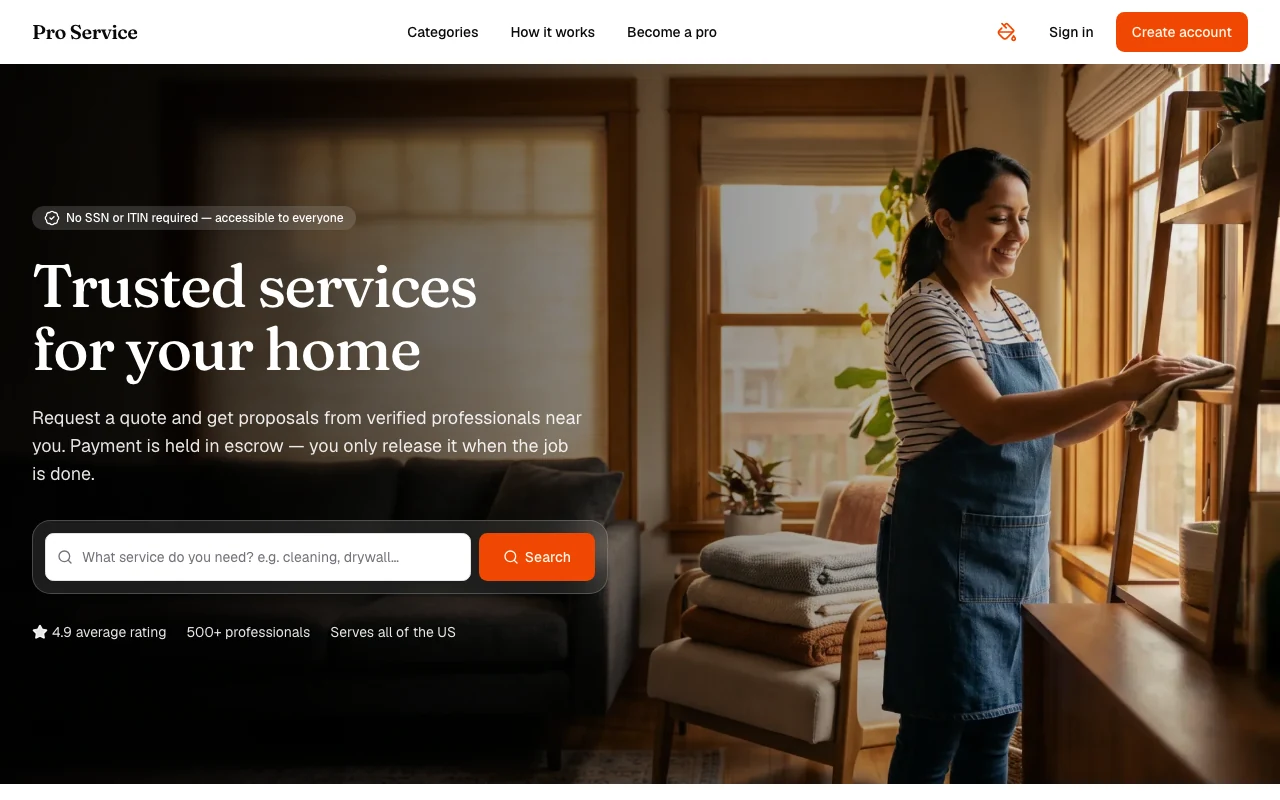
Find verified home service professionals, compare quotes, and pay securely through escrow - built for Brazilians across the US 🏠
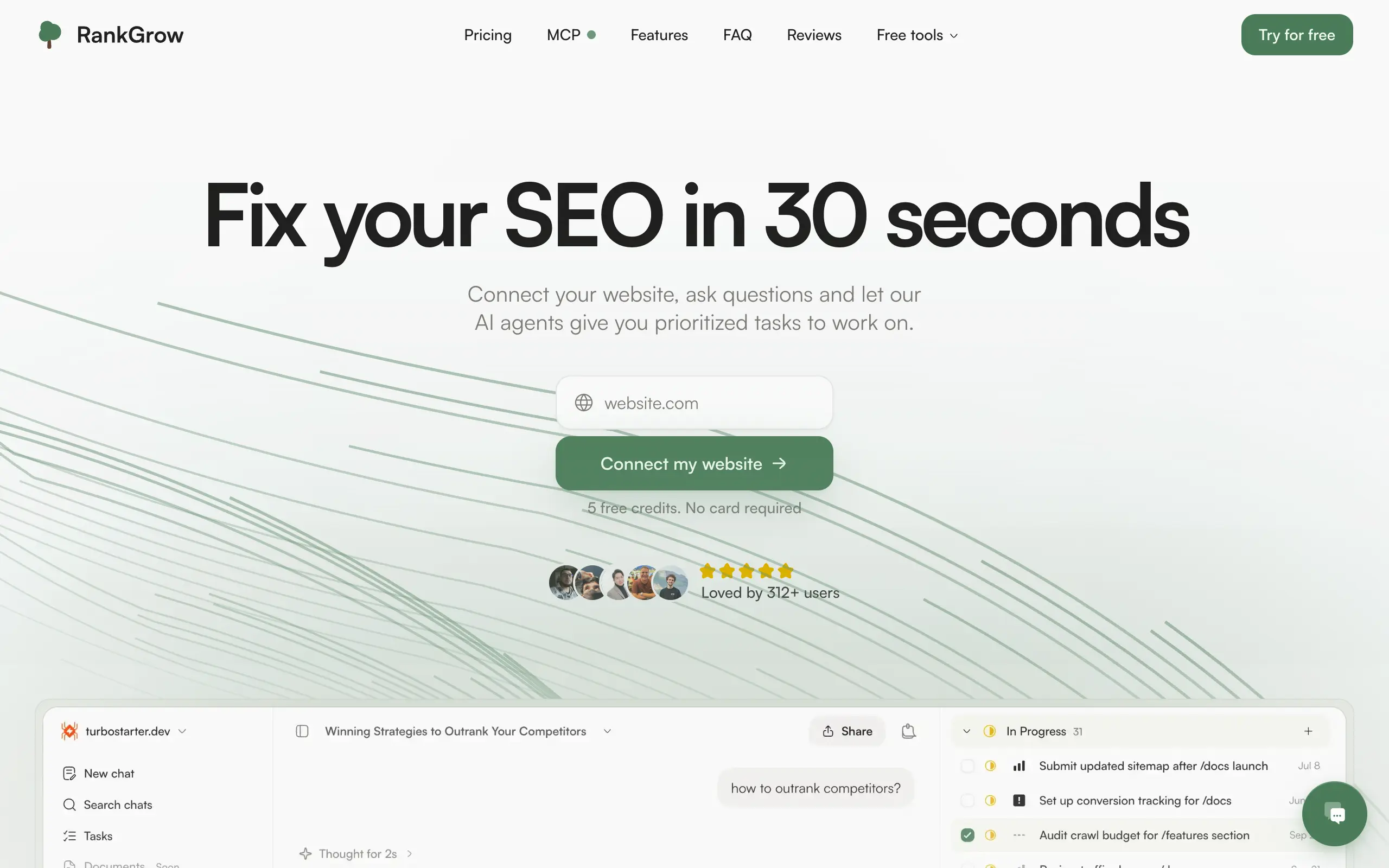
Fix your SEO with AI agents - connect Search Console, get prioritized tasks, and grow organic traffic 📈
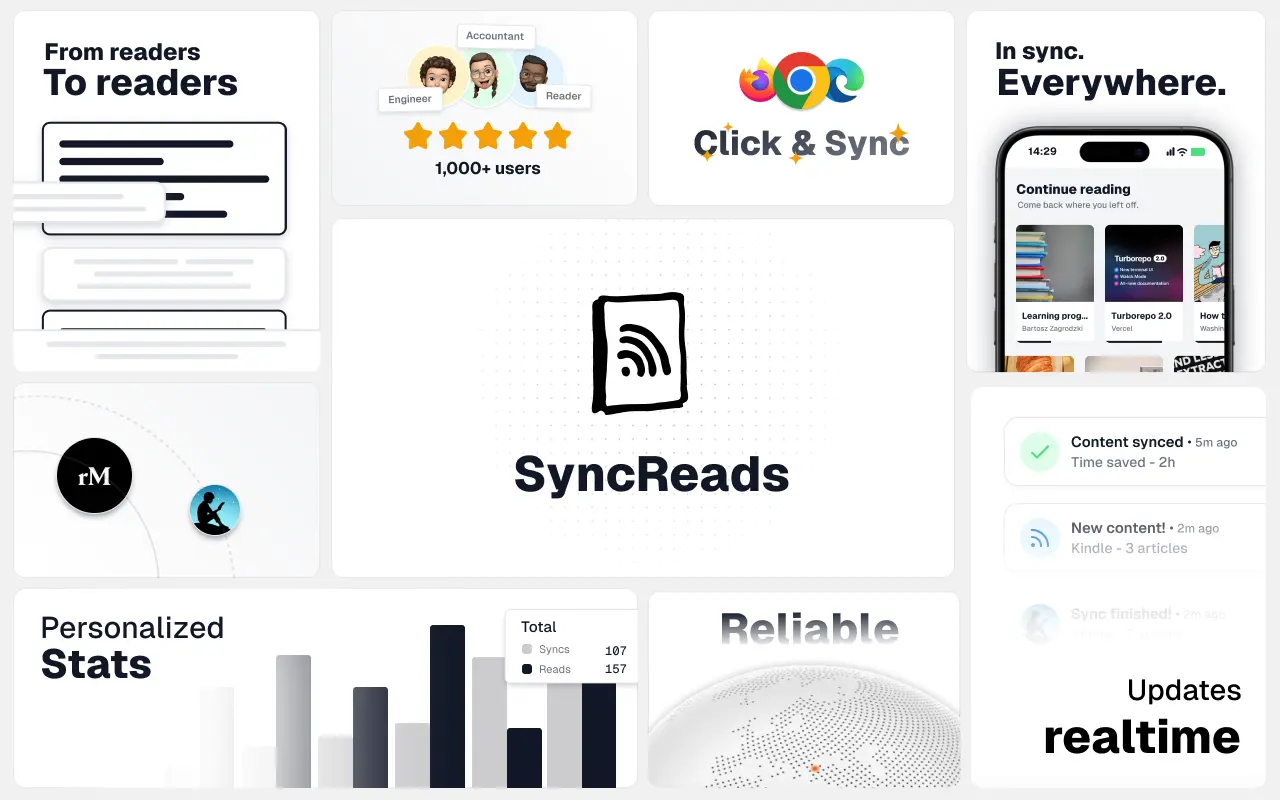
Sync your favorite content for distraction-free reading, save time and replace multiple apps. Anytime, anywhere 🔄
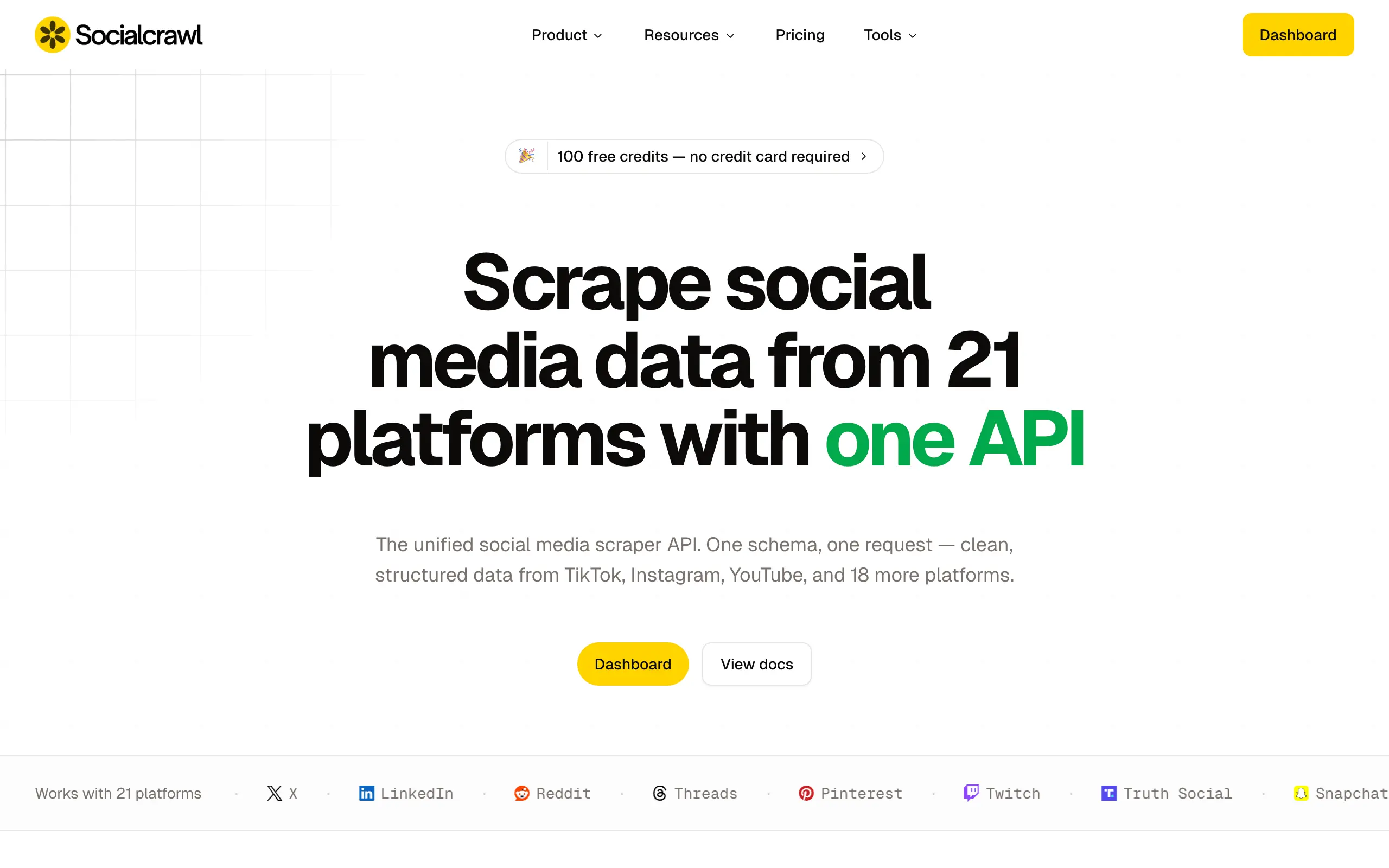
Get clean, structured data from 21 platforms like TikTok, Instagram, and YouTube with a single request 📊
Monitor any Telegram channel in real time - track posts, edits, deletions, and growth with AI recaps 📡
AI website builder - describe your business, pick a niche template, edit by chatting, and publish instantly ✨
Find verified home service professionals, compare quotes, and pay securely through escrow - built for Brazilians across the US 🏠
Fix your SEO with AI agents - connect Search Console, get prioritized tasks, and grow organic traffic 📈
Sync your favorite content for distraction-free reading, save time and replace multiple apps. Anytime, anywhere 🔄
Get clean, structured data from 21 platforms like TikTok, Instagram, and YouTube with a single request 📊
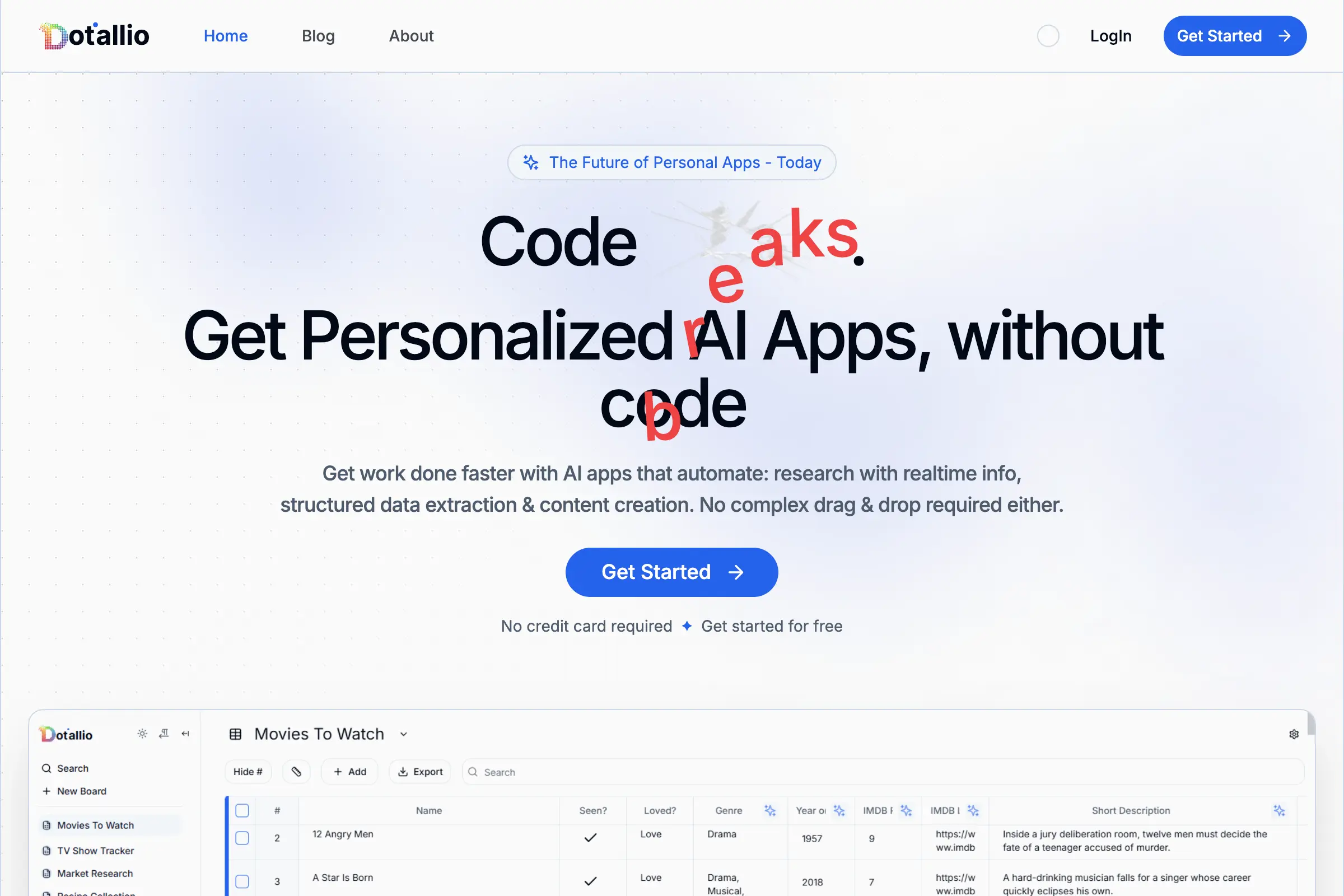
Personalized AI apps that automate research, data extraction, and content creation without code 🤖
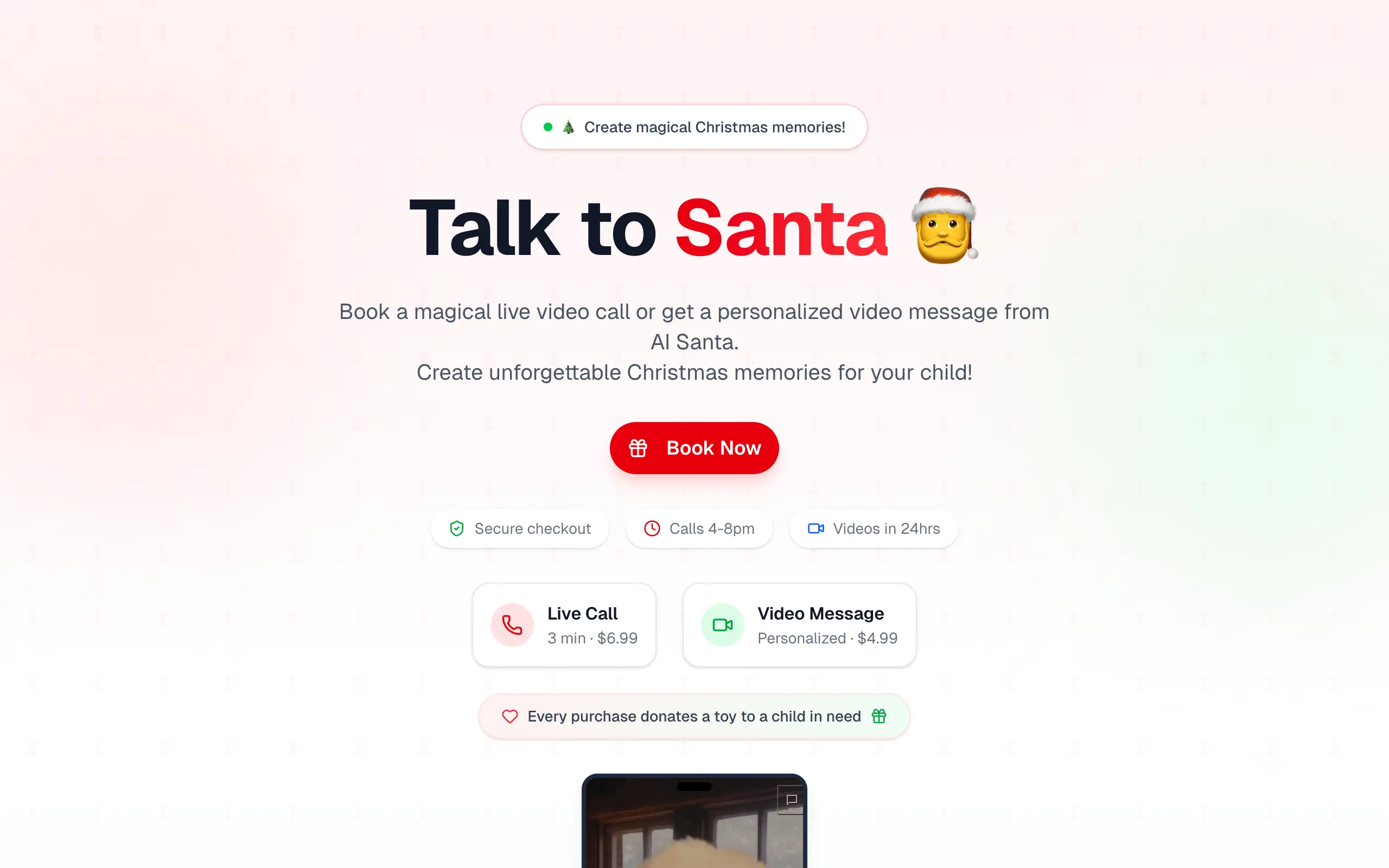
Enjoy a magical live video chat or receive a unique AI-generated video greeting from Santa Claus 🎅
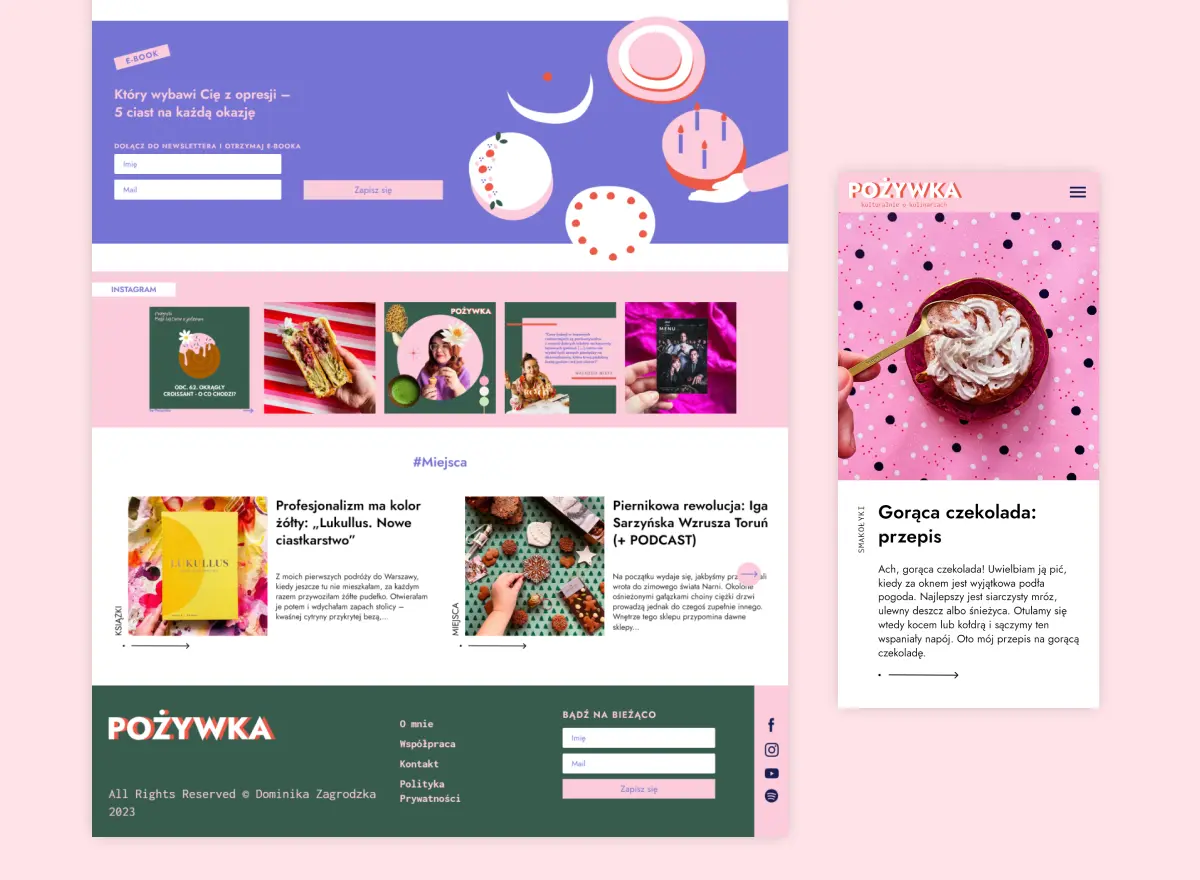
Scalable blog for food journalist, focused on performance and user experience 🌭
Personal blog and portfolio of Bart Zagrodzki, where he shares his knowledge and work 💼
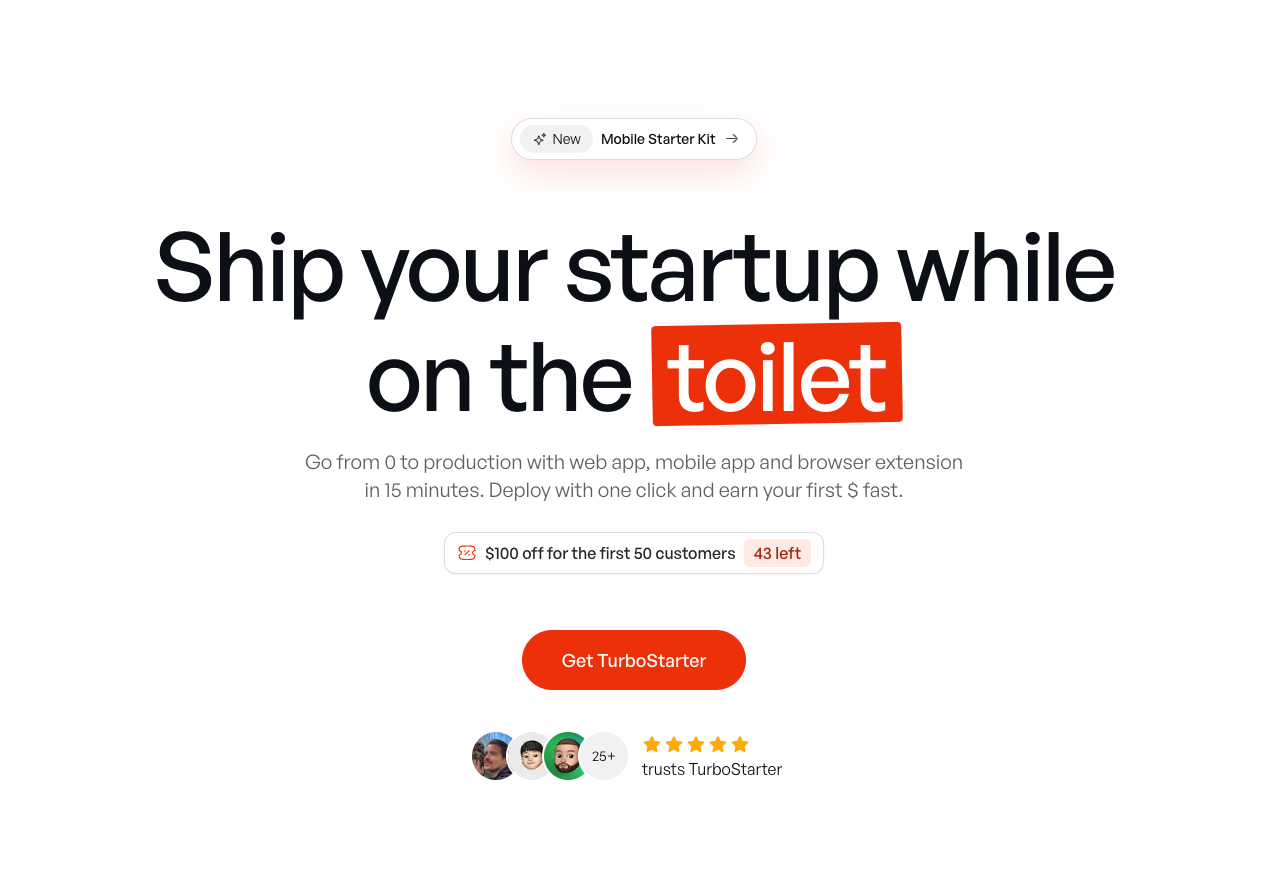
Ship your startup everywhere. In minutes.
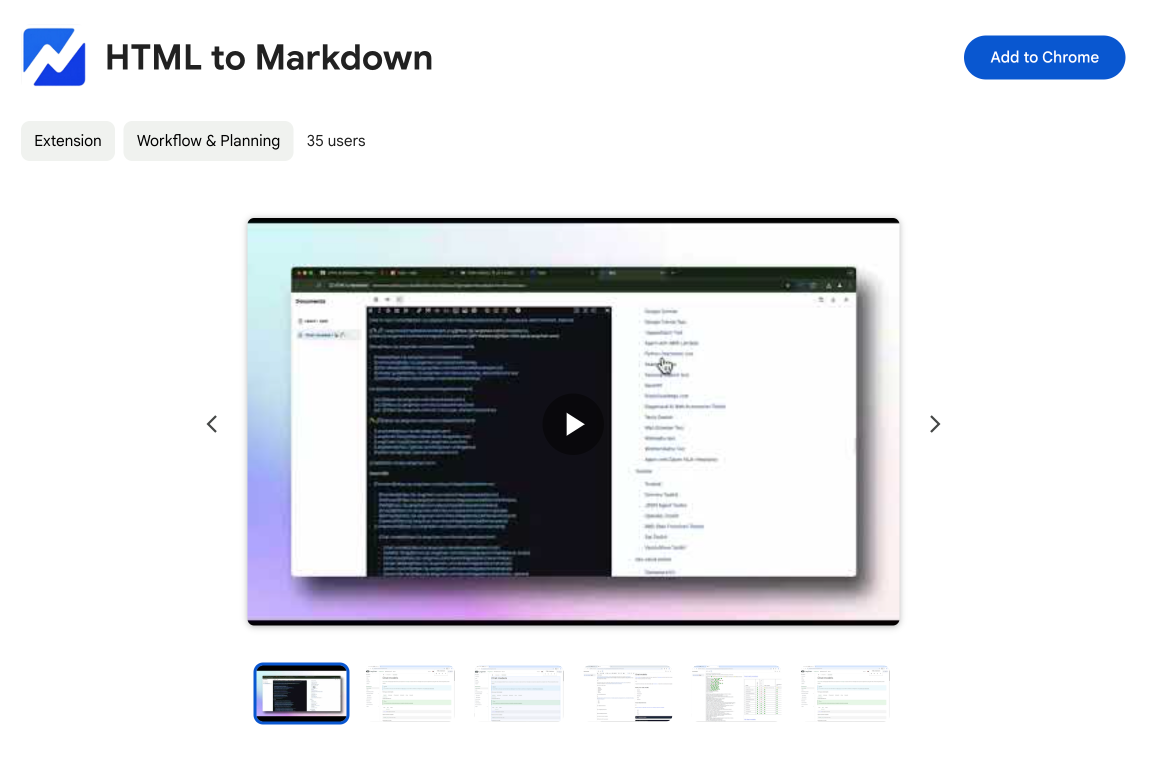
Convert HTML to Markdown with ease, directly in your browser 📄
Personalized AI apps that automate research, data extraction, and content creation without code 🤖
Enjoy a magical live video chat or receive a unique AI-generated video greeting from Santa Claus 🎅
Scalable blog for food journalist, focused on performance and user experience 🌭
Personal blog and portfolio of Bart Zagrodzki, where he shares his knowledge and work 💼
Ship your startup everywhere. In minutes.
Convert HTML to Markdown with ease, directly in your browser 📄
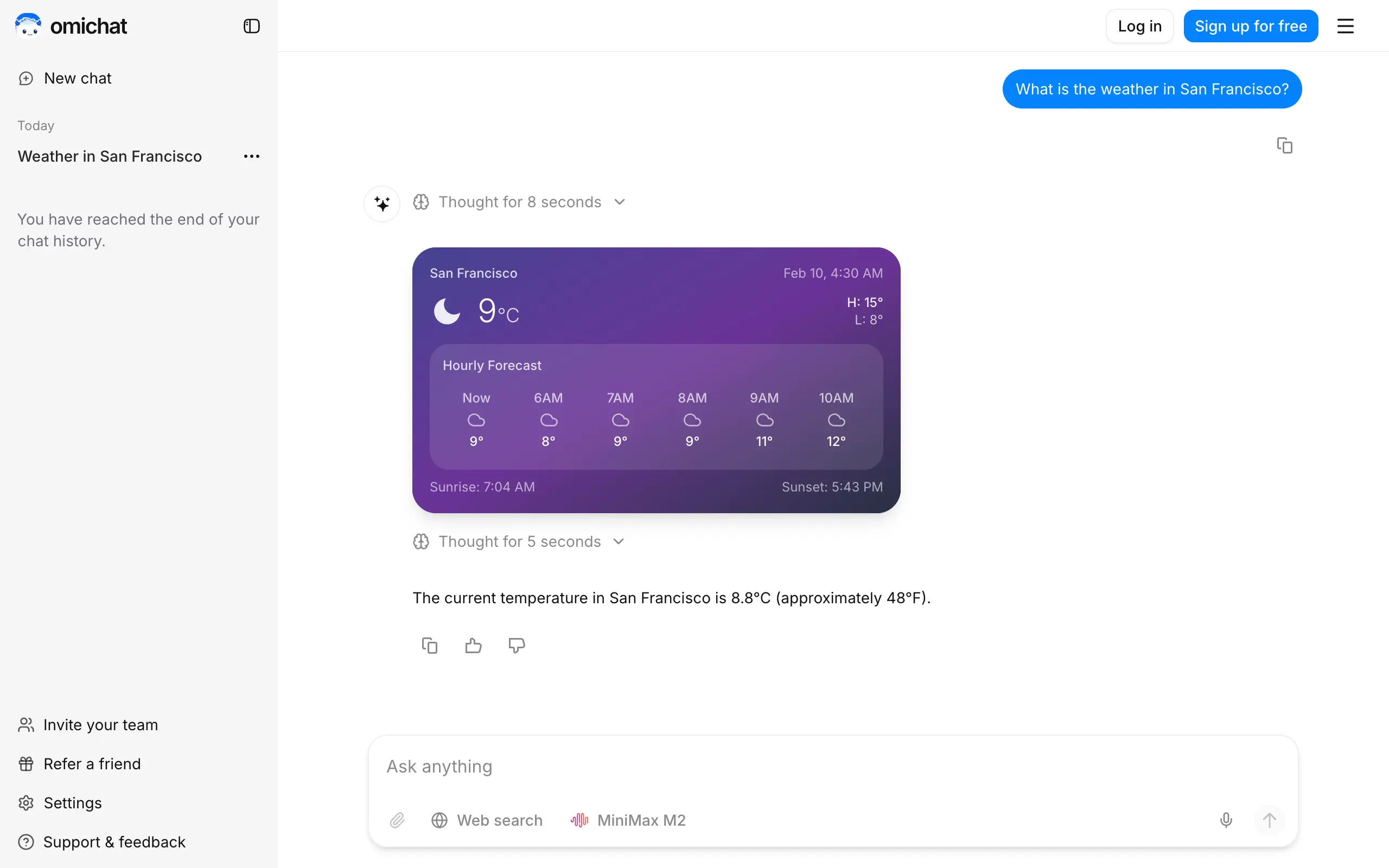
Chat with 50+ AI models, including ChatGPT and Claude, in one place - switch models anytime without losing context 🤖
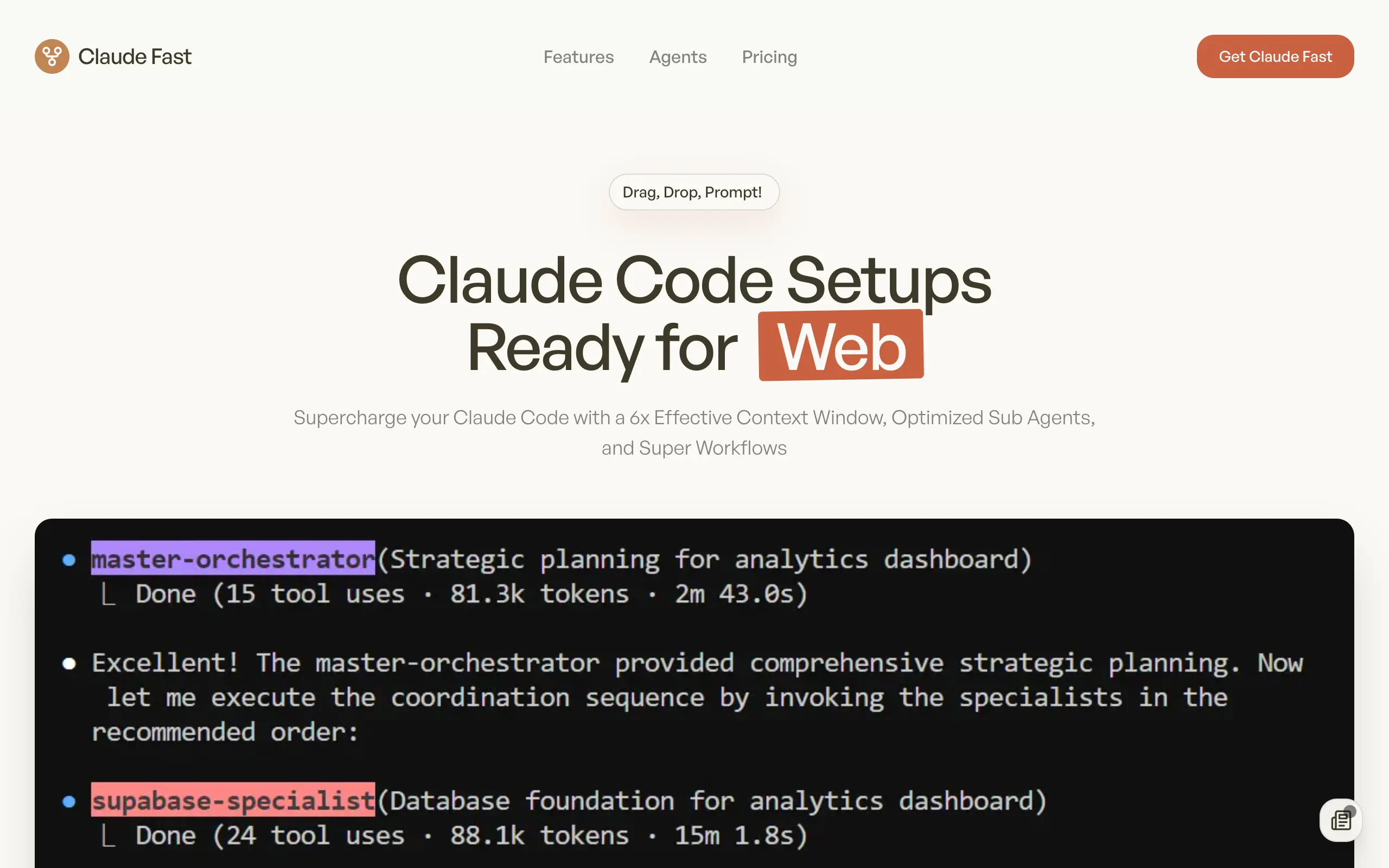
Supercharge your Claude Code with 6x effective context window and specialized AI agents 🤖
AI-powered emoji picker with smart, context-aware suggestions 🤖
Autonomous company launcher - AI agents work 24/7, escalate what matters, and you stay in control 🤖
Practice storytelling daily with instant feedback to sound clearer, more engaging, and confident 🎤
Chat with 50+ AI models, including ChatGPT and Claude, in one place - switch models anytime without losing context 🤖
Supercharge your Claude Code with 6x effective context window and specialized AI agents 🤖
AI-powered emoji picker with smart, context-aware suggestions 🤖
Autonomous company launcher - AI agents work 24/7, escalate what matters, and you stay in control 🤖
Practice storytelling daily with instant feedback to sound clearer, more engaging, and confident 🎤

Connect with like-minded people
Join our community to get feedback, support, and grow together with 1,000+ builders on board, let's ship it!
Join usShip your startup everywhere. In minutes.
Don't burn tokens on setup and start building features on day one.