Chairlist
Waitlist and cancellation-fill tool for solo barbershops and nail salons that texts open slots to nearby waitlisted clients within minutes. Owners recover lost appointment revenue without answering a single phone call.
Chairlist is waitlist and cancellation-fill software for solo barbershops and nail salons: when a client cancels, it texts the open slot to nearby waitlisted clients and books the first one who replies. In 2026 it has real potential because the problem is small, painful and measurable in dollars, and because most solo owners will never hire a receptionist. The best cancellation fill software for barbershops and nail salons gives back empty chair time without a single phone call.
Key takeaways
- Target customer: solo barbers and nail technicians who rent a chair or run a one-person shop, take bookings by text, Instagram or an app, and cannot answer the phone mid-service.
- Pricing angle: a flat monthly subscription, roughly $19 to $39 per month, justified by one or two recovered appointments per month.
- Biggest risk: owners already live inside a booking app, so a standalone tool that does not sync with it will feel like double entry.
- Time to MVP: about 3 to 4 weeks for one developer using a starter kit, with SMS compliance setup running in parallel.
What problem does Chairlist solve, and who feels it most?
Chairlist solves one specific leak: an appointment gets cancelled with a few hours of notice, the slot stays empty, and the owner loses the revenue. The people who feel it most are solo operators who cannot absorb that loss.
The ideal customer profile
Think of a barber who rents a chair in a shared shop, or a nail technician who runs a one-room studio. They work alone, charge somewhere between $30 and $90 per service, and have a few dozen to a few hundred regular clients. Their hands are busy for most of the day, so their phone is face down.
A realistic assumption: this person has a handful of cancellations or no-shows per month. If each one costs $40, and a third of them could have been refilled, that is real money recovered from a tool that costs less than a single haircut.
The current workaround and why it fails
Today the workaround is manual. The owner sees a cancellation, opens a group chat or Instagram stories, posts "open slot at 3pm," and hopes someone sees it. Or they scroll their messages looking for the client who once said "let me know if anything opens up."
This fails for three reasons:
- It happens at the worst time. Cancellations arrive while the owner is mid-service, so the message goes out late or never.
- Waitlists live in memory. Who wanted a Saturday? Who lives close? Nobody tracks it, so the owner texts the same three people.
- Broadcasts annoy everyone. A story post reaches people who cannot make it and trains clients to ignore the shop.
Why is now a good time for salon cancellation fill software?
The gap exists because booking platforms optimize for the booking, not the recovery. Square Appointments, Vagaro, Booksy, Fresha and GlossGenius are well-known options for salons and barbershops, and some offer a waitlist or similar feature of varying depth. In most cases it is part of a larger bundle, tied to that platform, and not built around the speed of "text five nearby people in the next two minutes."
Trends that favor a narrow tool
- Solo operators keep growing. Chair rental and independent studios are a common model in barbering and nails, and these owners pay for software out of their own pocket, so they judge price against their time.
- Texting is the default channel. Clients answer a text faster than an email or an app notification, and many booking conversations already happen over SMS or Instagram DMs.
- Platform fatigue. Owners resent paying a monthly fee plus payment processing fees for a suite they use 20 percent of. A small add-on that does one job well is easier to approve.
- Cheaper building blocks. SMS APIs, background job runners and starter kits make a focused product viable for one developer.
The honest caveat: a bigger platform can ship a "smart waitlist" feature at any time. Your defense is focus, speed and being usable alongside whatever booking system the owner already has.
What should the Chairlist MVP include?
The MVP should do one thing: turn a cancelled slot into a filled one in minutes. The aha moment is the owner tapping "slot open" and watching a client reply "yes" and get booked, with no calls and no typing.
The four core features
Waitlist capture
A shareable link and QR code where clients join the waitlist with their name, phone number, preferred services, days and consent to receive texts.
One-tap open slot
The owner enters or taps a cancelled time and service, and the slot is created in seconds from a phone-friendly screen.
Smart text blast
Chairlist texts eligible waitlisted clients in priority order, such as nearest and longest waiting first, in small batches rather than everyone at once.
First-reply-wins booking
The first client who replies YES gets the slot, everyone else gets a polite 'filled' message, and the owner gets a confirmation.
What to cut from version one
- Full calendar and booking. Do not rebuild Square or Booksy. Let the owner key in the open slot manually at first.
- Payments and deposits. Useful, but they add compliance and support burden.
- Client mobile app. Clients should only need a link and their text thread.
- Analytics dashboards. One number is enough: estimated revenue recovered this month.
- Multi-location and staff scheduling. You are building for solo operators. Add teams later.
The manual-entry question
Manual slot entry sounds like a weakness, but for a solo owner it takes under ten seconds and removes the integration risk from the MVP. Add calendar sync later, starting with whichever system your first customers actually use.
How is Chairlist different from booking apps and spreadsheets?
Chairlist's unique selling proposition is speed and simplicity: it is a single-purpose recovery tool that works next to any booking system, priced for one-chair businesses. It does not ask the owner to migrate anything.
| Option | Works with any booking app | Texts nearby clients automatically | Built for solo owners | Setup effort |
|---|---|---|---|---|
| Chairlist | ✅ | ✅ | ✅ | Minutes |
| Booking platform waitlists | ❌ | Varies | Varies | Migrate or already on it |
| Instagram story or group chat | ✅ | ❌ | ✅ | None, but manual |
| Spreadsheet plus manual texts | ✅ | ❌ | ✅ | Hours, then daily upkeep |
| Hiring a receptionist | ✅ | ✅ | ❌ | High ongoing cost |
The comparison matters less than the positioning sentence you can say to a barber: "When someone cancels, Chairlist texts your waitlist and fills the chair before you finish your next cut." If a prospect needs more than one sentence to understand it, the pitch is too complicated.
How would Chairlist make money?
The simplest model is a flat monthly subscription, because solo owners want predictable costs and a clear return. Three options are realistic.
Option 1: flat monthly plan
Charge around $19 to $29 per month for one chair with a monthly text allowance. The pitch is arithmetic: if one recovered appointment is worth $40, the tool pays for itself with a single fill. Assume a free trial and, for example, a 3 percent conversion from trial to paid visitors; you will need a steady top of funnel to hit even modest revenue, so measure trial-to-paid after real usage instead of assuming it.
Option 2: base fee plus usage
Include a number of texts, then charge for extra messages. This aligns your SMS costs with revenue, but usage-based billing is harder to explain to owners who dislike surprises. Use it only if text costs eat your margin.
Option 3: per-fill pricing
Take a small fee per successfully filled slot. It is the most persuasive pitch ("you only pay when it works"), but it requires reliable fill tracking and invites disputes about whether a fill was really caused by Chairlist. Consider it as an experiment, not the default.
The first growth channel
Direct outreach into barber and nail communities will most likely beat paid ads. Walk into shops, message owners on Instagram, and ask for a ten-minute demo. A referral loop also fits naturally: every waitlist link and "slot filled" text can carry a small "powered by Chairlist" line that other owners and clients see.
How do you validate Chairlist before building it?
Spend one to two weeks proving that owners care enough to give you a phone number, a waitlist and money. Do not write production code yet.
Interview ten solo owners
Talk to barbers and nail technicians about their last five cancellations: what happened, how long the slot stayed empty and what they tried. Listen for the word "annoying," and for owners who already pay for a workaround.
Ship a one-page landing site
State one promise, such as "Fill cancelled slots by text in minutes," show a mock text thread and collect an email or phone number. Send traffic from your outreach, not from ads.
Run a concierge pilot
Pick three owners and operate Chairlist by hand: collect their waitlist in a form, then text open slots yourself from a basic SMS account with client consent. Count how many slots get filled.
Ask for pre-sales
Offer a founding-member price, such as a discounted first year, in exchange for payment up front or a card on file. Five paying owners tell you more than fifty waitlist signups.
Decide with a simple rule
Set the bar before the pilot: for example, at least a few owners pay and at least one slot per owner gets filled. If you miss it, change the segment or the pitch before you write code.
What tech stack should you use to build cancellation fill software?
Use a boring, fast stack: a TypeScript web app with a Postgres database, a reliable SMS provider and a background job runner for timed message batches. A mobile-friendly web app is enough for the owner at first, since the client side is just a link and a text thread.
What the product actually needs
- Authentication for owners, with simple sign-in.
- A database for owners, waitlist entries, slots and message logs.
- Billing for the subscription and trial.
- Background tasks to send texts in batches, expire offers and retry failures.
- Transactional emails for receipts and summaries.
- An SMS provider and a compliance process for consent and opt-out.
TurboStarter covers most of this undifferentiated work, including web and mobile apps, organizations and teams, storage, emails, an admin panel, analytics and monitoring, so you can spend your first weeks on the matching logic and message design. In particular, its authentication, billing, database and background tasks setups map directly to the list above. Because it ships as a monorepo, you can add a native owner app later without starting over.
Choosing an SMS provider
Twilio is the best-known option, with extensive documentation and a large community, which makes problems easier to debug. Expect to pay a premium compared with some competitors, which matters when text volume is your main cost. Pick it if you want the least friction in the first month. See Twilio.
Telnyx is a credible alternative that often competes on messaging price. The trade-off is a smaller ecosystem of tutorials and answers. Pick it if margins matter early and you are comfortable reading provider docs. See Telnyx.
Whichever you choose, wrap the provider behind a small interface in your code so you can switch later without touching the matching logic.
A minimal data model
A few tables are enough for the first version:
create table waitlist_entry (
  id uuid primary key,
  owner_id uuid not null,
  client_name text not null,
  phone text not null,
  services text[] not null,
  preferred_days text[],
  sms_consent_at timestamptz not null,
  opted_out_at timestamptz,
  created_at timestamptz default now()
);

create table open_slot (
  id uuid primary key,
  owner_id uuid not null,
  starts_at timestamptz not null,
  service text not null,
  status text not null default 'open', -- open, filled, expired
  filled_by uuid references waitlist_entry(id)
);
The important detail is the consent timestamp and the opt-out column. Treat them as required data, not nice-to-haves.
Handling the race condition
Two clients may reply YES within seconds. Make the booking step atomic: update the slot only if its status is still open, and send the "filled" message to the loser based on that result. This is a small piece of code that decides whether owners trust the product.
What are the risks and how do you reduce them?
Most failures here come from distribution and trust, not from code. Four risks deserve a plan.
Biggest risk: double entry against the owner's booking app
If the owner has to open Chairlist every time a cancellation happens, on top of updating their real calendar, many will stop after a week. Mitigate this by keeping slot entry to one tap, then prioritize calendar sync or a forwarding integration for the one booking system your first paying customers actually use. Do not build integrations speculatively, and treat repeated usage in the second and third week as your main success metric.
SMS compliance and deliverability
In the United States, texting clients requires documented consent, an opt-out path and, for application-to-person messaging, carrier registration, which can take days or weeks. Start registration early, store consent timestamps and honor STOP immediately. Rules differ by country, so check the requirements for each market before launching there.
Bigger platforms copy the feature
A booking platform can add a smarter waitlist. Reduce exposure by being useful next to any system, moving faster on small-owner needs and building a loyal base that values simplicity over a bundled suite.
Low willingness to pay
Solo owners are price sensitive and some have few cancellations. Qualify during interviews: target owners whose cancellations cost them at least a few appointments per month, and prove the value with your pilot's recovered-revenue number.
What are the next steps to launch in 30 days?
Plan the month around talking to owners first and building second. The goal is a paid pilot, not a finished product.
Days 1 to 7: interviews and landing page
Complete the owner interviews, publish the one-page site and register for SMS sending with your provider.
Days 8 to 14: concierge pilot
Run the manual pilot with three owners and collect their waitlists. Record every slot, reply and fill.
Days 15 to 21: build the core loop
Start from TurboStarter so authentication, billing and the database are already in place, then build waitlist capture, one-tap open slot and first-reply-wins booking.
Days 22 to 26: private beta
Move the pilot owners onto the product, fix what breaks and add the revenue-recovered counter to the dashboard.
Days 27 to 30: charge and learn
Turn on billing for founding members, ask each owner for a referral and decide what to build next based on real usage.
If a barber can fill a cancelled chair without answering the phone, you have a real business. Start with the interviews this week, then use TurboStarter to ship the first version of your cancellation fill software for barbershops and nail salons while the idea is still fresh.
Frequently asked questions
Interview ten solo owners about their last five cancellations, then run a manual pilot where you text their waitlists yourself. Count how many slots get filled and whether owners will pay before you write production code. Paid commitments matter more than compliments.
A flat plan in the range of $19 to $39 per month is a reasonable starting assumption for a solo owner, because one recovered appointment can cover it. Test two price points during pre-sales instead of guessing. Consider usage limits only if text costs cut into your margin.
Booking platforms such as Square Appointments, Vagaro, Booksy, Fresha and GlossGenius are the main alternatives, and some include waitlist features tied to their own systems. Informal workarounds like group chats, Instagram stories and spreadsheets are just as common. Your edge is a single-purpose tool that works next to whatever the owner already uses.
A TypeScript web app, a Postgres database, an SMS provider such as Twilio or Telnyx and a background job runner is enough. A starter kit like TurboStarter covers authentication, billing, database and background tasks, so you can concentrate on matching and messaging.
Assuming one developer and a starter kit, plan for roughly three to four weeks of focused work. Costs are mostly your time, an SMS provider account with per-message fees and hosting. SMS carrier registration can take longer than the code, so start it first.
Rules vary by country, but in general you need clear client consent, an easy opt-out and compliant sender registration. Store consent records and honor STOP immediately. Have a professional review your flow before scaling in a new market.
More 🏢 B2B Application SaaS ideas
Discover more innovative b2b application SaaS ideas that are trending in 2026. Each idea is AI-generated with market validation and growth potential to help you find your next profitable venture faster than competitors.
Your competitors are building with TurboStarter
Below are some of the SaaS ideas that have been generated and built with our starter kit.

Monitor any Telegram channel in real time - track posts, edits, deletions, and growth with AI recaps 📡

AI website builder - describe your business, pick a niche template, edit by chatting, and publish instantly ✨
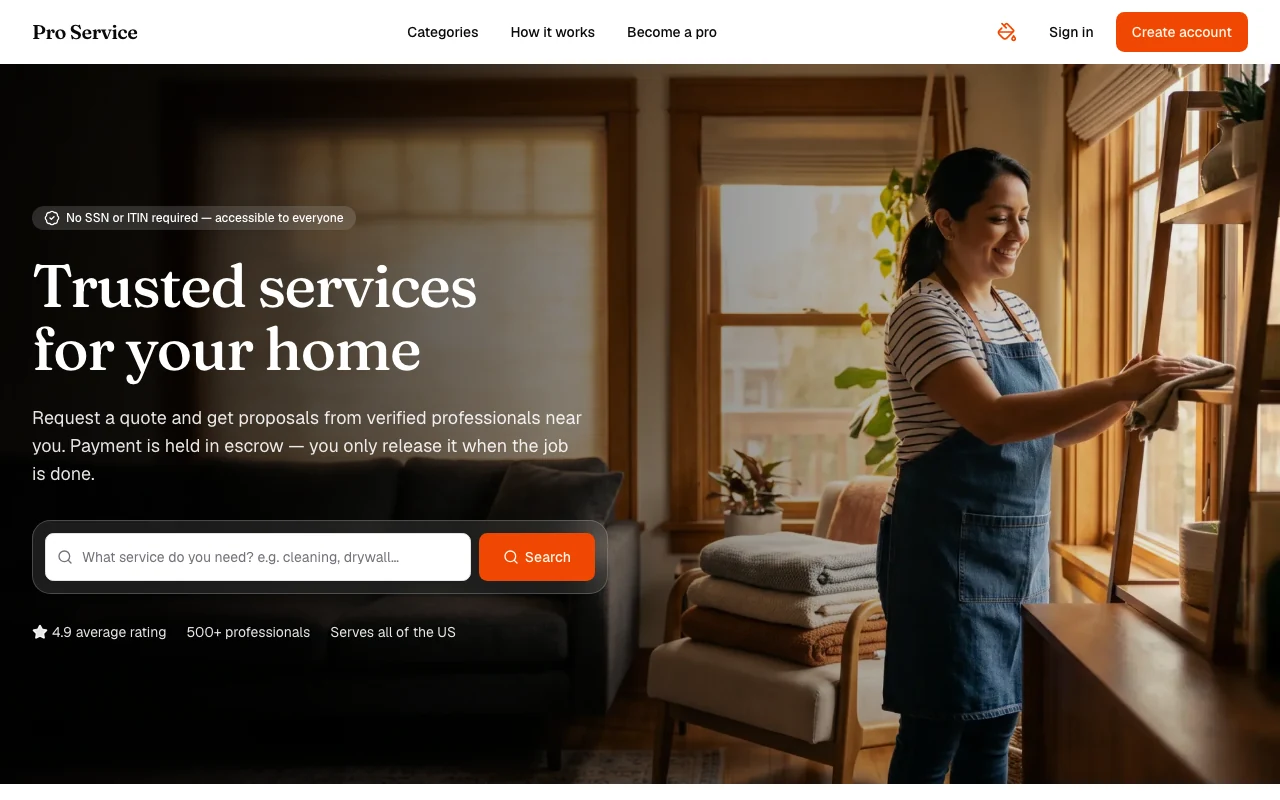
Find verified home service professionals, compare quotes, and pay securely through escrow - built for Brazilians across the US 🏠
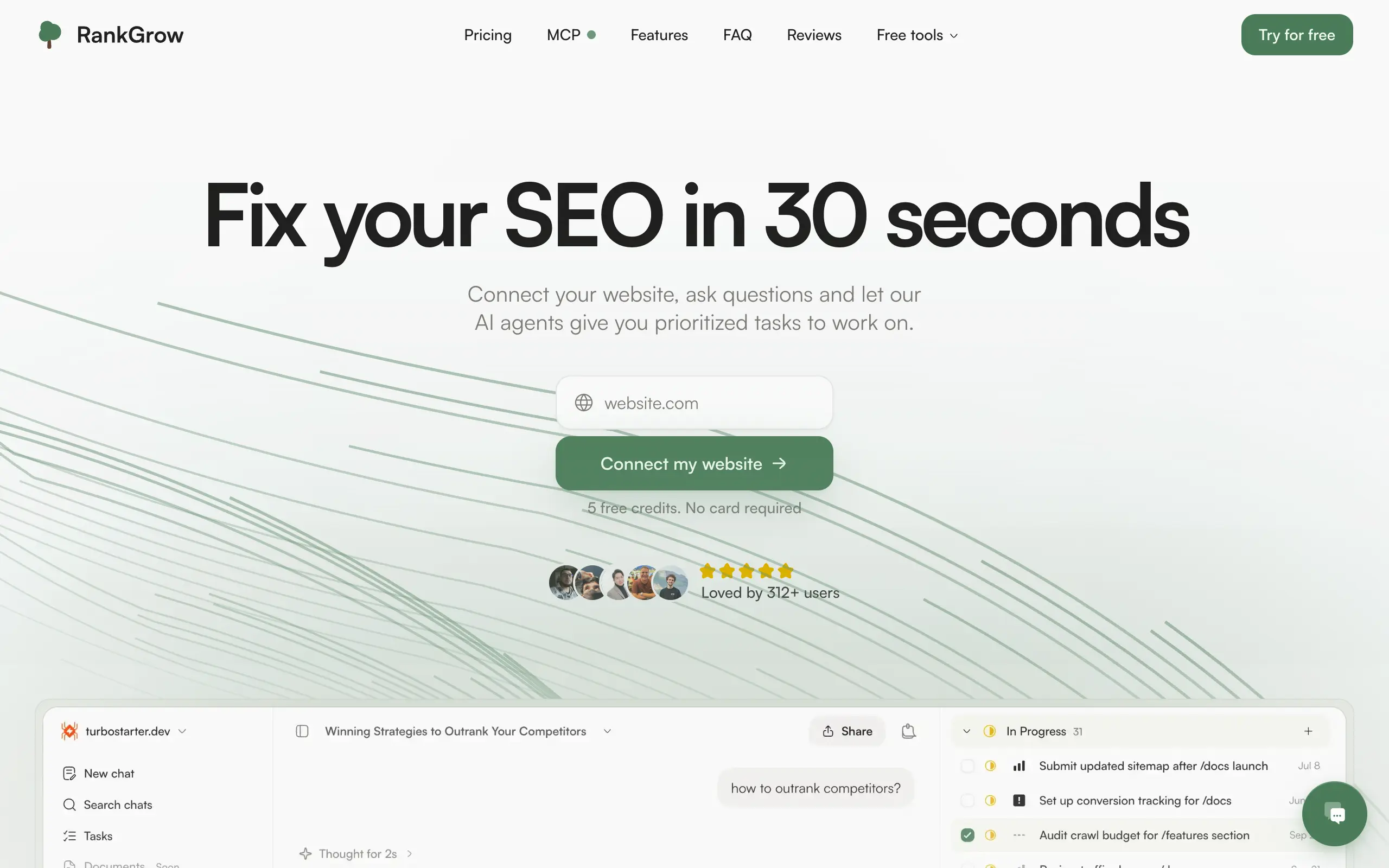
Fix your SEO with AI agents - connect Search Console, get prioritized tasks, and grow organic traffic 📈

Sync your favorite content for distraction-free reading, save time and replace multiple apps. Anytime, anywhere 🔄

Get clean, structured data from 21 platforms like TikTok, Instagram, and YouTube with a single request 📊
Monitor any Telegram channel in real time - track posts, edits, deletions, and growth with AI recaps 📡
AI website builder - describe your business, pick a niche template, edit by chatting, and publish instantly ✨
Find verified home service professionals, compare quotes, and pay securely through escrow - built for Brazilians across the US 🏠
Fix your SEO with AI agents - connect Search Console, get prioritized tasks, and grow organic traffic 📈
Sync your favorite content for distraction-free reading, save time and replace multiple apps. Anytime, anywhere 🔄
Get clean, structured data from 21 platforms like TikTok, Instagram, and YouTube with a single request 📊
Monitor any Telegram channel in real time - track posts, edits, deletions, and growth with AI recaps 📡
AI website builder - describe your business, pick a niche template, edit by chatting, and publish instantly ✨
Find verified home service professionals, compare quotes, and pay securely through escrow - built for Brazilians across the US 🏠
Fix your SEO with AI agents - connect Search Console, get prioritized tasks, and grow organic traffic 📈
Sync your favorite content for distraction-free reading, save time and replace multiple apps. Anytime, anywhere 🔄
Get clean, structured data from 21 platforms like TikTok, Instagram, and YouTube with a single request 📊
Monitor any Telegram channel in real time - track posts, edits, deletions, and growth with AI recaps 📡
AI website builder - describe your business, pick a niche template, edit by chatting, and publish instantly ✨
Find verified home service professionals, compare quotes, and pay securely through escrow - built for Brazilians across the US 🏠
Fix your SEO with AI agents - connect Search Console, get prioritized tasks, and grow organic traffic 📈
Sync your favorite content for distraction-free reading, save time and replace multiple apps. Anytime, anywhere 🔄
Get clean, structured data from 21 platforms like TikTok, Instagram, and YouTube with a single request 📊

Personalized AI apps that automate research, data extraction, and content creation without code 🤖

Enjoy a magical live video chat or receive a unique AI-generated video greeting from Santa Claus 🎅

Scalable blog for food journalist, focused on performance and user experience 🌭

Personal blog and portfolio of Bart Zagrodzki, where he shares his knowledge and work 💼

Ship your startup everywhere. In minutes.

Convert HTML to Markdown with ease, directly in your browser 📄
Personalized AI apps that automate research, data extraction, and content creation without code 🤖
Enjoy a magical live video chat or receive a unique AI-generated video greeting from Santa Claus 🎅
Scalable blog for food journalist, focused on performance and user experience 🌭
Personal blog and portfolio of Bart Zagrodzki, where he shares his knowledge and work 💼
Ship your startup everywhere. In minutes.
Convert HTML to Markdown with ease, directly in your browser 📄
Personalized AI apps that automate research, data extraction, and content creation without code 🤖
Enjoy a magical live video chat or receive a unique AI-generated video greeting from Santa Claus 🎅
Scalable blog for food journalist, focused on performance and user experience 🌭
Personal blog and portfolio of Bart Zagrodzki, where he shares his knowledge and work 💼
Ship your startup everywhere. In minutes.
Convert HTML to Markdown with ease, directly in your browser 📄
Personalized AI apps that automate research, data extraction, and content creation without code 🤖
Enjoy a magical live video chat or receive a unique AI-generated video greeting from Santa Claus 🎅
Scalable blog for food journalist, focused on performance and user experience 🌭
Personal blog and portfolio of Bart Zagrodzki, where he shares his knowledge and work 💼
Ship your startup everywhere. In minutes.
Convert HTML to Markdown with ease, directly in your browser 📄

Chat with 50+ AI models, including ChatGPT and Claude, in one place - switch models anytime without losing context 🤖

Supercharge your Claude Code with 6x effective context window and specialized AI agents 🤖

AI-powered emoji picker with smart, context-aware suggestions 🤖

Autonomous company launcher - AI agents work 24/7, escalate what matters, and you stay in control 🤖

Practice storytelling daily with instant feedback to sound clearer, more engaging, and confident 🎤
Chat with 50+ AI models, including ChatGPT and Claude, in one place - switch models anytime without losing context 🤖
Supercharge your Claude Code with 6x effective context window and specialized AI agents 🤖
AI-powered emoji picker with smart, context-aware suggestions 🤖
Autonomous company launcher - AI agents work 24/7, escalate what matters, and you stay in control 🤖
Practice storytelling daily with instant feedback to sound clearer, more engaging, and confident 🎤
Chat with 50+ AI models, including ChatGPT and Claude, in one place - switch models anytime without losing context 🤖
Supercharge your Claude Code with 6x effective context window and specialized AI agents 🤖
AI-powered emoji picker with smart, context-aware suggestions 🤖
Autonomous company launcher - AI agents work 24/7, escalate what matters, and you stay in control 🤖
Practice storytelling daily with instant feedback to sound clearer, more engaging, and confident 🎤
Chat with 50+ AI models, including ChatGPT and Claude, in one place - switch models anytime without losing context 🤖
Supercharge your Claude Code with 6x effective context window and specialized AI agents 🤖
AI-powered emoji picker with smart, context-aware suggestions 🤖
Autonomous company launcher - AI agents work 24/7, escalate what matters, and you stay in control 🤖
Practice storytelling daily with instant feedback to sound clearer, more engaging, and confident 🎤

Connect with like-minded people
Join our community to get feedback, support, and grow together with 1,000+ builders on board, let's ship it!
Join usShip your startup everywhere. In minutes.
Don't burn tokens on setup and start building features on day one.