Clinicpath
Lets independent dental practice managers verify insurance eligibility before each appointment starts. Front desks cut claim rejections and avoid writing off unpaid visits.
Clinicpath is a dental insurance eligibility verification tool for independent practices. It checks each patient's coverage before the appointment starts, so the front desk catches inactive plans, missing benefits and wrong subscriber details while there is still time to fix them. In 2026, dental dental insurance verification is still a manual phone-and-portal chore at many small practices, which makes it a narrow, painful problem a focused team can own.
Key takeaways
- Target customer: practice managers and front desk leads at independent dental practices with 1 to 5 providers and no in-house billing team.
- Pricing angle: flat monthly subscription per location, with a usage tier for high-volume practices. A starting point to test is $99 to $249 per location per month.
- Biggest risk: access to reliable eligibility data. You depend on clearinghouses and payer connections, and patchy dental coverage details can break trust fast.
- Time to MVP: roughly 4 to 6 weeks for a web app that verifies tomorrow's schedule, assuming you use a clearinghouse API instead of building payer connections.
What problem does dental insurance eligibility verification solve?
Dental insurance eligibility verification prevents the practice from treating a patient whose coverage is inactive, different from what they said, or exhausted. When it is skipped or done late, the practice either eats the cost of an unpaid visit or sends a claim that gets rejected weeks later.
The pain is concentrated in the front office. Someone has to look at the schedule, find each patient's plan, log in to payer portals or call a hotline, and write down benefits. Then they must repeat it for every patient, every day.
Who is Clinicpath for?
The ideal customer is the practice manager of an independent dental office with one to five providers, a busy schedule and a small front desk. They are not part of a dental service organization (DSO) with a central billing department, so verification lands on whoever is at the desk.
Their current workaround
Most do one of three things:
- Call or use payer portals manually: open Delta Dental, MetLife, Cigna and others in separate tabs, then type results into the practice management system.
- Use the verification feature inside their practice software: convenient, but often limited in payer coverage or depth of benefits.
- Outsource to a verification service: works, but adds per-check cost and turnaround delays.
- Skip it for returning patients: the most dangerous shortcut, since coverage changes every January and with job changes.
Why the workaround fails
Manual checks are slow, so they get done in batches or skipped when the desk is busy. Staff turnover means the process lives in someone's head. And the failure is invisible until a claim bounces, at which point the patient has already left and collecting is awkward.
The core insight: the cost is not the verification itself. It is the rework and write-offs that follow a missed one.
Why is now a good time for dental eligibility software?
The opportunity is the gap between large practice management suites that include basic checks and small practices that need reliable, schedule-wide verification without a billing team.
Several trends make 2026 reasonable timing:
- Tighter margins at small practices: staffing is hard, so tools that save front desk hours are easier to justify.
- Better APIs: eligibility data is accessible through established clearinghouses, so a startup no longer needs to build payer connections one by one.
- AI-assisted parsing: benefit responses are messy, and language models can turn them into plain summaries, such as remaining annual maximum or waiting periods, for staff to read in seconds.
- Patient expectations: people want cost estimates before treatment, and verification is the first step.
The competitive gap
Existing options fall into categories: practice management software with built-in checks (such as Dentrix, Eaglesoft or Open Dental integrations), clearinghouses, and outsourced verification services. Each has a weakness for a small practice: shallow benefit detail, developer-oriented tooling, or per-check pricing with delays.
Your wedge is a simple, schedule-driven workflow: connect, see tomorrow's patients, see green, yellow or red status, and act. Do not try to replace the practice management system.
What should the Clinicpath MVP include?
Build the smallest product that gets a practice manager to say, "this just saved me an hour." The aha moment is opening the app in the morning and seeing every patient on today's and tomorrow's schedule already verified, with the problem ones flagged at the top.
Schedule import
Pull upcoming appointments by CSV upload first, then by integration, so verification runs without retyping patient data.
Automatic eligibility checks
Run a check for every scheduled patient a set number of days before the visit and again the morning of.
Plain-language benefit summary
Show active status, deductible, annual maximum remaining and key limits in a short card staff can scan in seconds.
Issue queue and alerts
Surface inactive, mismatched or incomplete coverage first, with a suggested next step and an email digest.
What to cut from version one
- Claims submission and billing, which is a different product with different liability.
- Patient-facing portals and text messaging.
- Treatment cost estimates.
- Deep two-way sync with every practice management system. Start with CSV and one integration you can reach.
How is Clinicpath different from existing options?
The positioning is: verification for the whole schedule, built for practices without a billing department, priced flat. You win on workflow and clarity, not on data nobody else has.
| Option | Whole-schedule automation | Plain-language benefits | Predictable pricing | Setup effort |
|---|---|---|---|---|
| Clinicpath | ✅ | ✅ | ✅ | Low |
| Manual portals and calls | ❌ | ❌ | Staff time | None |
| Practice software built-in checks | Depends | Depends | Bundled | Medium |
| Outsourced verification services | ✅ | Varies | Per check | Medium |
| Raw clearinghouse tools | Depends | ❌ | Per transaction | High |
Be honest about the table: incumbents can improve their built-in checks. Your defense is speed, focus on the small-practice workflow, and tight integration with how front desks actually work.
How would Clinicpath make money?
The simplest model is a flat subscription per location. Practices dislike per-check surprises, and a flat fee is easy for a manager to approve.
Option 1: flat monthly fee per location
Charge a single price with a generous check allowance. If you charge $149 per location per month, 100 paying locations is roughly $14,900 in monthly recurring revenue, before data costs. Assume your per-check cost from the clearinghouse is meaningful and model it before you set the price.
Option 2: tiered by appointment volume
A solo-provider office and a five-chair practice have very different volumes. Tiers protect your margin on heavy users and keep the entry price low.
Option 3: base fee plus overage
Include a set number of checks and bill for extra ones. This aligns revenue with your largest cost, but it makes the bill less predictable, which is the thing you are selling against.
Which growth channel to try first
Start with direct outreach to practice managers and dental office manager communities, plus partnerships with dental consultants and bookkeepers who serve many small practices. Cold email works when the message is specific: "I can show you which of tomorrow's patients have inactive coverage." Offer a free check of next week's schedule as the hook.
How do you validate a dental verification tool before building?
Spend one to two weeks proving that practice managers will give you schedule data and pay for the outcome.
Interview 10 practice managers
Ask how they verify today, how long it takes, and what the last rejected claim cost them. Listen for how often it happens and who is blamed.
Map the data you can access
Talk to at least two clearinghouses about dental eligibility coverage, pricing and onboarding requirements. If you cannot get dependable data, the idea stops here.
Launch a landing page
Promise one outcome: know who has active coverage before they sit down. Collect emails and the practice management system each visitor uses.
Run a manual concierge pilot
For three practices, take their schedule export and return a verified report by hand or semi-automated script. Note which fields they act on.
Ask for a pre-sale
Offer a founding-customer price in exchange for a card on file or a signed letter of intent. Three paying or committed practices is a strong signal.
What tech stack should you use to build Clinicpath?
Use a standard web stack with a queue for scheduled checks, and put your effort into data quality and the issue queue. Starting from TurboStarter removes the undifferentiated setup: a monorepo for web and mobile, authentication, organizations and teams, billing, database, emails, file storage, background tasks, an admin panel and monitoring are already wired together.
Concretely, the pieces map like this:
- Accounts and staff access: authentication and organizations let each practice have its own workspace with multiple front desk users.
- Subscriptions: billing handles per-location plans.
- Scheduled checks: background tasks run verification jobs ahead of each appointment.
- Digest emails and alerts: the emails module covers the morning issue summary.
Data model sketch
create table appointment (
  id uuid primary key,
  organization_id uuid not null,
  patient_ref text not null,
  scheduled_at timestamptz not null,
  payer_id text,
  member_id text
);

create table eligibility_check (
  id uuid primary key,
  appointment_id uuid references appointment(id),
  status text not null, -- active, inactive, mismatch, error
  benefits jsonb,
  checked_at timestamptz not null default now()
);
Choosing your eligibility data source
Best when you want control of the product and margin. Expect integration work and onboarding paperwork, but you own the workflow and can improve parsing over time.
Faster to start if a partner exposes an API or accepts batches, but your margins and reliability depend on them. Reasonable for the concierge pilot, riskier as a long-term core.
Where AI fits
Use AI only for turning raw benefit responses into short summaries, and always show the source fields next to the summary. Never let a model silently decide coverage. Keep it behind a clear review step for staff.
Privacy and compliance
You will handle protected health information, so plan for HIPAA obligations: business associate agreements with your vendors, encryption, audit logs and access controls. Get qualified legal advice before onboarding real patient data.
What could make Clinicpath fail?
Biggest risk: unreliable eligibility data
If your checks return wrong or incomplete results, staff will stop trusting the tool within days, and a false "active" status is worse than no check. Dental benefit responses vary widely by payer. Mitigate it by showing raw source fields, marking uncertain results as "needs review," starting with a few payers you test thoroughly, and tracking how often staff override your status.
Other reasons it could fail
- Practice software lock-in: without an integration, importing schedules feels like extra work. Mitigation: nail CSV import and build the integration for the system your first customers use most.
- Compliance burden: HIPAA work slows you down. Mitigation: pick vendors that sign agreements, and keep stored patient data minimal.
- Incumbents improving: larger vendors can ship a similar feature. Mitigation: stay focused on small-practice workflow and customer support quality.
- Slow sales cycles: busy managers do not answer cold emails. Mitigation: lead with a free schedule check and ask for referrals from every pilot customer.
What should your first 30 days look like?
Days 1 to 7: interviews and data access
Complete the interviews and speak with clearinghouses. Decide on the data source and the first payers.
Days 8 to 14: landing page and concierge pilot
Publish the page, then run manual verification for two or three practices to learn which fields matter.
Days 15 to 24: build the MVP
Set up the project with TurboStarter, implement CSV import, the scheduled check job and the issue queue.
Days 25 to 30: onboard pilot practices
Move the pilots onto the product, collect feedback and ask for the first paid commitments.
Start by proving the data and the workflow with a handful of practices, then build only what they use daily.
FAQ
Interview practice managers about how they verify today and what rejected claims cost them. Then run a manual pilot with real schedules and ask for a paid commitment. If practices act on your reports and pay, you have a signal.
A flat monthly fee per location is a sensible starting point, and $99 to $249 is a range to test rather than a fixed rule. Calculate your per-check data cost first so heavy-volume practices do not erase your margin. Compare the price with the staff hours and write-offs it replaces.
Practice management software with built-in checks, clearinghouses, and outsourced verification services are the main alternatives. Manual portal checks are the most common competitor in practice. Differentiate on whole-schedule automation and clarity for small offices.
A TypeScript web app, a relational database, a job queue for scheduled checks and an eligibility data provider. A starter kit such as TurboStarter covers authentication, organizations, billing, emails and background tasks, so you spend time on data quality.
Plan on four to six weeks for a focused MVP if you use a clearinghouse API and a starter kit. Costs are mostly your time, data provider fees and legal and compliance advice. Compliance and payer onboarding often take longer than the code.
More 🏢 B2B Application SaaS ideas
Discover more innovative b2b application SaaS ideas that are trending in 2026. Each idea is AI-generated with market validation and growth potential to help you find your next profitable venture faster than competitors.
Your competitors are building with TurboStarter
Below are some of the SaaS ideas that have been generated and built with our starter kit.

Monitor any Telegram channel in real time - track posts, edits, deletions, and growth with AI recaps 📡

AI website builder - describe your business, pick a niche template, edit by chatting, and publish instantly ✨
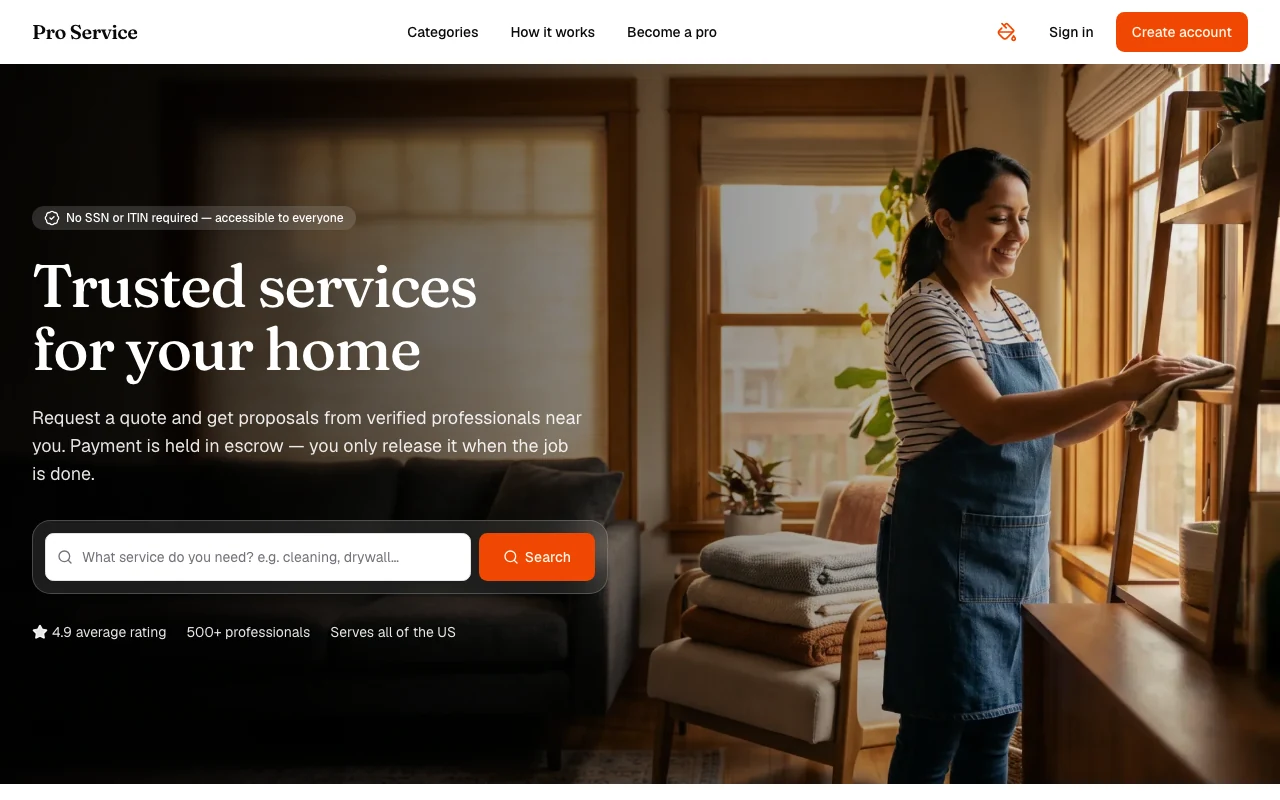
Find verified home service professionals, compare quotes, and pay securely through escrow - built for Brazilians across the US 🏠
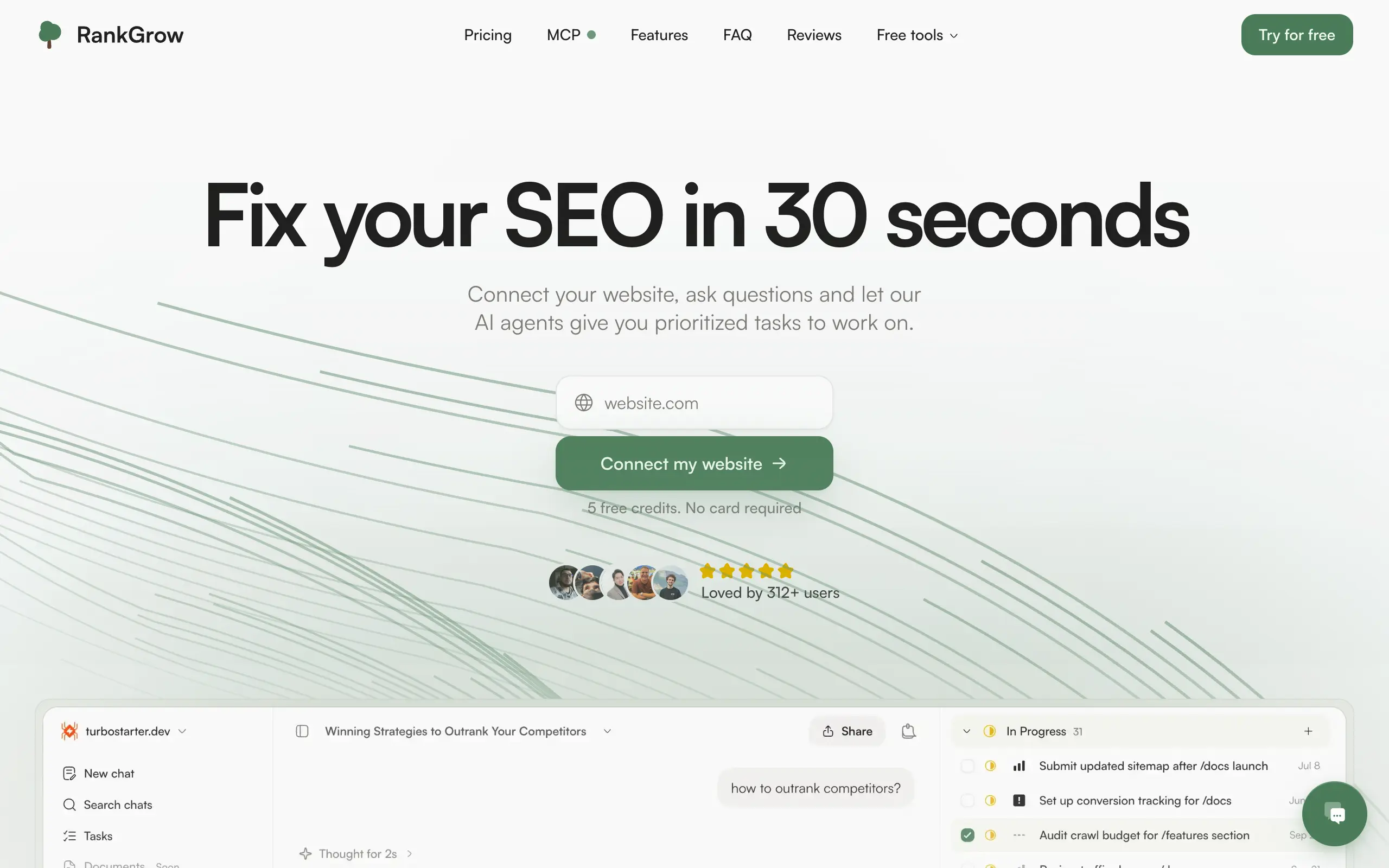
Fix your SEO with AI agents - connect Search Console, get prioritized tasks, and grow organic traffic 📈

Sync your favorite content for distraction-free reading, save time and replace multiple apps. Anytime, anywhere 🔄

Get clean, structured data from 21 platforms like TikTok, Instagram, and YouTube with a single request 📊
Monitor any Telegram channel in real time - track posts, edits, deletions, and growth with AI recaps 📡
AI website builder - describe your business, pick a niche template, edit by chatting, and publish instantly ✨
Find verified home service professionals, compare quotes, and pay securely through escrow - built for Brazilians across the US 🏠
Fix your SEO with AI agents - connect Search Console, get prioritized tasks, and grow organic traffic 📈
Sync your favorite content for distraction-free reading, save time and replace multiple apps. Anytime, anywhere 🔄
Get clean, structured data from 21 platforms like TikTok, Instagram, and YouTube with a single request 📊
Monitor any Telegram channel in real time - track posts, edits, deletions, and growth with AI recaps 📡
AI website builder - describe your business, pick a niche template, edit by chatting, and publish instantly ✨
Find verified home service professionals, compare quotes, and pay securely through escrow - built for Brazilians across the US 🏠
Fix your SEO with AI agents - connect Search Console, get prioritized tasks, and grow organic traffic 📈
Sync your favorite content for distraction-free reading, save time and replace multiple apps. Anytime, anywhere 🔄
Get clean, structured data from 21 platforms like TikTok, Instagram, and YouTube with a single request 📊
Monitor any Telegram channel in real time - track posts, edits, deletions, and growth with AI recaps 📡
AI website builder - describe your business, pick a niche template, edit by chatting, and publish instantly ✨
Find verified home service professionals, compare quotes, and pay securely through escrow - built for Brazilians across the US 🏠
Fix your SEO with AI agents - connect Search Console, get prioritized tasks, and grow organic traffic 📈
Sync your favorite content for distraction-free reading, save time and replace multiple apps. Anytime, anywhere 🔄
Get clean, structured data from 21 platforms like TikTok, Instagram, and YouTube with a single request 📊

Personalized AI apps that automate research, data extraction, and content creation without code 🤖

Enjoy a magical live video chat or receive a unique AI-generated video greeting from Santa Claus 🎅

Scalable blog for food journalist, focused on performance and user experience 🌭

Personal blog and portfolio of Bart Zagrodzki, where he shares his knowledge and work 💼

Ship your startup everywhere. In minutes.

Convert HTML to Markdown with ease, directly in your browser 📄
Personalized AI apps that automate research, data extraction, and content creation without code 🤖
Enjoy a magical live video chat or receive a unique AI-generated video greeting from Santa Claus 🎅
Scalable blog for food journalist, focused on performance and user experience 🌭
Personal blog and portfolio of Bart Zagrodzki, where he shares his knowledge and work 💼
Ship your startup everywhere. In minutes.
Convert HTML to Markdown with ease, directly in your browser 📄
Personalized AI apps that automate research, data extraction, and content creation without code 🤖
Enjoy a magical live video chat or receive a unique AI-generated video greeting from Santa Claus 🎅
Scalable blog for food journalist, focused on performance and user experience 🌭
Personal blog and portfolio of Bart Zagrodzki, where he shares his knowledge and work 💼
Ship your startup everywhere. In minutes.
Convert HTML to Markdown with ease, directly in your browser 📄
Personalized AI apps that automate research, data extraction, and content creation without code 🤖
Enjoy a magical live video chat or receive a unique AI-generated video greeting from Santa Claus 🎅
Scalable blog for food journalist, focused on performance and user experience 🌭
Personal blog and portfolio of Bart Zagrodzki, where he shares his knowledge and work 💼
Ship your startup everywhere. In minutes.
Convert HTML to Markdown with ease, directly in your browser 📄

Chat with 50+ AI models, including ChatGPT and Claude, in one place - switch models anytime without losing context 🤖

Supercharge your Claude Code with 6x effective context window and specialized AI agents 🤖

AI-powered emoji picker with smart, context-aware suggestions 🤖

Autonomous company launcher - AI agents work 24/7, escalate what matters, and you stay in control 🤖

Practice storytelling daily with instant feedback to sound clearer, more engaging, and confident 🎤
Chat with 50+ AI models, including ChatGPT and Claude, in one place - switch models anytime without losing context 🤖
Supercharge your Claude Code with 6x effective context window and specialized AI agents 🤖
AI-powered emoji picker with smart, context-aware suggestions 🤖
Autonomous company launcher - AI agents work 24/7, escalate what matters, and you stay in control 🤖
Practice storytelling daily with instant feedback to sound clearer, more engaging, and confident 🎤
Chat with 50+ AI models, including ChatGPT and Claude, in one place - switch models anytime without losing context 🤖
Supercharge your Claude Code with 6x effective context window and specialized AI agents 🤖
AI-powered emoji picker with smart, context-aware suggestions 🤖
Autonomous company launcher - AI agents work 24/7, escalate what matters, and you stay in control 🤖
Practice storytelling daily with instant feedback to sound clearer, more engaging, and confident 🎤
Chat with 50+ AI models, including ChatGPT and Claude, in one place - switch models anytime without losing context 🤖
Supercharge your Claude Code with 6x effective context window and specialized AI agents 🤖
AI-powered emoji picker with smart, context-aware suggestions 🤖
Autonomous company launcher - AI agents work 24/7, escalate what matters, and you stay in control 🤖
Practice storytelling daily with instant feedback to sound clearer, more engaging, and confident 🎤

Connect with like-minded people
Join our community to get feedback, support, and grow together with 1,000+ builders on board, let's ship it!
Join usShip your startup everywhere. In minutes.
Don't burn tokens on setup and start building features on day one.