Fleetsheet
Tracks expiring DOT inspection and permit dates for owner-operator trucking firms with under ten trucks. Owners avoid roadside fines and sidelined rigs.
Fleetsheet is a compliance tracker for small trucking companies. It watches DOT inspection dates, permits and registrations for fleets of under ten trucks, and warns owners before something expires and a truck gets fined or parked. The opportunity in 2026 is that the largest fleet platforms are built for companies with dedicated safety staff, while the owner who runs five trucks and does the paperwork at the kitchen table still uses a spreadsheet and a memory, which makes a compliance tracker for small trucking fleets a narrow but very real business.
Key takeaways
- Target customer: owner-operators and small carriers with 1 to 9 power units, where the owner or a spouse handles compliance.
- Pricing angle: a flat monthly fee per fleet, or a small per-truck fee, kept low enough to feel cheaper than one missed deadline.
- Biggest risk: the buyer is busy, skeptical of software and hard to reach, so acquisition cost can eat the margin.
- Time to MVP: roughly 3 to 5 weeks for a reminder-first product on a starter kit, assuming one developer.
What problem does Fleetsheet solve?
Fleetsheet solves missed expiration dates. A truck with a lapsed annual inspection, an expired permit or a registration that ran out can be cited at a roadside stop or weigh station, and in many cases taken out of service until it is fixed. For a small carrier, a single idle truck is lost revenue that day plus the fine plus the scramble.
Who is the ideal customer?
The ideal customer is a carrier with 2 to 9 trucks where the owner is also dispatching, driving or both. They have no safety manager and no compliance team. Compliance lives in their head, a folder in the cab, a wall calendar or a phone full of photos.
A secondary customer is the bookkeeper or family member who handles the paperwork part time. They feel the pain more sharply than the owner because they get blamed when a date slips.
What do they do today, and why does it fail?
The common workarounds are spreadsheets, calendar reminders, paper folders and relying on a service provider to call. Each fails in a predictable way:
- Spreadsheets: nobody is notified. The sheet only works if someone opens it.
- Phone calendars: reminders are scattered per person, and a truck sold or added never updates them.
- Paper files: documents exist but the dates are not surfaced anywhere.
- Enterprise fleet software: it covers compliance but is priced and designed for larger operations, with setup effort a five-truck owner will not tolerate.
The real failure is that deadlines vary per truck and per document type, so the owner has to track many small dates with no single view.
Is there a market for fleet compliance software for small carriers?
Yes, but it is a market defined by neglect rather than by empty space. Established fleet management and telematics vendors, along with ELD providers, already sell compliance features. Their products tend to bundle compliance into a larger package that includes hardware, dispatch or driver management, which makes sense for mid-size fleets and is overkill for a very small one.
Why 2026 is a reasonable time
Several trends help a focused product:
- Cheap AI document reading: extracting an expiration date from a photo of a form is now an inexpensive, reliable enough task, which removes the data-entry barrier that killed earlier tools.
- Small carriers are comfortable on phones: owners already run loads, banking and messaging from their phone, so a mobile-first reminder is a natural fit.
- Unbundling: many small businesses now prefer one narrow tool they can cancel over a platform contract.
- Easy messaging channels: SMS and email reminders are cheap to send and get read.
Where the gap sits
The gap is price, setup time and focus. A product that takes ten minutes to set up, requires no hardware and only does expiration tracking is something larger vendors have little reason to build. That is also your ceiling: the niche is small, so you need low costs and a tight scope.
What should the Fleetsheet MVP include?
The MVP should do one thing: make sure the owner never finds out about an expiration from an officer. Build the reminders and the fleet view first, and cut everything that looks like fleet management.
The aha moment is the first reminder that arrives with the truck, the document and the number of days left, before the owner would have noticed. Better still is the moment right after setup, when the dashboard shows two items already expiring in the next 30 days that the owner had forgotten.
Fleet and document tracker
One list of trucks and trailers, each with its inspection, registration and permit dates, sorted by what expires soonest.
Smart reminders
Email and SMS alerts at 60, 30, 14 and 3 days out, sent to the owner and anyone else who handles paperwork.
Photo upload with date extraction
Snap a photo of an inspection report or permit and have the expiration date suggested for one-tap confirmation.
Compliance calendar view
A simple month view and a printable summary the owner can show an auditor or insurer.
What to cut from version one
- ELD, GPS and telematics: a hardware and integration rabbit hole.
- Driver qualification files and drug testing programs: valuable, but a separate product with heavier regulatory exposure.
- Automatic filing or renewals: you are a reminder tool first, not a filing agent.
- Native mobile apps: a responsive web app with SMS reminders is enough to prove demand.
How is Fleetsheet different from spreadsheets and fleet platforms?
Fleetsheet's positioning is the compliance reminder for fleets too small for fleet software. It is not a platform. It is the thing that keeps a five-truck carrier legal with almost no effort.
| Option | Proactive reminders | Setup under 15 minutes | Priced for under 10 trucks | Focused on expirations |
|---|---|---|---|---|
| Fleetsheet | ✅ | ✅ | ✅ | ✅ |
| Spreadsheet | ❌ | ✅ | ✅ | Depends |
| Phone calendar | ✅ | ✅ | ✅ | ❌ |
| Enterprise fleet suites | ✅ | ❌ | ❌ | ❌ |
| Paper folder | ❌ | ✅ | ✅ | ❌ |
The honest caveat: a phone calendar is a strong competitor because it is free and already there. Fleetsheet has to win on fleet-level visibility, shared access and not having to type every date by hand.
How would Fleetsheet make money?
Fleetsheet makes money through a low, predictable subscription. The buyer compares your price to the cost of one fine or one day of a parked truck, not to other software, so you have room to charge a modest amount.
Pricing options
- Flat fleet plan: for example $19 to $29 per month for up to 10 trucks. Simple to explain and easy to buy on a phone.
- Per-truck pricing: for example $4 to $6 per truck per month. It scales with fleet size and feels fair, but makes revenue per customer small.
- Free tier plus paid reminders: free for one truck with email only, paid for SMS and multiple users. Good for word of mouth, risky if too many users never upgrade.
As an assumption: if you charge $24 per month and 3% of 1,000 trial signups convert, that is 30 customers and about $720 monthly revenue. That illustrates why acquisition cost matters more than features at this price.
The first growth channel
The most likely first channel is owner-operator communities: trucking forums, Facebook groups, and local or state trucking associations. Insurance agents and truck-focused accountants are a second option, since they talk to your customers regularly and have an incentive to prevent lapses. Paid ads are likely too expensive for a product at this price point early on.
How do you validate a compliance tracker before building it?
Validate by finding out whether owners will give you their real dates and pay a small amount in advance. Two weeks is enough.
Interview eight to ten small carriers
Ask when they last missed or nearly missed a date, what it cost, and how they track things now. Look for stories with real dollar amounts, not polite interest.
Build a manual concierge version
Collect a few owners' dates in a shared sheet and send the reminders yourself by text. If they respond and ask for more, the core value is proven.
Launch a one-page waitlist
State a single promise: never get surprised by an expiring inspection or permit. Drive traffic from the places where you did your interviews.
Ask for a pre-sale
Offer a discounted annual plan to the people from your interviews. Even five or ten paid commitments say more than hundreds of signups.
How do you build Fleetsheet?
Build it as a standard multi-tenant web app with a scheduled job that checks dates and sends messages. The product's value is in data accuracy and delivery reliability, not in exotic technology.
Recommended architecture
- Web app: a responsive dashboard built with React and styled with Tailwind CSS.
- Database: trucks, documents and reminder rules, scoped per fleet.
- Scheduler: a daily job that finds upcoming expirations and queues messages.
- Messaging: email for everyone, SMS for the urgent reminders.
- Extraction: an AI model that reads an uploaded document and proposes a date for the user to confirm.
Starting with TurboStarter removes the work that does not differentiate you: authentication, billing, file storage for uploaded documents and background tasks for the reminder job. It also ships with a database layer, emails, organizations and teams and an admin panel, so you can spend your first weeks on the reminder logic and the date extraction instead.
A minimal data model
type Truck = {
  id: string;
  fleetId: string;
  label: string; // "Unit 4" or plate number
};

type ComplianceItem = {
  id: string;
  truckId: string;
  type: "annual_inspection" | "registration" | "permit" | "insurance";
  expiresOn: Date;
  documentUrl?: string;
  remindAtDays: number[]; // e.g. [60, 30, 14, 3]
};
Keep reminders as derived data from expiresOn and remindAtDays so a date edit automatically reschedules everything.
Choosing the AI provider for date extraction
A general vision-capable model handles messy photos and varied form layouts with little setup. The trade-off is per-request cost and occasional wrong dates, so always require user confirmation.
A traditional OCR step with date-parsing rules is cheaper at volume and more predictable. It struggles with unusual forms and handwriting, so it fits once you know which few document types your users upload most.
For most founders, start with the hosted model and revisit once volume justifies it.
What could make Fleetsheet fail?
Biggest risk: customer acquisition cost
Small carriers are scattered, busy and wary of new software, and a $20 monthly product leaves little room for paid acquisition. If you cannot find a cheap, repeatable channel, such as associations, insurance agents or communities, the business will stall regardless of product quality. Prove one channel with real paying customers before adding features.
Other risks to plan for:
- Wrong dates cause real harm: if your reminder is missing or wrong, an owner may blame you for a fine. Require confirmation of extracted dates, state clearly that Fleetsheet is a reminder aid and not legal advice, and show a last-verified timestamp.
- Rules vary by state and operation: permit types and renewal cycles differ. Start with user-defined items and templates for a single region, and expand only where customers ask.
- Low switching cost and churn: owners may enter dates once and stop logging in. Make the value visible through reminders themselves, and send a monthly "you are covered" summary.
- Incumbents adding a lite tier: a larger vendor could build a cheap plan. Your defense is speed, a narrow focus and distribution through trusted community channels.
What are the next steps? A 30-day launch plan
Days 1 to 7: talk to owners
Complete your interviews and recruit five owners for a manual pilot.
Days 8 to 14: run the concierge pilot
Send reminders by hand and note which document types and lead times matter most.
Days 15 to 24: build the MVP
Set up the starter kit, then build the fleet list, reminder job and document upload. Ship to your pilot users as soon as reminders work.
Days 25 to 30: charge and collect feedback
Convert pilot users to paid plans and ask each what almost made them not sign up. Use the answers to fix onboarding first.
If you want to move quickly, start from TurboStarter so the first commit is already your reminder logic instead of login screens and billing plumbing, then put the product in front of five real carriers this month.
FAQ
Talk to small carriers directly and ask about the last time a date slipped and what it cost. Then run reminders manually for a handful of owners and try to pre-sell an annual plan. Payment commitments are a much stronger signal than waitlist signups.
For fleets under ten trucks, a flat $19 to $29 per month or a few dollars per truck is a reasonable starting range. Anchor it against the cost of a single fine or idle day. Test two price points with your pre-sale group before settling.
Competitors include spreadsheets and phone calendars, plus fleet management and telematics platforms that bundle compliance features. The platforms are usually priced and scoped for larger fleets. Your edge is a fast setup and a single focus on expirations.
A TypeScript web app with a relational database, a scheduled background job, email and SMS delivery and file storage covers it. Using a starter kit like TurboStarter handles authentication, billing, storage and background tasks so you only build the compliance logic.
A solo developer can usually ship a working reminder-first MVP in 3 to 5 weeks on a starter kit. Running costs at the start are mainly hosting, email and SMS messages and AI usage, which stay small with few customers. SMS volume is the line item to watch.
Not at first. A responsive web app plus SMS reminders reaches owners where they already are and is faster to iterate on. Add a native app only if users ask for camera-first document capture or push notifications.
More 🏢 B2B Application SaaS ideas
Discover more innovative b2b application SaaS ideas that are trending in 2026. Each idea is AI-generated with market validation and growth potential to help you find your next profitable venture faster than competitors.
Your competitors are building with TurboStarter
Below are some of the SaaS ideas that have been generated and built with our starter kit.

Monitor any Telegram channel in real time - track posts, edits, deletions, and growth with AI recaps 📡

AI website builder - describe your business, pick a niche template, edit by chatting, and publish instantly ✨

Find verified home service professionals, compare quotes, and pay securely through escrow - built for Brazilians across the US 🏠
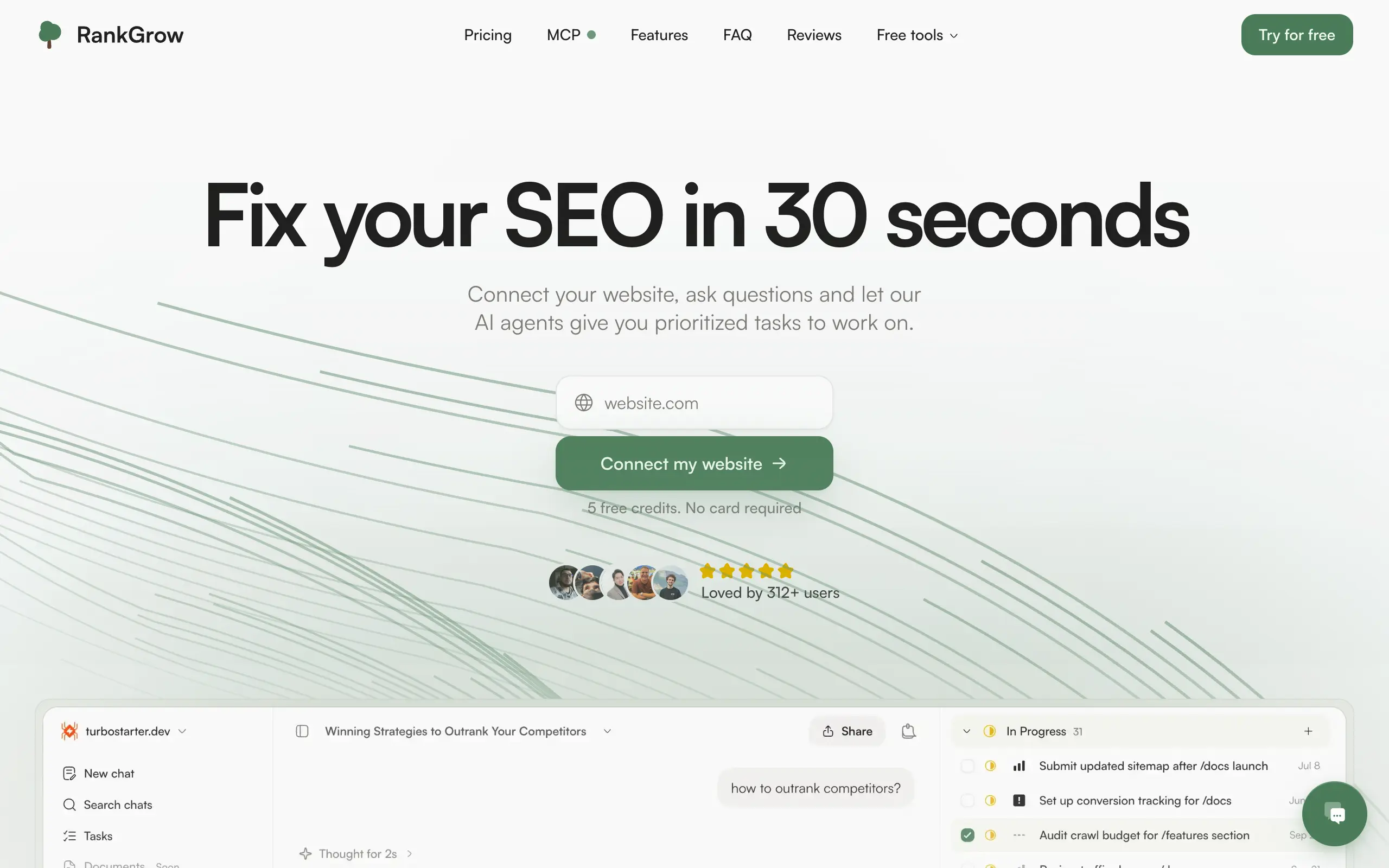
Fix your SEO with AI agents - connect Search Console, get prioritized tasks, and grow organic traffic 📈

Sync your favorite content for distraction-free reading, save time and replace multiple apps. Anytime, anywhere 🔄

Get clean, structured data from 21 platforms like TikTok, Instagram, and YouTube with a single request 📊
Monitor any Telegram channel in real time - track posts, edits, deletions, and growth with AI recaps 📡
AI website builder - describe your business, pick a niche template, edit by chatting, and publish instantly ✨
Find verified home service professionals, compare quotes, and pay securely through escrow - built for Brazilians across the US 🏠
Fix your SEO with AI agents - connect Search Console, get prioritized tasks, and grow organic traffic 📈
Sync your favorite content for distraction-free reading, save time and replace multiple apps. Anytime, anywhere 🔄
Get clean, structured data from 21 platforms like TikTok, Instagram, and YouTube with a single request 📊
Monitor any Telegram channel in real time - track posts, edits, deletions, and growth with AI recaps 📡
AI website builder - describe your business, pick a niche template, edit by chatting, and publish instantly ✨
Find verified home service professionals, compare quotes, and pay securely through escrow - built for Brazilians across the US 🏠
Fix your SEO with AI agents - connect Search Console, get prioritized tasks, and grow organic traffic 📈
Sync your favorite content for distraction-free reading, save time and replace multiple apps. Anytime, anywhere 🔄
Get clean, structured data from 21 platforms like TikTok, Instagram, and YouTube with a single request 📊
Monitor any Telegram channel in real time - track posts, edits, deletions, and growth with AI recaps 📡
AI website builder - describe your business, pick a niche template, edit by chatting, and publish instantly ✨
Find verified home service professionals, compare quotes, and pay securely through escrow - built for Brazilians across the US 🏠
Fix your SEO with AI agents - connect Search Console, get prioritized tasks, and grow organic traffic 📈
Sync your favorite content for distraction-free reading, save time and replace multiple apps. Anytime, anywhere 🔄
Get clean, structured data from 21 platforms like TikTok, Instagram, and YouTube with a single request 📊

Personalized AI apps that automate research, data extraction, and content creation without code 🤖

Enjoy a magical live video chat or receive a unique AI-generated video greeting from Santa Claus 🎅

Scalable blog for food journalist, focused on performance and user experience 🌭

Personal blog and portfolio of Bart Zagrodzki, where he shares his knowledge and work 💼

Ship your startup everywhere. In minutes.

Convert HTML to Markdown with ease, directly in your browser 📄
Personalized AI apps that automate research, data extraction, and content creation without code 🤖
Enjoy a magical live video chat or receive a unique AI-generated video greeting from Santa Claus 🎅
Scalable blog for food journalist, focused on performance and user experience 🌭
Personal blog and portfolio of Bart Zagrodzki, where he shares his knowledge and work 💼
Ship your startup everywhere. In minutes.
Convert HTML to Markdown with ease, directly in your browser 📄
Personalized AI apps that automate research, data extraction, and content creation without code 🤖
Enjoy a magical live video chat or receive a unique AI-generated video greeting from Santa Claus 🎅
Scalable blog for food journalist, focused on performance and user experience 🌭
Personal blog and portfolio of Bart Zagrodzki, where he shares his knowledge and work 💼
Ship your startup everywhere. In minutes.
Convert HTML to Markdown with ease, directly in your browser 📄
Personalized AI apps that automate research, data extraction, and content creation without code 🤖
Enjoy a magical live video chat or receive a unique AI-generated video greeting from Santa Claus 🎅
Scalable blog for food journalist, focused on performance and user experience 🌭
Personal blog and portfolio of Bart Zagrodzki, where he shares his knowledge and work 💼
Ship your startup everywhere. In minutes.
Convert HTML to Markdown with ease, directly in your browser 📄

Chat with 50+ AI models, including ChatGPT and Claude, in one place - switch models anytime without losing context 🤖

Supercharge your Claude Code with 6x effective context window and specialized AI agents 🤖

AI-powered emoji picker with smart, context-aware suggestions 🤖

Autonomous company launcher - AI agents work 24/7, escalate what matters, and you stay in control 🤖

Practice storytelling daily with instant feedback to sound clearer, more engaging, and confident 🎤
Chat with 50+ AI models, including ChatGPT and Claude, in one place - switch models anytime without losing context 🤖
Supercharge your Claude Code with 6x effective context window and specialized AI agents 🤖
AI-powered emoji picker with smart, context-aware suggestions 🤖
Autonomous company launcher - AI agents work 24/7, escalate what matters, and you stay in control 🤖
Practice storytelling daily with instant feedback to sound clearer, more engaging, and confident 🎤
Chat with 50+ AI models, including ChatGPT and Claude, in one place - switch models anytime without losing context 🤖
Supercharge your Claude Code with 6x effective context window and specialized AI agents 🤖
AI-powered emoji picker with smart, context-aware suggestions 🤖
Autonomous company launcher - AI agents work 24/7, escalate what matters, and you stay in control 🤖
Practice storytelling daily with instant feedback to sound clearer, more engaging, and confident 🎤
Chat with 50+ AI models, including ChatGPT and Claude, in one place - switch models anytime without losing context 🤖
Supercharge your Claude Code with 6x effective context window and specialized AI agents 🤖
AI-powered emoji picker with smart, context-aware suggestions 🤖
Autonomous company launcher - AI agents work 24/7, escalate what matters, and you stay in control 🤖
Practice storytelling daily with instant feedback to sound clearer, more engaging, and confident 🎤

Connect with like-minded people
Join our community to get feedback, support, and grow together with 1,000+ builders on board, let's ship it!
Join usShip your startup everywhere. In minutes.
Don't burn tokens on setup and start building features on day one.