Stackwise
Gives small furniture makers a quote and order tracker for custom pieces and trade customers. Shops cut back on lost emails and missed delivery dates.
Stackwise is a quote and order tracker built for small furniture makers who sell custom pieces to trade customers like interior designers, hospitality buyers and contract dealers. It replaces the inbox-and-spreadsheet routine that causes lost emails and missed delivery dates. The opportunity in 2026 is that these shops are too small for manufacturing ERPs and too specialized for generic CRMs, which makes a quote and order tracker for custom furniture makers a narrow, buildable wedge.
Key takeaways
- Target customer: custom furniture shops with 2 to 15 people that sell to designers, studios and trade accounts.
- Pricing angle: a flat monthly subscription per shop, with a higher tier for multiple users and a customer portal.
- Biggest risk: shops already live in email, spreadsheets and QuickBooks, so switching inertia is stronger than any competitor.
- Time to MVP: roughly 4 to 6 weeks for one developer using a starter kit, assuming you cut invoicing and inventory.
What problem does a quote and order tracker for custom furniture makers solve?
The problem is that a custom order passes through many hands and many emails, and nothing ties them together. A quote is requested by email, revised three times, approved in a reply buried in a thread, then built weeks later. Details get lost, and delivery dates slip.
Who is the ideal customer?
The best first customer is an owner-operated workshop making bespoke tables, casegoods, upholstered seating or cabinetry. The owner typically does the quoting personally, a shop manager schedules production, and a part-time admin chases customers.
Their buyers are trade customers: designers, architects, restaurant fit-out firms and dealers. Trade customers reorder, ask for revisions, and expect status updates without calling.
What do they do today?
The usual workaround is a mix of:
- An email inbox as the system of record for quotes and approvals.
- A spreadsheet or whiteboard for the production schedule.
- Word or PDF templates for quotes, copied and edited by hand.
- Accounting software for invoices, which knows nothing about the order's status.
Why does the workaround fail?
It fails because the information is split across tools and people. When a designer asks "where is my order?", someone has to search email, check the spreadsheet and ask the workshop floor.
Quote versions are the second failure. A customer approves a version, but the build sheet reflects an older one. In custom work, that mistake means remaking a piece, which costs far more than any software subscription.
Why is there room for this idea in 2026?
There is room because existing tools sit at the two extremes. Generic CRMs and project tools are flexible but know nothing about custom furniture quoting, while manufacturing ERPs are built for factories with dedicated staff. Small makers fall in between.
What is the gap in existing solutions?
Categories you will run into include general CRMs, project management tools like Trello or Notion, quoting and invoicing apps, and ERP or MRP systems. Each solves a slice. None gives a small shop a quote that turns into an order, then into a tracked build with a customer-facing status.
Many shops have tried a general tool and abandoned it because setup took longer than the problem it solved. A product with furniture-specific defaults (materials, finishes, lead times, deposits) avoids that setup cost.
Why now?
Three shifts make this more viable than a few years ago:
- Trade customers expect self-serve visibility. People used to consumer order tracking now ask for the same from a workshop.
- AI can reduce data entry. Parsing a customer email or a PDF spec into a draft quote is realistic, where it was not a few years ago.
- Building SaaS is cheaper. Authentication, billing and teams are solved problems, so a small team can ship a niche product without a large budget.
What should the MVP include?
The MVP should do one loop well: capture a request, send a quote, get approval, track the order to delivery. Everything else waits. The aha moment is when a shop owner sends a quote, the designer approves it from a link, and the order appears on the production board with a promised date, with no email chase.
The four core features
Quote builder
Build quotes from reusable line items with materials, finishes, lead times and deposit terms, and keep a clear version history.
Approval link
Send trade customers a link to review, approve or request changes, so the approved version is always unambiguous.
Order board
Turn approved quotes into orders on a stage-based board with a promised delivery date and an owner for each stage.
Customer status page
Give each trade account a simple page and email updates showing where every order stands and when it ships.
What to cut from version one
Cut these until paying customers ask for them repeatedly:
- Full invoicing and accounting (sync or export instead).
- Inventory and bill of materials.
- Shop floor time tracking.
- A native mobile app, since a responsive web app covers an owner checking orders from the workshop.
Be strict here. Each cut feature is a week saved, and none of them is the reason a shop would switch.
How is Stackwise different from spreadsheets and generic tools?
Stackwise wins by being opinionated for custom furniture: quotes, approvals and delivery dates in one place, with trade customers in mind. The positioning is not "better project management", it is "stop losing orders in your inbox".
| Option | Furniture-specific quoting | Customer approval link | Delivery date tracking | Setup effort |
|---|---|---|---|---|
| Stackwise | ✅ | ✅ | ✅ | Low |
| Email plus spreadsheets | ❌ | ❌ | Manual | None, but error-prone |
| General CRM | ❌ | Depends | Custom fields | High |
| Project tools (Trello, Notion) | ❌ | ❌ | Manual | Medium |
| Manufacturing ERP | Depends | ❌ | ✅ | Very high |
The honest caveat is that spreadsheets are free and familiar. Your pitch has to be measured in avoided mistakes and saved hours, not features.
How would Stackwise make money?
The simplest model is a flat monthly subscription per shop. Small makers dislike per-seat math and usage billing, and a predictable price is easier to approve.
Pricing options
- Flat tiers: for example a starter plan for a solo maker and a studio plan for shops with a team. If you charge $49 per month and 40 shops subscribe, that is under $2,000 in monthly revenue, so plan for volume or a higher price.
- Base plan plus customer portal add-on: keep internal tools cheap, charge more for branded status pages and trade accounts. This ties price to the feature that shows value to the shop's customers.
- Onboarding fee: a one-time setup charge to import existing quote templates and customers. It filters out tire-kickers and funds the hands-on help early customers need.
Start with flat tiers and test a higher price than feels comfortable. If a missed delivery or a remade piece costs a shop hundreds of dollars, a modest monthly fee is easy to justify.
Which growth channel works first?
Direct outreach to shops works first. Find makers through trade shows, Instagram portfolios, designer-trade directories and woodworking communities, and offer to migrate their current quotes for free. Partnerships with the designers who order often can follow, since every trade customer who sees a clean status page is a warm lead for the next shop.
How do you validate Stackwise before building it?
Spend one to two weeks proving that shops will talk, sign up and pay before you write meaningful code.
Interview eight to ten shop owners
Ask them to walk through their last three custom orders, from first email to delivery. Note where information got lost and what it cost them.
Collect real artifacts
Ask for a sample quote, a production spreadsheet and a typical email thread. These become your templates and prove what the product must handle.
Ship a one-page landing site
State one promise, such as "Never lose a quote or miss a delivery date again", with a waitlist form. Send it to every interviewee and post it in relevant maker communities.
Run a manual pilot
Offer two or three shops a done-for-you version using a shared form, a spreadsheet and email templates. If they use it for a week, you have real workflow data.
Ask for a pre-sale
Offer a discounted founding-member price for a prepaid first quarter. Even three or four paying shops is a stronger signal than fifty waitlist emails.
What tech stack should you use to build a furniture quote and order tracker?
Use a conventional web stack and spend your effort on the quote and order workflow. A TurboStarter setup gives you a monorepo with web and mobile apps, authentication, organizations and teams, billing, database, emails, file storage, AI, background tasks and an admin panel, so you skip weeks of undifferentiated work.
What does the starter already cover?
- Accounts and teams: a shop is an organization with an owner, a manager and staff. See the docs for authentication and organizations.
- Subscriptions: flat tiers and one-time onboarding fees map to billing.
- Transactional emails: quote sent, quote approved and shipping updates run through emails.
- Files: drawings, finish samples and PDFs belong in storage.
What remains is yours to build: the quote model, the approval flow, the order board and the customer status page.
A starting data model
Keep the core model small. Quotes are versioned, and an order is created from one approved version.
type QuoteStatus = "draft" | "sent" | "approved" | "declined";
type OrderStage = "approved" | "in_production" | "finishing" | "ready" | "delivered";

interface Quote {
  id: string;
  shopId: string;
  customerId: string;
  version: number;
  status: QuoteStatus;
  lineItems: { description: string; materials: string; finish: string; price: number }[];
  depositPercent: number;
  leadTimeWeeks: number;
}

interface Order {
  id: string;
  quoteId: string; // the approved version only
  stage: OrderStage;
  promisedDate: string; // ISO date
}
Which database or AI approach fits?
Pick Postgres for a multi-tenant product with shops, customers, versioned quotes and orders. Relational integrity matters when an order must reference exactly one approved quote version, and it scales comfortably past your first hundred shops.
SQLite is simpler and cheaper for a prototype, but multi-tenant access, backups and concurrent writes become your problem sooner. Choose it only for a throwaway validation build, then migrate.
For AI, use a hosted model only for draft assistance, such as turning a customer email into a draft quote. Keep a human approval step before anything is sent, and run reminders and date alerts as scheduled jobs through background tasks.
What could make Stackwise fail?
Most failures here come from adoption and scope, not technology. Plan for each.
Biggest risk: switching inertia
Shops already run on email and spreadsheets, and a new tool that adds work in the first week gets abandoned. Mitigate it by importing existing quotes and customers for them, making the first quote possible in minutes, and measuring whether shops send a real quote in week one.
- Customers are too small to pay enough: very small shops may resist subscriptions. Test pricing early, and focus on shops with several employees and regular trade customers.
- Scope creep toward an ERP: every customer will ask for inventory, invoicing and scheduling. Say no until several paying shops request the same thing.
- Trade customers ignore the portal: if designers will not click the approval link, the core loop breaks. Keep the link frictionless, with no account required, and email-first.
- Competition from a bigger tool adding quoting: a general platform could add similar features. Your defense is furniture-specific templates, fast onboarding and close relationships with makers.
What should you do in the first 30 days?
Follow this order so you learn before you build too much.
- Days 1 to 7: run interviews, gather sample quotes and spreadsheets, and publish the landing page.
- Days 8 to 12: start the pilot with two or three shops using manual workflows, and collect pre-sale commitments.
- Days 13 to 22: set up the starter kit, then build the quote builder and approval link.
- Days 23 to 27: add the order board, status page and email notifications.
- Days 28 to 30: onboard the pilot shops onto the real product, import their data and watch how they use it.
Start by booking those first interviews this week. When you are ready to build, TurboStarter gets the accounts, billing and teams foundation running so your time goes into the quote and order workflow.
FAQ
Interview eight to ten shop owners about their last few custom orders, then collect real quotes and spreadsheets. Follow with a landing page and a manual pilot. A prepaid founding-member offer is the strongest signal.
Start with a flat monthly price and test a higher figure than feels comfortable. Anchor it to the cost of one remade piece or one missed delivery, and avoid per-seat pricing that punishes growing shops.
Mostly spreadsheets, email and general tools like CRMs, Trello or Notion, plus quoting and invoicing apps and manufacturing ERPs. Few are tailored to custom furniture for trade customers, which is the gap to target.
A TypeScript web app with a relational database like Postgres, transactional email, file storage and subscription billing is enough. Starting from a kit like TurboStarter covers most of that foundation.
Assuming one developer and a starter kit, plan for about four to six weeks for quotes, approvals, an order board and a status page. Costs are mostly your time, plus modest hosting, email and AI usage that grows with customers.
No. They double your scope and are not why a shop would switch. Export to accounting software first, and add deeper features only after several paying shops ask for the same thing.
More 🏢 B2B Application SaaS ideas
Discover more innovative b2b application SaaS ideas that are trending in 2026. Each idea is AI-generated with market validation and growth potential to help you find your next profitable venture faster than competitors.
Your competitors are building with TurboStarter
Below are some of the SaaS ideas that have been generated and built with our starter kit.

Monitor any Telegram channel in real time - track posts, edits, deletions, and growth with AI recaps 📡

AI website builder - describe your business, pick a niche template, edit by chatting, and publish instantly ✨
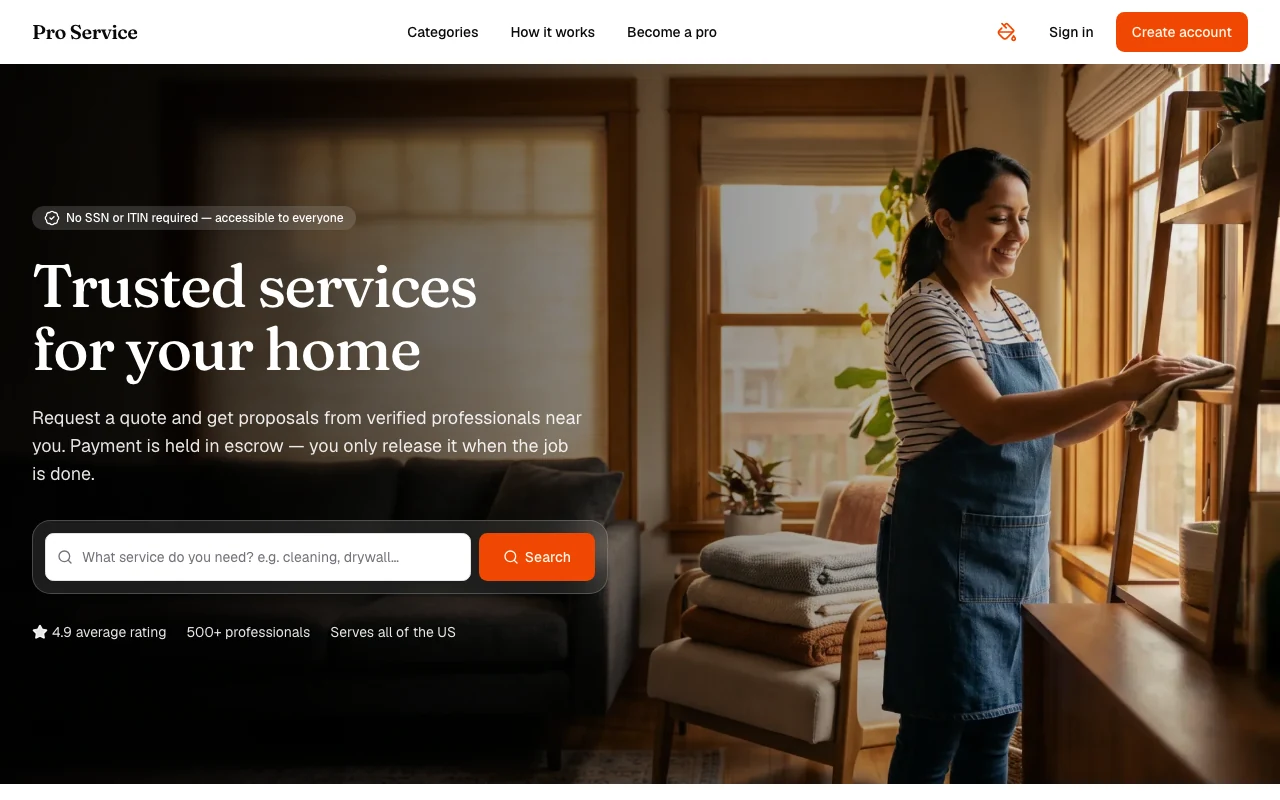
Find verified home service professionals, compare quotes, and pay securely through escrow - built for Brazilians across the US 🏠
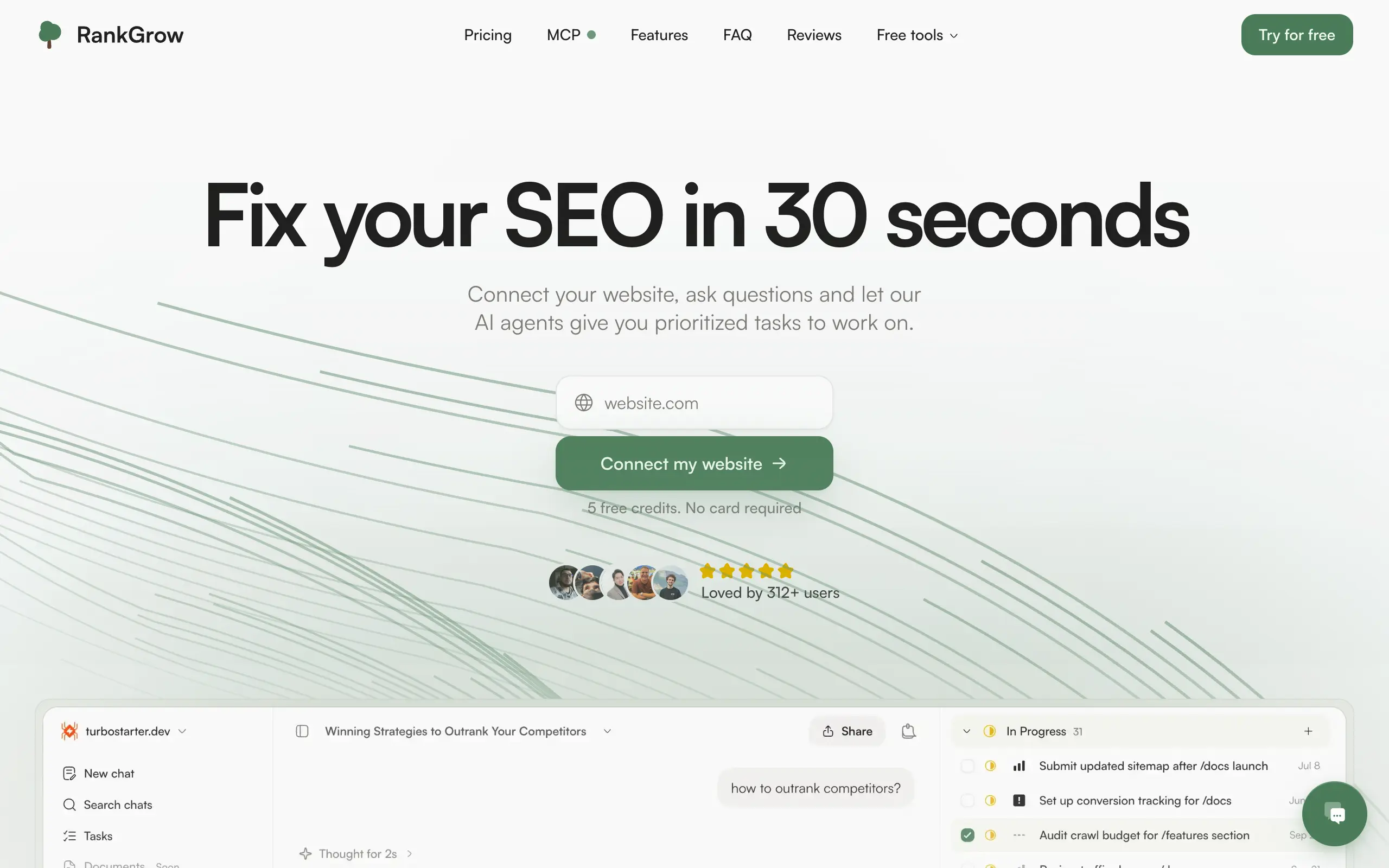
Fix your SEO with AI agents - connect Search Console, get prioritized tasks, and grow organic traffic 📈
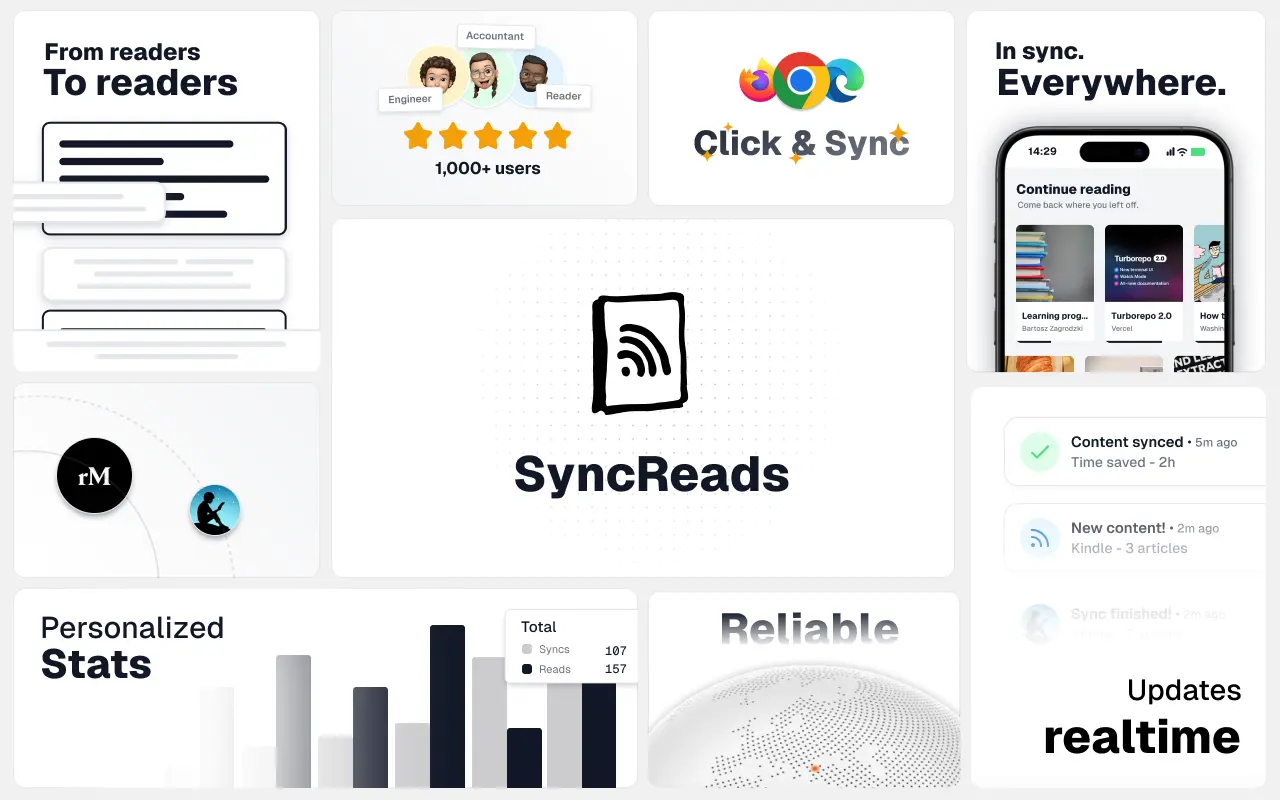
Sync your favorite content for distraction-free reading, save time and replace multiple apps. Anytime, anywhere 🔄
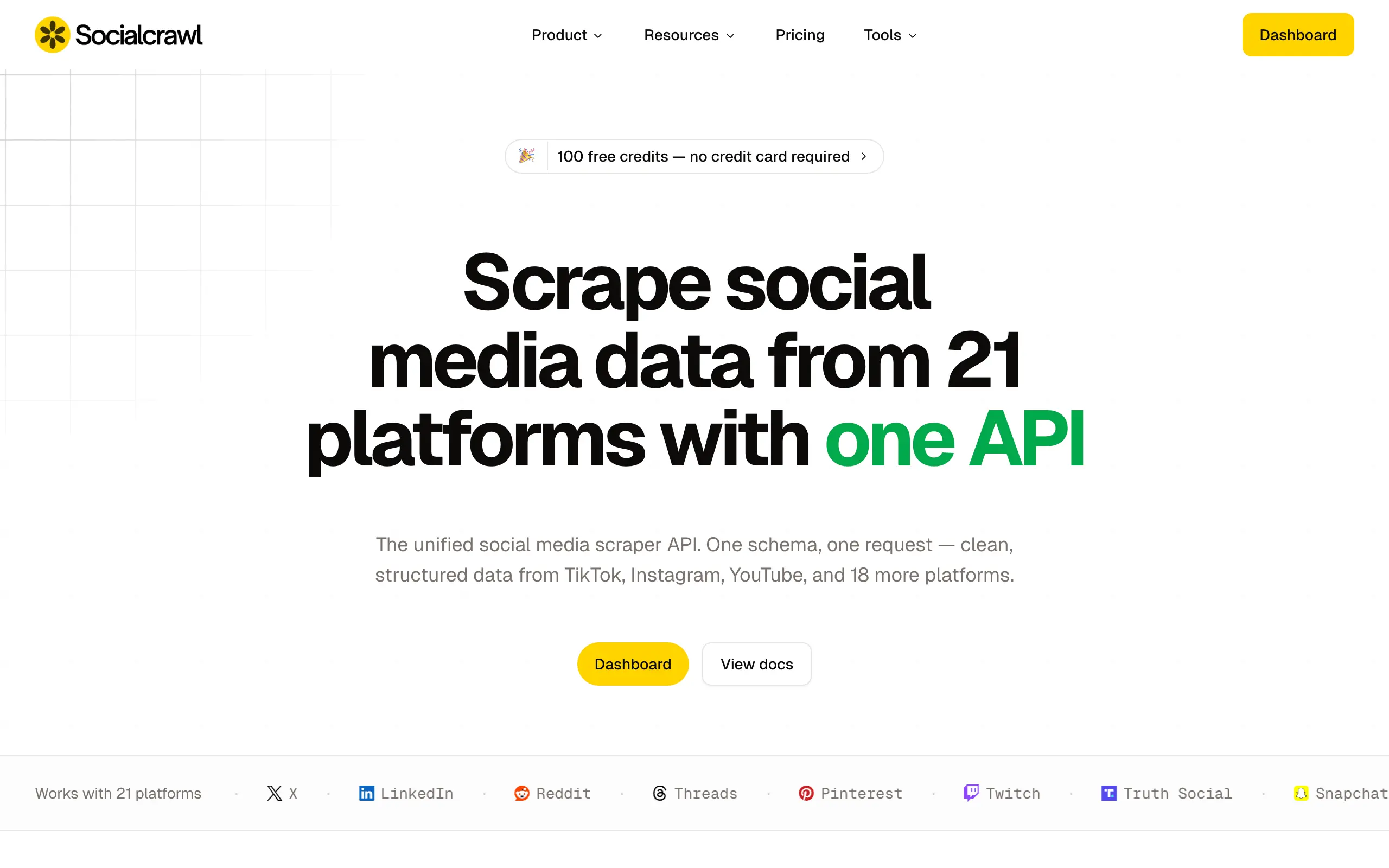
Get clean, structured data from 21 platforms like TikTok, Instagram, and YouTube with a single request 📊
Monitor any Telegram channel in real time - track posts, edits, deletions, and growth with AI recaps 📡
AI website builder - describe your business, pick a niche template, edit by chatting, and publish instantly ✨
Find verified home service professionals, compare quotes, and pay securely through escrow - built for Brazilians across the US 🏠
Fix your SEO with AI agents - connect Search Console, get prioritized tasks, and grow organic traffic 📈
Sync your favorite content for distraction-free reading, save time and replace multiple apps. Anytime, anywhere 🔄
Get clean, structured data from 21 platforms like TikTok, Instagram, and YouTube with a single request 📊
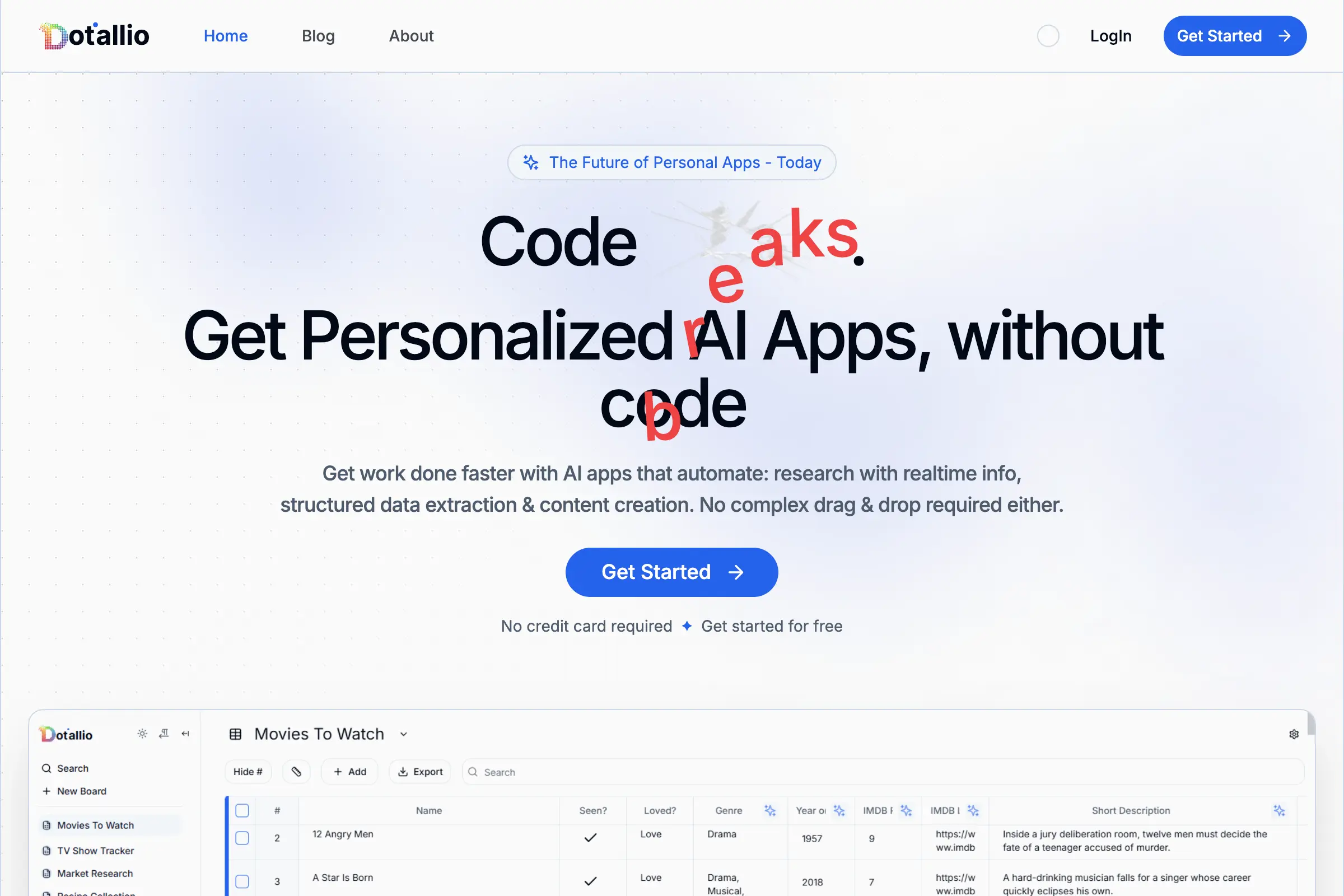
Personalized AI apps that automate research, data extraction, and content creation without code 🤖
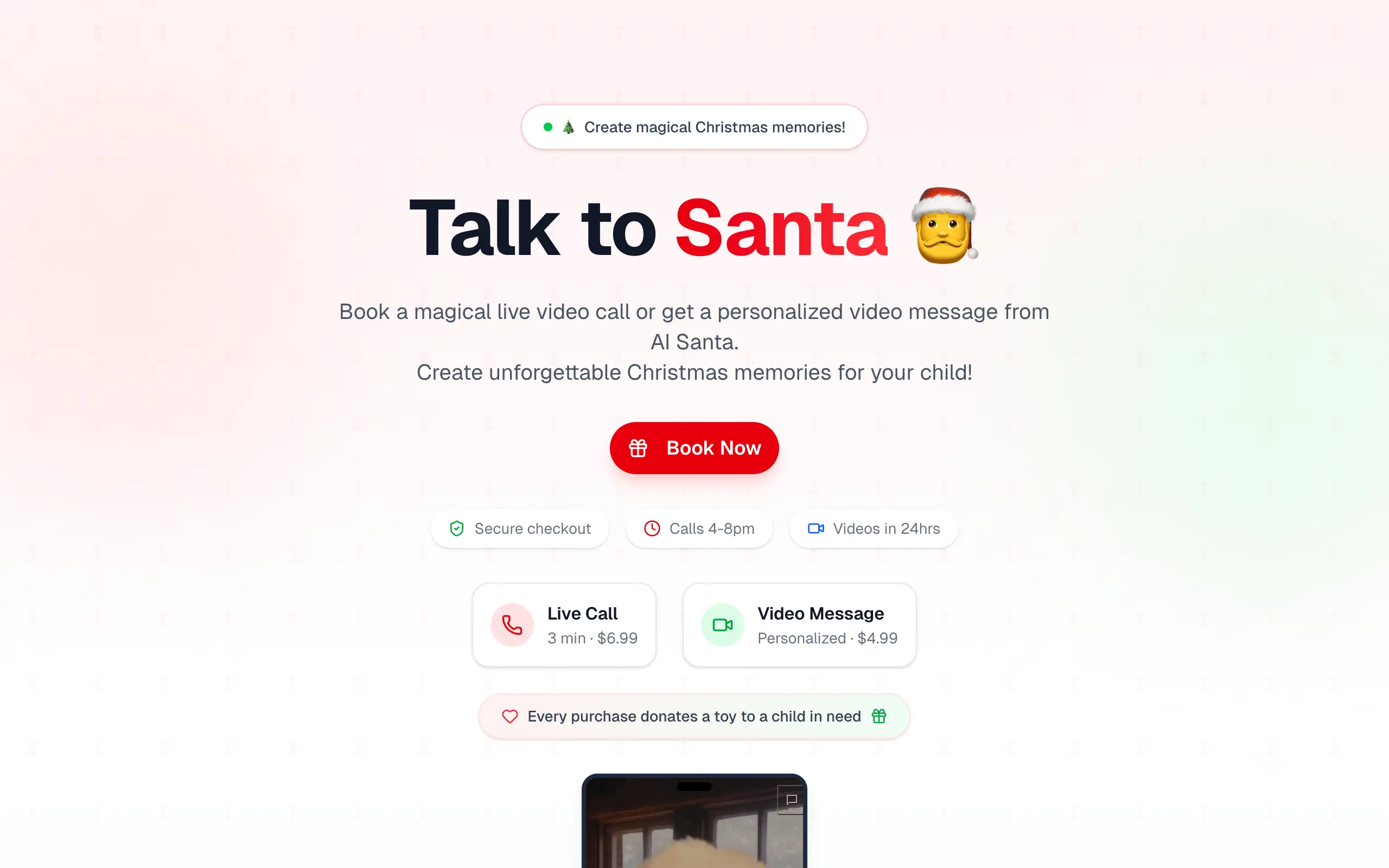
Enjoy a magical live video chat or receive a unique AI-generated video greeting from Santa Claus 🎅
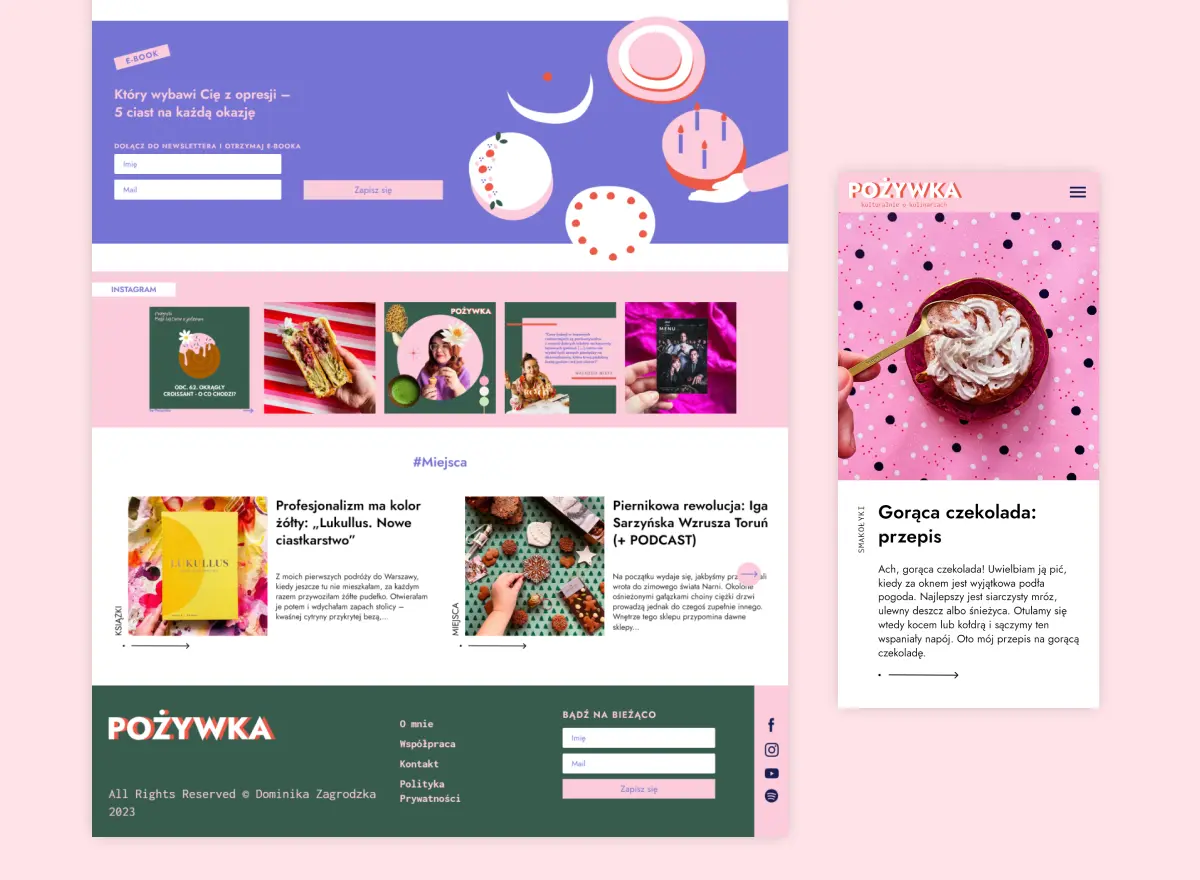
Scalable blog for food journalist, focused on performance and user experience 🌭
Personal blog and portfolio of Bart Zagrodzki, where he shares his knowledge and work 💼
Ship your startup everywhere. In minutes.
Convert HTML to Markdown with ease, directly in your browser 📄
Personalized AI apps that automate research, data extraction, and content creation without code 🤖
Enjoy a magical live video chat or receive a unique AI-generated video greeting from Santa Claus 🎅
Scalable blog for food journalist, focused on performance and user experience 🌭
Personal blog and portfolio of Bart Zagrodzki, where he shares his knowledge and work 💼
Ship your startup everywhere. In minutes.
Convert HTML to Markdown with ease, directly in your browser 📄
Chat with 50+ AI models, including ChatGPT and Claude, in one place - switch models anytime without losing context 🤖
Supercharge your Claude Code with 6x effective context window and specialized AI agents 🤖
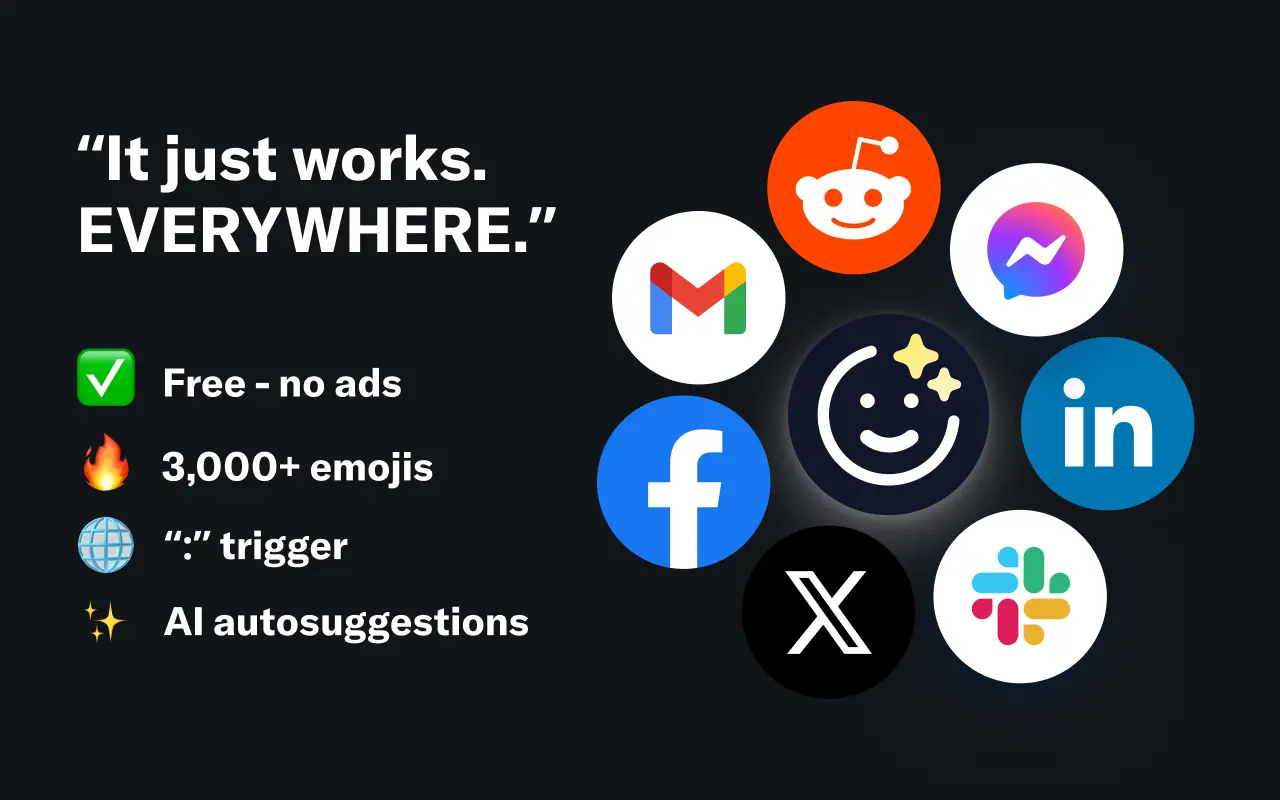
AI-powered emoji picker with smart, context-aware suggestions 🤖
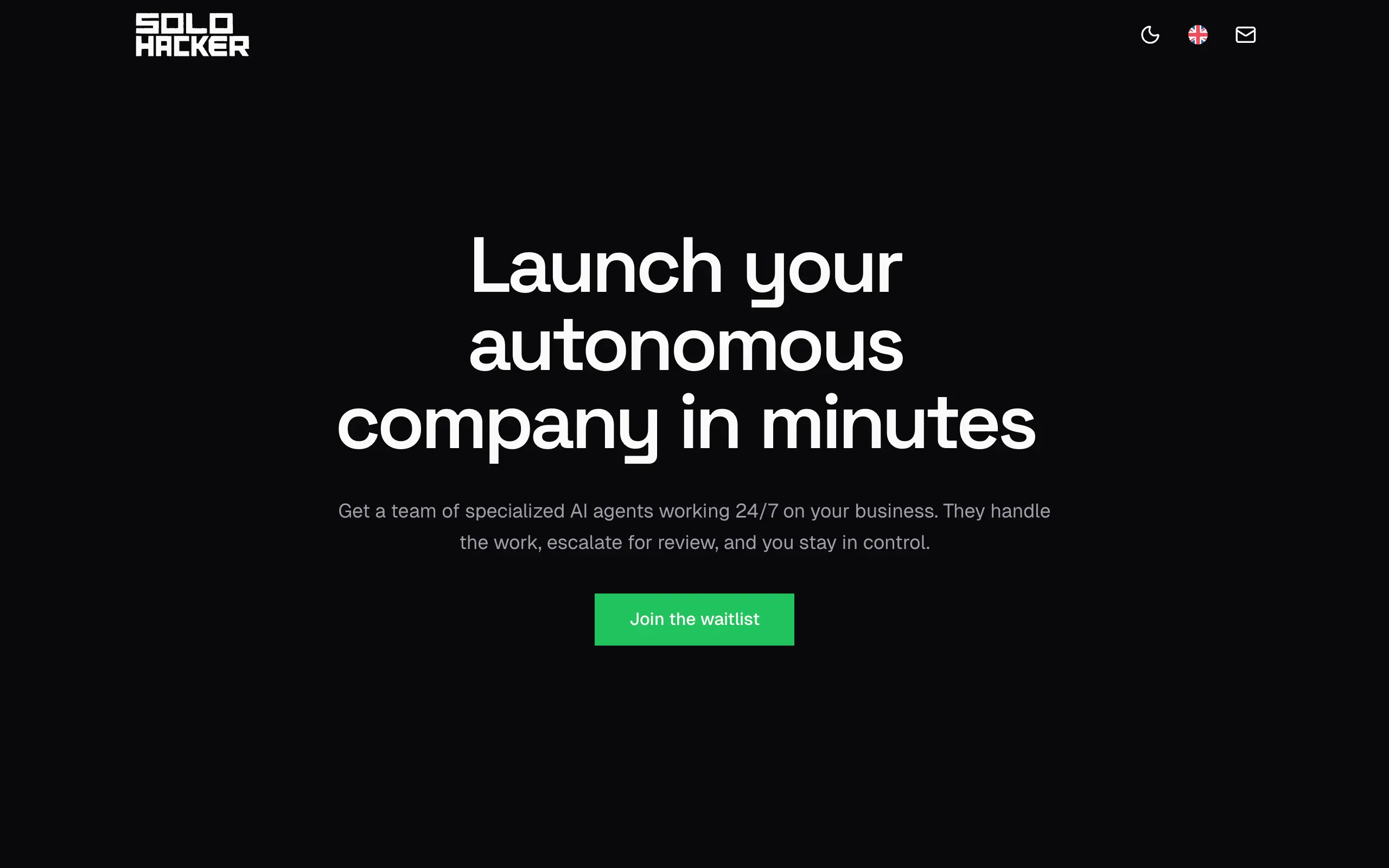
Autonomous company launcher - AI agents work 24/7, escalate what matters, and you stay in control 🤖
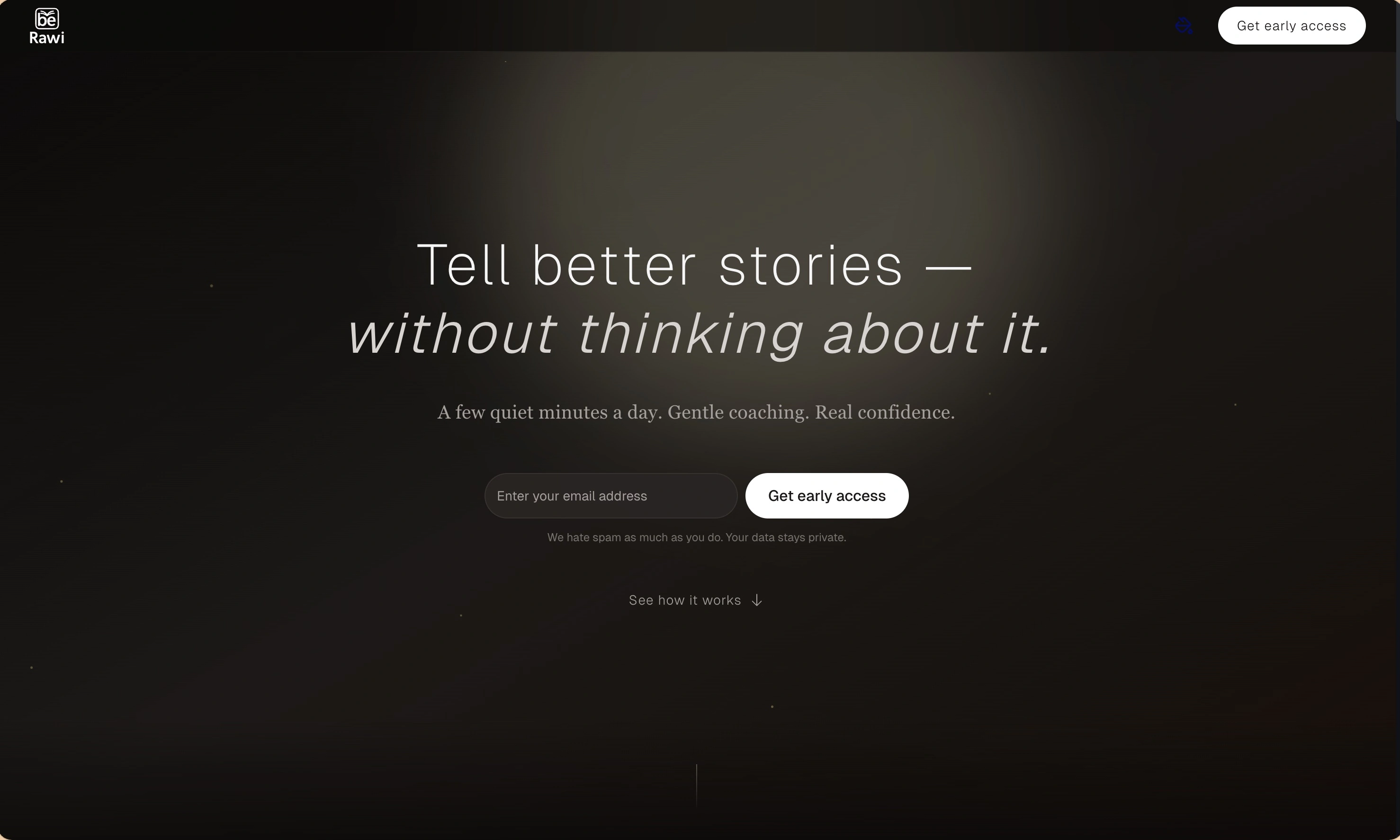
Practice storytelling daily with instant feedback to sound clearer, more engaging, and confident 🎤
Chat with 50+ AI models, including ChatGPT and Claude, in one place - switch models anytime without losing context 🤖
Supercharge your Claude Code with 6x effective context window and specialized AI agents 🤖
AI-powered emoji picker with smart, context-aware suggestions 🤖
Autonomous company launcher - AI agents work 24/7, escalate what matters, and you stay in control 🤖
Practice storytelling daily with instant feedback to sound clearer, more engaging, and confident 🎤

Connect with like-minded people
Join our community to get feedback, support, and grow together with 1,000+ builders on board, let's ship it!
Join usShip your startup everywhere. In minutes.
Don't burn tokens on setup and start building features on day one.