For the complete documentation index, see llms.txt. Prefer markdown by appending.mdto documentation URLs or sendingAccept: text/markdown.
Configuration
Connect Google Analytics or PostHog to your browser extension by configuring measurement IDs, API secrets, and VITE_ environment variables.
The @workspace/analytics-extension package offers a streamlined and flexible approach to tracking events in your TurboStarter extension using various analytics providers. It abstracts the complexities of different analytics services and provides a consistent interface for event tracking.
In this section, we'll guide you through the configuration process for each supported provider.
Note that the configuration is validated against a schema, so you'll see error messages in the console if anything is misconfigured.
Providers
Below, you'll find detailed information on how to set up and use each supported provider. Choose the one that best suits your needs and follow the instructions in the respective accordion section.
To use Google Analytics as your analytics provider, you need to create a Google Analytics account and set up a property.
Next, add a data stream in your Google Analytics account settings:
- Navigate to Google Analytics.
- In the Admin section, under Data collection and modification, click on Data Streams.
- Click Add stream.
- Select Web as the platform.
- Enter the required details for the stream (at minimum, provide a name and website URL).
- Click Create stream.
After creating the stream, you'll need two pieces of information:
- Your Measurement ID (it should look like
G-XXXXXXXXXX):
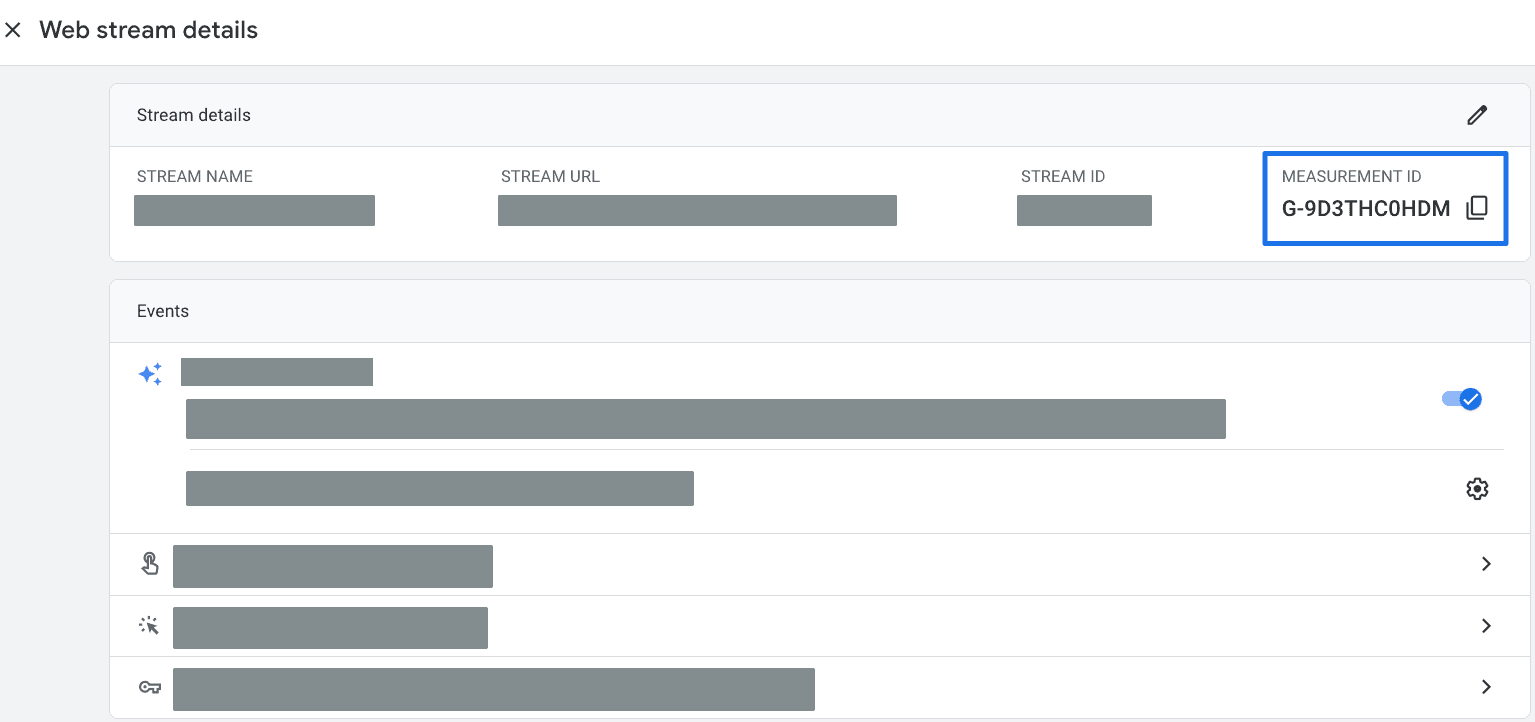

Set these values in your .env.local file in the apps/extension directory and in your CI/CD provider secrets:
VITE_GOOGLE_ANALYTICS_MEASUREMENT_ID="your-measurement-id"
VITE_GOOGLE_ANALYTICS_SECRET="your-measurement-protocol-api-secret"
Also, make sure to activate the Google Analytics provider as your analytics provider by updating the exports in:
export * from "./google-analytics";
export * from "./google-analytics/env";
To customize the provider, you can find its definition in packages/analytics/extension/src/providers/google-analytics directory.
For more information, please refer to the Google Analytics documentation.
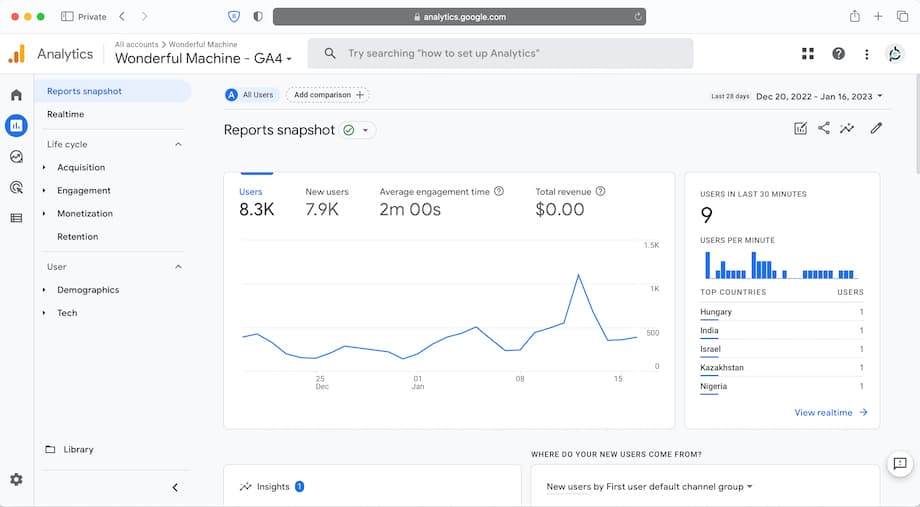
You can also use it for monitoring!
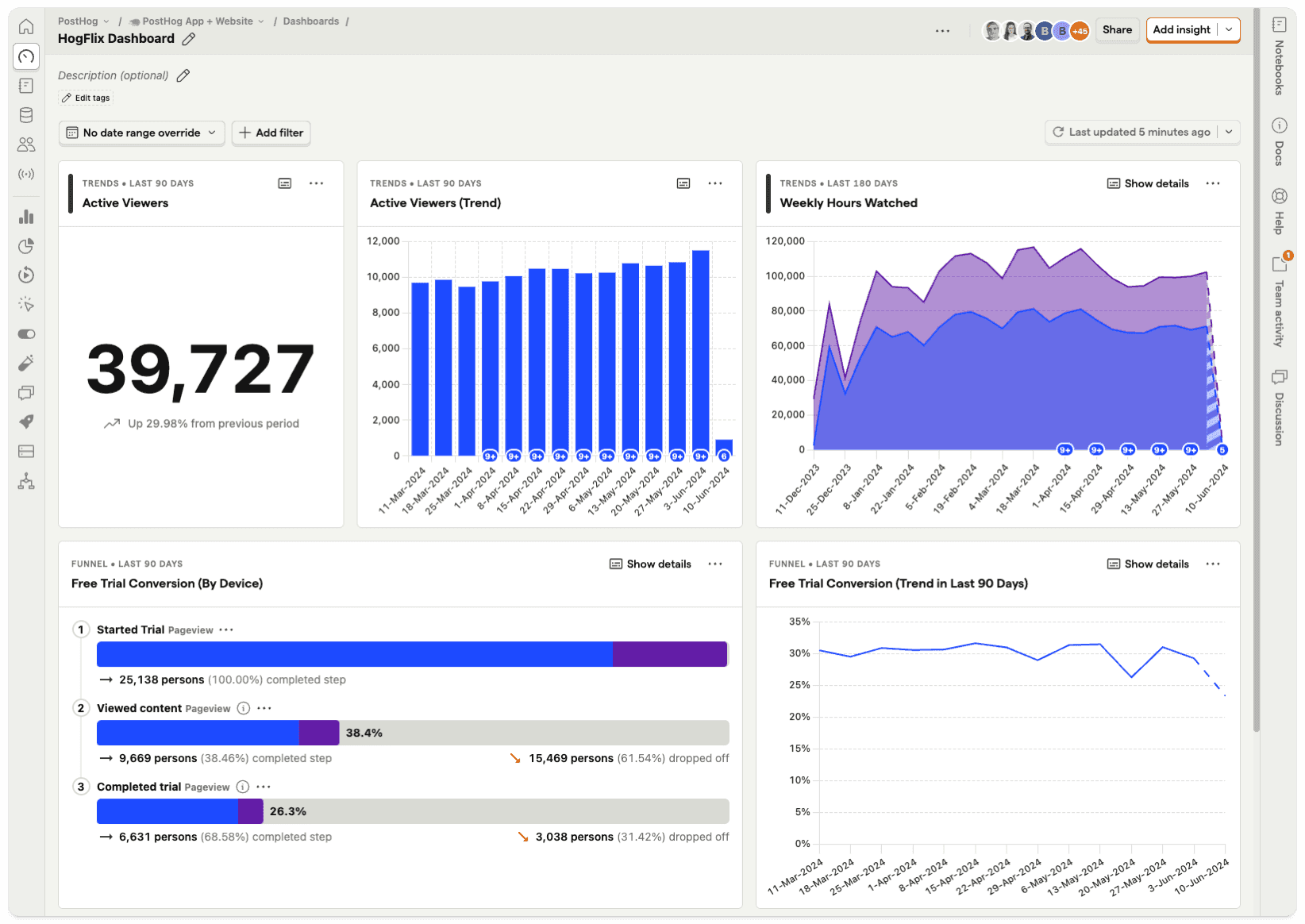
PostHog is also one of pre-configured providers for monitoring and feature flags in TurboStarter.
To use PostHog as your analytics provider, you need to configure a PostHog instance. You can obtain the Cloud instance by creating an account or self-host it.
Then, create a project and, based on your project settings, fill the following environment variables in your .env.local file in apps/extension directory and your CI/CD provider secrets:
VITE_POSTHOG_KEY="your-posthog-api-key"
VITE_POSTHOG_HOST="your-posthog-instance-host"
Also, make sure to activate the PostHog provider as your analytics provider by updating the exports in:
export * from "./posthog";
export * from "./posthog/env";
To customize the provider, you can find its definition in packages/analytics/extension/src/providers/posthog directory.
For more information, please refer to the PostHog documentation.
How is this guide?
Last updated on