For the complete documentation index, see llms.txt. Prefer markdown by appending.mdto documentation URLs or sendingAccept: text/markdown.
OAuth
Enable dozens of OAuth providers through Better Auth with minimal config. Overview of social login options for Expo mobile apps.
Better Auth supports almost 30 (!) different OAuth providers. They can be easily configured and enabled in the kit without any additional configuration needed.
Everything configured!
TurboStarter provides you with all the configuration required to handle OAuth providers responses from your app:
- redirects
- middleware
- confirmation API routes
You just need to configure one of the below providers on their side and set correct credentials as environment variables in your TurboStarter app.
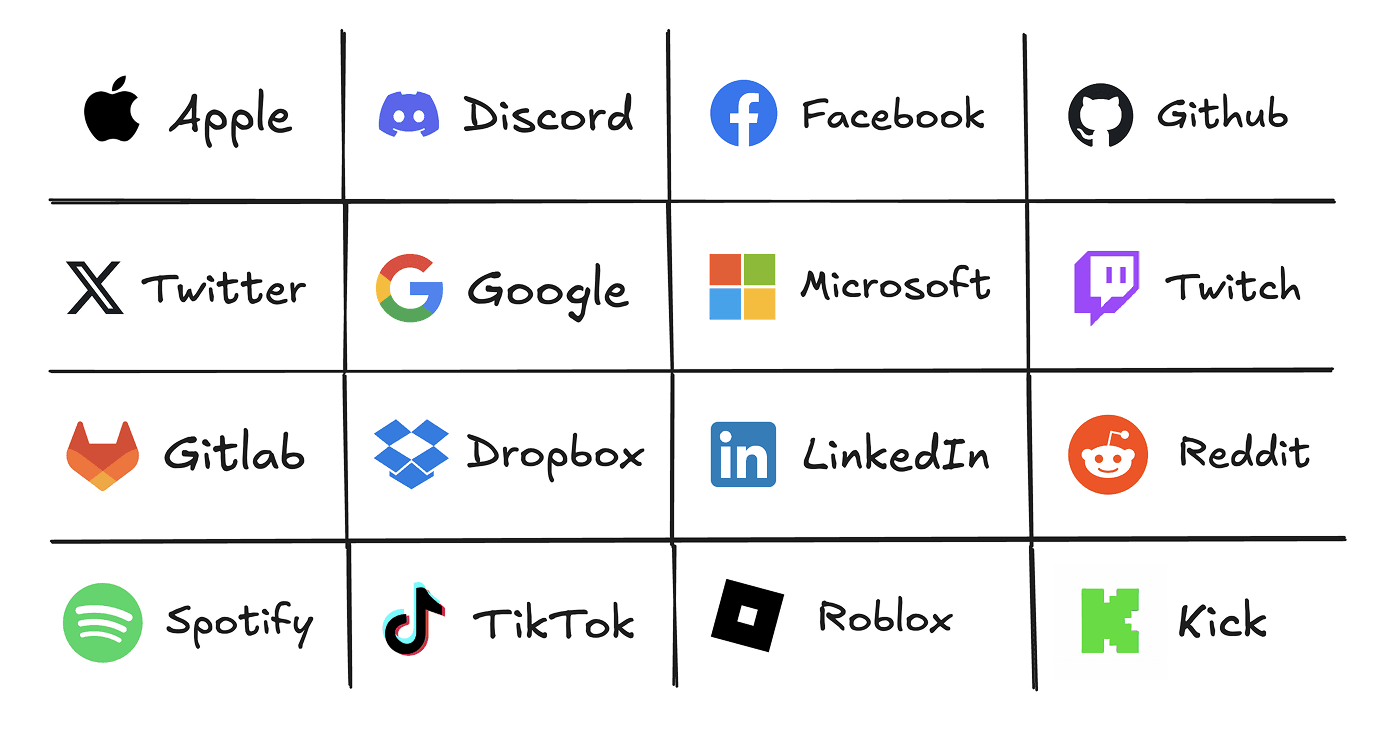
Third Party providers need to be configured, managed and enabled fully on the provider's side. TurboStarter just needs the correct credentials to be set as environment variables in your app and passed to the authentication API configuration.
To enable OAuth providers in your TurboStarter app, you need to:
- Set up an OAuth application in the provider's developer console (like Apple Developer Portal, Google Cloud Console, Github Developer Settings or any other provider you want to use)
- Configure the provider's credentials as environment variables in your app. For example, for Google OAuth:
GOOGLE_CLIENT_ID=
GOOGLE_CLIENT_SECRET=
Then, pass it to the authentication configuration in packages/auth/src/server.ts:
export const auth = betterAuth({
  ...

  socialProviders: {
    [SocialProvider.GOOGLE]: {
      clientId: env.GOOGLE_CLIENT_ID,
      clientSecret: env.GOOGLE_CLIENT_SECRET,
    },
  },

  ...
});
App scheme is a trusted origin
Mobile OAuth and magic-link flows use an app scheme (like turbostarter://) for deep linking after authentication.
The scheme from apps/mobile/app.config.ts is already listed in Better Auth trustedOrigins:
export const trustedOrigins = [
  // ...
  "turbostarter://",
  // ...
];
If you rename the scheme, update that entry in the same change. Trusted origins prevent CSRF and open redirects by allowing only requests from your app.
Read more about auth security in Better Auth's documentation.
Also, we included some native integrations ("Sign in with Apple" for iOS and "Sign in with Google" for Android) to make the sign-in process smoother and faster for the user.
How is this guide?
Last updated on