For the complete documentation index, see llms.txt. Prefer markdown by appending.mdto documentation URLs or sendingAccept: text/markdown.
User flow
Follow the TurboStarter authentication flow from sign-up to session. How login, callbacks, and protected routes work in your mobile app.
TurboStarter ships with a fully functional authentication system. Most screens and components are preconfigured and easy to customize.
Here you will find a quick walkthrough of the authentication flow.
Sign up
The sign-up screen is where users can create an account. They need to provide their email address and password.
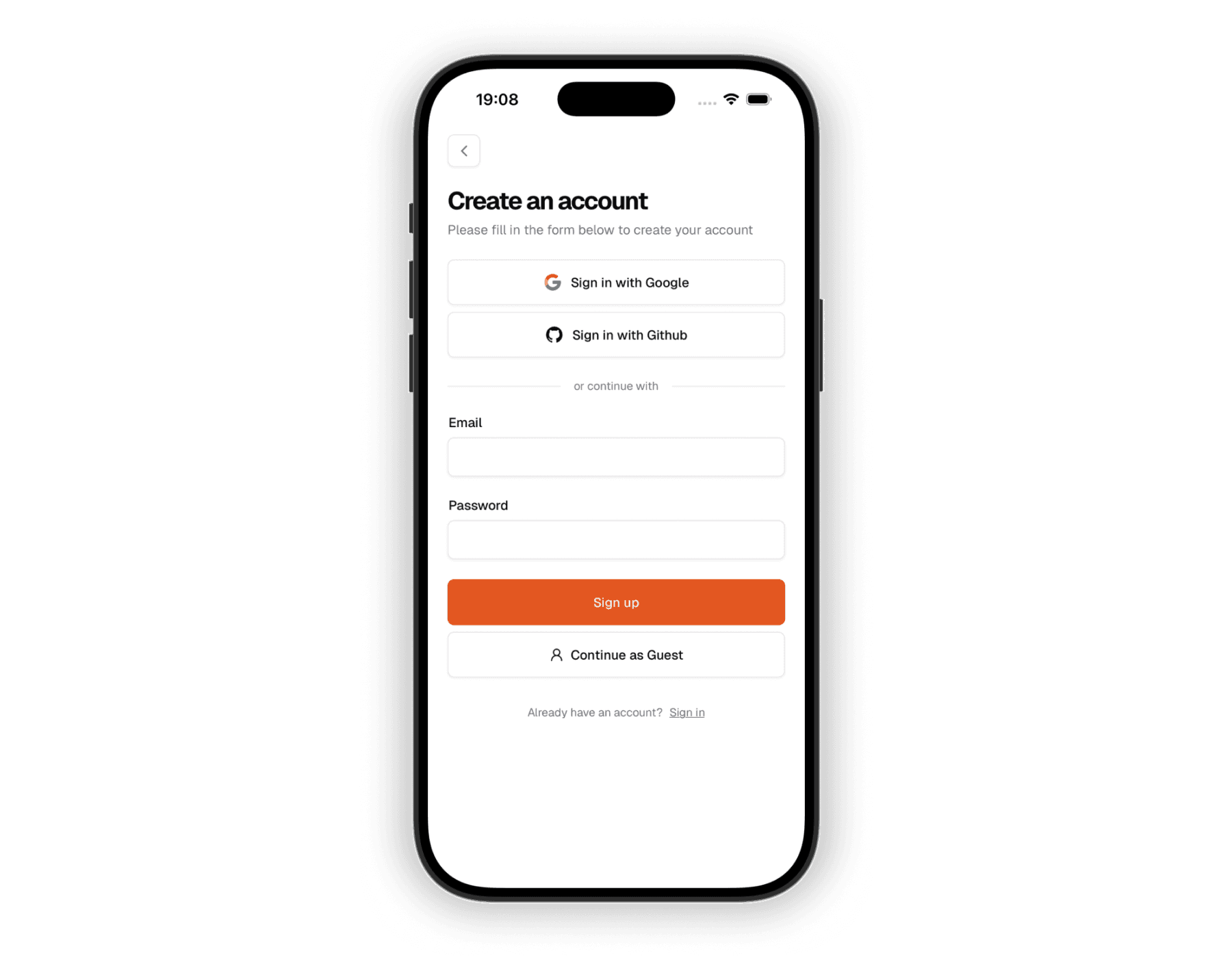
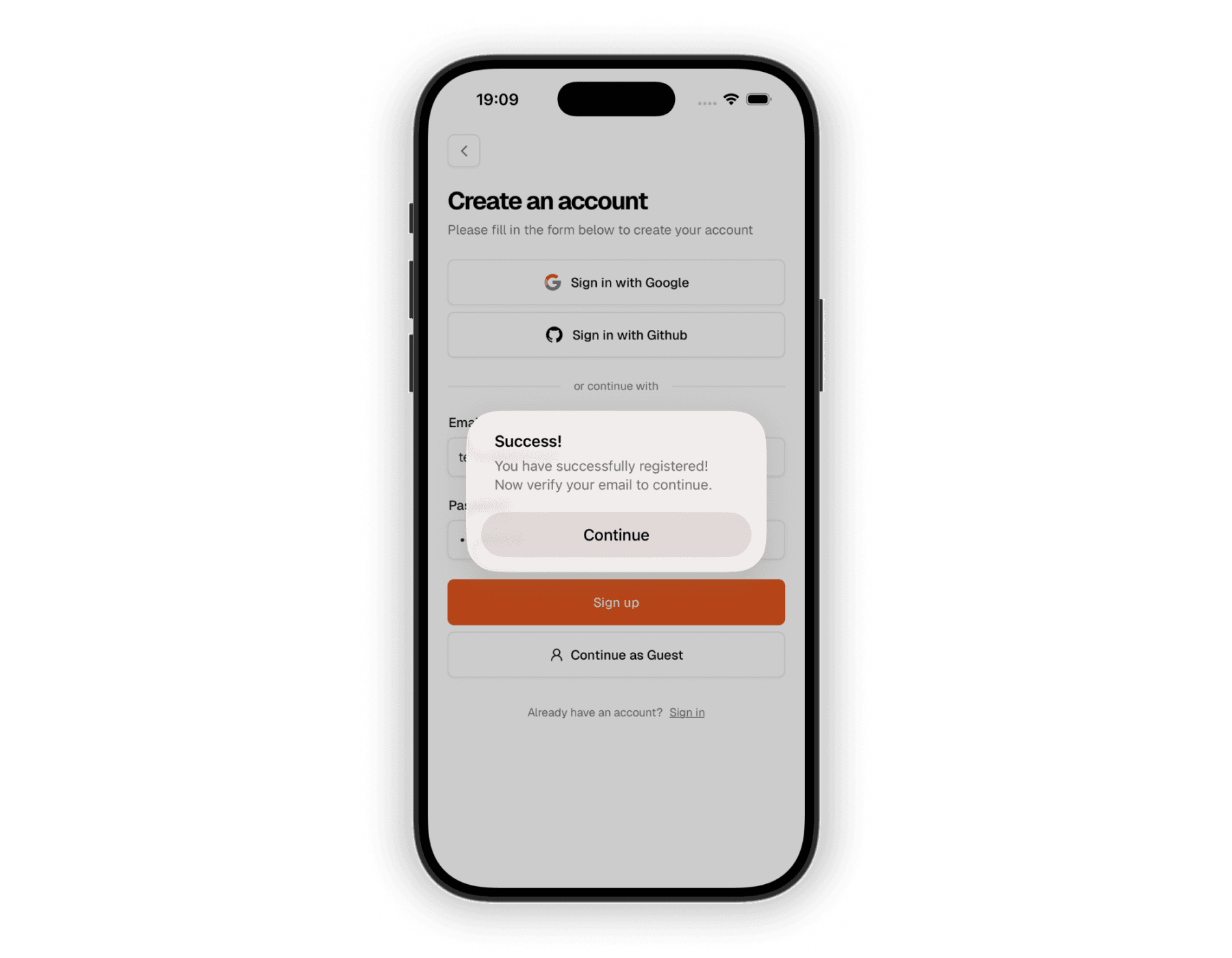
Once successful, users are asked to confirm their email address. This is enabled by default - and due to security reasons, it's not possible to disable it.
Sending authentication emails
Make sure to configure the email provider together with the auth hooks to be able to send emails from your app.
Sign in
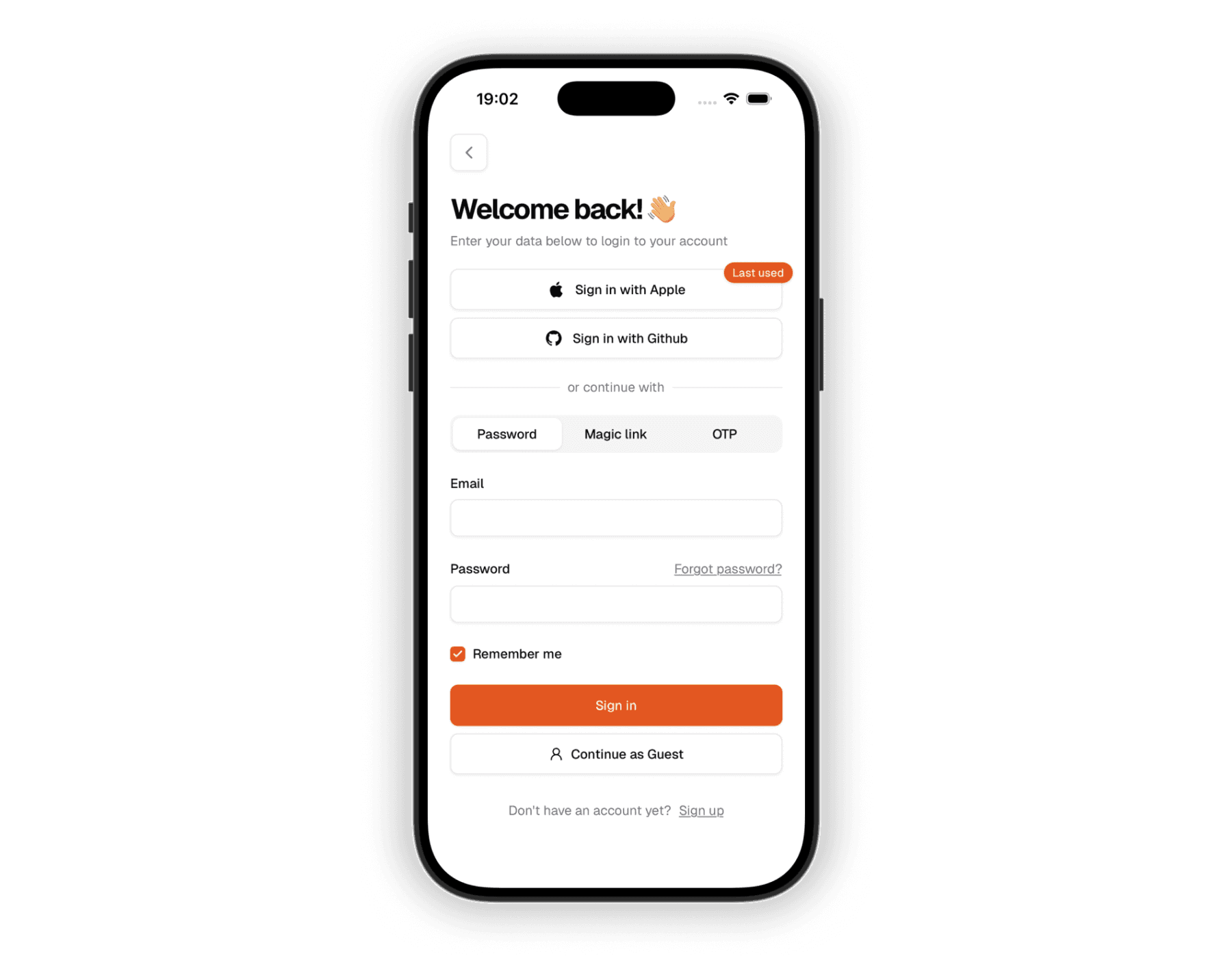
The sign-in screen lets users log in with email and password, magic link (if enabled), OTP (if enabled), or third-party providers.
Sign out
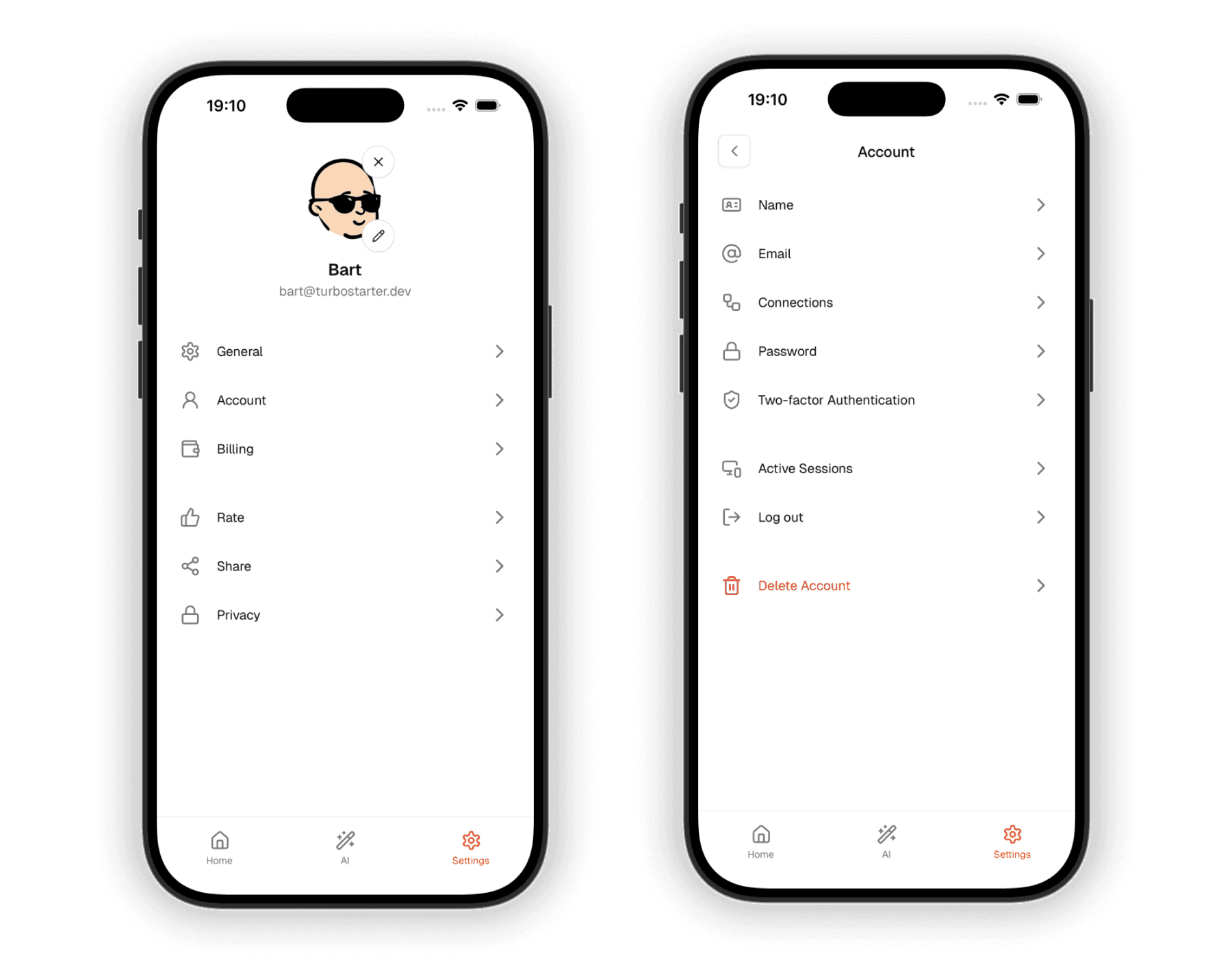
The sign-out button is in the user account settings.
Forgot password
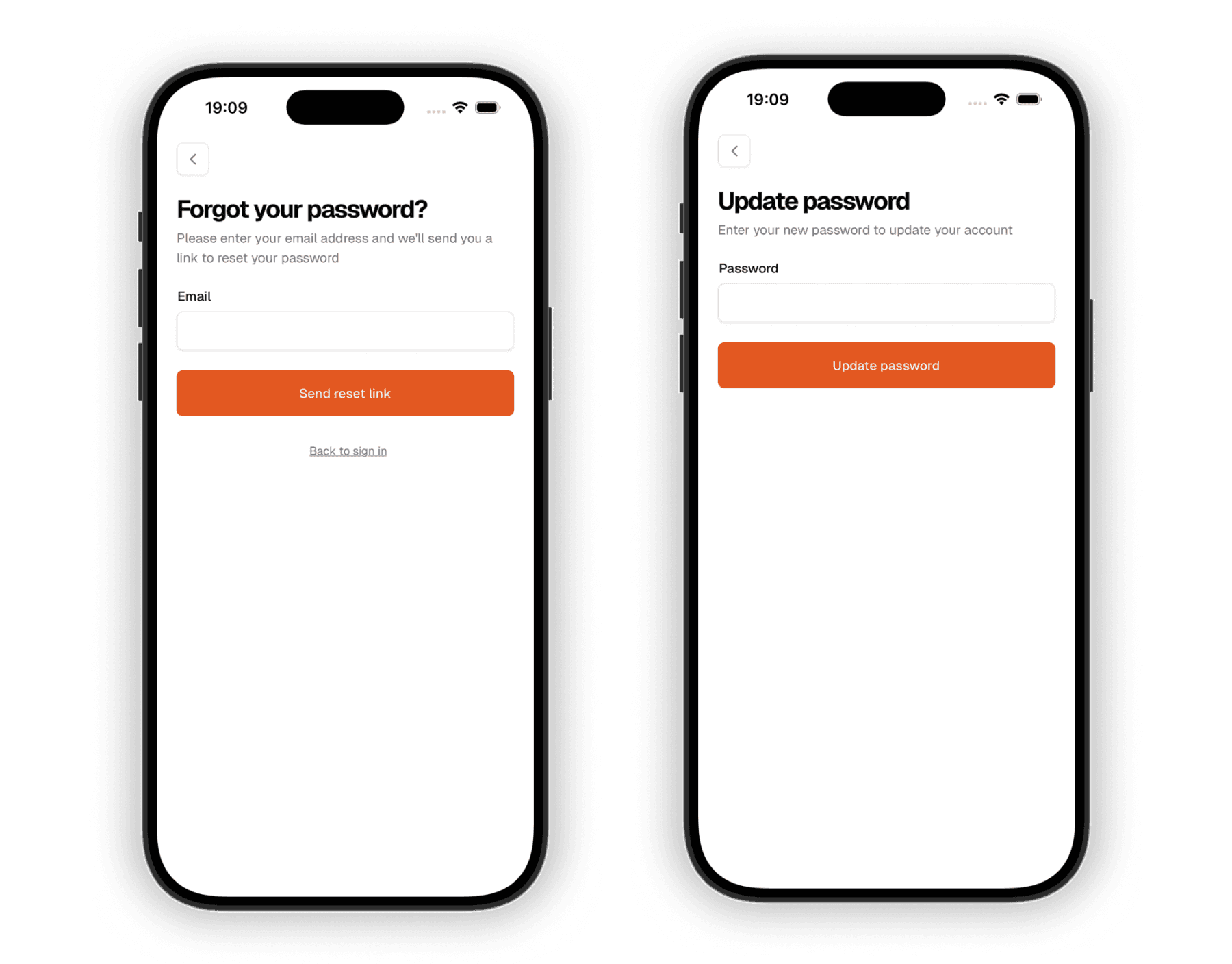
The forgot-password screen lets users request a reset. They enter their email and follow the instructions sent to them.
The reset-password screen is where users land from the password-reset email. They set a new password and confirm it.
Two-factor authentication
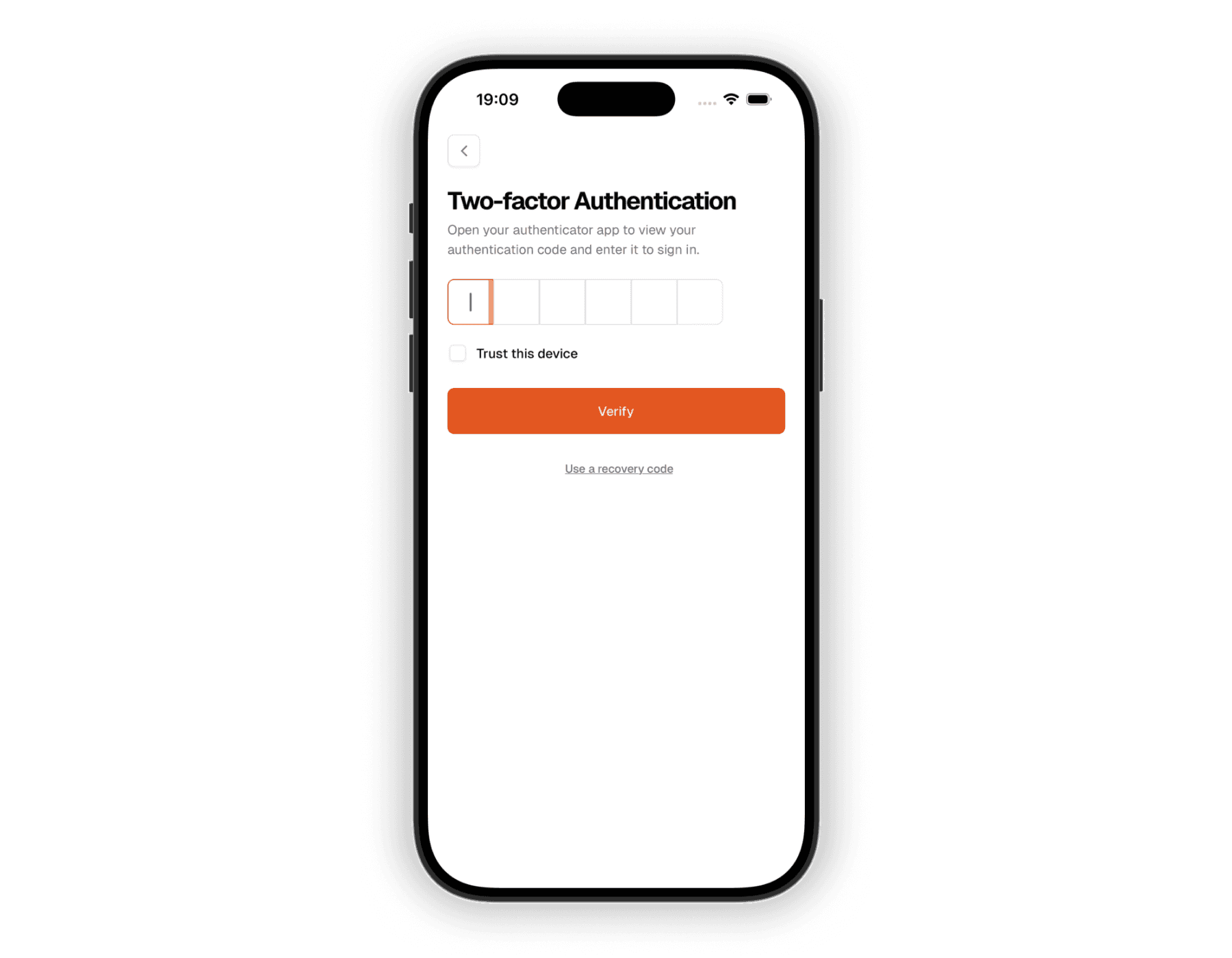
Two-factor authentication adds a second step: users enter a code sent to their email or phone (or from an authenticator app) in addition to their password when signing in.
How is this guide?
Last updated on