For the complete documentation index, see llms.txt. Prefer markdown by appending.mdto documentation URLs or sendingAccept: text/markdown.
Blog and legal
An MDX blog and legal pages with localized content, metadata, draft visibility, and ready-to-use routes for your Edge product.
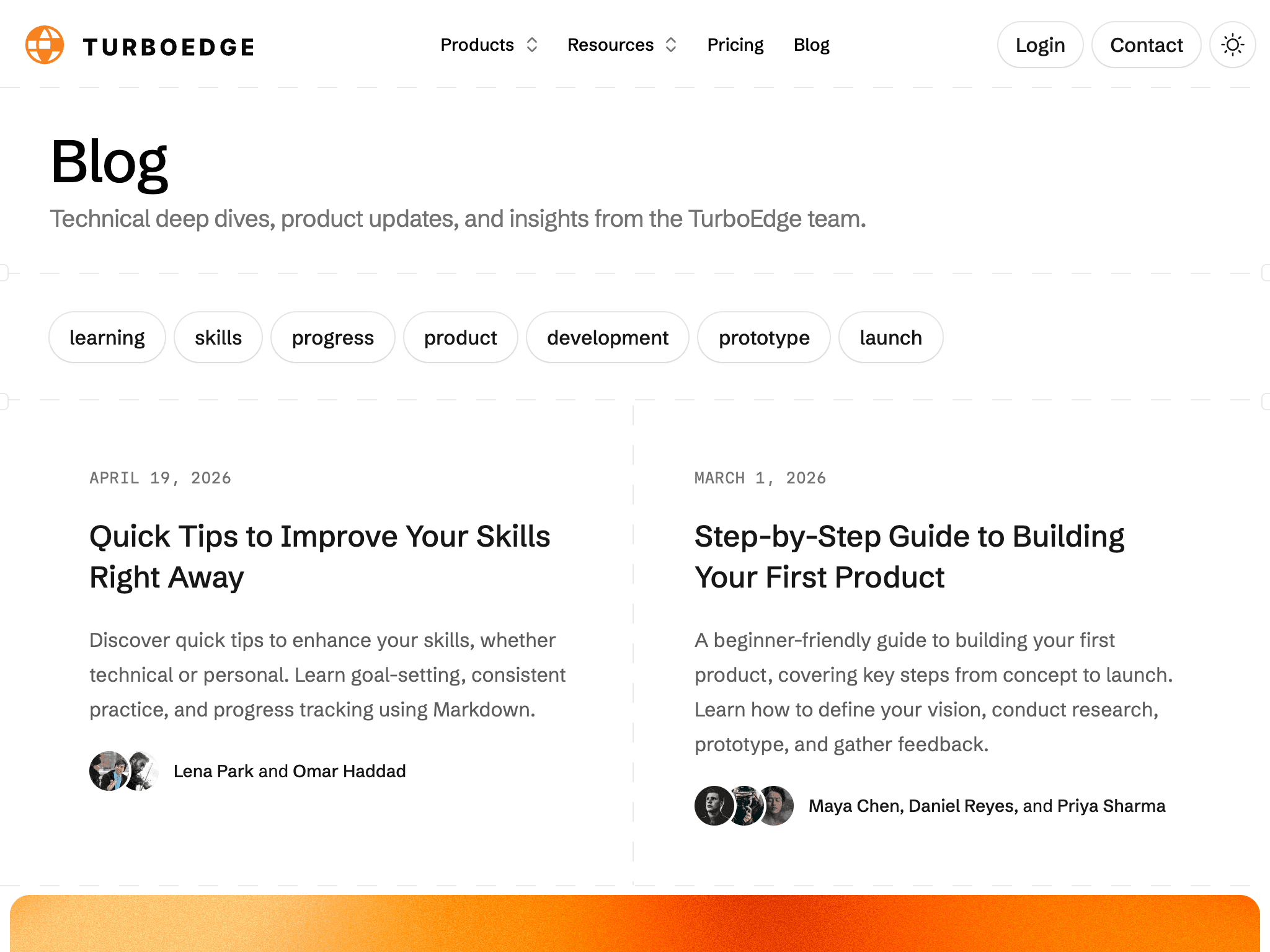
Edge Kit includes a blog and legal pages so your product can publish updates, educational content, and its policies alongside the application.
Content uses MDX, which combines Markdown with React components. Content Collections validates metadata and compiles documents during development and builds. Your content stays in the repository, with no separate CMS required.
Why Content Collections?
Content Collections gives repository content validated metadata and typed collections. Missing or invalid fields surface during the content build, and React pages consume the resulting documents directly. Articles, legal copy, and application changes can travel through the same Git review and deployment process.
The included content system connects:
- Blog listing and article pages, with author, tag, date, and thumbnail metadata.
- Legal document pages and their navigation links.
- Language-specific content and detail-page fallback behavior.
- Draft and published states for public discovery.
- Page metadata and sitemap entries for published content.
Use the same system for your product updates, educational articles, and policies. Add your own documents and artwork to the collections; the rendering and public routes are already in place.
Blog
Each post has a slug and one MDX file per language. For example:
---
title: Launch notes
description: "The first release of your product."
publishedAt: 2026-10-01
authors: [Your Name]
tags: [product, launch]
thumbnail: /images/blog/launch-notes.png
status: published
---

## First release

Describe what your readers can now do.
The directory name gives the post its URL, such as /blog/launch-notes. Add the thumbnail to your public assets and use matching locale files for translated versions.
A post needs at least one author. Define the authors and editorial categories your product uses, then associate them with each article.
Publishing
Use status: draft while preparing a post and status: published when it is ready. Published content appears in the public blog queries and sitemap. The publication date does not schedule publication automatically. It describes the post.
pnpm content
pnpm build
These commands check metadata and rendering. Open the index and article to review the thumbnail, formatting, and language selection.
Draft content
Draft status controls public queries. Keep confidential material out of content files, which are still part of the repository and compiled collections.
Legal pages
The starting legal documents cover terms and conditions, privacy, and cookies. Replace their sample text with policies that reflect your product and data handling.
Legal documents follow the same slug and locale pattern under src/content/legal/. Their metadata needs a title, description, and status. If you change a document's URL, update its links in navigation and auth screens too.
Languages
- Article pages use the requested language when available and can fall back to the default language.
- Blog indexes use the selected language's collection when it has entries, rather than filling every missing translation with an English post.
Keep translated publication statuses aligned when you want matching indexes across languages. See translations for interface copy and SEO for public metadata and discovery.
How is this guide?
Last updated on