For the complete documentation index, see llms.txt. Prefer markdown by appending.mdto documentation URLs or sendingAccept: text/markdown.
Migrations
Apply and inspect local D1 migrations, understand what the development seed changes, and deploy compatible schema changes to remote D1.
Generate SQL, review it, apply it locally, and ship it with the code that uses it. pnpm db:setup and pnpm deploy target different databases.
Local migrations
To apply the local migration history, run the following command:
pnpm db:migrate --localWrangler applies pending SQL files from drizzle/ to the local DB replica and records migration history. Repeating the command applies only pending migrations; it does not reset your database.
For a new development checkout, use:
pnpm db:setupThis applies local migrations, then runs db:seed. The seed creates or updates a verified development user using SEED_EMAIL and SEED_PASSWORD; it does not erase other users or overwrite an existing credential account's password. See seed behavior.
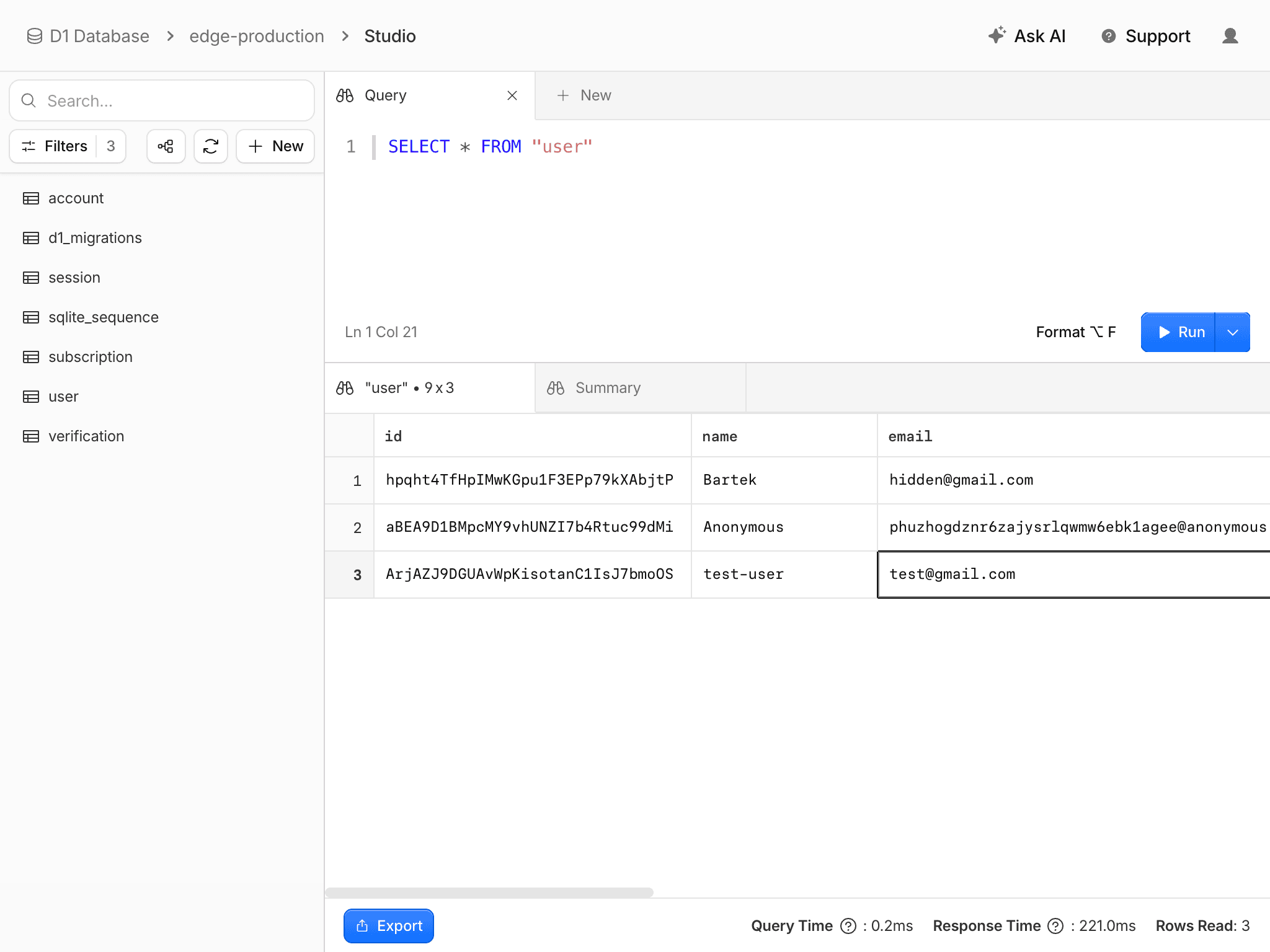
Inspect migration status and tables:
pnpm wrangler d1 migrations list DB --local
pnpm wrangler d1 execute DB --local --command "SELECT name FROM sqlite_master WHERE type = 'table';"
To inspect production, use the same commands with --remote instead of --local. Confirm the database ID in wrangler.jsonc first.
Schema deployment
pnpm deploy runs these stages in order:
pnpm run buildcreates the application bundle.pnpm db:migrate --remoteapplies pending migrations to remote D1.wrangler deploypublishes the new Worker.
There is a period after step 2 where the previous Worker still runs against the new schema. Prefer additive changes: add a nullable column or table, deploy code that uses it, backfill data if needed, and remove old structures in a later release. A migration that immediately removes a column still used by the old Worker can break that release window.
Destructive migrations
Neither the kit nor the deploy script provides an automatic application rollback or a migration down-command. Use D1 backups and recovery to plan recovery before destructive changes. Restoring database data and rolling back Worker code are separate operations.
Do not seed production with development credentials. The deploy script migrates only; it does not call db:seed.
Local history drift
Switching branches can leave a local database with tables or migration records the new branch does not expect. Applying pending migrations does not undo the other branch's changes. Use database troubleshooting to inspect the target and safely recreate a disposable replica.
Failed migrations
When the migration fails, read the failing SQL and compare applied migration history with the actual table shape. A build failure prevents the migration stage from running; an upload failure after migration does not undo its database changes.
Keep applied migrations unchanged. Restore a missing schema input or fix the new migration before it has been applied; for a live database, prepare a corrective migration based on its actual state. Do not remove migration records to force SQL to run again without understanding the data it changes.
For destructive production changes, choose a D1 Time Travel recovery point and coordinate it with a compatible Worker version. Database recovery and Worker rollback are separate actions. Test the recovery path for your account before relying on it during an incident.
For migration file generation, use schema changes. For Wrangler's migration tracking and application behavior, see D1 migrations.
How is this guide?
Last updated on