For the complete documentation index, see llms.txt. Prefer markdown by appending.mdto documentation URLs or sendingAccept: text/markdown.
End-to-end tests
Playwright browser tests for the built Edge app, with a local Worker harness, authenticated sessions, reports, screenshots, and traces.
Playwright tests the application as a customer uses it, through a real browser. Edge Kit includes a local Worker harness, prepared database, and signed-in session fixtures so you can test complete flows.
The default command builds and starts the app for you. You do not need a separate development server running.
Why Playwright?
Playwright checks customer journeys across Chromium, Firefox, and WebKit. Its auto-waiting and retrying assertions help tests follow the interface without fixed delays. Traces make failures inspectable, and the kit's harness runs those tests against the built Worker app.
Setup
Install dependencies and complete local environment setup, then install the browsers and run the suite:
pnpm exec playwright install
pnpm test:e2e
The configured engines cover Chrome, Firefox, and Safari through Chromium, Firefox, and WebKit. Linux runners can use Playwright's install --with-deps for operating system dependencies.
Application flows
The harness starts the built application, prepares local data, and provides signed-in session fixtures. Reuse that setup for your product's navigation, forms, uploads, and customer workflows across the configured browsers.
The included sign-in and account settings tests demonstrate both public and authenticated flows. New tests can use the same fixtures to receive the app URL and prepared sessions.
A small public-page test can use the existing fixture to open the app and check its main content:
import { expect, test } from "../fixtures";

test("shows the home page", async ({ page }) => {
  await page.goto("/");
  await expect(page.getByRole("heading", { level: 1 })).toBeVisible();
});
The fixture supplies the running app's URL. Extend this with a meaningful action and expected result for your feature, using role-based locators where possible.
Match test credentials to the seeded account using E2E_USER_EMAIL and E2E_USER_PASSWORD, or the seed defaults. See database troubleshooting if an existing test account's password differs.
Provider checks
The harness isolates application tests from remote AI and Flagship services. Test live model access, OAuth, payments, and inbox delivery separately using the deployment checklist.
Browser selection
pnpm test:e2e --project chrome
pnpm test:e2e --project chrome-authenticated
pnpm test:e2e --ui
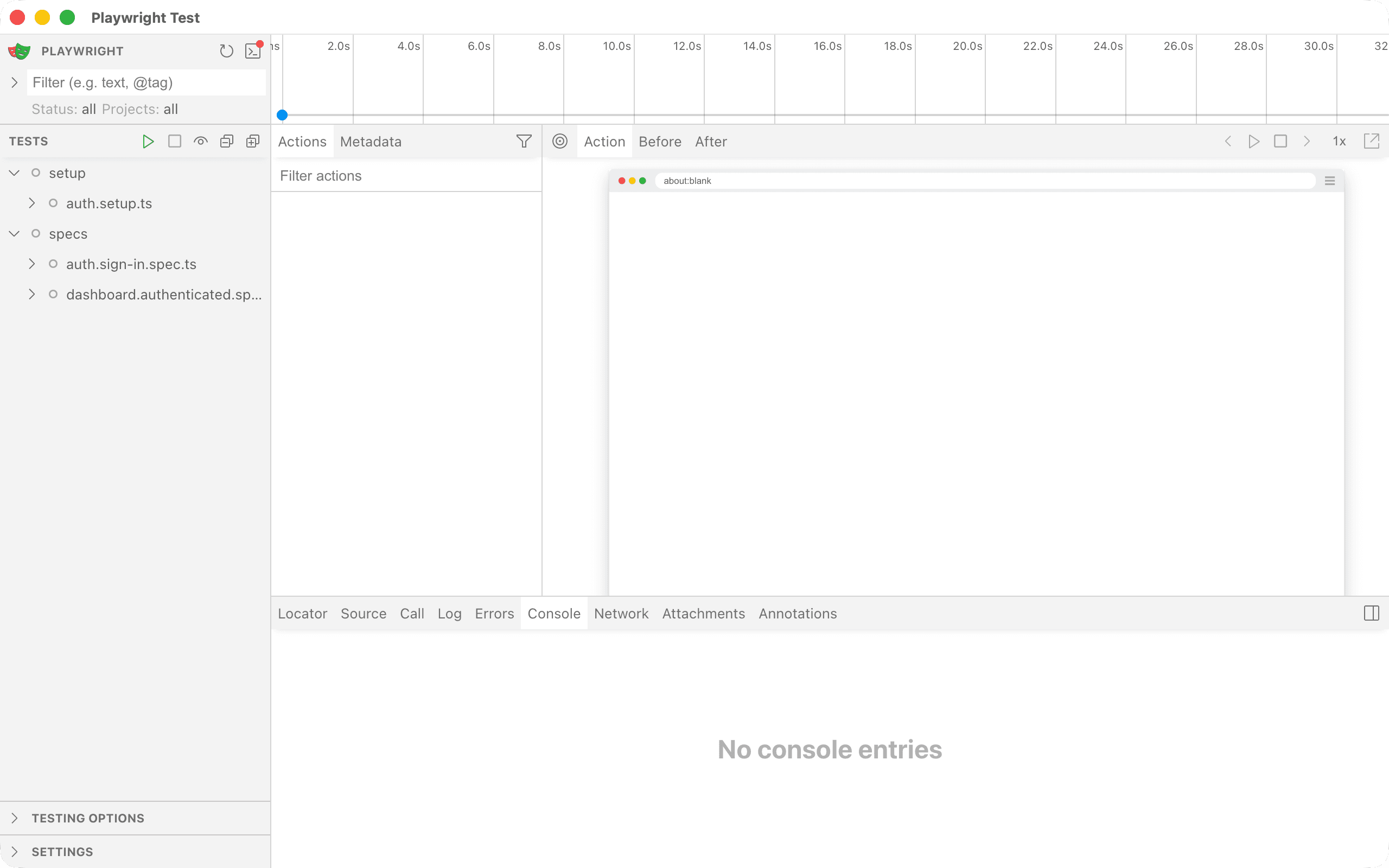
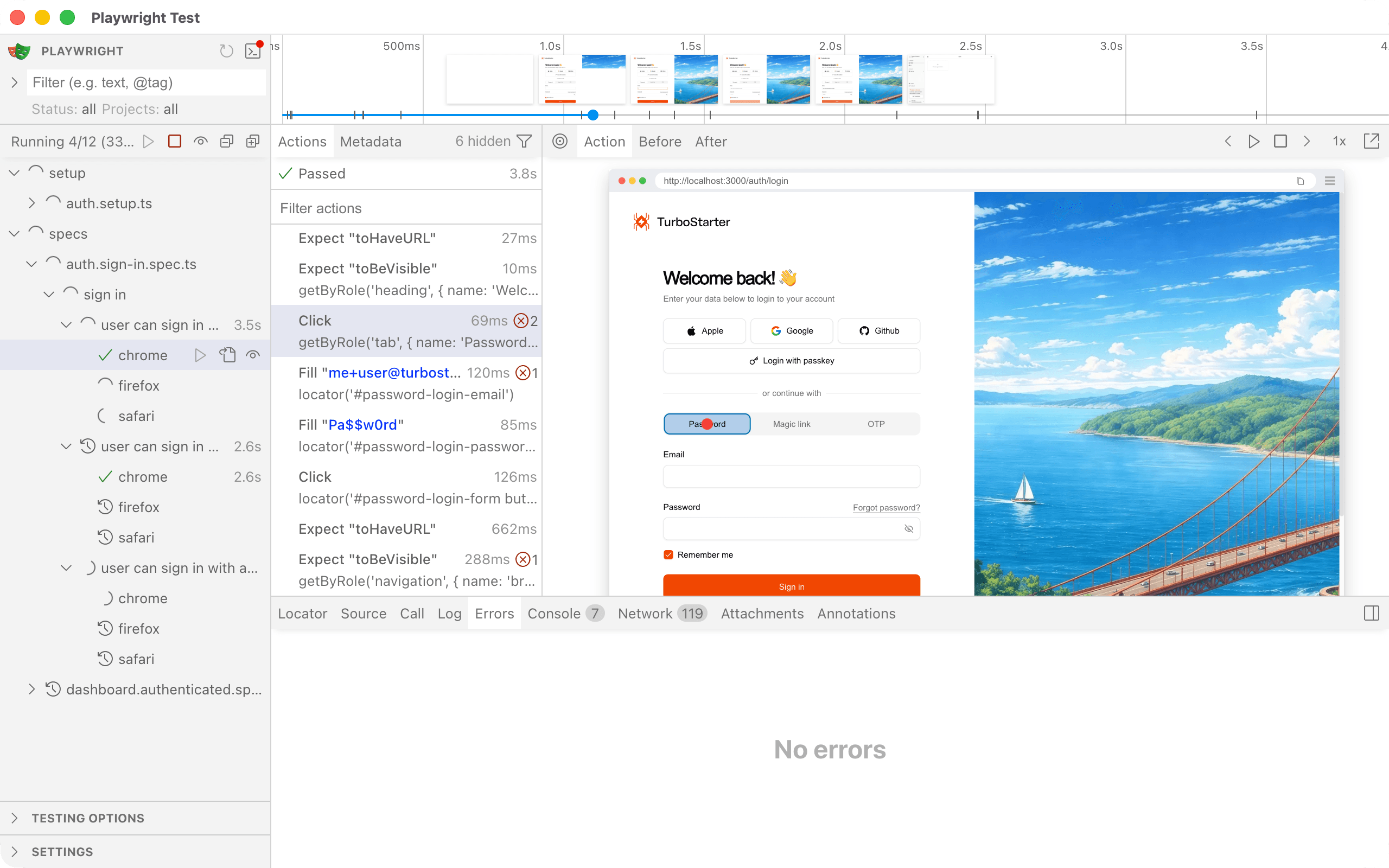
Playwright's UI lets you select a flow and inspect its actions:
Reports and traces
Failed runs can produce screenshots, videos, and traces. Request a retry when you need a trace from a local run, then open the report:
pnpm test:e2e --project chrome --retries 1
pnpm exec playwright show-report e2e/playwright-report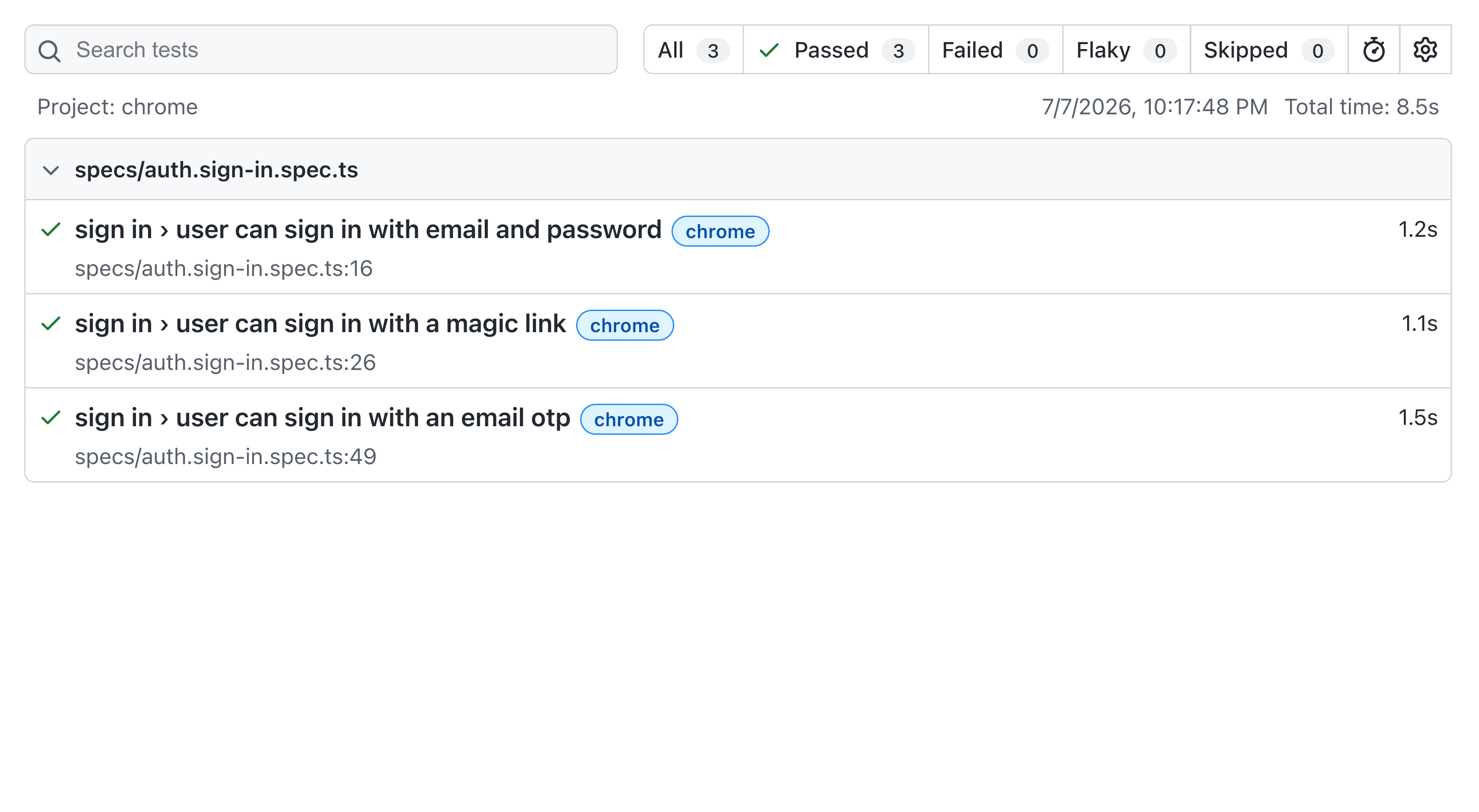
The trace viewer shows the browser state, requests, and console around each action:
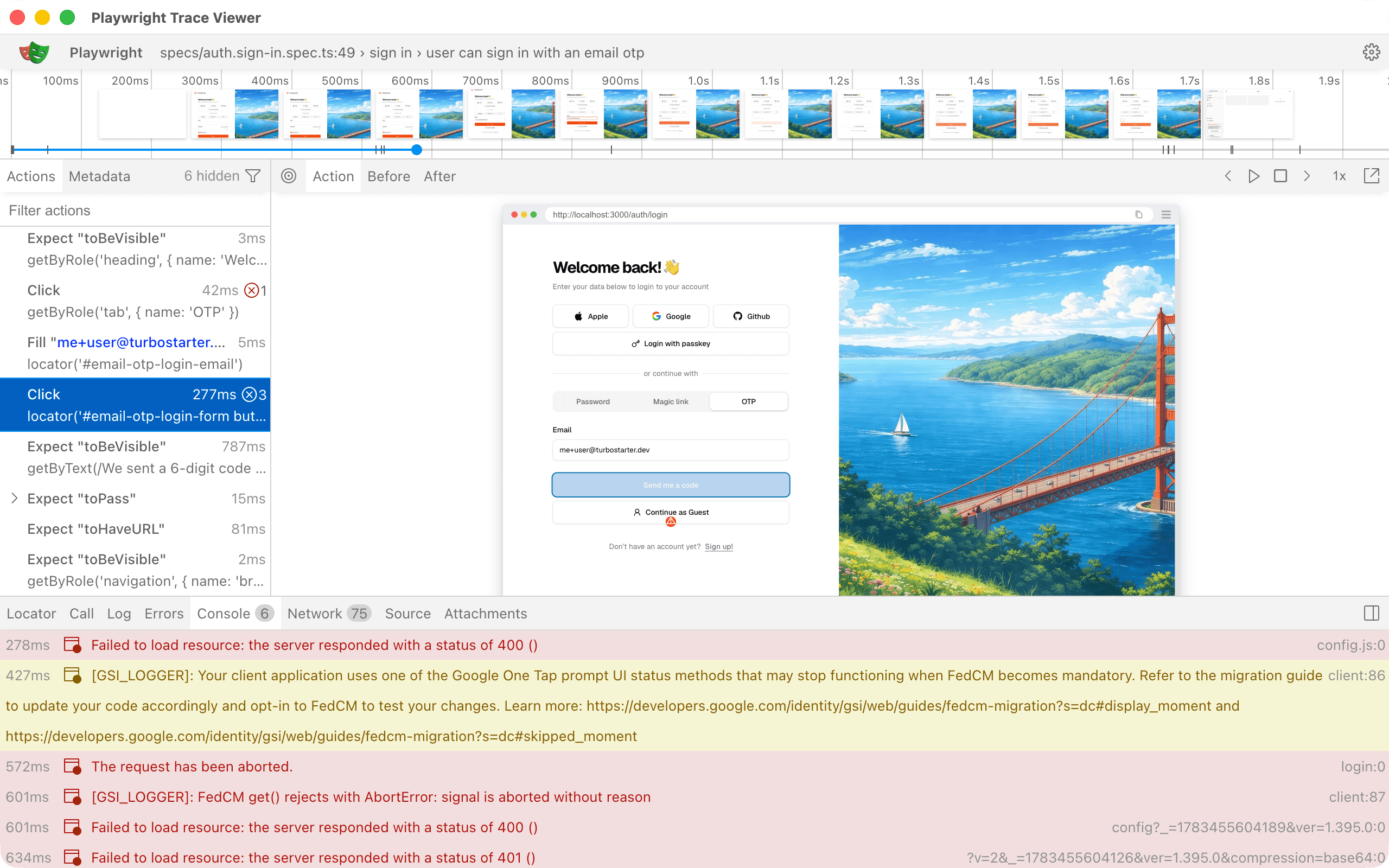
Review artifacts before sharing because they can contain signed-in pages and network data.
Existing server
Use an already running local app with its matching test credentials:
E2E_BASE_URL=http://localhost:3000 pnpm test:e2eThis skips starting the harness, while setup still prepares the local database. For a separate staging deployment, adapt setup to prepare that environment's test account and data.
How is this guide?
Last updated on