For the complete documentation index, see llms.txt. Prefer markdown by appending.mdto documentation URLs or sendingAccept: text/markdown.
Account management
Ready-to-use profile and security settings, with email changes, password recovery, linked accounts, sessions, and subscription-aware account deletion.
Edge Kit includes account settings so your customers can manage their profile and security without you building these screens from scratch.
- Profile: name, avatar, and account deletion.
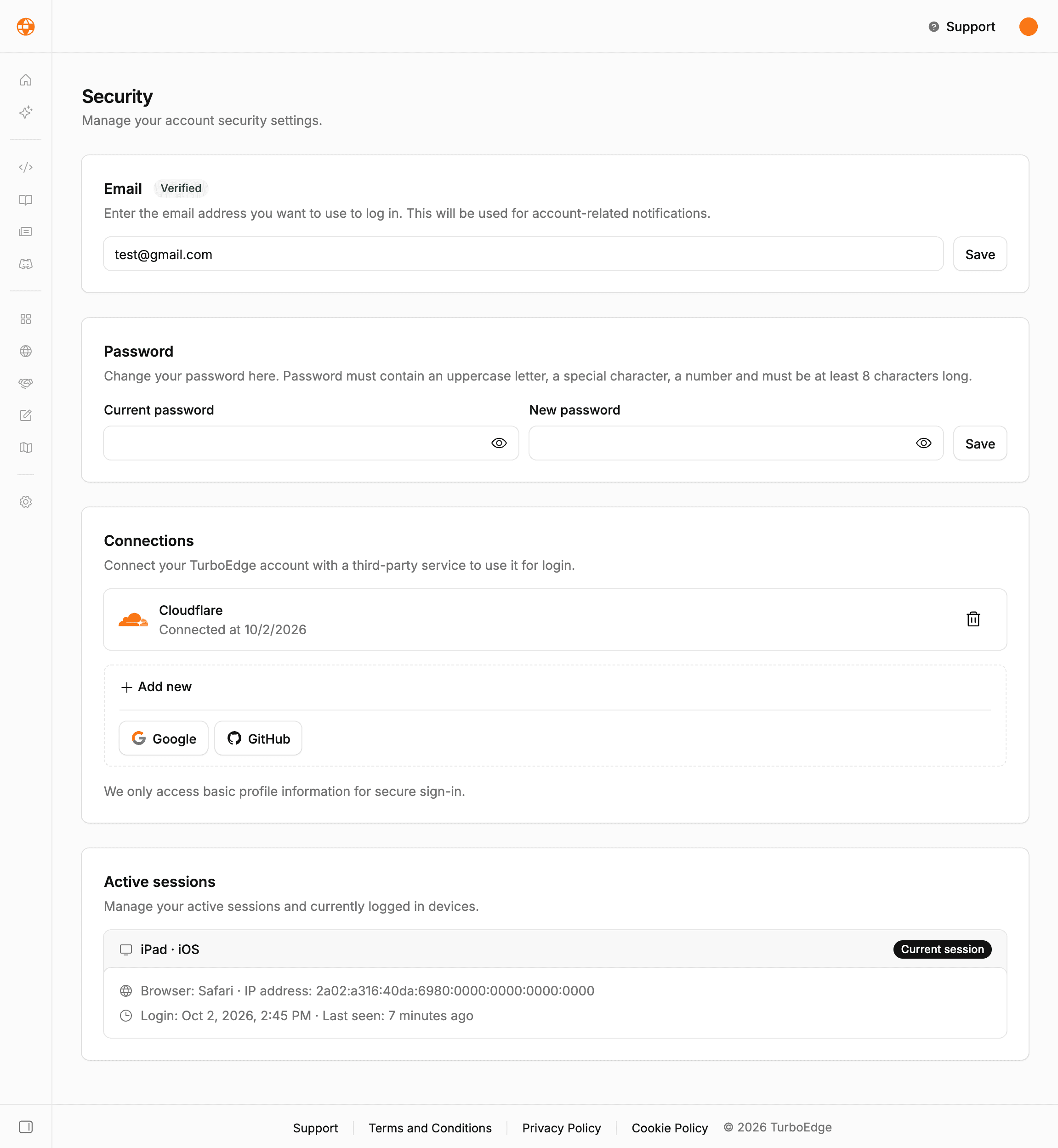
- Security: email, passwords, linked accounts, and active sessions.
Profile
Customers can update their name and upload an avatar. Images use the kit's private storage, with validation and access restricted to their owner.
Email changes send a confirmation to the customer's current address. The confirmation includes the requested new address; the default flow does not require a separate confirmation from the new inbox. You can adjust this policy to match your product's email verification requirements.
Security
Customers can manage their password, view linked social accounts, and revoke active sessions. Password recovery also ends existing sessions, helping a customer regain control of their account.
The password controls follow your authentication configuration. Better Auth handles the underlying session and account flows; its session documentation covers expiration and cookie settings.
Sessions covers device access, guest identities, and the private data associated with the current customer.
Account deletion
Registered customers confirm deletion by email. Before removing the account, the server checks whether they have an active or trial subscription and cleans up their avatars.
Active subscriptions
Customers need to finish their subscription before deleting their account. A subscription scheduled to cancel can stay active until the end of its billing period, so cancellation does not immediately allow deletion.
Anonymous customers use a separate deletion flow without the registered account's email confirmation. See subscriptions for the access policy during cancellation.
Product data
When you add customer-owned records or files, include them in your account deletion policy. Database relationships can handle related records, while external files need their own cleanup. For large file collections, cover every object and make retries safe.
Check deletion with a free account, an active subscriber, a trial subscriber, and an anonymous account. The database guide covers relationships for your product's data.
How is this guide?
Last updated on