For the complete documentation index, see llms.txt. Prefer markdown by appending.mdto documentation URLs or sendingAccept: text/markdown.
Replicate
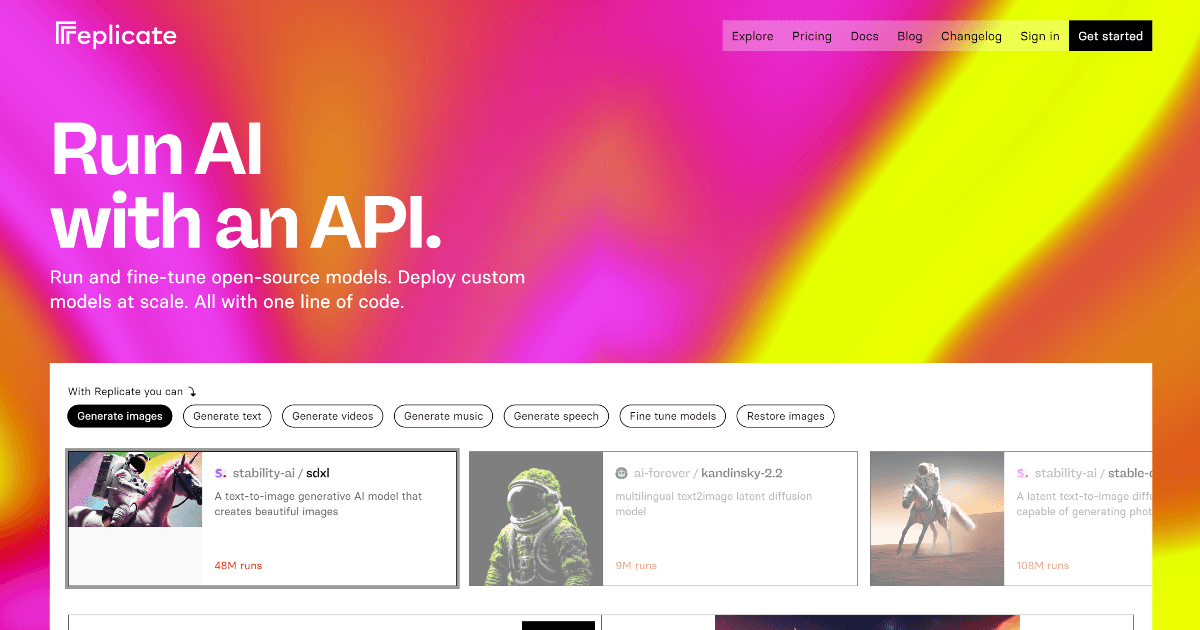
Replicate for running open-source and community models without managing GPUs yourself. Great for experimentation and niche models.
Replicate is different from the frontier-model platforms in this section because it is primarily a model-hosting ecosystem. It is especially useful when you want access to a wide range of open-source and specialized models without managing the infrastructure yourself.
That makes Replicate one of the most practical choices for teams building image products or experimenting with niche models that are not available through the larger general-purpose providers.
Why choose Replicate
Replicate is usually chosen for model diversity rather than for being the single provider for an entire AI stack. It shines when experimentation, image workflows, or specialized model access matter.
Open-source model access
Replicate gives teams cloud access to a large catalog of community and specialized models without self-hosting them.
Strong image-product fit
It is especially useful in image-generation workflows where model variety matters more than staying inside one closed provider ecosystem.
Best companion pages
See Image generation, Image playground, and Speech if you are exploring broader model experimentation.
Setup
Replicate setup is simple and usually starts with a single API token. The bigger product decision is which models to expose and how much provider-specific configuration you want to surface in the UI.
Generate a token in your Replicate account settings.
Add it to your environment:
REPLICATE_API_TOKEN=your-api-keyUse the Replicate provider in the AI SDK and select the model that matches the job you are solving.
Best fit
Replicate is best thought of as a gateway to model variety. It becomes attractive when a product needs more experimentation or niche capability than a single default provider offers.
Image generation
The clearest fit. Replicate is especially useful when your product depends on image models with different styles, tradeoffs, or specialties.
Specialized model experiments
Useful when you want to test a narrower model for a specific task instead of relying only on one general-purpose provider.
Provider diversity
A good addition when your stack already has a main text provider but you want broader model choice for other modes.
Fast iteration
Helpful when the team wants to compare several hosted models before deciding which one deserves a deeper integration.
AI SDK example
This example shows the basic Replicate image-generation pattern through the AI SDK. It captures the main reason most teams add Replicate in the first place.
import { generateImage } from "ai";
import { replicate } from "@ai-sdk/replicate";

const { image } = await generateImage({
  model: replicate.image("black-forest-labs/flux-schnell"),
  prompt: "A clean SaaS dashboard hero illustration in blue and orange",
  aspectRatio: "16:9",
});
The main lesson here is that Replicate is often the right answer when model variety matters as much as model quality.
Related documentation
Replicate connects most directly to the image-oriented parts of the AI docs. These pages are the best follow-up if that is the product surface you care about most.
Image playground
See where open-source image models turn into a real prompt-to-image product flow.
Image generation
Compare Replicate against the broader set of image-capable providers.
OpenAI
Compare Replicate's model variety against a more unified provider ecosystem.
Google AI
Compare Replicate to a provider that approaches image generation from a broader multimodal platform angle.
When to compare alternatives
Replicate is powerful, but not every product needs a large model catalog. If a unified provider experience matters more than model breadth, another choice may be simpler.
| If you care most about... | You may also want to compare |
|---|---|
| One provider for text, image, audio, and embeddings | OpenAI |
| Gemini and broader multimodal workflows | Google AI |
| Speech-first product surfaces | ElevenLabs |
Learn more
These references are the best next step if you want provider-specific setup details or want to browse the model ecosystem directly.
How is this guide?
Last updated on