For the complete documentation index, see llms.txt. Prefer markdown by appending.mdto documentation URLs or sendingAccept: text/markdown.
<AudioPlayer />
Composable audio player for web and mobile. Play, pause, skip, seek, and show time for generated speech or any audio file.
<AudioPlayer /> is a small, composable player for generated audio. Instead of one fixed widget, it gives you a provider that owns playback state and a set of primitives (play button, skip buttons, progress bar, time labels) that you arrange however your layout needs. It powers the player in the Speech app on both web and mobile.
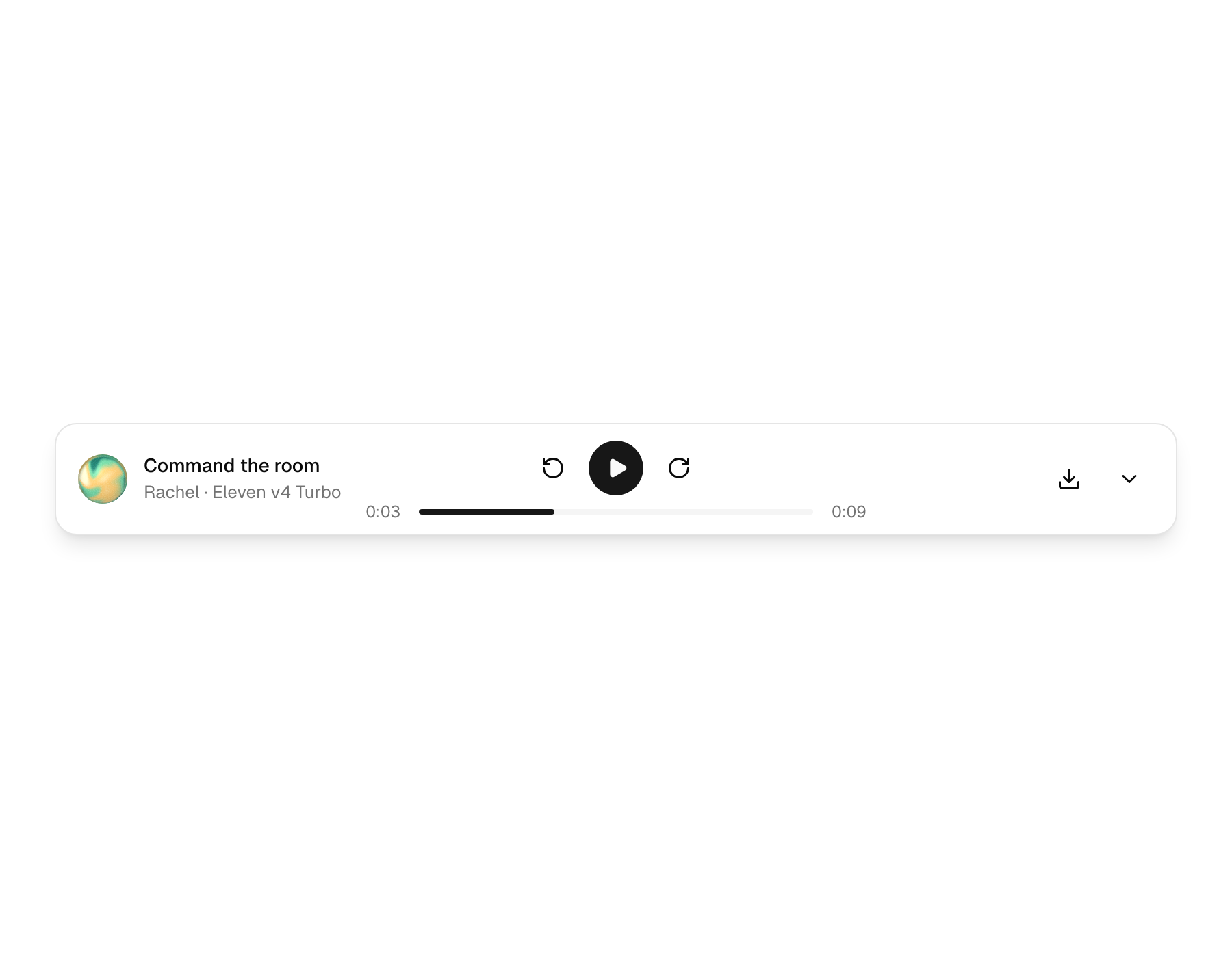
Web
The web player is built on the native <audio> element and a Base UI slider. It includes the full set of primitives plus keyboard shortcuts.
Mobile
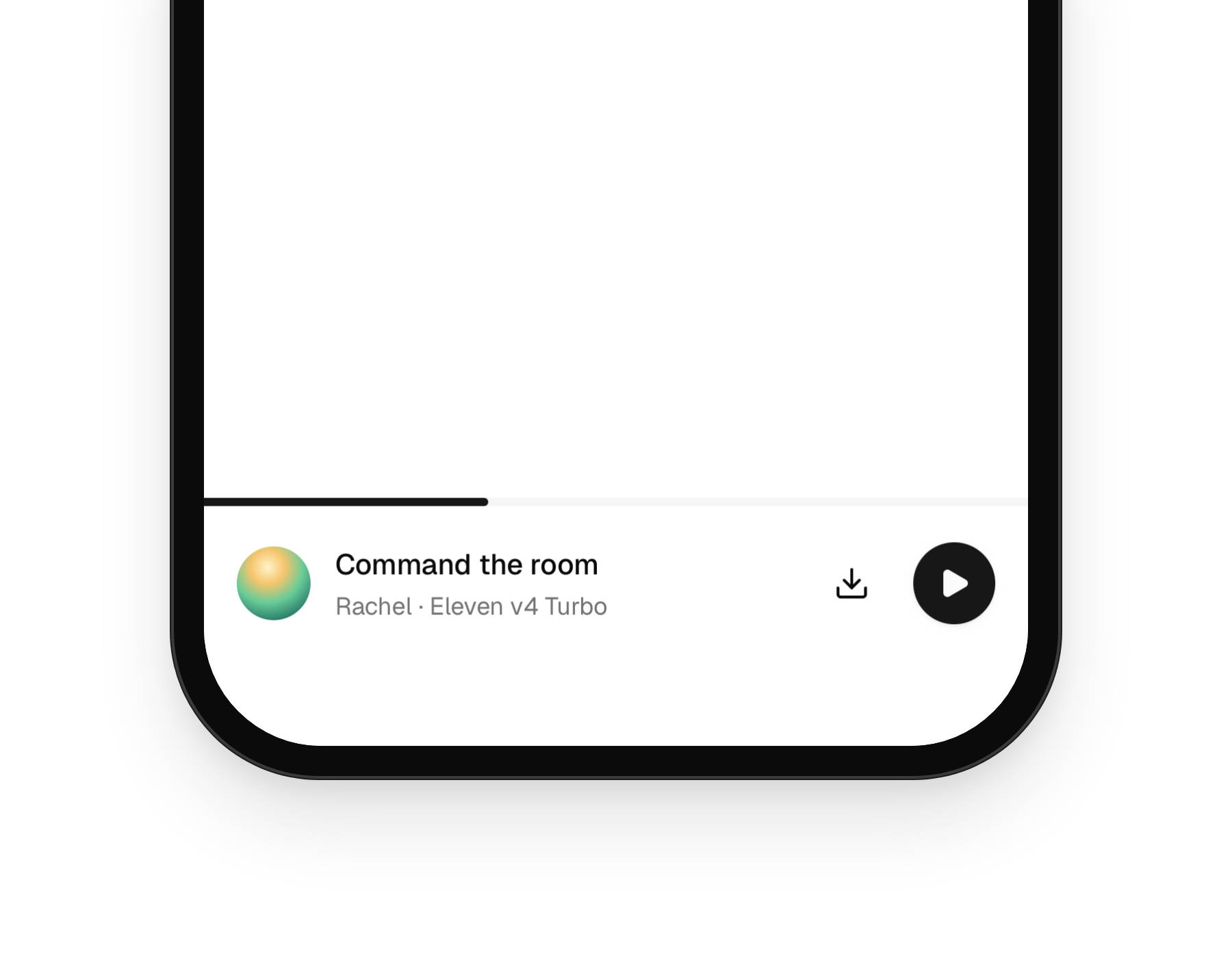
The mobile player uses expo-audio with the same provider-and-primitives API, plus playback rate control. It plays through the iOS silent switch, the same way a browser tab does.
Core principles
Composable by design
Place the button, progress bar, and time labels anywhere: in a bottom bar, a list row, or a compact inline card.
Honest playback state
Buffering, playing, and paused states come from the audio element itself, and the play button animates between them.
Smooth seeking
Dragging the progress bar pauses playback and resumes it when you let go, so scrubbing never stutters.
Keyboard shortcuts
The player supports keyboard shortcuts for playback control, such as Space to toggle playback and arrow keys to skip forward or backward.
Building blocks
| Component / hook | Web | Mobile | Purpose |
|---|---|---|---|
AudioPlayerProvider | ✓ | ✓ | Owns the audio source and playback state. Takes src and autoPlay. |
AudioPlayerButton | ✓ | ✓ | Play/pause toggle with a buffering spinner. |
AudioPlayerProgress | ✓ | ✓ | Seekable progress bar. |
AudioPlayerSkipButton | ✓ | Skips forward or backward by seconds (negative values rewind). | |
AudioPlayerTime | ✓ | Current playback time. | |
AudioPlayerDuration | ✓ | Total duration, or --:-- while it is unknown. | |
useAudioPlayer | ✓ | ✓ | Playback API: play, pause, toggle, seek, skip, and state. |
useAudioPlayerTime | ✓ | ✓ | Current time, kept in a separate context so only time labels re-render. |
useAudioPlayerShortcuts | ✓ | Space toggles playback, arrow keys skip. |
The mobile useAudioPlayer also exposes setRate for playback speed.
Usage
import {
  AudioPlayerButton,
  AudioPlayerDuration,
  AudioPlayerProgress,
  AudioPlayerProvider,
  AudioPlayerSkipButton,
  AudioPlayerTime,
  useAudioPlayerShortcuts,
} from "@workspace/ui-web/audio-player";

const Controls = () => {
  useAudioPlayerShortcuts({ skipSeconds: 10 });

  return (
    <div className="flex flex-col gap-2">
      <div className="flex items-center justify-center gap-2">
        <AudioPlayerSkipButton seconds={-10} />
        <AudioPlayerButton />
        <AudioPlayerSkipButton seconds={10} />
      </div>
      <div className="flex items-center gap-2">
        <AudioPlayerTime />
        <AudioPlayerProgress />
        <AudioPlayerDuration />
      </div>
    </div>
  );
};

export const Player = ({ src }: { src: string }) => (
  <AudioPlayerProvider src={src} autoPlay>
    <Controls />
  </AudioPlayerProvider>
);| Prop / option | Purpose |
|---|---|
src | Audio URL. undefined keeps the player empty. |
autoPlay | Starts playback when src changes. |
seconds | Skip distance for AudioPlayerSkipButton. |
trackClassName | Styles the progress track. |
indicatorClassName | Styles the filled part of the progress bar. |
enabled / skipSeconds | Turn the keyboard shortcuts on or off and set the skip length. |
Shortcuts are ignored while focus is in an input, a button, or another control that handles the key itself.
import { View } from "react-native";

import {
  AudioPlayerButton,
  AudioPlayerProgress,
  AudioPlayerProvider,
} from "@workspace/ui-mobile/audio-player";

export const Player = ({ src }: { src: string }) => (
  <AudioPlayerProvider src={src} autoPlay>
    <View className="flex-row items-center gap-3">
      <View className="flex-1">
        <AudioPlayerProgress />
      </View>
      <AudioPlayerButton />
    </View>
  </AudioPlayerProvider>
);| Prop | Purpose |
|---|---|
src | A local file or remote URL. undefined keeps the player empty. |
autoPlay | Starts playback when src changes. |
To build your own control, read the state with useAudioPlayer() inside the provider:
const { isPlaying, isBuffering, duration, toggle, seek } = useAudioPlayer();Related components
How is this guide?
Last updated on